
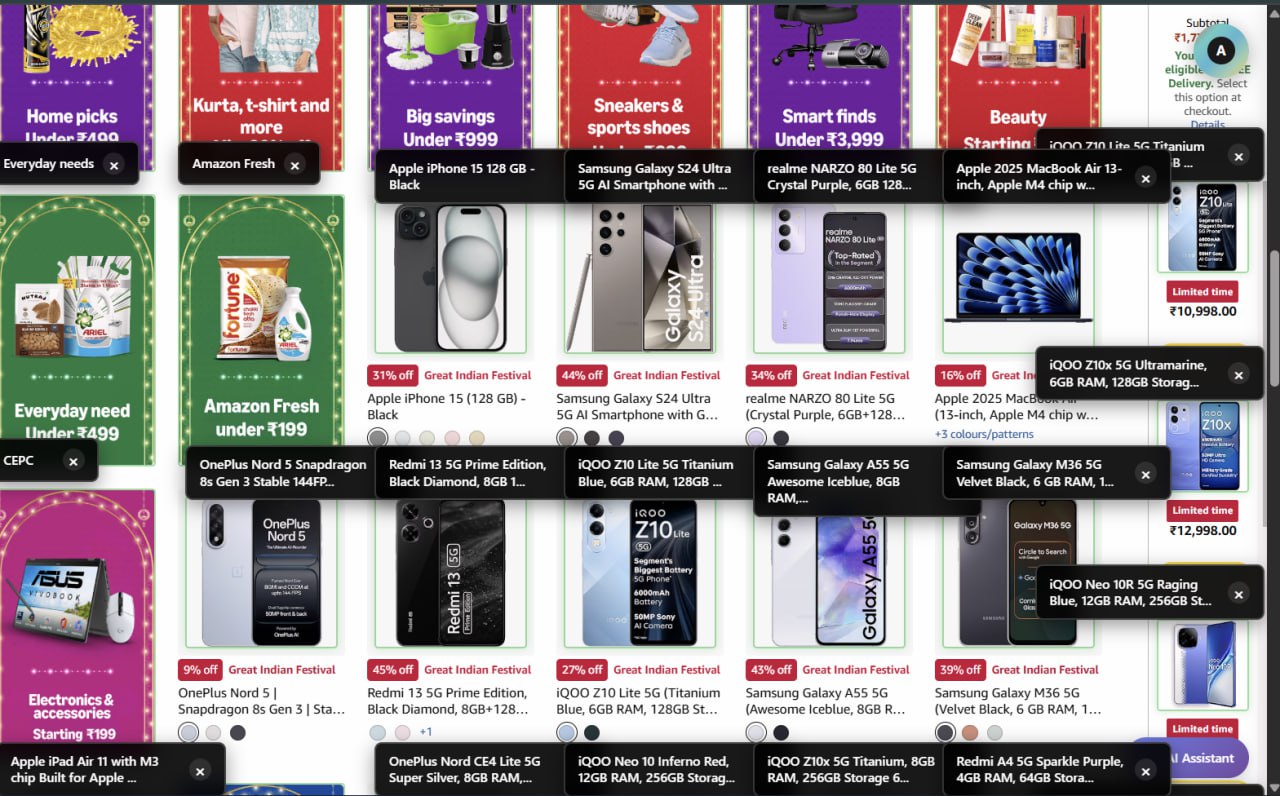
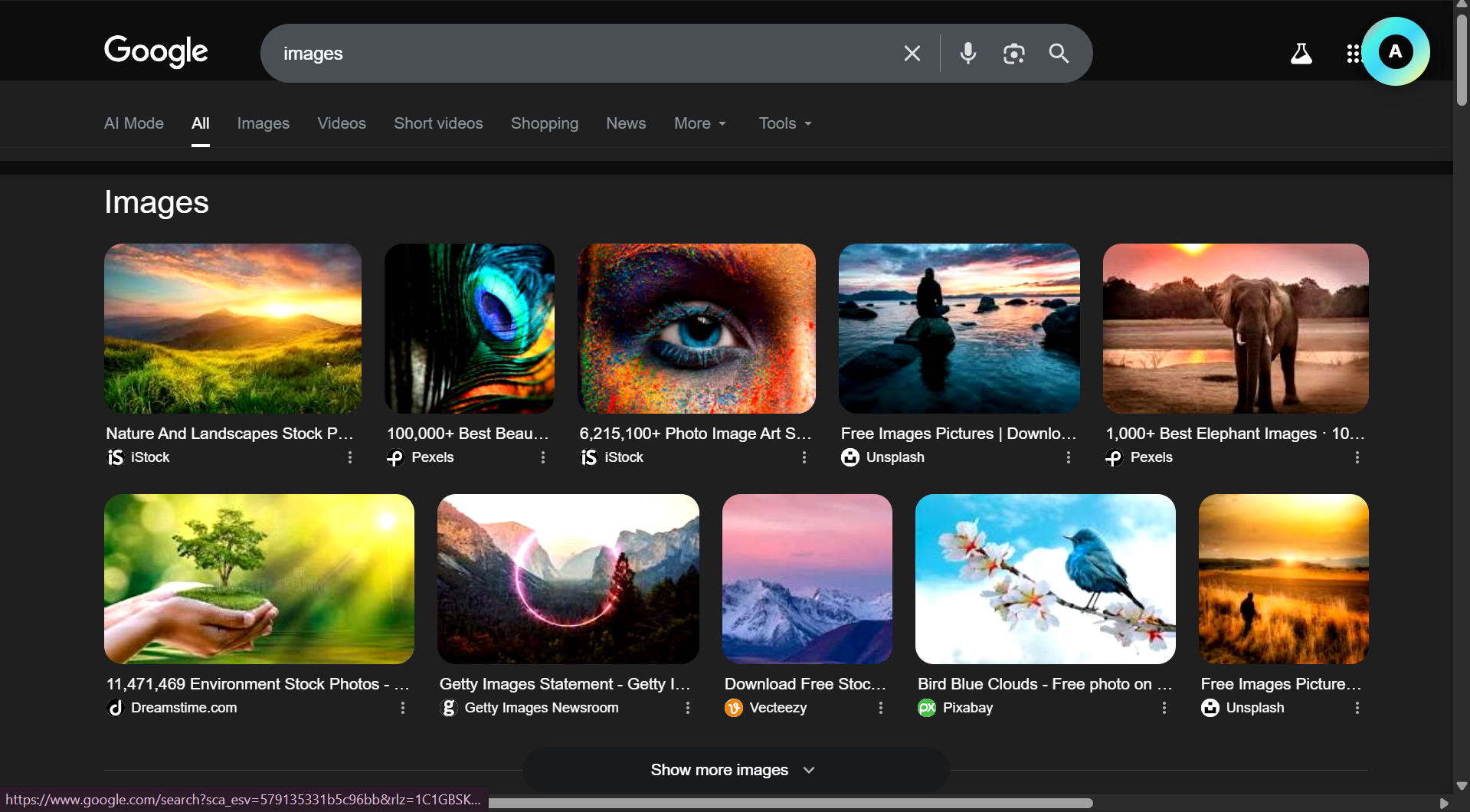
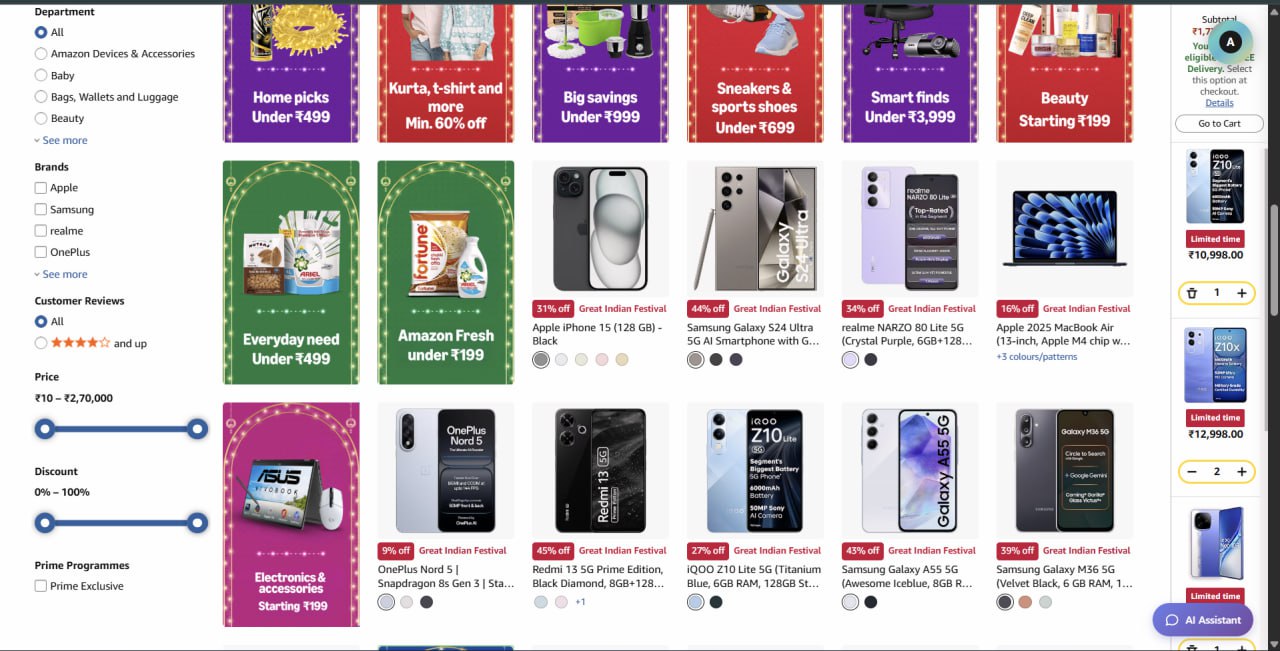
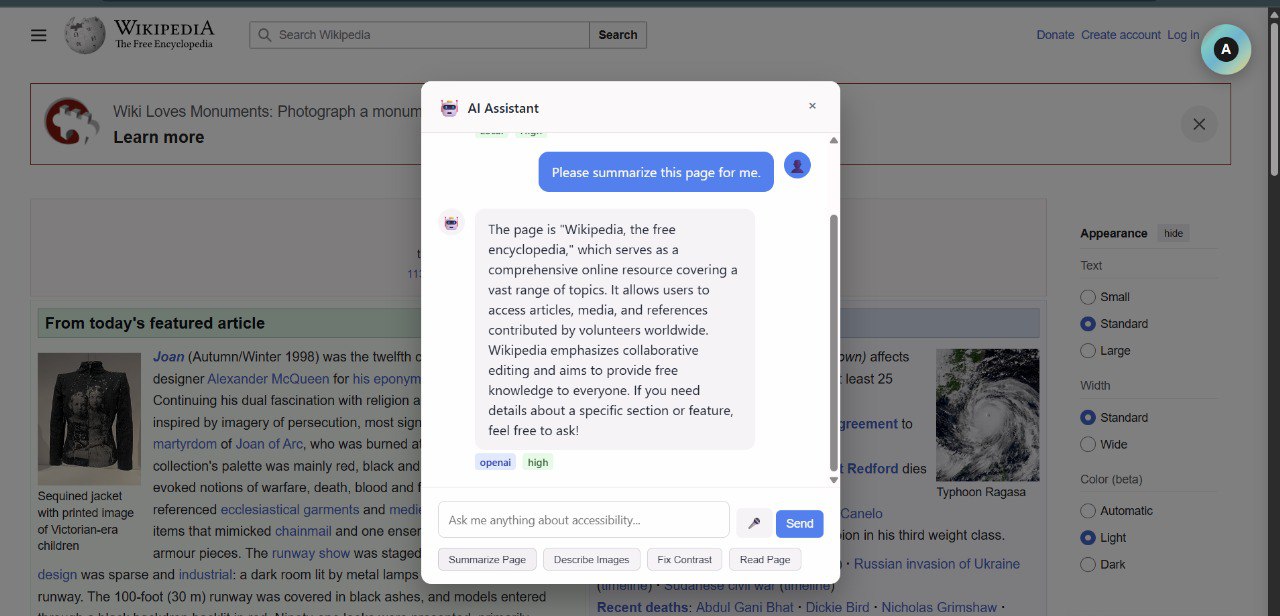
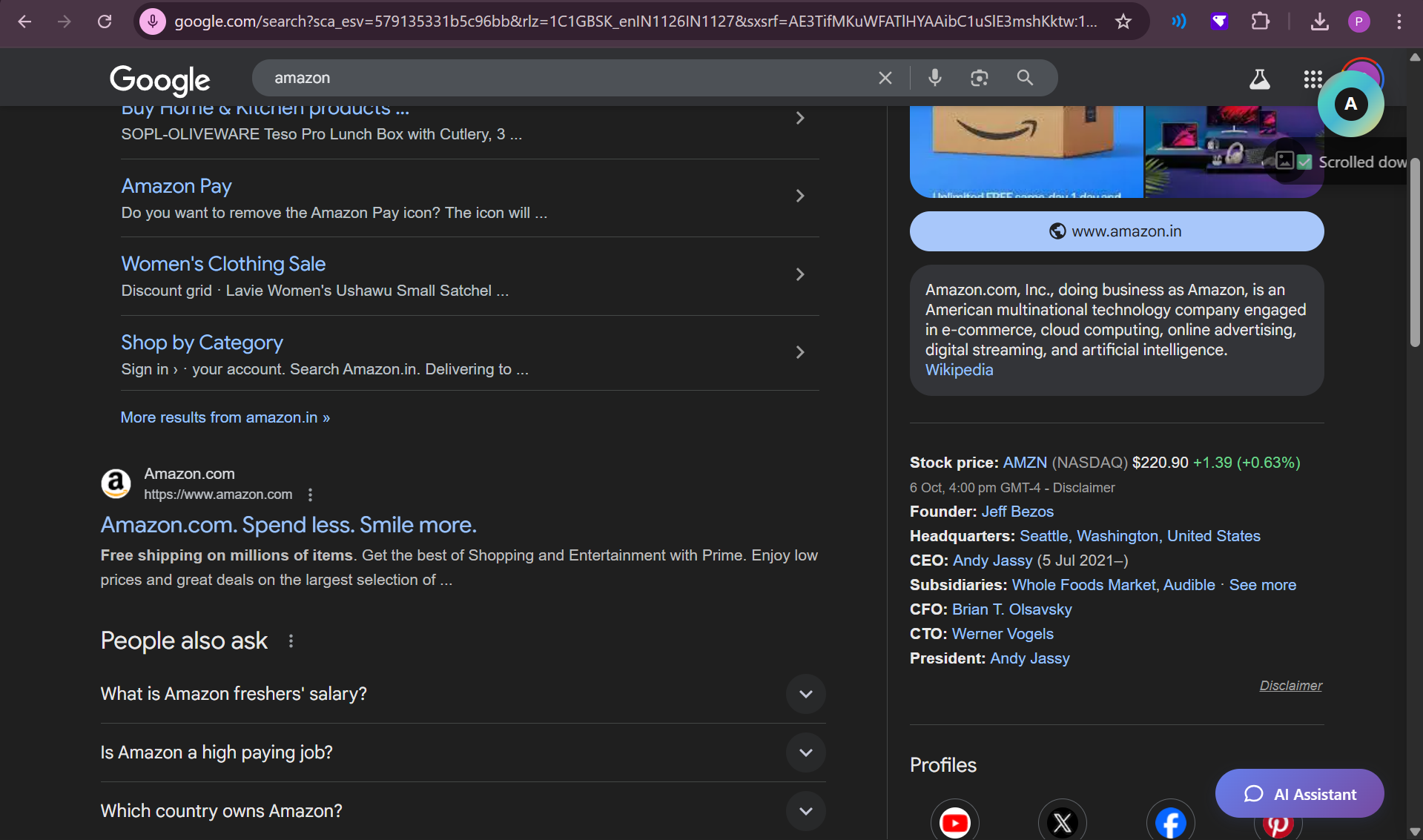
Inspiration The inspiration behind AutoAccess came from observing how visually impaired and low-vision users interact with the modern web. Although information is technically available online, real accessibility is often blocked by poor design choices—such as missing image descriptions, low contrast text, and interfaces built only for visual navigation. Even with screen readers, many websites remain partially or completely unusable, forcing users to depend on others for basic digital tasks. This clear gap between information availability and true accessibility motivated us to build a solution that empowers users directly—without waiting for every website to become accessibility-compliant.
What It Does
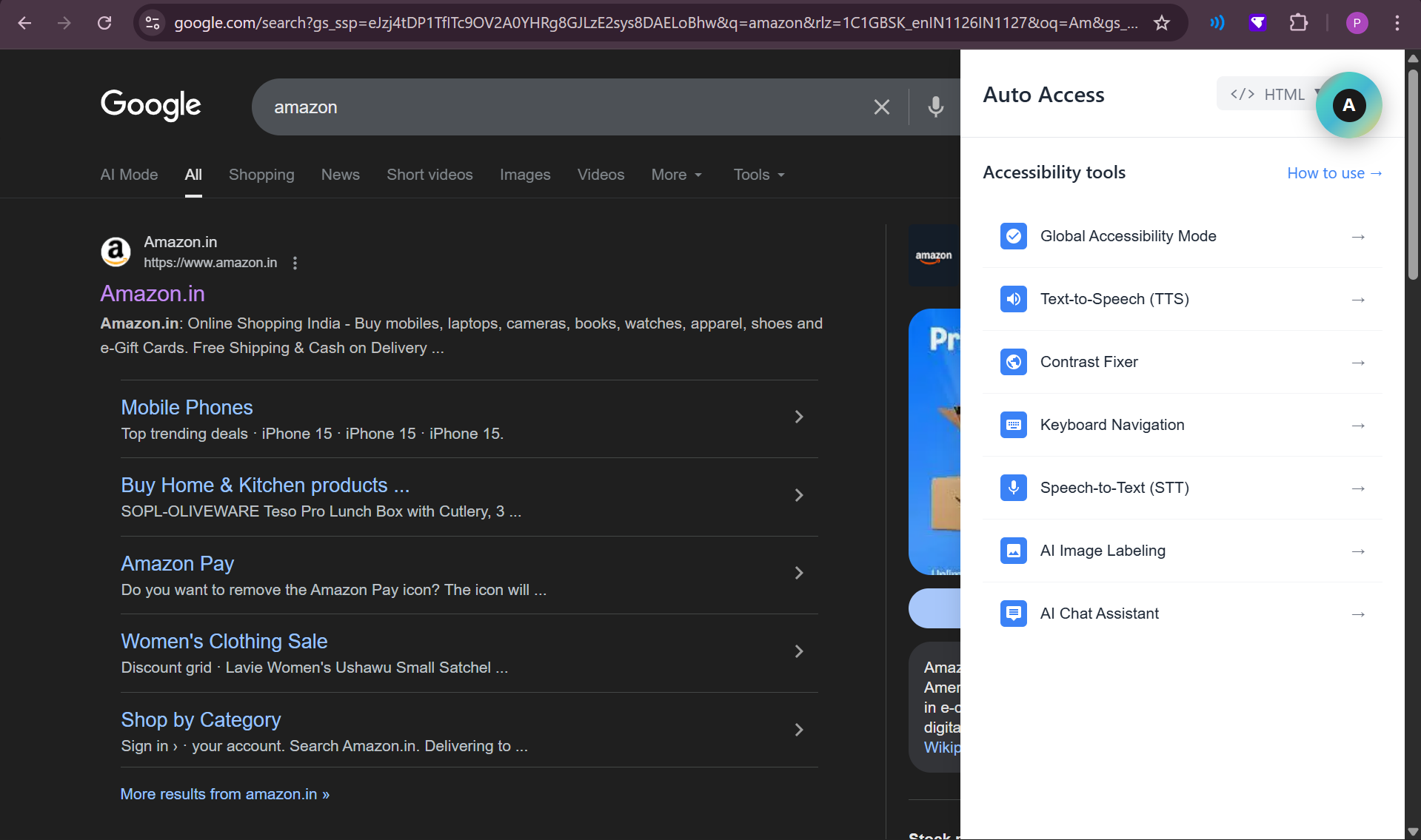
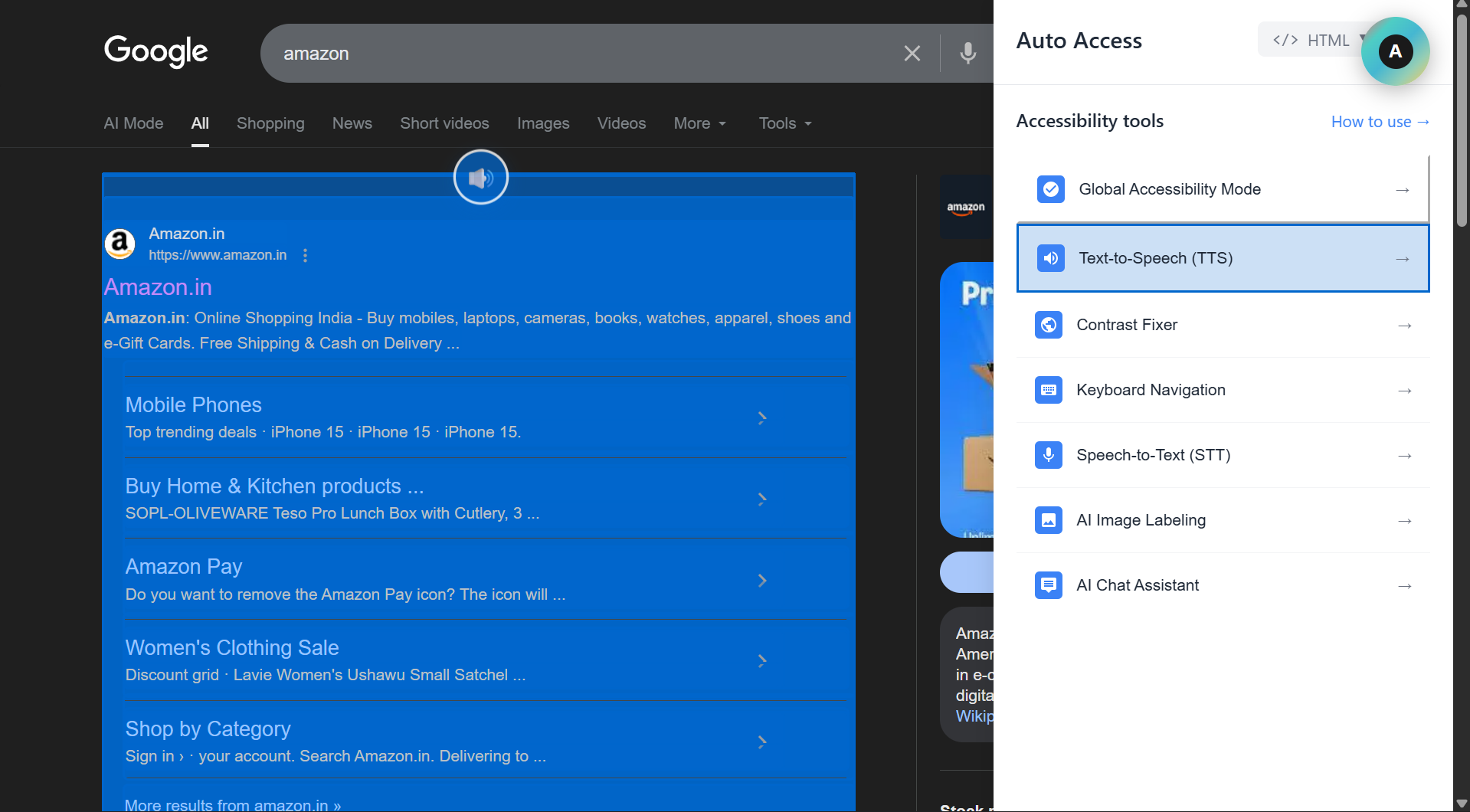
AutoAccess is an Intelligent Browser Extension That Improves web accessibility for visually impaired and low-vision users by detecting accessibility-related user behavior patterns and responding automatically in real time. It analyzes signals such as reading speed, scrolling and zoom behavior, cursor movement, keyboard usage, and voice interaction to infer user needs without requiring manual setup. Based on these patterns, AutoAccess dynamically activates the most relevant accessibility features
✨ Key Features of AutoAccess
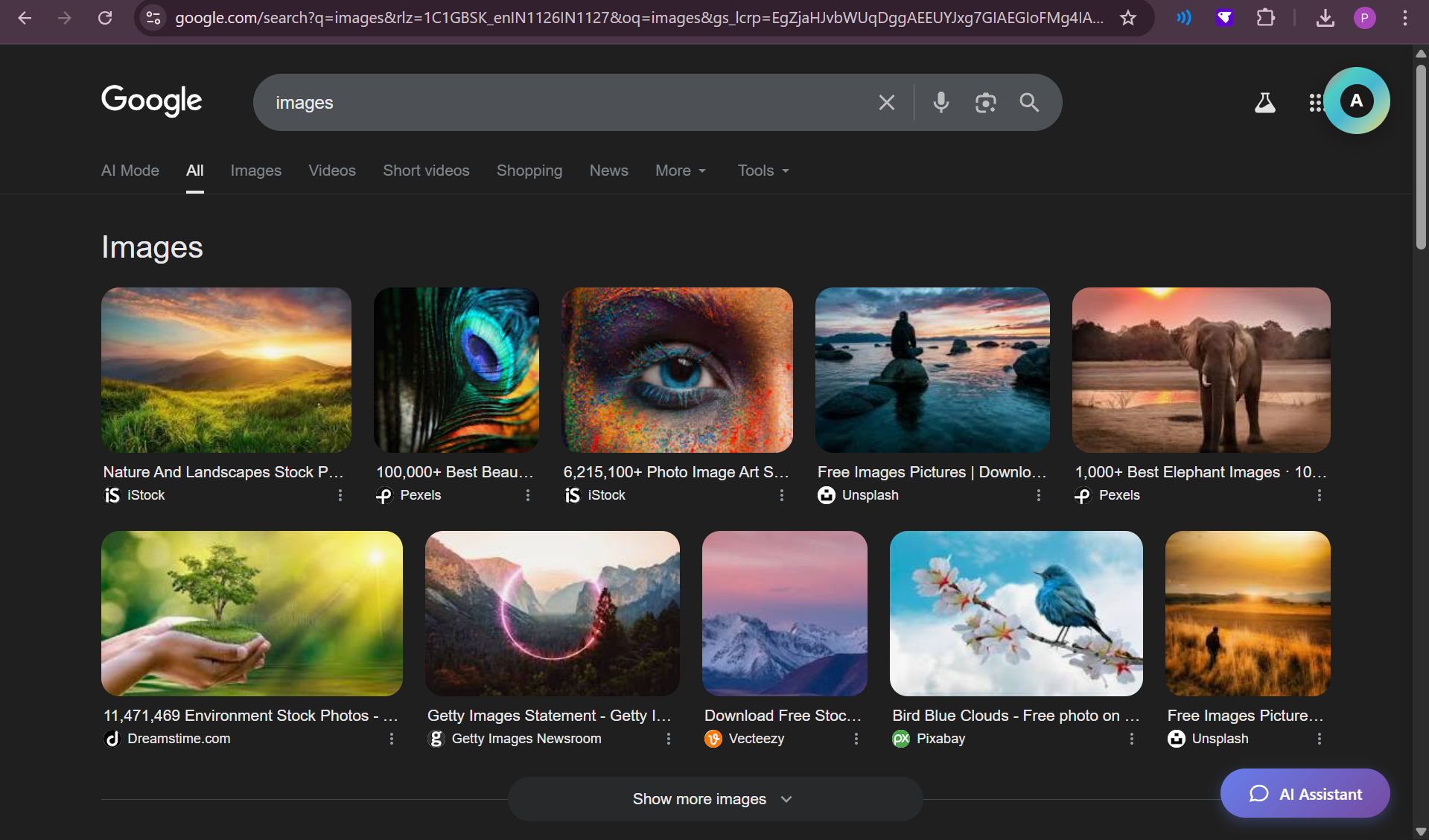
🔍 OCR-Based Image-to-Text Conversion Automatically extracts readable text from images, scanned content, banners, and visual-only sections using on-device OCR. This ensures that critical information embedded inside images is accessible without relying on website authors.
🔊 Structured Text-to-Speech (TTS) Converts webpage content into clear, structured audio output by intelligently parsing headings, paragraphs, and lists. Users can control reading flow, pause on interaction, and navigate content efficiently instead of listening to raw, unstructured text.
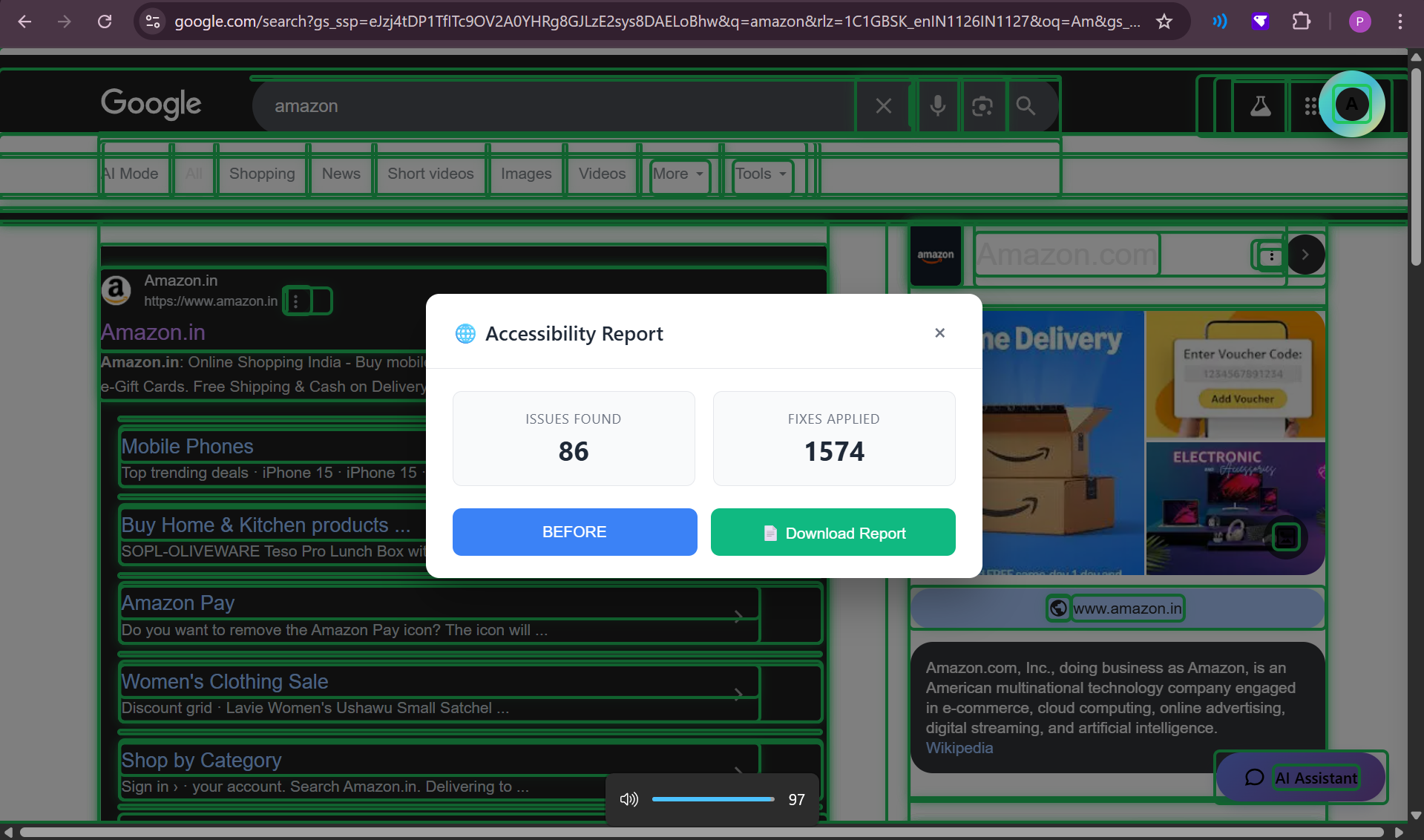
🎨 Smart Contrast Enhancement & Gray Scale Inversion Dynamically improves text visibility by correcting low-contrast color combinations at the content level. Includes an optional Gray Scale Inversion mode for users with contrast sensitivity, color blindness, or light sensitivity—implemented locally without altering the original website.
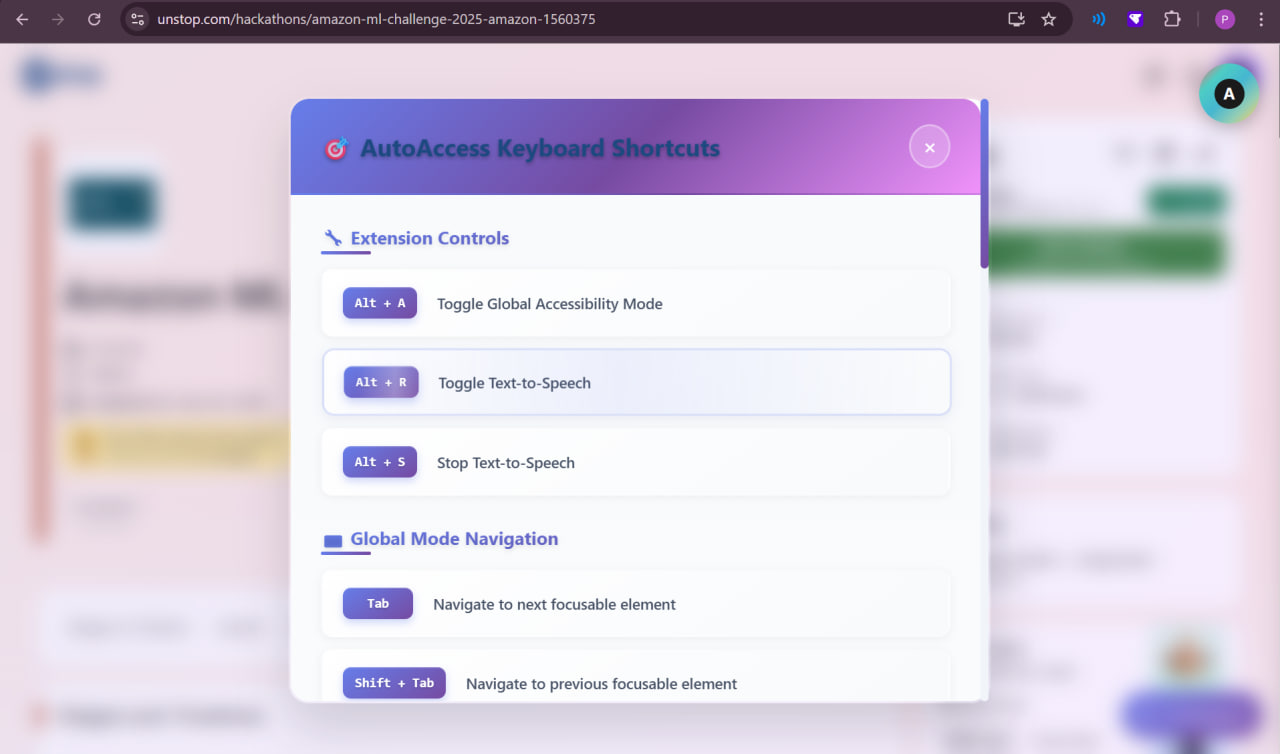
⌨️ Improved Keyboard Navigation Enhances keyboard-based browsing by making interactive elements more discoverable and accessible. This allows users to navigate pages efficiently without relying on precise mouse movements.
🎙️ Voice-Based Assistance & Smart Page Intelligence Enables users to interact with web pages using natural voice commands for actions like summarizing content, navigating sections, and understanding page structure. Smart Page Intelligence analyzes the DOM in real time to provide contextual assistance while preserving user control.
🛡️ Privacy-First by Design All features run entirely inside the browser with no server-side processing, no data collection, and no dependency on external hosting—ensuring user privacy, low latency, and reliability. By fixing accessibility barriers at the presentation level, AutoAccess transforms inaccessible pages into usable experiences—while preserving user control, privacy, and consent.
How We Built It
AutoAccess is implemented as a modular Chrome Extension using Manifest V3. Frontend: HTML, CSS, JavaScript, and React Accessibility Logic: Real-time DOM analysis and manipulation OCR: Powered locally using Tesseract.js Speech Features: Implemented via the Web Speech API Each accessibility feature is independent, allowing users to enable only what they need.
Challenges We Ran Into
One major challenge was ensuring reliable behavior across websites with vastly different structures, layouts, and dynamic content. Handling image-heavy pages and client-rendered interfaces required careful DOM analysis and extensive testing.
Another challenge was designing an interface that remains usable for visually impaired users while still offering granular control over features. Balancing technical feasibility, ethical responsibility, and real user needs pushed us to make deliberate design decisions instead of relying on blind automation.
Accomplishments We’re Proud Of 🏆
We successfully built AutoAccess as a fully local, browser-based accessibility system that works across any website without requiring backend infrastructure or website modifications. Our biggest achievement was implementing real-time DOM analysis and behavior-driven accessibility activation, allowing features like text-to-speech, OCR image labeling, smart contrast enhancement with gray scale inversion, keyboard navigation, and voice assistance to work seamlessly on dynamic web pages. We also ensured that privacy and user control remain central, with all processing happening on-device and no forced automation. Most importantly, AutoAccess proved that accessibility can be adaptive, lightweight, and practical, not just a compliance checkbox.
📚 What We Learned
Building AutoAccess taught us that true accessibility is not about adding features, but about understanding user behavior and intent. We learned how small design decisions—like contrast levels, reading flow, or navigation order—can completely block access for visually impaired users. On the technical side, we gained deep hands-on experience with DOM manipulation, browser APIs, OCR pipelines, speech technologies, and accessibility-first UX design. This project also reinforced the importance of ethical automation—where assistance empowers users without removing their agency. Above all, we learned that inclusive design is not optional; it is essential for building a truly open internet.
Built With
- chrome-extension-apis-(manifest-v3)
- css
- dom
- html
- javascript
- react
- tesseract.js
- web-speech-api
