
Inspiration
What it does
Inspiration
Productivity tools like Notion and Linear are powerful, but setting them up properly takes time, experience, and repeated trial and error. Most users either start with an empty workspace or copy a generic template that does not reflect how they actually work.
I built Aurous to solve that problem. Aurous turns a user’s personal context, project files, responsibilities, and work style into a structured productivity workspace that is ready to use.
What it does
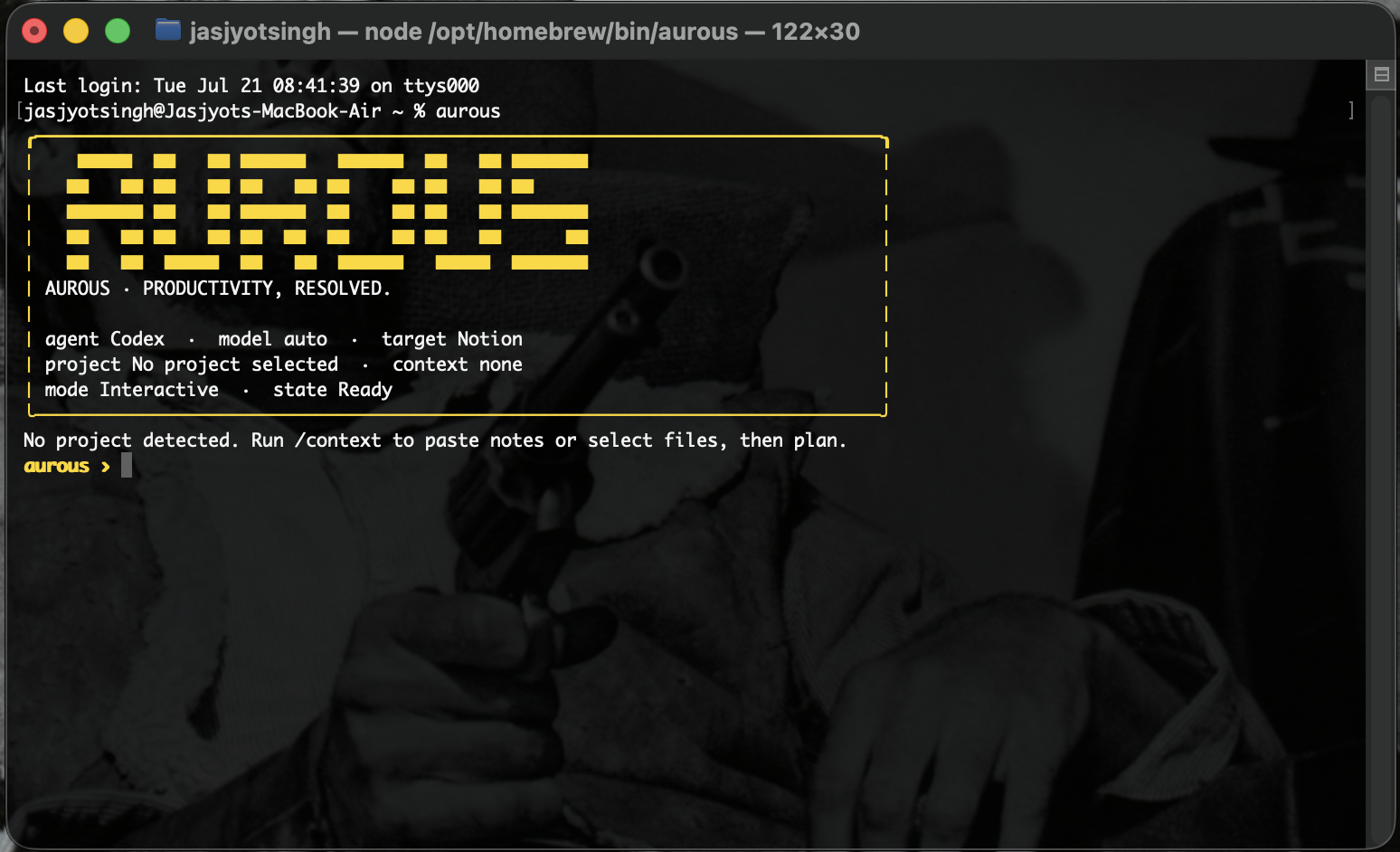
Aurous is a CLI-first setup layer that connects to Codex or Claude Code and currently supports:
- Notion
- Linear
- Airtable
- Trello
Users provide context through project files, Markdown documents, or reusable context prompts. Aurous analyzes that information, creates a complete workspace plan, previews every proposed action, and waits for approval before making changes.
After approval, it executes the plan through the connected productivity integration and records exact results, object IDs, skipped actions, and diagnostics.
Aurous also includes its own context layer, which helps the agent understand how each supported productivity platform should be structured. This allows it to create useful systems instead of simply generating disconnected pages or tasks.
How I built it
I built Aurous using TypeScript, Node.js, Codex, and GPT-5.6.
Codex and GPT-5.6 helped me:
- Design and build the CLI interface
- Integrate Notion, Linear, Airtable, and Trello
- Develop the context and preset system
- Debug integration failures
- Generate and improve automated tests
- Run repeated test, diagnose, fix, and retest loops
- Improve rerun safety and exact-ID tracking
- Build the project website and documentation
The application uses locally authenticated coding agents and official integrations to inspect context, generate deterministic plans, display previews, request approval, execute writes, and preserve structured results.
Challenges
The hardest challenge was making AI-generated workspace changes safe and repeatable.
A normal agent can create objects, but it may duplicate work, lose track of IDs, use the wrong destination, or partially complete a run. Aurous needed to understand existing workspace schemas, preserve state across runs, recover from partial failures, and avoid repeating actions that were already completed.
Another challenge was creating a single workflow that could support multiple productivity platforms without reducing every integration to the same generic behavior. Each adapter needed to respect the structure and limitations of its target platform.
What I learned
I learned that reliable agent workflows require much more than a strong model. They need explicit state, validation, previews, approval boundaries, idempotency, diagnostics, and platform-specific context.
I also learned how effective Codex can be as an engineering partner when it is used for implementation, testing, debugging, and continuous iteration rather than only code generation.
What is next
The next step is expanding Aurous to more productivity tools, improving reusable workspace presets, and developing a persistent context layer that can learn how a user works across applications.
The goal is simple: turn an empty productivity tool into a useful working system without forcing the user to become an expert first.
How we built it
Challenges we ran into
Accomplishments that we're proud of
What we learned
What's next for Aurous: Productivity Resolved
Built With
- airtable
- claude-code
- codex
- github
- gpt-5.6
- linear
- mcp
- node.js
- notion
- trello
- typescript

Log in or sign up for Devpost to join the conversation.