-
-
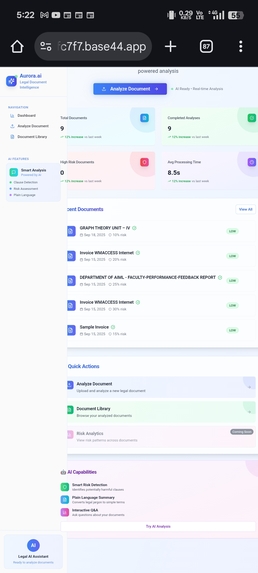
The home page
-
-
Inspiration
The inspiration for Aurora came from the constant struggle people face when dealing with lengthy, complex, and risky documents—whether contracts, agreements, or civic files. I wanted to build an AI system that doesn’t just read documents but extracts real meaning, helping users understand risks, obligations, and next steps with ease.
What it does
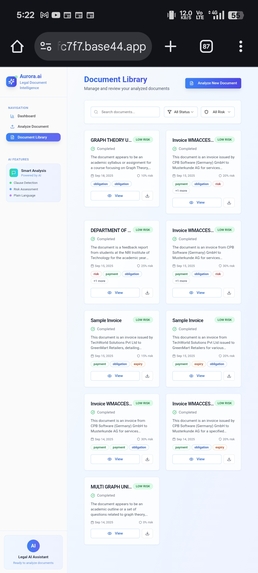
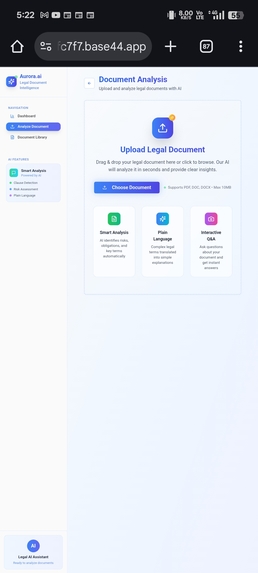
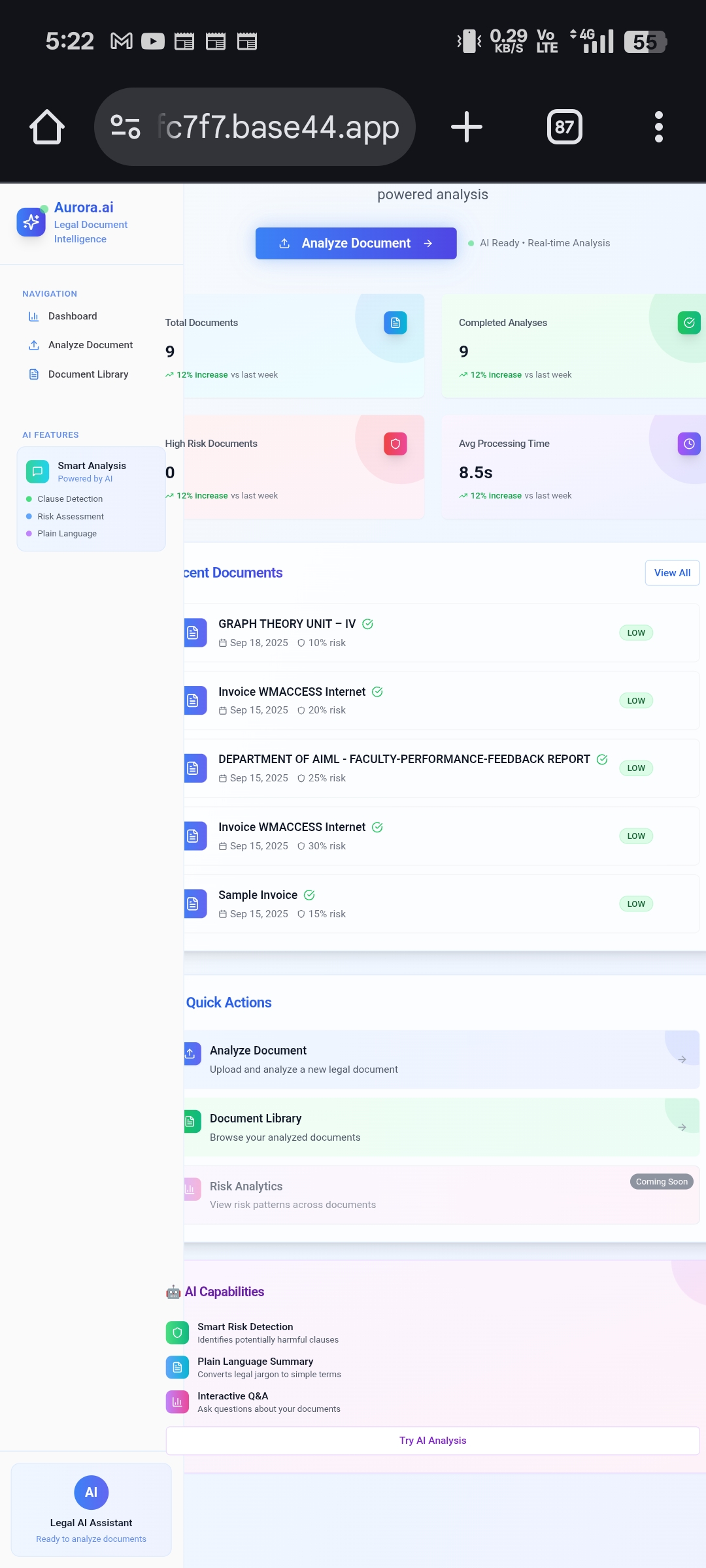
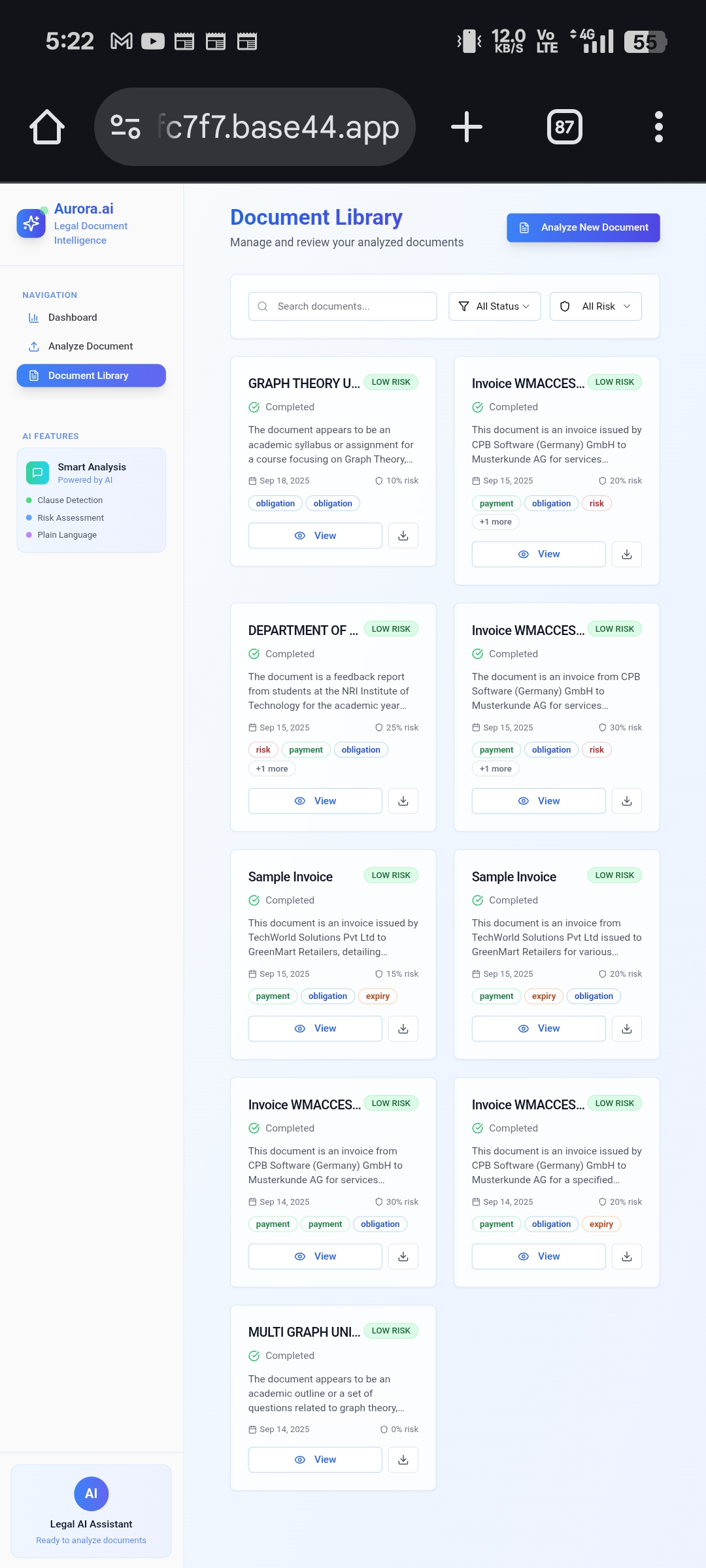
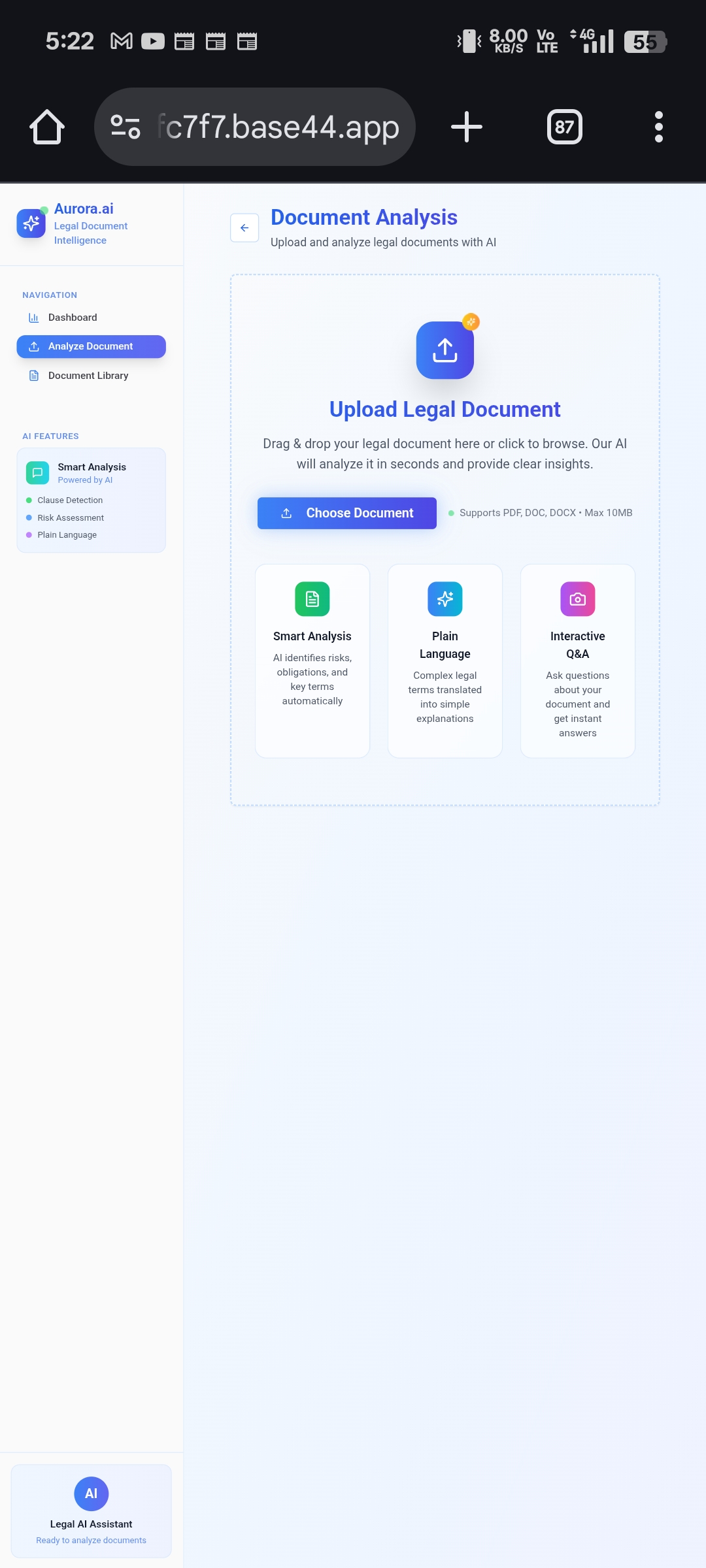
Aurora AI is an intelligent document analyzer that simplifies complex files like contracts, agreements, and civic documents. It identifies risks and clauses, generates summaries and next steps, and includes a chatbot assistant so users can ask questions about their documents. Aurora also features a document recovery system (download files even if deleted) and a library section for easy organization
How we built it
We started by collecting and preprocessing sample contracts and legal documents. Using NLP models, we trained Aurora to perform clause extraction, risk detection, summarization, and Q&A. The backend connects these AI capabilities to the frontend through APIs, while the frontend provides a chat interface, document viewer, and library system. Secure cloud storage powers the document recovery feature, ensuring files are never truly lost.
Challenges we ran into
- Training the AI to correctly classify clauses and detect risk patterns. 2.Maintaining a balance between accuracy and performance in real-time analysis. 3.Handling sensitive document data with secure storage practices. 4.Designing a user-friendly UI that doesn’t overwhelm non-technical users. ## Accomplishments that we're proud of
- Successfully built a system that goes beyond simple text analysis by providing actionable insights.
- Integrated a chatbot for interactive document exploration.
- Added a document recovery feature to prevent accidental data loss. 4.Created a library system that organizes and centralizes all documents in one place. ## What we learned
- Applying natural language processing (NLP) to real-world documents.
- Building AI-driven interfaces that combine usability with technical depth.
- The importance of document security and trust in user-facing tools. 4.How to scope an AI project from prototype to functional demo. ## What's next for Aurora ai
- Expand Aurora into civic and enterprise applications (e.g., government contracts, RTI files, corporate compliance).
- Add multi-language support for accessibility across regions.
- Build real-time collaboration features, so teams can review and annotate documents together.
- Integrate with popular cloud platforms (Google Drive, OneDrive, Dropbox) for seamless workflow.
- Improve AI models for higher accuracy in risk detection and clause categorization.
Built With
- api
- firebase/firestore-(optional-for-auth-+-storage)-cloud-services-?-google-cloud-/-aws-(for-storage-&-deployment)
- gemini
- git
- javascript
- javascript-(typescript-optional-for-frontend)-frameworks-?-react-(frontend)
- json
- mongodb
- netlify/vercel-(for-frontend-hosting)-apis-?-custom-rest-apis-for-document-analysis
- nltk-databases-?-mongodb-(for-documents-&-metadata)
- node.js/express-(backend)-ai/ml-&-nlp-?-hugging-face-transformers
- react
- spacy


Log in or sign up for Devpost to join the conversation.