-
-
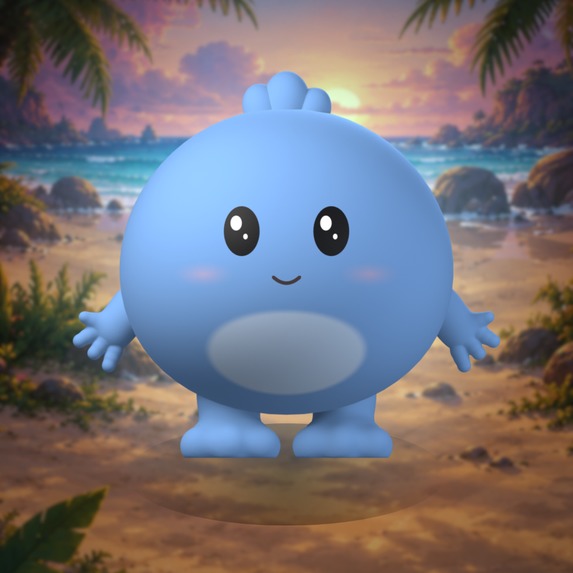
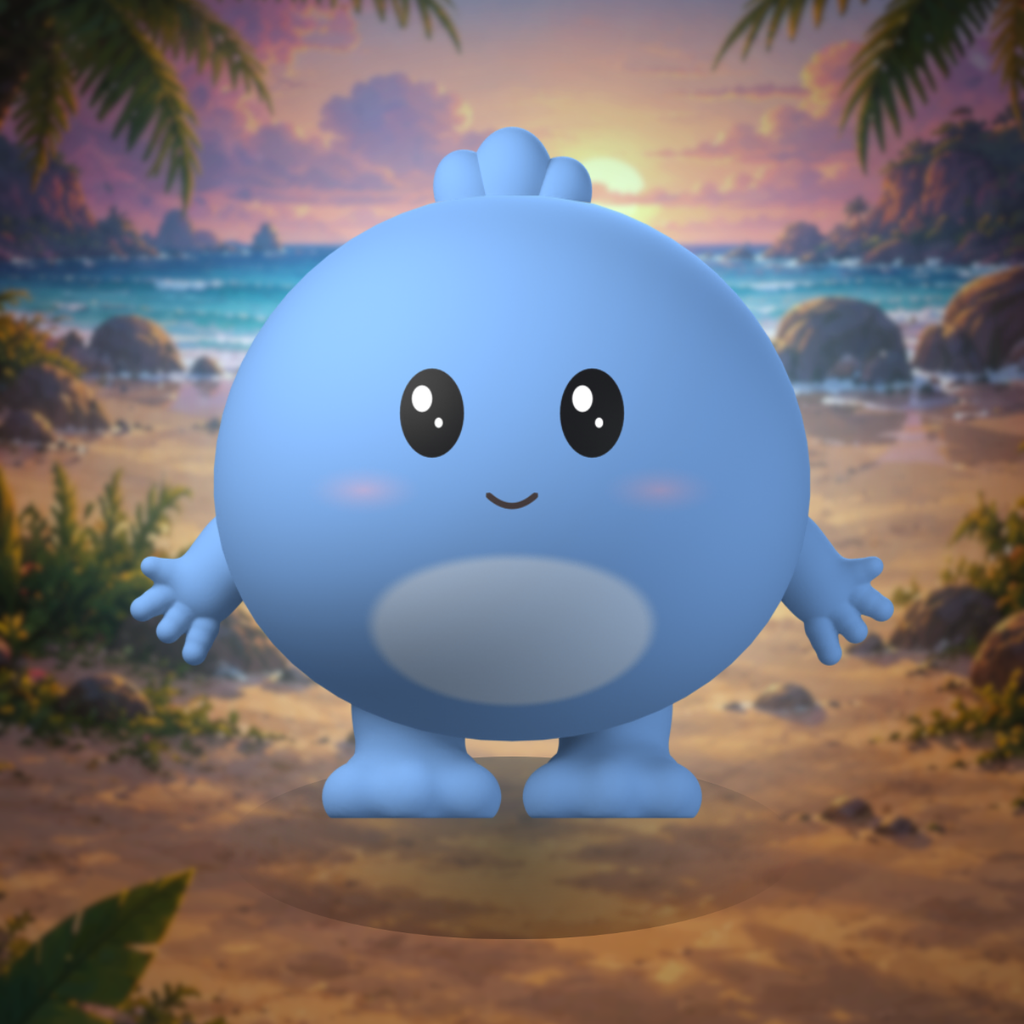
Aurie icon
-
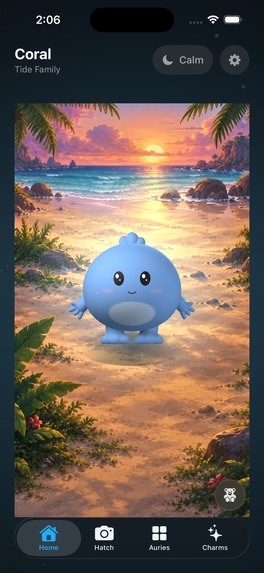
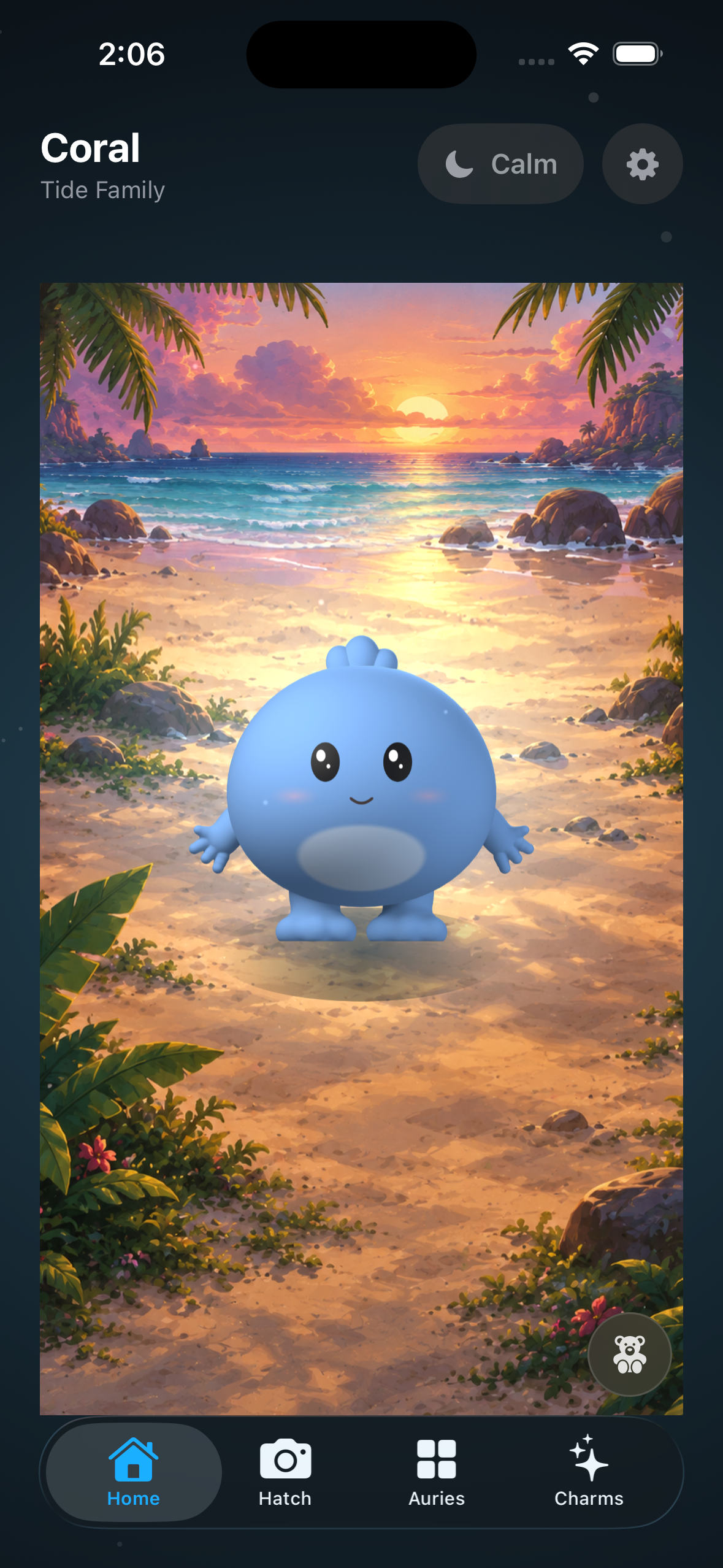
Home screen
-
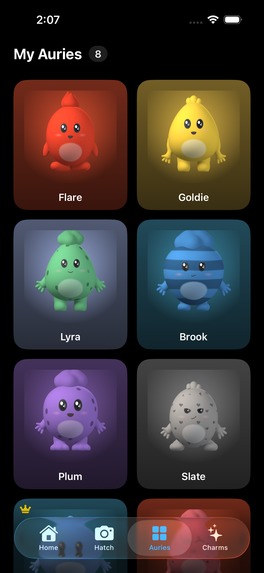
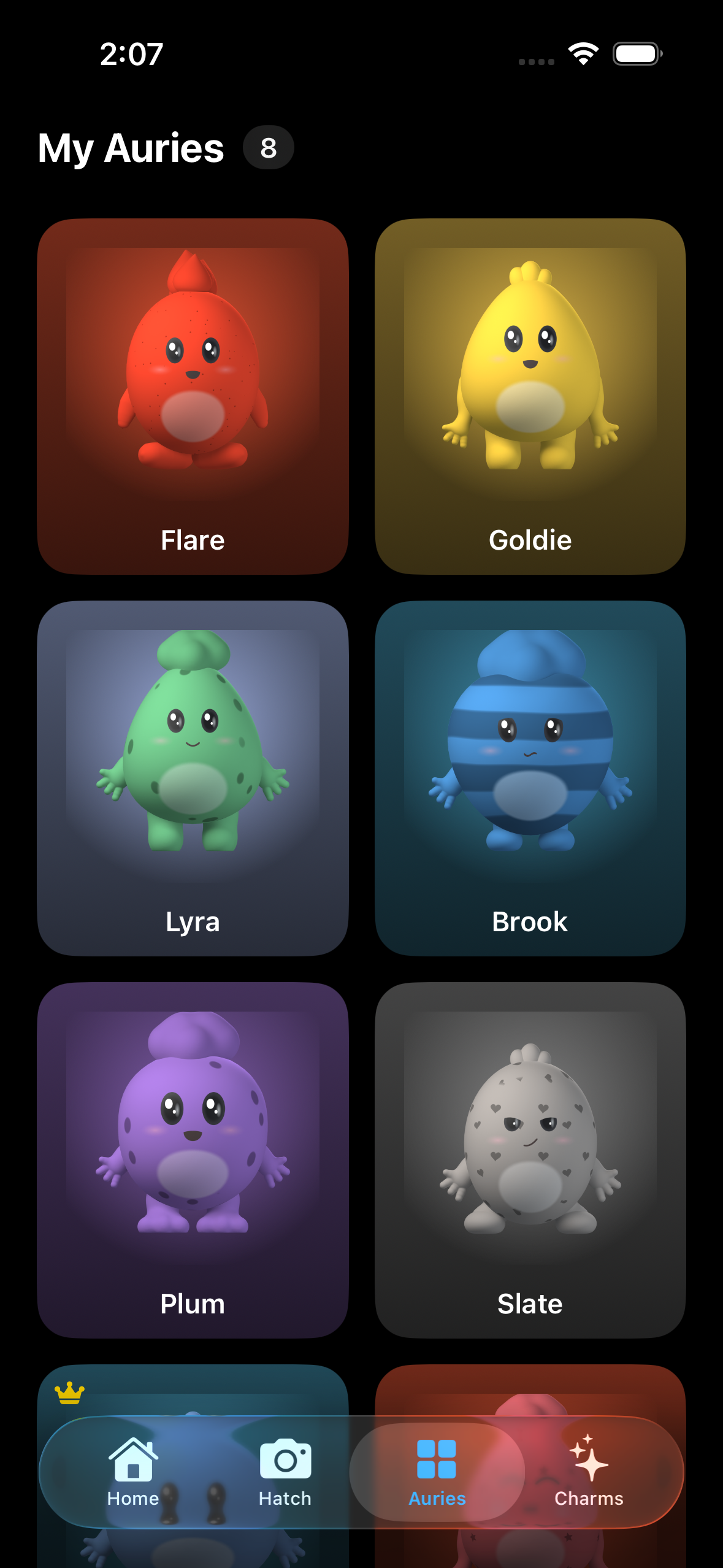
Aurie collection screen
-
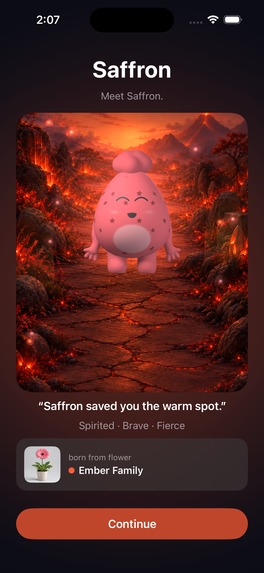
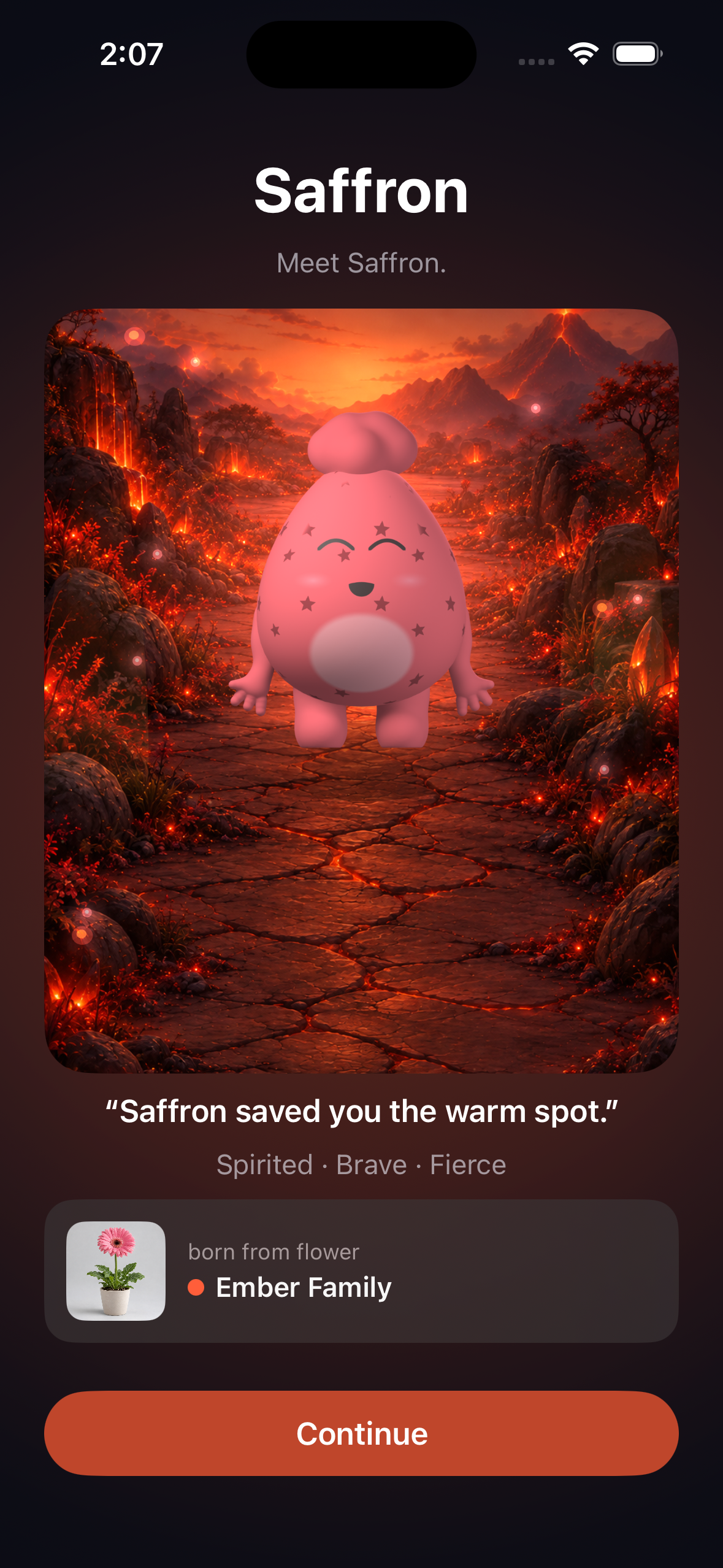
Just hatched screen
-
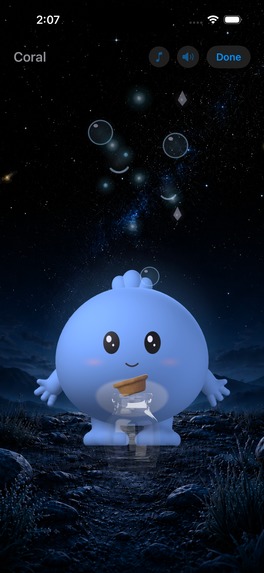
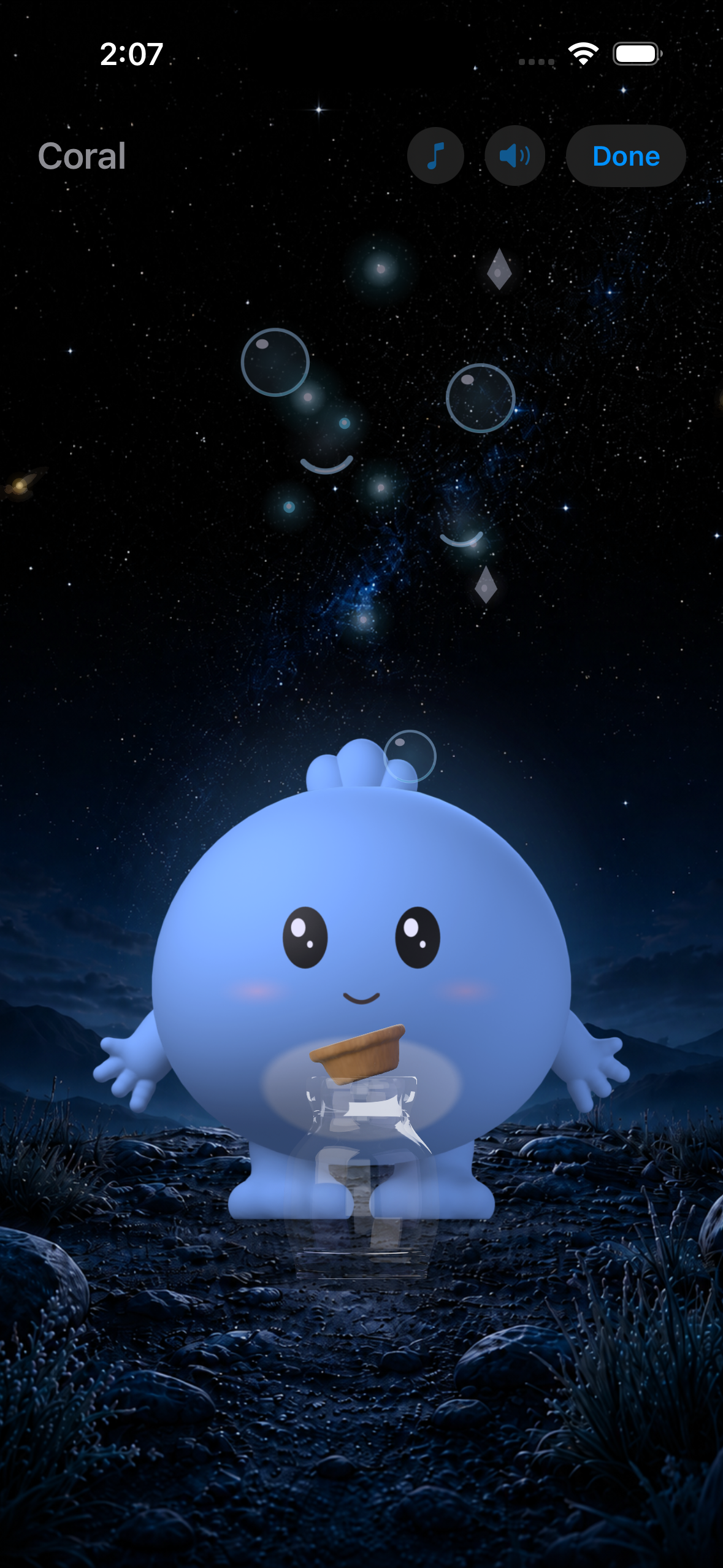
Calm screen
-
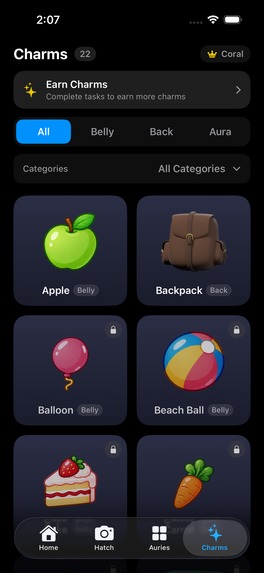
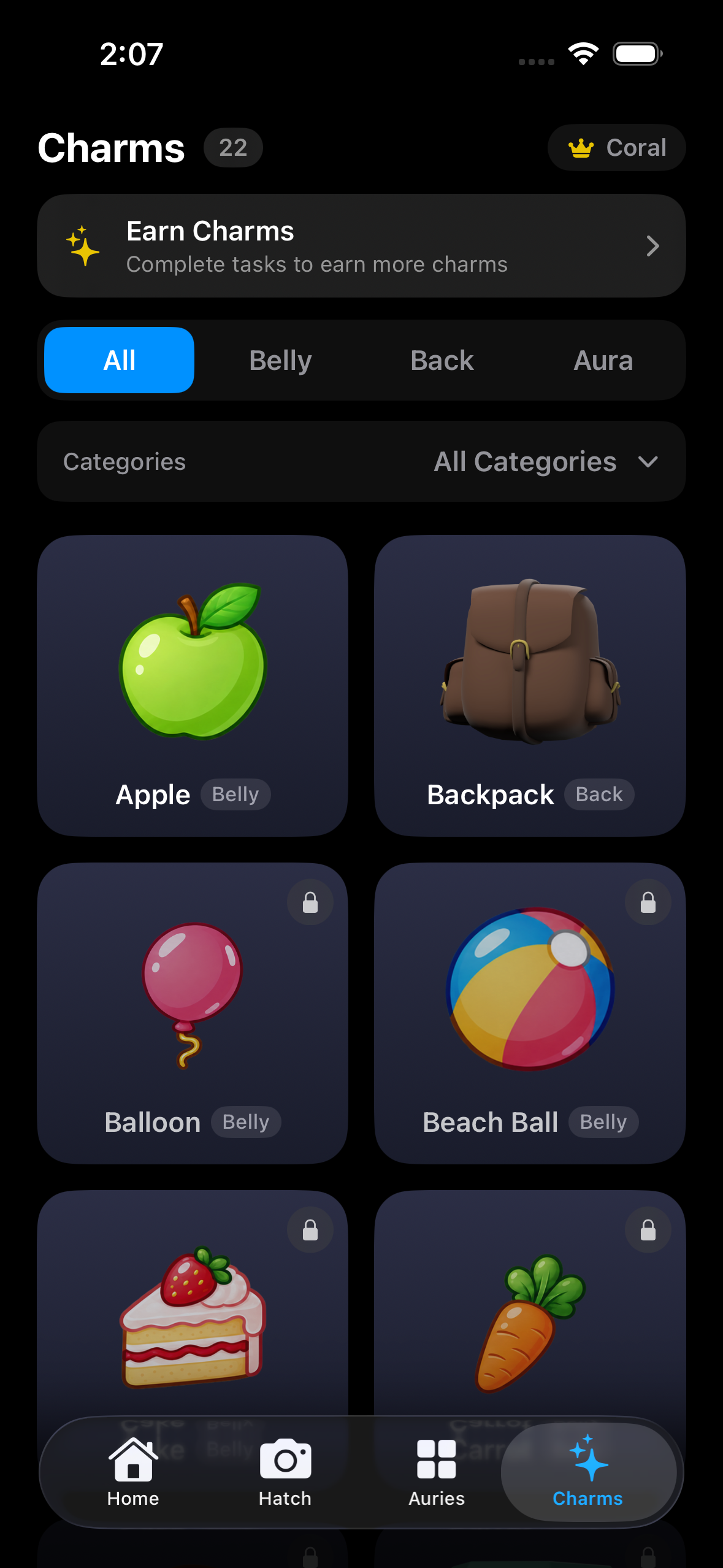
Charm collection screen
-
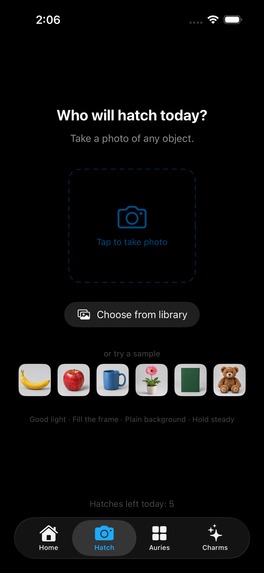
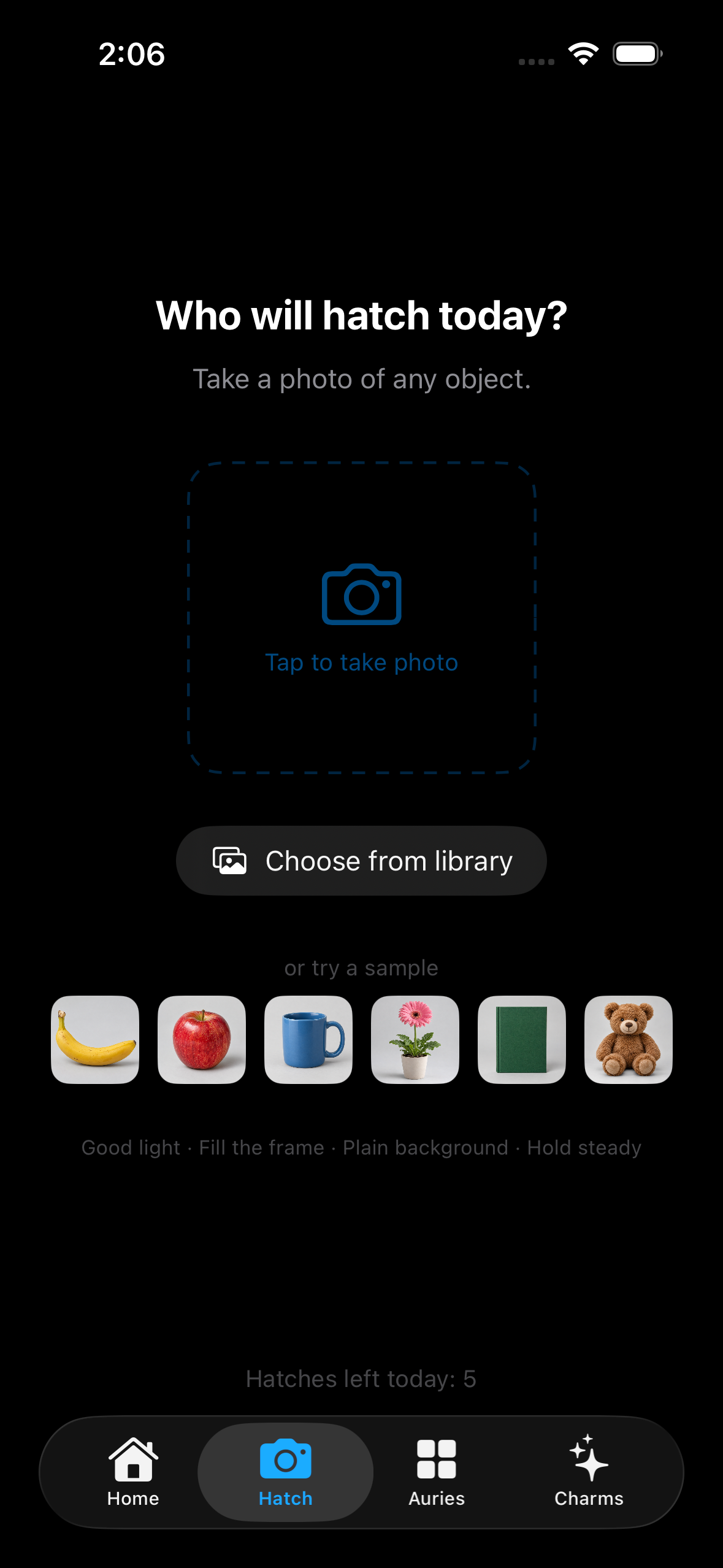
Image capture screen
-
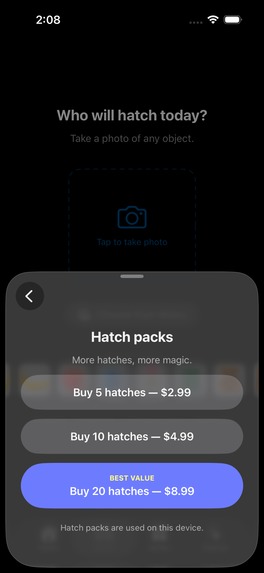
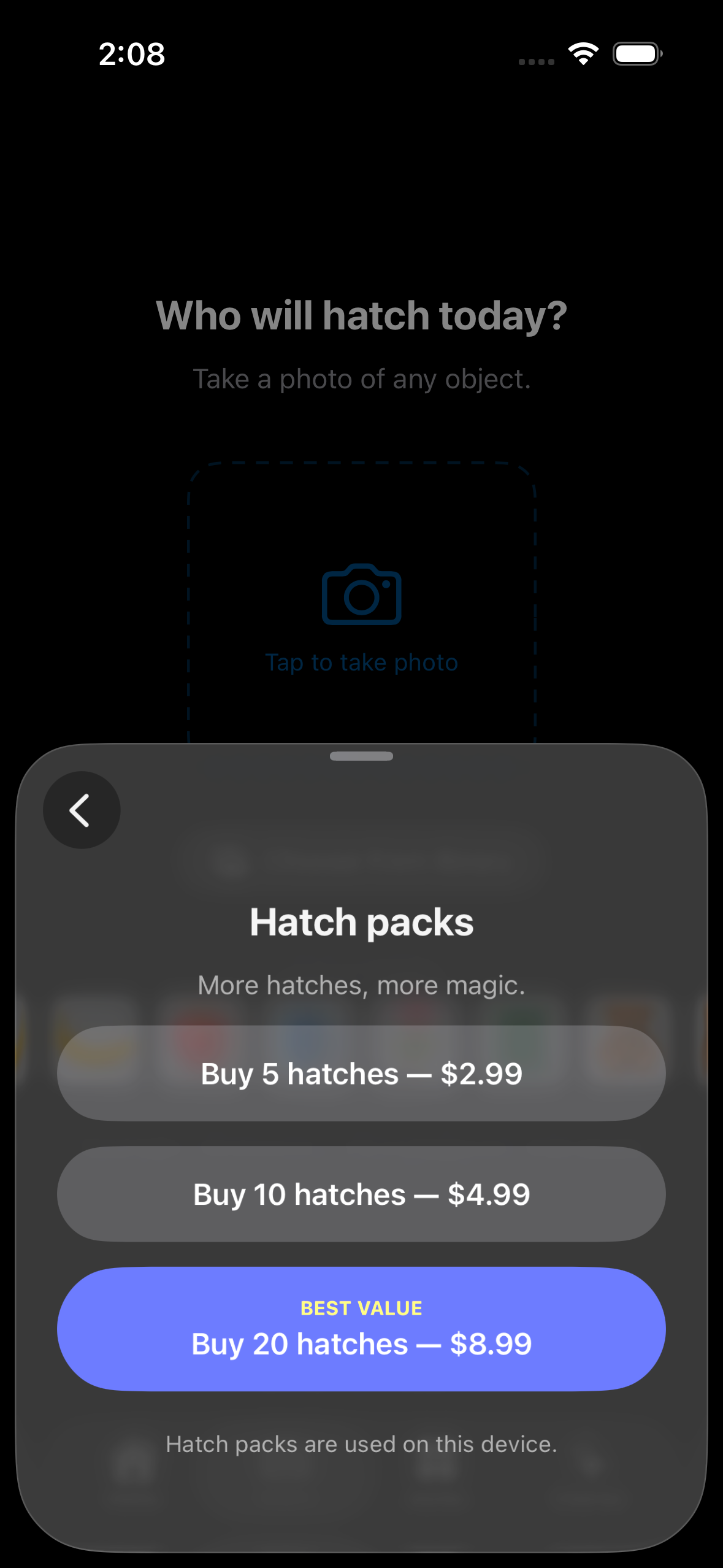
Hatch packs screen
Inspiration
When I was trying to come up with an idea for the hackathon, I really just wanted to make something that would bring me joy. I asked Claude and ChatGPT for ideas. Two ideas caught my attention: an app where a user taps an egg and a creature hatches, and an app where the user photographs an everyday object and that object turns into a googly-eyed character.
I decided to combine the two ideas to create Aurie: Hatch & Collect. The user takes a picture of an everyday object, and Aurie uses characteristics such as its shape and color to inspire a new creature.
The name Aurie comes from the aura that surrounds each creature. Every Aurie has its own glow, influenced by the family it belongs to, which became an important part of both the character design and the name.
The central loop of the app is:
Find something → photograph it → create an egg → hatch an Aurie → collect and interact with it.
From there, the idea grew into more than just a creature generator. I wanted each Aurie to feel like a small companion with its own appearance, family, environment, expressions, charms, and personality.
My goal was to make opening the app feel like there is always a little possibility waiting in the world around you.
What it does
The player begins by taking a photo of an object. The image is analyzed locally on the device, and the app uses characteristics of the image to influence the Aurie's body shape, color family, and other generated characteristics.
The photographed object inspires an egg that the player hatches through an animated sequence. Each Aurie is assembled from a collection of interchangeable character components, including:
- Multiple body shapes
- Different arm and leg styles
- Hairstyles
- Facial expressions
- Family-specific visual traits
- Collectible charms
Auries belong to visual families with their own environments and personalities. The families include Moss, Tide, Ember, Glow, Dusk, Starlight, and Stone.
Players can spend time with their current Aurie, play with toys, collect charms to equip on their Auries, discover new Auries, and explore quieter interactions when they want something less stimulating.
The Home screen is designed as an interactive play space rather than a static collection screen. Auries can move around their environment, react to the player, play with objects from a Toy Box, respond to actions such as shaking the phone, and use contextual dialogue to suggest activities naturally.
I also built quieter features, including a breathing experience and a Worry Jar, where a player can write down something that is bothering them, let their Aurie hold onto it for a while, and then release it visually with particles and fireflies.
For monetization, Aurie uses RevenueCat and Apple's in-app purchase system for optional hatch packs. The app still provides free hatches, so purchasing is not required to continue discovering Auries.
How we built it
Aurie is a native iOS and iPadOS app built in Swift.
The image is analyzed locally on the device using Apple's image-processing and Vision technologies to extract useful visual information. The app then uses those signals to influence the Aurie's body shape, color family, and other generated characteristics.
I created a modular character system where bodies, limbs, hair, expressions, colors, and charms can be combined. As the number of possible combinations increased, I had to build compatibility rules so that the system would not generate combinations that looked visually wrong, such as very long arms on a very short Aurie body.
The photo pipeline also required several stages. Rather than uploading user photos to a server, Aurie's image analysis happens locally on the device. The app extracts image signals, performs object classification using Apple's Vision framework, and uses the results as inputs to the Aurie-generation system.
A major part of development was visual iteration. The family environments went through many revisions so that every environment had a consistent playable area while still feeling distinct. I created a shared layout system so Auries remain approximately the same visual size and occupy the same movement space regardless of which family environment is displayed.
I also spent a significant amount of time building and refining the hatch sequence, character movement, expressions, interactions, sound behavior, responsive iPhone and iPad layouts, and App Store purchase flow.
Challenges we ran into
The hardest part of Aurie was that almost every feature affected several other systems.
For example, adding a new body type was not simply a matter of creating another shape. It also affected:
- Arm placement
- Leg placement
- Hair placement
- Movement
- Animation
- Charm positioning
- Expression placement
- Collision boundaries
A character could look great while standing still but break when kicking a ball, moving, or performing another animation.
The environments created a similar problem. Early versions contained too much sky or visually placed the Aurie in areas that did not look walkable. I eventually standardized the environments around a consistent walkable horizon and shared play-space dimensions so that movement feels believable across every family.
Another major challenge was translating photographed objects into Auries in a way that feels intentional. A completely random creature would be easy to generate, but that would defeat the central idea of the app. I had to work on making shape and color influence the result while still preserving enough randomness for each hatch to feel surprising.
I also learned that designing a character app requires thinking about personality as much as graphics. Small details, like an Aurie saying that it is happy to see the player again, asking to play ball, daring the player to shake the phone, or a Stone-family Aurie insisting that it does not want to dance, can make the character feel dramatically more alive.
Accomplishments that we're proud of
I am especially proud that Aurie grew from a simple idea about hatching a creature into a complete interactive app with procedural character generation, multiple environments, character personalities, animations, toys, charms, quieter experiences, and an App Store purchase system.
I am also proud of the amount of variation possible within the Aurie system. Bodies, limbs, hair, expressions, colors, families, and charms can be combined while compatibility rules help keep the generated characters visually coherent.
Another accomplishment was getting the same system to work across both iPhone and iPad while keeping the Auries, environments, movement areas, and interactions visually consistent.
Most importantly, the core idea works: a player can photograph something in the real world, hatch an egg inspired by it, and meet a new Aurie.
What we learned
This project taught me how interconnected product design, engineering, animation, and user experience really are.
I learned a great deal about:
- Swift and native iOS development
- Apple's Vision framework and on-device image analysis
- Procedural character generation
- Character rigging and animation
- Responsive layouts across iPhone and iPad
- Designing reusable visual systems
- In-app purchases with StoreKit and RevenueCat
- TestFlight and App Store distribution
- Designing interactions that teach users without relying on traditional tutorial screens
The biggest lesson, though, was the importance of iteration.
Many of the things that looked good in a simulator did not feel right once I installed the app on a physical phone. Character scale, environment composition, movement distances, text readability, animation timing, and even seemingly minor UI decisions became much more obvious when using the app as a real player.
Aurie changed substantially because of that testing.
What's next for Auries
There is still a lot I want to explore with Aurie.
I want to expand the variety of character parts and charms, make each family feel even more distinct, add more contextual interactions and animations, and continue making the characters feel more responsive to the player.
I am also still refining the image-analysis pipeline so that object identification, shape detection, and color extraction more strongly influence the Aurie that is generated. One of my next goals is to make the final creature feel more obviously connected to the object the player photographed while still preserving enough randomness for each hatch to feel surprising.
My twin daughters have also become an unexpected source of product ideas. They keep suggesting new ways to make the Auries feel more alive, including feeding them, giving them tools or abilities based on their family, and eventually letting players talk directly to their Auries. One of my daughters suggested that the Auries should dance, but that the Stone family, which is the grumpier family, should act like it does not want to dance. That idea has already become part of the personality system I am building, where different families can react differently to the same activity.
The long-term idea is for Aurie to become a world where the objects around you are not just objects, but opportunities to discover a new little character.
There is an Aurie hiding in everything.
Built With
- ios
- ipados

Log in or sign up for Devpost to join the conversation.