Inspiration
Apple's product pages (AirPods, Vision Pro) turn scrolling into a piece of theater — the product doesn't just sit there, it performs as you move down the page. We wanted that same feeling, but applied to something with way more internal complexity to show off: a mechanical watch. A luxury watch is basically a tiny, beautiful machine that nobody ever actually gets to see inside — so we built a site whose entire premise is "scroll to look inside."
What it does
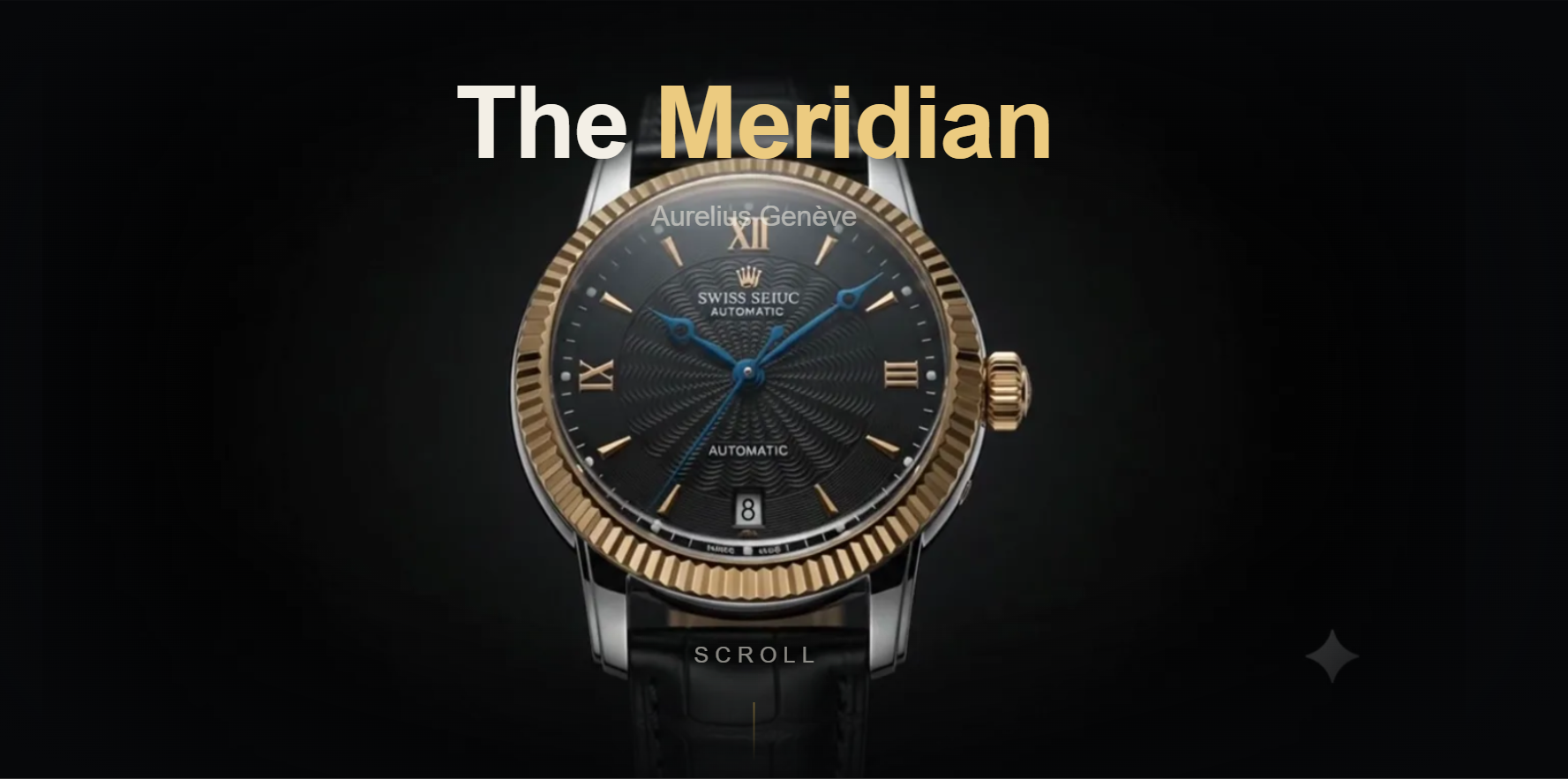
Aurelius Genève — The Meridian is a scroll-driven brand site for a fictitious Swiss watch company. Scrolling through the hero:
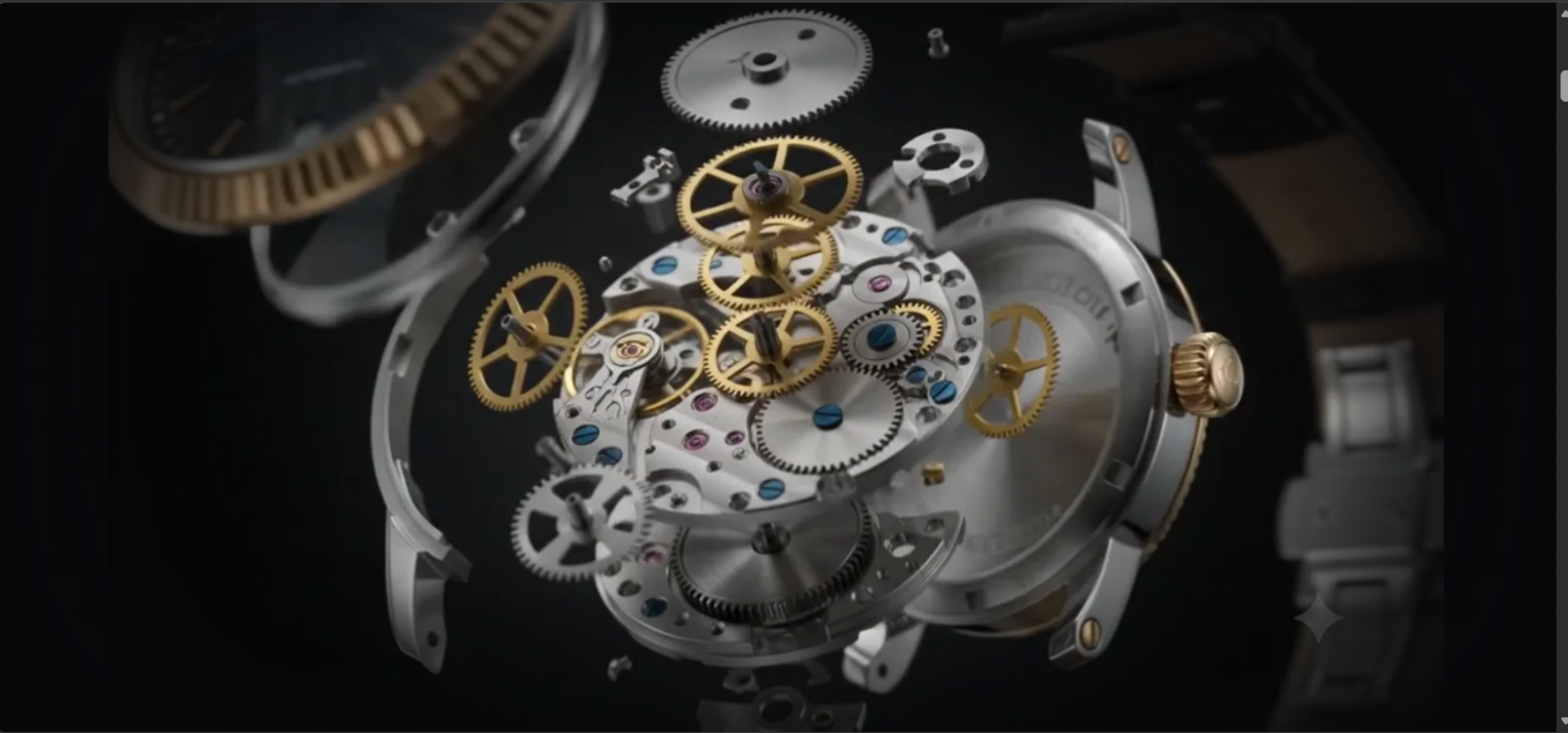
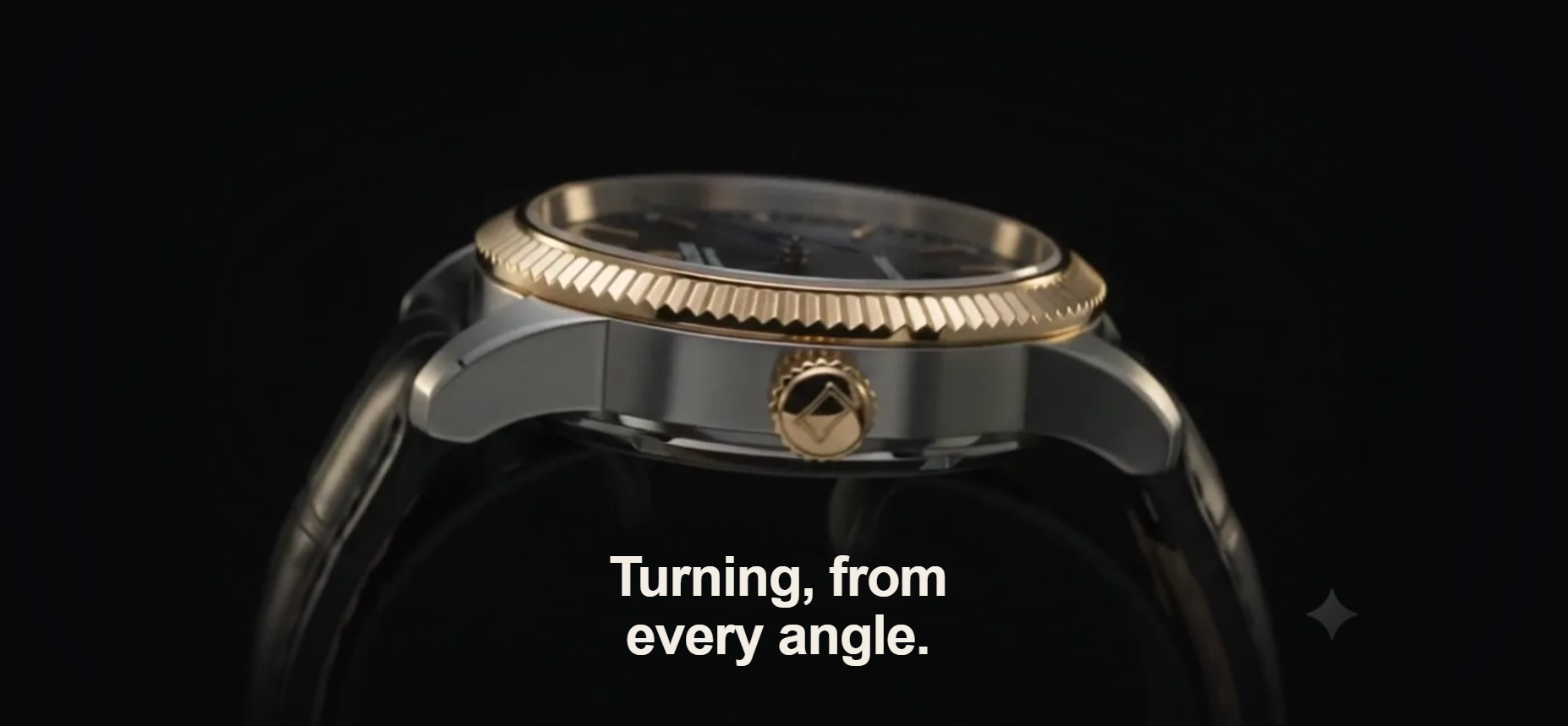
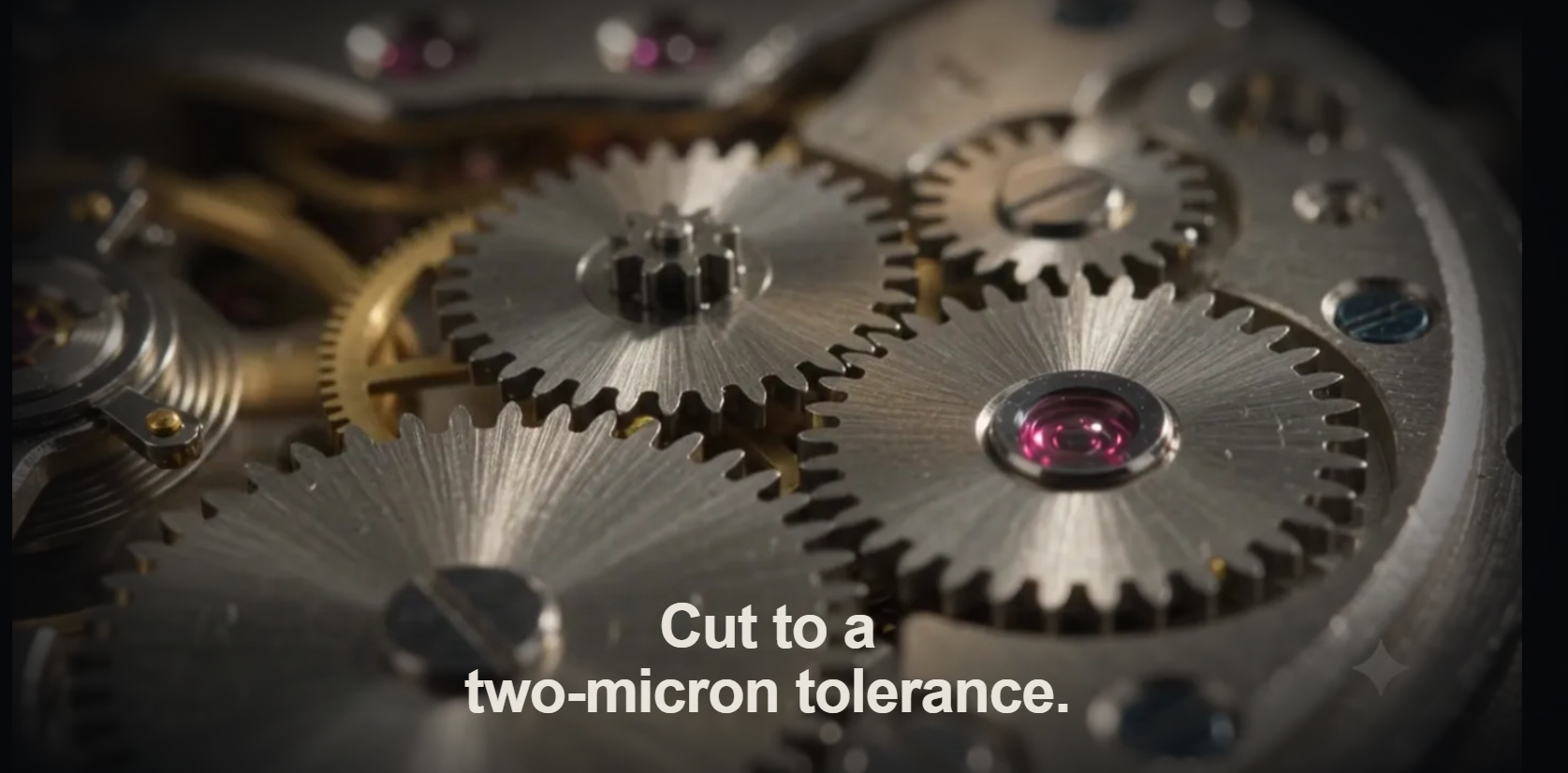
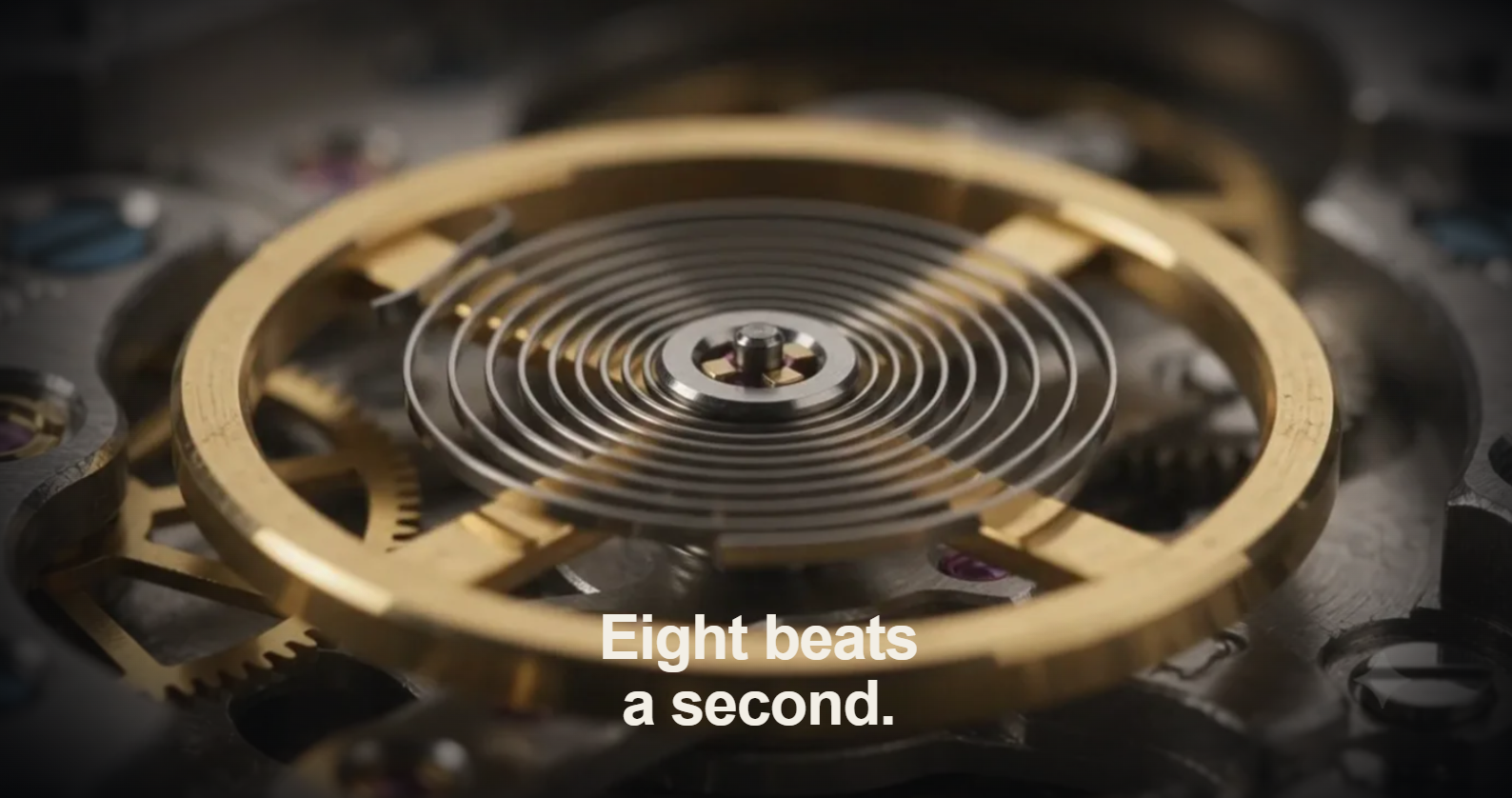
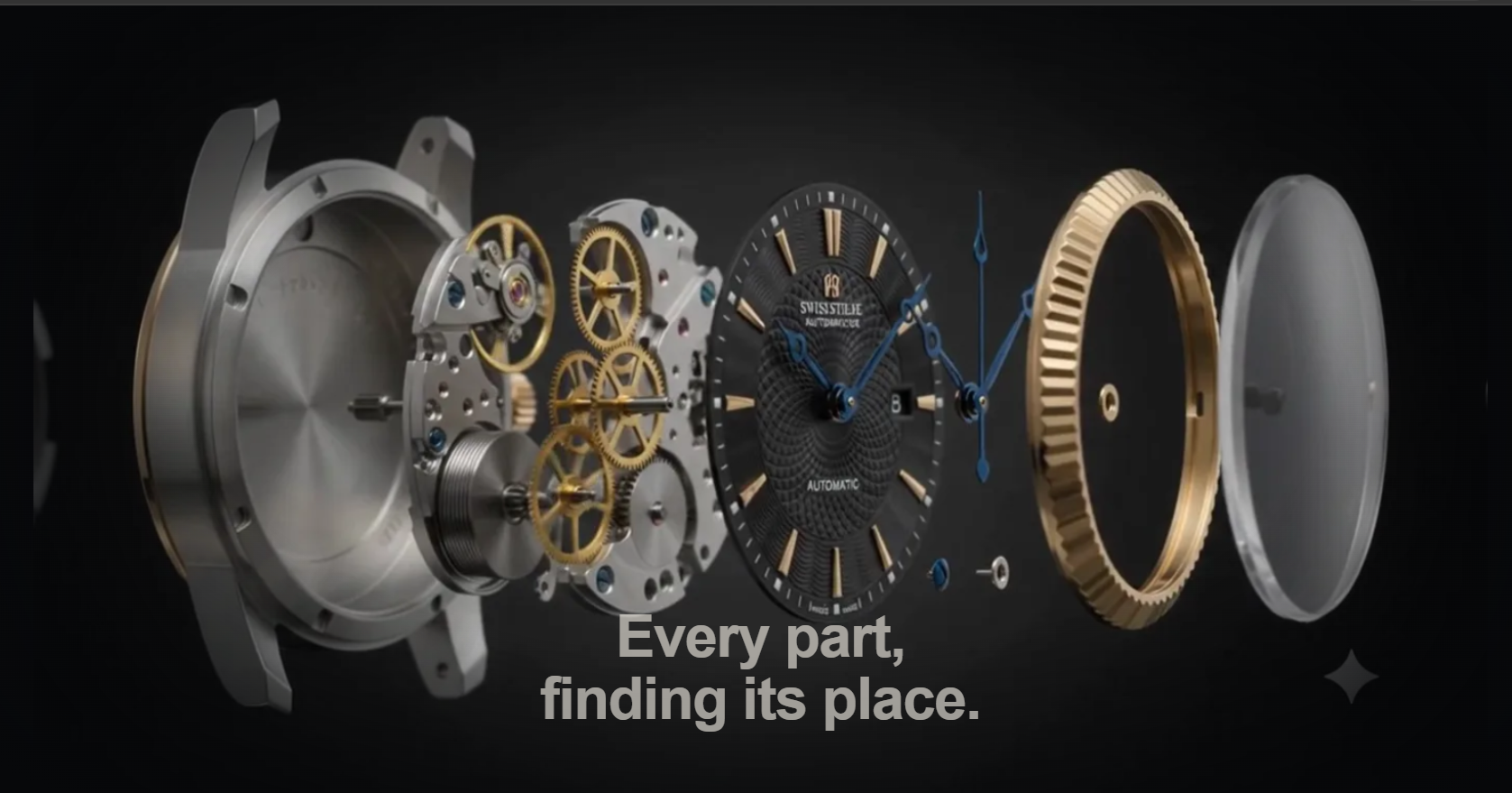
- Plays a real AI-generated cinematic film of the watch (turning, exploding, macro shots of the gears and hairspring) — generated with Google Flow.
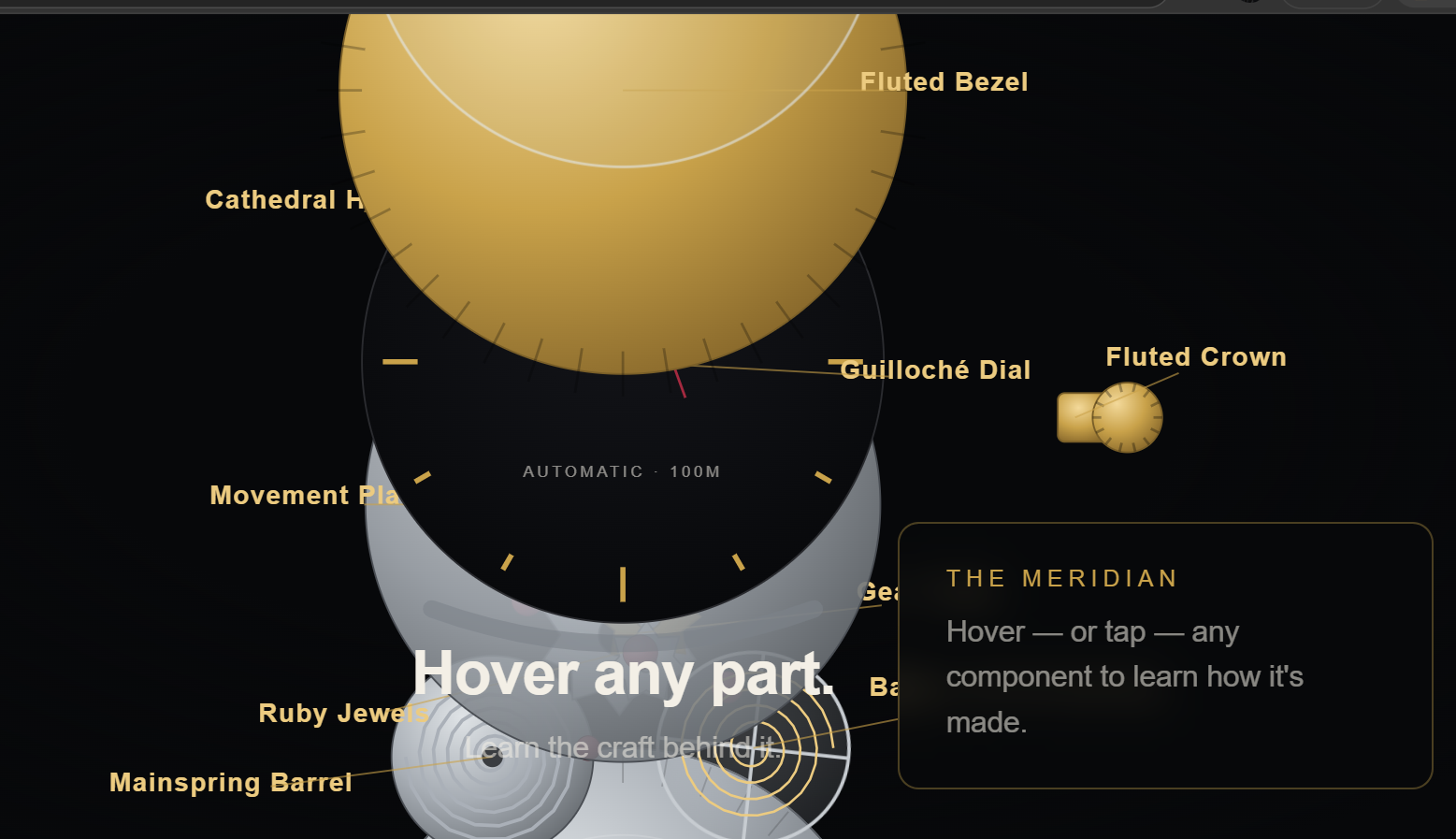
- Hands off into a fully interactive, hand-built SVG exploded diagram — 11 real components (crystal, bezel, hands, dial, movement plate, gear train, jewels, balance wheel, mainspring, case back, crown) that physically separate as you keep scrolling, each labeled in place.
- Hover (or tap) any component — a craft panel updates live with a short line on how that specific part is actually made, and the part itself glows its own material color and tilts in 3D (steel glows silver, gold parts glow warm gold, jewels glow ruby, the crystal glows icy blue).
- Continues into a full brand homepage below — manifesto, origin story, craft deep-dives, specs, animated count-up stats, gallery, and a footer — all in one continuous scroll-driven story rather than separate pages.
How we built it
- Video: 7 short clips generated in Google Flow (hero shot, explosion,
360° rotation, macro gear/hairspring shots, reassembly, final glow),
stitched with crossfades and sliced into a ~12fps WebP frame sequence
via a custom ffmpeg + Pillow pipeline, then scrubbed frame-by-frame on a
<canvas>driven purely by scroll position (no video<video>tag, no autoplay — every frame is addressed directly by scrollY). - The exploded diagram: pure hand-authored SVG — no image assets at all. Gears, the mainspring coil, and the hairspring are generated procedurally in JavaScript (polar-coordinate gear-tooth and spiral-path functions), so the "machine" is real vector geometry, not a picture of one.
- Interaction: each part has its own scroll window (staggered start/end fractions) so components explode outward in sequence rather than all at once, plus a unique 3D hover reaction (CSS custom properties per part control glow color and tilt axis) and a magnetic tilt effect on buttons and gallery images that follows the cursor.
- Stack: vanilla HTML/CSS/JS — zero build step, zero frameworks, deployed straight to GitHub Pages as static files.
Challenges we ran into
- AI video generation duplicates complex objects. Multi-part objects like a watch (lots of small distinct components close together) are a known weak point for generative video — early attempts to have the AI itself animate the explosion produced warped, duplicated parts. We solved this by keeping the AI-generated footage as a supporting cinematic layer and building the actual "explosion" mechanic as a real, controllable SVG diagram instead — which also happens to be the only way to make individual parts genuinely hoverable and labeled.
- Windows tooling friction. Building the frame-processing pipeline
(ffmpeg + Python + Pillow) on Windows surfaced a string of small but real
issues: PowerShell stripping quote characters from command-line JSON
arguments, a UTF-8 BOM breaking
json.load(), and OneDrive silently locking freshly-written frame files mid-build (PermissionError: WinError 32) because the project folder lived inside a synced OneDrive path. Fixed by reading config from a file instead of a CLI argument, decoding withutf-8-sig, adding retry-with-backoff around file deletion, and moving the project outside OneDrive entirely. - A frame-scrubbing bug that only showed up on fast scrolling: the canvas would only decode frames that were already downloaded, so scrolling faster than the background loader could stall on a stale frame. Fixed by making frame-decoding fetch on demand near the playhead instead of only decoding pre-downloaded frames.
What we learned
- A "video" doesn't have to be a
<video>element — treating footage as an addressable image sequence driven by scroll position gives you far more creative control (crossfades, pacing, hand-off into a different medium entirely) than a native video player ever could. - Sometimes the "AI-generated" version of a feature and the "hand-built/procedural" version of the same feature aren't competing options — they're complementary: real footage sells the cinematic mood, procedural SVG sells the interactivity.

Log in or sign up for Devpost to join the conversation.