-
-
From an idea to a working AI-powered learning platform — building, integrating, debugging, and learning every step of the way
Inspiration
The idea for AI Study Assistant came from my own experience as a student. I noticed that studying often involves switching between different tools for taking notes, managing subjects, keeping track of study time, practicing questions, and getting help when something is difficult.
I wanted to build a single platform that could bring these activities together while also using AI to make studying more interactive.
Instead of making a general-purpose AI chatbot, I wanted the AI to be connected to the student's actual study workflow. This led me to build features such as an AI Tutor, AI-generated quizzes, notes, study-session tracking, and progress tracking.
The main idea was simple: build a tool that I would actually find useful while studying.
What it does
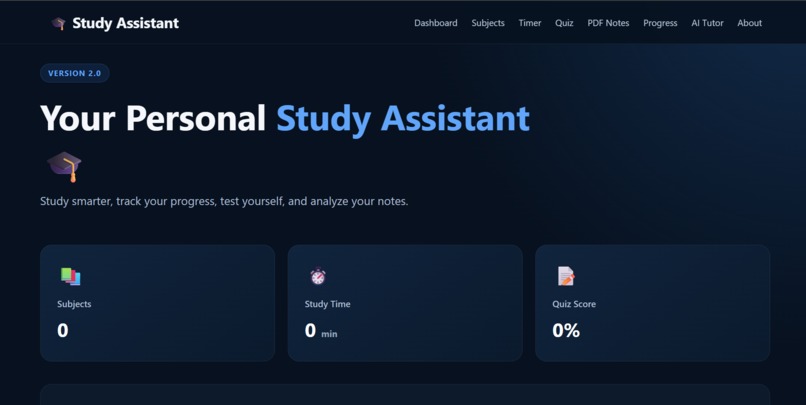
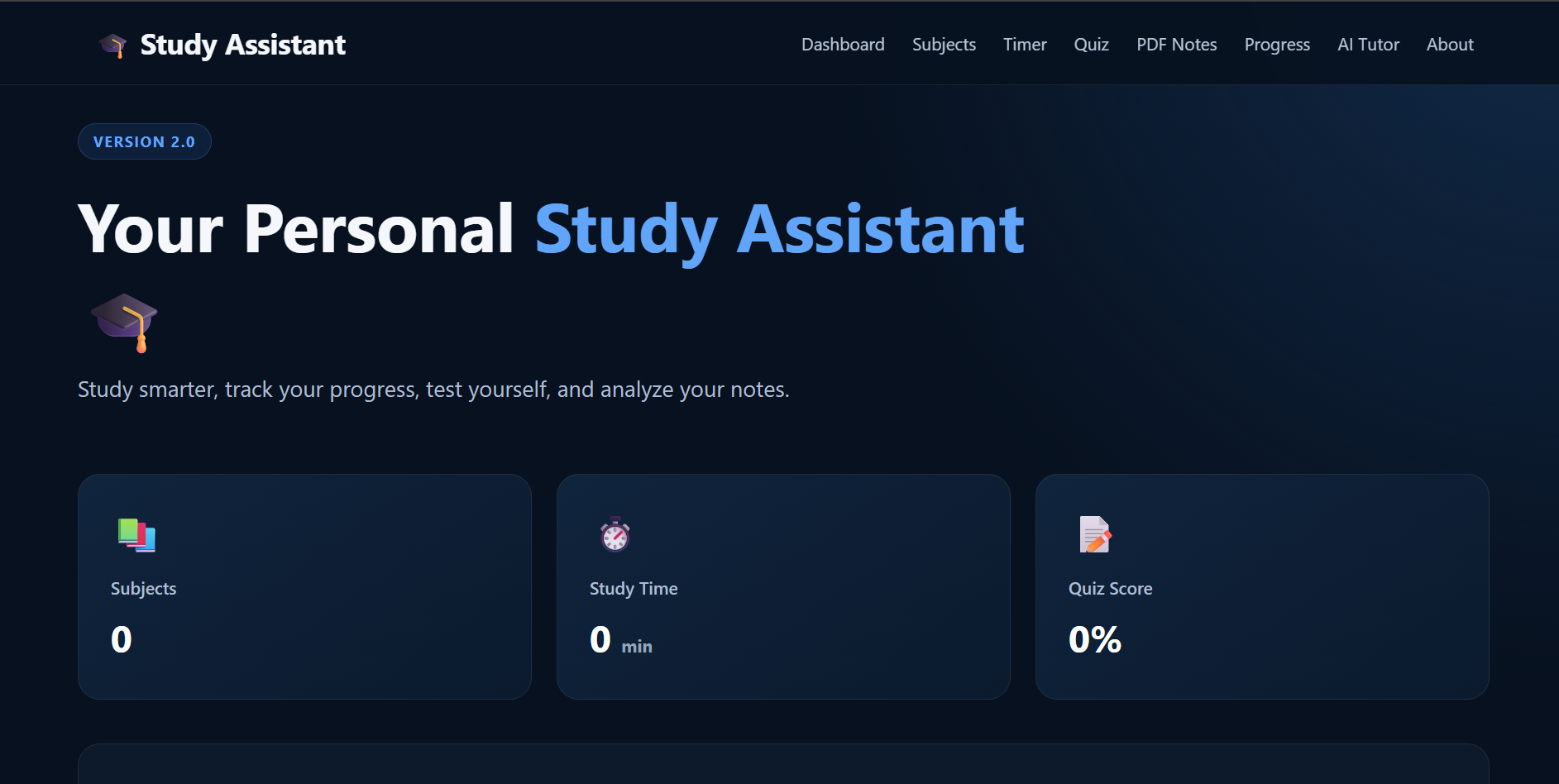
AI Study Assistant is a web application that combines study management tools with AI-powered learning features.
Students can create and manage their subjects, keep notes, track their study sessions, take AI-generated quizzes, and interact with an AI Tutor.
The main features include:
- Subject Management — Organize different subjects in one place.
- Study Timer — Track focused study sessions.
- Notes — Create and manage study notes.
- AI Quiz Generation — Generate quizzes from study content.
- AI Tutor — Ask questions and receive AI-powered explanations.
- Progress Tracking — Keep track of study sessions and quiz performance.
- PDF Processing — Use information from PDF study materials with the AI features.
The goal is to combine everyday study management with AI so that students can organize, practice, and understand their study material from one platform.
How we built it
I built AI Study Assistant as a full-stack web application using Python and Flask for the backend, with HTML, CSS, and JavaScript for the frontend.
I used SQLite to store application data such as subjects, study sessions, quiz results, and notes.
For the AI functionality, I integrated Google Gemini models. The AI Tutor handles students' questions and provides explanations, while the quiz system uses AI to generate questions from the provided study material.
I also used PyPDF2 to extract text from PDF files so that study materials could be processed and used by the AI features.
The application is structured around Flask routes that connect the user interface with the database and AI services. I also used environment variables to keep the API credentials separate from the source code.
The overall workflow is: Student → Web Interface → Flask Backend → Database / AI → Result I developed the project incrementally, building the basic study-management features first and then integrating the AI functionality.
Challenges we ran into
One of the main challenges was integrating the AI features into the existing web application. I had to make sure that the AI responses were properly connected to the Flask backend and then displayed correctly in the frontend.
I also faced difficulties with API quotas and request limits while developing and testing the AI features. Since every test could require an API request, I had to be careful about how frequently I called the models.
Another challenge was making the AI-generated quizzes useful for studying. A simple prompt could produce questions that were too easy, too difficult, or not properly related to the provided material. I had to improve the way information was provided to the model and refine the prompts.
Working with PDF files was another challenge. Extracting text is not always straightforward because PDFs can have different layouts and structures. I had to process the extracted text before using it with the AI features.
Finally, connecting everything together—Flask, SQLite, PDF processing, Gemini, and the frontend—required a lot of debugging. Fixing one part of the application sometimes affected another part, which taught me how important proper application structure is.
Accomplishments that we're proud of
One of the things I’m most proud of is turning an idea into a working AI-powered study platform from scratch.
I’m particularly proud of successfully combining several different technologies into one application. The project brings together Flask, SQLite, JavaScript, PDF processing, and Google Gemini APIs to create a complete study environment.
Another accomplishment was implementing an AI Tutor and AI-generated quiz system rather than limiting the project to basic study-management features. I also successfully connected these AI features with study materials and the application's existing data.
Building the project also pushed me to solve real development problems involving API integration, database management, PDF processing, API limits, and debugging.
Most importantly, I’m proud that the project is based on a problem I personally wanted to solve as a student. It gave me the opportunity to turn that idea into something functional while learning how to build and integrate different parts of a real-world application.
What we learned
Building this project gave me practical experience in developing a complete application rather than working on individual pieces of code.
I learned how to:
- Build and organize a Flask web application.
- Design and use a SQLite database.
- Connect a web application with Gemini AI APIs.
- Create prompts for different AI tasks.
- Extract and process text from PDF files.
- Connect frontend components with backend routes.
- Handle API responses and errors.
- Store and retrieve user-related study data.
- Use environment variables to protect API keys.
- Debug problems that occur when multiple technologies interact.
I also learned that integrating AI into an application requires more than simply calling an API. The quality of the input, prompt design, data processing, error handling, and the way the AI output is presented to the user all affect the final experience.
What's next for AI Study Assistant
I want to continue improving AI Study Assistant based on how students actually use it.
Some of the features I would like to explore next are:
- Personalized study plans
- More adaptive AI-generated quizzes
- Flashcards for revision
- Better PDF and document understanding
- More detailed progress analytics
- Personalized study recommendations
- Voice interaction with the AI Tutor
I also want to improve the overall user experience and make the application more reliable and easier to use.
My long-term goal is to turn the project into a more complete learning platform where AI supports students throughout their study process rather than only answering individual questions.


Log in or sign up for Devpost to join the conversation.