-
-
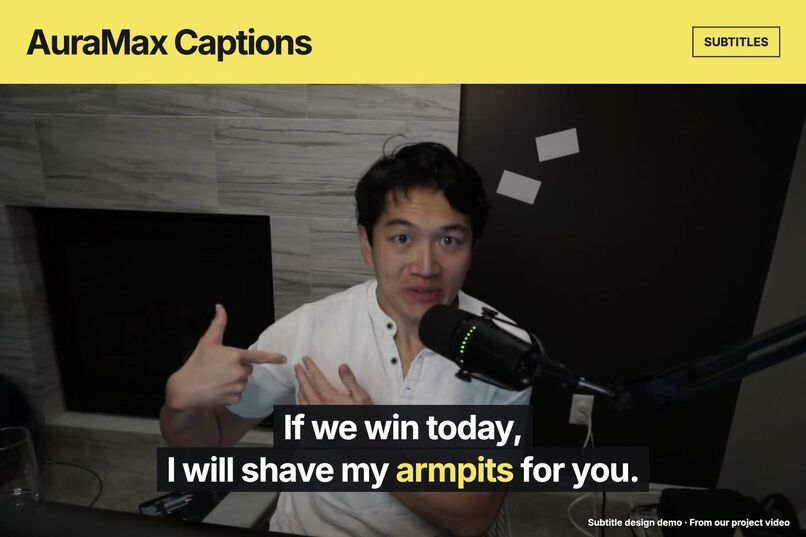
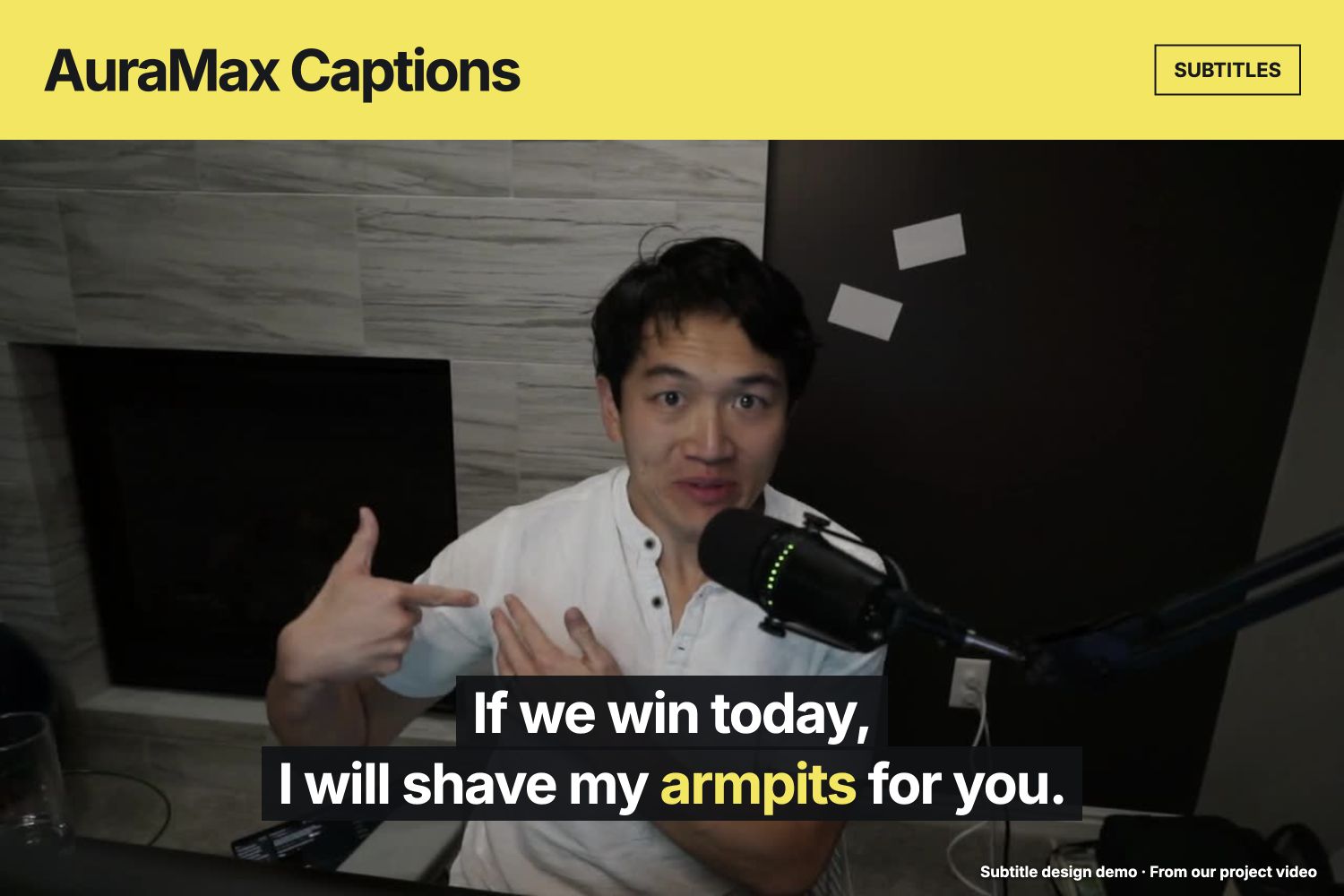
Bold subtitles over the opening moment from our project video. Subtitle design demo.
-
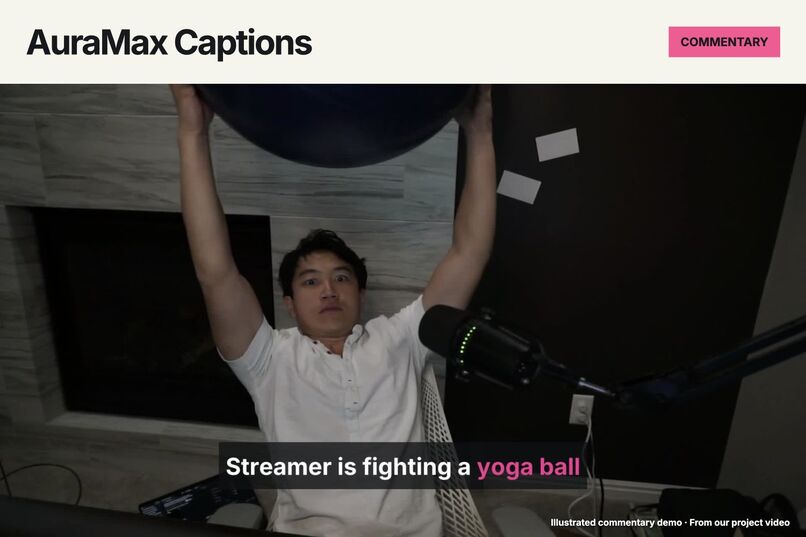
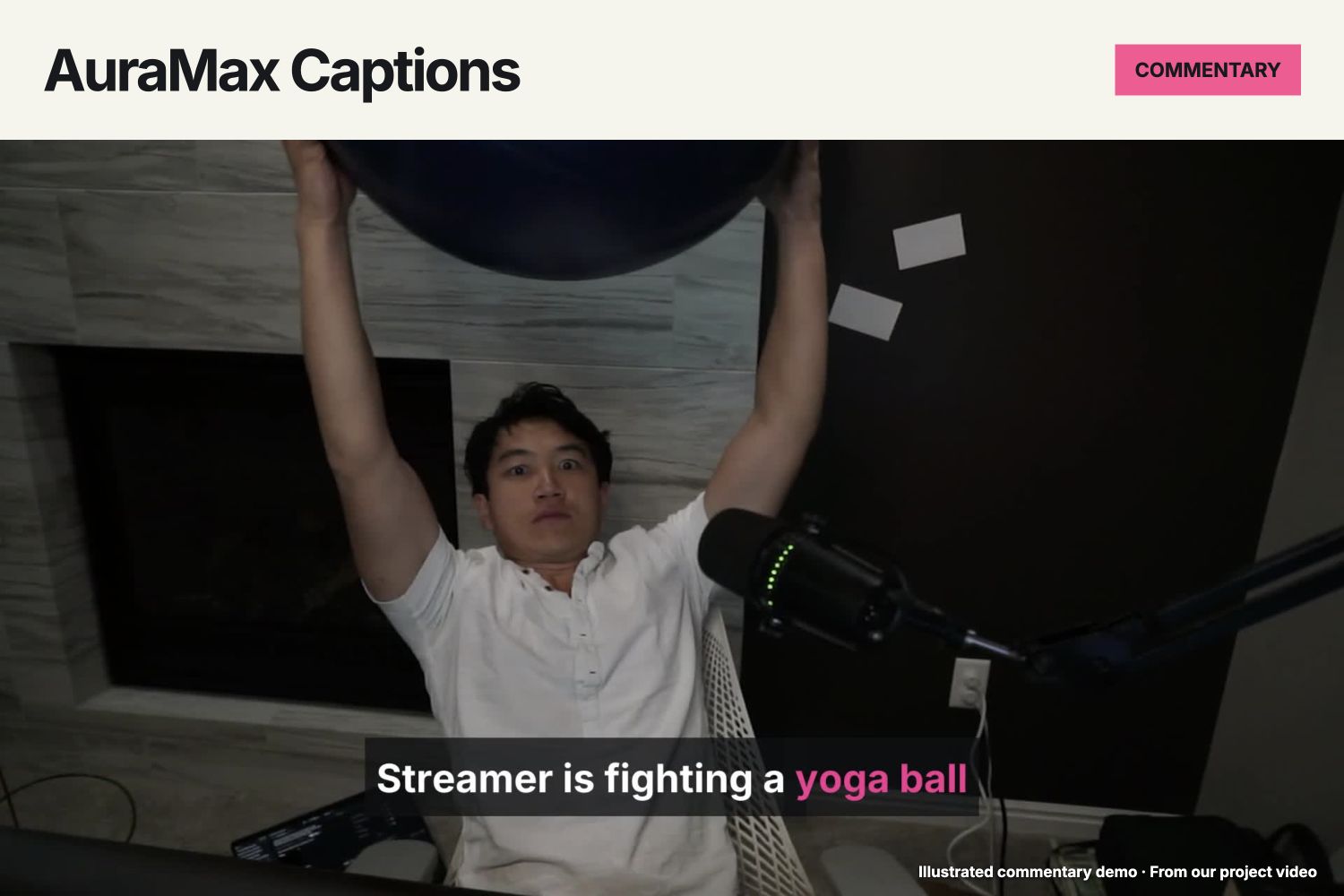
Streamer is fighting a yoga ball. Illustrated commentary from our project video.
-
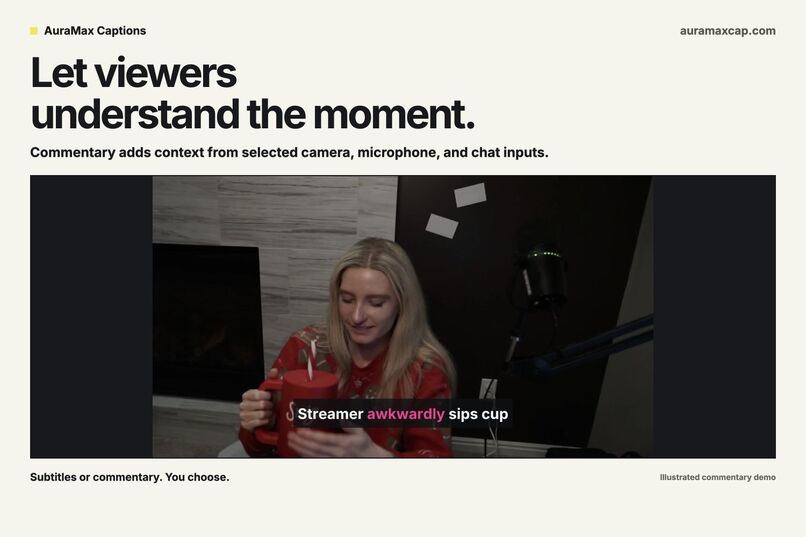
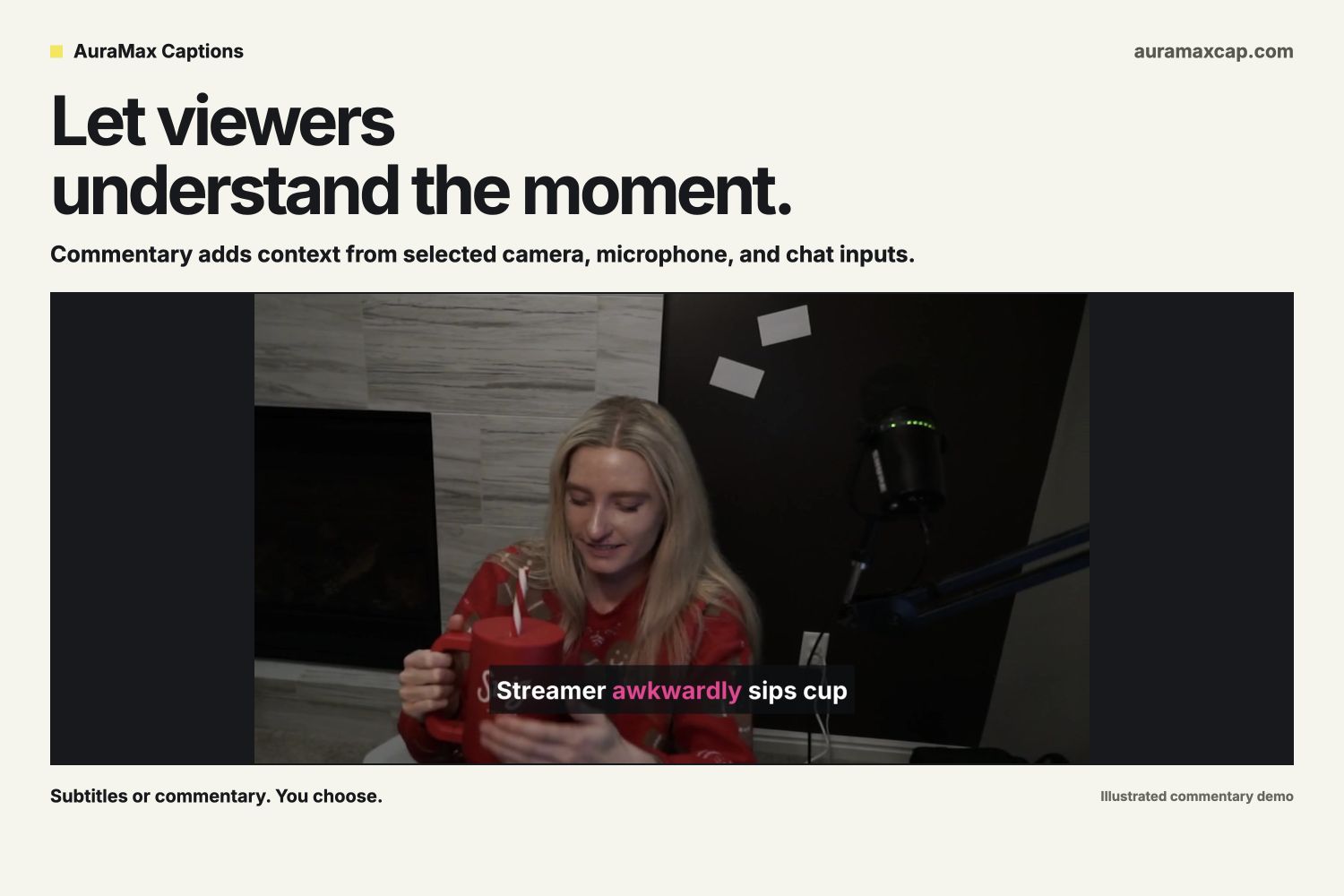
Commentary adds context from selected camera, microphone, and chat inputs. Illustrated demo.
-
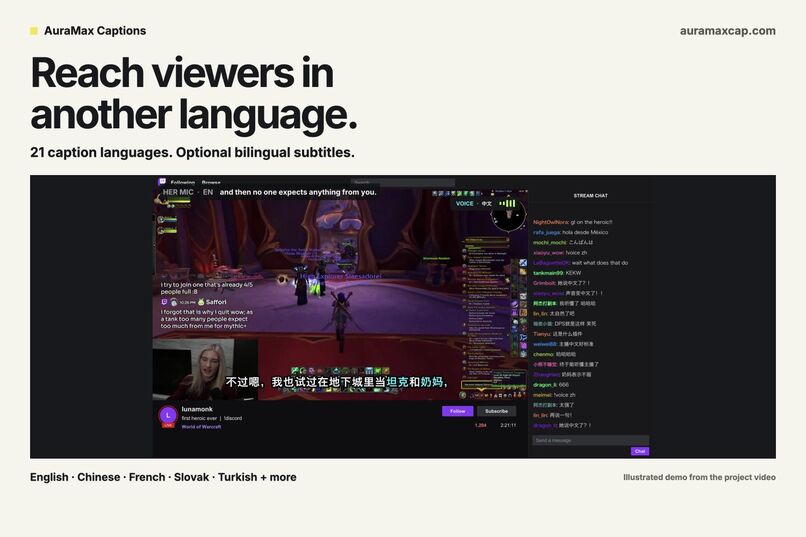
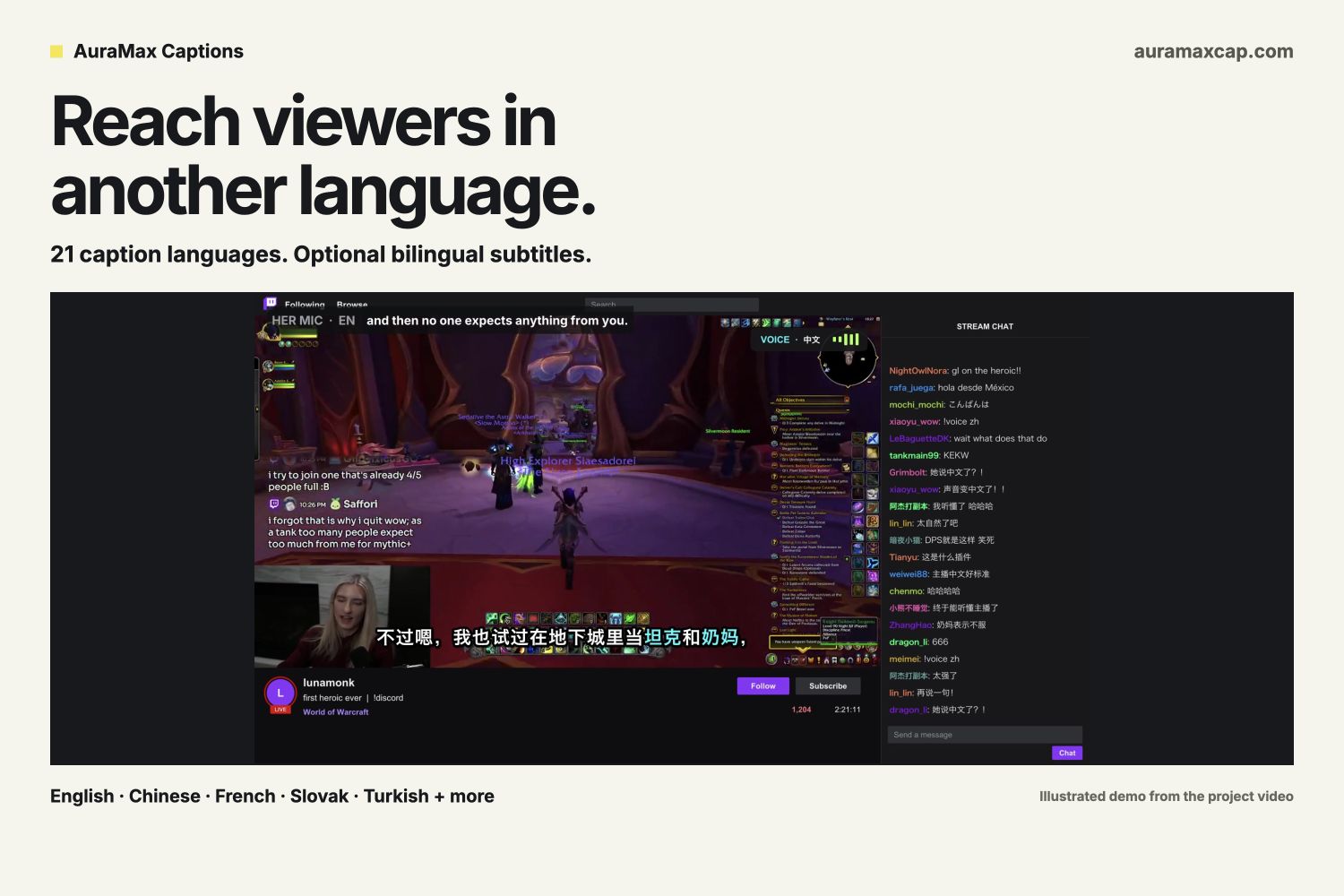
21 caption languages, with an optional second track. Illustrated multilingual demo from the project video.
-
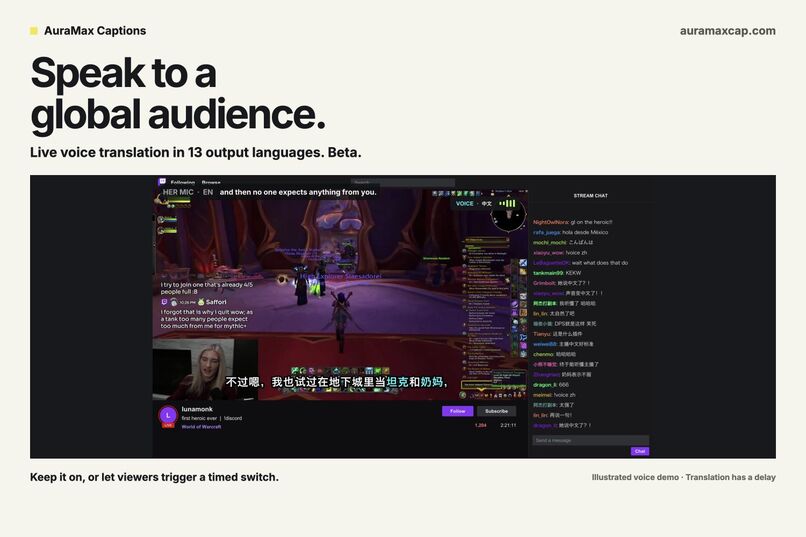
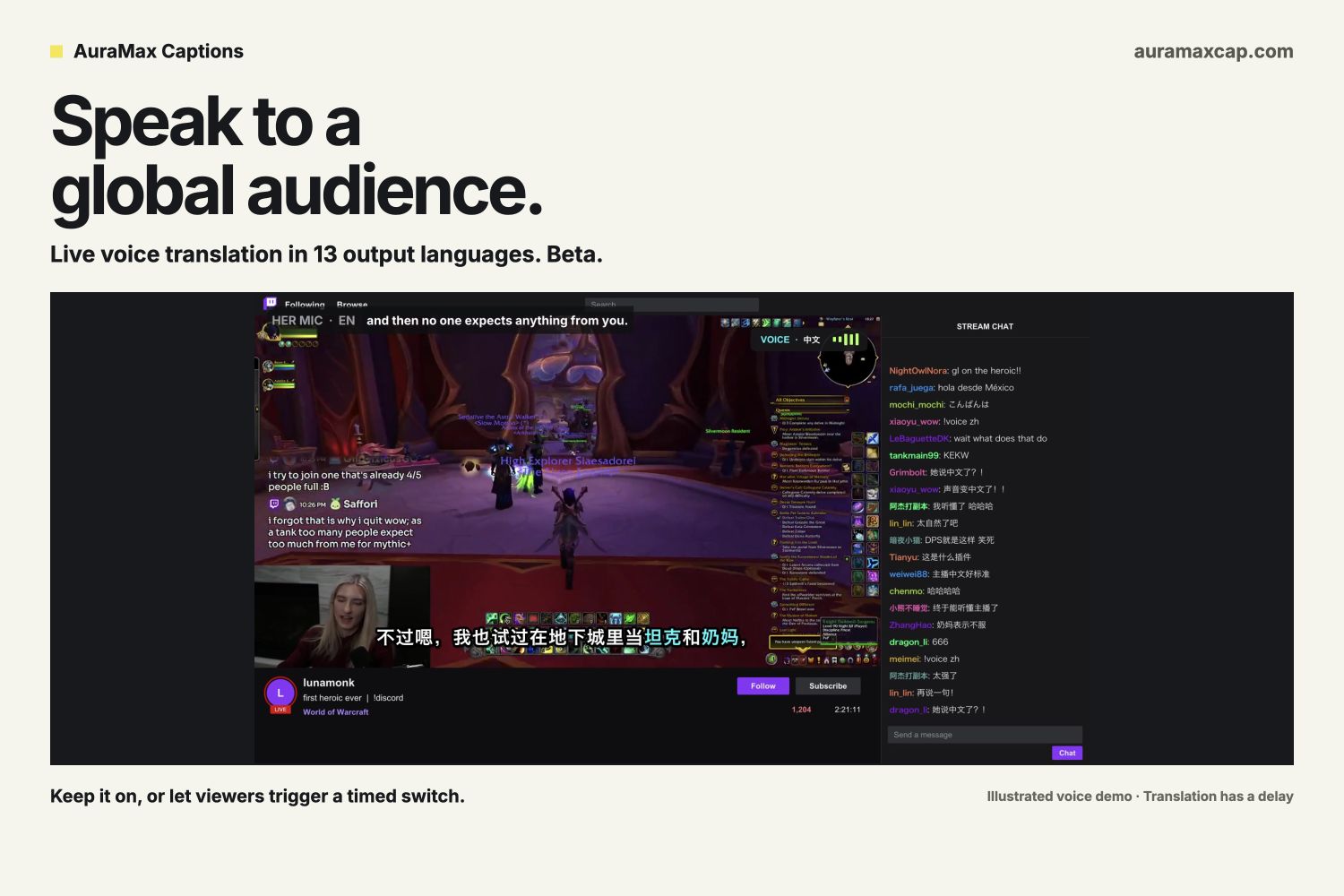
Live voice translation: 13 output languages, continuous or viewer-triggered. Beta. Illustrated demo; translation has a delay.
Expand your community with AuraMax Captions
Part of the inspiration came from spending a lot of time in multilingual Twitch chats across different time zones. I wanted a way to bring those communities together, so more people could understand the moment and join the conversation even when they spoke different languages.
I was also noticing captions in more and more videos, especially in feeds people scroll through with the sound off. That made me want the same option for live streams. Someone watching on mute should still be able to follow what is happening and decide whether they want to stay.
AuraMax Captions brings those ideas together: live captions and translation that help more people follow the stream, with interactive commentary and viewer controls that let the community take part.
How AuraMax Captions helps a channel reach more people
Make your stream understandable without audio. Someone watching on a train or in a quiet room can read what you are saying. Captions also help viewers who are deaf or hard of hearing follow speech. The goal is to give a new viewer enough context to stay and join the conversation.
Welcome audiences who speak another language. Speak English and show translated captions in Chinese, French, Korean, Slovak, Turkish, and more. AuraMax Captions offers 21 caption languages: English plus 20 translation targets. An optional second track lets you keep English on screen alongside a translation, so your existing community and a new language audience can follow the same moment.
Let viewers hear you in another language. Live voice translation, currently in beta, sends translated speech to the whole broadcast through OBS. Choose from 13 spoken output languages. Keep it on until you stop it, or let viewers trigger a temporary switch with a duration you choose. This opens another way to serve an international audience without requiring the creator to speak every language. Translation has a delay, and voice similarity and translation quality vary.
Give chat a role in the show. Viewers can use approved chat commands and Channel Points rewards to change caption styles, switch content modes, or turn up the commentary tone. Chat Chorus brings collective reactions into a single line, helping people follow what the community is reacting to without reading every message. Collective claims require multiple contributing viewers, rather than one person spamming.
These features address barriers to understanding and participation. Growing the channel is the ambition; we have not yet measured a retention or audience-growth lift.
Captions that fit the creator
Streamers choose between two main uses: Subtitles for their spoken words, or Commentary for observations and reactions. Commentary can use selected microphone, camera, and chat inputs, with tones ranging from factual to playful to roast. Generated commentary is kept separate from the actual spoken transcript.
Both use the same appearance controls: fonts, colors, emphasis, backgrounds, size, and placement. A second track is an advanced option with its own language and design. A streamer could show English subtitles with Chinese subtitles, or pair subtitles with Korean commentary.
Creators decide which viewer add-ons are allowed and how long they last. They can freeze the latest captions, hide the output immediately, and resume when ready. The community can participate within boundaries the creator sets.
How we built it with Codex
We used OpenAI Codex throughout product design, implementation, and testing. We brought real streamer workflows, screenshots, and feedback into the conversation, then iterated on the dashboard, Twitch connection, OBS output, translations, and viewer controls.
A major refactor replaced a crowded set of modes with two independent subtitle/commentary tracks. Codex helped separate capture, processing, and display so subtitle-only sessions use the microphone without running unnecessary camera or chat analysis.
The app uses a Node.js 24 server and native browser JavaScript. Twitch OAuth and EventSub connect chat and Channel Points events. OpenAI APIs power transcription, translation, observations, commentary, and translated speech. OBS Browser Sources deliver captions and audio to the broadcast.
Challenges and progress
Live captions must survive late translations, language changes, reconnects, and overlapping viewer effects. We added source revisions, bounded queues, and tests so old results cannot replace newer output.
Voice translation also exposed an awkward silence during startup. We now keep the original microphone audible until translated speech arrives, then switch the routed output. This improves the transition while preserving the reality that translation takes time.
The build passes 103 automated tests. We have also tested real translations, a live Twitch style command, a real webcam preview, and English microphone input translated into Chinese audio recorded through OBS. Longer real-stream testing and fluent-speaker review remain next steps.
Where this goes next
The current release is a local studio using the creator's own paid OpenAI API key. Captions and translated audio are broadcast-wide. The website at auramaxcap.com shows recorded demonstrations and provides early-access signup.
Next, we want individual viewers to choose their own experience: optional captions through Twitch's CC controls and a Twitch Extension with personal visibility and language settings. Hosted onboarding with Twitch sign-in would make getting started easier. These are planned features, not part of the current build.
The vision is a stream that more people can understand, in more languages and more viewing situations, with more ways to take part.
Built With
- javascript
- node.js
- openai
- twitch
