LetsHelp - Project Story
Inspiration
The inspiration for LetsHelp came from our member's volunteer work organizing technology support sessions at senior homes, where students would help elderly residents navigate their devices. The biggest difference was seeing the joy on seniors' faces when they could finally FaceTime their grandchildren or play their favorite music on YouTube. These seemingly simple tasks were mountains to climb for them, and having someone patient to walk them through made all the difference.
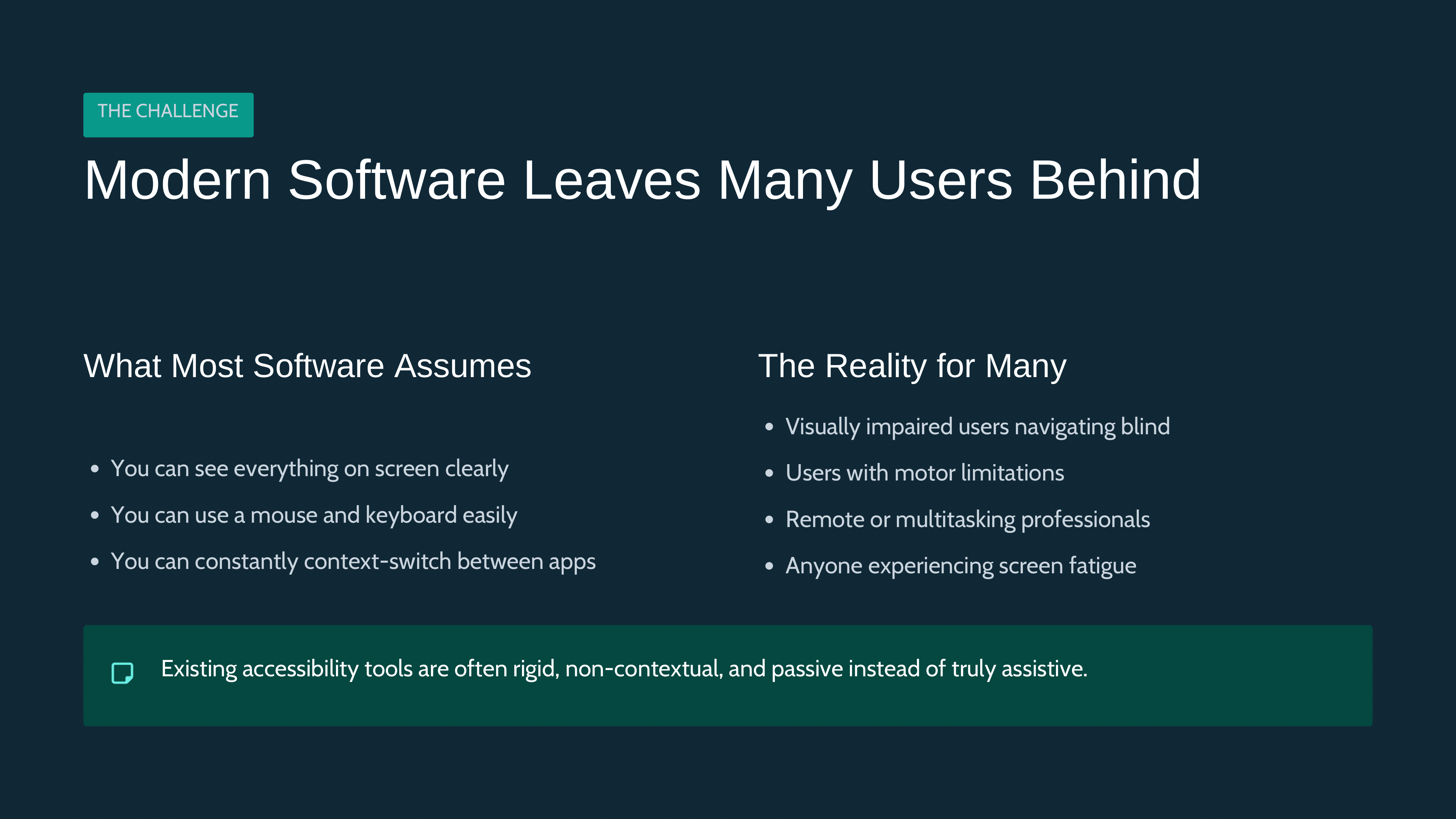
However, I quickly realized the system was broken. Students who wanted to help faced weeks-long vetting processes before they could even enter a senior home. The commute was another barrier. Meanwhile, seniors had no access to on-demand support. They'd wait days or weeks for the next volunteer session, unable to email family, listen to music, or perform basic tasks we take for granted.
Why can't seniors get tech support the same way we get everything else: instantly, on-demand, from anywhere? That question became LetsHelp.
What it does
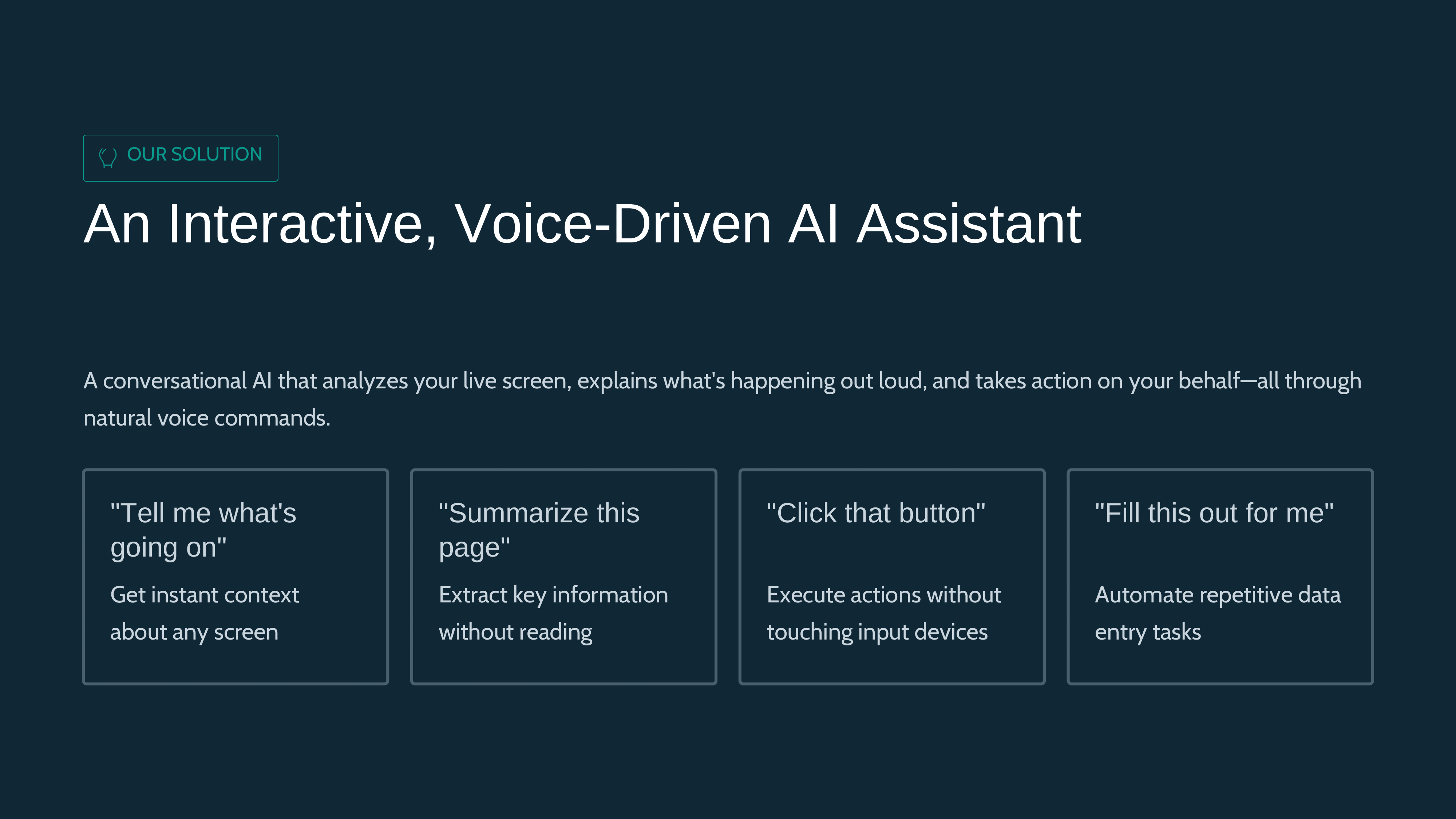
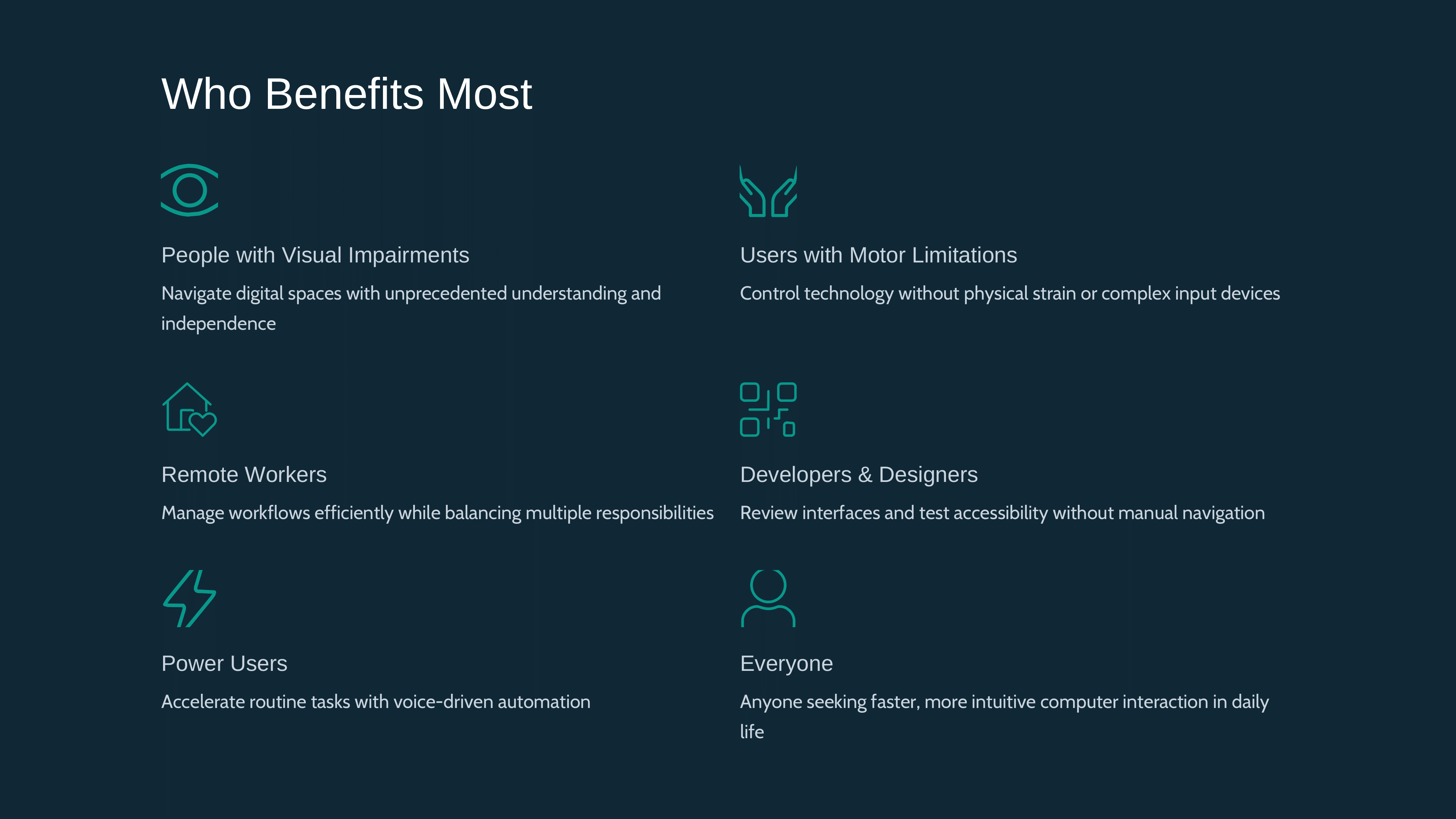
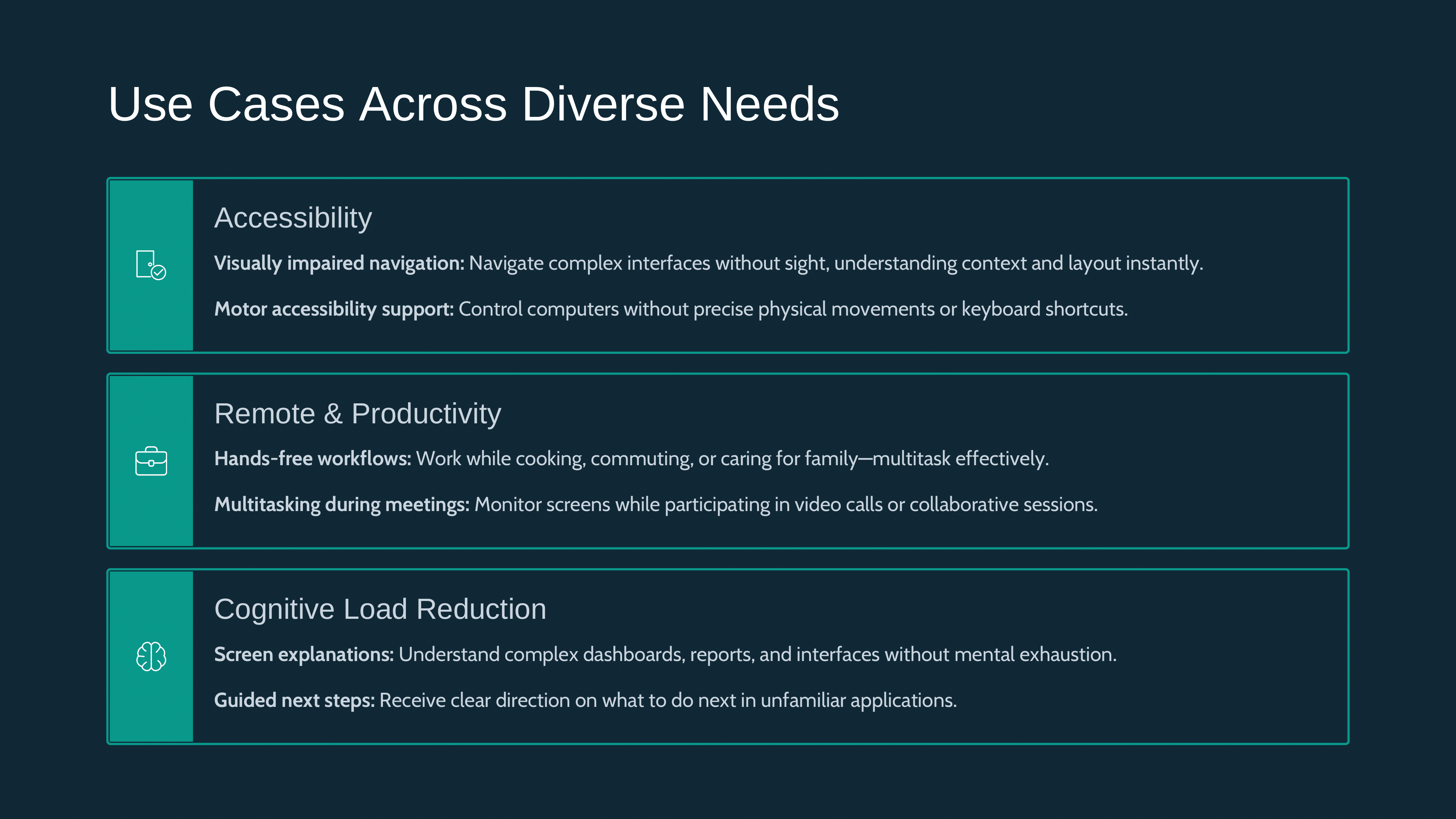
LetsHelp is an AI-powered tech support companion and hands-free computer assistant. While inspired by helping seniors, it's designed for anyone who wants to:
- Save time: Quickly compose emails, navigate applications, or perform repetitive tasks through voice commands
- Use their computer hands-free: Control your entire computer with just your voice - click buttons, type text, navigate applications without touching the keyboard or mouse
- Get instant tech support: Receive patient, step-by-step guidance for any task, whether you're learning a new app or stuck on something
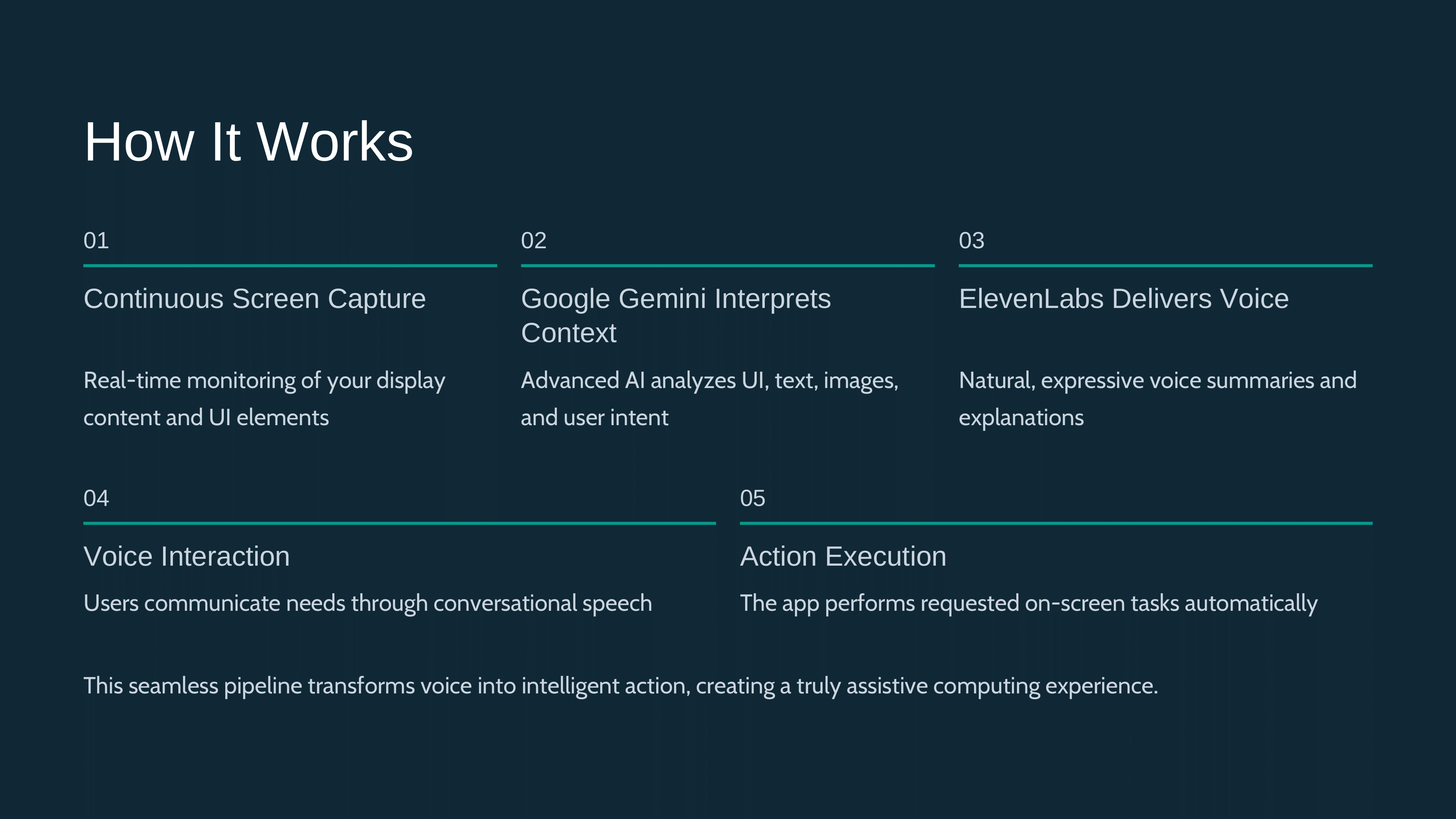
Here's how it works:
- Screen & Video Sharing: Users share their phone or computer screen along with video and audio
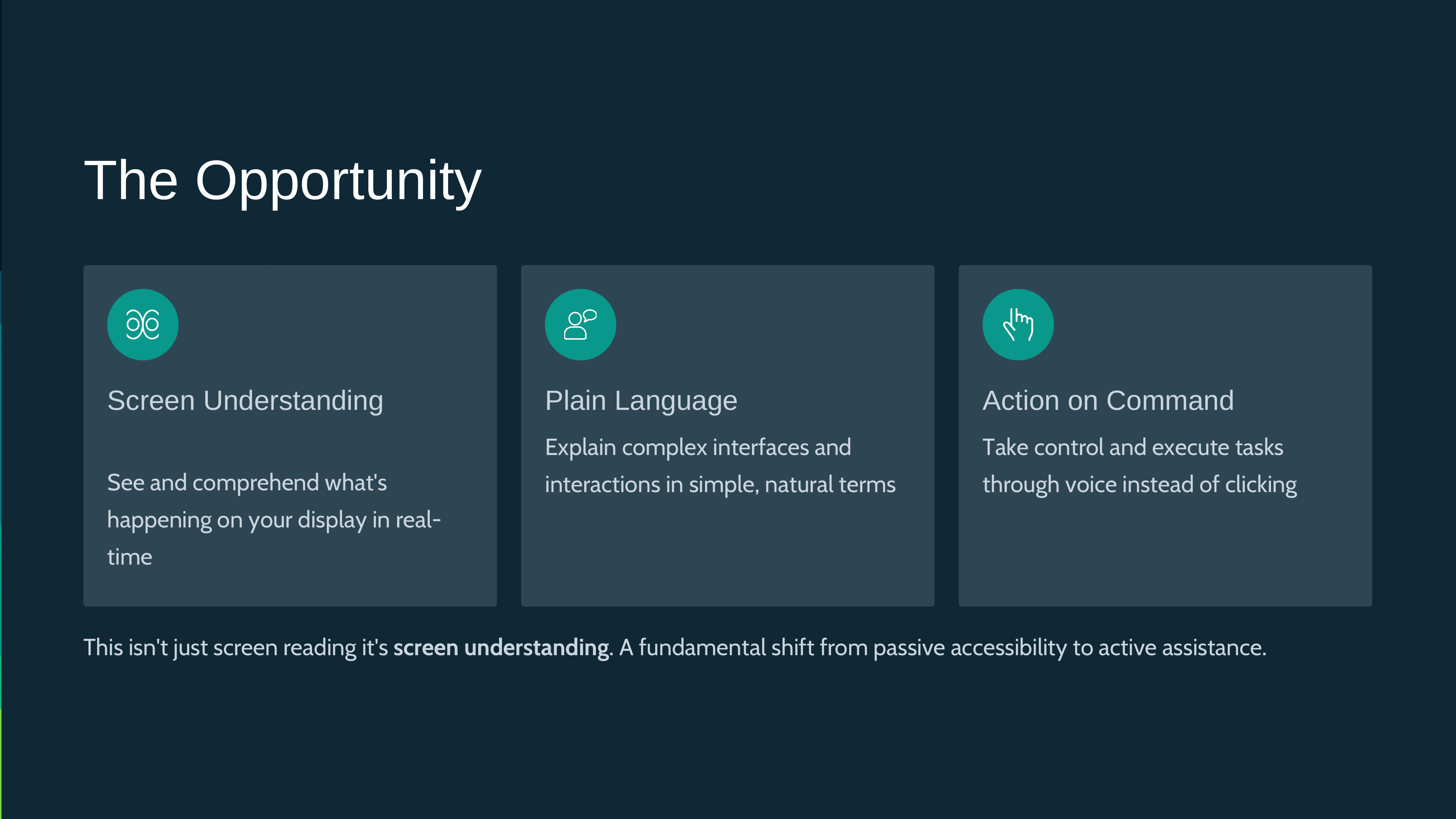
- AI Visual Understanding: Using Gemini's vision capabilities, the AI sees exactly what's on their screen in real-time
- Voice Interaction: Through ElevenLabs' natural voice synthesis, the AI speaks in a warm, patient tone just like talking to a real person
- Step-by-Step Guidance: The AI walks users through tasks at their own pace, whether it's sending an email, playing music on YouTube, or setting up a video call
- Hands-Free Automation: The desktop version can automatically click, type, and navigate - perfect for multitasking or accessibility needs
Use Cases:
- Productivity: "Open my email and create a new email to John" - compose emails without typing
- Entertainment: "Play classical music for sleep on YouTube" - navigate media hands-free
- Learning: Get step-by-step guidance for any application or task
- Accessibility: Control your computer entirely through voice commands
- Tech Support: Instant help when you're stuck, without waiting for human support
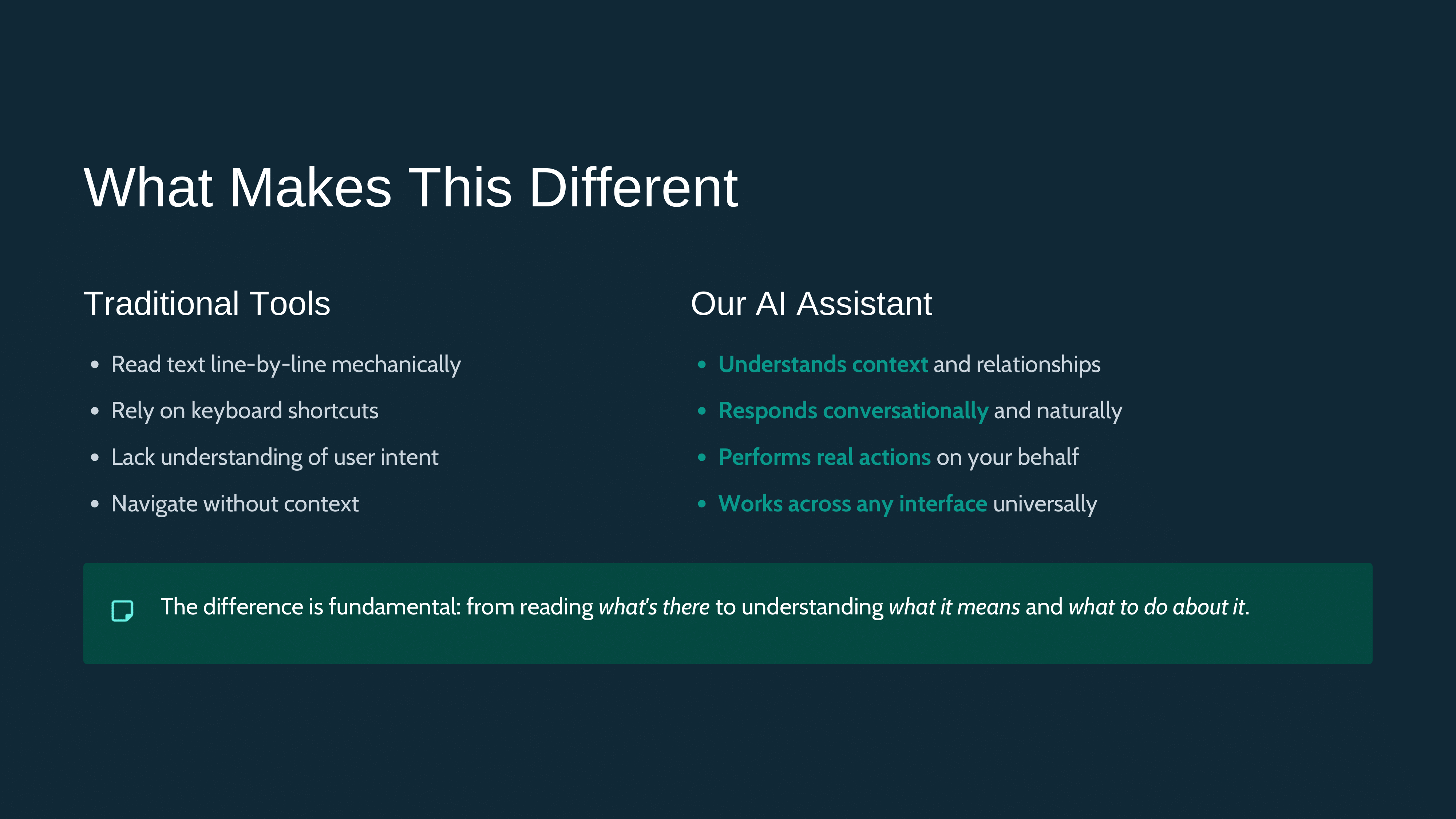
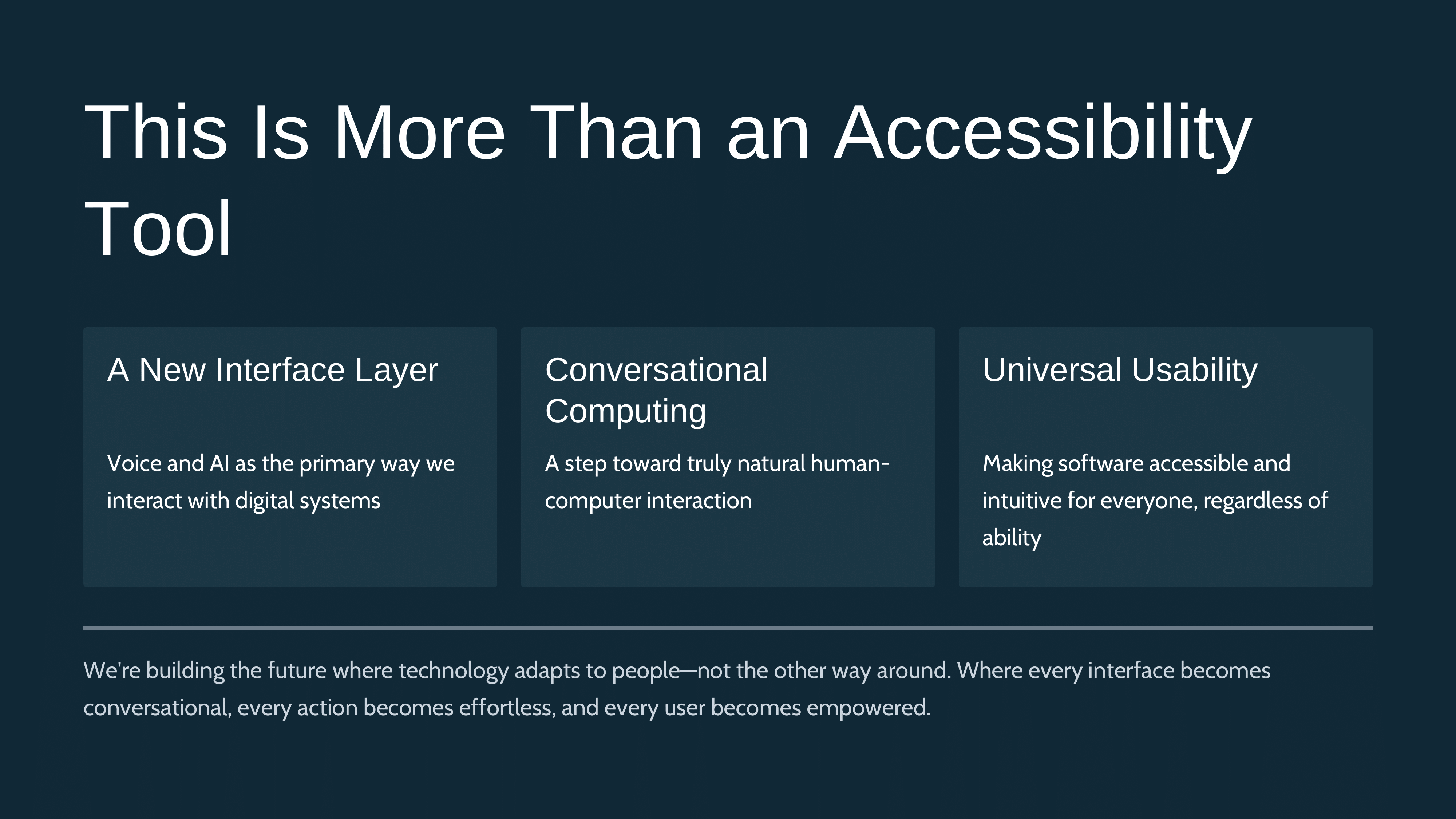
Most importantly: LetsHelp makes technology more accessible and efficient for everyone, whether you're a senior learning new apps, a busy professional saving time, or anyone who prefers hands-free computing.
How we built it
Tech Stack:
- Google Gemini AI: Powers the visual understanding and reasoning engine, allowing the AI to "see" the user's screen and understand their device interface
- ElevenLabs: Provides natural, empathetic text-to-speech that makes interactions feel warm and human
- Real-time Screen Sharing: Custom implementation using LiveKit to capture and stream screen content with minimal latency
- Voice Recognition: Deepgram captures and processes user's speech input for natural conversation flow
- Desktop Automation: Electron-based desktop application with xdotool (Linux) for hands-free computer control
Architecture:
- Client-side app captures screen + audio/video streams
- Streams are processed in real-time and sent to our backend
- Gemini analyzes the screen content and conversation context
- AI generates patient, step-by-step instructions
- ElevenLabs converts text responses to natural speech
- Voice guidance is streamed back to the user
We focused heavily on accessibility design (large buttons, simple UI, clear visual feedback) recognizing that if our users could easily navigate complex apps, they wouldn't need LetsHelp in the first place.
Google Gemini Integration
Gemini's Role in LetsHelp:
Gemini serves as the core intelligence engine of LetsHelp, providing several critical capabilities:
Visual Screen Analysis: Gemini's vision API analyzes screenshots of the user's screen in real-time, identifying UI elements, buttons, text fields, and interface components. This allows the AI to understand exactly what the user is seeing and where they are in any application.
Natural Language Command Interpretation: When users speak commands like "open my email and create a new email" or "click the blue button in the top right," Gemini interprets these natural language instructions and breaks them down into actionable steps.
Multi-Step Task Planning: Gemini can understand complex, multi-step commands and generate a sequence of automation actions. For example, "open my email and create a new email" becomes a series of precise clicks, types, and navigation steps.
Context-Aware Assistance: Gemini maintains context throughout the conversation, understanding references to previous actions and adapting instructions based on what it sees on the screen.
Coordinate Generation: Gemini analyzes screenshots and generates precise pixel coordinates for UI elements, enabling the desktop automation system to click exactly where needed.
Error Recovery: When something goes wrong or the user gets stuck, Gemini can analyze the current screen state and provide alternative approaches or troubleshooting steps.
Technical Implementation:
- Uses Gemini 2.0 Flash model for fast, real-time responses
- Processes screenshots with dimension metadata for accurate coordinate mapping
- Handles both single actions and multi-step command sequences
- Integrates with image analysis API to understand visual context
ElevenLabs Text-to-Speech
ElevenLabs' Role in LetsHelp:
ElevenLabs provides the voice that makes LetsHelp feel like talking to a real person:
Natural Voice Synthesis: Converts Gemini's text responses into natural, human-like speech that sounds warm and empathetic, not robotic.
Emotional Tone: The AI voice maintains a patient, encouraging tone throughout interactions, which is crucial for users who may feel frustrated or embarrassed about needing help.
Clear Articulation: Ensures instructions are clearly spoken and easy to understand, important for users in noisy environments or with hearing difficulties.
Real-Time Audio Streaming: Provides immediate audio feedback as the AI processes commands and generates responses, creating a conversational flow.
Technical Implementation:
- API integration for text-to-speech conversion
- Base64 audio encoding for efficient transmission
- Seamless playback in the browser/desktop application
- Supports multiple voice options for personalization
Linux AppImage Distribution
Desktop Application Distribution:
For Linux users, LetsHelp is distributed as an AppImage, providing a portable, self-contained application:
AppImage Format: The Electron desktop application is packaged as an AppImage, which is a universal Linux application format that works across different Linux distributions without installation.
No Installation Required: Users can download the AppImage file, make it executable, and run it directly - no package manager, no dependencies to install separately.
Portable: The AppImage contains all necessary dependencies bundled within, making it easy to run on any Linux system.
Easy Distribution: AppImages can be easily shared and distributed, making it simple for anyone to get the application running without technical expertise.
Building the AppImage:
- Uses Electron Builder to package the application
- Includes all Node.js dependencies and Electron runtime
- Bundles xdotool automation capabilities for Linux
- Creates a single executable file that runs on most Linux distributions
Challenges we ran into
1. Real-time Performance: Balancing screen sharing quality with AI processing speed was tricky. Users need immediate feedback, but we also needed high-quality visuals for accurate AI understanding.
2. Designing for True Accessibility: We had to constantly remind ourselves: our users struggle with technology. Every design decision had to account for limited tech literacy from onboarding to error handling.
3. Creating Empathetic AI: Teaching the AI to be patient, never condescending, and to repeat instructions without frustration required extensive prompt engineering. The AI needed to understand that "click the blue button" might need to be explained as "the blue rectangle with white text in the bottom right corner."
4. Audio-Visual Sync: Coordinating what the AI "sees" on screen with what it "hears" from the user, then responding coherently, required careful state management.
5. Handling Diverse Devices: Seniors use everything from old Android phones to iPads to Windows computers. Making our solution work across this fragmented ecosystem was complex.
6. Coordinate Mapping Accuracy: Ensuring that Gemini's coordinate generation from screenshots accurately translates to actual mouse clicks on different screen resolutions and HiDPI displays required extensive calibration and testing.
7. Audio Processing: Handling audio transcription errors and ensuring complete audio chunks are collected before sending to Deepgram required careful MediaRecorder implementation.
Accomplishments that we're proud of
✨ We created truly on-demand tech support: no vetting process, no commute, no waiting. Just instant help whenever a senior needs it.
✨ We solved the accessibility paradox: our app is easy enough for people who struggle with technology to actually use.
✨ We preserved the human element: the AI doesn't just solve problems; it provides the companionship and patience that made our in-person volunteer sessions so impactful.
✨ We built something that scales globally: unlike volunteer programs limited by geography and capacity, LetsHelp can help millions of users simultaneously, anywhere in the world.
✨ We turned personal volunteer experience into technological innovation: taking lessons from the ground level and building a solution that addresses real, observed needs.
✨ We achieved accurate desktop automation: solved complex coordinate mapping challenges to enable precise mouse and keyboard control across different screen configurations.
What we learned
Technical Learnings:
- Real-time multimodal AI is incredibly powerful but requires careful optimization
- Voice synthesis quality dramatically impacts user trust and comfort
- Screen sharing at scale requires clever compression and streaming strategies
- Coordinate mapping between screenshot space and physical screen coordinates requires careful handling of HiDPI displays and scaling factors
- MediaRecorder requires explicit data chunk collection to ensure complete audio before processing
Human-Centered Design:
- Patience is a feature, not just a quality: Every interaction needs to account for users who might take 30 seconds to find a button
- Context matters immensely: The same instruction needs to be phrased differently for an iPhone vs. Android vs. computer
- Emotional design is critical: Users aren't just frustrated by tech, they often feel ashamed or embarrassed. Our AI needed to be encouraging and judgment-free
- Efficiency matters: For power users, the AI needs to execute commands quickly and accurately to save time
Impact Insights:
- Technology isolation is a real problem affecting millions of seniors, but hands-free computing benefits everyone
- The barrier is access to patient, on-demand support and efficient automation
- Voice-first computing can dramatically improve productivity and accessibility for all users
What's next for LetsHelp
Immediate Roadmap:
- Proactive Assistance: AI that can detect when seniors are stuck and offer help before they ask
- Learning Profiles: System that remembers individual users' devices and preferences to provide increasingly personalized support
- Family Integration: Allow family members to check in, see what help their elderly relatives needed, and even join sessions when needed
Long-term Vision:
- Partnerships with Communities: Work directly with senior homes, assisted living facilities, and organizations to provide institutional support
- Multilingual Support: Expand beyond English to serve users worldwide
- Beyond Tech Support: Expand to help with other digital tasks like online shopping, telehealth navigation, social media connection
- Volunteer Integration: Create a hybrid model where human volunteers can step in for complex issues or simply to chat
- Accessibility Features: Add support for visual/hearing impairments
- Cross-Platform AppImages: Expand AppImage distribution to include Windows and macOS versions
Ultimate Goal: Make technology more accessible and efficient for everyone. Whether you're a senior learning to FaceTime grandchildren, a professional saving time on emails, or anyone who wants hands-free computer control - LetsHelp makes technology work for you, not against you.
Built with ❤️ for the seniors who taught us that the best technology is the kind that brings people together.
Technical Details
Two Versions Available
🌐 Web Version (Browser)
- Works in any modern browser
- Screen sharing and voice guidance
- Limitation: Cannot directly control other applications (browser security)
- Best for: Remote assistance, guidance, and screen sharing
💻 Desktop Version (Electron)
- Full system automation capabilities
- Can click buttons, type text, press keys in any application
- Distributed as Linux AppImage for easy installation-free deployment
- Requires xdotool on Linux for automation
- Best for: Full automation and hands-free computer control
Quick Start
Web Version
# Install dependencies
npm install

# Start development server
npm run dev

# Open http://localhost:3000
Desktop Version (Linux)
# Install dependencies
npm install

# Make sure xdotool is installed
sudo apt-get install xdotool  # Ubuntu/Debian
# or
sudo dnf install xdotool      # Fedora

# Run desktop app
npm run electron:dev
Building
Web Version
npm run build:web
npm start
Desktop Version (Linux AppImage)
npm run build:desktop
# Built AppImage will be in dist-electron/
# Make executable: chmod +x LetsHelp-*.AppImage
# Run: ./LetsHelp-*.AppImage
Environment Variables
Create a .env file with:
# Gemini AI
GEMINI_API_KEY=your_gemini_api_key

# ElevenLabs TTS
ELEVENLABS_API_KEY=your_elevenlabs_api_key

# Deepgram Speech Recognition (for Electron)
DEEPGRAM_API_KEY=your_deepgram_api_key

# LiveKit
LIVEKIT_URL=wss://your-livekit-server.com
LIVEKIT_API_KEY=your_api_key
LIVEKIT_API_SECRET=your_api_secret

# Supabase (optional)
NEXT_PUBLIC_SUPABASE_URL=your_supabase_url
NEXT_PUBLIC_SUPABASE_ANON_KEY=your_supabase_anon_key
Architecture
- Frontend: Next.js 16 + React 19 + Chakra UI
- Screen Sharing: LiveKit
- AI Vision: Google Gemini 2.0 Flash
- Text-to-Speech: ElevenLabs
- Speech Recognition: Deepgram
- Desktop Automation: Electron + xdotool (Linux)
- Distribution: AppImage for Linux
Platform Support
- ✅ Linux: Full automation support via xdotool, distributed as AppImage
- ✅ Windows: Can be added (would use different automation tools)
- ✅ macOS: Can be added (would use AppleScript/accessibility APIs)
- ✅ Web: Works on all platforms (guidance only, no automation)
Security
The desktop version requires system-level permissions to:
- Control mouse and keyboard
- Take screenshots
- Interact with other applications
Users will be prompted to grant these permissions.
License
Private project
Built With
- electron
- elevenlabs
- gemini
- javascript
- next.js
- python
- react
- typescript


Log in or sign up for Devpost to join the conversation.