-
-
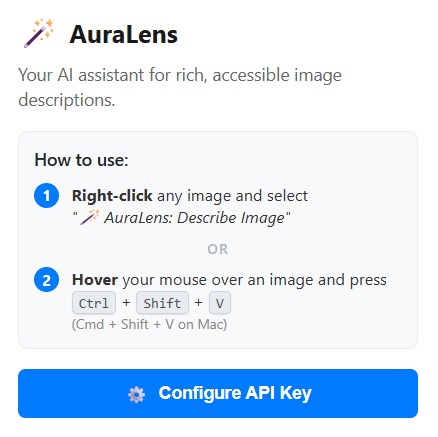
Auralens extention popup
-
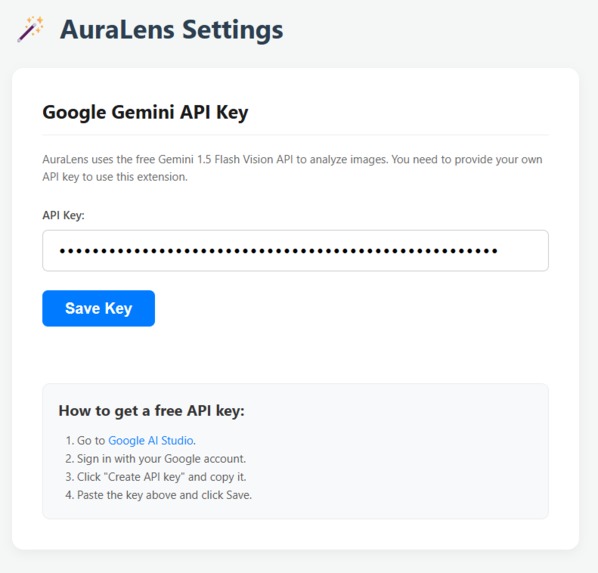
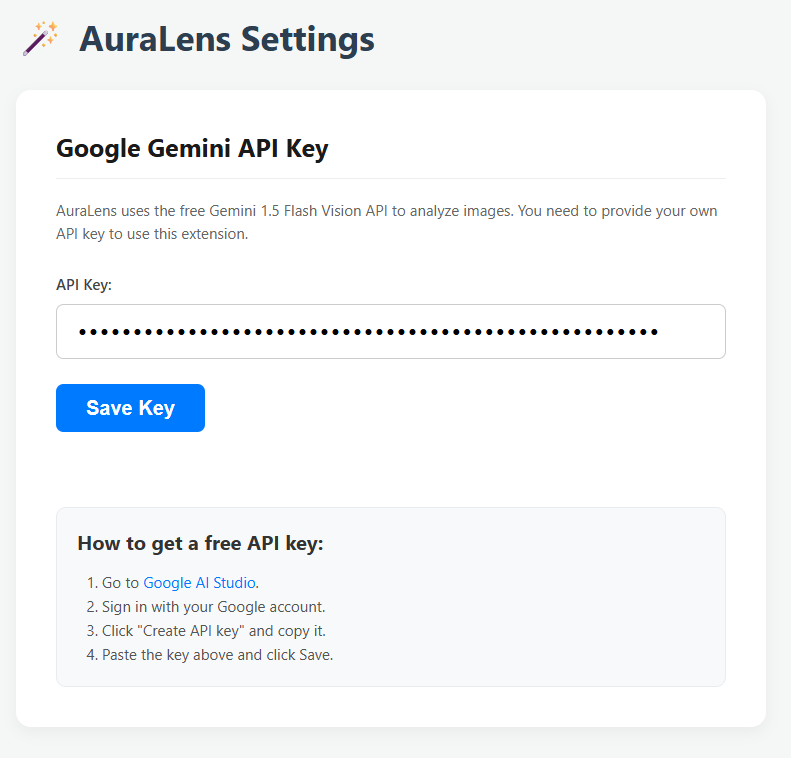
Auralens Gemini API setup
-
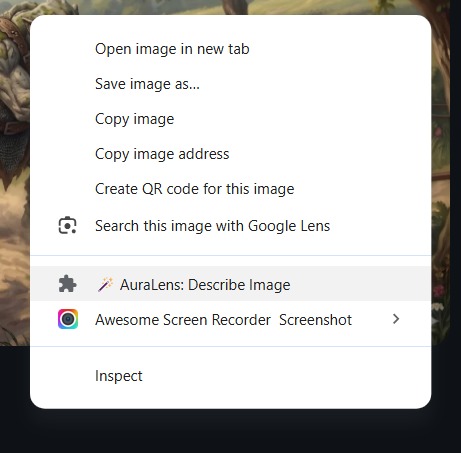
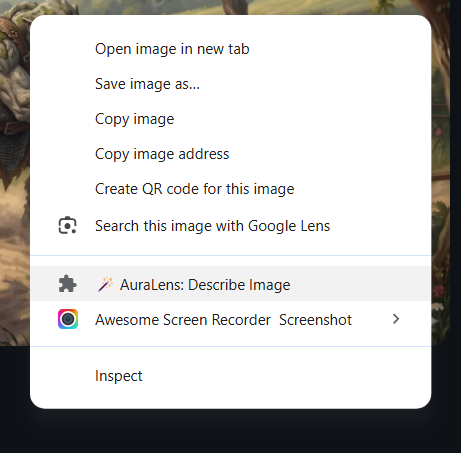
Auralens on browser right click menue
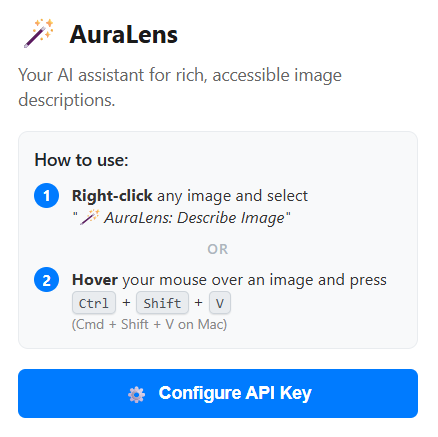
Inspiration
For visually impaired individuals, the visual web is often reduced to a series of dry, literal alt-text descriptions like "A dog in a park"—and that's only if the creator bothered to include alt-text at all. We realized that much of the internet's emotional depth, atmosphere, and "vibe" is lost when images aren't described with care. Our inspiration was to shift the power back to the user, allowing them to instantly generate rich, contextually aware audio descriptions for any image they encounter online, regardless of the original website's accessibility standards.
What it does
AuraLens is a lightweight, on-demand Chrome extension that acts as an emotional lens for the internet. When a user right-clicks an image or hovers over it and presses a keyboard shortcut (Ctrl+Shift+U), AuraLens instantly analyzes the image using Google's Gemini Vision AI. Instead of a literal, robotic description, it generates 2-3 short, highly descriptive sentences focusing on the mood and atmosphere. The extension then seamlessly reads this description aloud using the browser's native Text-to-Speech (TTS) engine, accompanied by a sleek visual toast notification.
How we built it
We built AuraLens using vanilla web technologies to keep the extension incredibly lightweight, fast, and completely free of heavy dependencies.
- The Core: The extension relies on Chrome's Manifest V3 architecture. We utilized a Service Worker (
background.js) to handle the heavy lifting: managing context menus, intercepting keyboard shortcuts, and securely communicating with the AI. - The Intelligence: We integrated the Google Gemini API, specifically leveraging its powerful multimodal vision capabilities to "see" the images.
- Dynamic Routing: To ensure the extension never breaks, we engineered a dynamic model-selection algorithm. Before processing an image, AuraLens queries the Gemini
ListModelsAPI endpoint to automatically discover and select the most capable vision model (likegemini-2.5-flash) that the user's specific API key has access to. This bulletproofs the app against 404 errors and deprecated model strings. - The UI: We injected a lightweight
content.jsscript into the active tab to track mouse states for shortcut targeting and to render a beautiful, non-intrusive glassmorphic toast notification while the AI processes the image.
Challenges we ran into
One of our biggest hurdles was dealing with the fast-paced evolution of AI models. During development, we initially hardcoded a model name, which led to unexpected 404 Not Found errors when certain experimental or deprecated models were removed by Google. We solved this by building the robust, dynamic model selector that queries the API directly to verify the availability of generateContent methods before executing the prompt.
Additionally, ensuring the AI didn't return markdown (like asterisks or bold tags) that the Text-to-Speech engine would awkwardly read aloud required careful prompt engineering and client-side string sanitization.
Accomplishments that we're proud of
We are incredibly proud of the seamless, native-feeling user experience. By bypassing complex setups and simply requiring an API key, we created a tool that solves a real accessibility problem instantly. The dynamic model selection ensures long-term reliability, and the decision to use the native Chrome TTS engine means the extension requires zero external dependencies for audio playback, keeping it completely free and incredibly fast.
What we learned
We learned a great deal about Chrome Extension Manifest V3 security policies, specifically how to pass messages between isolated content scripts and background service workers securely. We also deepened our understanding of the Google Gemini API ecosystem, learning how to handle dynamic model discovery and strict prompt formatting for audio-first consumption.
What's next for AuraLens
In the future, we plan to add multi-language support so users can have images described in their native tongue. We also want to explore adding an interactive "detailed mode" for users who want to pause and ask follow-up questions about specific elements inside the image they are "looking" at!
- Built with html, css, javascript, chrome-extension, google-gemini-api
Built With
- chrome
- css3
- google-gemini-api
- html5
- javascript


Log in or sign up for Devpost to join the conversation.