-
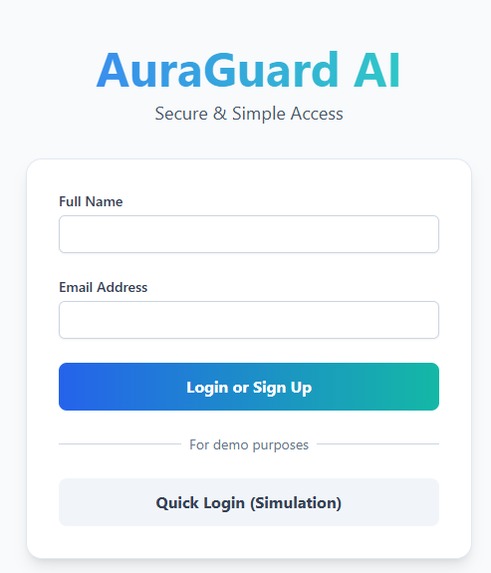
App presentation
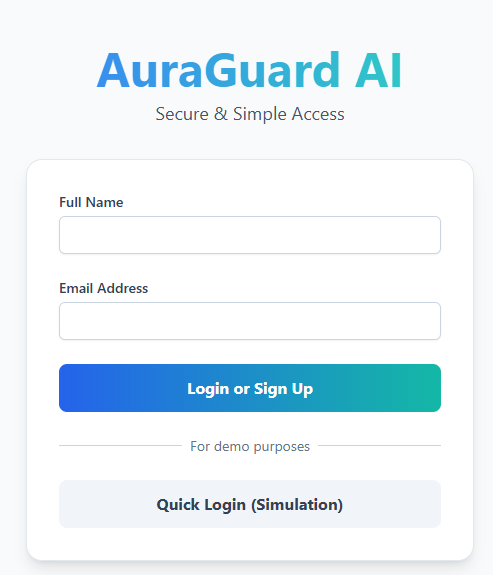
AuraGuard AI
AuraGuard AI is an intelligent medication adherence agent designed to help users manage their prescriptions effectively. By leveraging multimodal AI, the application can:
- Extract medication details from an uploaded prescription document.
- Verify medication correctness by analyzing photos of the product bottles.
- Calculate the treatment duration and determine refill dates.
- Schedule and configure browser-based refill alerts.
How to Use
- Start the Demo: Open the application in your browser.
- Upload Prescription: Begin by uploading a clear image or PDF of your medical prescription.
- Upload Medication Photos: Follow the on-screen prompts to take or upload photos of each medication bottle listed on the prescription.
- Set Alarms: Review the calculated refill schedule and activate the browser-based alarms.
- Share (Optional): Share the configured alarm schedule with a caregiver or contact.
API Key Configuration (Local Setup)
To run this project locally, you need to provide a Gemini API key. The application is configured to read this key from an environment variable.
Create a
.envfile: In the root directory of the project, create a new file named.env.Add the API Key: Open the
.envfile and add the following line, replacing"TU_CLAVE_AQUI"with your actual Gemini API key:# Gemini API Key for AuraGuard AI API_KEY="TU_CLAVE_AQUI"Restart your development server. The application will now be able to securely access the API key.
Important: The .gitignore file is already configured to prevent your .env file from being uploaded to any public repository, keeping your key secure.

Log in or sign up for Devpost to join the conversation.