-
-
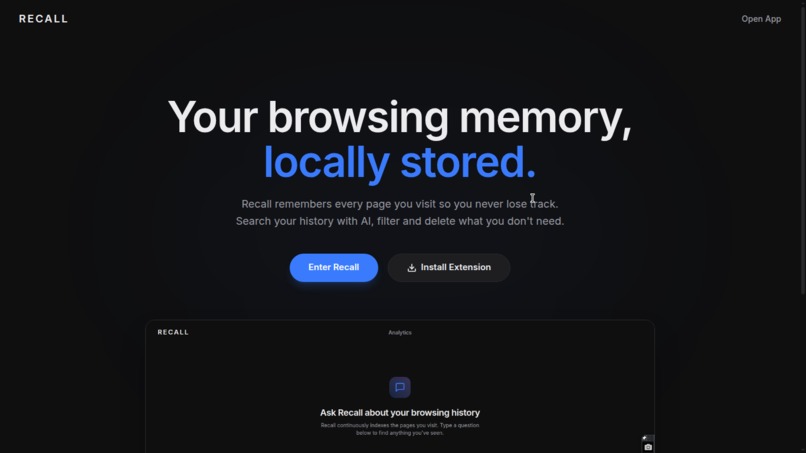
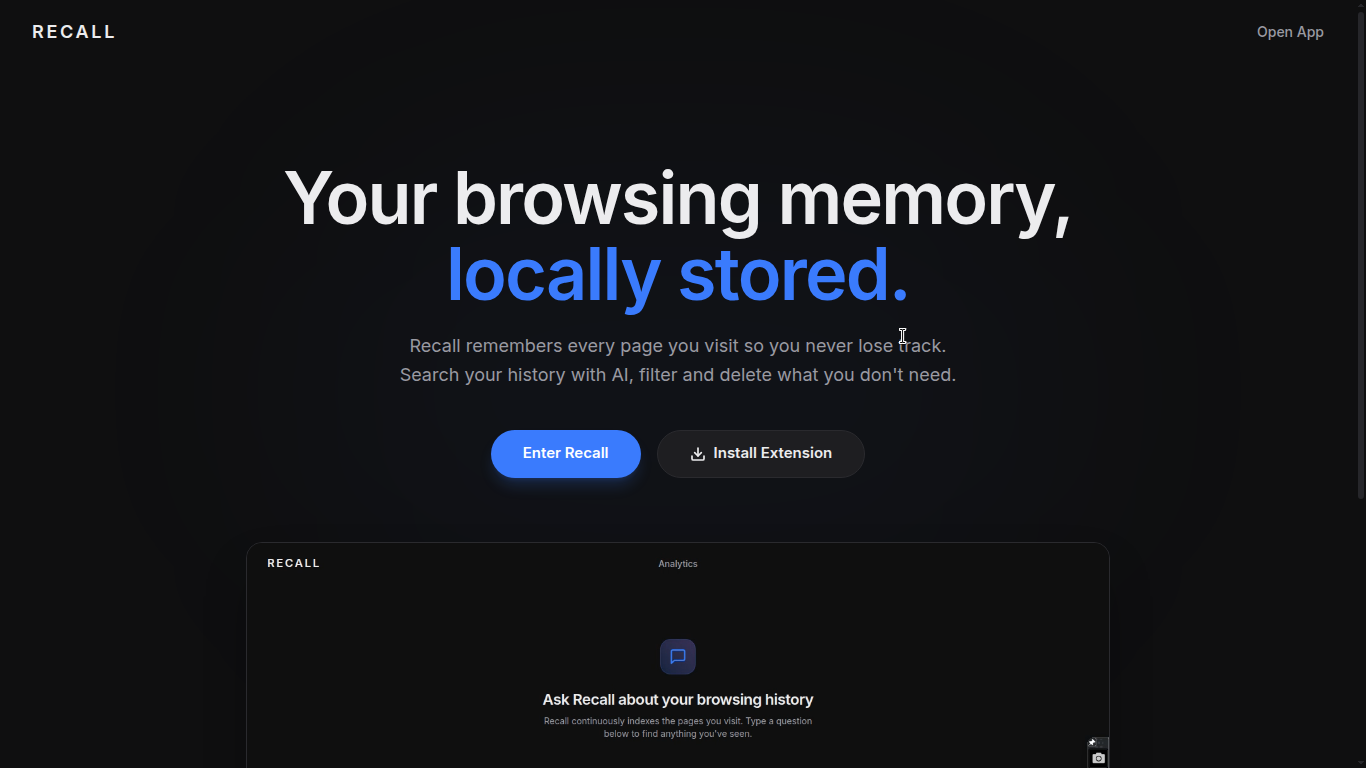
Landing Page
-
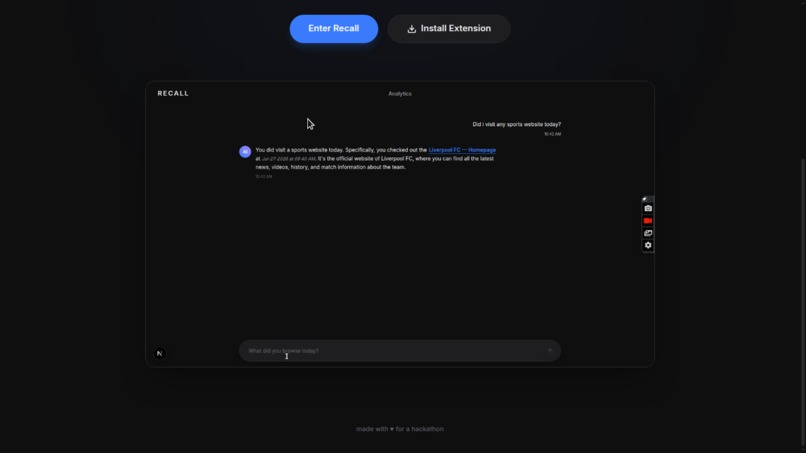
landing page
-
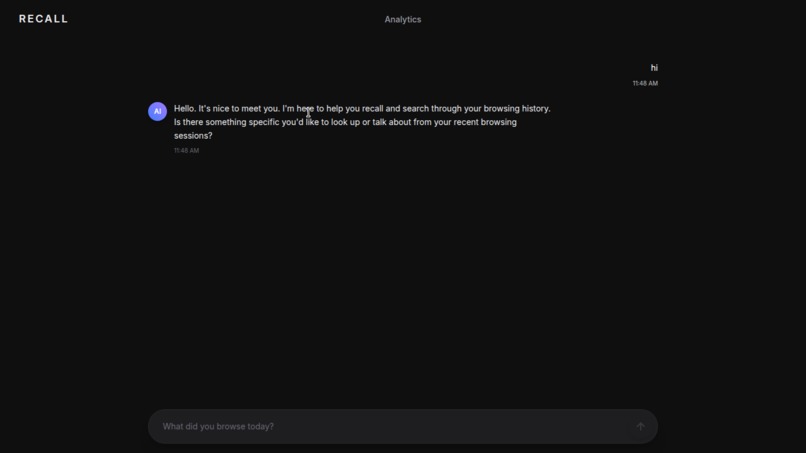
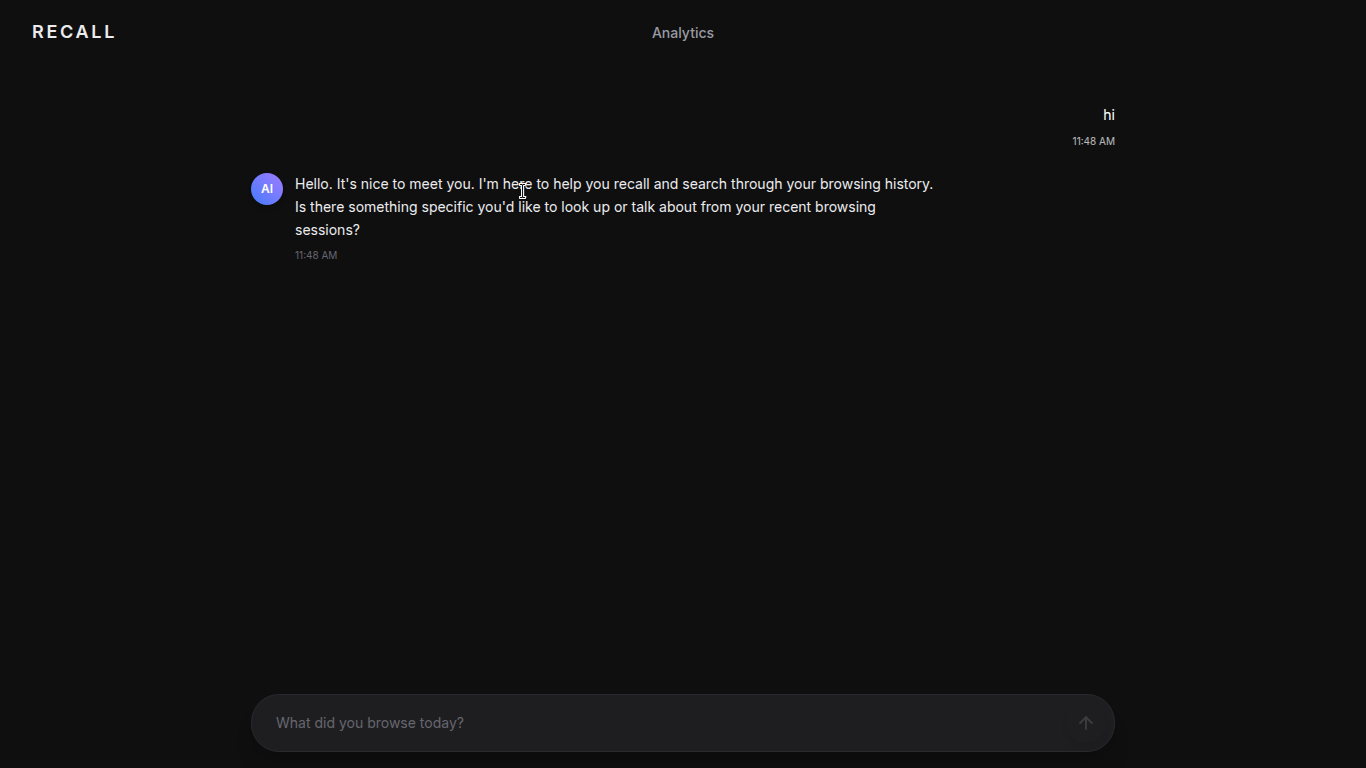
Recall App
-
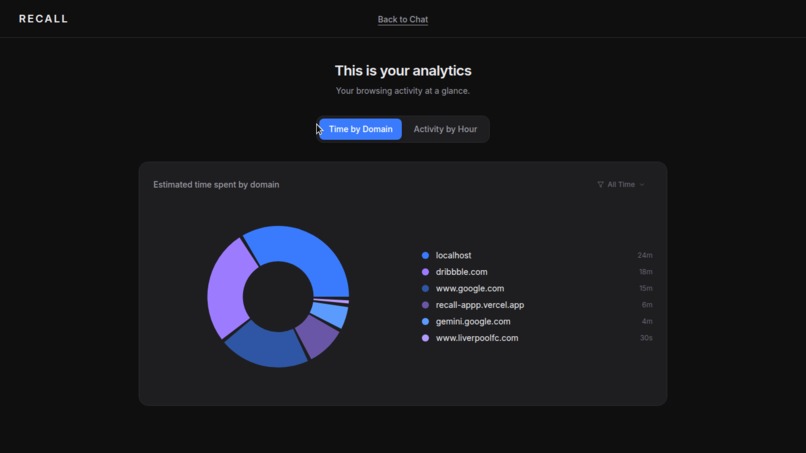
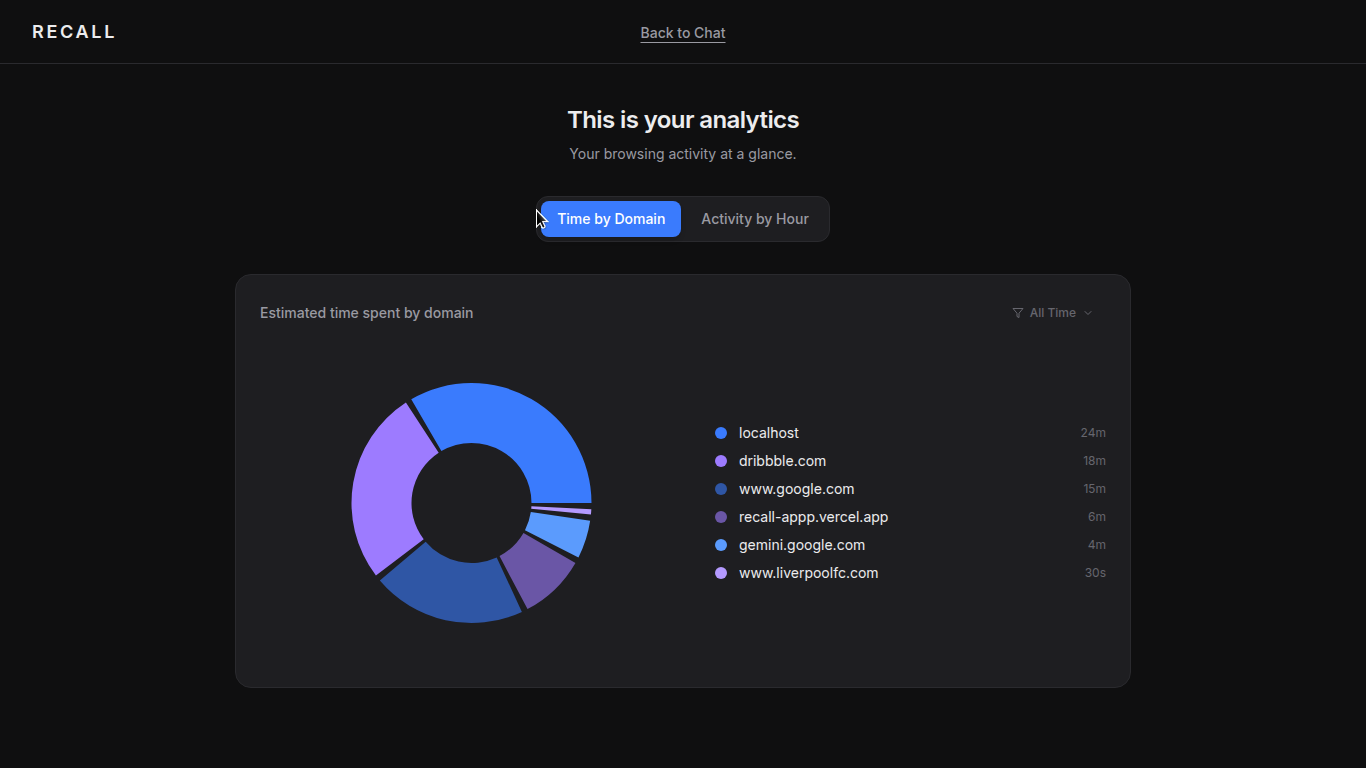
Analytics
Inspiration
We’ve all been there: you read an insightful article, found a specific documentation snippet, or came across a cool resource three days ago, but now you can’t find it in your browser history. Standard search histories are clunky, rely on exact page titles, and offer zero context.
Existing cloud-based history extensions often compromise privacy by uploading your entire web behavior to external servers. We wanted to build Recall: a private, AI-powered "second brain" that remembers every page you visit, lets you ask natural language questions about your web history, and keeps 100% of your data stored locally on your machine.
What it does
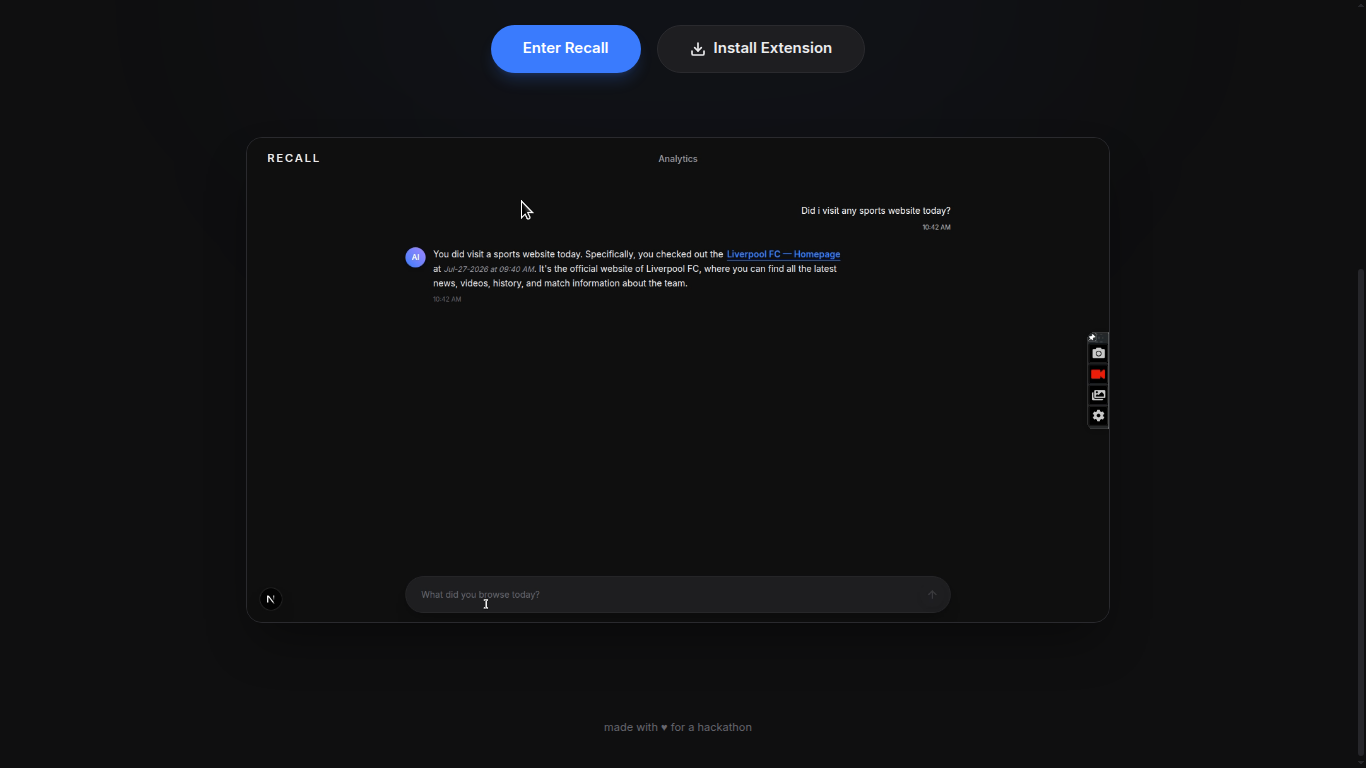
Recall transforms your daily browsing into a searchable, intelligent personal memory bank:
- Local AI Search: Ask questions like "Did I visit any sports websites today?" or "Where was that Next.js deployment guide I read?" and get contextual answers powered by Groq & Llama 3.3.
- Privacy-First Storage: All browsed page content and metadata are stored directly on your machine via standard browser storage APIs (
chrome.storage.local). - Chrome Extension (Manifest V3): Automatically index visited pages in the background with minimal performance overhead.
- Surgical Data Control: View, filter, and purge specific browsing sessions or enable "Ghost Mode" whenever you need completely untracked browsing.
How we built it
- Frontend / Dashboard: Built with Next.js 16, TypeScript, and Tailwind CSS featuring a sleek, dark-mode modern UI.
- Browser Extension: Developed as a Chrome Extension using Manifest V3 to safely record page visits, metadata, and body content without slowing down navigation.
- AI & Intelligence: Integrated Groq-powered Llama 3.3 for ultra-fast, natural language query processing against local browsing history logs.
- Deployment & Packaging: Web platform hosted on Vercel, with extension zip archives hosted directly on GitHub Releases for easy single-click developer mode installation.
Challenges we ran into
- Solo Execution & Scope: Building a cross-context system (a web app + a Manifest V3 extension) as a solo developer meant balancing DevOps, full-stack development, and UI design simultaneously without burning out.
- Environment & Deployment Sync: Managing multi-folder repository structures (
/webvs/extension) on Vercel while keeping environment variables and auth flows seamlessly linked. - Extension Sideloading User Experience: Ensuring users without Chrome Web Store access could install and run the unpacked extension within 30 seconds via clear
/installdocumentation.
Accomplishments that we're proud of
- Zero to Production Alone: Designed, built, debugged, and deployed a complete full-stack AI browser tool from scratch in a single push.
- Polished UX & Branding: Created a dark-mode, production-grade interface that rivals modern developer tools like Linear and Vercel.
- Open Source Release: Successfully packaged and released
v1.0.0as an open-source tool on GitHub with full setup guides and MIT licensing.
What we learned
- How to effectively leverage local AI tools and AI coding assistants as force multipliers to ship complex full-stack features solo.
- The nuances of Chrome Extension Manifest V3 background service workers and local storage mechanics.
- How to package, structure, and document open-source software for real-world developers and hackathon judges.
What's next for Recall
- Local Vector Search (RAG): Move embeddings completely on-device using transformers.js so search works 100% offline.
- Semantic Tagging: Automatically cluster visited pages into categories (e.g., Work, Research, Entertainment).
- Official Web Store Release: Publish Recall to the Chrome Web Store and Firefox Add-ons store for one-click installation!
Built With
- chrome
- css3
- groq
- javascript
- llama
- next.js
- react
- tailwind
- typescript
- vercel

Log in or sign up for Devpost to join the conversation.