-

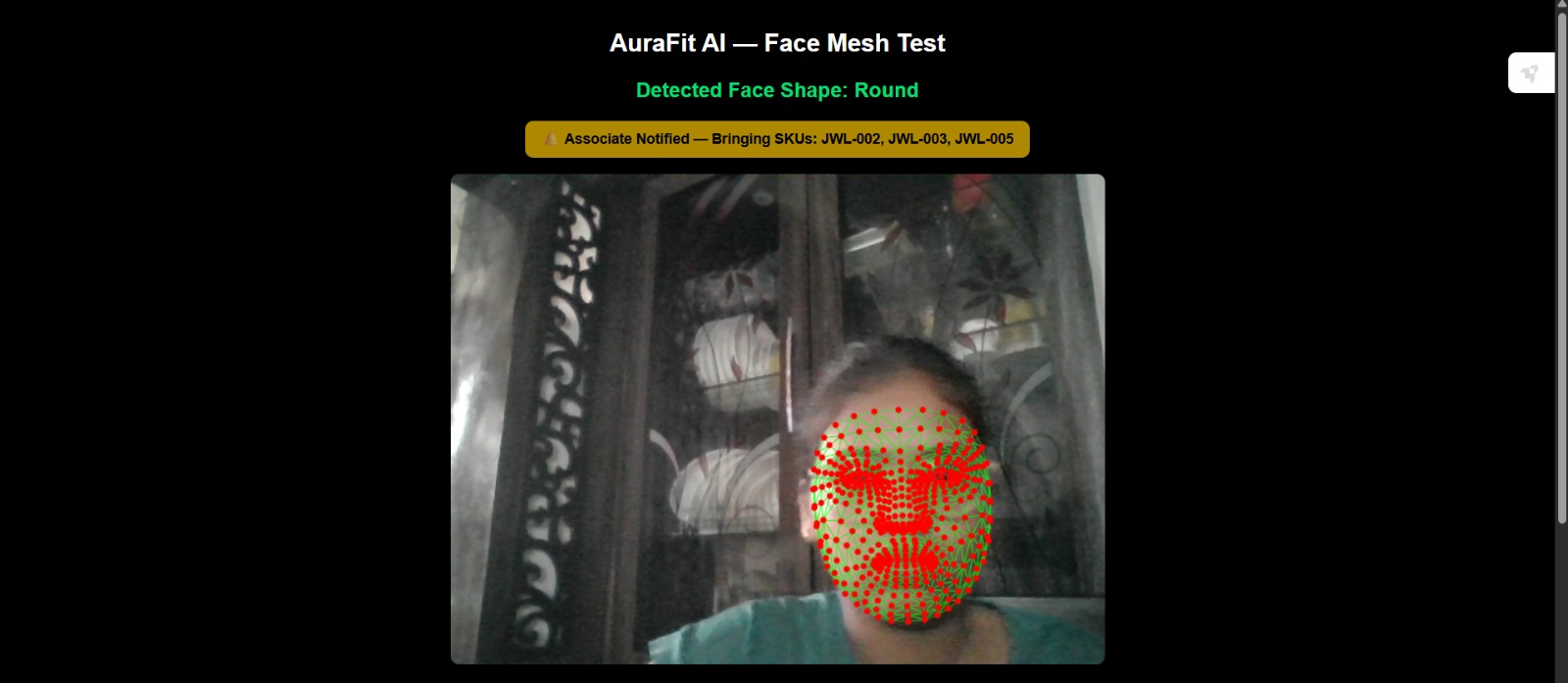
Mock alert simulating notification to a sales associate with matching SKUs
-
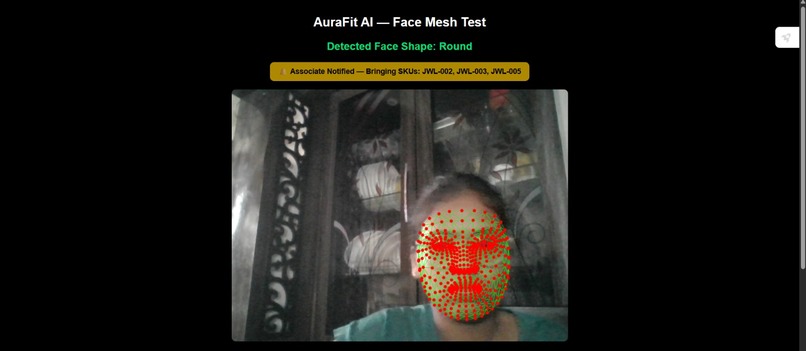
Live face mesh detection with real-time face shape classification
-
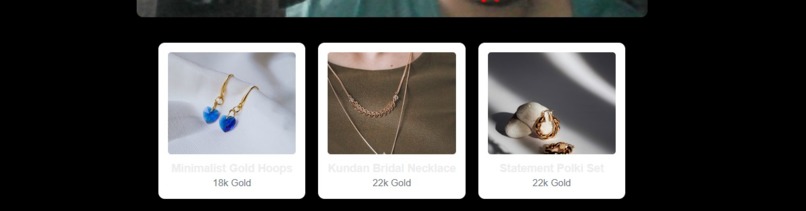
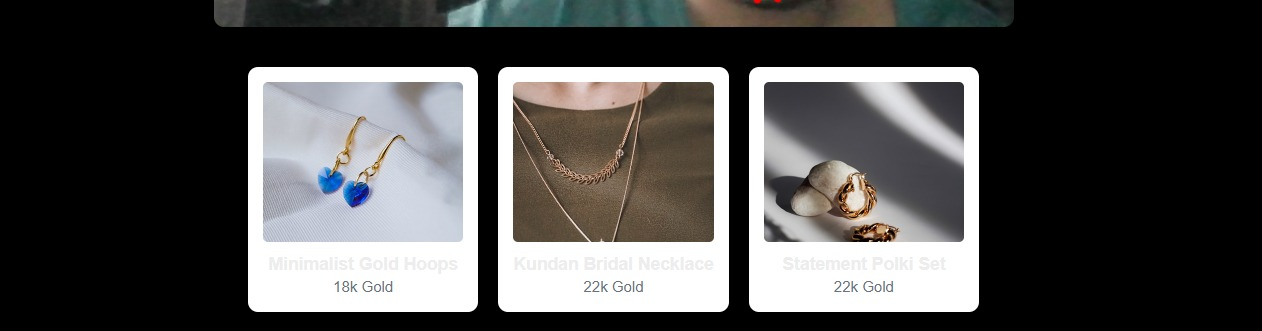
Top 3 jewelry matches recommended based on detected face shape
-
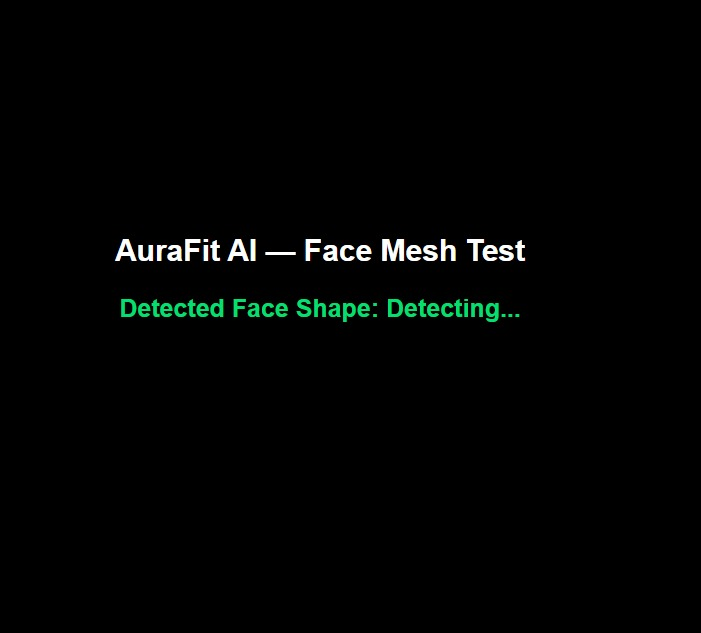
Initial loading state before camera activation

Inspiration
Jewelry shopping in-store is slow and trial-and-error based. Customers try on piece after piece from trays, hoping something works, without knowing what actually suits their face shape or the occasion. Sales associates often rely on guesswork too. I wanted to explore whether a small amount of computer vision could make the first step of that process faster and more personalized — a mirror that gives you a starting point instead of a blank slate.
What it does
AuraFit AI scans a user's face in real time using a webcam, detects 468 facial landmarks, and classifies their face shape (Oval, Round, Square, Heart, or Diamond) using geometric ratio analysis. It then matches that face shape against a tagged jewelry inventory and instantly recommends the top matching pieces. As a finishing touch, it simulates notifying a sales associate with the exact SKUs to bring out — a small nod to how this could work in an actual retail environment.
How we built it
The frontend is built in React/Next.js with Tailwind CSS. Facial landmark detection uses Google's MediaPipe Face Mesh, loaded via CDN and connected to a live webcam feed. On top of the raw landmark data, I wrote a custom classifier that measures ratios between key facial points (face length, cheekbone width, jaw width, forehead width) to determine face shape, then smoothed the output over multiple frames to reduce flickering between predictions. Jewelry data is stored as a tagged JSON dataset, matched against the detected face shape through a simple filtering function. The whole pipeline — camera to face shape to recommendation to alert — runs live in the browser.
Challenges we ran into
The biggest technical hurdle was getting MediaPipe's older-style JavaScript modules to work with Next.js's Turbopack bundler — npm imports failed because the packages don't expose proper ESM exports, so I had to switch to loading MediaPipe via CDN script tags and accessing it through the global window object instead. The face shape classifier was also tricky: raw frame-by-frame classification flickered between shapes due to small head movements, which I solved by averaging predictions over a rolling window of frames to get a stable output.
Accomplishments that we're proud of
Getting a full pipeline — live face detection, shape classification, and jewelry matching — working end to end and deployed publicly, built and shipped within a tight timeframe. I'm also proud of stabilizing the face shape detection so it gives a consistent, usable result instead of a noisy one.
What we learned
That working with real-time computer vision in the browser involves more plumbing than the core AI logic itself — getting the camera pipeline, bundler compatibility, and prediction stability right took as much effort as the classification logic. I also learned how much smoothing/averaging matters for making a live ML-based feature feel reliable to a user.
What's next for AuraFit AI
Adding wrist colorimetry scanning to detect skin undertone without relying on self-reported input, integrating real hardware (Arduino + sensors) for physical presence detection and alerts, building out a fuller onboarding flow with occasion and budget preferences, and expanding the jewelry inventory with a larger, more diverse catalog.
Built With
- javascript
- mediapipe
- next.js
- react
- tailwindcss
- vercel

