-
-
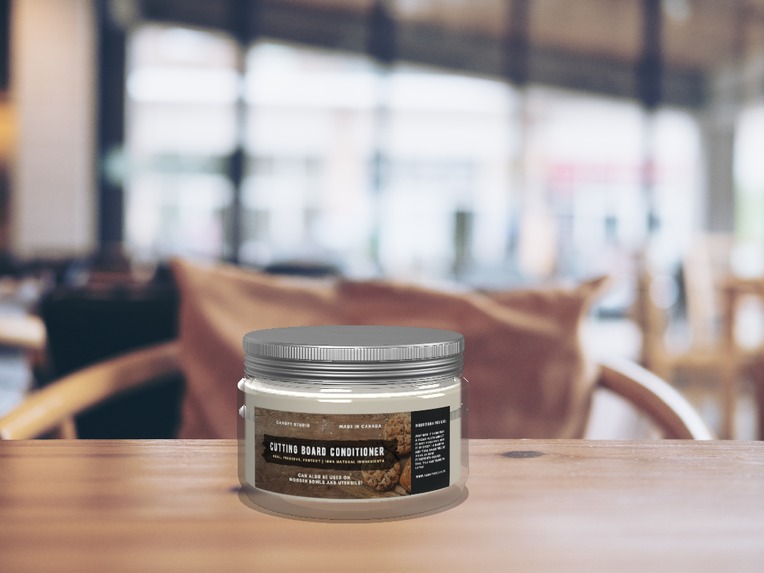
Creating the 3d Model
-
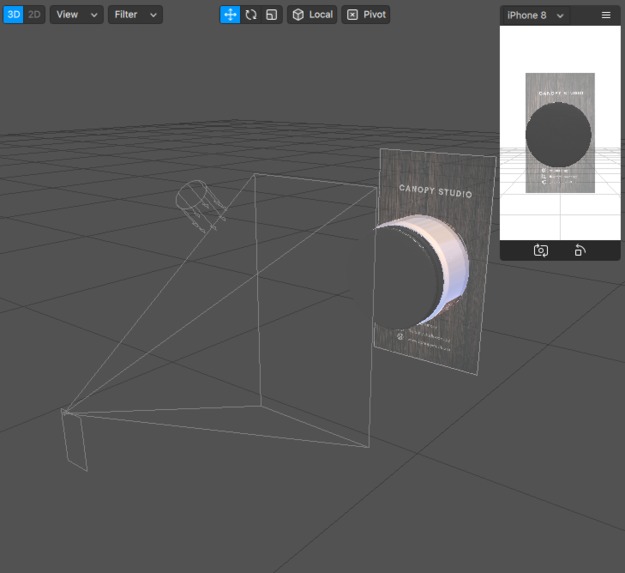
3D model in Spark AR
-
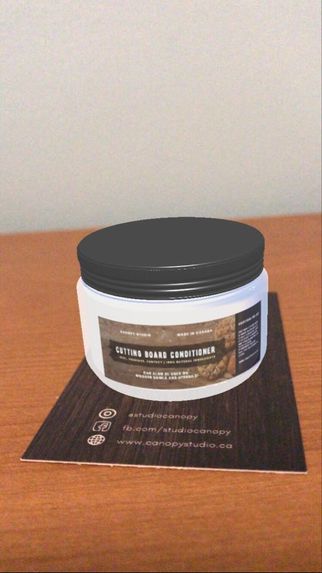
3D Model When tracked on the business card


Inspiration
I was in charge of designing the business card and creating various marketing materials for a local crafting company. I soon realized that it would be much easier to spread the word about the company's products if clients could have a glimpse at what they looked like before purchasing it. Especially in the case of the pandemic, people are less likely to go out and would rather purchase their products online, and sometimes images just aren't enough. In order to add more interactivity and help small business owners in this time of need, I created the augmented reality business card.
What it does
When the camera detects the business card, you are able to see the jar, which is identical to one of the company's products.
How I built it
I created the model in a 3d modeling software and the business card in Adobe Illustrator. I imported both into Spark AR and attached a target tracker.
Challenges I ran into
I tried to make multiple UI components to link a second 3d model object so that the client could see various other products which the company sells. Unfortunately wasn't able to figure it out, so I just reverted back to this simple target tracker. I also had troubles getting the jar texture to look like the glass texture in the original 3d model I created. Luckily I figured out that the ORM texture can create a similar glassy effect.
Accomplishments that I'm proud of
I am proud to have just created a simple AR project, which I can apply directed onto an existing business to help expand their online presence.
What I learned
I learned that there is a lot of work that can be done in augmented reality. I'm looking forward to learning about what else I can do in the future with some practice.
What's next for Augmented Business card
Next up, I will try to implement the other 3D models so the client can toggle through other products from the company.
Built With
- blender
- dimension

Log in or sign up for Devpost to join the conversation.