-
-
Logo
-
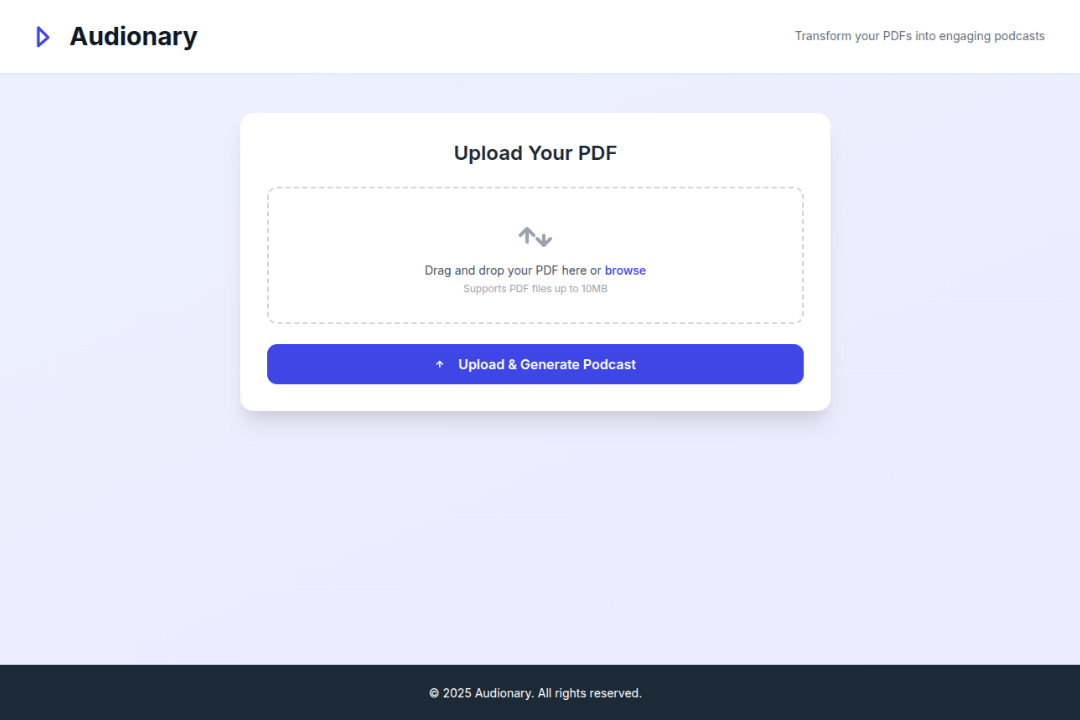
Main Screen
-
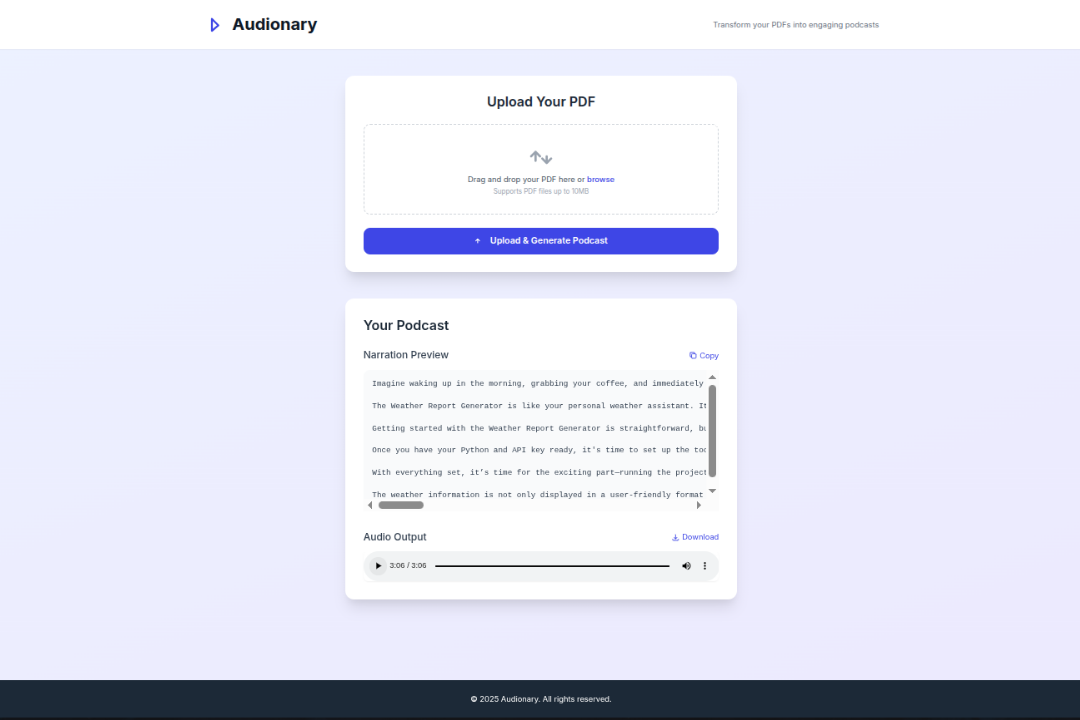
Main Screen Output Complete
-
Main Screen Output - 1
-
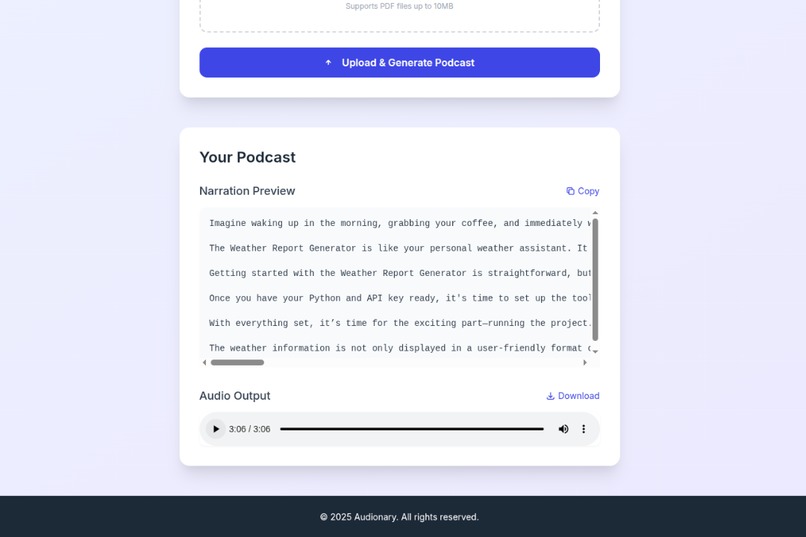
Main Screen Output - 2
Inspiration
I created Audionary out of a simple need: making long and technical PDFs easier to understand and easier to consume. Reading dense documents can be tiring or inaccessible, especially on the go. We wanted to turn that experience into something you could simply listen to, like a short podcast.
What it does
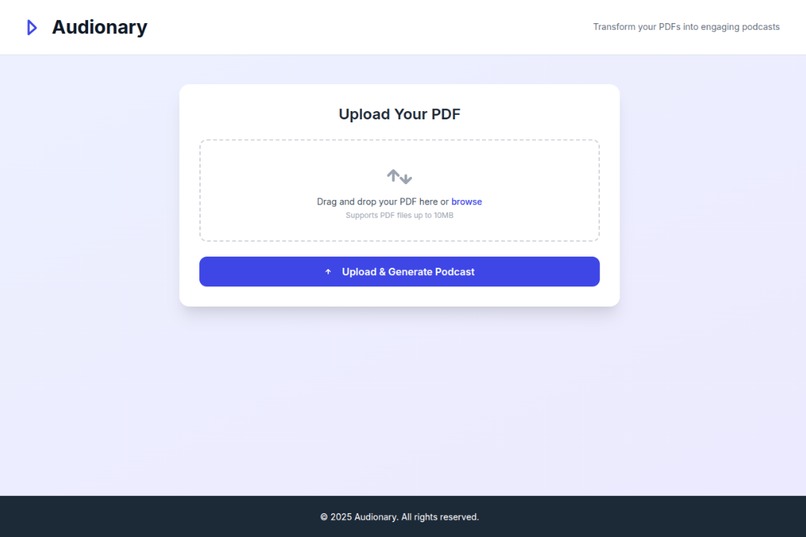
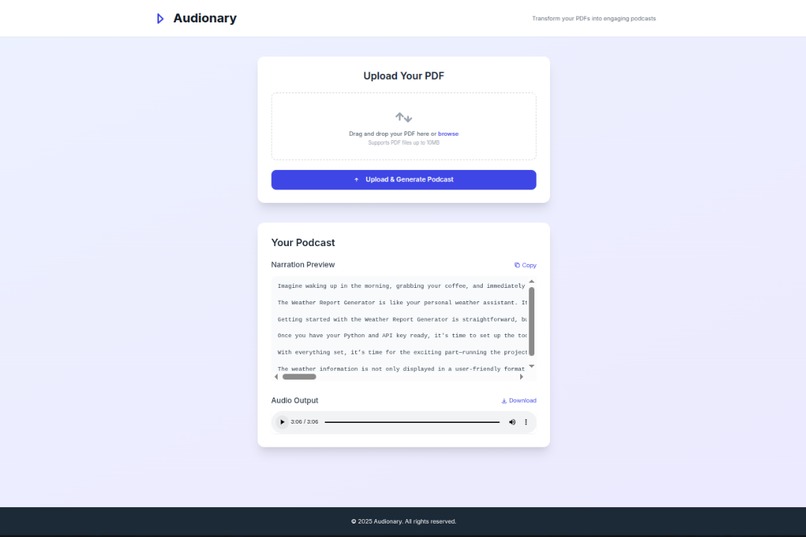
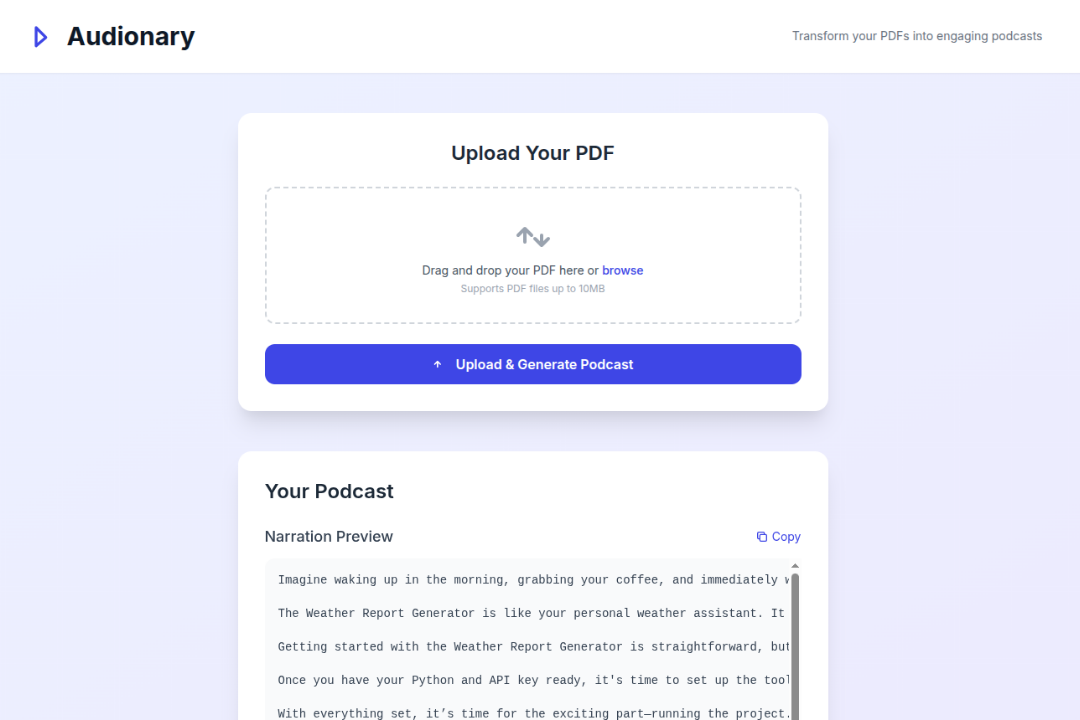
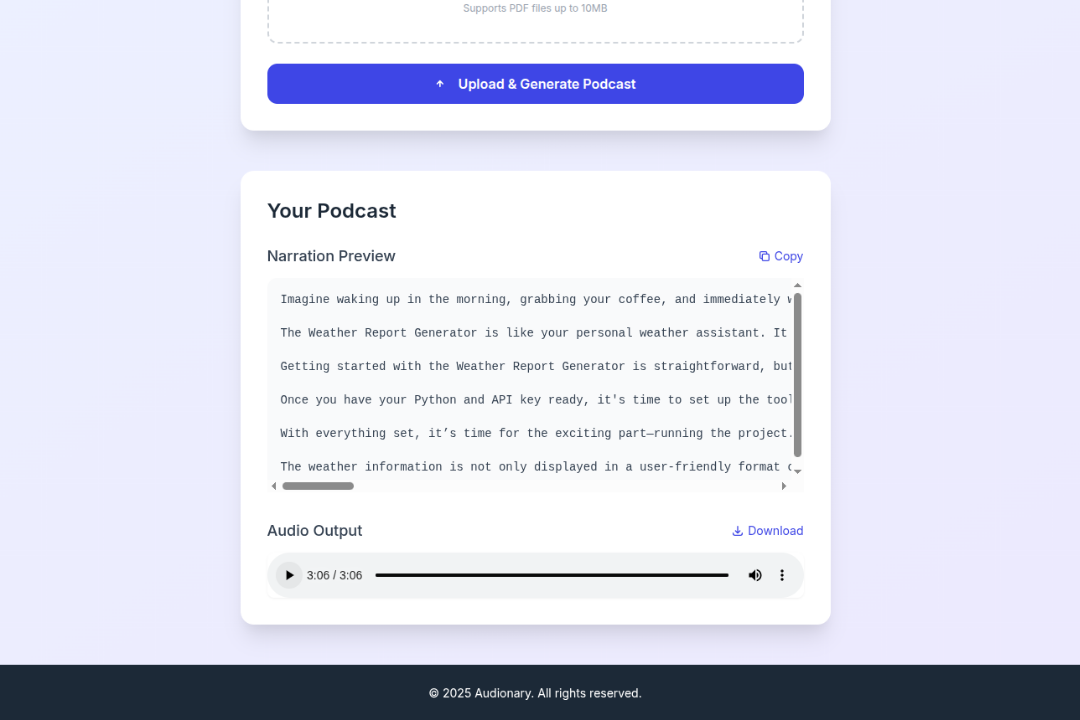
Audionary lets you upload a PDF and instantly turns it into a narrated audio summary. It reads the document, pulls out the key ideas, rewrites them in a more natural tone, and converts them into speech, all in one flow.
How we built it
Audionary was built using:
- Django and Django REST Framework for the backend
- Tailwind CSS and HTML for the frontend
- PyMuPDF to extract text from PDF files
- LangGraph and OpenAI API for summarizing content and generating a human-style narration
- gTTS (Google Text-to-Speech) to generate the final audio
- The entire system runs locally with media storage, and can easily be extended to cloud platforms
Challenges we ran into
- Extracting text from PDFs was not always reliable, especially for scanned or image-based documents.
- Long PDFs had to be broken into smaller parts to avoid overloading the language model and TTS.
- Balancing summary accuracy with narration quality required a lot of trial and tuning.
- Handling audio generation for longer texts was a performance bottleneck without background processing.
Accomplishments that we're proud of
- Built a complete end-to-end experience from file upload to audio playback.
- Created a clean and easy-to-use user interface that works across devices.
- Managed to turn complex content into something short, spoken, and understandable.
- Designed it in a modular way so it’s easy to improve or swap out components.
What we learned
- How to integrate language models and graphs for structured summarization.
- The importance of user feedback in guiding both technical and design choices.
- That voice output can make technical content more engaging and accessible.
What's next for Audionary
- Add support for scanned/image-based PDFs using OCR
- Use a higher-quality TTS engine like ElevenLabs or Azure Speech
- Allow users to select different narration voices and languages
- Introduce user accounts to save and manage past files and narrations
- Add background task support for better performance on longer documents
Built With
- django
- gtts
- html
- javascript
- langgraph
- openai
- pymupdf
- python
- rest
- tailwind

Log in or sign up for Devpost to join the conversation.