-
-
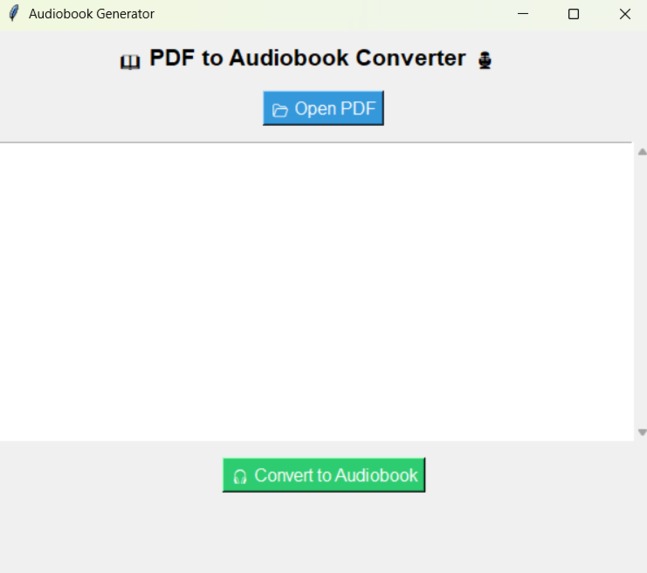
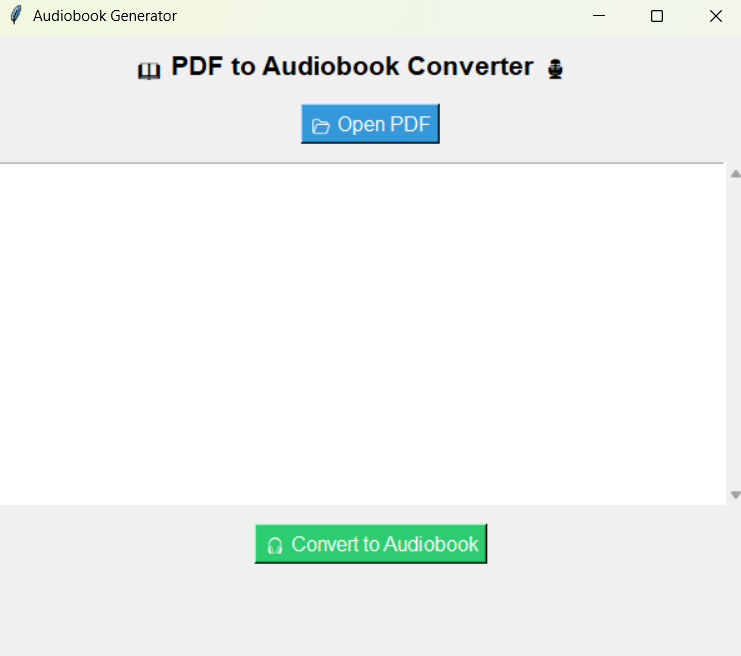
App UI
Inspiration : Reading long documents can be time-consuming, and traditional text-to-speech (TTS) solutions often sound robotic and unnatural. We wanted to create a tool that delivers high-quality, fluent, and human-like narration, making text consumption effortless for students, professionals, and audiobook enthusiasts.
What it does: Upload a PDF file.Extracts and processes the text.Converts the text into smooth, natural speech using AI.Saves the generated audio file for offline playback.Provides a user-friendly interface for an enhanced experience
How we built it:Backend: Python, PyMuPDF (for PDF text extraction).AI Model: Qualcomm AI Hub’s Whisper AI model.Frontend: PyQt for a visually appealing desktop UI.Audio Processing: TFLite runtime for optimized AI inference.Storage: Saves MP3/WAV files to C:\Vinit\Devpost\audiobook-app\output
Challenges we ran into:AI model spoke word-by-word instead of fluently. We fine-tuned the text processing pipeline for smoother narration.
Accomplishments that we're proud of:Successfully integrated Qualcomm AI Hub models for real-time audiobook generation . Created an intuitive, visually appealing desktop UI.Optimized AI inference for faster performance on Windows
What we learned:How to efficiently process and convert PDFs to speech.Optimizing AI models for Windows applications.Fine-tuning AI models for realistic speech synthesis
What's next for Audiobook : Multi-language support.Text editing feature – Speed & pitch adjustment.
Built With
- pymupdf
- pyqt
- python

Log in or sign up for Devpost to join the conversation.