Inspiration
The inspiration for audio2video came from the growing need to automate content creation, especially for social media and educational platforms. The idea was to convert audio files (like podcasts, lectures, or voice notes) into engaging video content, making it easier for creators to reach wider audiences without needing advanced video editing skills.
What it does
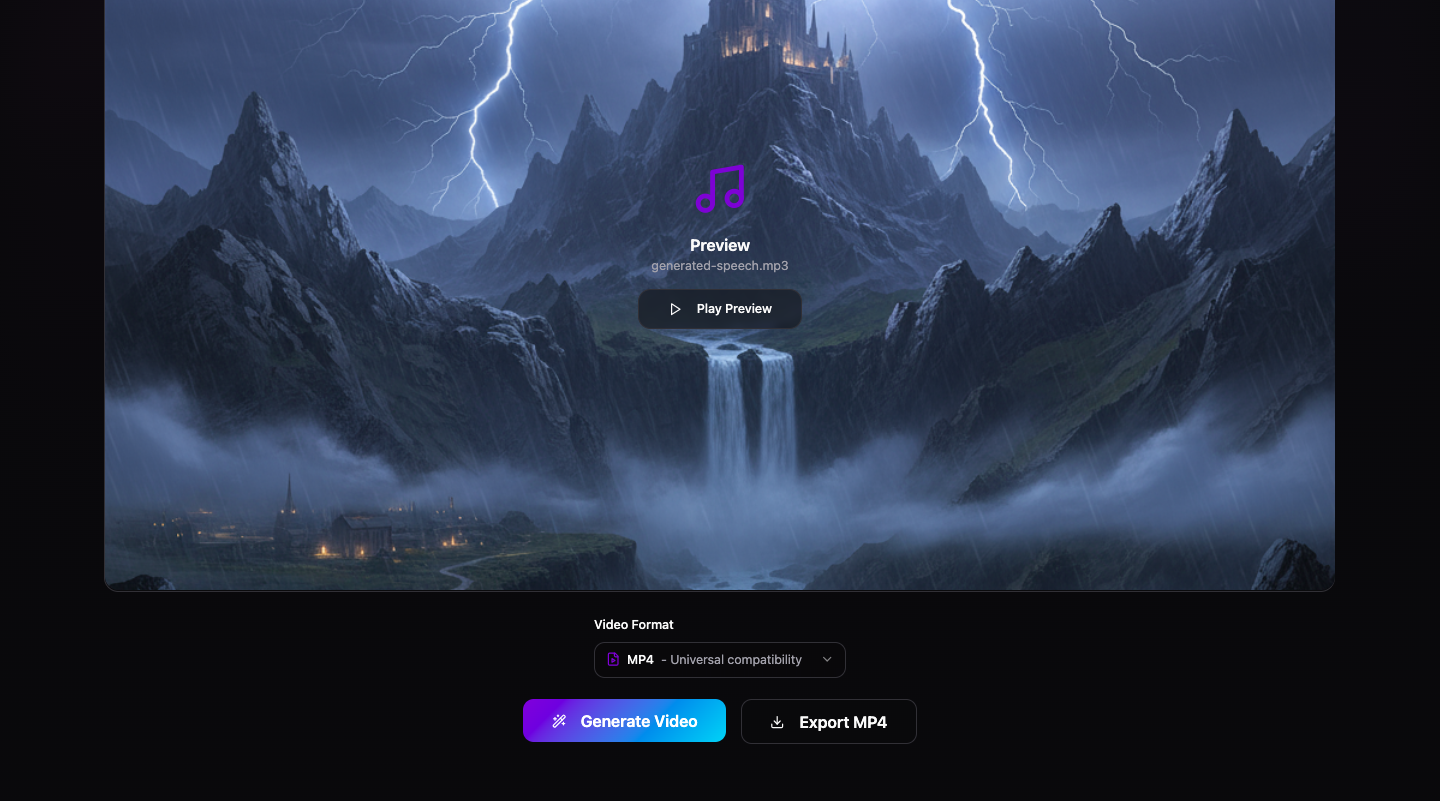
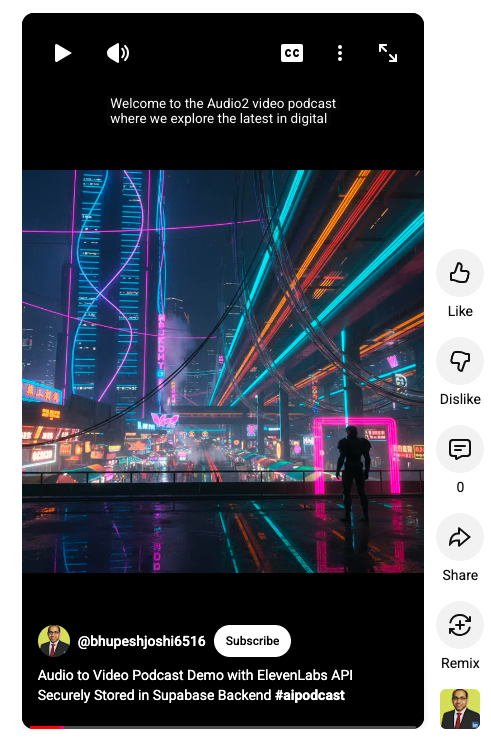
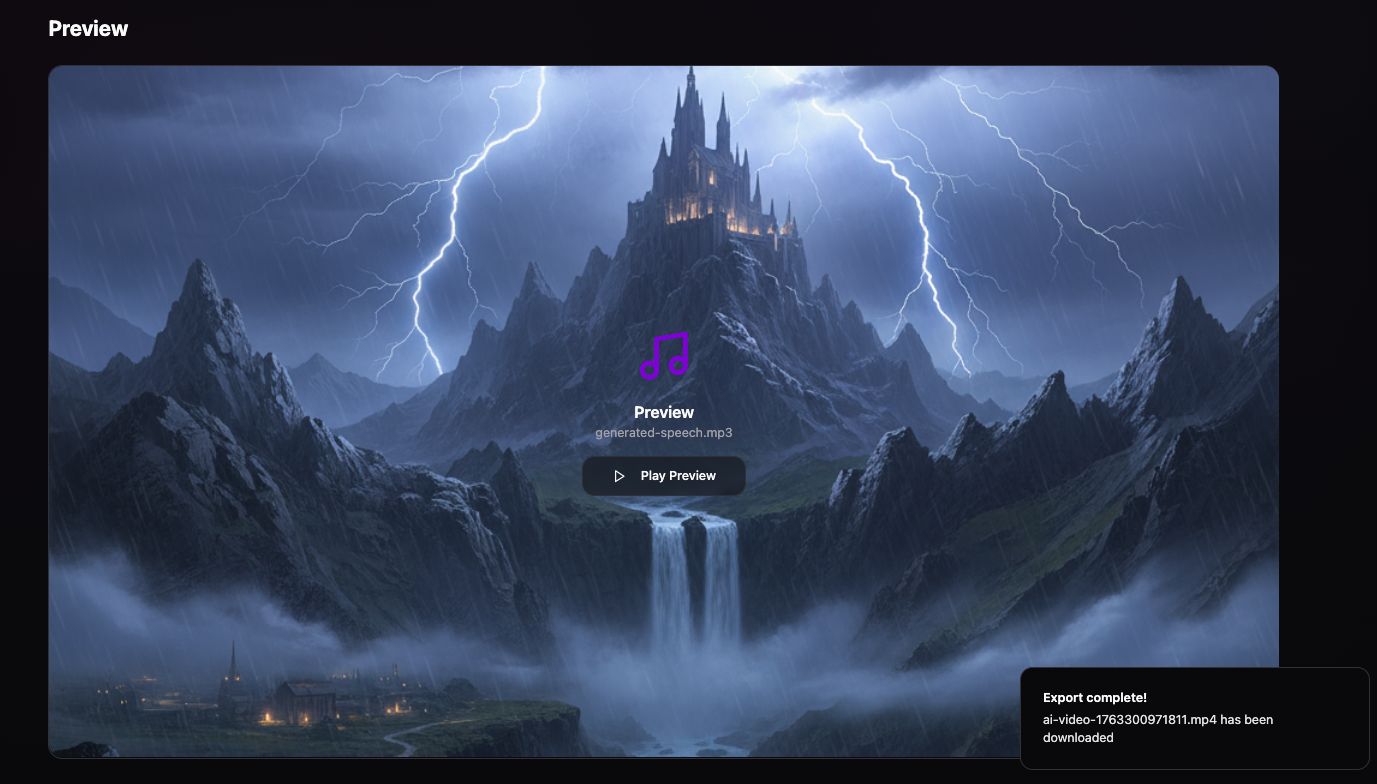
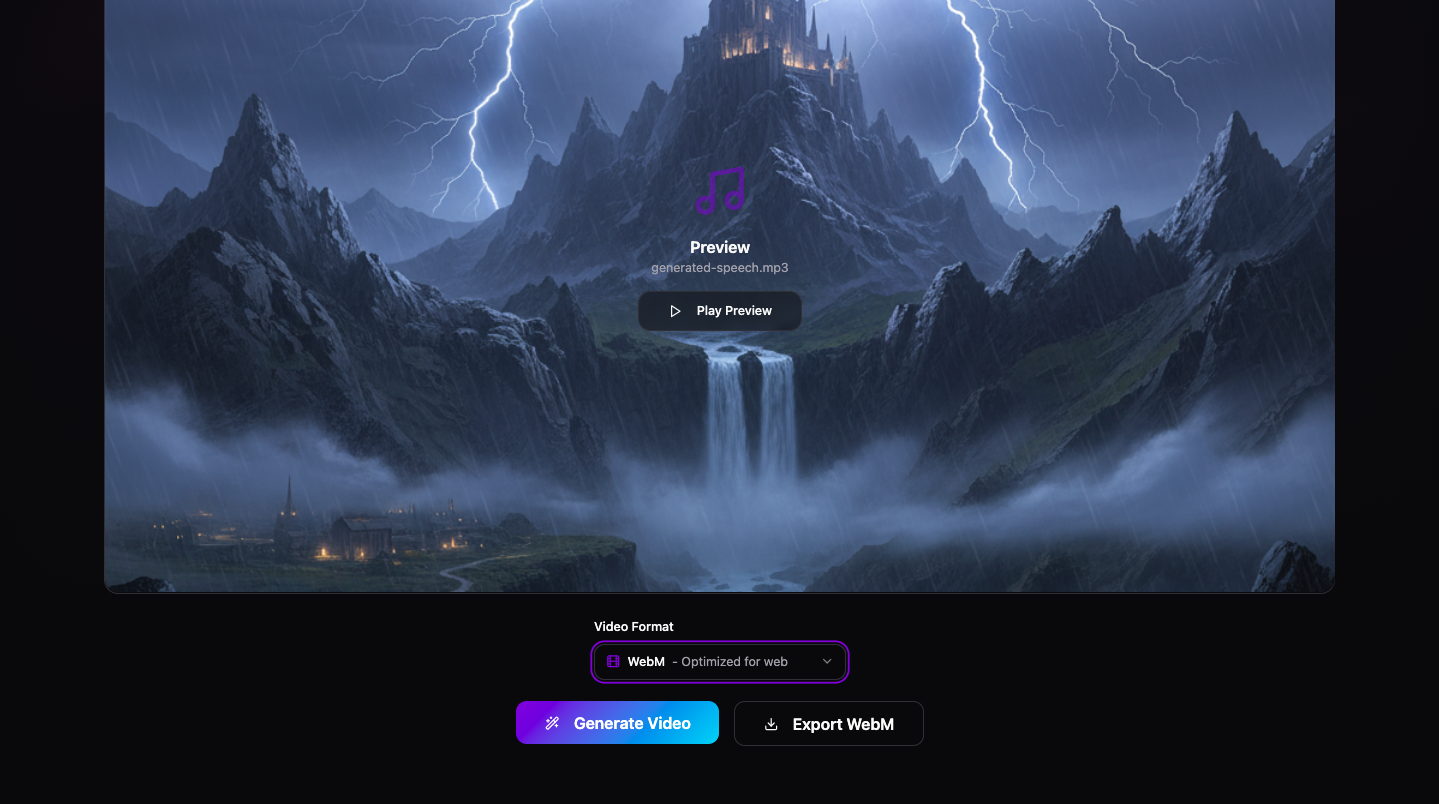
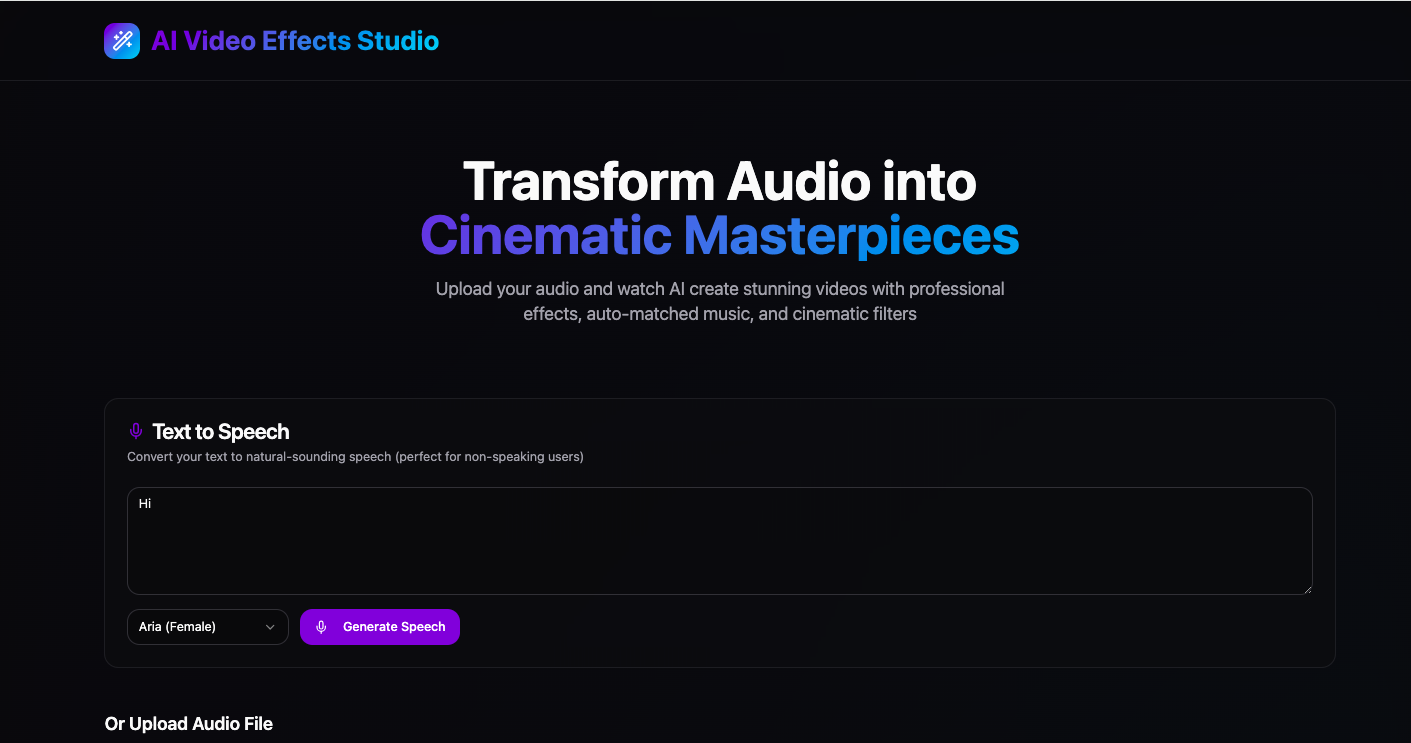
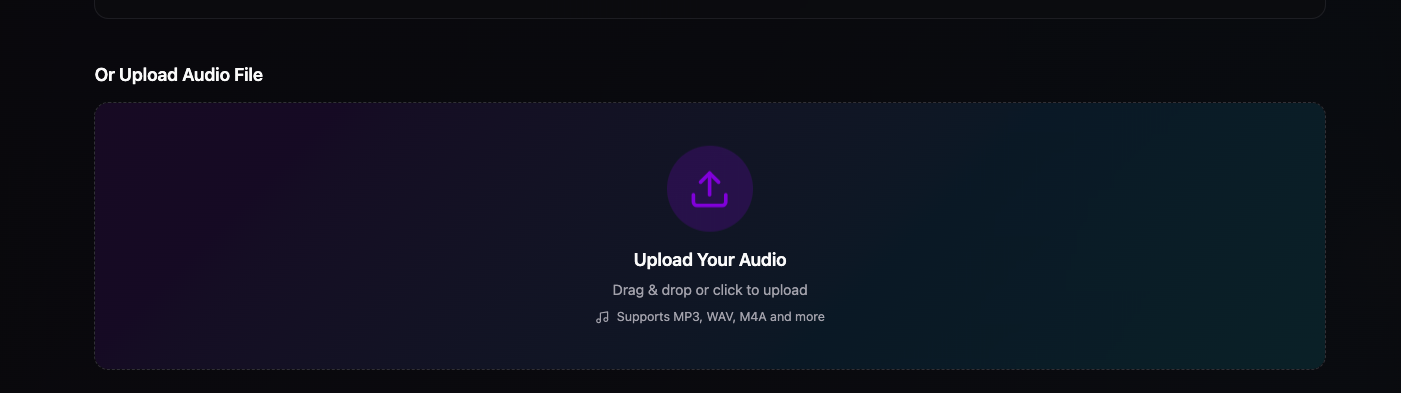
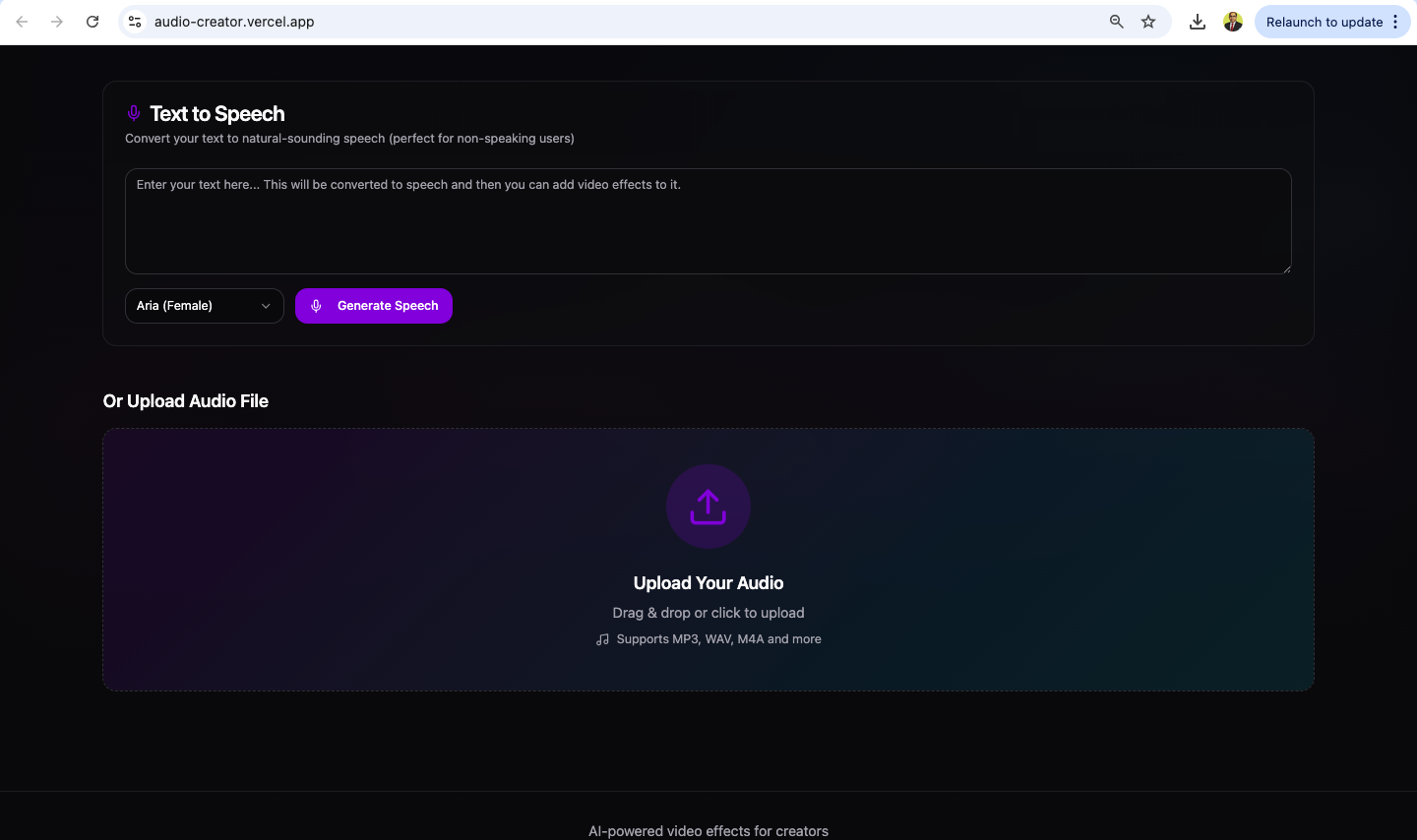
audio2video is a web application that takes an audio file as input and generates a synchronized video with visual elements such as waveform animations, subtitles, and customizable backgrounds. It leverages modern web technologies to provide a seamless, user-friendly experience for transforming audio into shareable video content.
How we built it
We built audio2video using a modern stack:
- Frontend: React with Vite for fast development and hot module replacement.
- UI Components: ShadCN UI, which is built on top of Radix UI and Tailwind CSS, providing accessible and customizable components.
- State Management: React Hook Form for form handling and validation, and React Query for data fetching.
- Styling: Tailwind CSS for utility-first styling, with Tailwind Merge and Class Variance Authority for dynamic class composition.
- Additional Features:
- Date-fns for date formatting.
- Recharts for data visualization.
- Sonner for notifications.
- Embla Carousel for carousels.
- Zod for schema validation.
- Development Tools: TypeScript for type safety, ESLint for code quality, and Vite for bundling and development server.
Challenges we ran into
- Audio-Video Synchronization: Ensuring that subtitles and visual elements are perfectly synced with the audio was a major challenge, requiring careful handling of timing and playback events.
- Performance Optimization: Large audio files could slow down the browser, so we had to implement efficient loading and rendering strategies.
- Cross-Browser Compatibility: Some UI components and audio APIs behave differently across browsers, requiring additional testing and fallbacks.
- Customization: Providing a flexible UI for users to customize video backgrounds and styles while maintaining a clean codebase was tricky.
Accomplishments that we're proud of
- Successfully built a fully functional audio-to-video converter with a modern, accessible UI.
- Integrated advanced features like waveform visualization and real-time subtitle generation.
- Achieved a highly modular and maintainable codebase using React, TypeScript, and ShadCN UI.
- Delivered a smooth user experience with fast load times and responsive design.
What we learned
- The importance of modular design and reusable components in large-scale web applications.
- How to effectively use React Query for managing asynchronous data and caching.
- The value of type safety and static analysis with TypeScript in preventing runtime errors.
- Best practices for accessibility and responsive design using Radix UI and Tailwind CSS.
What's next for audio2video
- AI-Powered Features: Integrate AI for automatic transcription, translation, and voice cloning.
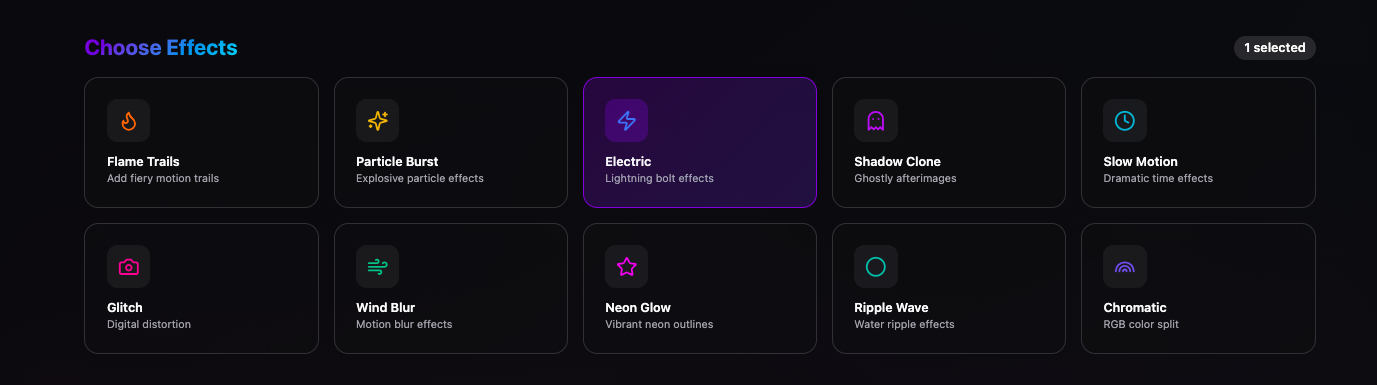
- Advanced Editing: Add more video editing capabilities, such as transitions, effects, and multi-track audio.
- Collaboration: Enable team collaboration and cloud storage for projects.
- Mobile App: Develop a mobile version for on-the-go content creation.
- Integration: Add support for direct publishing to social media platforms.
Tech Stack Reference (from package.json)
- Framework: React, Vite
- UI Library: ShadCN UI (Radix UI, Tailwind CSS)
- State Management: React Hook Form, React Query
- Styling: Tailwind CSS, Tailwind Merge, Class Variance Authority
- Validation: Zod
- Data Visualization: Recharts
- Notifications: Sonner
- Development: TypeScript, ESLint, Vite
References
https://shadcn.com/docs/components
https://tailwindcss.com/docs
** Applications: **
Here are key applications for your AI tools—text-to-video creator and audio-to-video creator—that could help showcase their value and versatility:
Applications of Text-to-Video Creator
- Content Marketing and Social Media: Transform blog posts, articles, or social media copy into engaging videos to boost brand presence and reach wider audiences.
- E-Learning and Education: Convert educational text content into video lessons, tutorials, or explainer videos for enhanced learning experiences.
- News and Journalism: Automatically generate video news summaries or reports from text-based news articles for quick and dynamic news dissemination.
- Product Demonstrations: Create product explainer videos from textual product descriptions or user manuals to improve customer understanding and sales.
- Internal Communications: Simplify corporate announcements or policy documents into visual guides or videos to improve employee engagement and clarity.
- Advertising: Turn campaign copy into video ads optimized for platforms like YouTube, Instagram, or TikTok.
- Storytelling and Entertainment: Generate animated or live-action story videos from scripts or storyboards for creative projects or marketing campaigns.
Applications of Audio-to-Video Creator
- Podcast Visuals and Promotion: Convert podcast audio into attractive video snippets or episodes with dynamic visuals and subtitles for platforms like YouTube or social media.
- Audiobook Presentation: Create visually enriched audiobook content combining narration with complementary images, text, or animations.
- Music Videos and Lyric Videos: Generate videos from music tracks with synchronized visuals or lyrics for music promotion.
- Customer Support and Tutorials: Make instructional videos from voice recordings for product support or user training.
- Accessibility Enhancement: Convert audio content into videos with subtitles and sign language avatars to improve accessibility for hearing-impaired audiences.
- Event Highlights and Interviews: Produce video summaries or interview highlights from recorded audio segments.
