-
-
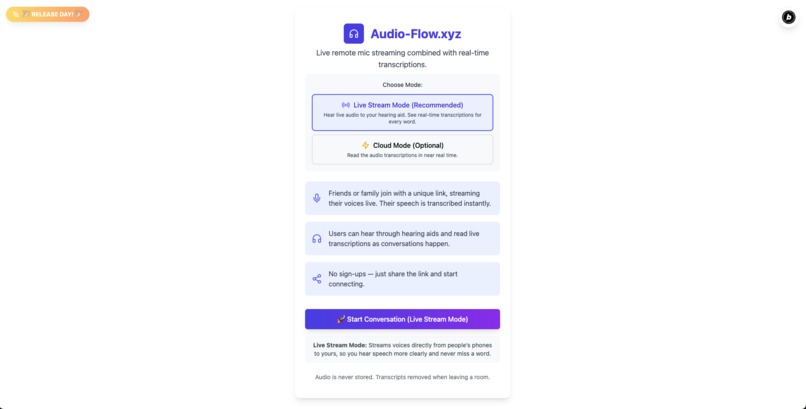
Live Stream or Cloud Mode > Start Conversation
-
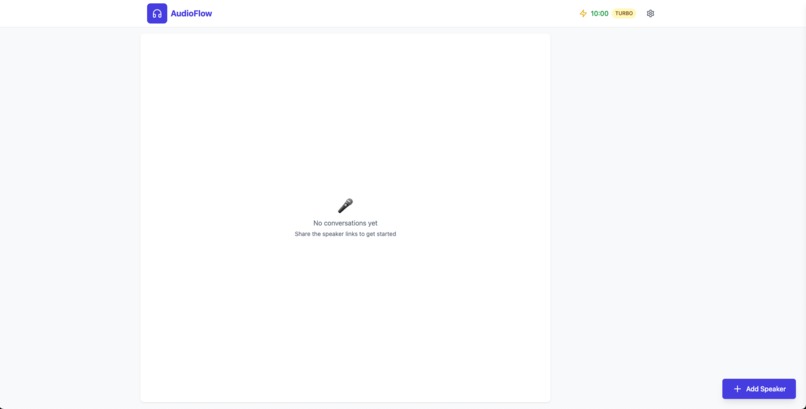
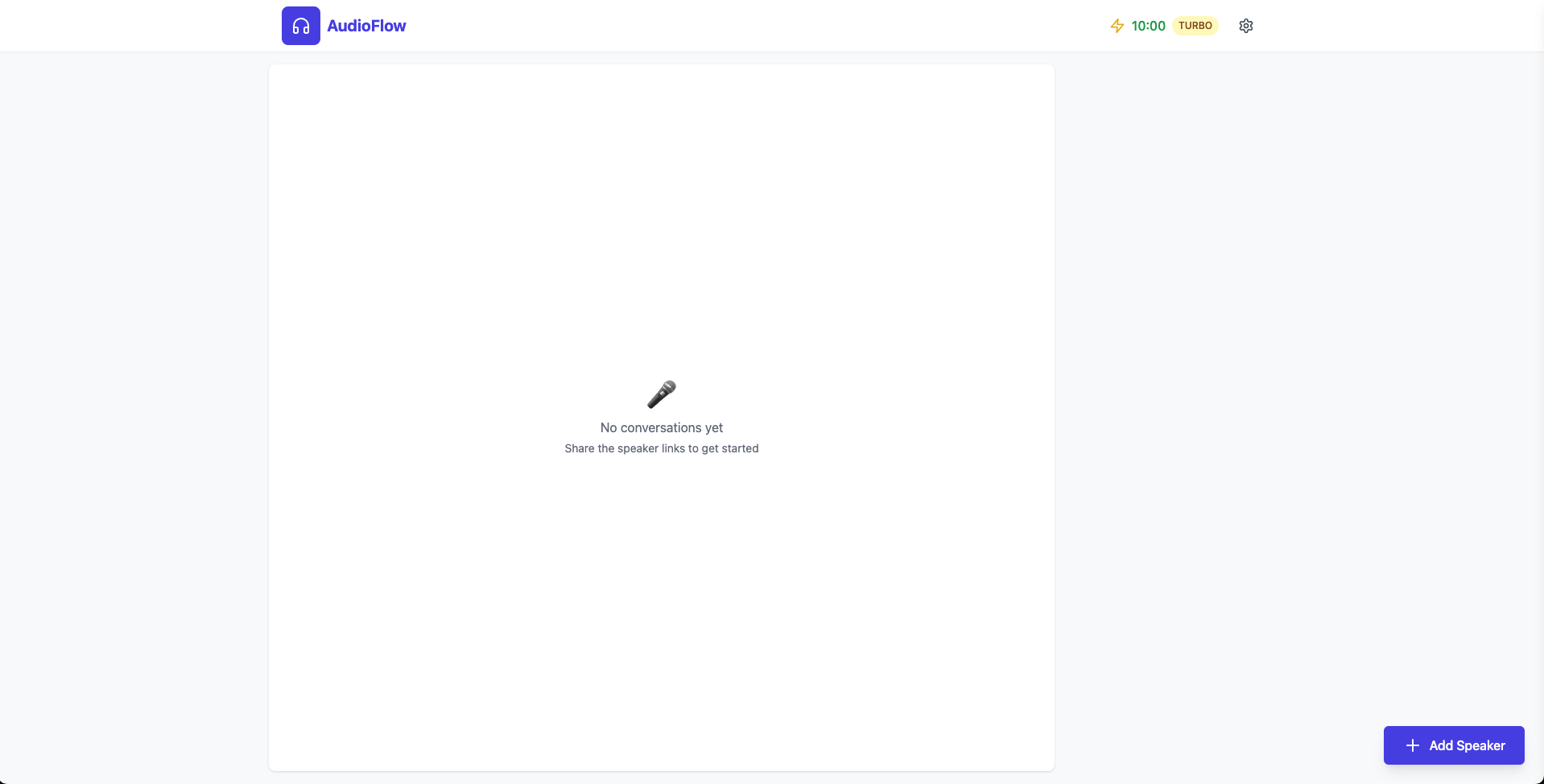
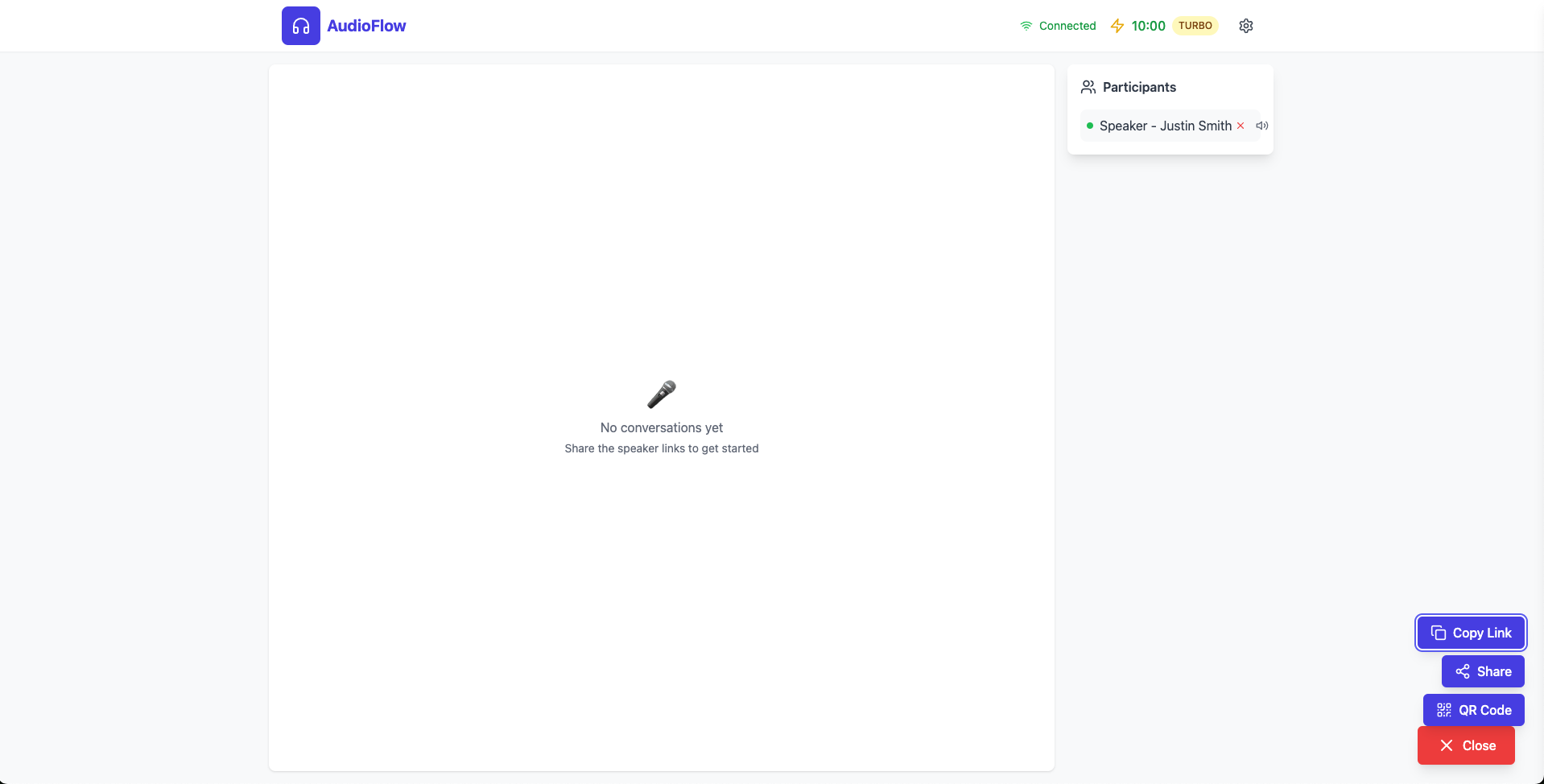
Conversation View > Live Stream (Empty Room)
-
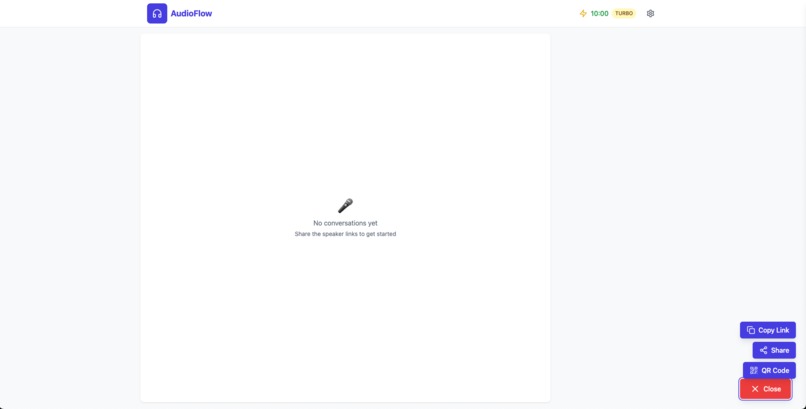
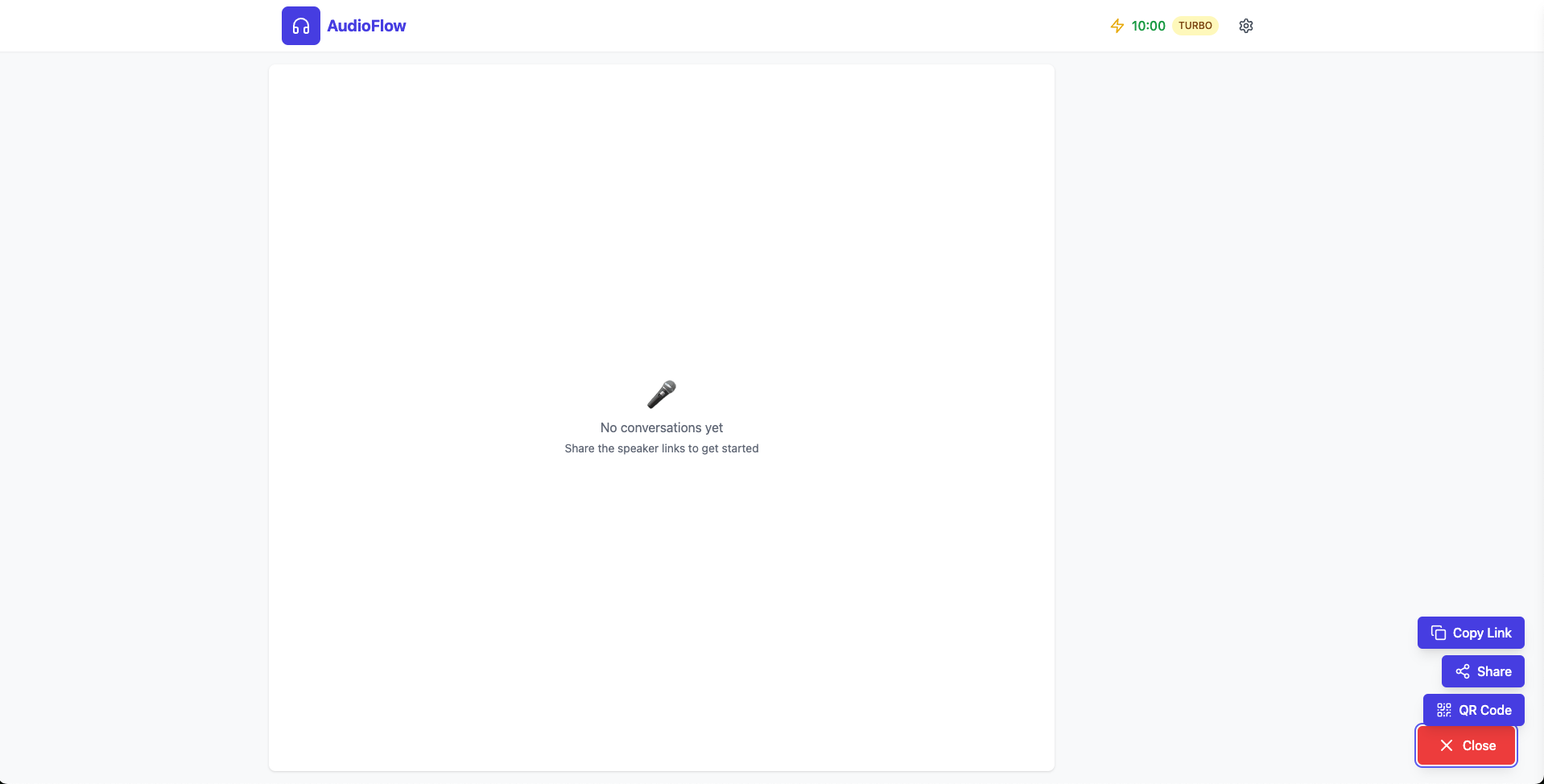
Conversation View > Add speakers showing the different ways
-
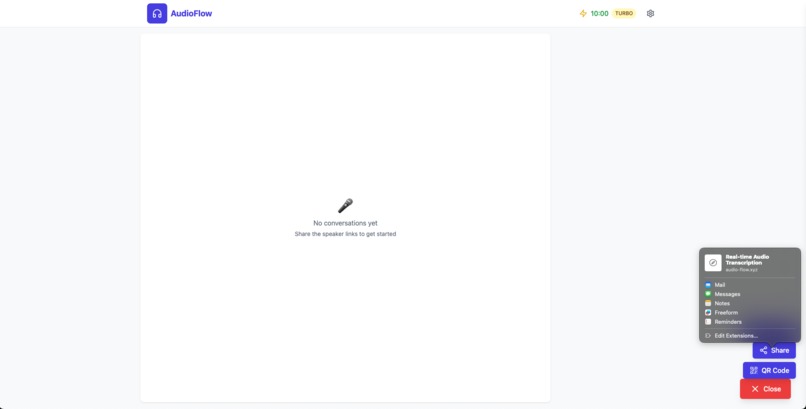
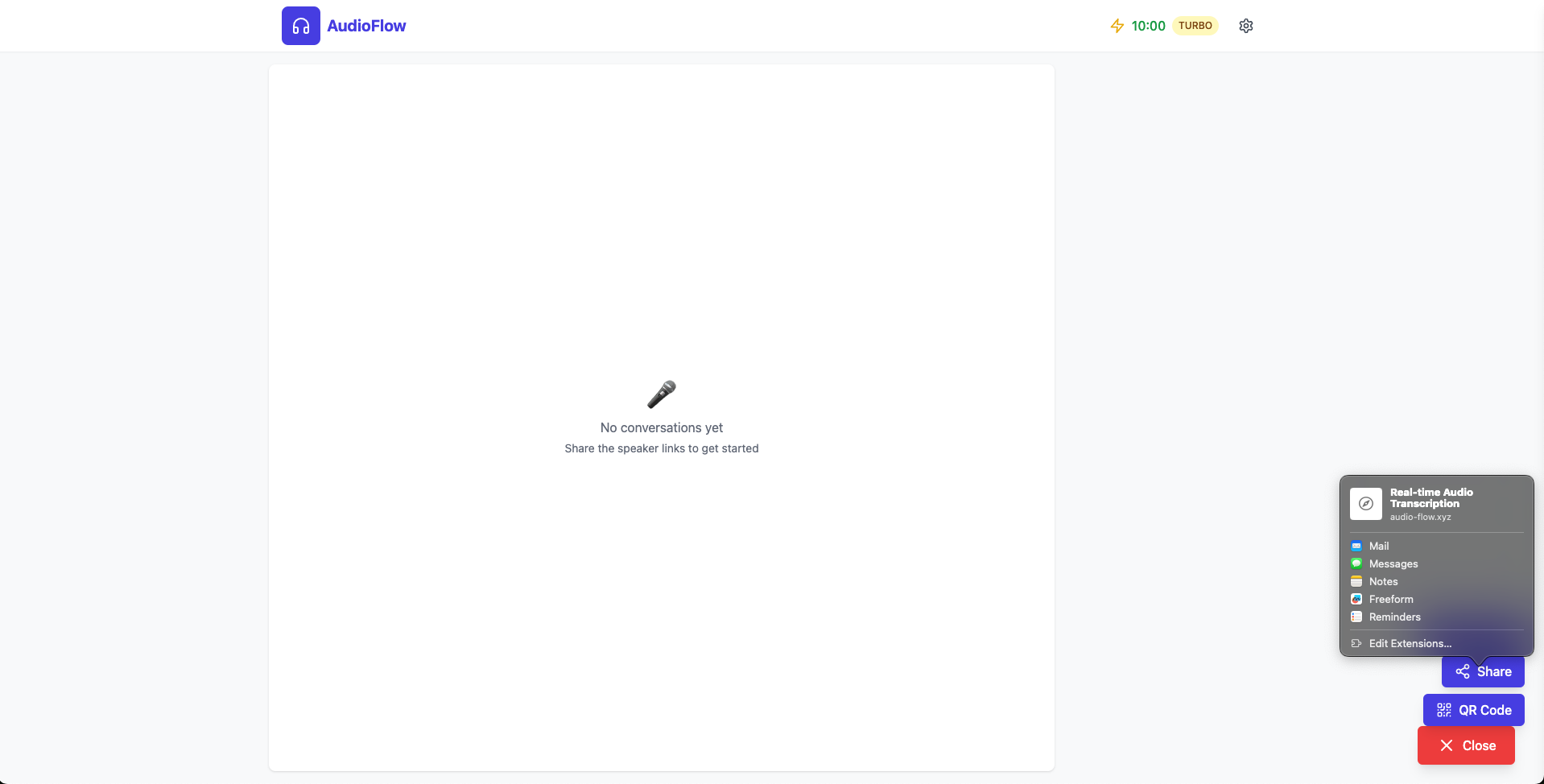
Conversation View > Add speaker > Sharing options
-

Conversation View > Add speaker > QR code
-
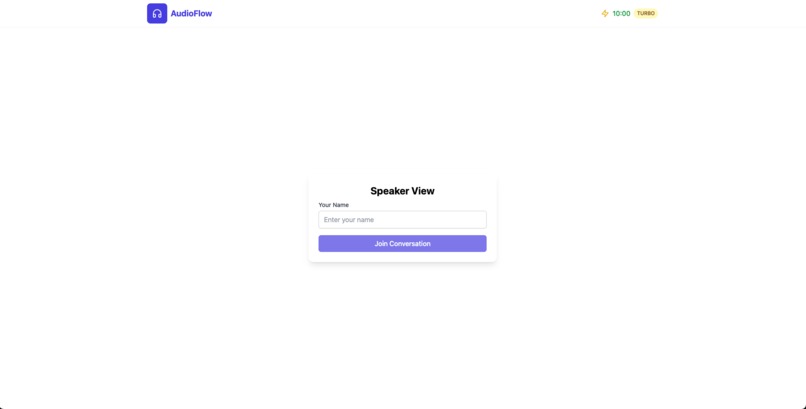
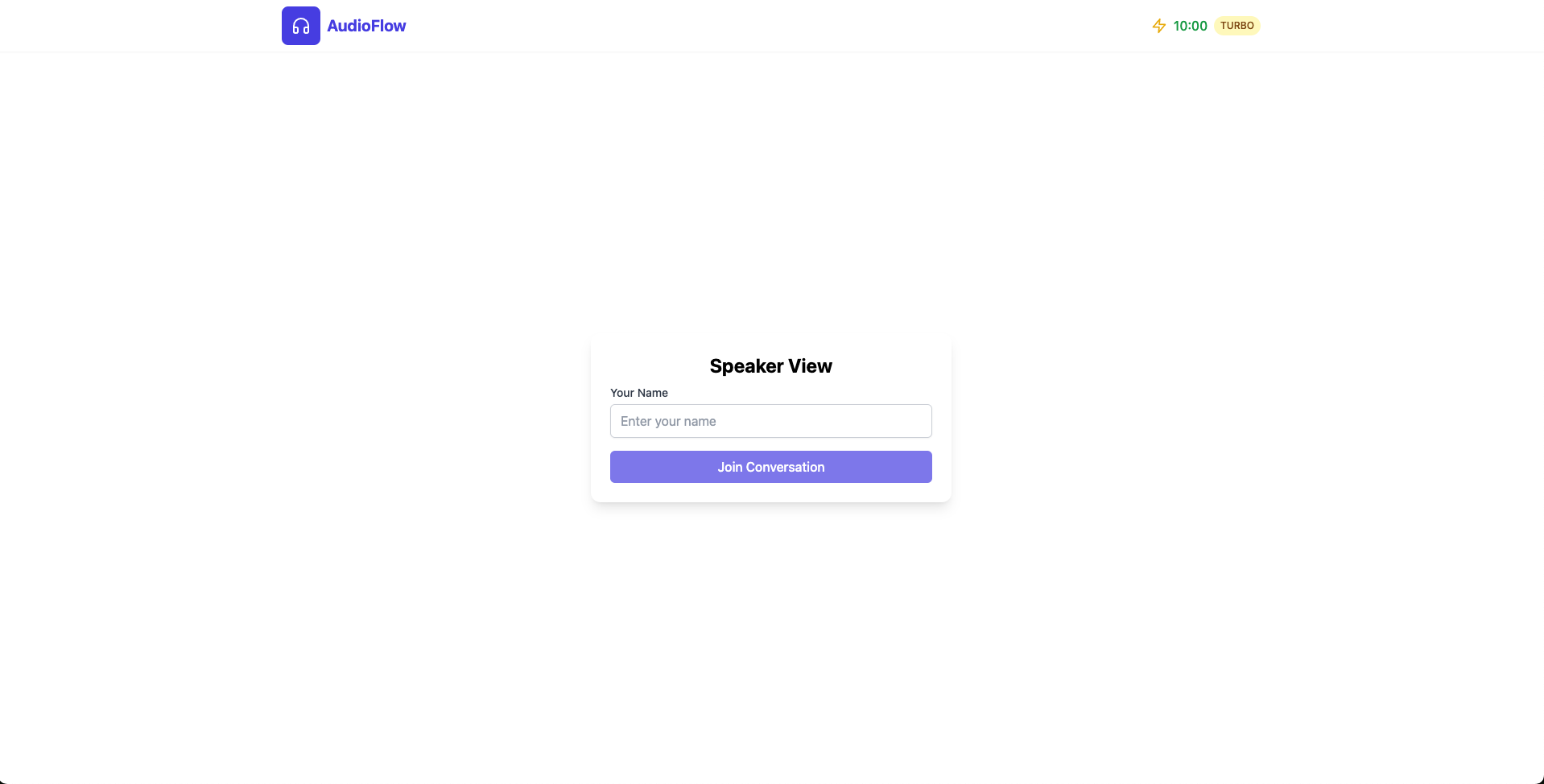
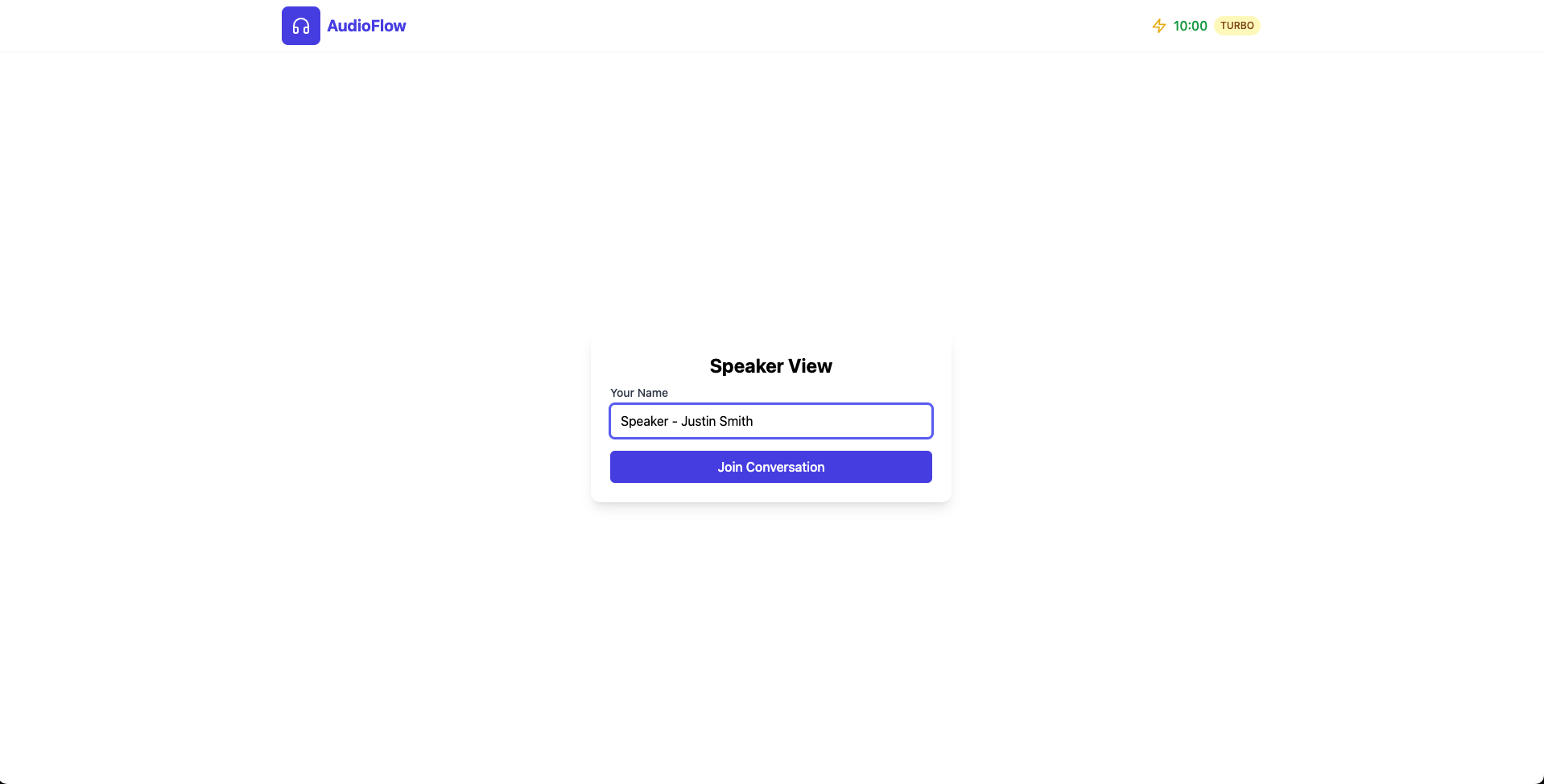
Speaker View > Enter name
-
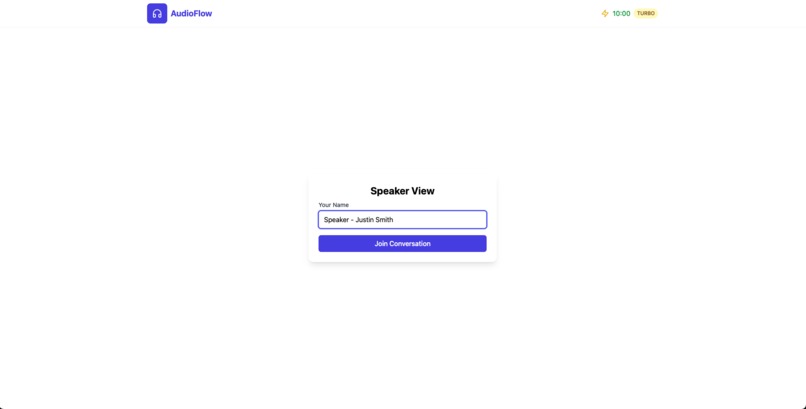
Speaker View > Name entered
-
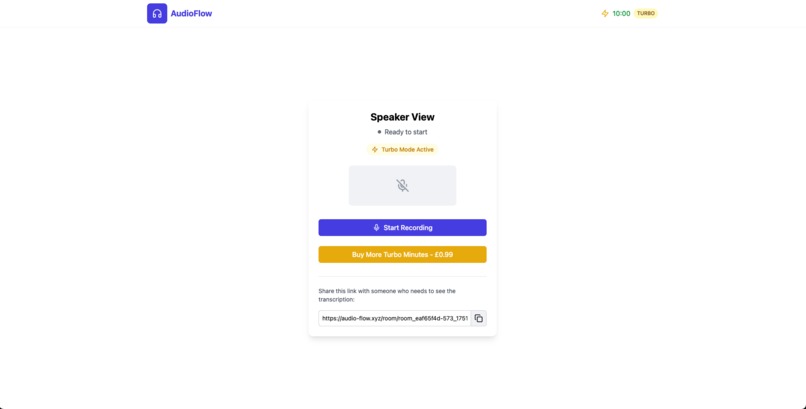
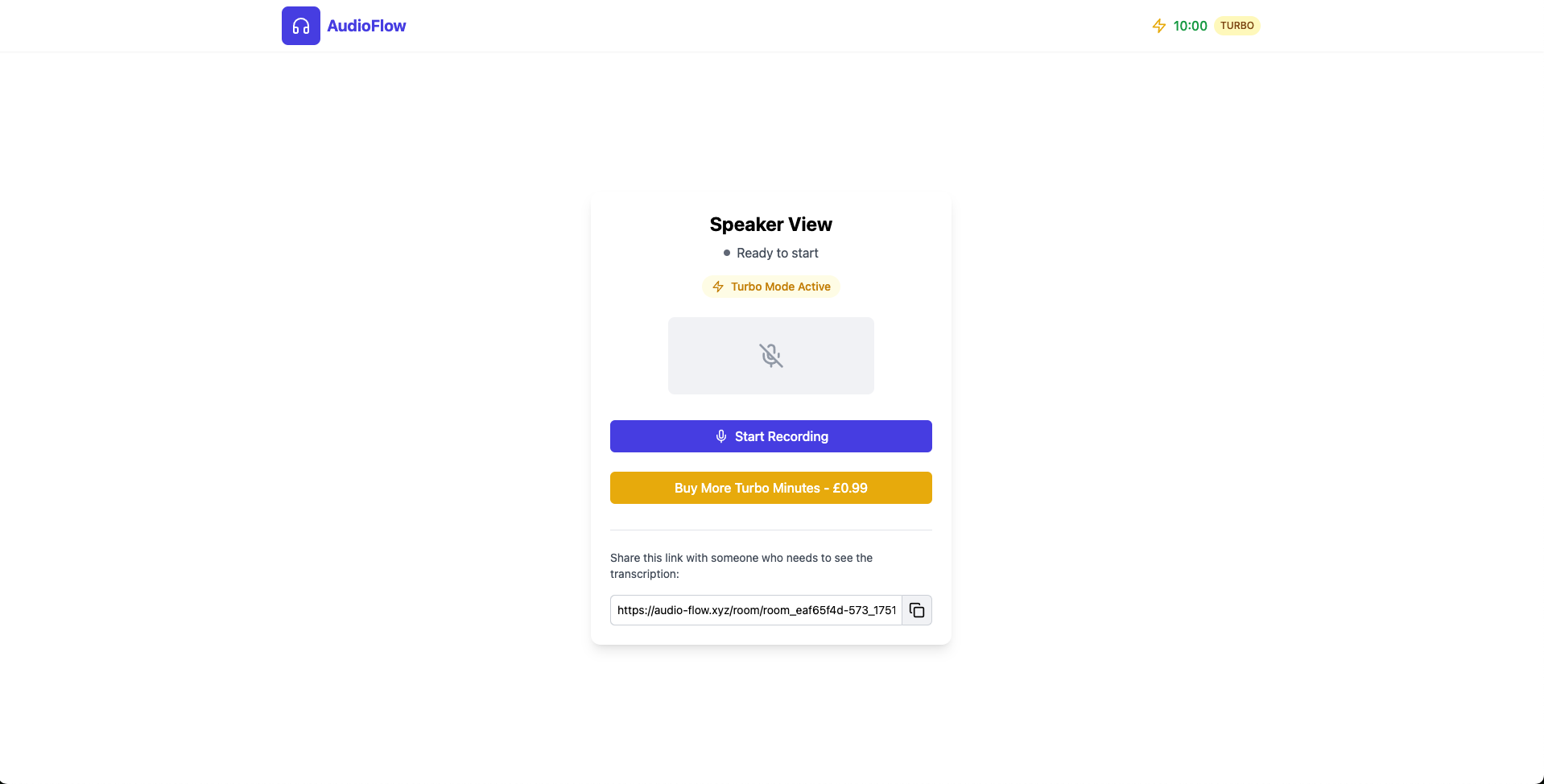
Speaker View > Not started but Joined Room
-
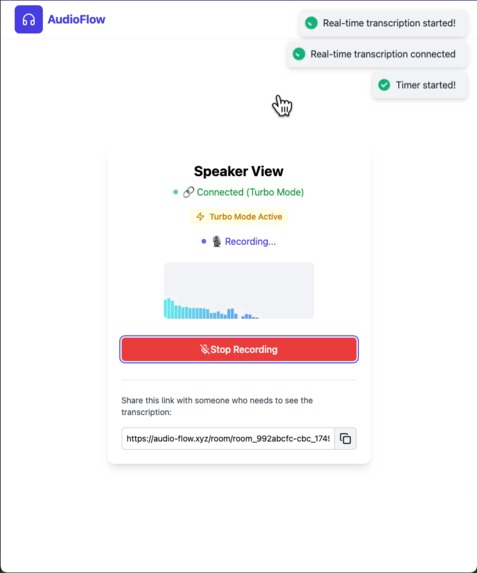
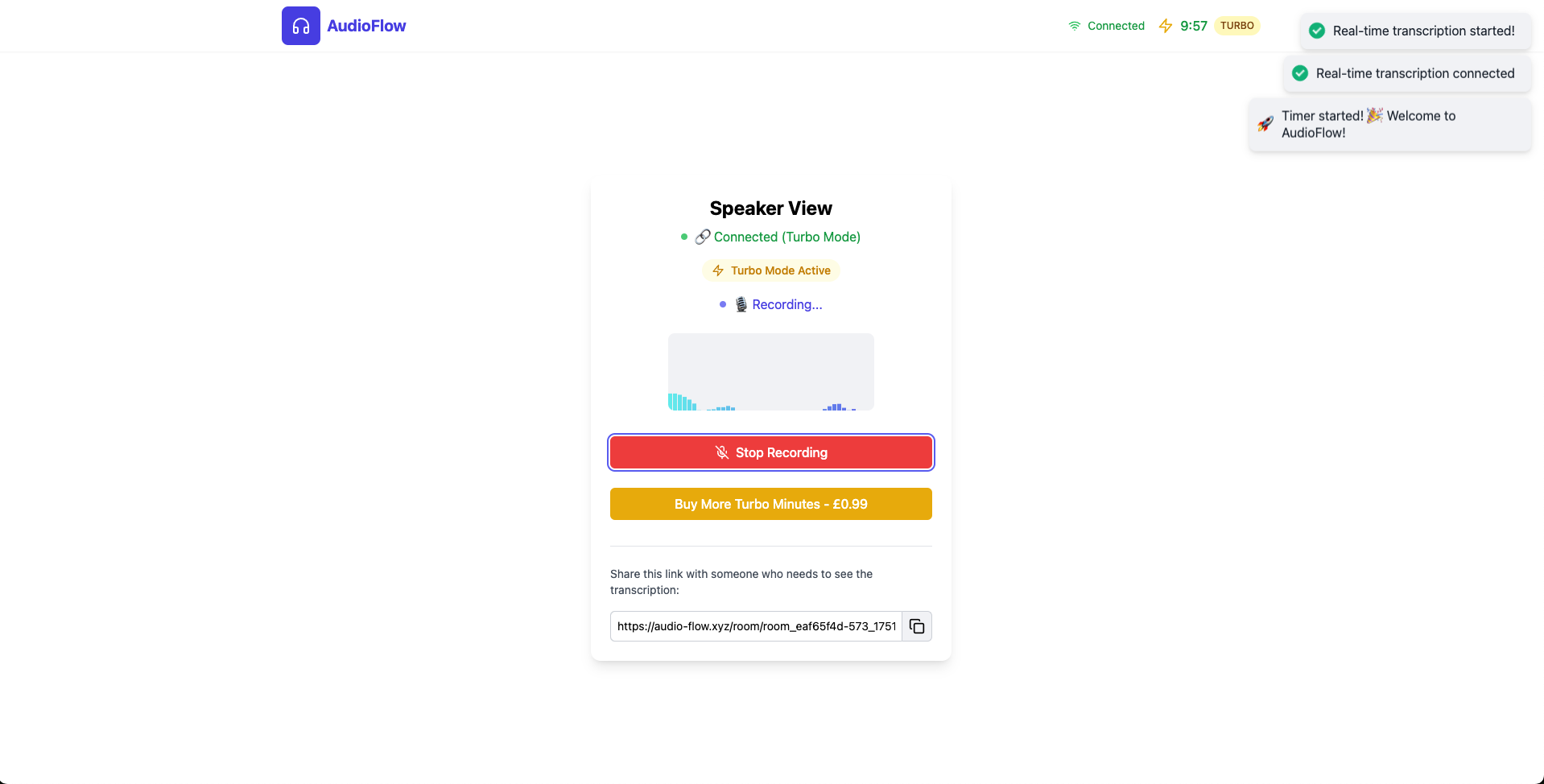
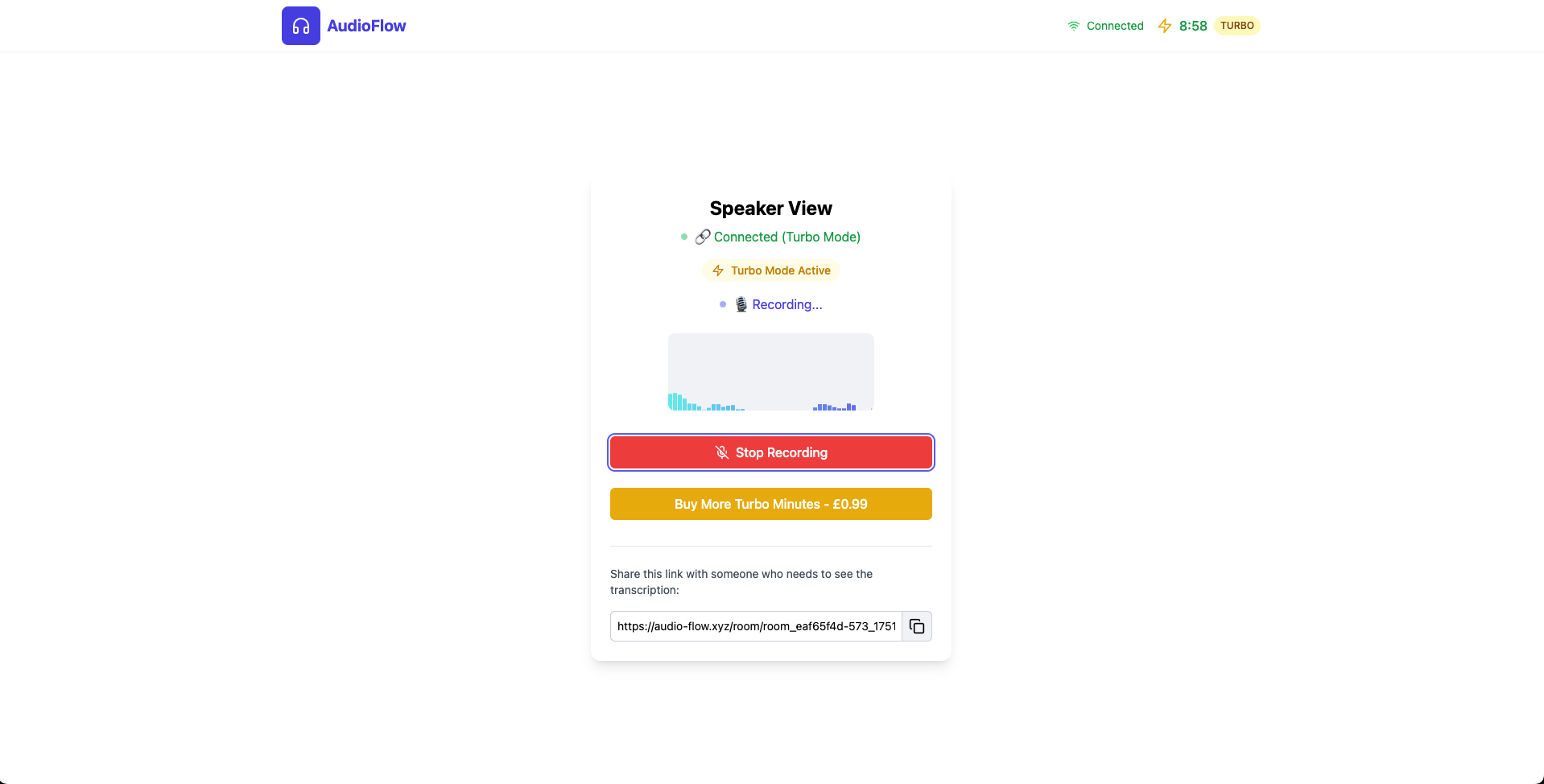
Speaker View > Real-Time 10 min mode activated
-
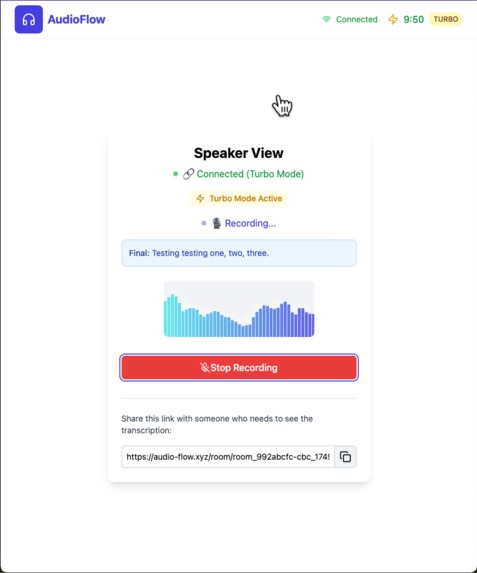
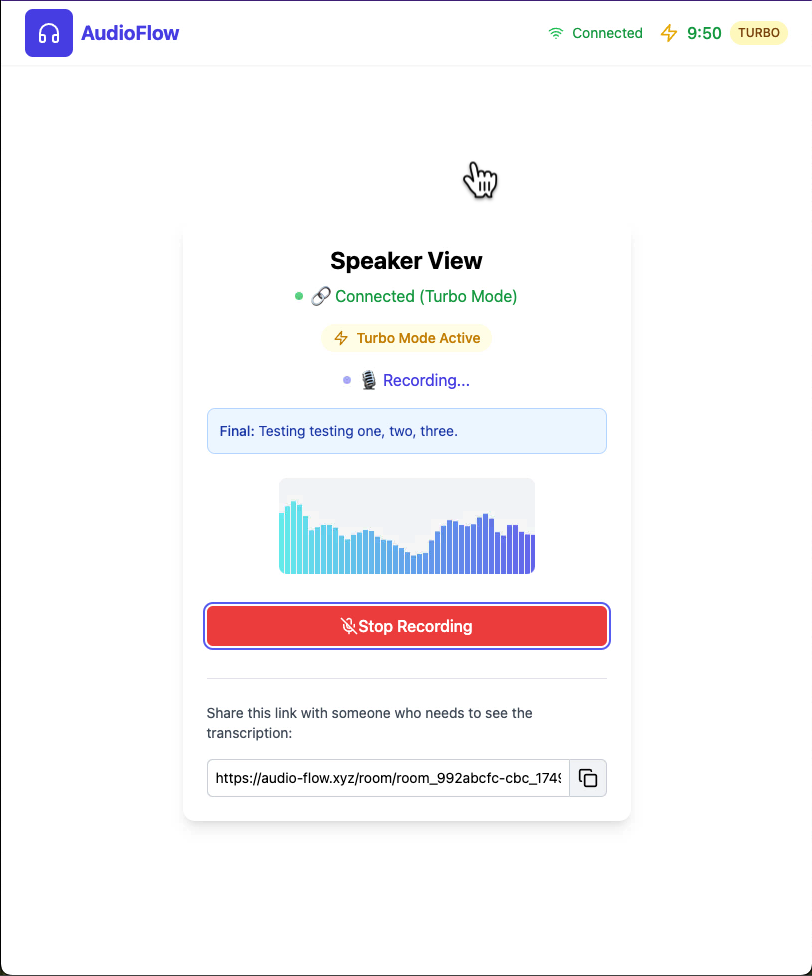
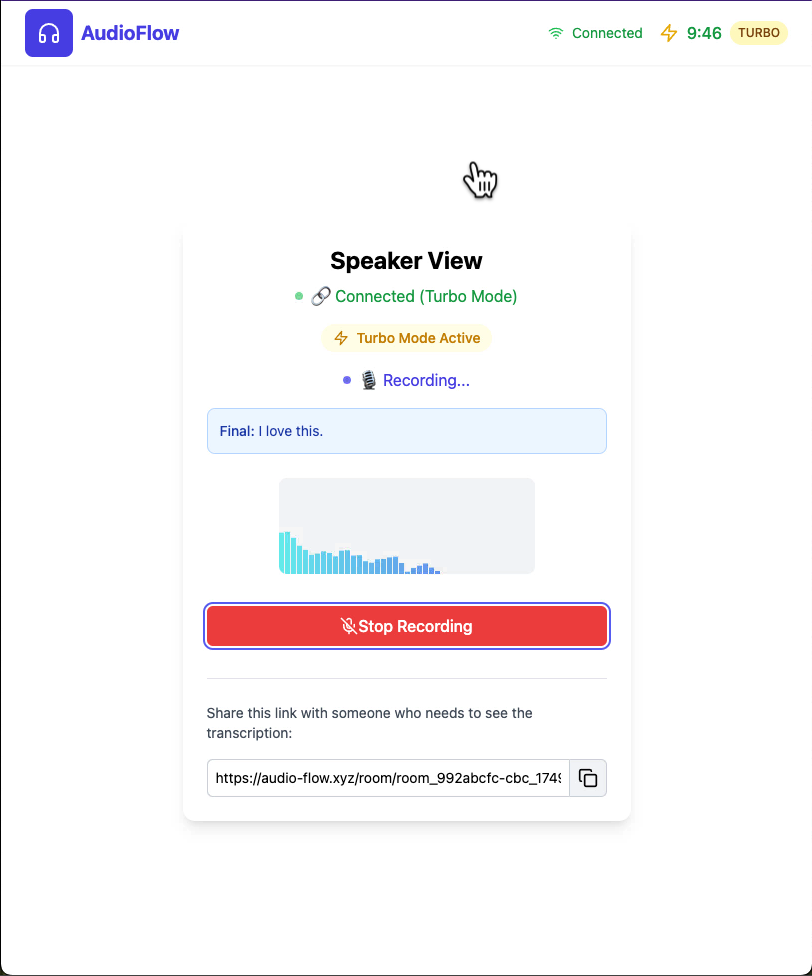
Speaker View > Audio to real-time text example 01
-
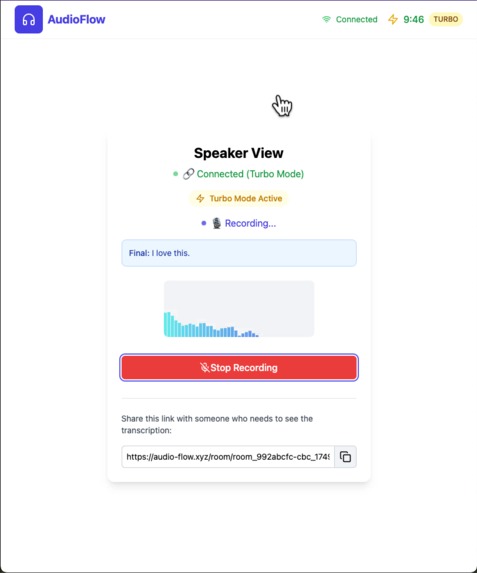
Speaker View > Audio to real-time text example 02
-
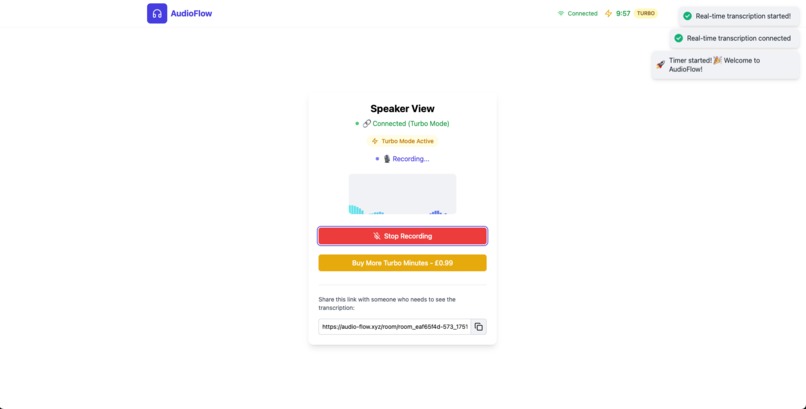
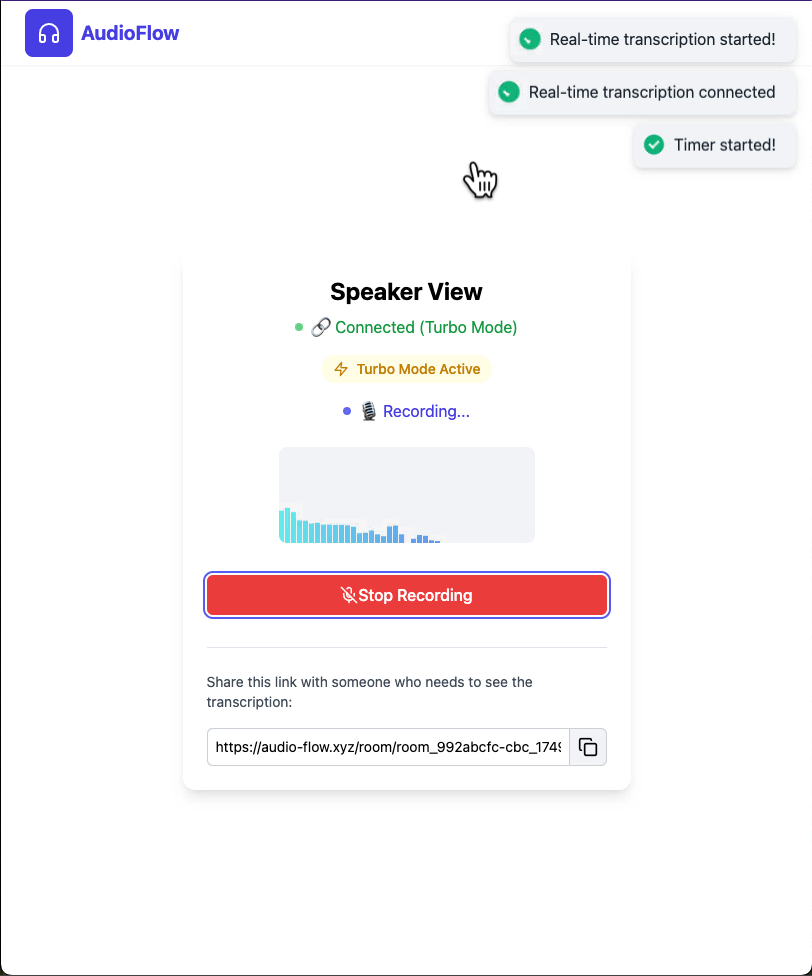
Speaker View > Starting Recording & accept permissions
-
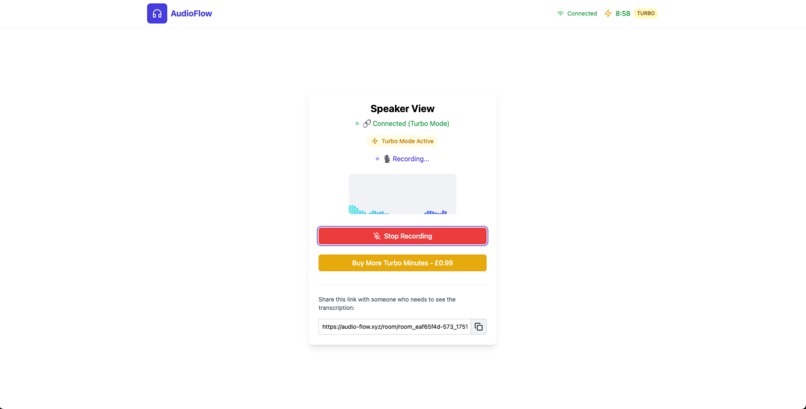
Speaker View > Timer starter
-
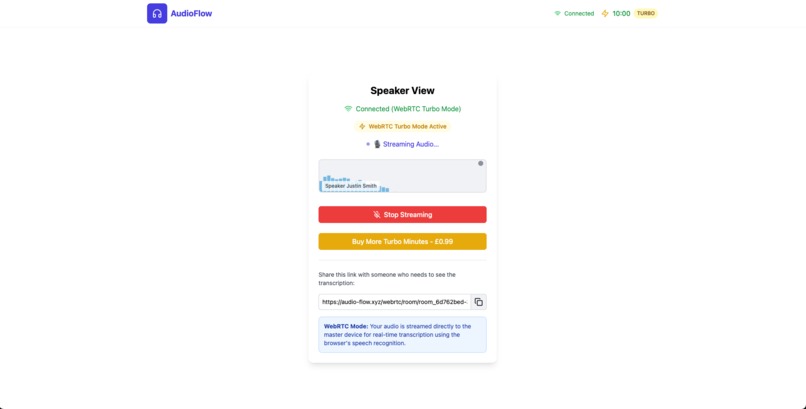
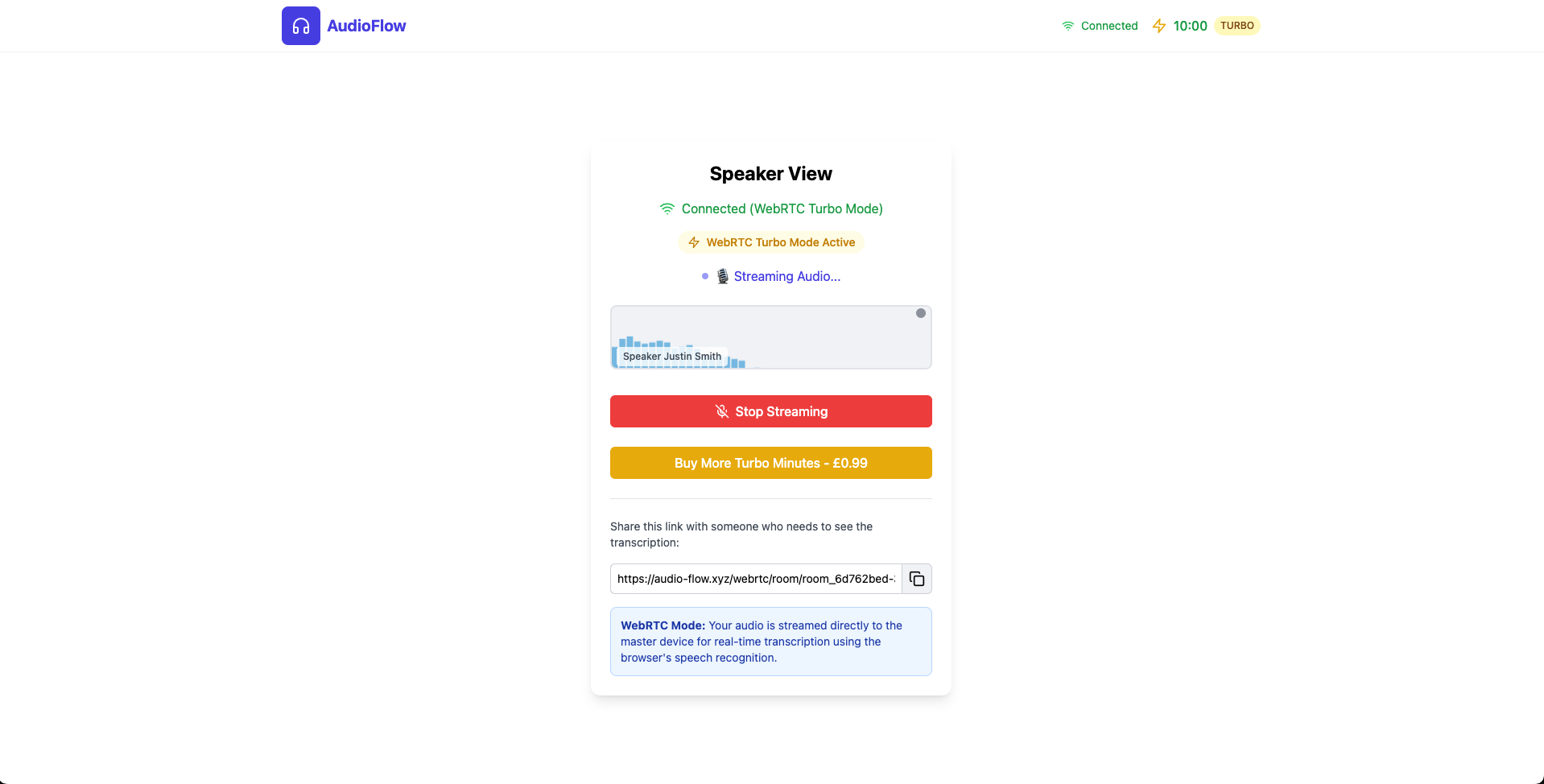
Speaker View > Live Stream Mode
-
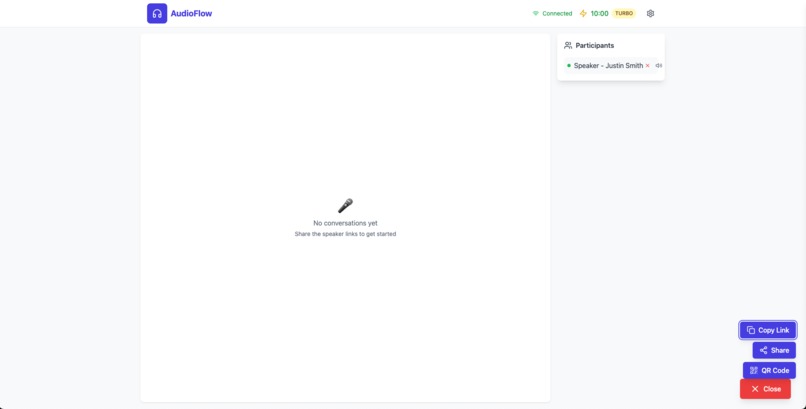
Conversation View > Cloud Mode (Speaker Joined Room)
-
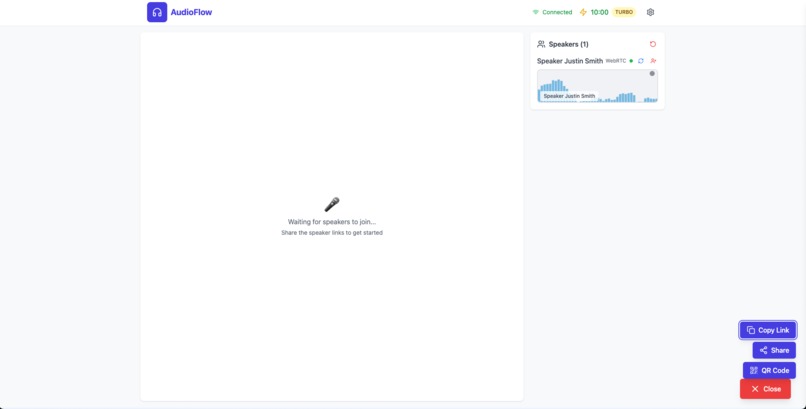
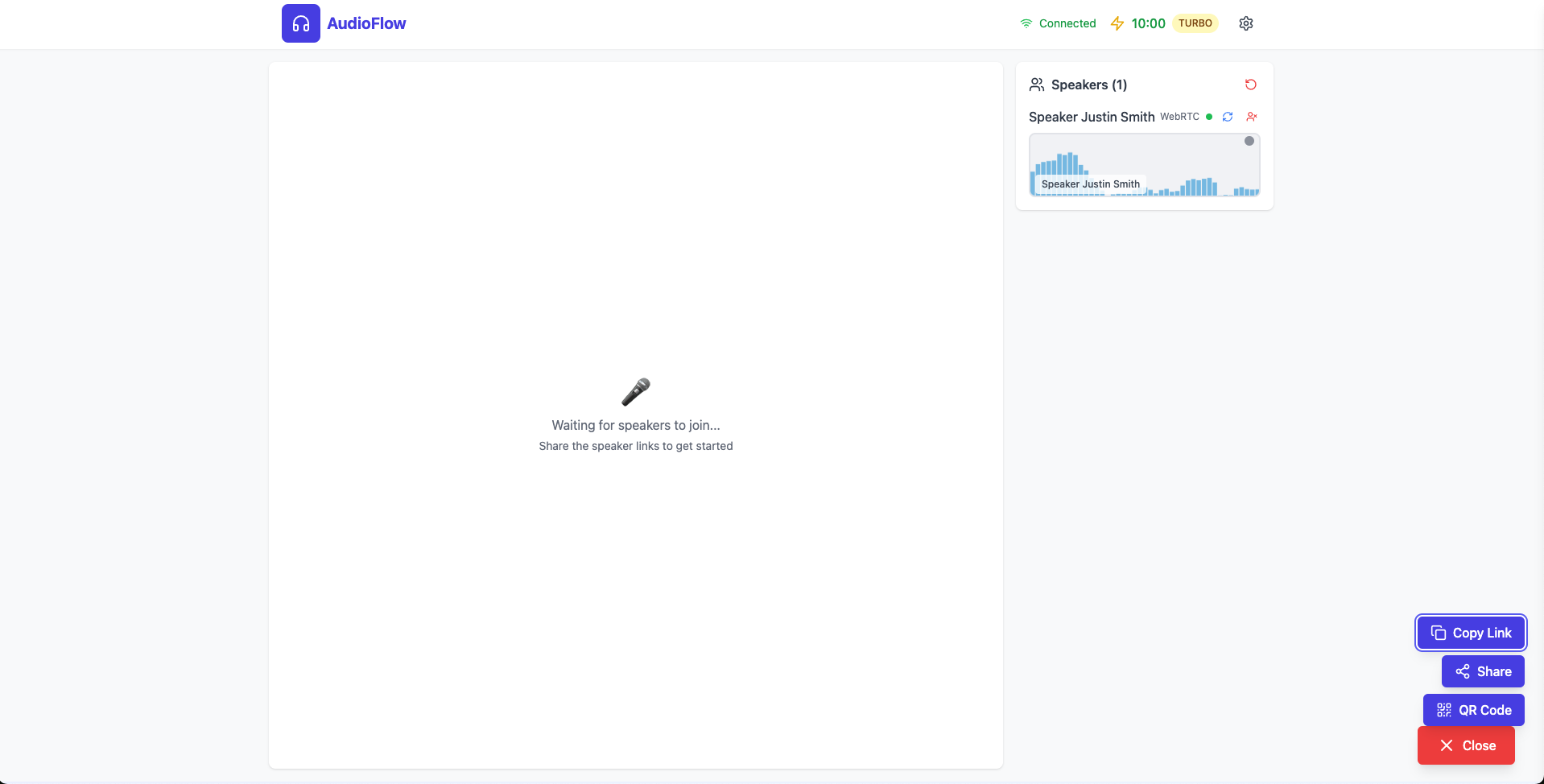
Conversation View > Live Stream Mode (Speaker Joined Room)
-
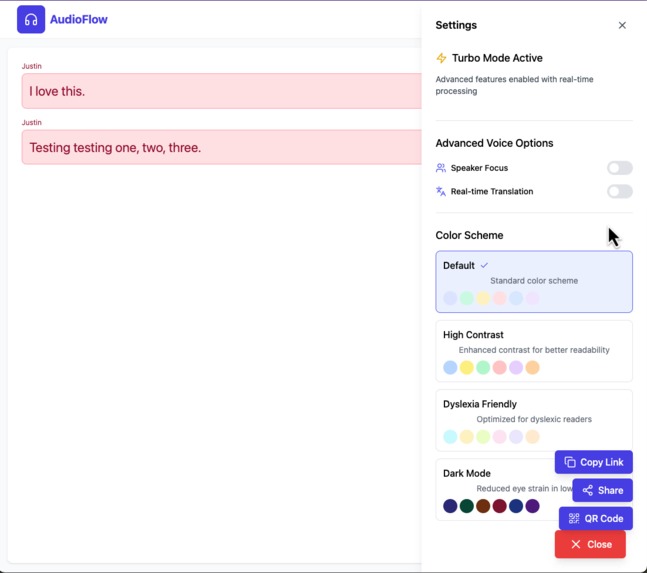
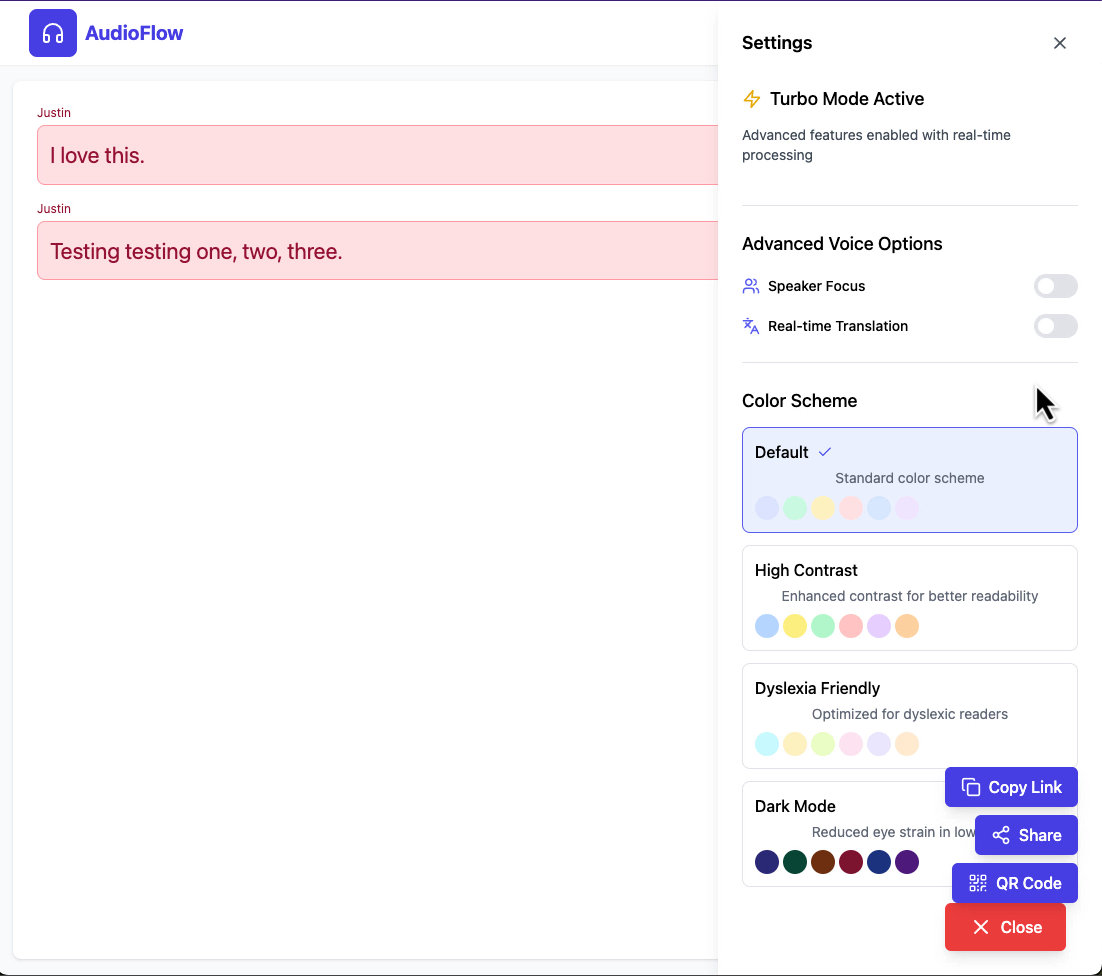
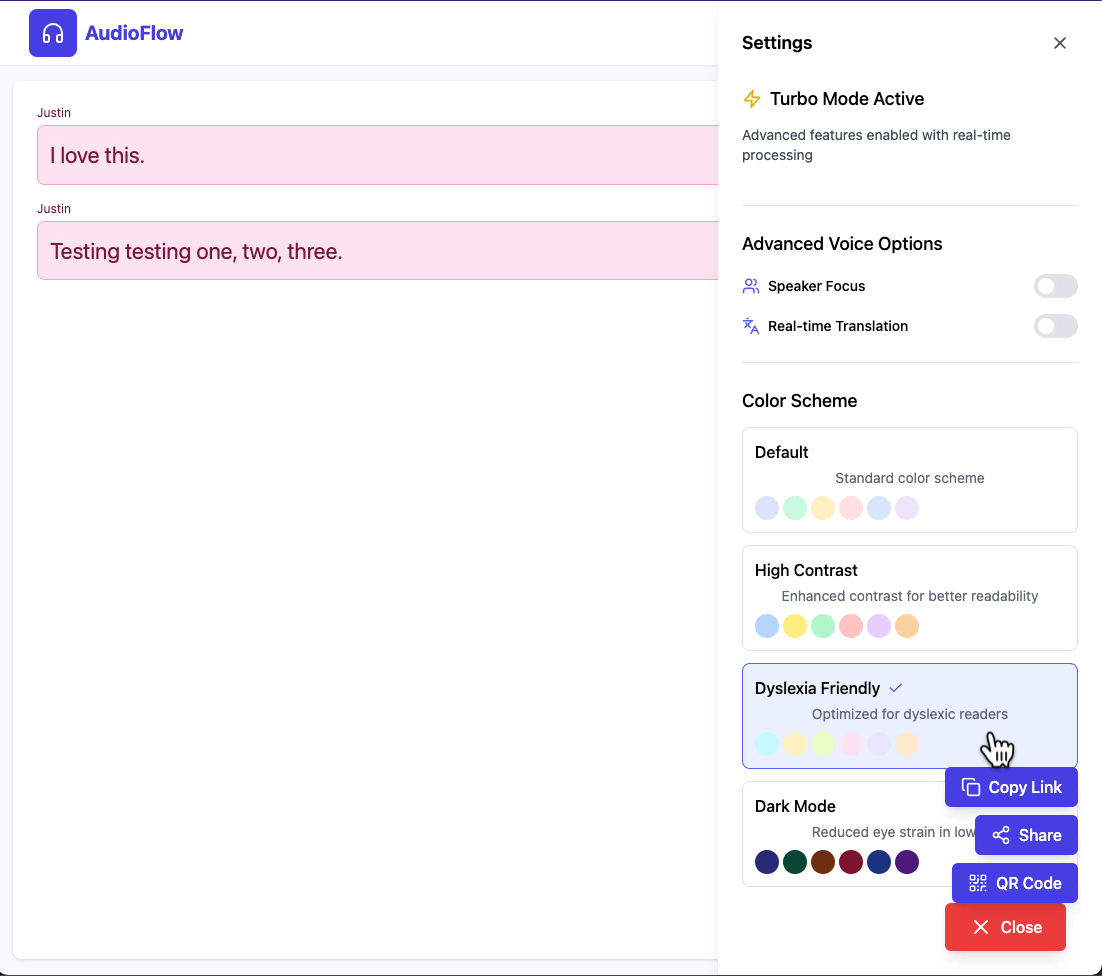
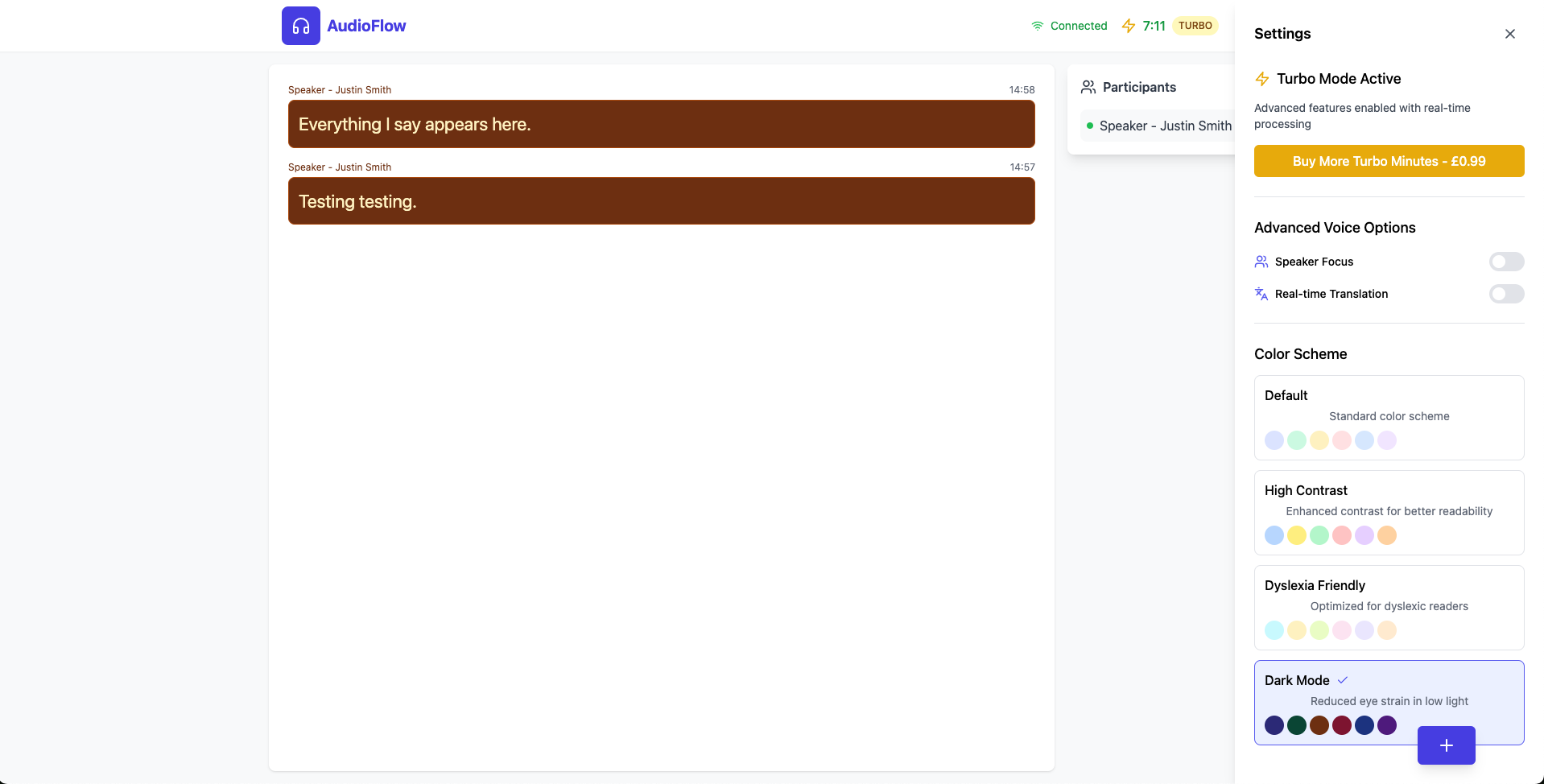
Conversation View > Settings > Colour Scheme 1
-
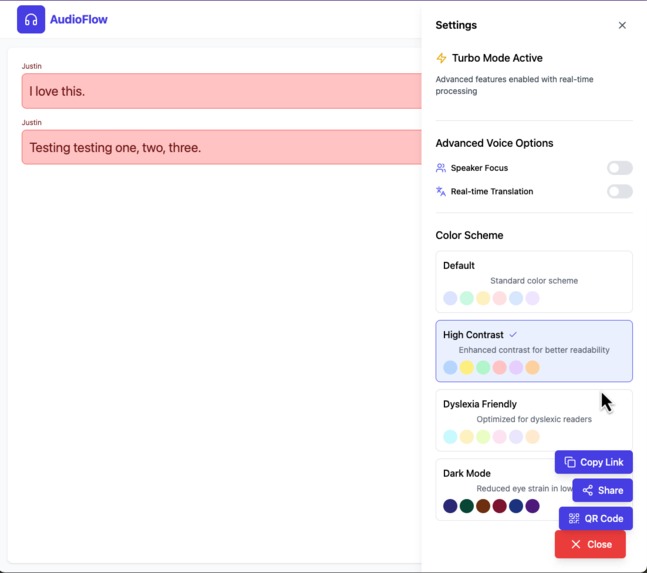
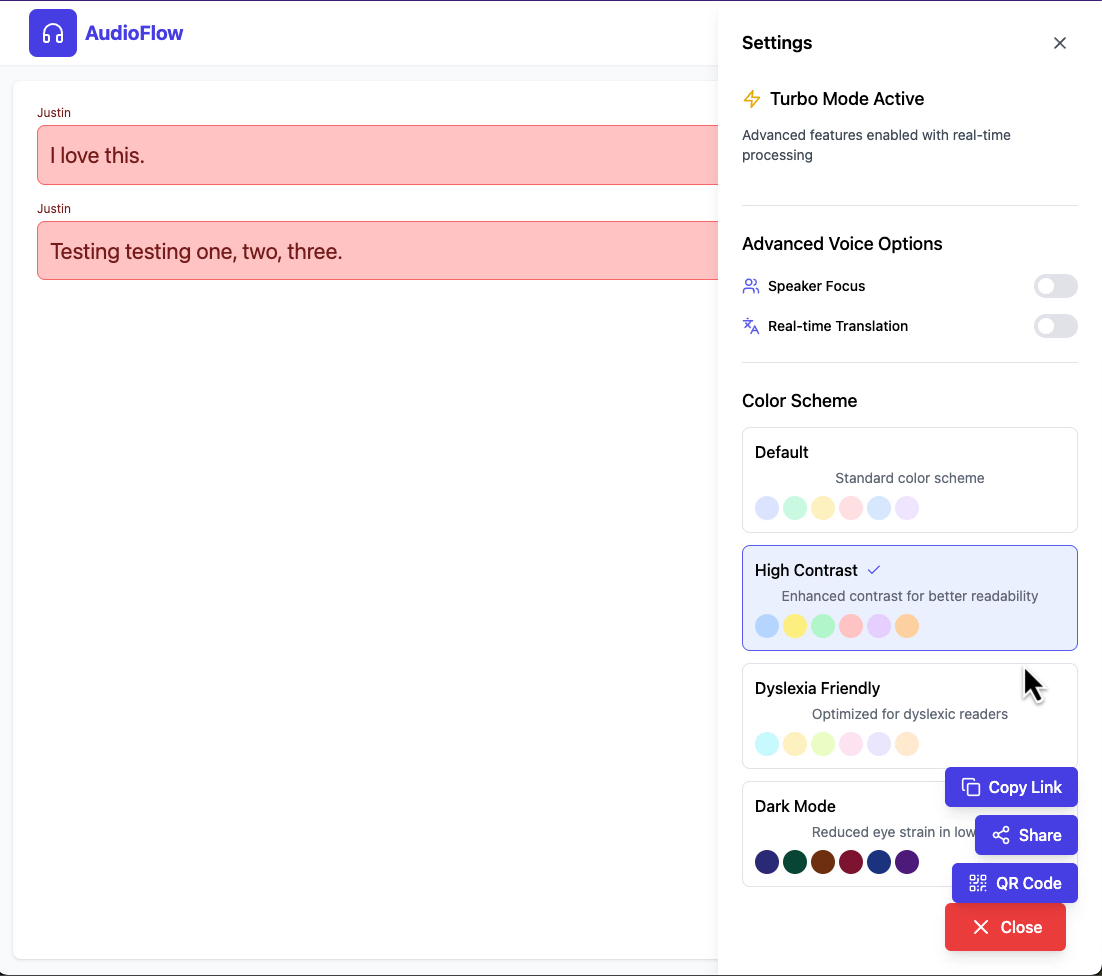
Conversation View > Settings > Colour Scheme 2
-
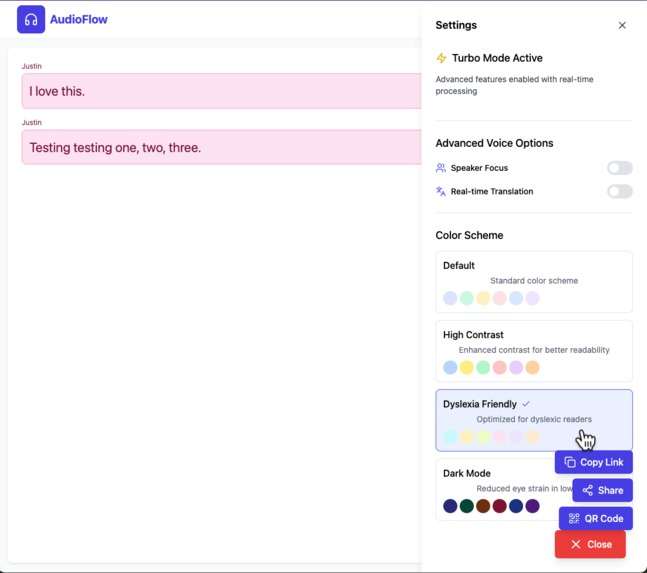
Conversation View > Settings > Colour Scheme 3
-
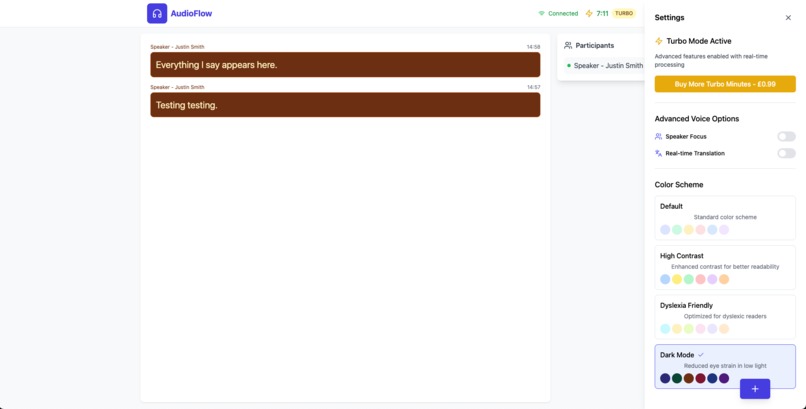
Conversation View > Settings > Colour Scheme 4

Inspiration
Audio-Flow.xyz was created for my mum. Watching her struggle to follow conversations because of hearing loss has always hurt. She would often sit quietly while everyone else spoke, missing out on shared moments, jokes, and important details. I wanted to build something that could help her feel included again. Audio-Flow.xyz is my way of giving her and others like her a way to rejoin the conversation using the technology we already carry in our pockets.
What it does
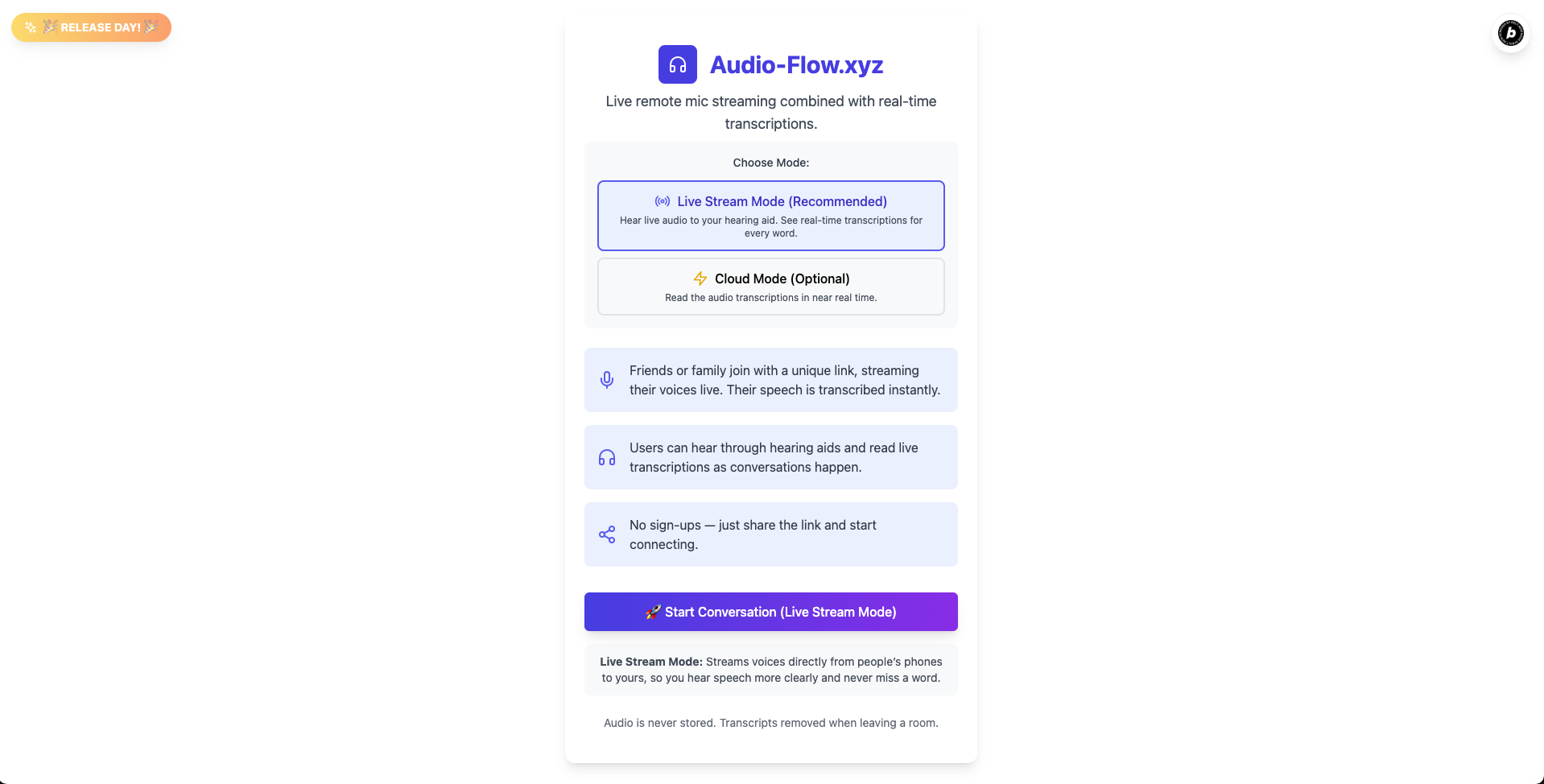
Audio-Flow.xyz captures live speech and turns it into real-time text that can be viewed instantly from any shared URL. It has two modes:
Audio + transcription mode: Using WebRTC for direct peer-to-peer streaming, the main user hears live audio streamed from others’ phones directly to their hearing aids or headphones, while also seeing the real-time transcription on their device.
Transcription-only mode: Users can join simply to see live transcriptions without audio, ideal for quiet environments or when streaming isn’t possible.
Others use their phones as remote microphones, streaming their voices live to the main user’s device. This direct streaming allows the master user to maintain natural eye contact and engage more fully in conversations. It’s simple, works anywhere, and requires no installs or signups.
How we built it
I built Audio-Flow.xyz using bolt.new for speed and Supabase for real-time syncing. For live audio streaming between devices, we use WebRTC, a powerful technology that enables direct, peer-to-peer audio connections with minimal delay, essential for natural conversation. The interface was kept minimal and accessible so anyone can use it without technical skills. Stripe is integrated for optional monetisation. The goal was to make the app lightweight, reliable, and easy to share via simple links like /master or /speaker1.
Challenges we ran into
Latency was the biggest challenge. At first, I built it to show only text, but reading alone made it hard to keep up with fast conversations. Adding live audio helped people listen through their hearing aids or headphones while still seeing the words.
Even small delays can make lipreading harder. Natural eye contact helps people follow along and feel included, so keeping audio and text in sync was essential. Getting this to work smoothly across different devices while keeping the interface simple was key.
Accomplishments that we're proud of
I'm proud that I created something real people can use immediately. The first time I saw it help someone feel part of a conversation again, it felt like everything was worth it. Audio-Flow.xyz is not just a technical project, it’s personal, and it works.
What we learned
I learned how powerful a simple tool can be when it meets a genuine need. Building with empathy changed how I approached every decision. Accessibility is not a feature, it’s the foundation.
What's next for Audio-Flow
I want Audio-Flow to become a true communication bridge — not just transcribing speech, but translating conversations in real time so anyone can connect and feel included.
One day, it will stream, caption, and translate spoken words instantly, so people can hear or read them however they need. Like a modern “Babel Fish,” it will help everyone join the conversation, no matter what language they speak or how they hear the world.


Log in or sign up for Devpost to join the conversation.