Inspiration
The inspiration for Audio Atlas came from observing the significant accessibility barriers faced by visually impaired individuals and those with learning differences when interacting with visual data. Charts, graphs, diagrams, and infographics dominate modern communication—from business reports to educational materials—yet they remain largely inaccessible to millions. We envisioned a world where anyone could simply ask questions about visual data and receive clear, conversational answers. With Chrome's groundbreaking on-device AI capabilities, we saw an opportunity to bridge this gap while prioritizing privacy and instant responsiveness.
What it does
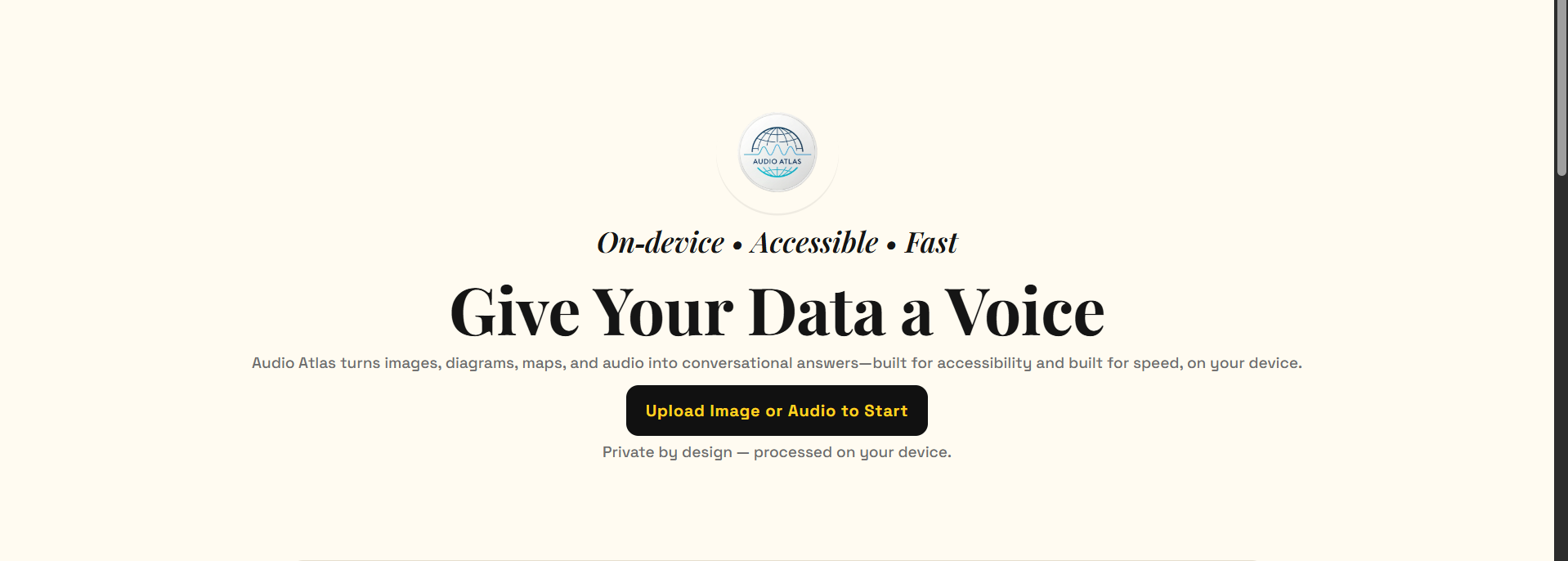
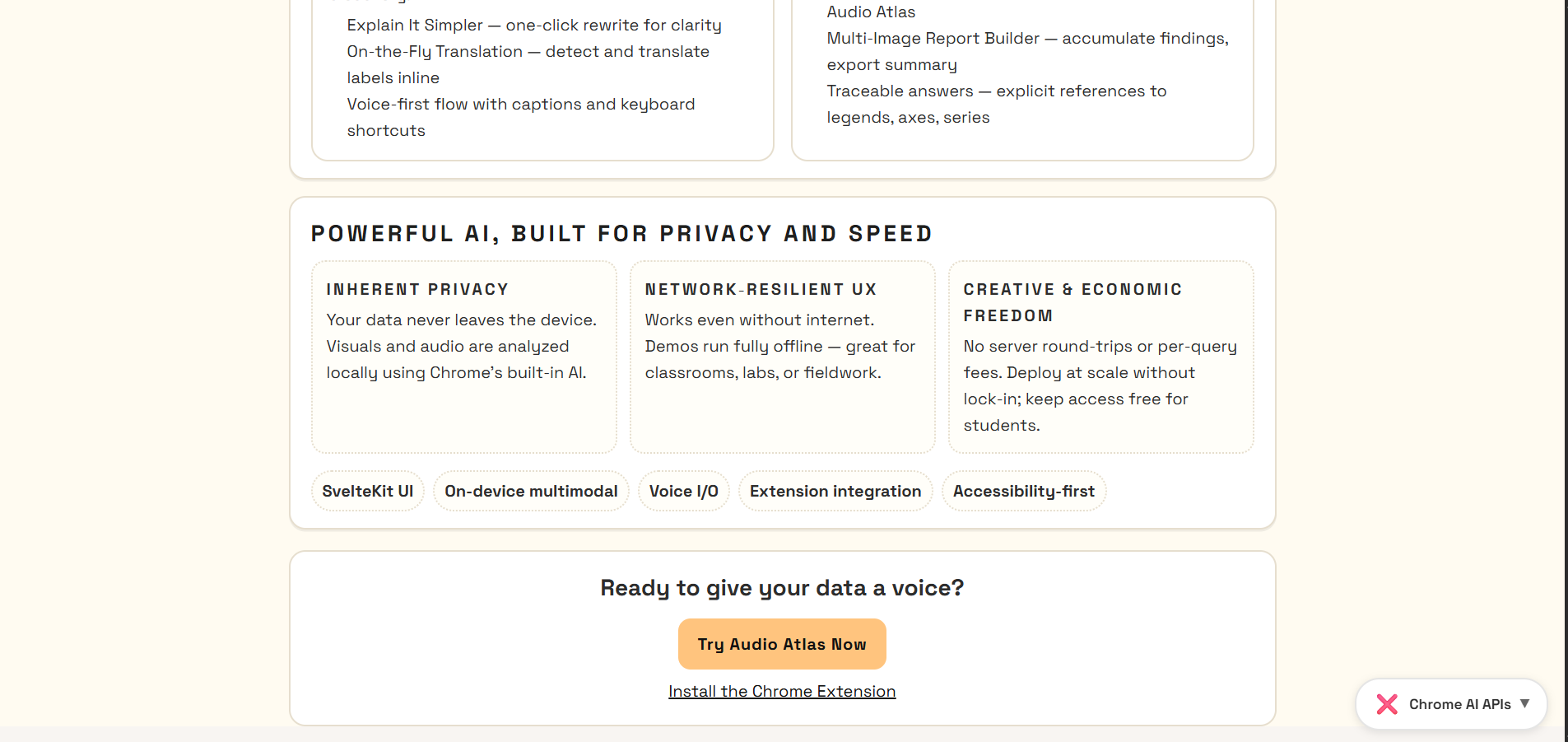
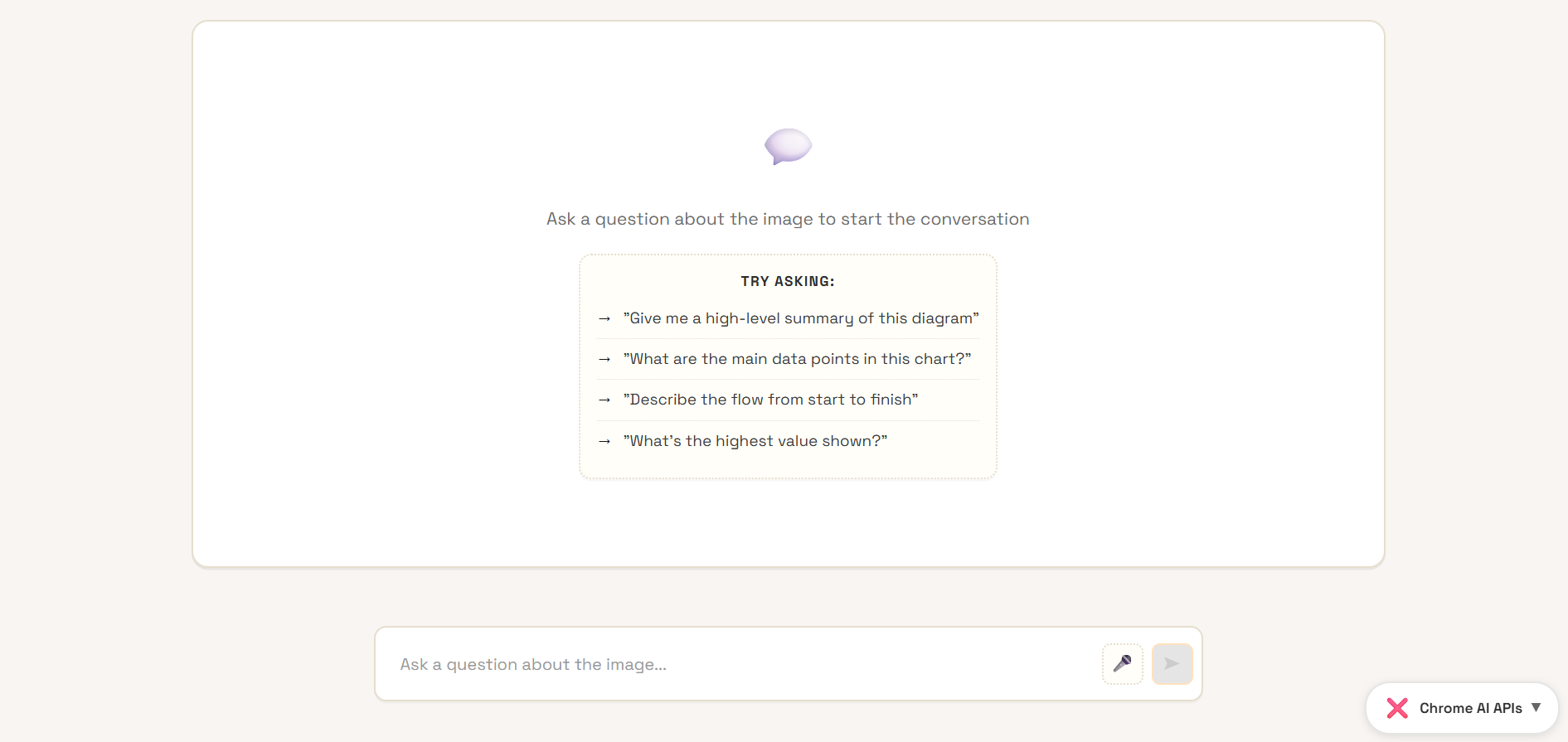
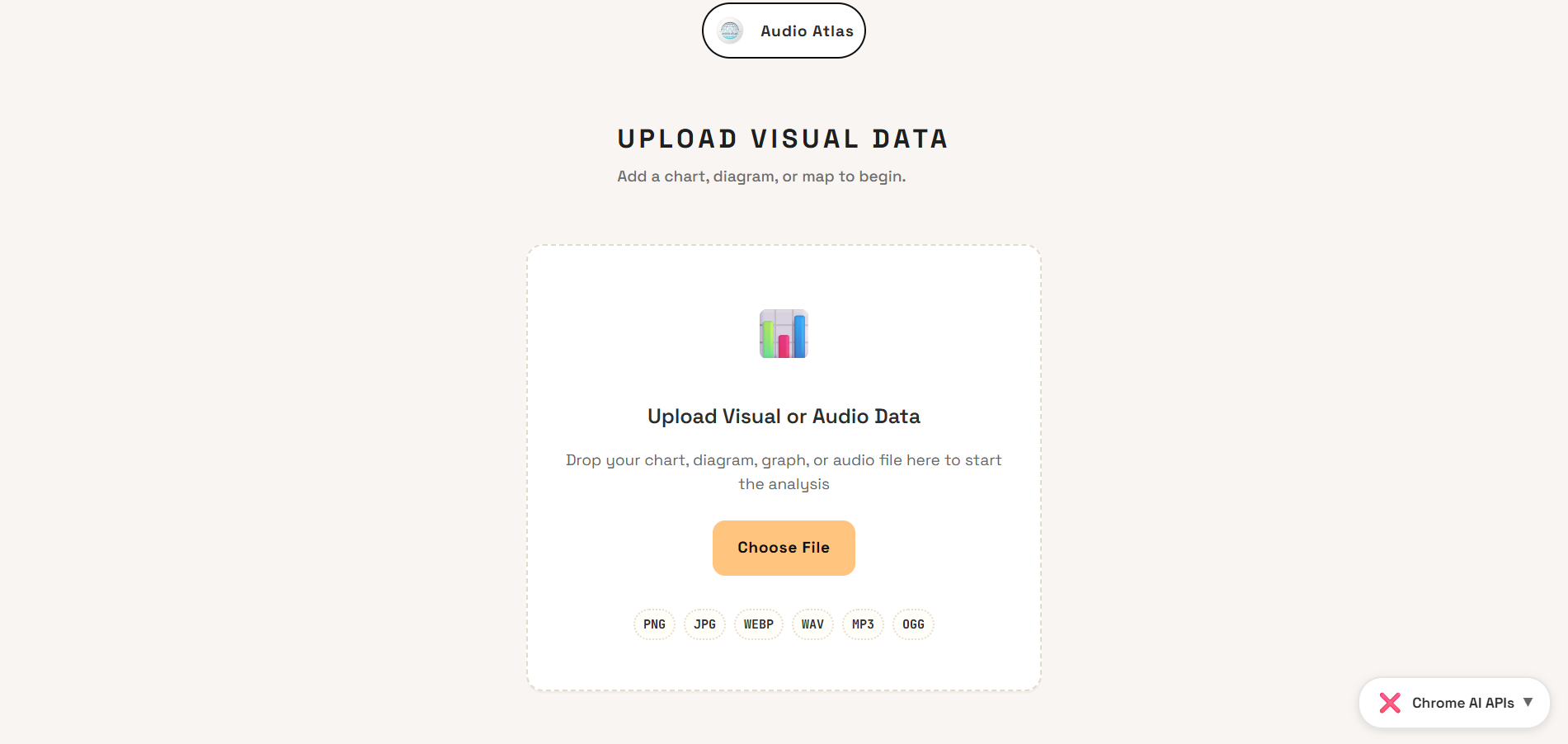
Audio Atlas transforms visual data into conversational knowledge using Chrome's built-in AI. Users can upload visual content such as charts, graphs, maps, diagrams, and infographics, then ask natural language questions about them. The application provides intelligent, contextual answers powered by on-device multimodal AI, allowing anyone to interact conversationally with complex visual data. All AI processing happens locally in the browser, ensuring complete privacy and real-time responsiveness. The application makes data visualization accessible to everyone, whether they're students trying to understand a complex graph, professionals analyzing business charts, or individuals with visual impairments seeking equal access to information.
How we built it
Audio Atlas was built using modern web technologies optimized for performance and user experience. We used SvelteKit as the frontend framework for reactive, fast-loading interfaces, styled with Tailwind CSS for a modern, responsive design that works seamlessly across devices. TypeScript provided type-safe, maintainable code, while Vite enabled lightning-fast development and optimized production builds. The core functionality leverages Chrome's built-in Prompt API and on-device multimodal models for AI integration. The application is deployed on Vercel for seamless, scalable hosting. We structured the application with a focus on user experience, creating an intuitive interface that guides users through uploading images and asking questions, with careful handling of browser compatibility and feature detection.
Challenges we ran into
We faced several significant challenges during development. Chrome's built-in AI is cutting-edge technology, which meant navigating limited documentation and dealing with API changes during development. Ensuring the application gracefully handles browsers without AI capabilities required careful feature detection and appropriate fallbacks. Optimizing the image-to-text analysis pipeline to provide accurate, contextually relevant responses while maintaining fast response times proved challenging. We also had to balance the benefits of on-device processing with performance considerations for larger images and complex queries. Finally, designing an interface that makes advanced AI capabilities feel simple and approachable for users of all technical backgrounds required multiple iterations and user testing.
Accomplishments that we're proud of
We're proud to have created a tool that genuinely improves accessibility for visual data, addressing a real-world problem. Successfully implementing a fully local AI solution that never sends user data to external servers demonstrates our commitment to privacy-first innovation. We built a polished application that showcases Chrome's AI capabilities in a practical, user-friendly way, with a mobile-friendly interface that works beautifully across all devices. Despite complex AI processing, we achieved fast response times thanks to on-device computing, proving that privacy and performance can coexist.
What we learned
We gained deep insights into the capabilities and limitations of browser-based AI, and its transformative potential for privacy-preserving applications. This project taught us to design with diverse user needs in mind from the ground up, not as an afterthought. We discovered how SvelteKit's reactive paradigm and minimal runtime make it ideal for AI-powered applications. We developed robust patterns for working with experimental browser APIs and handling feature availability. Most importantly, we learned that the most powerful AI is invisible—it should enhance experiences without overwhelming users.
What's next for Audio Atlas
In the short term, we plan to expand support for tables, flowcharts, architectural diagrams, and scientific visualizations. We'll add speech-to-text and text-to-speech for fully hands-free operation, enable conversation history across sessions, and allow users to save insights and summaries in various formats. Our long-term vision includes real-time collaboration for teams analyzing data together, partnerships with educational platforms to make learning materials more accessible, advanced analytics for data trend analysis and predictions, a browser extension for analyzing visual data on any webpage, and an API for developers to integrate accessible data visualization. We also aim to establish partnerships with accessibility organizations and educational institutions, gather user feedback to continuously improve features, and advocate for broader adoption of on-device AI for privacy-preserving applications.
Built With
- chrome-built-in-ai-api
- chrome-prompt-api
- css3
- eslint
- html5
- javascript
- multimodal-ai-models
- node.js
- npm
- sveltekit
- tailwind-css
- typescript
- vercel
- vite


Log in or sign up for Devpost to join the conversation.