-
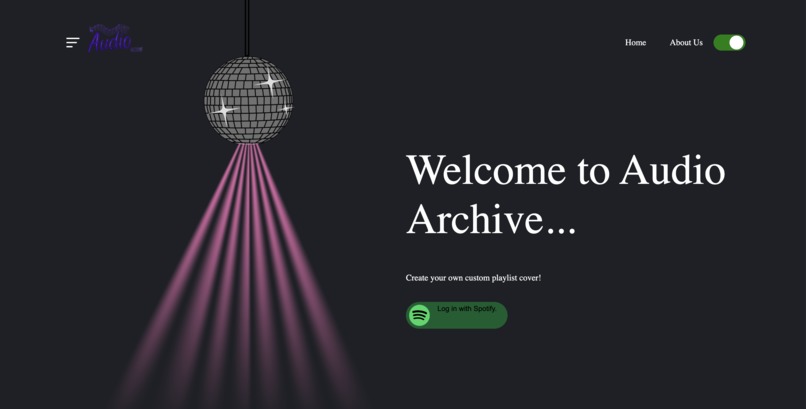
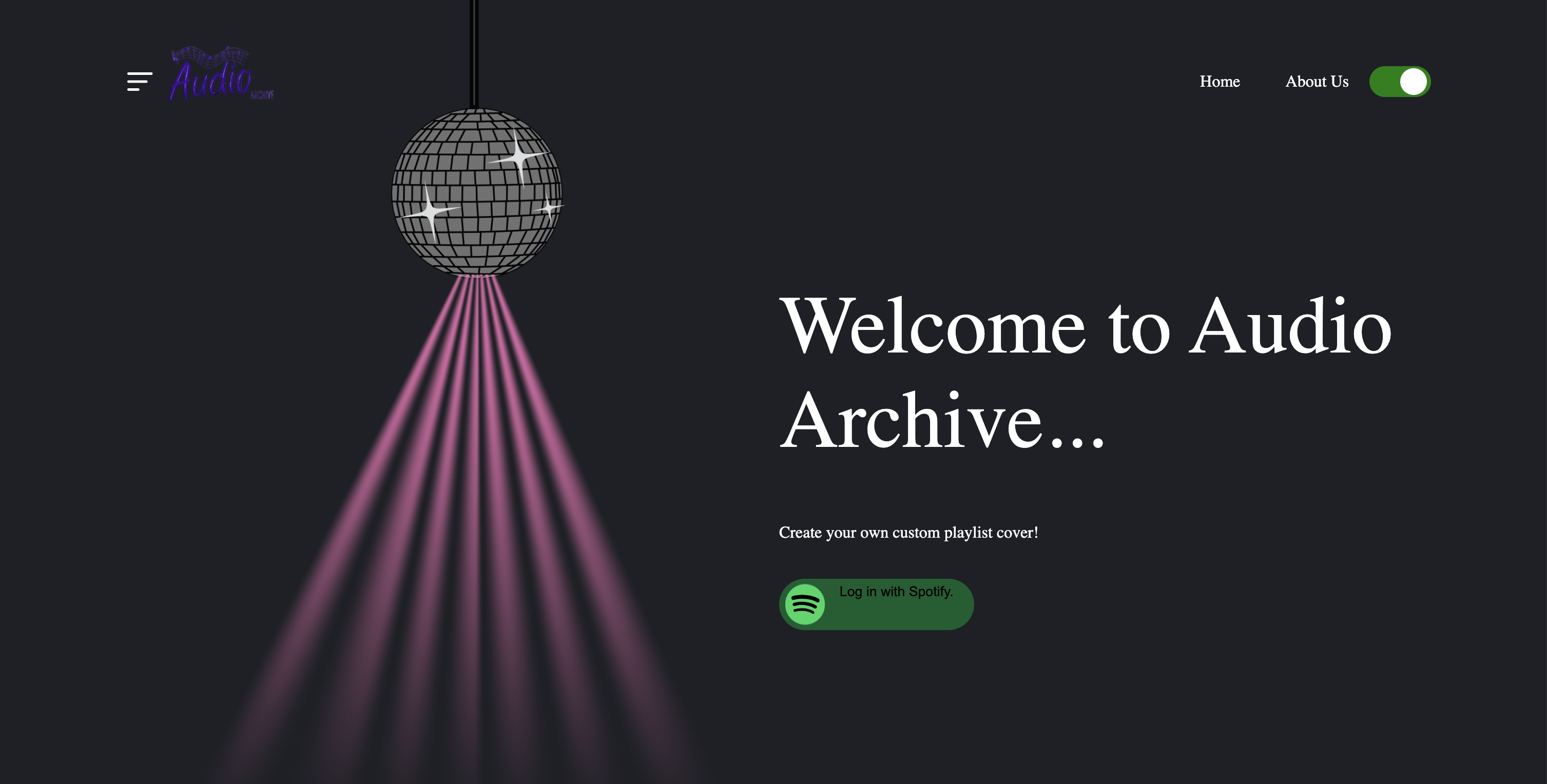
Audio Archive's home page
-
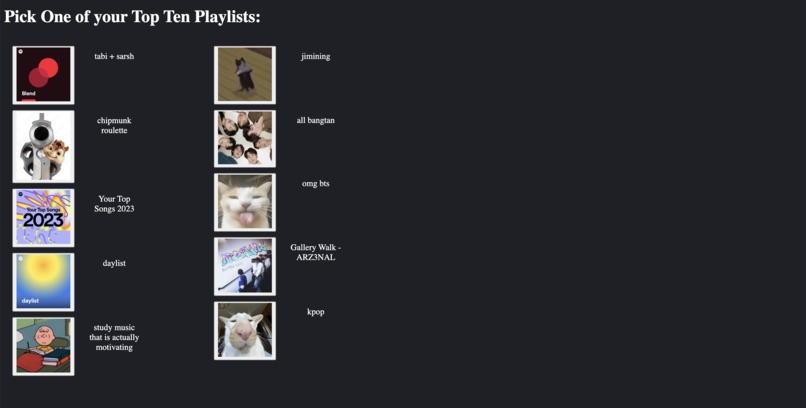
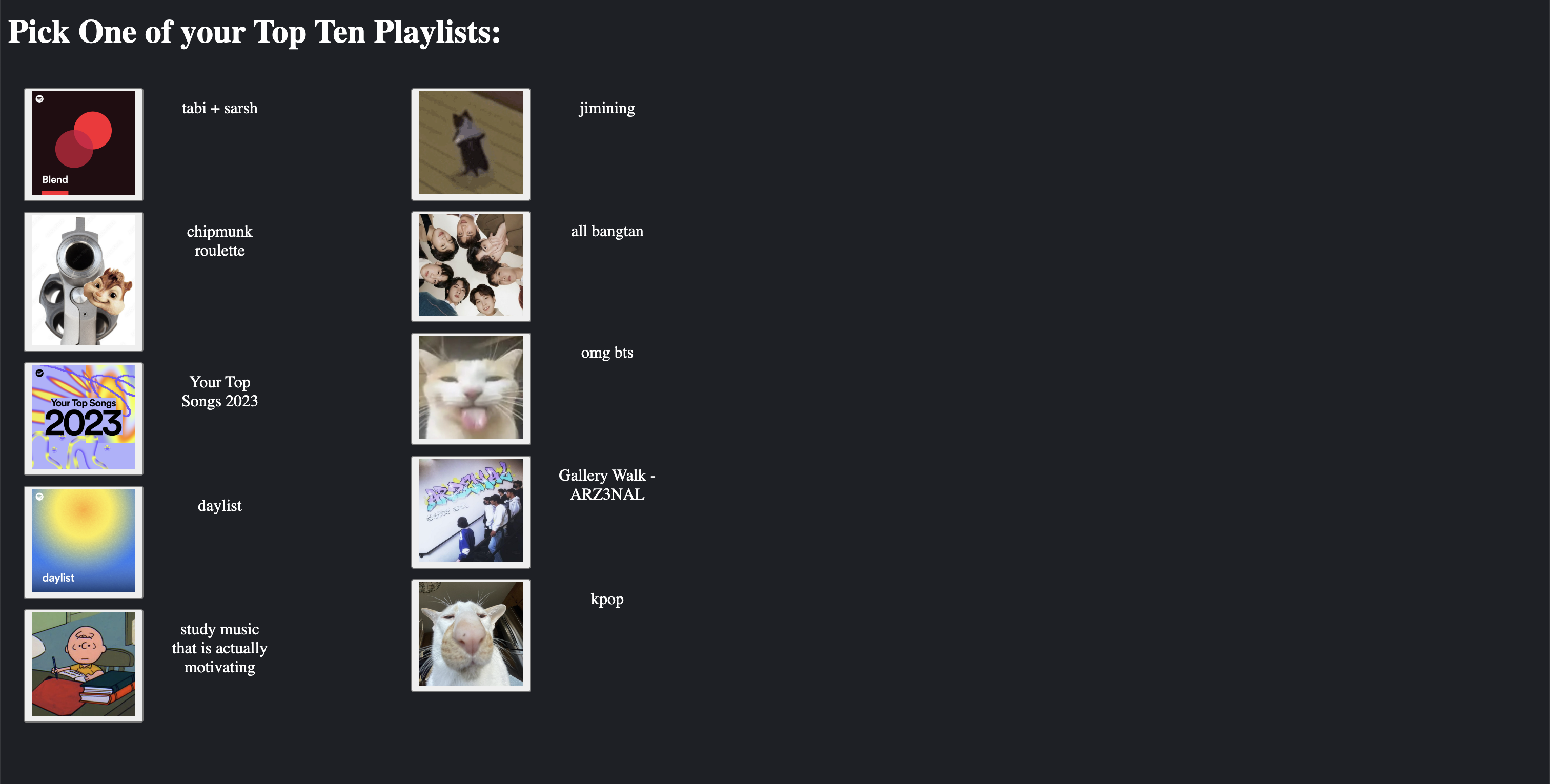
List of user's playlists
-
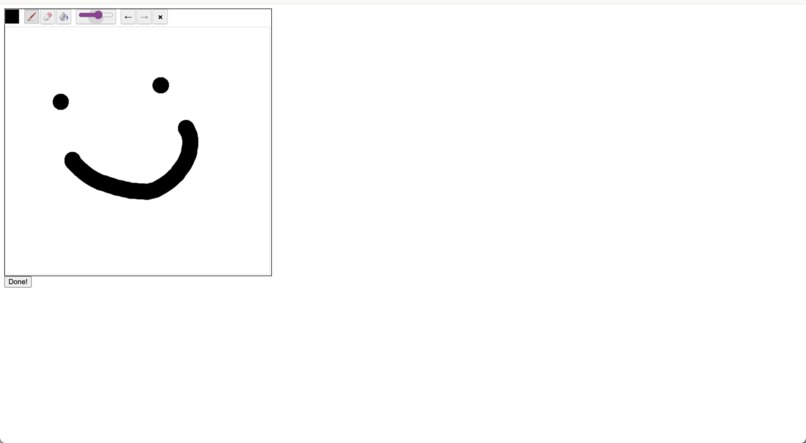
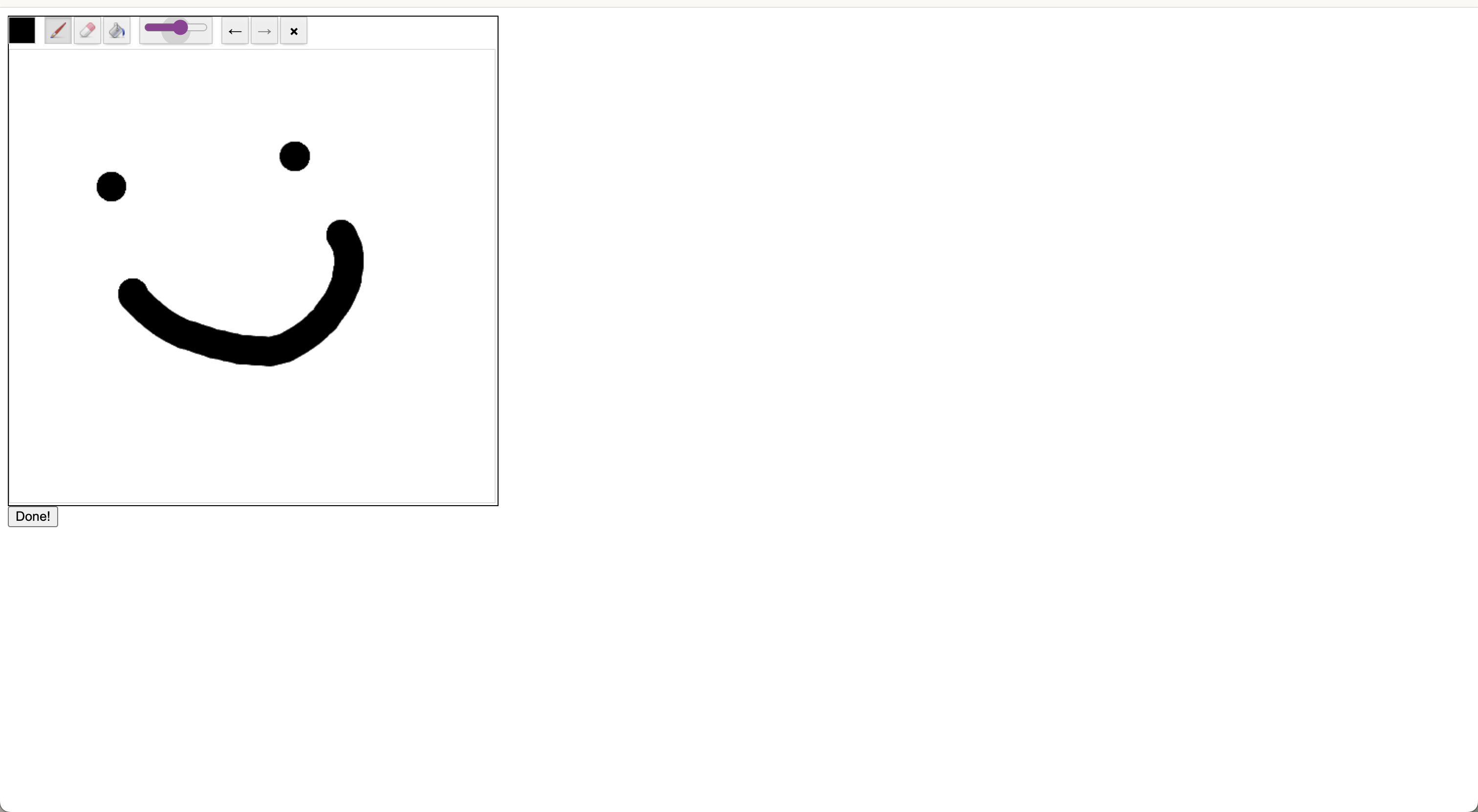
Canvas for user to draw on
-
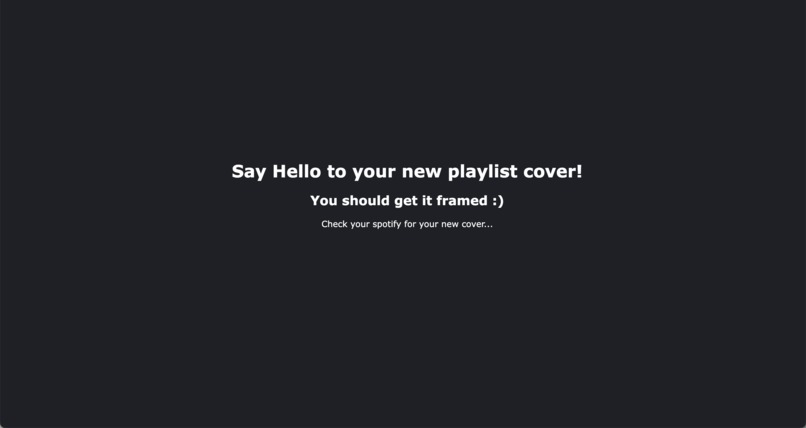
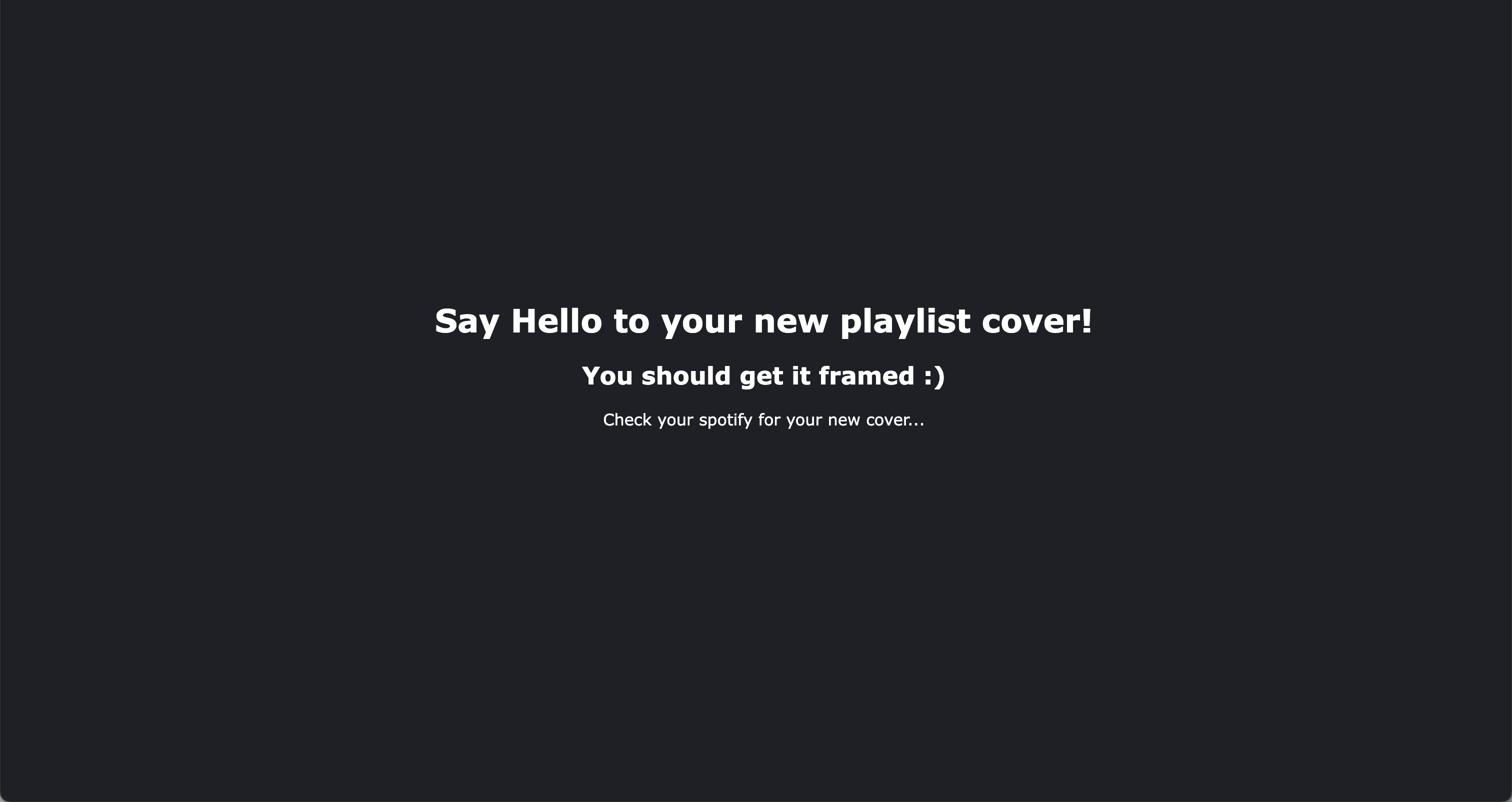
Final page
Inspiration
We love music, and both of us are the type to spend hours looking for the perfect playlist cover. It was always too much or too little compared to the vibes of the songs-sometimes even too fitting to the point that it was boring! Making a drawing is such a fun addition to one's playlist, but it takes too much time to find an app to draw in, draw, and then download it to add to Spotify. With all of those in one web app, there is no getting bored of a playlist cover anymore!
What it does
Audio Archive accesses your Spotify account through your login and gathers 10 of your playlists for you to choose from. Once you click on one, you are brought to a drawing board in which you can draw whatever you want that's within the canvas. After you click "Done", you're all set! Your Spotify playlist has now changed.
How we built it
Using JavaScript, HTML, and CSS in VSCode, we first needed to call the Spotify API to access the user's profile and gather their playlist information. We used the access token from the login session to continue to access the playlist cover information. Once the access token is given, configure 10 buttons for each of the playlists so the program knows which playlist to modify. The drawing board was found in an external library and was captured using the html2canvas library. Finally, we created the UI to make it easy for the users to navigate through the steps of our program.
Challenges we ran into
Our first challenge was getting authorization through Spotify's API, and there were lots of issues being able to host the API on a local host as well as requesting the access token with an API call. The next issue we ran into was saving the canvas that the users drew on. Since it was an external library, it didn't follow the regular process of being in a canvas. Without a canvas or an image link, JavaScript didn't know how to find the space to take a picture. Finally, we found out that the API call to modify a playlist cover had very recently been added to the references in Spotify's API. It was so new to the point where there were less than 10 answers about how to use it properly, and half of them were either beyond our understanding or not helpful. A challenge throughout the hackathon was picking an idea because we came across many obstacles because Spotify's API couldn't provide the information we needed for some ideas. For example, an idea we had before was to compare the user's top tracks to those of several years ago, but Spotify's API can't go back to a specific time
Accomplishments that we're proud of
We are proud of being able to finish our project as a two-man team with no hackathon experience. Both of us were worried about how our progress would be, but we ended up with a project that we both enjoyed making and were proud of. We are also proud of creating most of the features such as authorizing a Spotify account and implementing a drawing board. Neither of us had used JavaScript before, so this was a whole learning experience that turned out for the better for us in terms of learning. We're also proud of how creative our idea was while being feasible. After going through several ideas we felt that this idea was the most creative and fun to work on.
What we learned
Since our team only had 2 people, one person got to learn a lot of back-end skills and one got to learn a lot of front-end. We learned how to use JavaScript to call APIs and work with UI such as buttons to call functions and interact HTML pages with each other. We also learned components of CSS that can enhance the features of our HTML page and make it look more appealing to our users. To battle specific issues that basic JavaScript doesn't provide, we also branched out to external libraries. The entirety of this project was new to us and learning what to search up to find others with the same issues was an important step as well, as we know that we are not alone in figuring out such an issue. Learning how to use GitHub and Git in general was a learning curve and a little stressful knowing that we could lose a good chunk of our progress if the files were overwritten on accident by the other person. Learning how to get the access token took the entirety of Friday and until the afternoon in Saturday. A lot of the time was probably spent banging our heads on the table because we couldn't figure it out, but reaching out for help was always the
What's next for Audio Archive
We want to make Audio Archive an app that people can publicly use. A feature that may benefit it is offering a mobile app as people can draw more comfortably on their phones compared to a laptop. Many components of our program need to be fleshed out as it currently only runs well enough for a demo. For one, the local host was made through an extension straight from VSCode, so if we were to send its link to any other user they wouldn't be able to connect their device to the local host or store any of their information locally. As this is also new for us, we need to learn more about this topic to make it accessible across the web. We also were not able to focus on the UI as much as we wanted to. For example, the button on our front page looks a little basic and there are no fonts besides the usual Arial and Times New Roman, which aren't very suitable for a webpage design. Since our drawing board was from an external library, we had little understanding of how to customize it and it looks like a Paint app from the early 2000's.
Built With
- css
- drawingboardlibrary
- html
- html2canvas
- javascript
- spotifyapi
- vscode


Log in or sign up for Devpost to join the conversation.