Inspiration
I was waiting in line at an airport duty-free when the man in front of me tried to ask the cashier a question. He had completely lost his voice. The cashier, struggling to hear over the noise of the terminal, just stared blankly and said, "Excuse me?" I watched the man tense up, pull out his phone, and frantically fumble to type out a message. He was making typos, backspacing, and getting visibly stressed as the line backed up behind him. By the time he finally managed to hold his screen across the counter, the entire interaction had stalled into an agonizing, embarrassing silence. That moment stuck with me. A generic phone keyboard was the wrong tool for what he needed, he didn't need to type a sentence from scratch under pressure, he needed to say something in one motion, the way speaking normally works. That gap is what I set out to close.
What it does
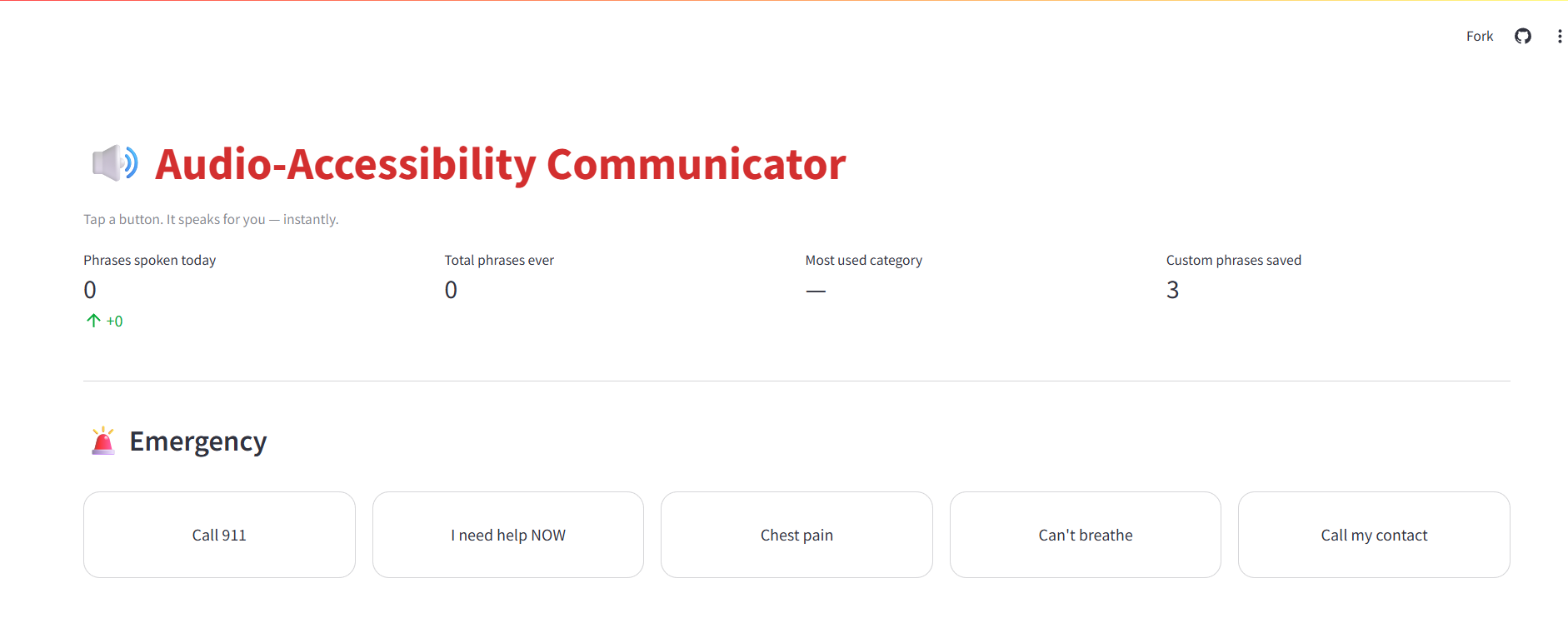
Audio-Accessibility Communicator is a one-tap AAC dashboard for people who are mute or experiencing temporary vocal loss—post-surgery, laryngitis, intubation recovery-or exactly the kind of sudden public situation I watched play out at that counter.
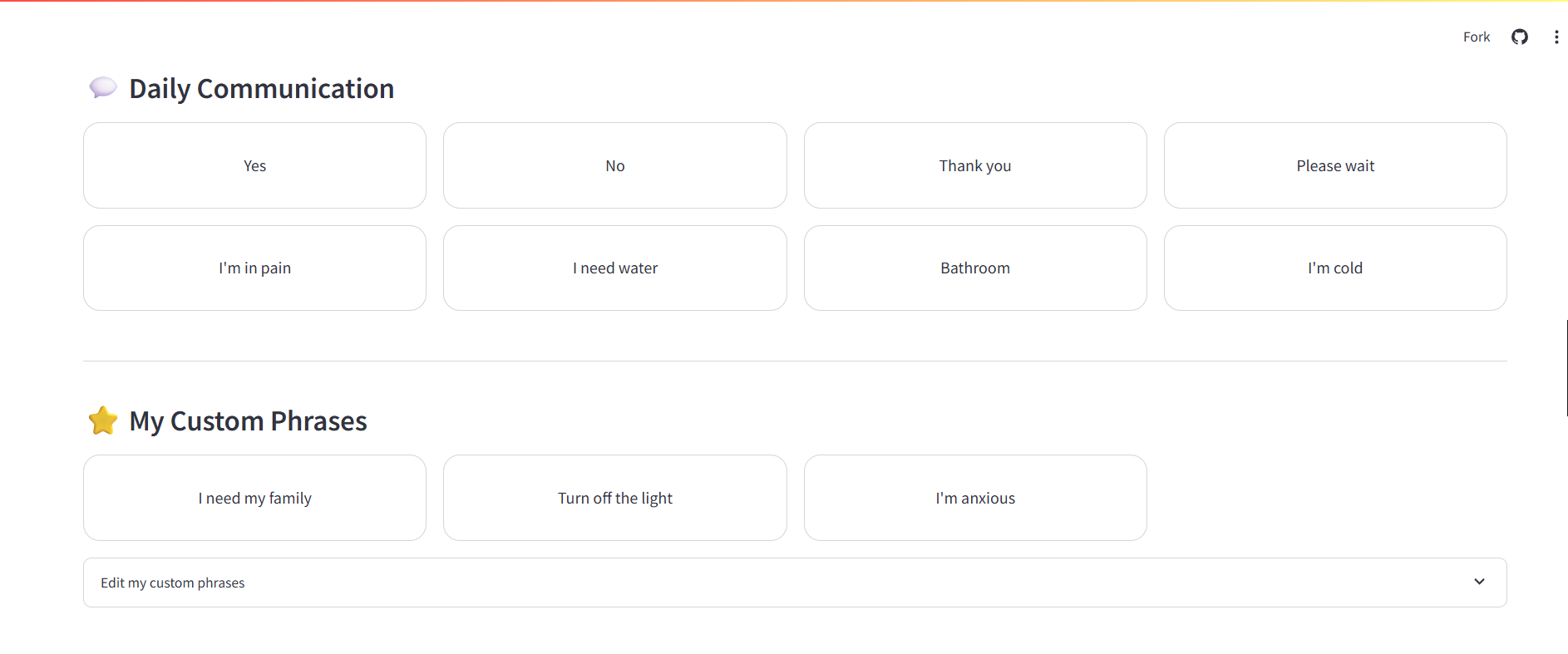
- Emergency & daily phrase grids - large touch-friendly buttons that speak instantly, no typing, no fumbling under pressure
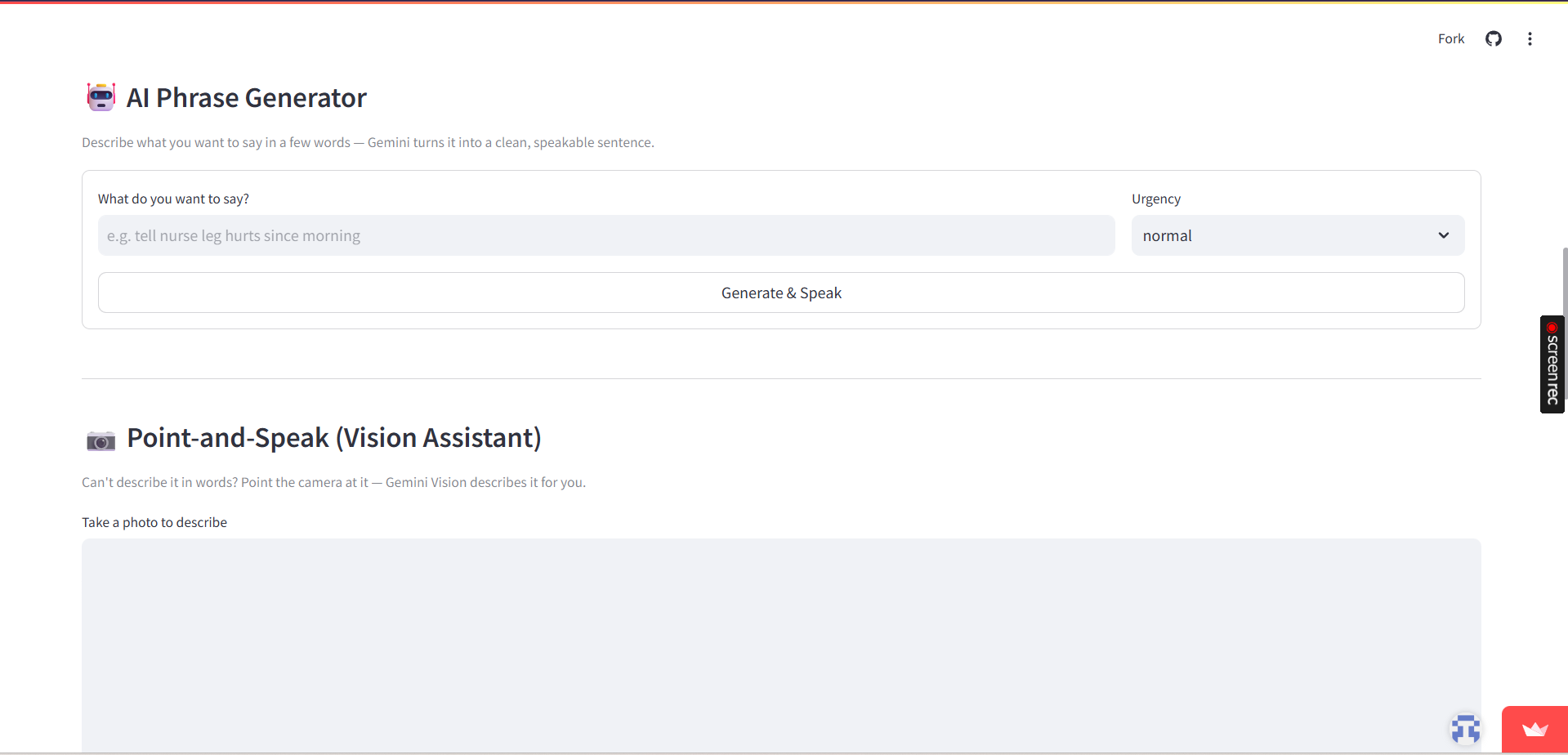
- AI Phrase Generator - type a rough idea and Gemini turns it into a clean, speakable sentence, so you're never starting from a blank text box
- Point-and-Speak - point the camera at something instead of describing it in words; Gemini Vision narrates it aloud
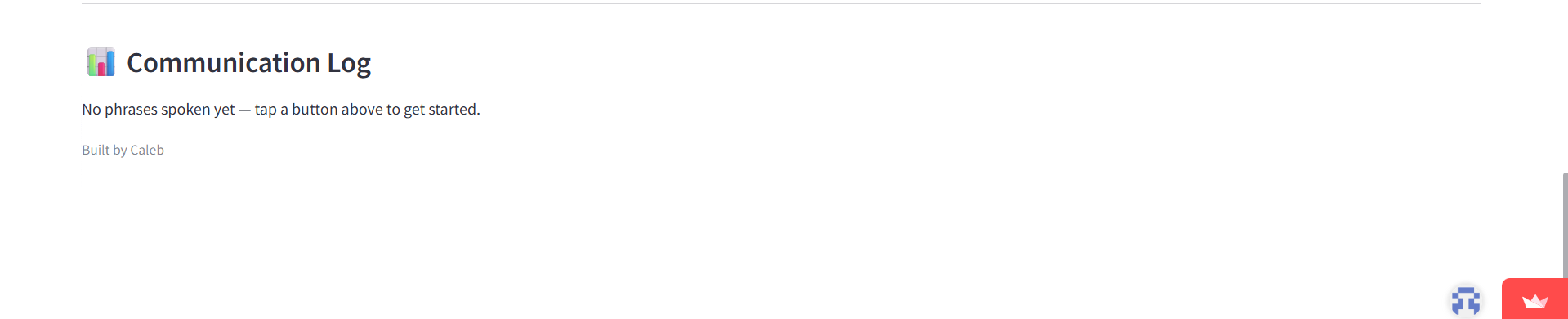
- Editable custom phrases, a communication log, and location sharing for the situations pre-built buttons don't cover
How I built it
The stack is Streamlit for the dashboard, Google Gemini for language reasoning, and gTTS for voice output — deliberately split by responsibility instead of routing everything through one model.
- Gemini (
gemini-3.5-flash-lite) handles the two tasks that actually need reasoning: rewriting rough text into a clean sentence, and describing a camera frame. Each has its own system prompt constrained to output exactly one speakable sentence. - gTTS handles voice synthesis - a solved problem that doesn't need an LLM in the loop, and routing it through one would only add latency the person waiting to speak doesn't have.
st.session_statekeeps the communication log and custom phrases alive across reruns, since Streamlit re-executes the script on every interaction by default.
Challenges I ran into
The hardest part wasn't the AAC logic — it was building against a
moving target. Over the course of the build, Google unexpectedly deprecated two model
generations during the development cycle: gemini-1.5-flash was shut down
entirely mid-build, and its replacement, gemini-2.5-flash-lite, was
restricted to existing users only weeks later, pushing me to
gemini-3.5-flash-lite.
That taught me something a tutorial wouldn't have: Gemini 3.x models
control reasoning depth with a different parameter (thinking_level)
than 2.5 did (thinking_budget), and without explicitly constraining
it, the model would return its visible reasoning trace instead of a
clean answer — a bullet-pointed wall of text where a single spoken
sentence should have been. Tracking that down meant learning to stop
trusting silent except: return fallback blocks, since they'd been
hiding the real error the entire time.
Accomplishments that I'm proud of
Getting the point-and-speak camera flow working end-to-end felt like the real payoff - it's the one feature that directly answers what I saw at that counter: a way to communicate about something without typing a single word about it. I'm also proud that the app never hard-fails: even without an API key configured, the core one-tap phrases still work, because accessibility tools can't afford to go completely dark when one dependency hiccups.
What I learned
- Pin dependencies to a floor, not an exact version, when building against a fast-moving API - an exact pin left my requirements file stale before the build was even finished.
- Fail-soft error handling is good for end users and terrible for development - I had to temporarily surface raw exceptions just to find what was actually breaking underneath the friendly fallback text.
- Splitting "which AI does what" by actual capability, rather than convenience, produces a cleaner and more defensible architecture than routing everything through a single model.
What's next for Audio-Accessibility Communicator
- Multi-language support via gTTS's language parameter, for non-English speakers in the exact situation that inspired this
- An offline-first fallback phrase bank for moments without reliable internet - the situation that started this project happened in an airport, where connectivity isn't guaranteed
- A caregiver- or staff-facing view showing recently spoken phrases, for hospital, home-care, or customer-service settings like the one I saw


Log in or sign up for Devpost to join the conversation.