Inspiration
Selecting an audience for events can be a daunting task especially when you have to filter out the large list of candidates because of space crunch. Hence organizers spent a good amount of time manually going through the record. With Gen AI this problem can be simplified to a very good extent and the quality of the audience can be a super based on the type of event.
What it does
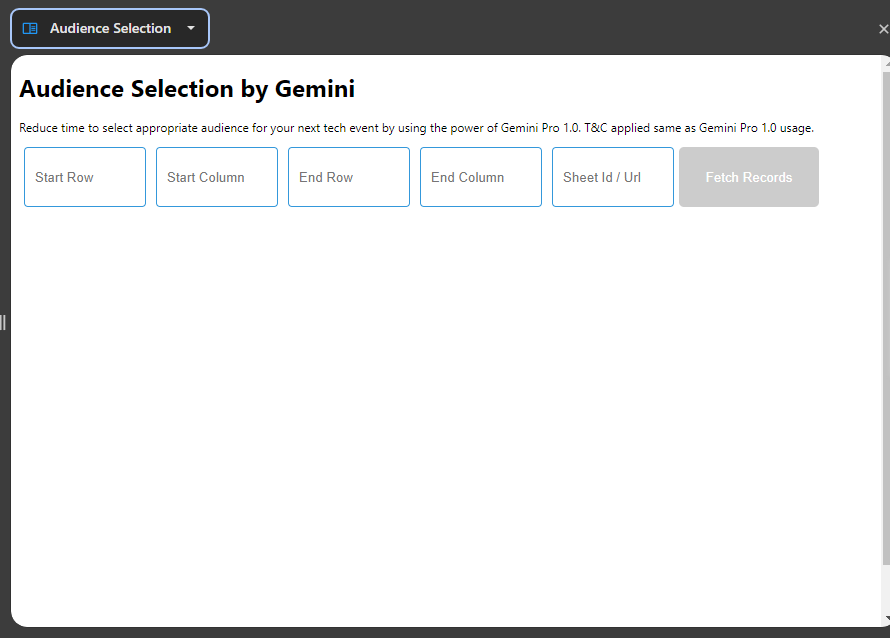
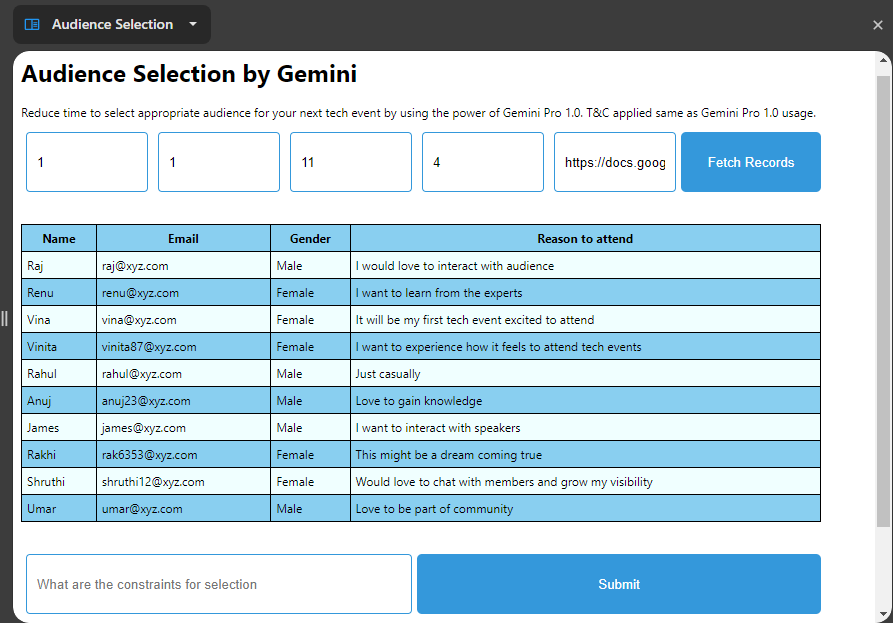
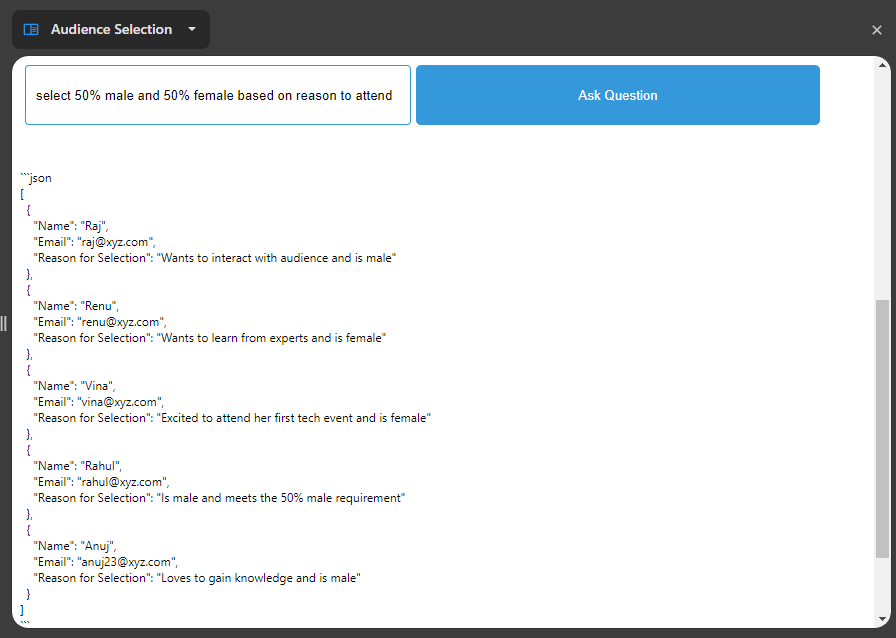
This Chrome extension will fetch the records based on the URL and information about the row and column provided by the user. Once records are fetched it will show all those records in the Chrome extension and let the user to define the criteria for selection. Thereafter it will filter the audience and provide the JSON with an array of objects containing the email id and reason for selection.
How we built it
This Chrome extension is built using HTML, Javascript and using REST API of Gemini in Javascript.
Challenges we ran into
The major challenges were especially in terms of output as the prompt plays an extremely important role in filtering the audience from the long list of records. Hence prompt part is written beforehand in Javascript and constraints that the user can set from the input field got added with the placeholder to the existing prompt.
Accomplishments that we're proud of
The time and effort that it can reduce for the organizers can be very huge and for those who used to spend days in filtration for them the work can now be done within 5 mins with supreme quality.
What we learned
Prompting is the main aspect with Gemini (or any Gen AI) appropriate prompt is needed to get the result in the desired format like this extension provides the result in JSON and that's been written in the prompt explicitly hence those who want to use Gen AI they need to be aware of prompting technique. Just to simplify this we added a prompt from our side so that end users need not have to worry about prompting.
What's next for Audience Selection
The next feature enhancement will include adding emails to Gmail compose and writing them back to Google Sheets.

Log in or sign up for Devpost to join the conversation.