-
-
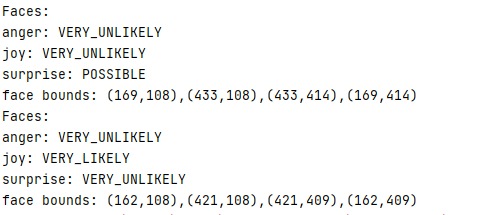
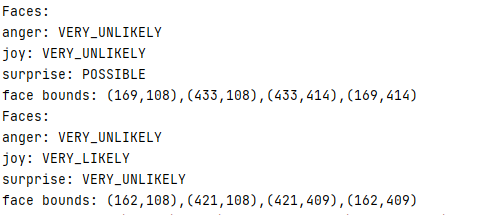
Transcript and Emotion Detection
-
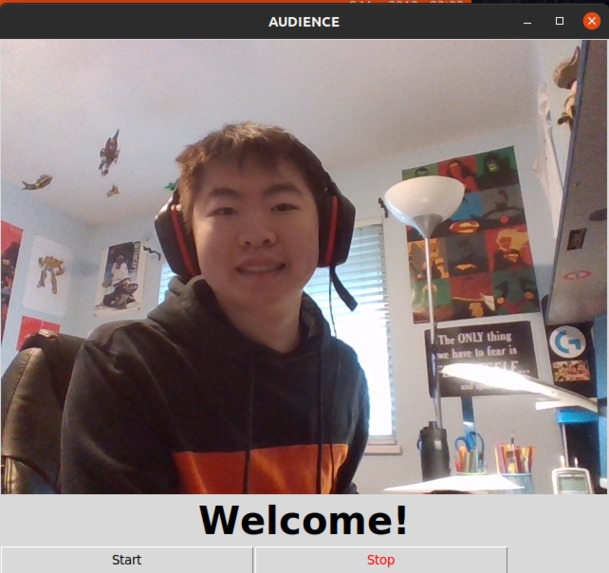
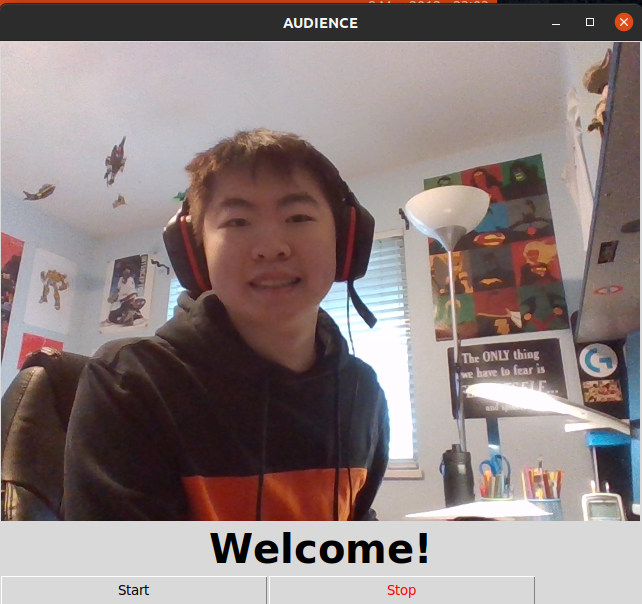
UI
Inspiration
We wanted to create an application that would allow presenters to evaluate their presentations to ensure they are conveying their message as intended based on their facial expressions.
What it does
As you begin to record yourself on the program, it takes a picture of your face at certain times in your recording and evaluates your expressions in the recording. Utilizing Google's cloud vision API, we are able to categorize expressions you would make at any time and return the results, allowing you to see the overall emotions your face seems to be expressed throughout the presentation. We wanted to create a kind of practice tool that would allow presenters to evaluate their presentation to ensure they are conveying their message as intended based on their facial expressions.
How we built it
We used the Vision and Speech Google Cloud Platform APIs to process and analyze audio and video data. Tkinter was used as the UI framework and PyAudio and SoX were used to process audio data to work with the Speech GCP API.
Challenges we ran into
We had issues with threading as we wanted to have multiple processes running at the same time. For example, we wanted to capture audio, capture video, and show a GUI simultaneously.
Accomplishments that we're proud of
We are proud that we have a working foundation for our idea and that we were able to take an idea and execute it so quickly.
What we learned
Our team learned more about the usefulness of APIs and got some first-hand experience on the many different ways we could incorporate these APIs into our programs. We also learned to work with threads and basic UI design principles.
What's next for Audience
We plan to utilize more of the Vision and Speech APIs to provide more metrics for presenters and expand on the current UI using matplotlib to provide further analytics.



Log in or sign up for Devpost to join the conversation.