-
-
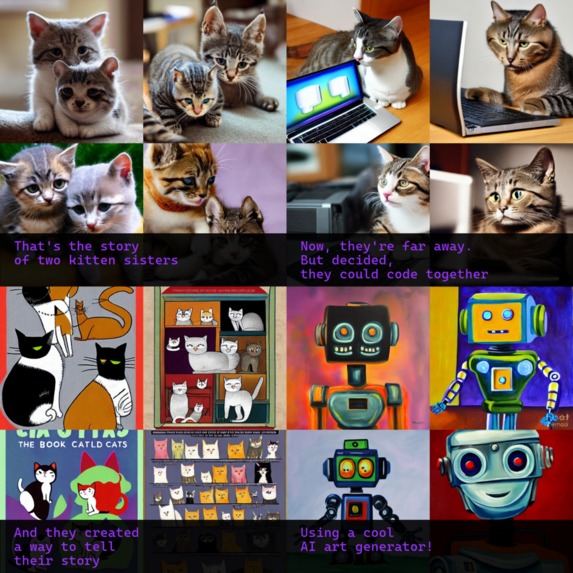
Sister's auca!
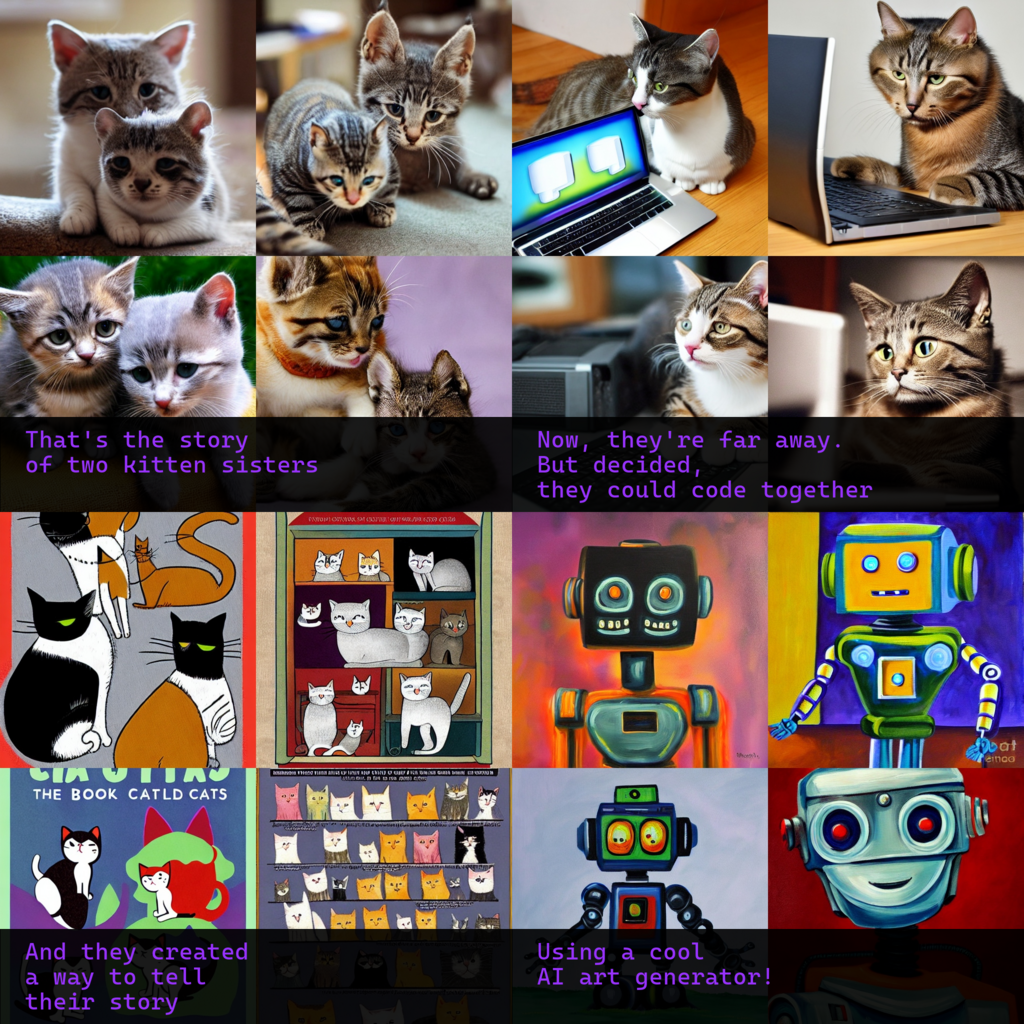
Hello! We're two sisters from Catalonia now living apart. We both recently started learning to program. We used Technica as a cool excuse to build something together.
Inspiration
Like many others, we've been playing with AI image generators since they came out. We thought it would be cool to be able to generate a graphic story using them.
We added the comic box text on the bottom of the vignette instead of in speech bubbles, so the whole thing ended up looking more like an auca, hence the name.
How we built it
We connected via Discord call and coded together on the same IDE using PyCharm's Code With Me tool. We're both beginners, and Python is the language we're both more familiar with.
We started with using deepAI's Text To Image Python Examples, available in this page, and built everything around that.
Challenges we ran into
Cropping just one image from the generated image set:
We're using deepAI Text To Image API to generate our comic boxes. Most of the time, it returns a set of four images in a 1024x1024 collage. But sometimes, it produces only one 1024x1024 image. So we haven't been able to crop out just one square of the generated image per default, as it would sometimes result in just keeping a quarter of the whole generated image. So, at the moment, we keep the full generated image on each graphic history panel.
Hiding the API key:
Hey, don't judge us; we're beginners. We're on windows and used environment variables. We took an absurd amount of time to accomplish this! We just needed to restart the machine for the changes to take effect.
Building the output image:
At first, we built the comic using a ridiculously long block of if-else conditions, with repeated code blocks inside each one. We noticed some patterns in the comics with an odd number of boxes, so we created a function to build those. The comics with an even number, tough, were slightly more complicated. Due to the way we had already chosen to make them, they have a different structure for each case, but even then, there was a pattern: either there were one or two rows to fill with comic boxes. With that information, we could code two constructors (odd/even) that replace the initial if/elif*2353452/else hell.
Different technical difficulties:
At first, one of us started using VSC, and we shared the code through GitHub. But, for some reason, every time we tried to install a library, Python gave a syntax error. After trying to reinstall everything and searching all over Google for solutions that didn't work, we came up with the idea to use Code With Me. Which ended up being an even better option for collaborating and help each other.
Accomplishments that we're proud of
- Being able to build something together while being far away from each other! and it works!
- We helped each other solve the problems we found during the development
- Adding various customization options (number of boxes, adding text, its color) that let the comics be quite different depending on user input.
- Every time we tested the code, it was fun to see the outcomes. Best testing sessions ever!
What we learned
- How to use the pillow library to add text, create collages, and add figures and transparency to the color fill of these figures.
- How to hide de API key :D
- How to code together at the same time without wanting to kill each other
What's next for Auca
Choosing the best image:
When the generator returns a set of four images, the user will be able to choose the one that it prefers or keep the whole bunch (also helpful in case it only generated one).
Web interface:
This was part of the initial idea, but we're only a team of two, and time was short. A visual web interface that would take all user inputs and then builds an interactive preview where the user can add text and speech bubbles via drag and drop.
Built With
- deepai-text-to-image-api
- python


Log in or sign up for Devpost to join the conversation.