Inspiration
Every "AI agent on the web" demo I'd seen followed the same pattern: an agent pretending to be a human, clicking blindly through a UI built for eyes and fingers, guessing whether a button did what it looked like it did. Meanwhile, the actual tasks people want to delegate — book this flight, stay under this budget, don't double-book my calendar — are things a real application already knows how to do reliably. The gap wasn't capability, it was interface. WebMCP looked like the first real answer to "what if the app just told the agent exactly what it could do?" I wanted a use case where that mattered — everyday, cross-domain personal tasks are exactly the place agents fail today, precisely because there's no structured way for an app to expose what it can actually do.
What it does
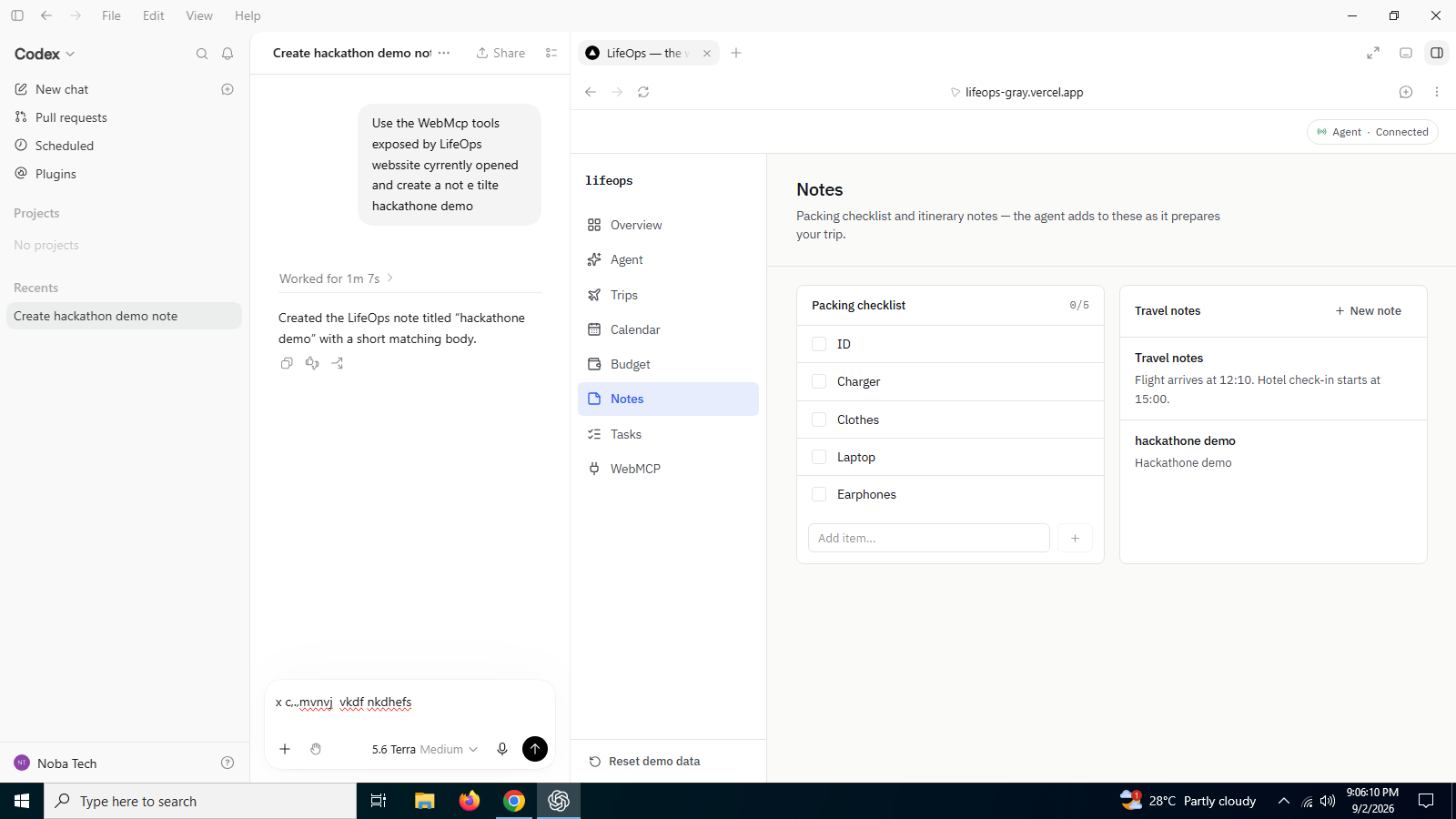
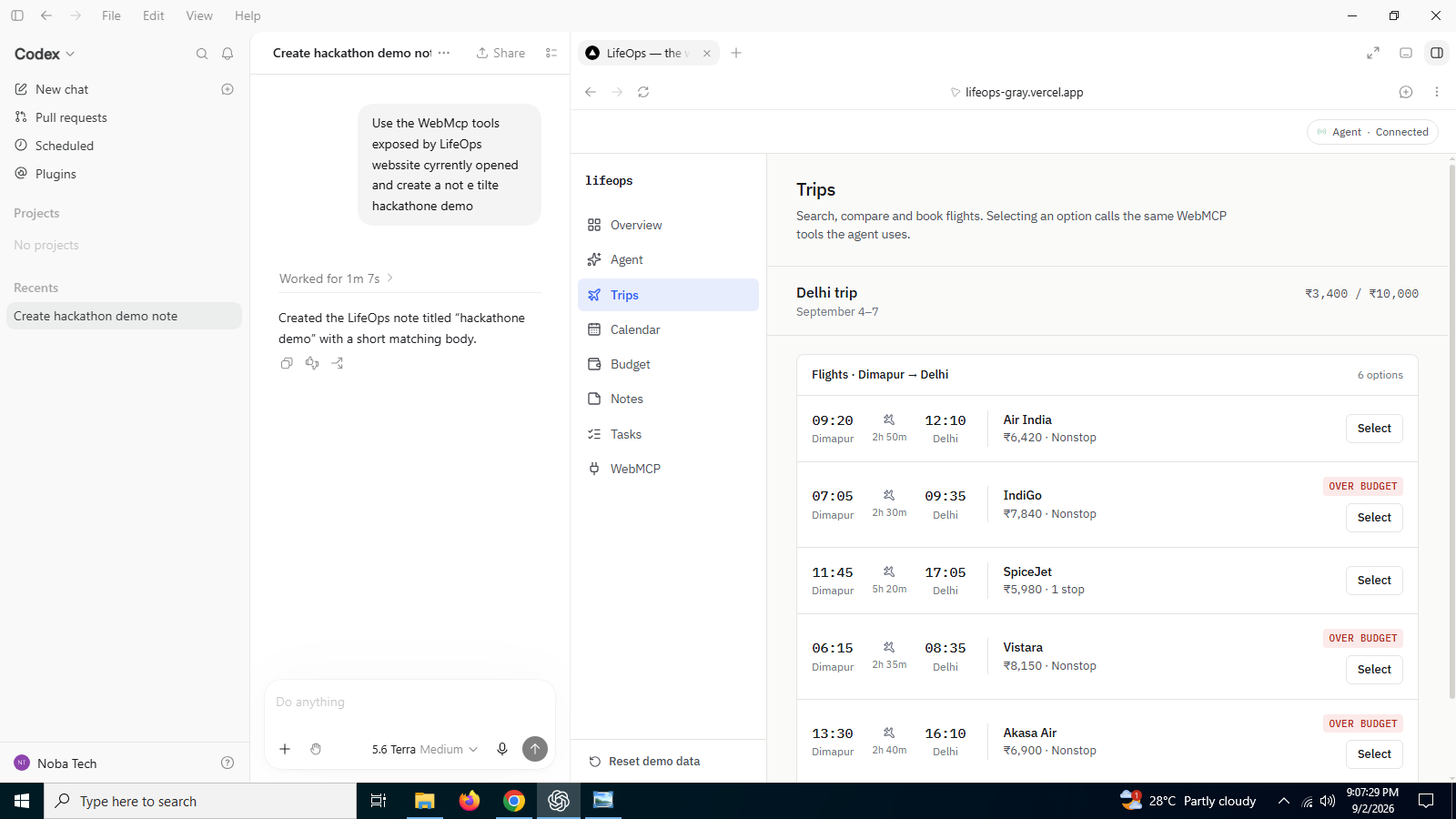
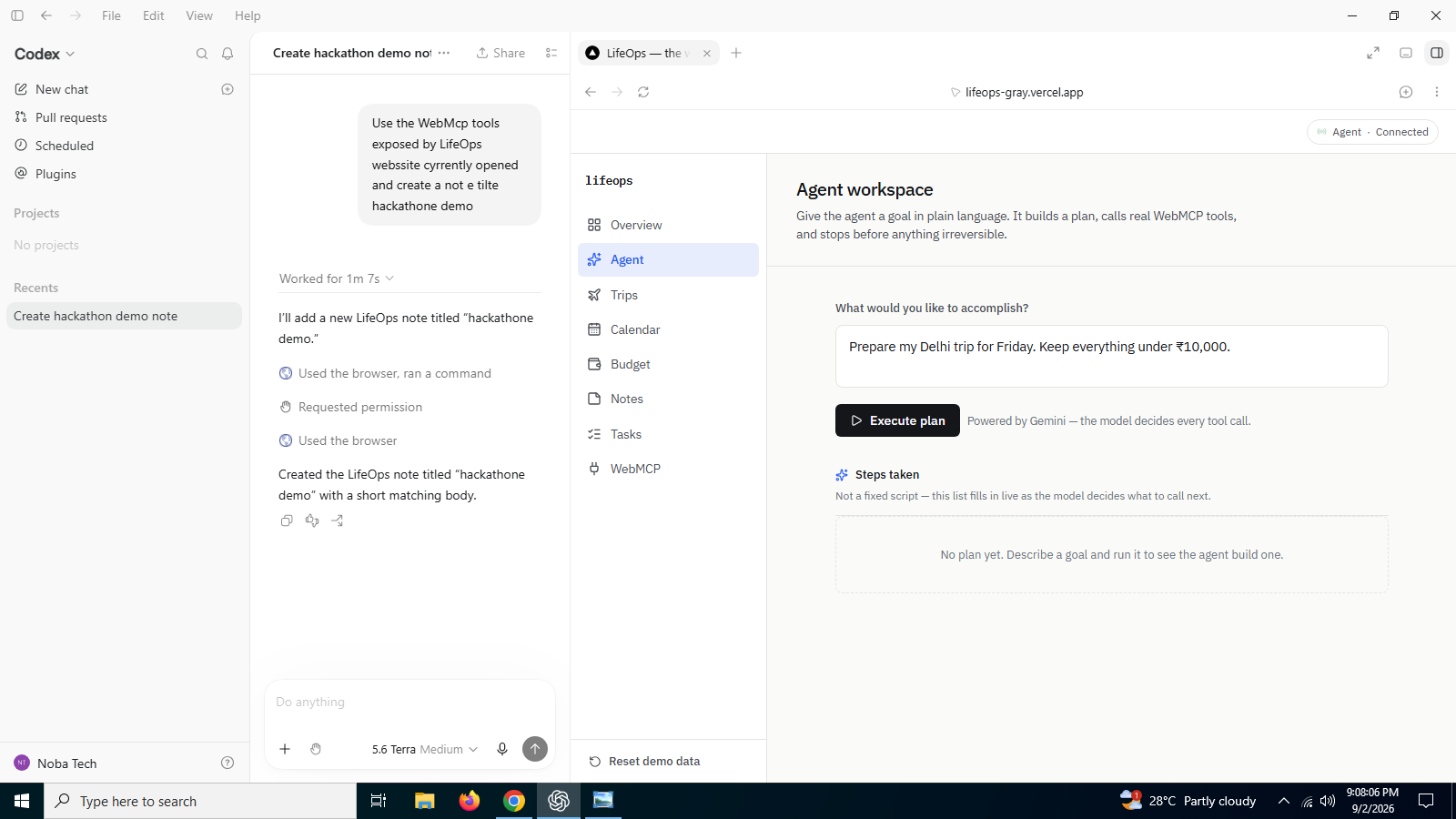
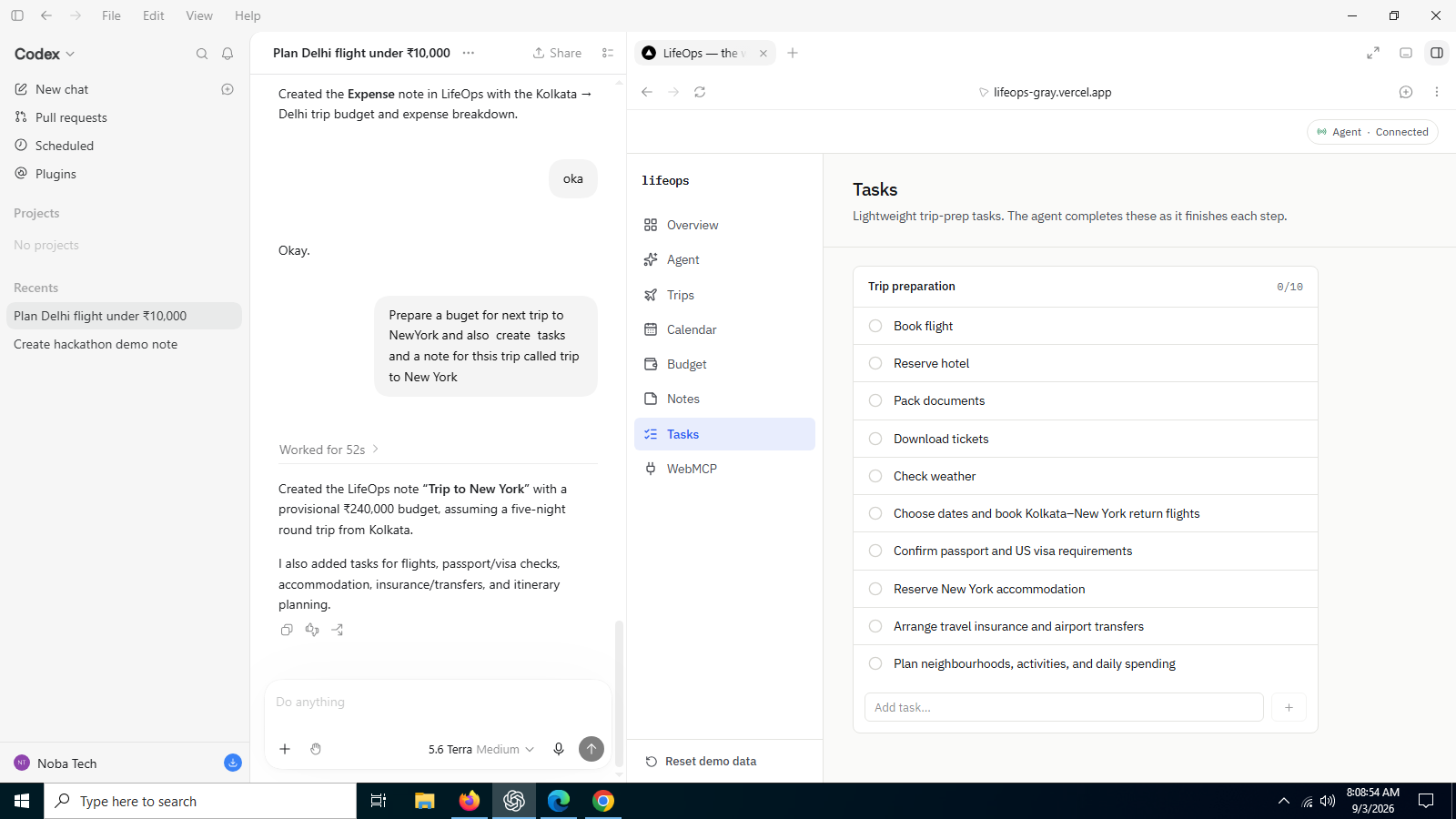
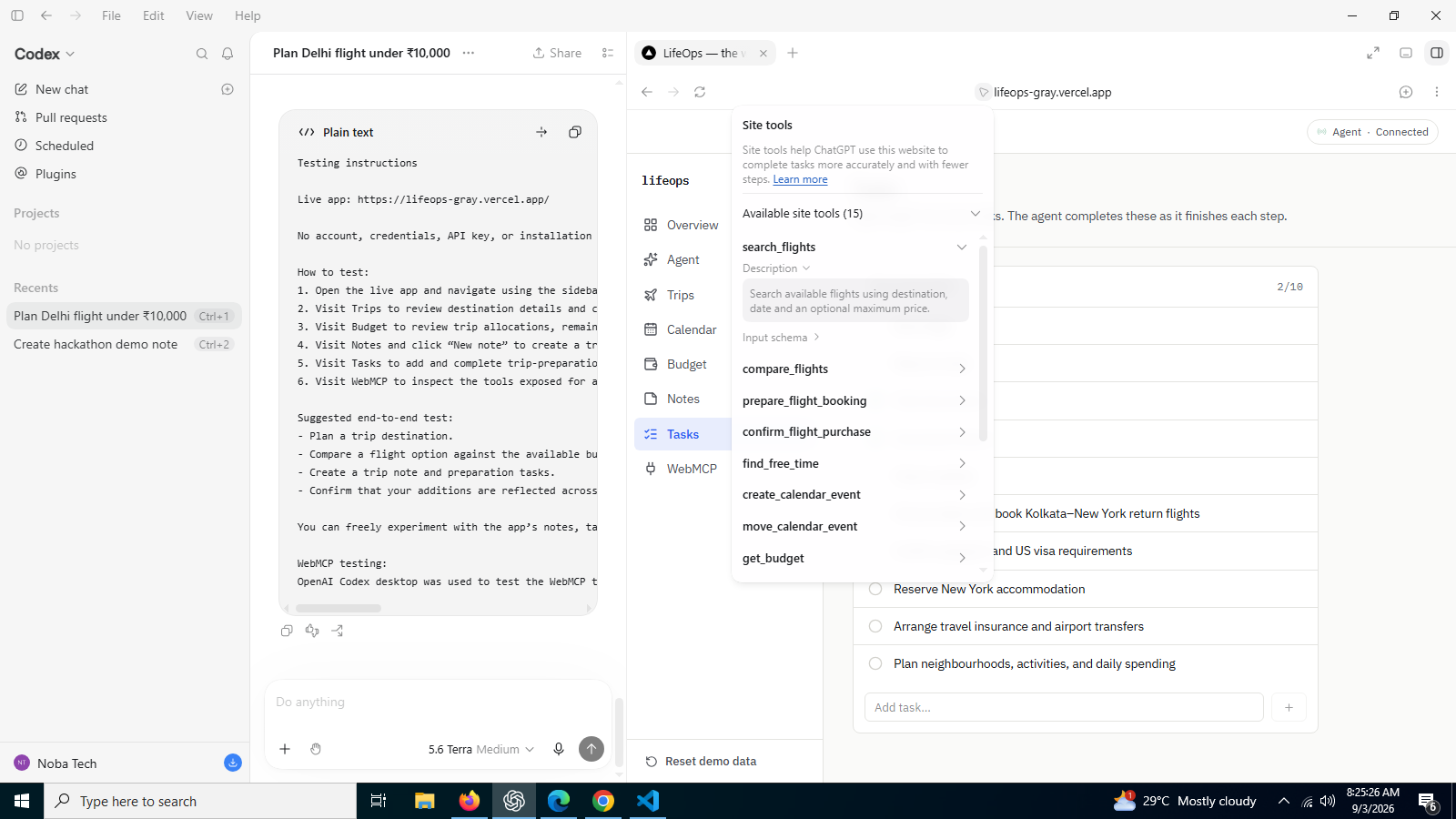
LifeOps is a personal command center — Travel, Calendar, Budget, Notes, and Tasks — where a human and a Gemini-backed agent operate through the exact same 15 WebMCP tools. Give the agent a goal like "Prepare my Delhi trip for Friday, keep everything under ₹10,000," and it searches flights, checks the budget, checks the calendar, and books what actually fits — live, with every tool call visible in an activity log.
The key UX idea is that the agent, the human, and a developer-facing /webmcp inspector all operate on the same tools and the same application state — nothing is a simulation or a separate demo path. A tool call from the agent, a manual click in the Trips tab, and a manual test from the inspector all run through one shared dispatcher and produce identical, real effects. That removes the usual anxiety of "what did the AI actually do to my data?" by making every action fully inspectable.
What's newly possible is safe delegation of multi-step, cross-domain tasks with a human checkpoint exactly where it matters. Every tool is tagged read, prepare, or commit: read-level calls (search_flights, get_budget, find_free_time) run automatically; prepare-level calls (prepare_flight_booking, create_calendar_event) act but always show their work; commit-level calls (confirm_flight_purchase, record_expense) — anything irreversible or financial — always stop and wait for a real, awaited human approval before the agent continues. Before this, delegating a task like this meant either fully trusting an agent to click "Buy now" unsupervised, or stripping it down to read-only suggestions. LifeOps lets the agent handle the whole multi-domain task end-to-end, with the human only needing to step in once, at the one moment that actually requires their judgment — and the agent visibly adapts its plan if that approval is rejected, rather than failing or looping.
How I built it
Every tool is defined once — name, description, domain, permission level, JSON schema, and real execute logic — in lib/webmcp/tools/*.ts, and registered with the browser's real WebMCP surface:
js document.modelContext.registerTool({ name: "search_flights", description: "...", inputSchema: { /* JSON schema / }, execute: async (input) => { / real application logic */ }, });
All three ways of calling a tool — the native document.modelContext bridge, my own Gemini-driven agent loop, and the manual "Try tool" form on the /webmcp inspector — funnel through one shared dispatcher, invokeTool(name, input). It validates input against the tool's JSON schema, logs the call to a live activity feed, opens and awaits a real approval ticket for any commit-level tool, runs the tool's actual logic against a shared Zustand store, and records the result back to the activity log. Because nothing bypasses this dispatcher, a click in the UI and an agent's tool call hit the identical code path and the same state.
The agent itself isn't scripted: a server route (app/api/agent/route.ts) calls the Gemini API with the full tool schema set (adapted via lib/webmcp/geminiTools.ts), and Gemini genuinely decides what to call and in what order, turn by turn, reacting to whatever actually happened — including a rejected approval. The API key never reaches the browser. Since document.modelContext is only present in WebMCP-enabled browsers today, my own agent calls the same tools through the same invokeTool path when the native API is absent, so behavior stays identical regardless of which surface is calling it.
Challenges I ran into
Getting the permission model right was harder than it sounds — it needed to be enforced centrally in the dispatcher, not left to the model's judgment, or the whole safety story falls apart the moment the agent decides differently. I also had to design around WebMCP being genuinely experimental: document.modelContext isn't in most browsers yet, so I built a fallback path that keeps behavior identical either way. Making the approval flow actually block an in-flight, multi-turn agent loop — and letting the model see and react to a rejection — took real care in the async plumbing between the browser and the server route holding the Gemini session.
Accomplishments that I'm proud of
I'm most proud that there's no "demo path" separate from the "real path" — the agent, the manual UI, and the WebMCP inspector are three windows onto the exact same state and the exact same tools. I'm also proud that the commit-level approval isn't cosmetic: it's a real, awaited human decision in the middle of a live, model-driven loop, and the agent visibly adapts when that decision is "no" instead of failing or looping blindly.
What I learned
I came away convinced that the hard part of agent-native apps isn't giving the agent more autonomy — it's deciding, precisely, where autonomy should stop. A clean three-tier permission model did more for trustworthiness than any amount of prompting ever could. I also learned a lot about the practical seams of an emerging standard: building for a browser API that doesn't exist yet in most browsers forces you to make your own agent loop a first-class citizen, not an afterthought.
What's next for LifeOps
I'd like to add more domains (email, contacts, shopping) behind the same permission model, support multi-agent collaboration on one trip or budget, and let commit-level approvals happen asynchronously — e.g. a push notification a person can approve from their phone while the agent's session waits. Longer term, as document.modelContext becomes standard in more browsers, I want LifeOps to be a reference for what a truly agent-native personal app looks like, not just during a hackathon demo.
Built With
- api
- nextjs
- typescript
- webmcp

Log in or sign up for Devpost to join the conversation.