-
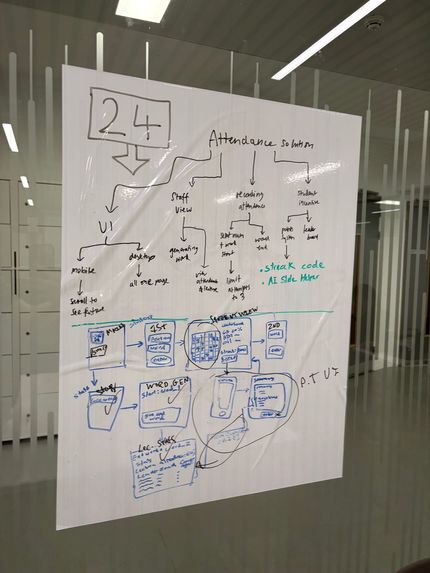
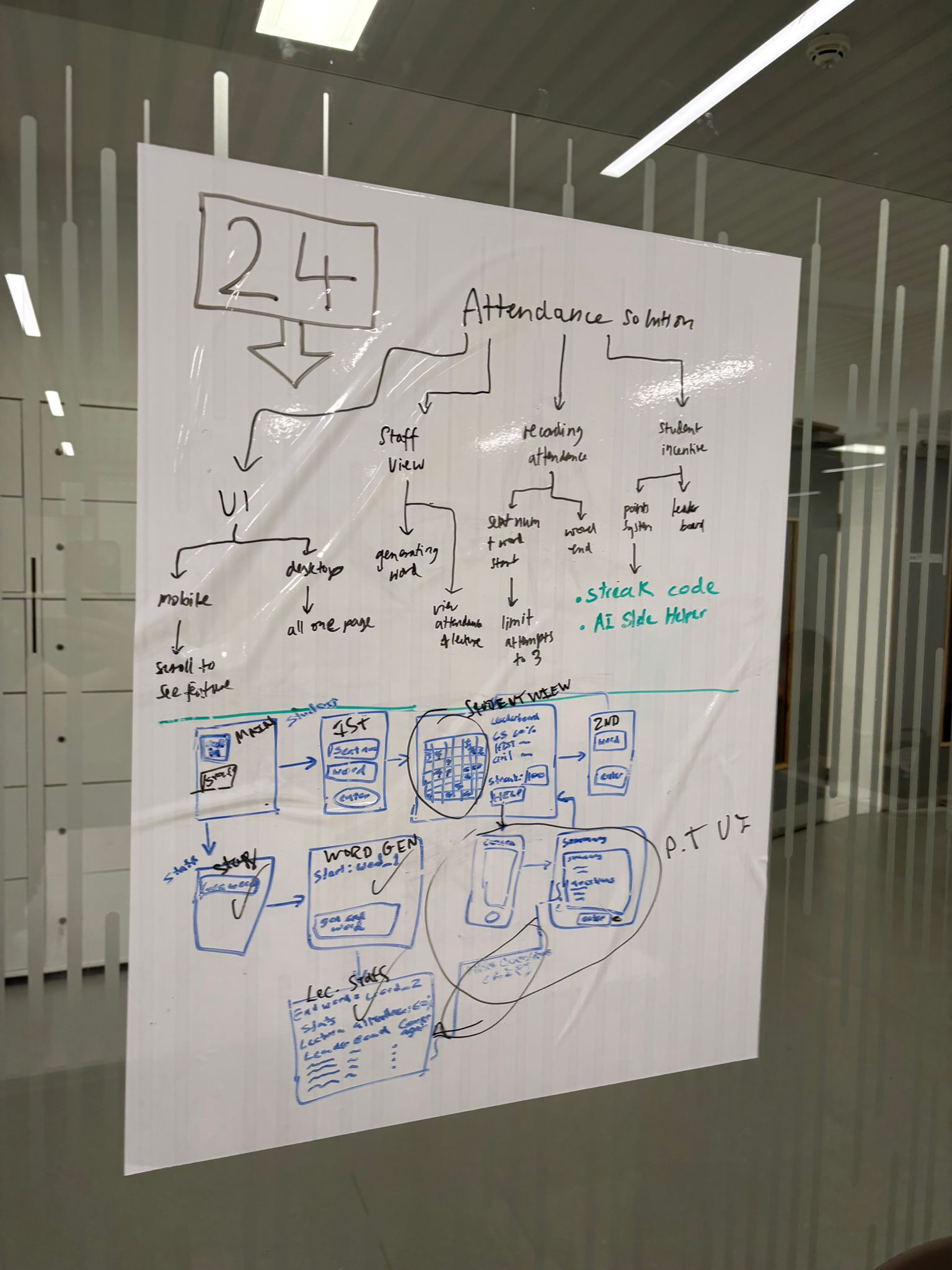
Project Decomposition and flowchart
-

Welcome Page: Choose either Lecturer or Student Portal
-
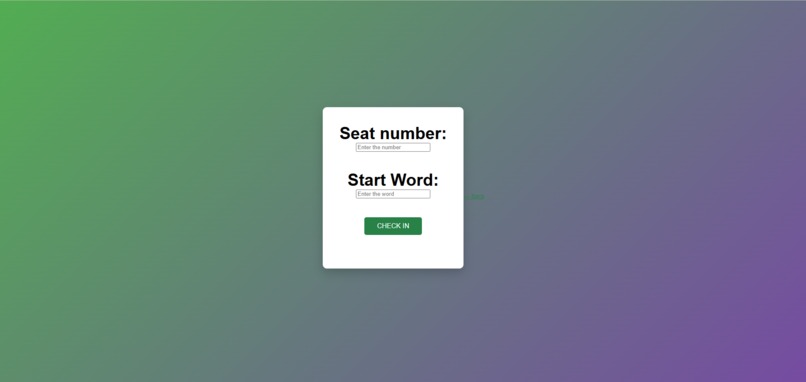
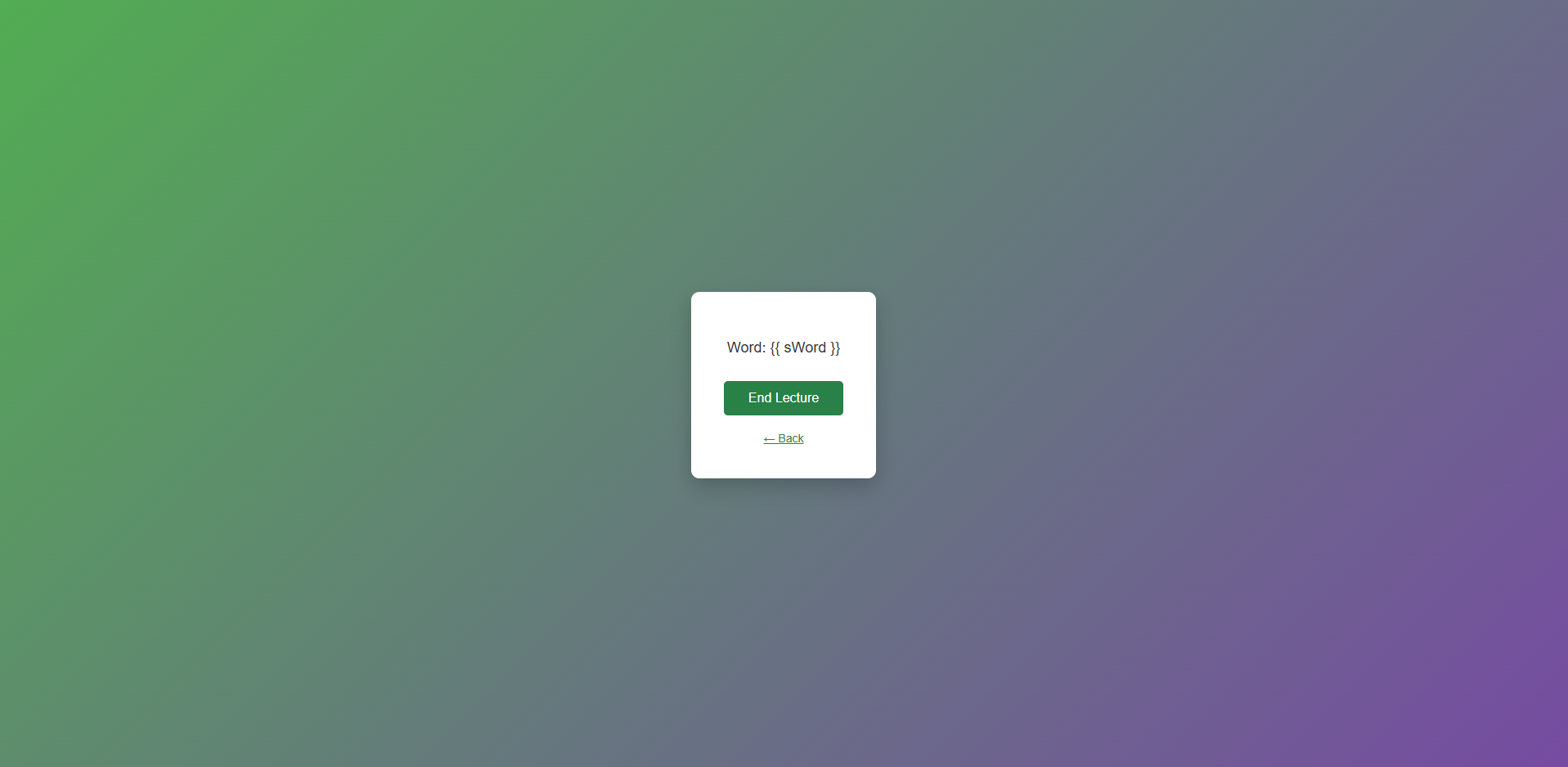
Lecturer View: First word generated randomly
-
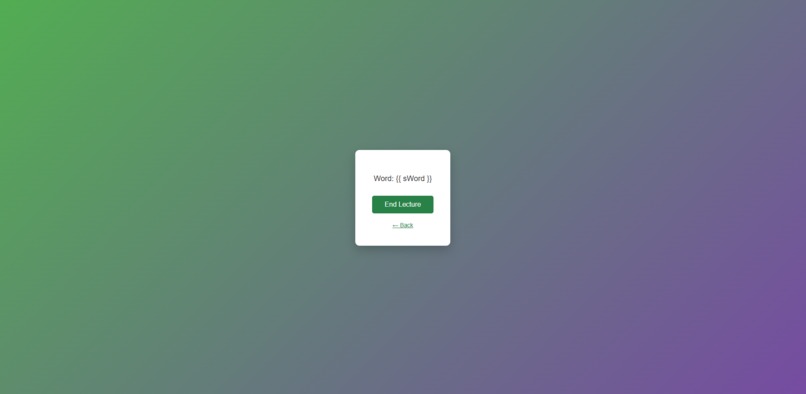
Lecture View: Last word generated randomly
-
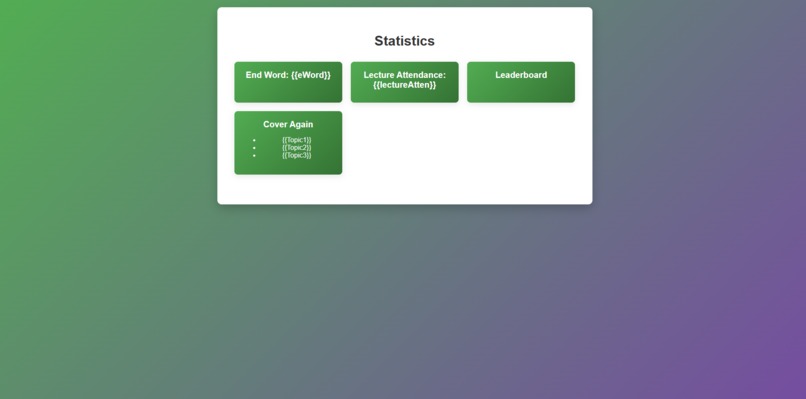
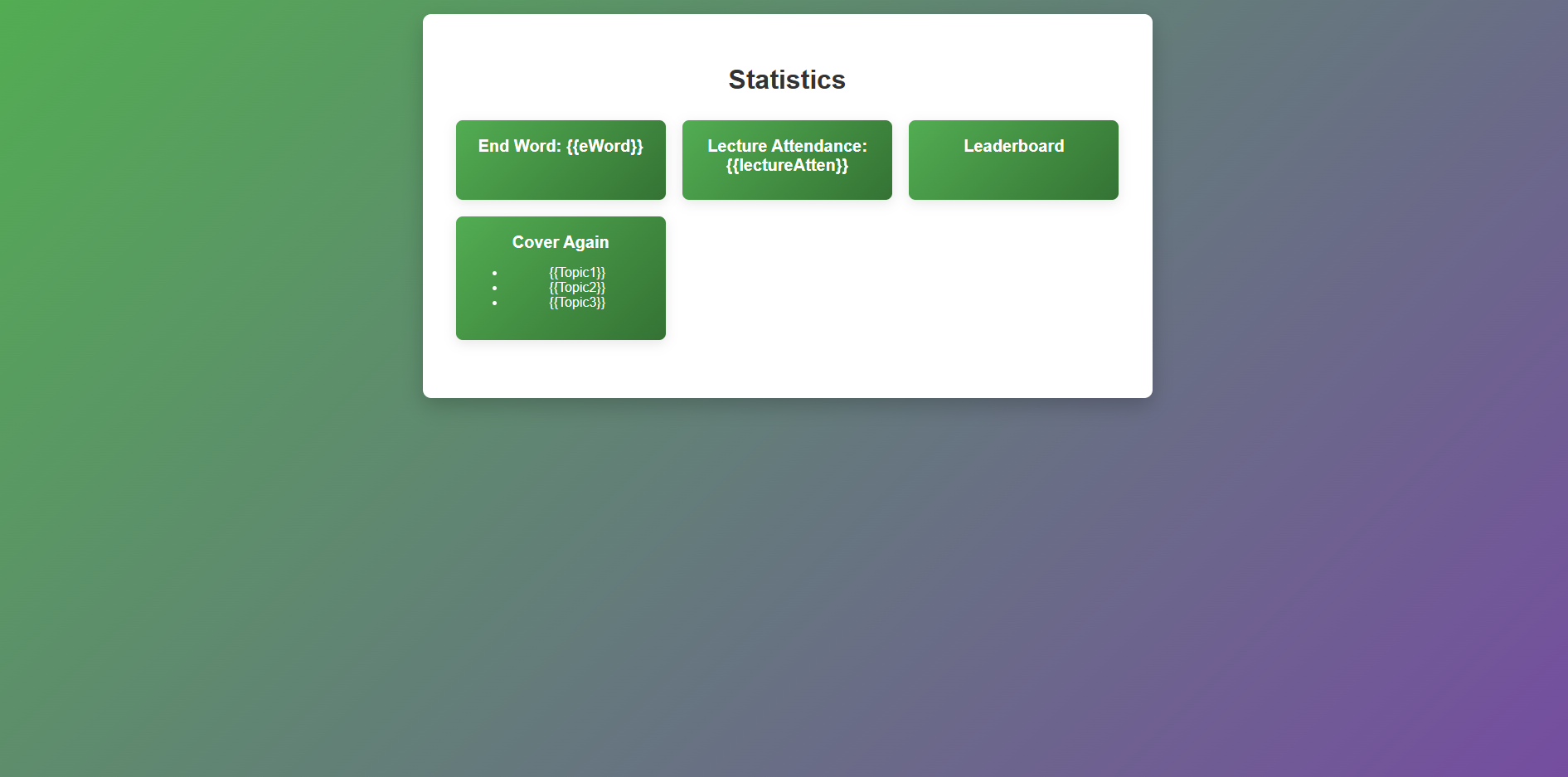
Lecture View: Stats froms student database, topics from AI query
-

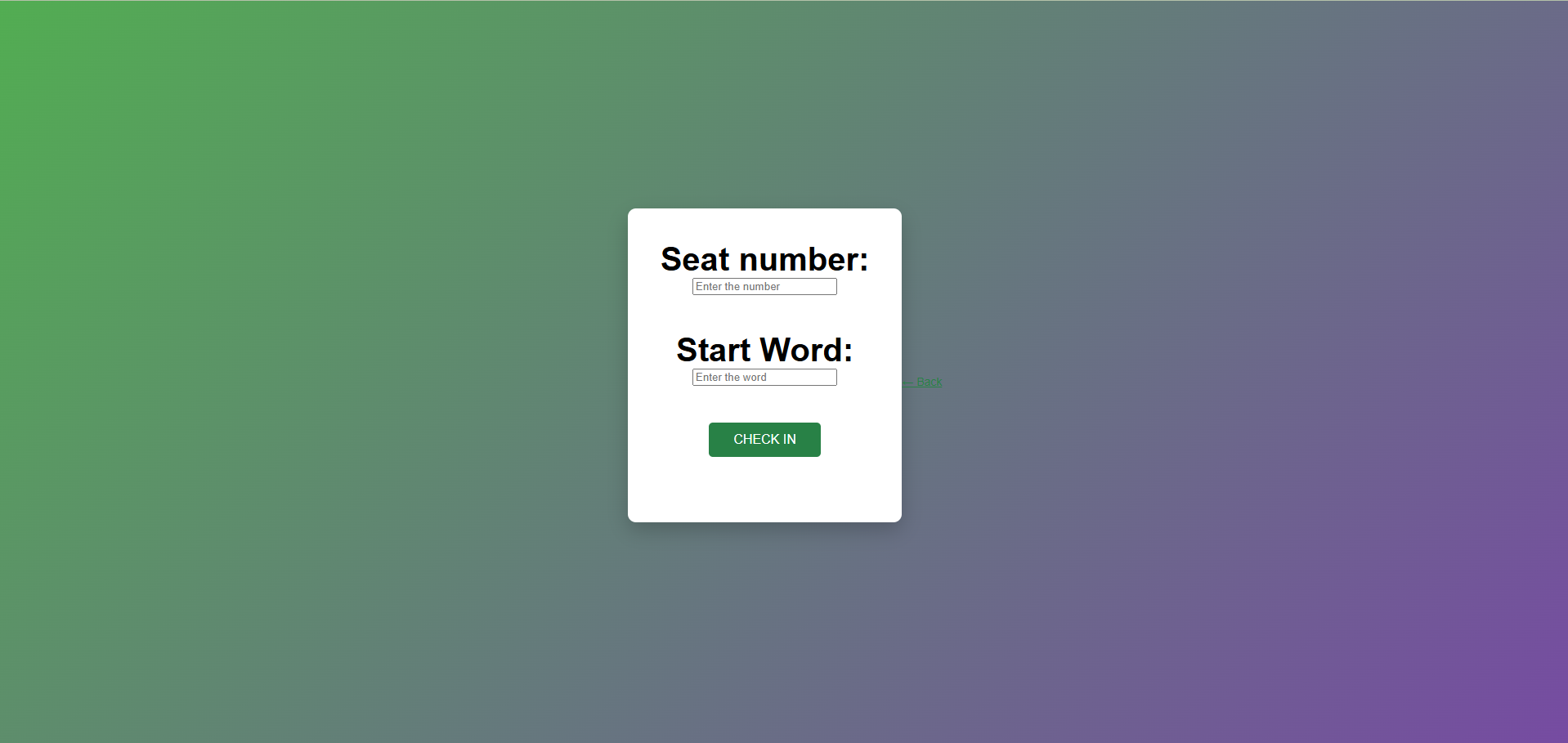
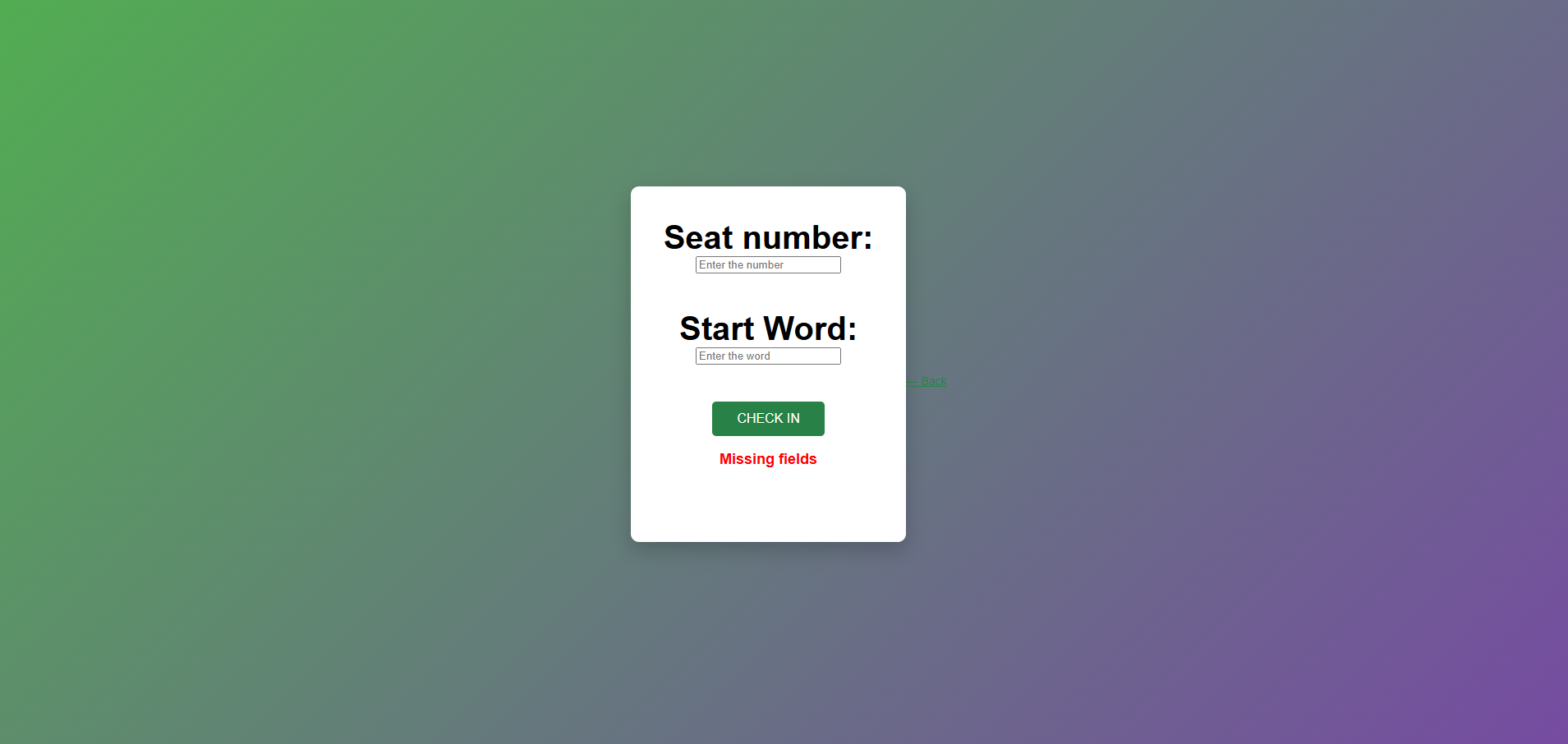
Student View: Space to input word and seat number
-
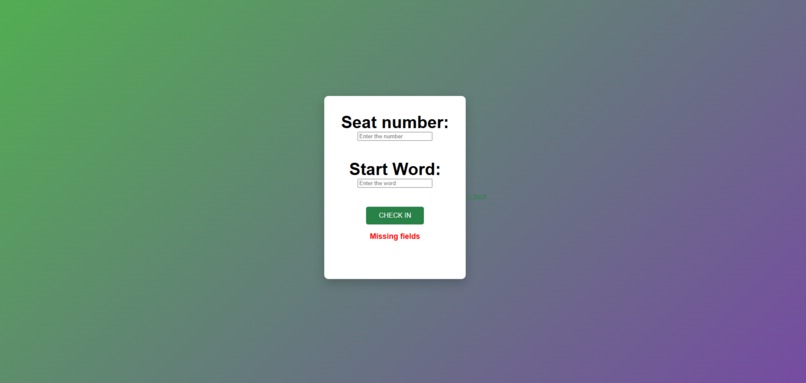
Student View: Error message if no inputs
-
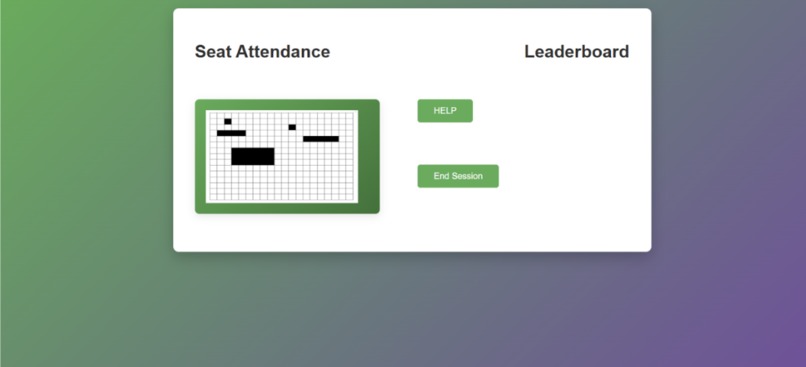
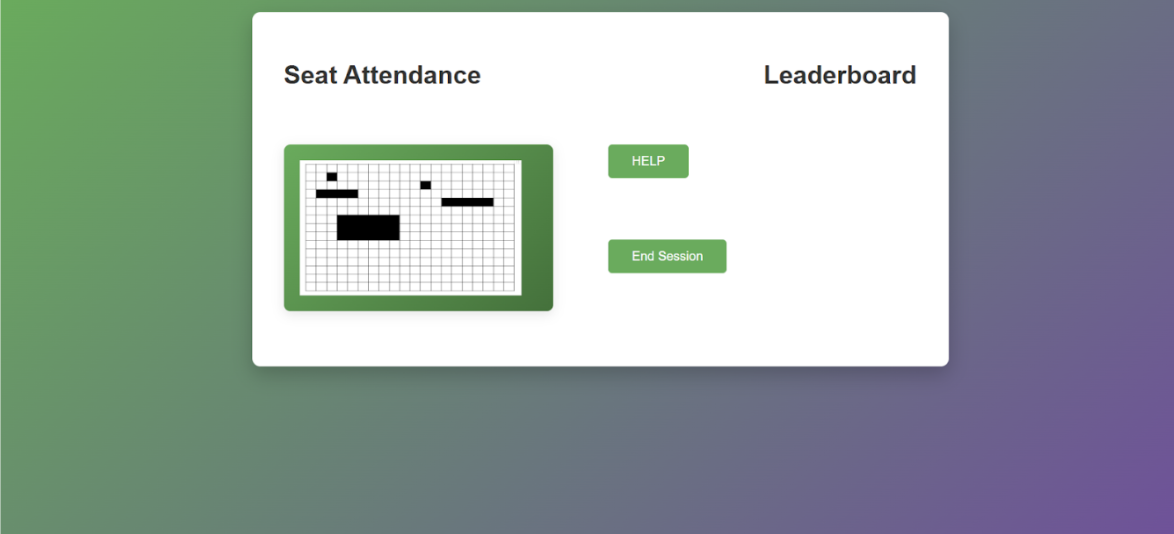
Student View: Main Stats, help leads to image upload, grid auto updates on seat entry
-
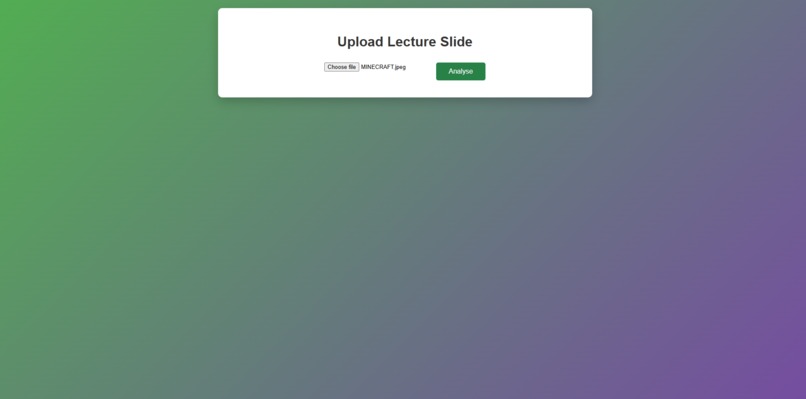
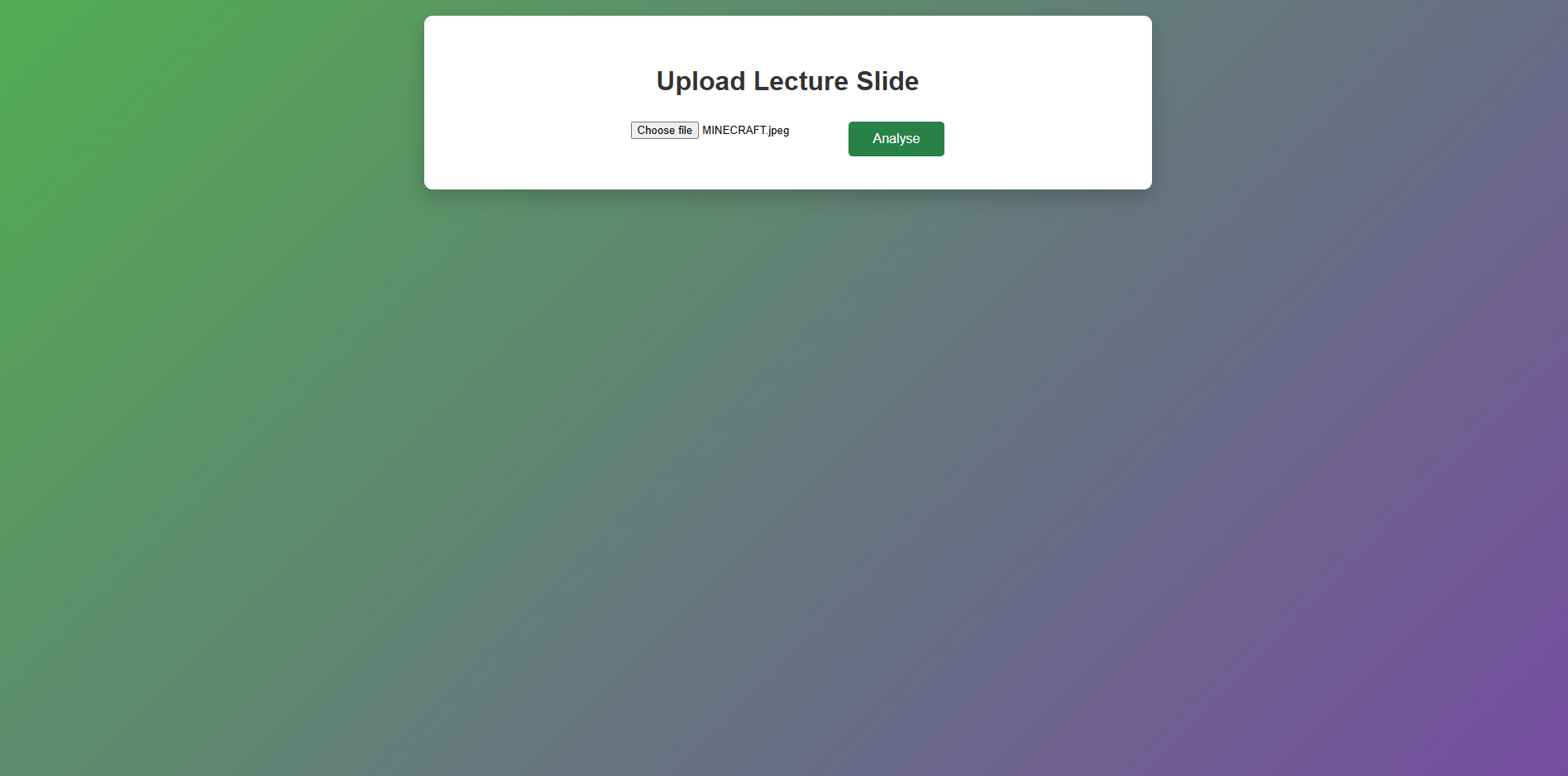
Student View: Upload image to be analysed
-
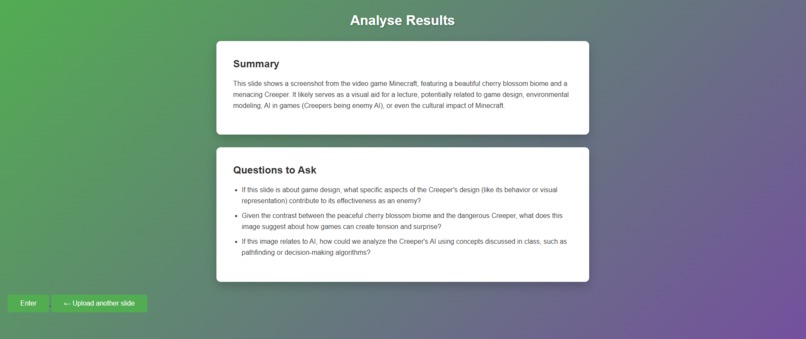
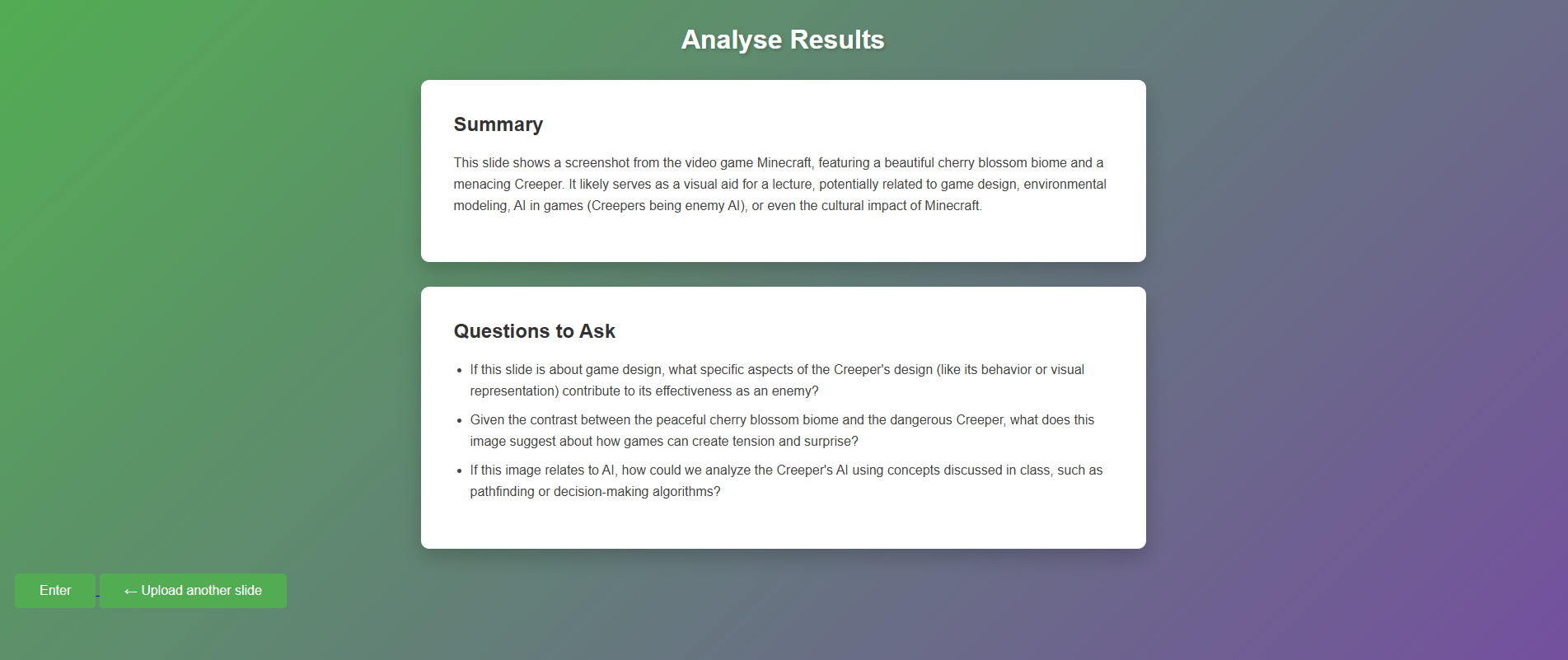
Student View: Summary and Questions generated when student uploads a picture/slide
-

Student View: Student end, last word input



Inspiration
Wanted to reconseputalise Leeds' Uni sign in, to improve attendance and learning expereince during lectures. A sign in portal can achieve more than attendance.
What it does
Makes use of seat numbers (in a hypothetical lecture theatre) coupled with a random word given/ displayed by a lectuer at the start and end of each lecture. Attendance can only be logged when a student submits the start word, seat number and end word. This encourages students to stay for the duration of the lecture. The use of seat numbers also reduces risk of sign ins from home. A visualisation of the attendance in the current lecture theatre is availbale for both the student and lecturer.
Additionally students can also get on current slides/ topics by uploading a picture of the slide to the "help" page. API link to genmini AI provides a summary and potential questions to ask the lecturer. On "enter" being pressed, questions are updated to a seperate file. Lecturer will recieve a summary of topics/ questions most asked about on Lecturer Summary Page. Many students struggle to ask questions in the lecture time so this will aide with their learning and give the lecturer a better grasp on everyone's understanding.
How we built it
Impmented using HTML and CSS for base website and design. Python and Flask used to improve functionality and movement between modules. Sqlite database used to store words, student, and lecturer details. Gemini API and python for logic, used to upload image to gemini to generate a tailored summary and list of questions to the student.
Challenges we ran into
First time using Flask Original database was implemented incorrectly, significant amount of time was spent repairing this. First time using APIs Limited team
Accomplishments that we're proud of
Succefully setting up AI image analysis Producing a functioning protoype
What we learned
What works well when working on a team. Learning to use new systems
What's next for Attendance Solution
Leaderboards across departments, to still anonymise individual students, but retain overal percentages. Streaks to improve incentive to show up to lectures.

Log in or sign up for Devpost to join the conversation.