-
-
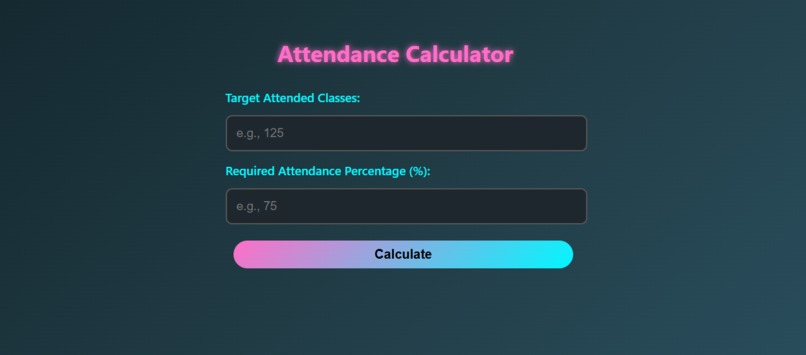
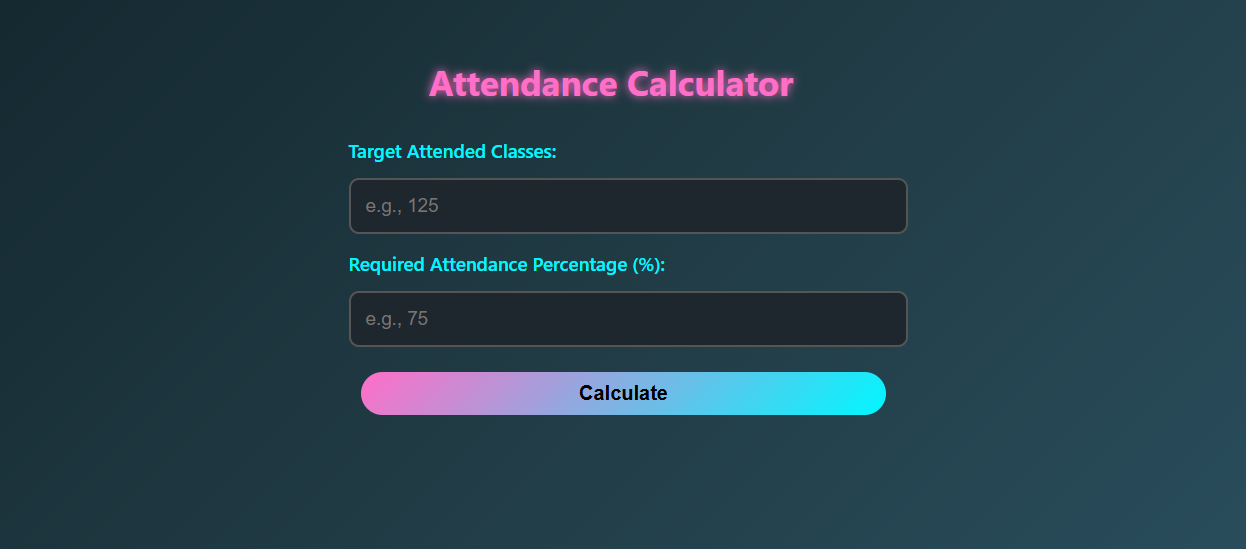
output for my code
Inspiration
As students, one of the most common struggles we face is calculating attendance.
Questions like “How many more classes do I need to attend to stay above 75%?” come up all the time.
Instead of guessing or stressing, I wanted to build a simple, fast, and good-looking calculator that instantly gives the answer.
-->This way, students can plan better, reduce stress, and focus more on learning rather than math anxiety.
What it does
->How many total classes they must attend to maintain their desired attendance percentage. ->Whether they’re on track or need to adjust attendance habits. ->Instant feedback with a clean, glowing UI that’s easy on the eyes.
How we built it
->HTML – for the structure of the calculator (inputs, labels, buttons). ->CSS – for a modern, neon-inspired gradient UI with animations and hover effects. ->JavaScript (Vanilla) – to calculate attendance dynamically and display results without page reload.
Accomplishments that we're proud of
->A design that looks more like an app than a boring calculator. ->Turning a real student problem into a simple, sharable solution
What we learned
->That even a small problem (attendance tracking) can inspire a useful tool if built thoughtfully. ->How to use HTML, CSS, and JavaScript together to create an interactive app from scratch. ->The importance of input validation to avoid errors and guide users properly. ->How to communicate a technical idea simply, so non-technical people can understand and use it.
What's next for Attendance Calculator
->Add save and students can check daily/weekly attendance goals). ->Add dark/light theme toggle. ->Make a mobile-first PWA (Progressive Web App) so students can install it like an app. ->Allow exporting/sharing results as a quick note.

Log in or sign up for Devpost to join the conversation.