-
-
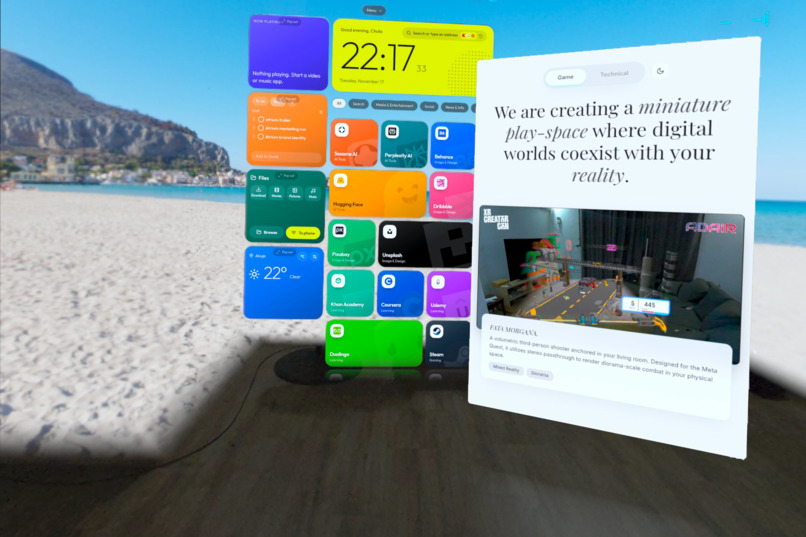
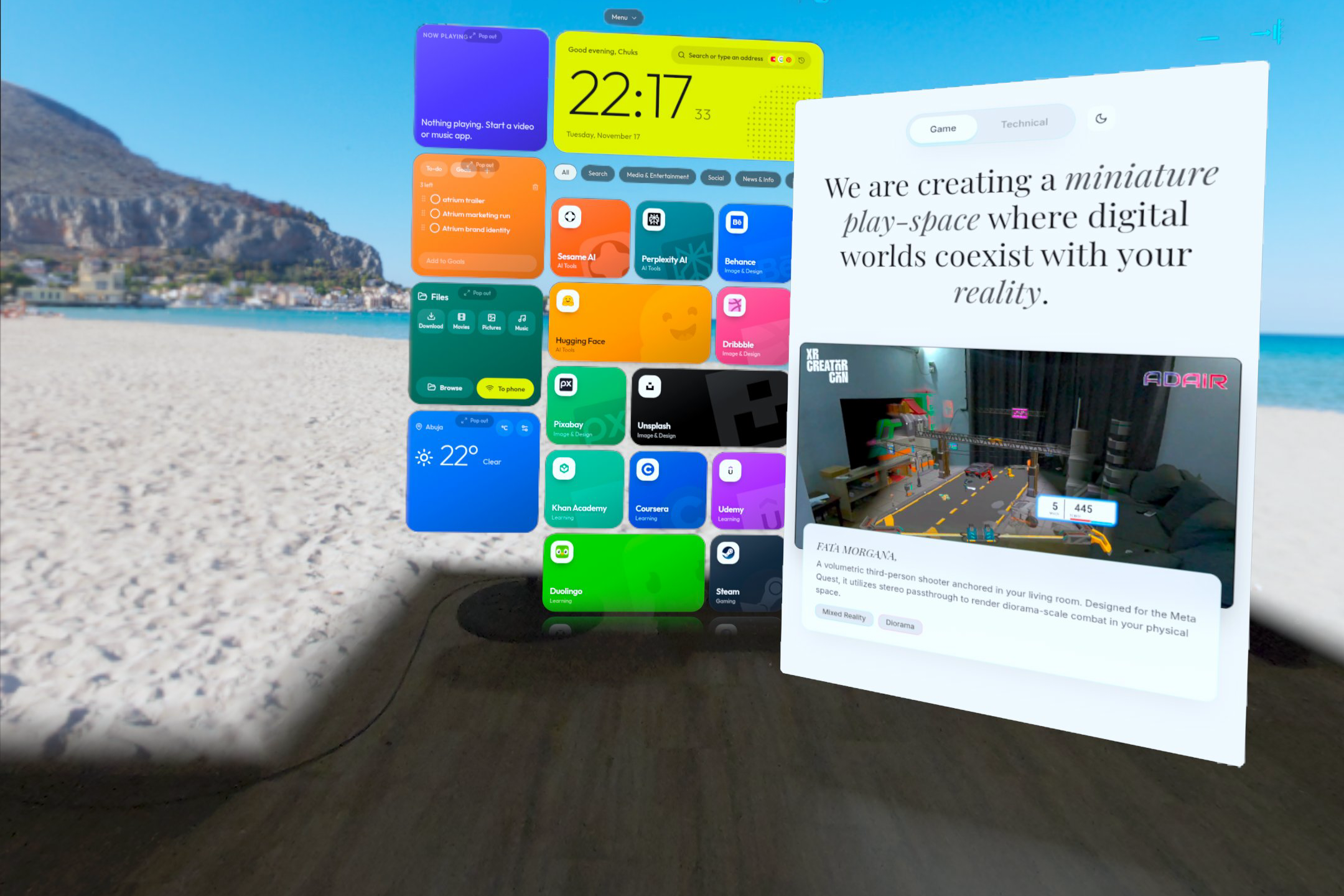
beach environment, partial immersion
-
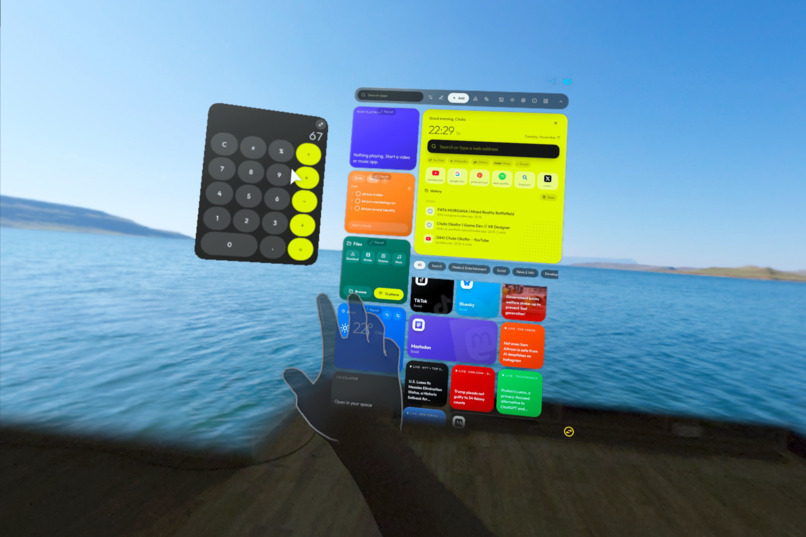
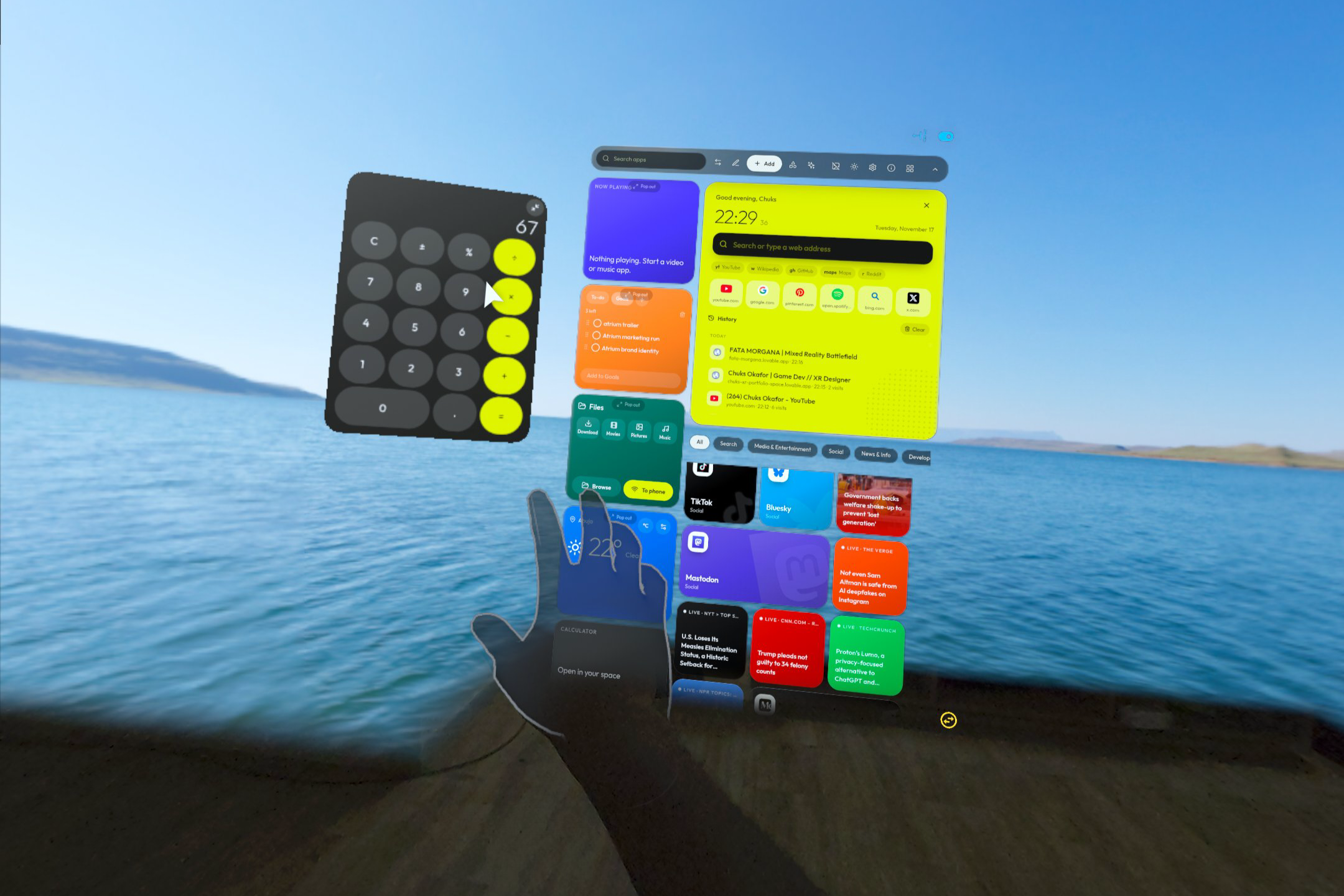
lake environment, partial immersion + calculator widget
-
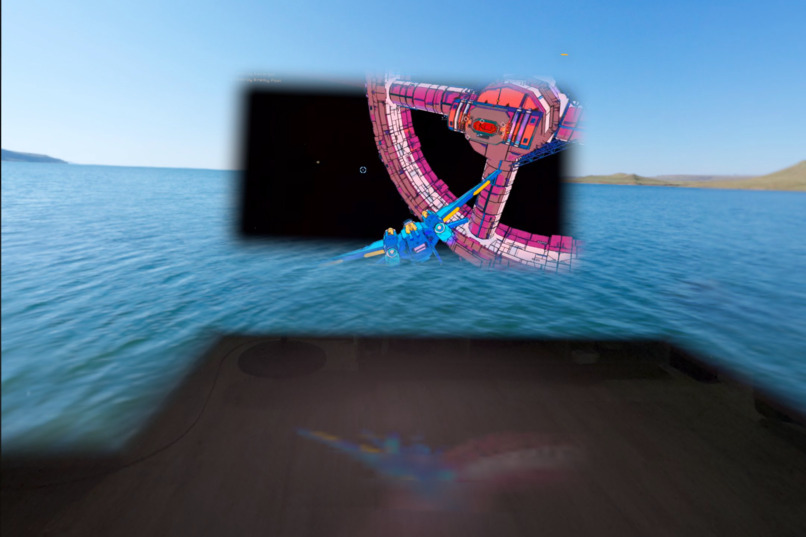
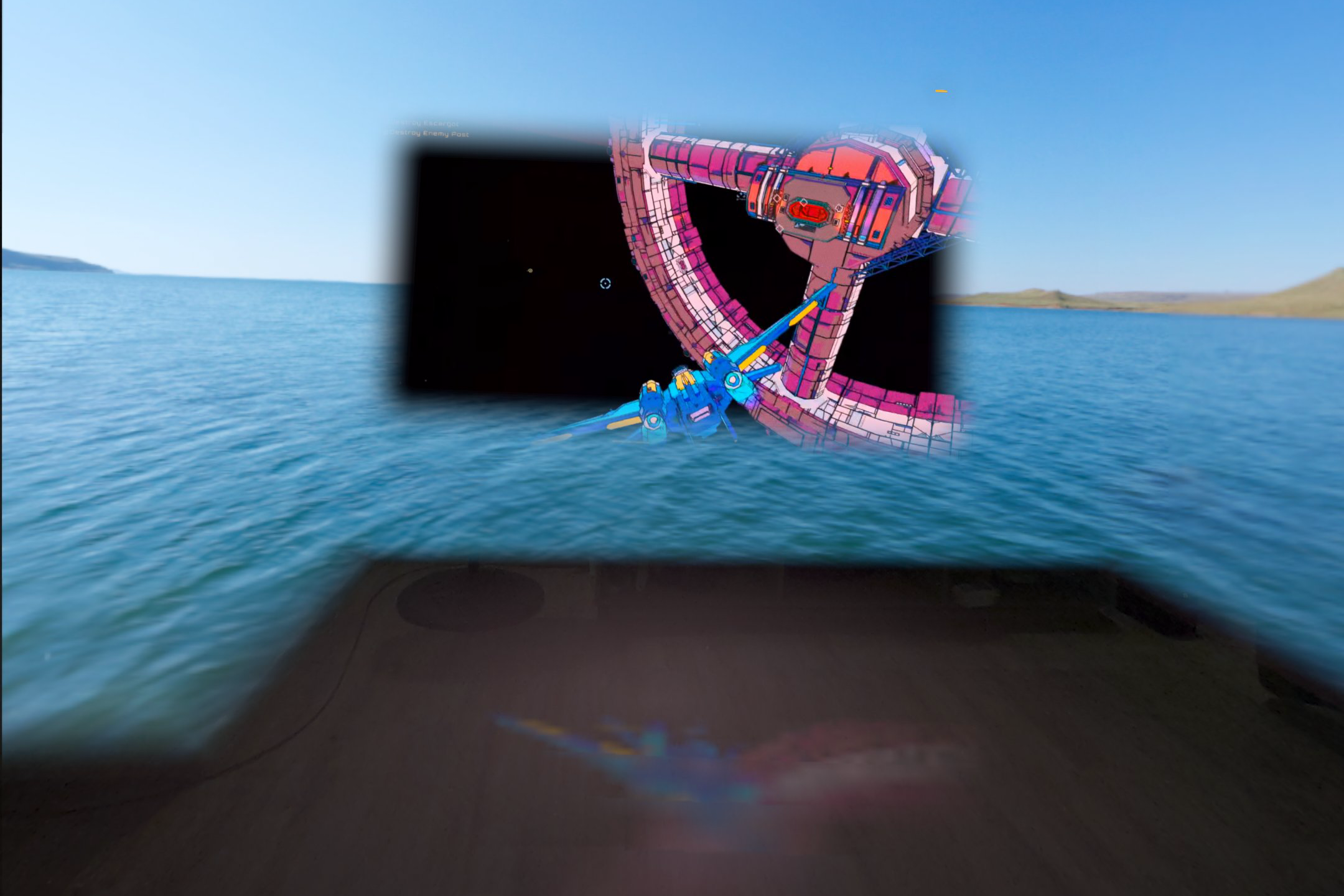
lake environment, partial immersion + 2D-to-3D video conversion
-
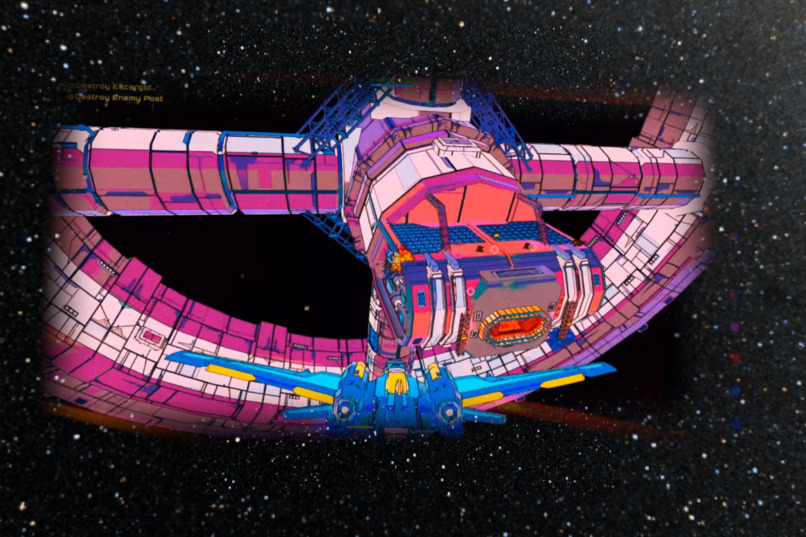
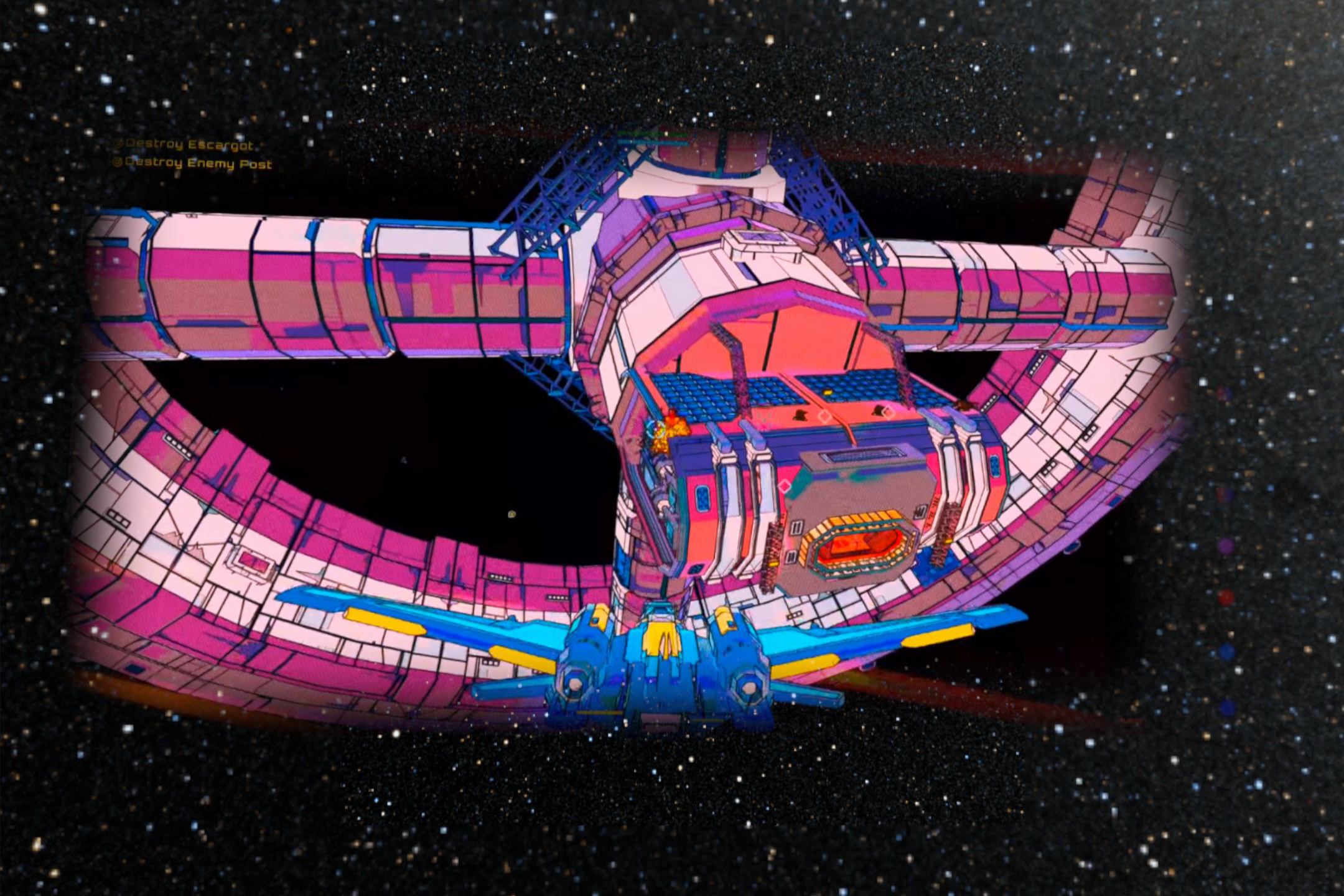
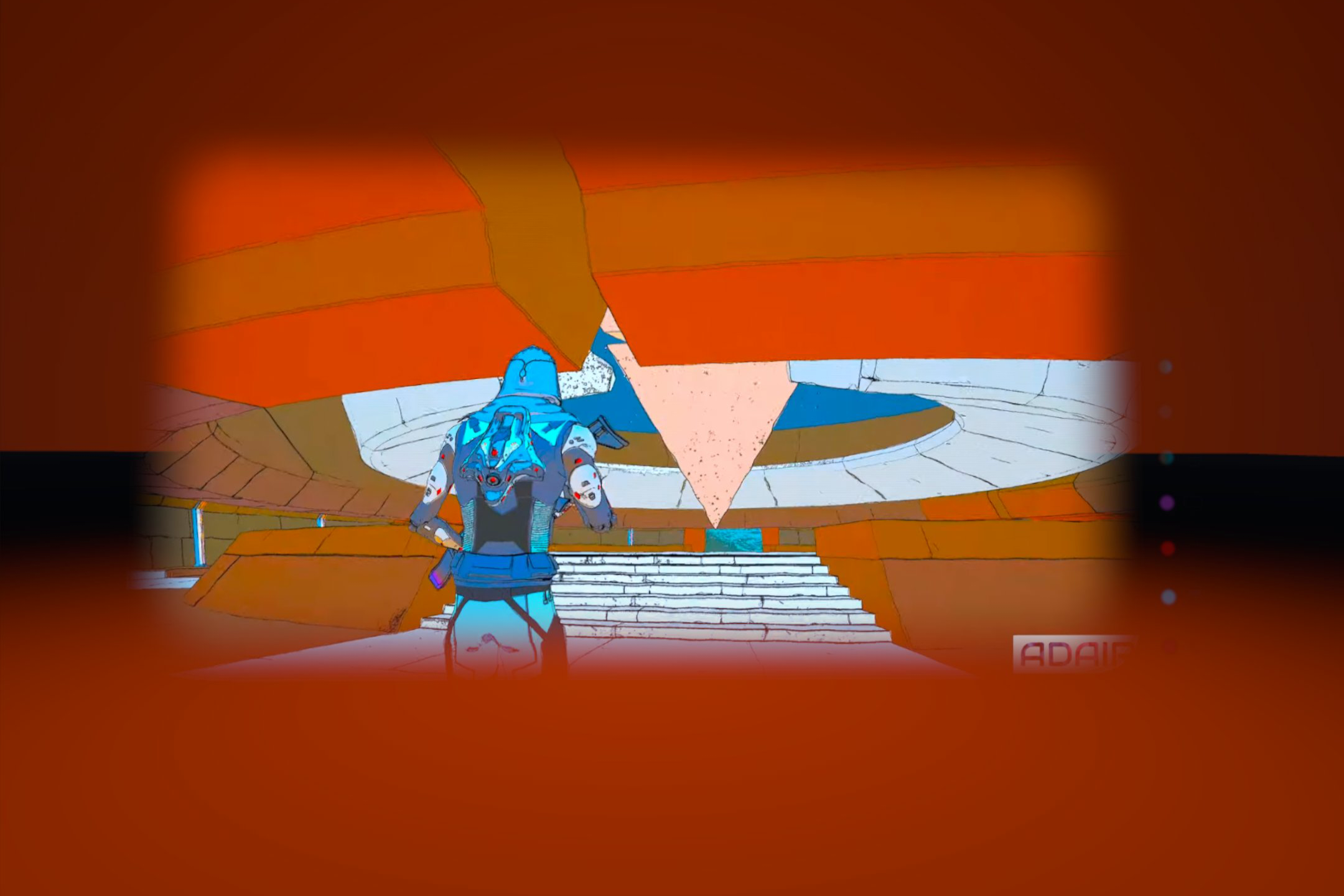
full immersion, cinema mode + 2D-to-3D video conversion
-
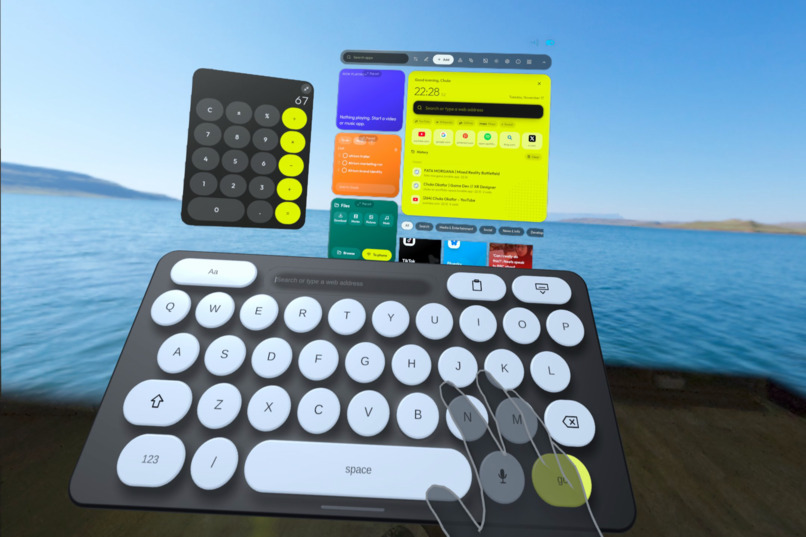
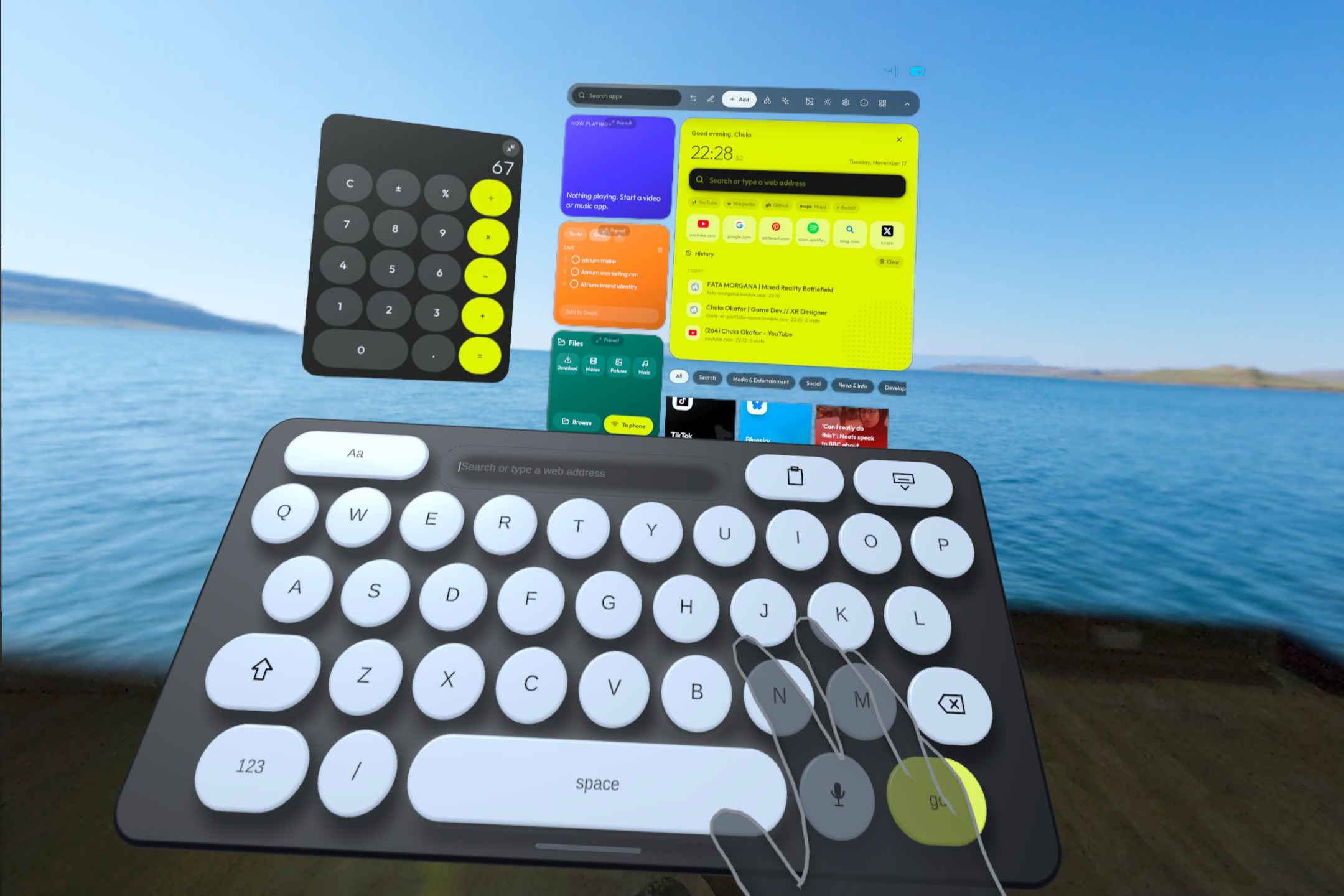
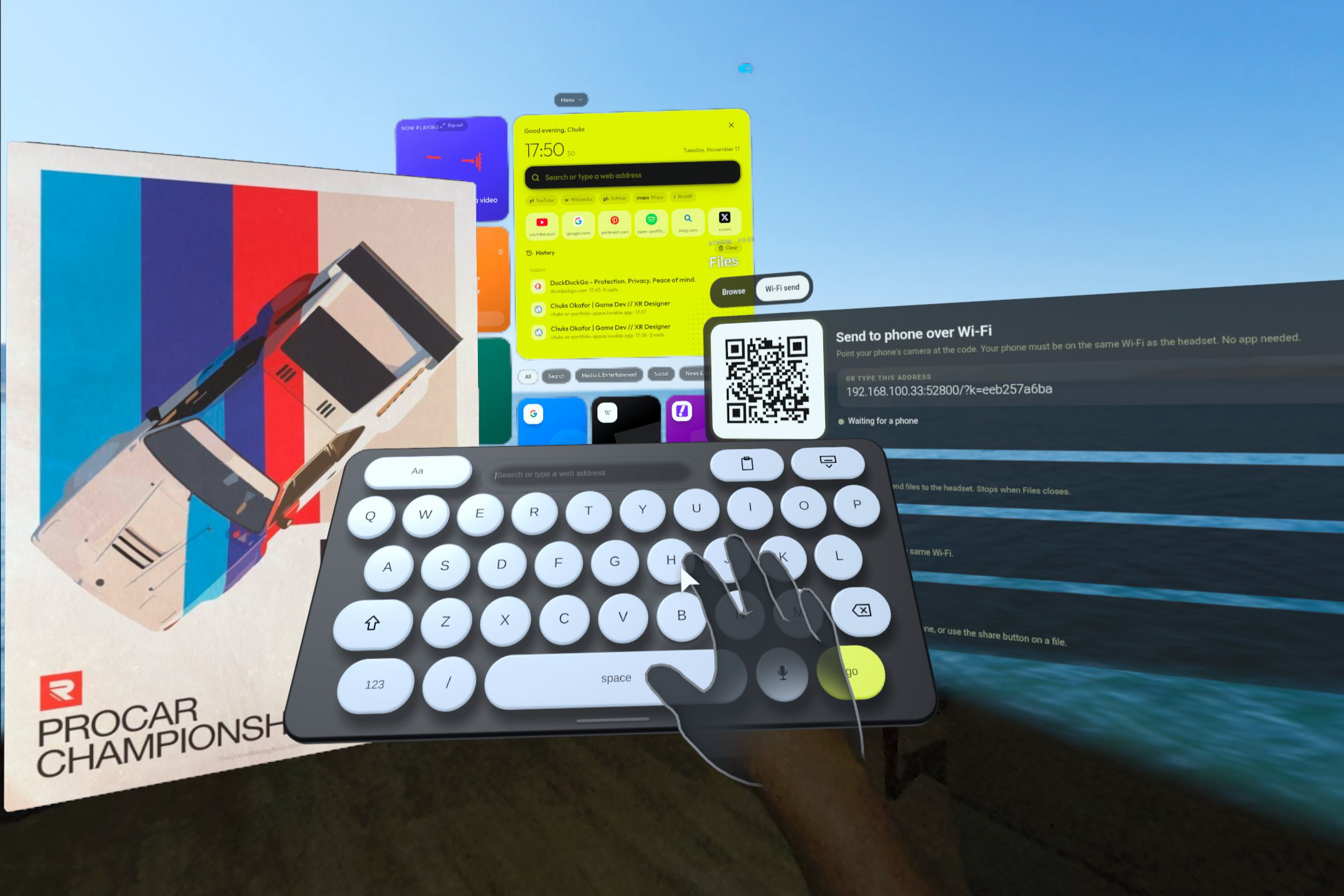
Custom keyboard input, browser history search
-
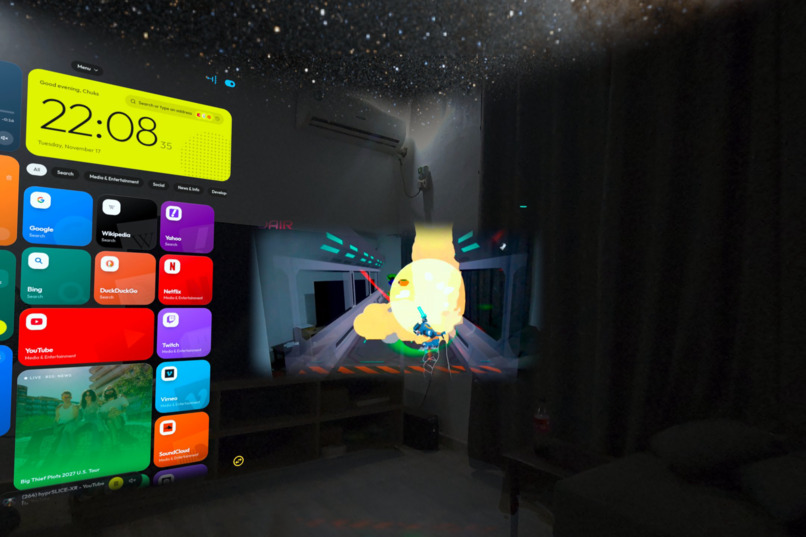
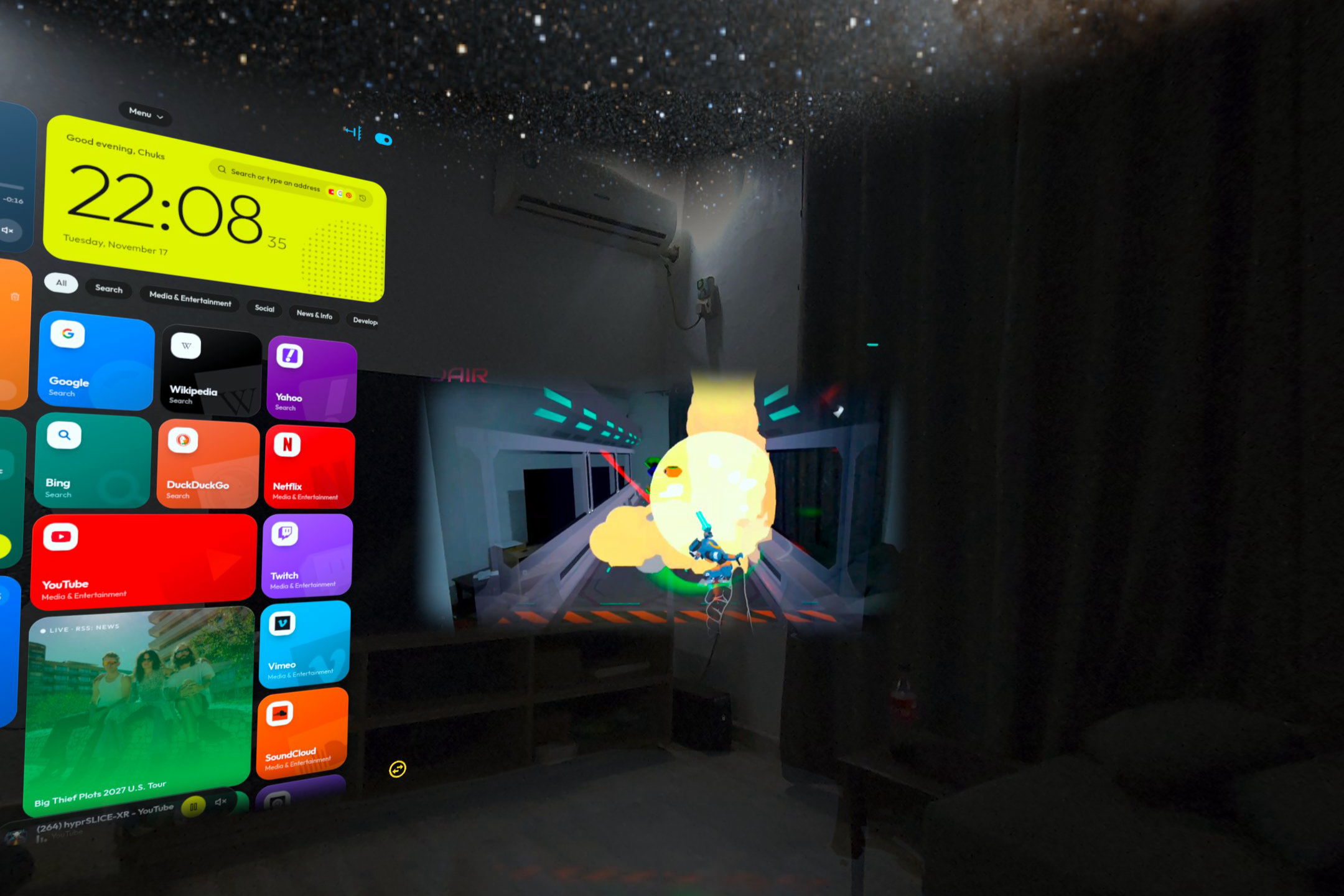
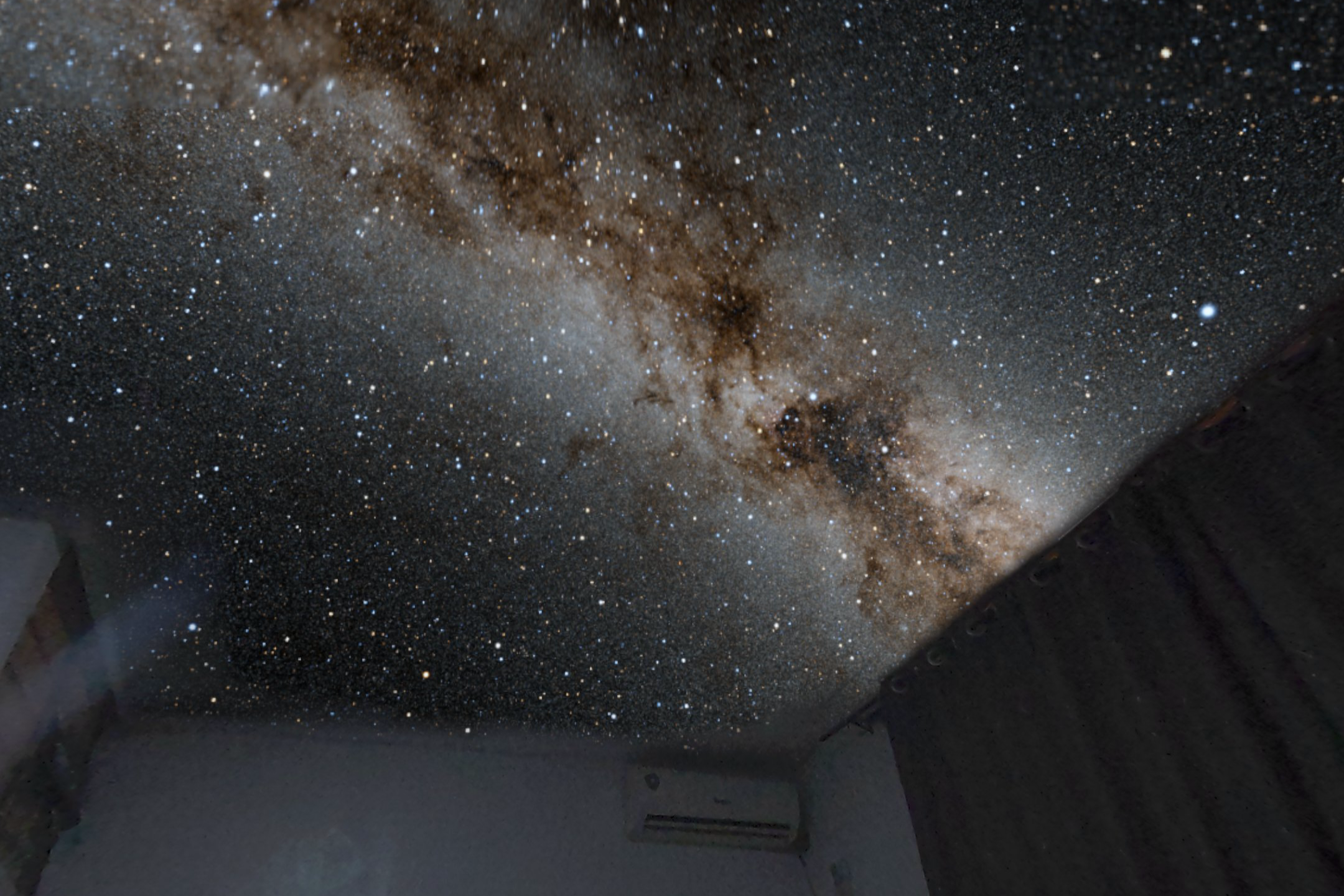
full ceiling mask, Cosmos immersive environment
-
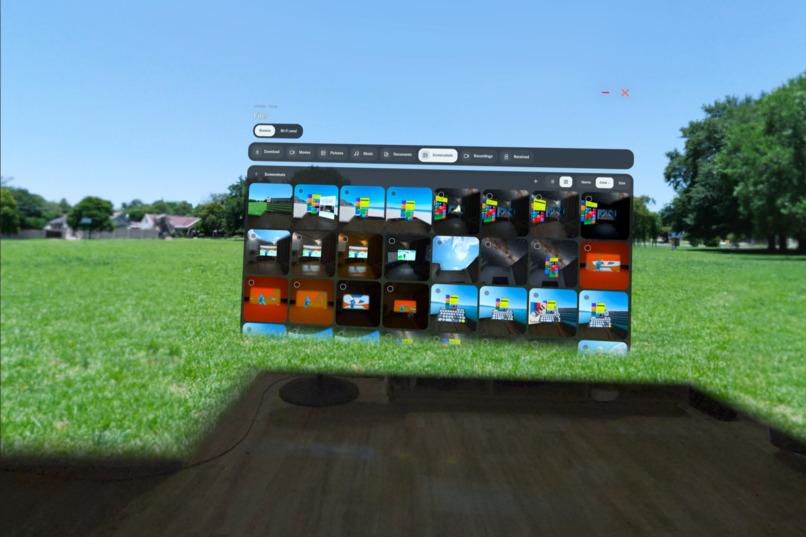
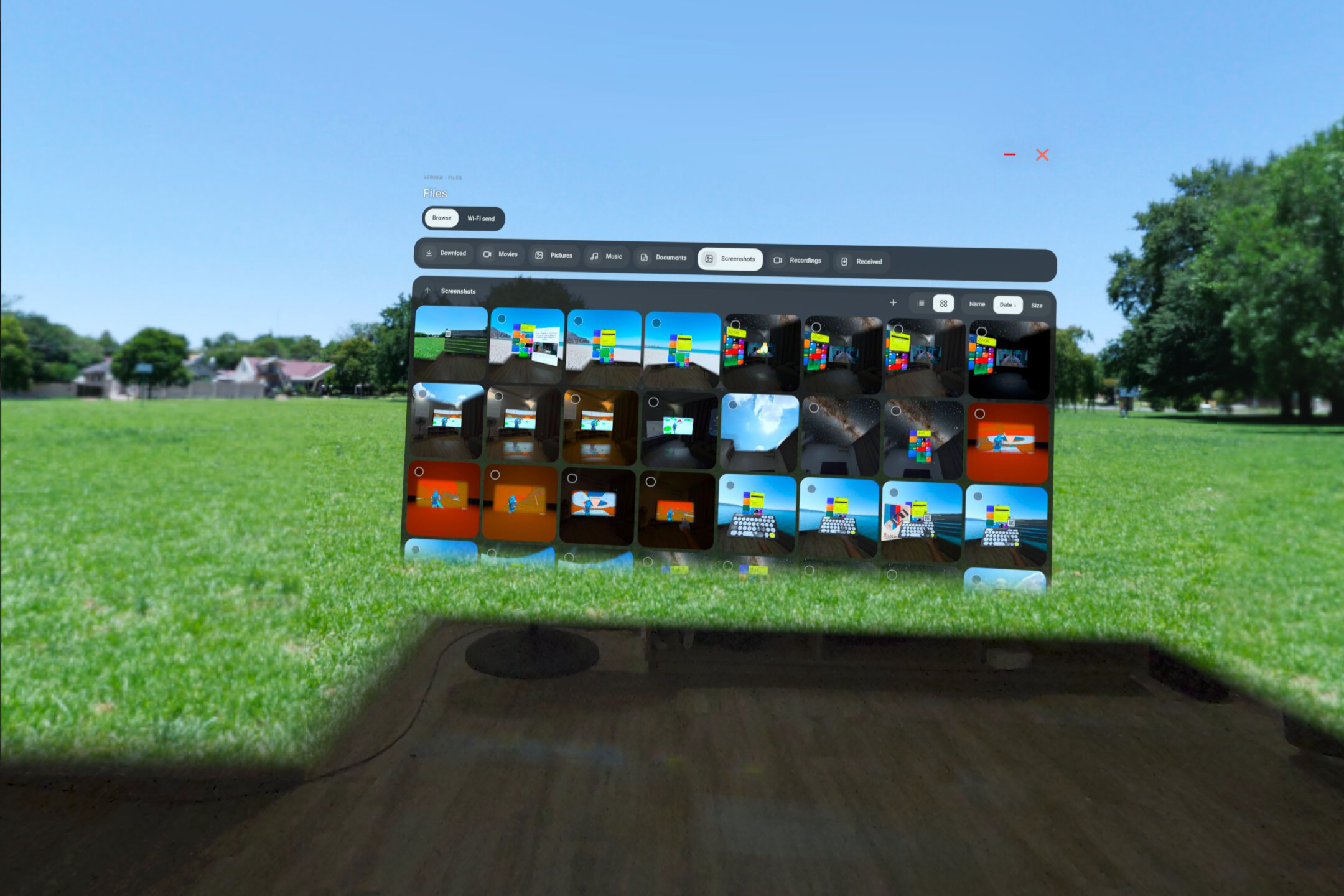
File manager, meadow environment
-
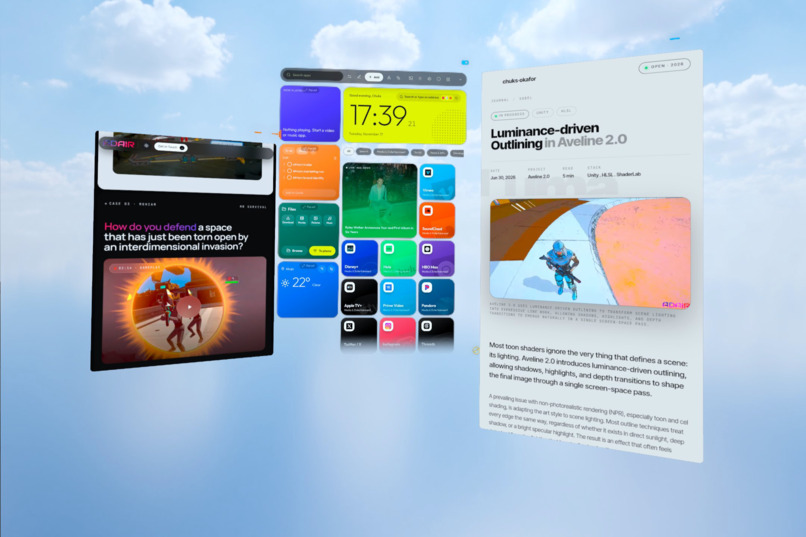
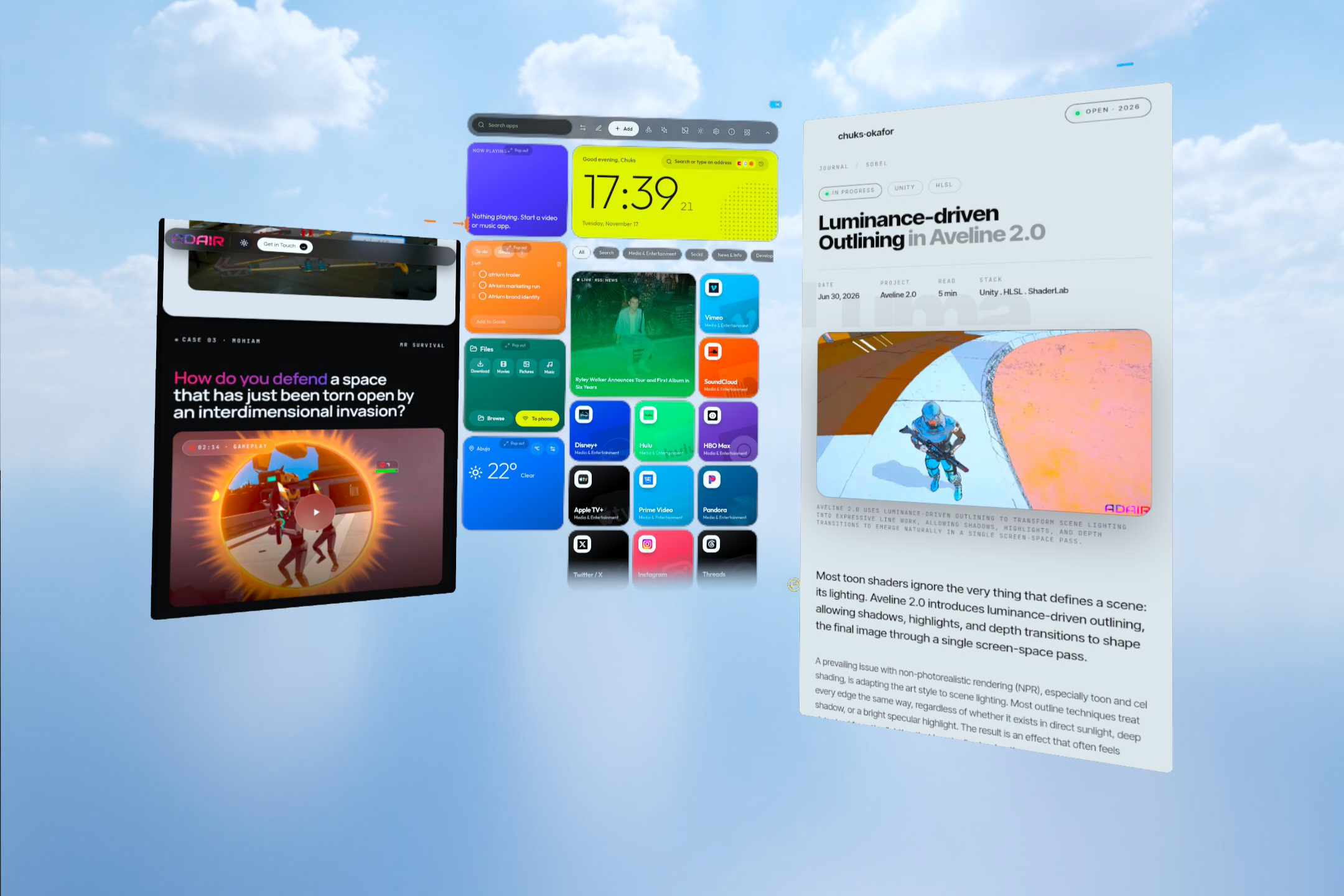
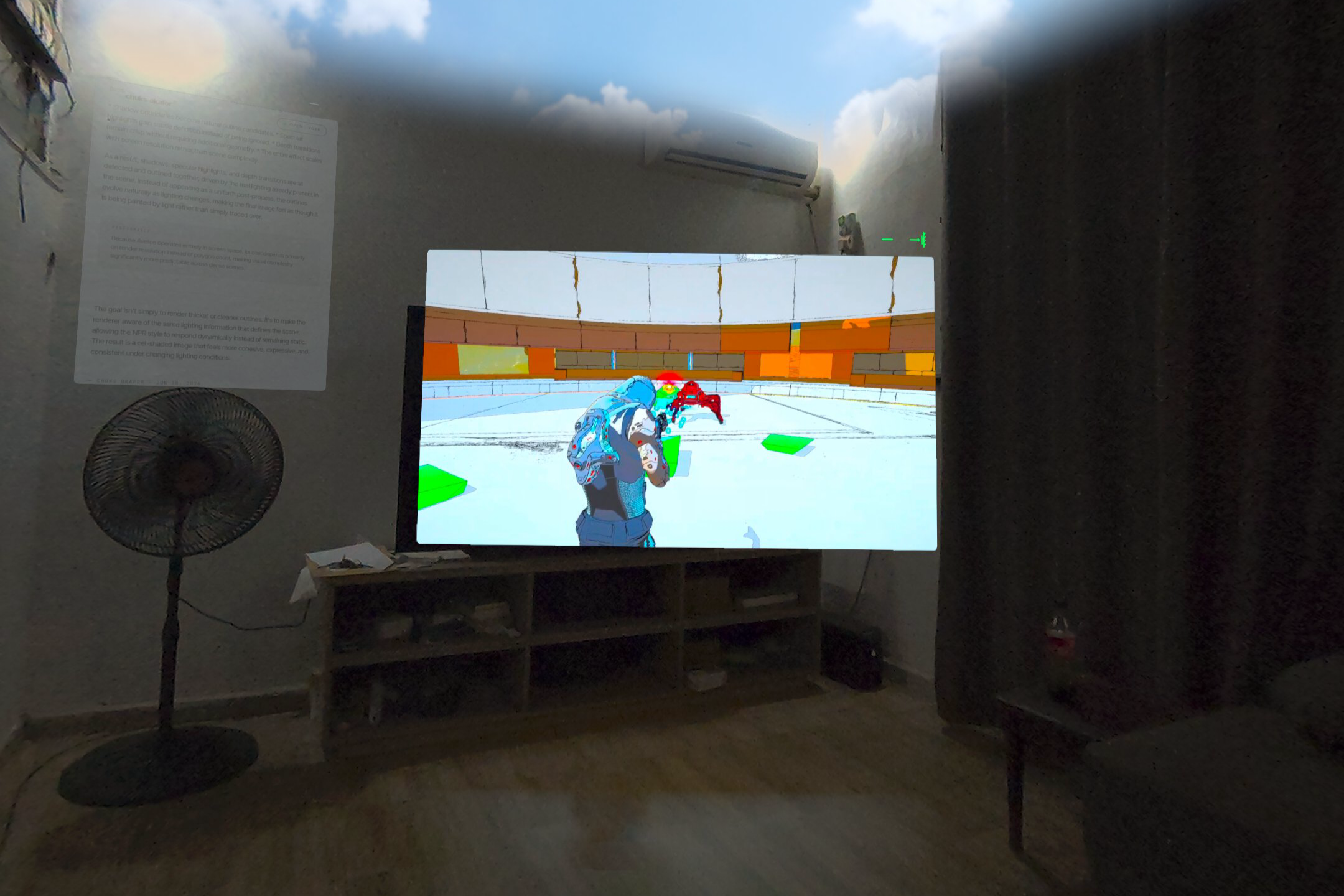
Full immersive environment, Cloudy sky
-
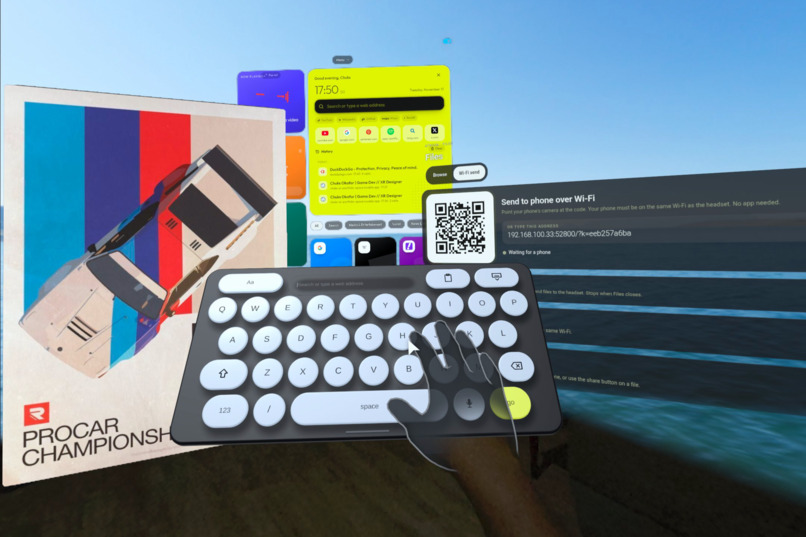
File Transfer, File manager Image viewer
-
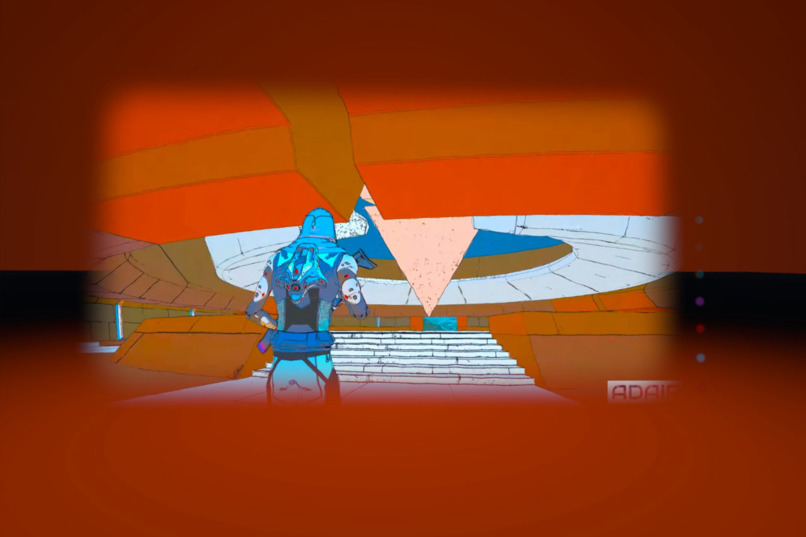
full immersion, cinema mode + 2D-to-3D video conversion
-
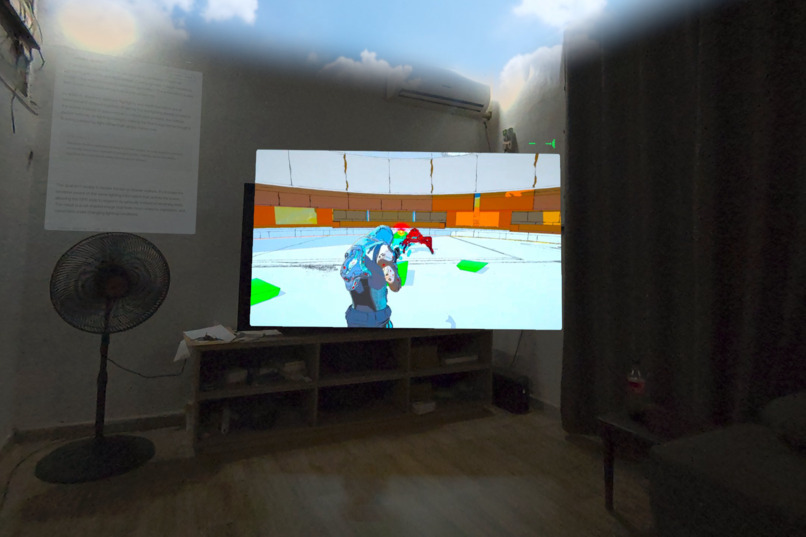
Ceiling mask, panel reflection
-
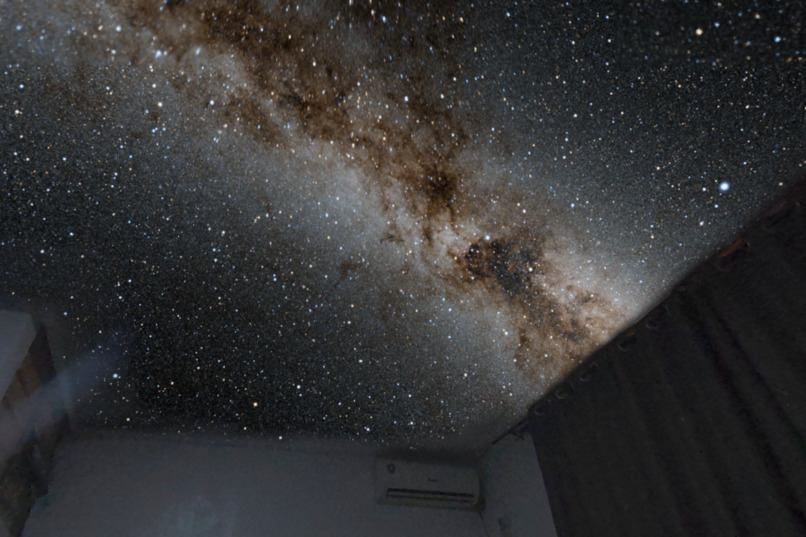
Ceiling mask, Cosmos environment
Inspiration
Headsets like the Quest 3 can see your room, yet most browsers still open a flat floating window that ignores it. We wanted a browser that treats the physical environment as part of the interface: your walls, your floor and your light. Browsing in spatial computing should feel like the web lives in your space, not like you're looking at a screen strapped to your face.
Visually, Atrium is a modern reimagining of Microsoft's Windows Metro design language for spatial computing. It retains Metro's bold colours, clean typography and content-first live tiles, softened with rounded corners and redesigned for a more fluid, immersive 3D experience.
What it does
Atrium is a spatial web browser for Meta Quest 3/3S and Meta VR Glasses that incorporates your space into the spatial web experience:
- Gaze interaction and microgestures: direct your workspace by looking, confirm with a small pinch.
- Wall snapping and panel memory: panels attach to real walls and stay exactly where you left them, per room, across sessions.
- Room tint and floor reflections: the colour of your content lights your room, and panels reflect on your real floor and walls.
- Immersive environments: meadow, lakeside, beach, skies and outer space, with Keep Room or Full Immersion modes.
- Cinema Mode and 2D-to-3D: dims your room into a private theatre and adds depth to ordinary videos and games.
- 360° and 180° video, with comfort and picture controls.
- Widgets: time, weather and Now Playing (YouTube/Spotify), placed in your space.
- Voice commands and dictation, plus our own floating 3D keyboard.
- Files app: browse storage, view photos and videos, and send files to your phone over Wi-Fi.
- Offline launcher: your environment and files keep working without a connection.
How we built it
- Unity 6.3 LTS with the Meta XR SDK, targeting Quest 3/3S.
- Custom WebView for the Chromium-based web panels, plus a separate launcher connected to Unity through a message bridge.
- Scene understanding (room scan) for wall snapping, floor/wall reflections and placement that adapts to whether you're sitting or standing.
- Custom shaders for room tint, floor reflections, curved panels and real-time 2D-to-3D stereo conversion.
- CC0 360° sky photos from Poly Haven for the immersive environments, with a sweep that follows the shape of your room.
- ElevenLabs for the onboarding voiceover and Atrium's soft felt-piano sound set.
- A performance governor, quality tiers and foveated rendering to keep frame rates stable with several live web panels open.
Challenges we ran into
- The system keyboard broke. A Quest OS update in November 2026 stopped Meta's keyboard from working inside Atrium, so we built our own floating 3D keyboard.
- Bot-check loops. Some sites kept us stuck on sign-in and bot checks; live debugging on the headset traced it to the browser's user-agent.
- GPU crashes and rendering layers. We had to guard against crashes when our custom webview setup freed textures on Vulkan, and carefully layer web panels against the passthrough view of the room.
- Making features cooperate. Panels that move aside for each other, wall auto-snap, and panel swapping kept fighting each other until we gave them clear priorities.
- Fullscreen web video that fits its panel exactly, without black bars or cropping.
Accomplishments that we're proud of
- The room actually reacts to your content: tint, reflections and walls all take part.
- 2D-to-3D conversion that works on games, not just video.
- A complete offline experience in a browser.
- A full redesign on a single set of design tokens, so every surface feels like one product.
- Guided onboarding with voiceover and a pointing hand that rests beside each control.
What we learned
- In spatial computing, the room is the most important UI element. Small touches like reflections and tint make digital content feel physically present.
- Spatial UI needs firm rules about who wins: placement features have to agree on priorities or they fight.
- Performance is a design constraint. Every live web panel costs CPU and GPU, so you have to budget for it.
- Platform behaviour changes under you; owning core pieces like the keyboard is worth it.
What's next for Atrium
- Deeper support for Meta VR Glasses and lighter, glanceable widgets.
- Shared rooms: browse together with others in the same space.
- More environments, plus environments made by the community.
- Smarter room awareness: panels that suggest where they belong based on the room's layout.
- Expanding 2D-to-3D and Cinema Mode to more apps and streaming services.
Built With
- elevenlabs
- metaisdk
- react
- typescript
- unity


