-
-
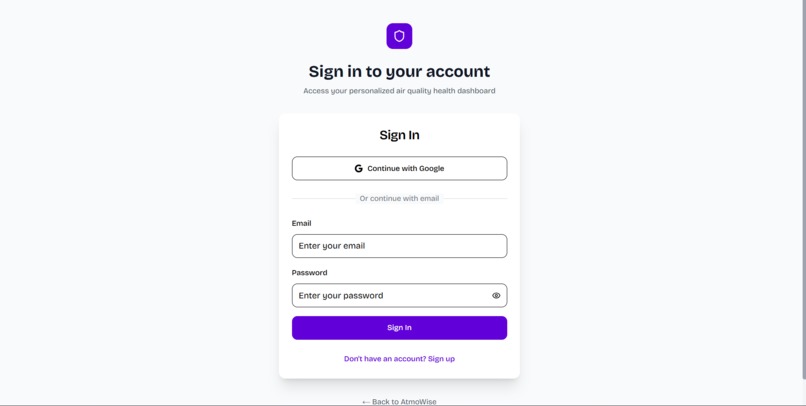
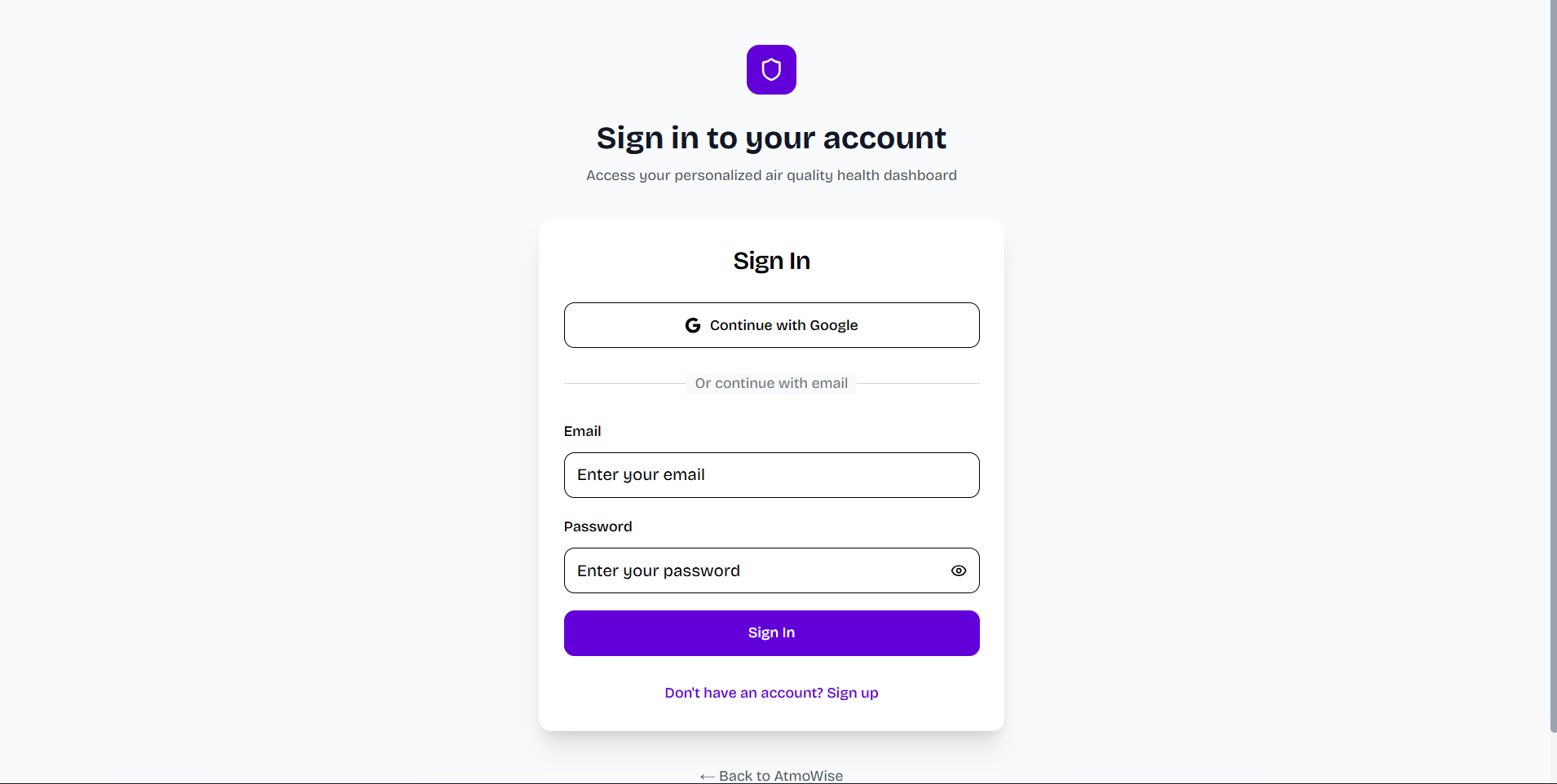
The Sign up and Password Landing page
-
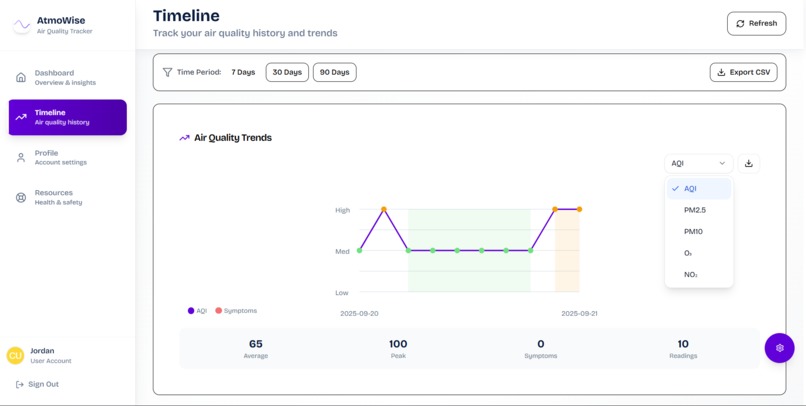
Live air quality history tracking with trends
-
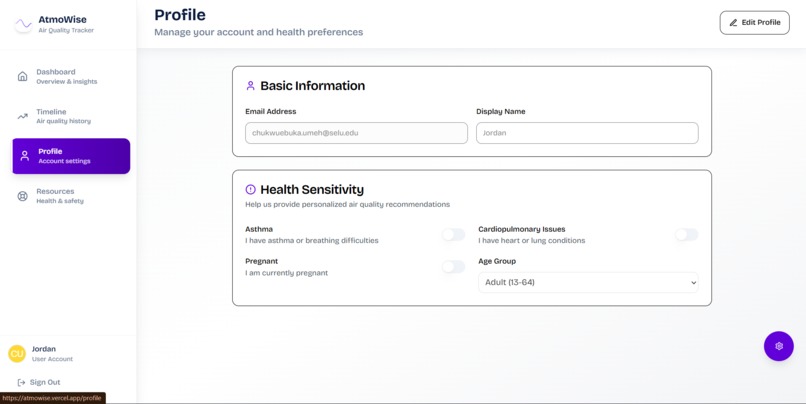
User profile section with editing capabilities
-
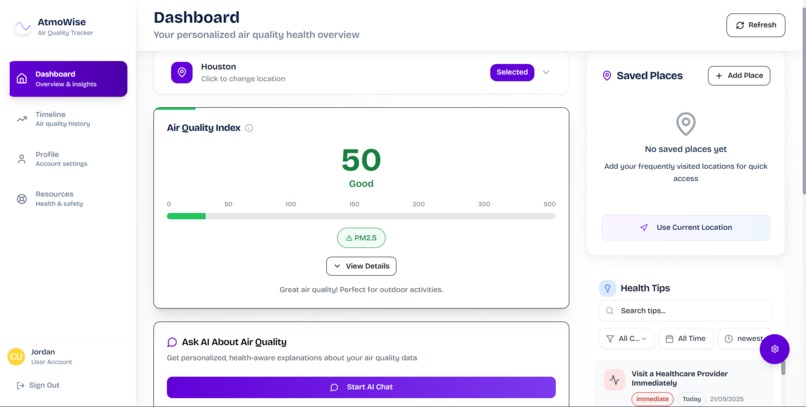
Dashboard section with location-based air qualities overview
-
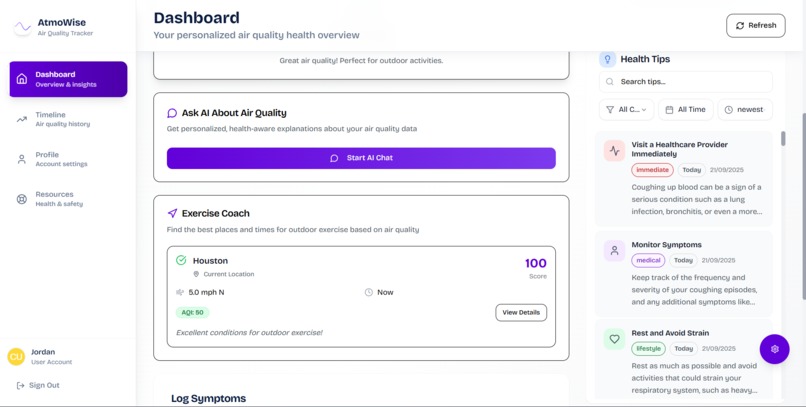
Ai chat, Excercise coach, and Randomized health tips
-
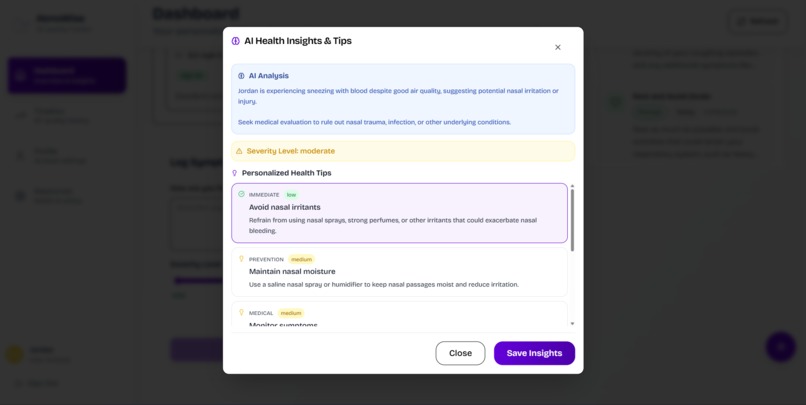
Ai tips and insight on user symptom logs
-
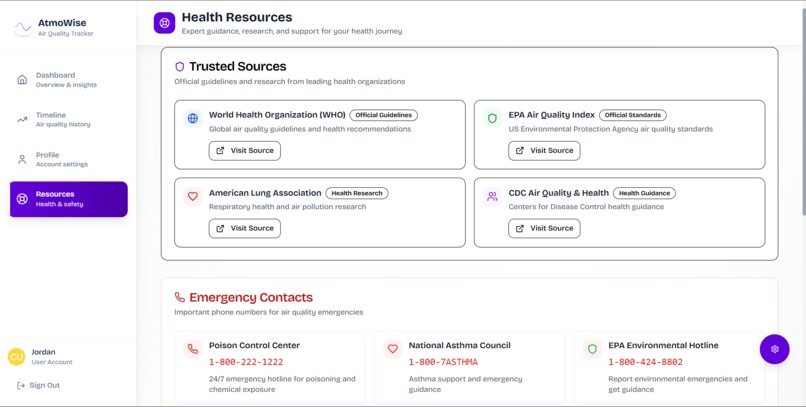
Health resources section with Emergency hotlines, guidance, research and support
-
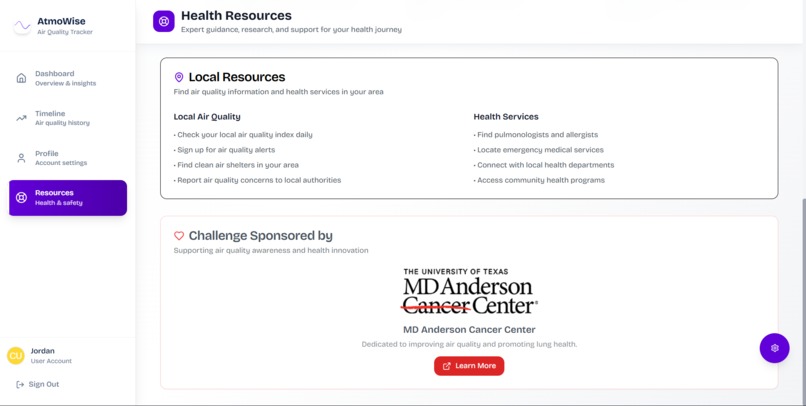
Local resources and sponsorship info


Inspiration
Our team’s passion for cleaner air and healthier lives was sparked by two key influences. First, MD Anderson’s Cancer Center, which already provides excellent guidance on air quality and lung health, inspired us to combine evidence-based advice with technology. Second, two of our teammates grew up in Johannesburg, a city known for its heavy smog and pollution. Experiencing this environment firsthand showed us how poor air quality can impact everyday life and inspired us to build something that could directly help our communities and others facing similar conditions.
What it does
AtmoWise helps people understand, plan for, and reduce the health risks of air pollution. It features a real-time air quality dashboard with simple color-coded AQI indicators (green for good, red for bad), intuitive icons such as the sun, smog, or pollen clouds, and daily or weekly trend charts. Users can input their health conditions, such as asthma, COPD, or allergies, and receive specific, actionable advice like “Air quality is poor — use your inhaler before activity.” The app automatically detects your current location and allows you to follow multiple places, like home, work, or travel cities. It also offers clear recommendations based on AQI, for example “OK to exercise outside” versus “Stay indoors, wear a mask,” along with suggested safe times of day to go out.
How we built it
We built AtmoWise using Next.js for the front end and integrated public air-quality APIs for real-time data. We designed a responsive user interface with intuitive visuals and implemented a backend to handle location data and personalized health recommendations. We used tools like Replit and Cursor to speed up development and improve collaboration. Finally, we hosted AtmoWise on Vercel for seamless deployment and automatic updates.
Challenges we ran into
We faced bugs when integrating multiple APIs, especially around data accuracy and timing. User interface rendering was another hurdle as we balanced real-time updates with smooth performance on mobile devices.
Accomplishments that we’re proud of
We’re proud of creating a working prototype that translates complex environmental data into simple, actionable insights. We’re also proud of how we incorporated personalized health alerts, something rarely seen in air quality apps.
What we learned
We learned how to build a full-stack application that integrates third-party APIs efficiently and how to leverage tools like Replit and Cursor to accelerate development and debugging.
What’s next for AtmoWise
We plan to add a landing page before sign-in to clearly communicate the app’s benefits. We also plan to expand forecasting features, develop deeper health analytics, and introduce community features that let users compare air quality across locations.


Log in or sign up for Devpost to join the conversation.