-
-
Home Page
-
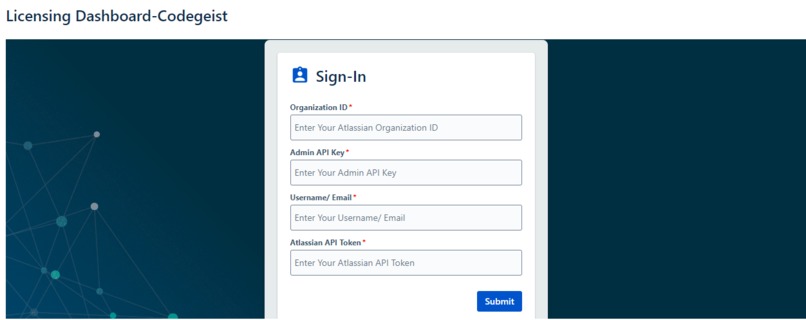
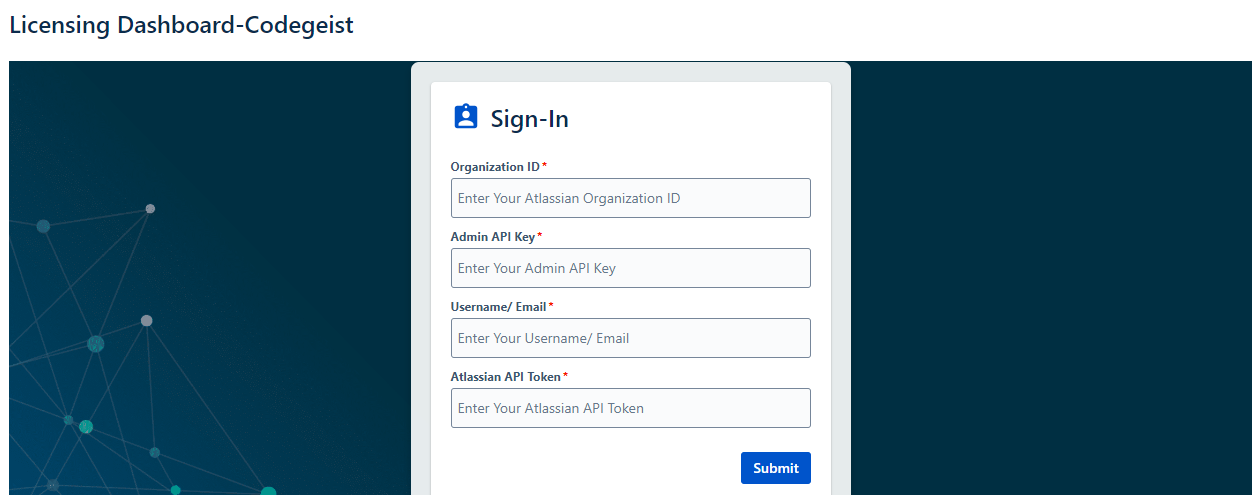
Sign-In Page
-
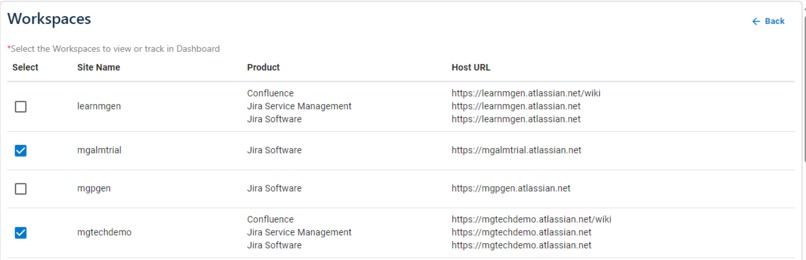
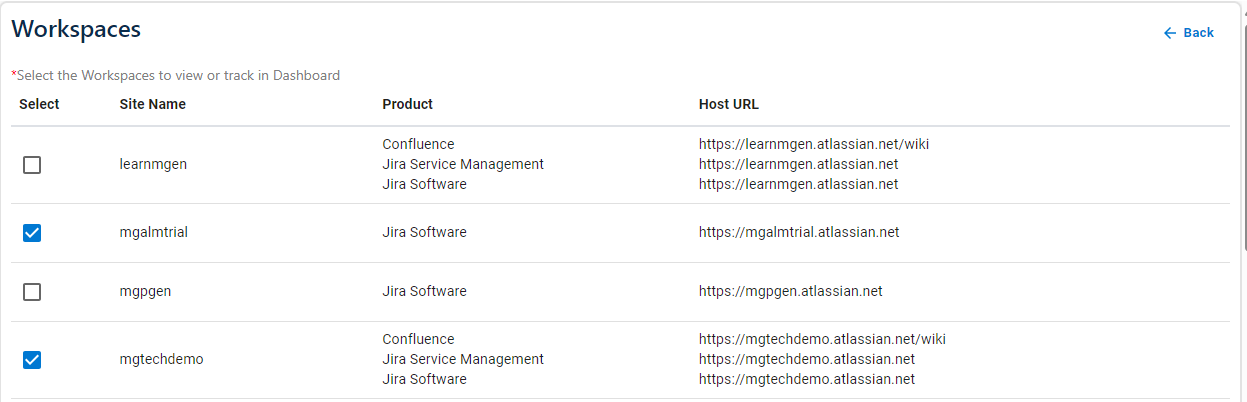
Workspace Page
-
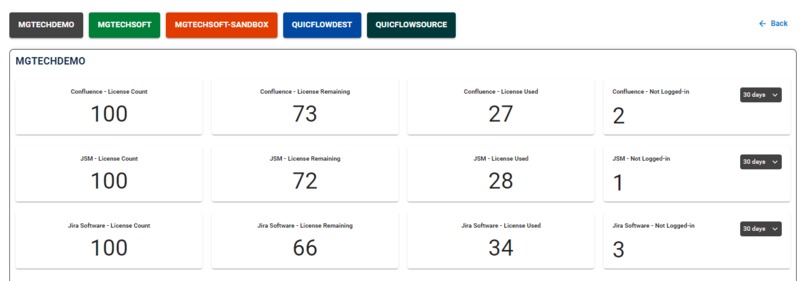
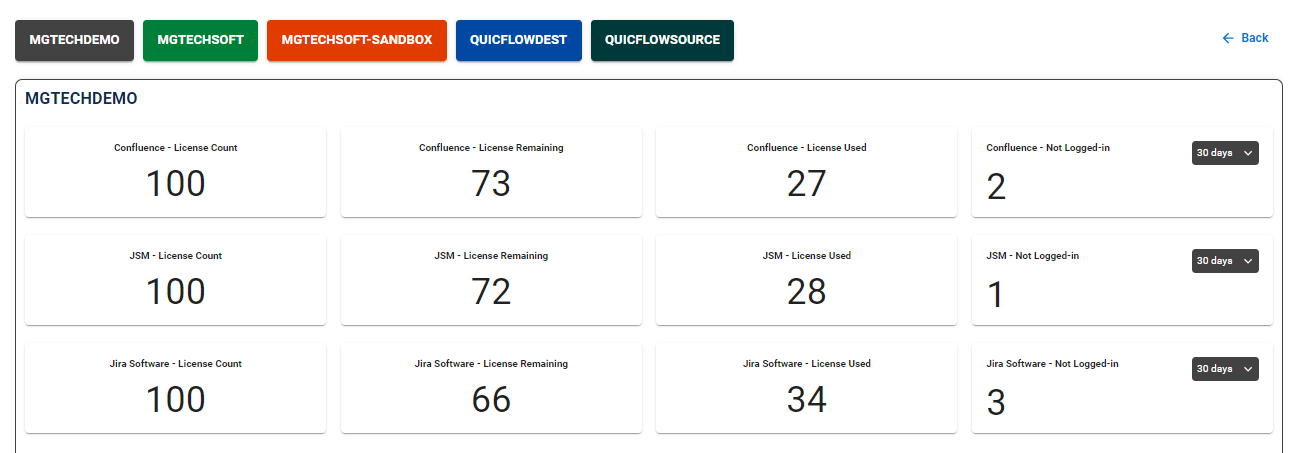
Dashboard Page
-
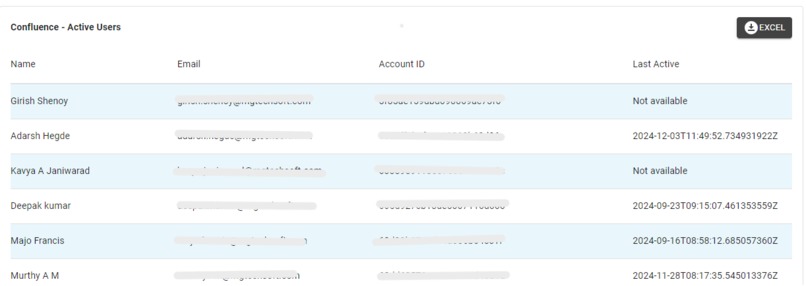
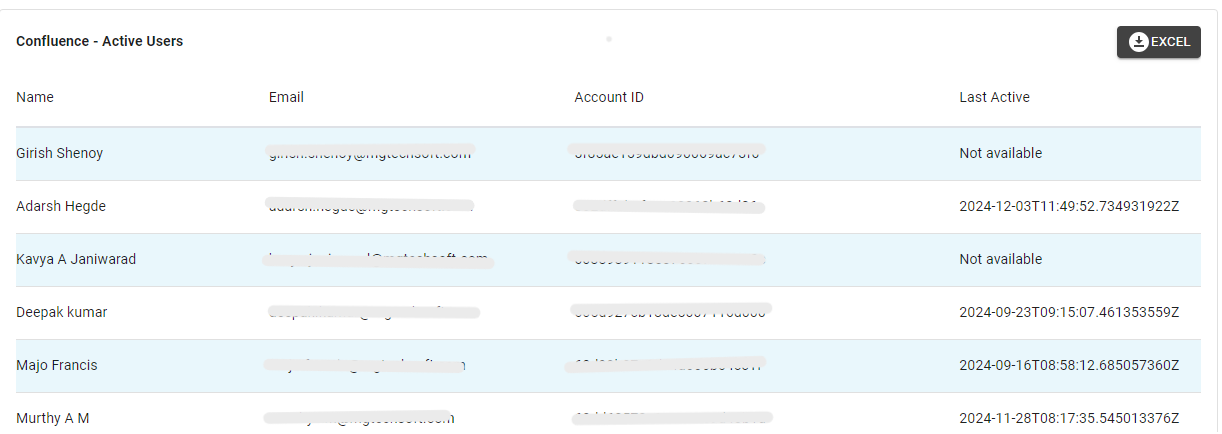
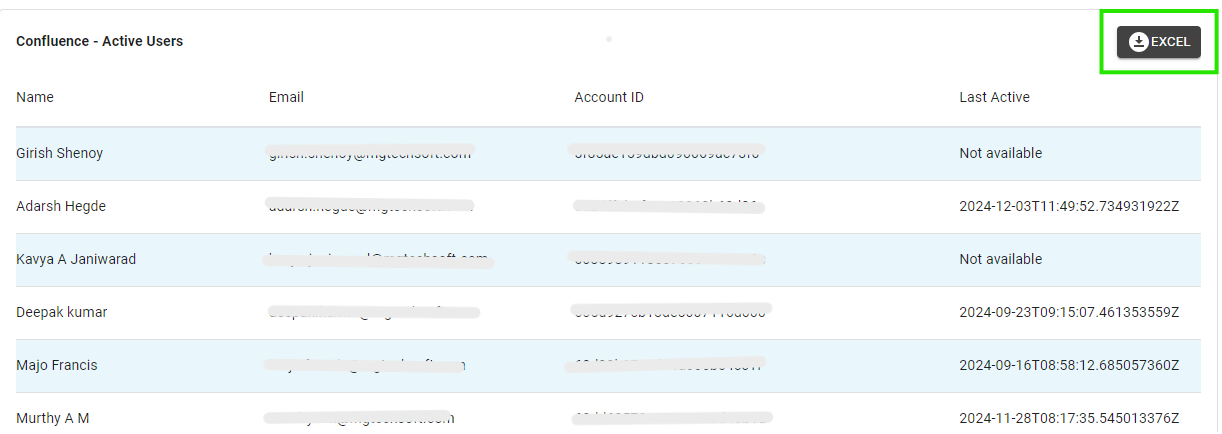
Active Users Count
-
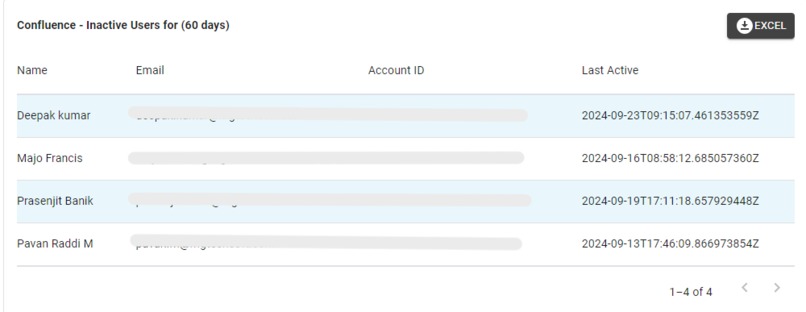
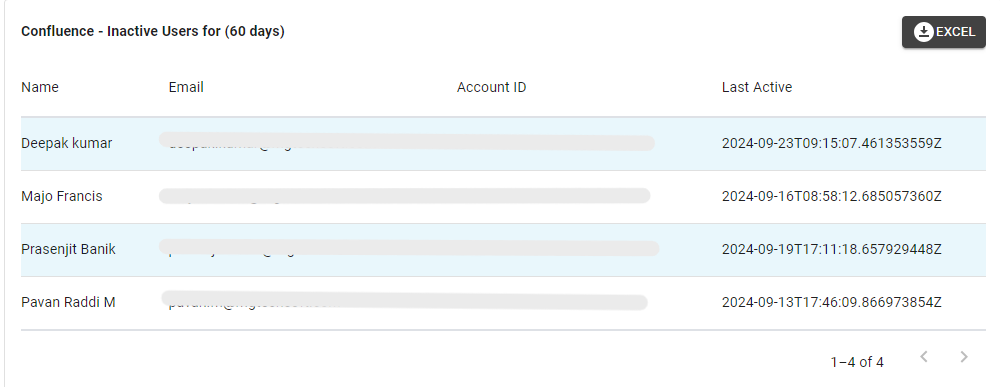
In-Active Users Count
-
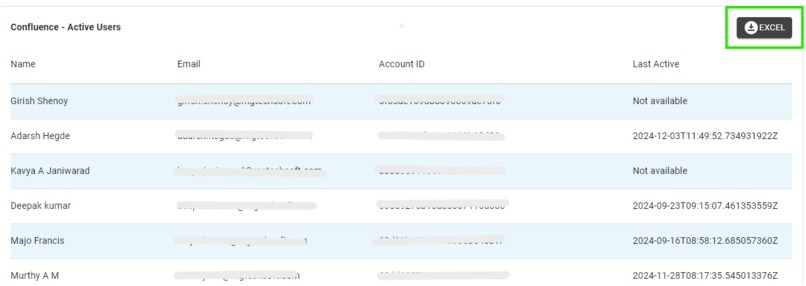
Excel Export
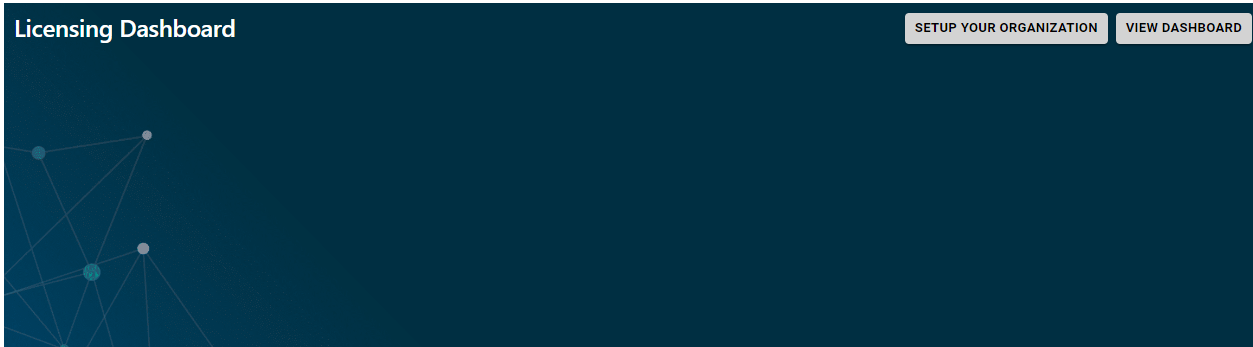
Licensing Dashboard for Atlassian Products
Inspiration
Optimizing license costs for Atlassian products can significantly enhance resource management and reduce unnecessary expenses.
What it does
It is used to monitor license usage & identify inactive users. At the organization level, Users can access the data and detailed information for each Atlassian site. This includes gadgets for each product (Jira Software, Jira Service Management, Confluence), total license count used and remaining licenses, and details on inactive licenses (not logged in for 30, 60, or 90 days).
Workspaces: Users can select the required workspaces and view the data.
Site-level Views: Users can view the details at the site level for better license tracking.
Inactive Users: Identify users who have been inactive for a specified number of days. The dashboard not only tracks license counts but also provides detailed user activity reports.
How we built it
The App was built using Forge which allowed us to set up routes, handle requests, and integrate Cloud API's. The application utilizes state variables to track various metrics related to user licenses. This includes managing data for different Atlassian products such as Jira Service Management, Jira Software, and Confluence.


Log in or sign up for Devpost to join the conversation.