-
Begin Adventure
-
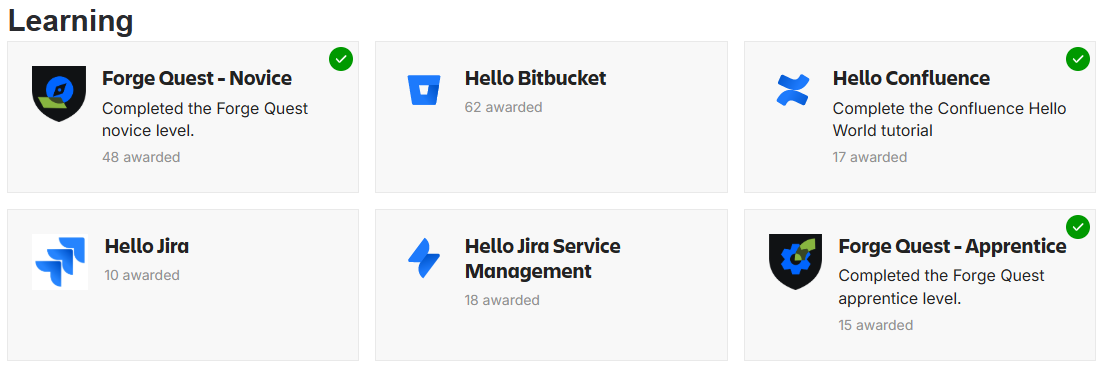
Forge Quest – Apprentice
-
Forge Quest - Novice
-
Hello Confluence
-
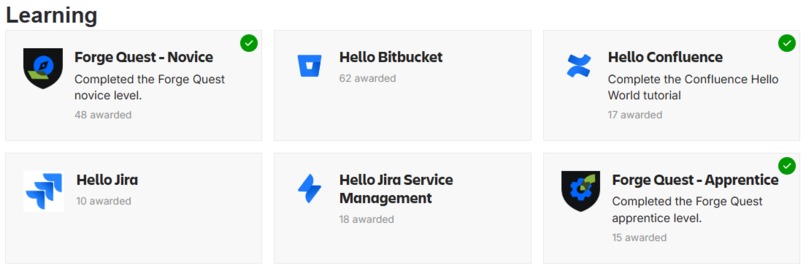
Badges
🧭 Inspiration
As a first-time adventurer in the realm of Forge, I began my journey by studying the “Getting Started with Forge” documentation from the hackathon resources. With no prior experience, this guided path helped me quickly gain momentum and feel ready to tackle real-world app-building quests.
🧙♀️ What it does
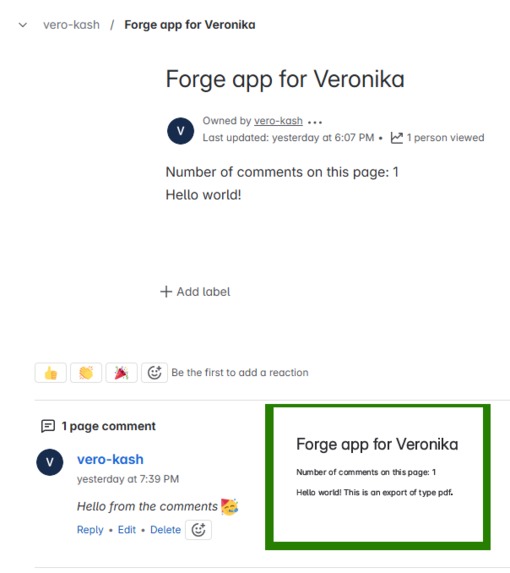
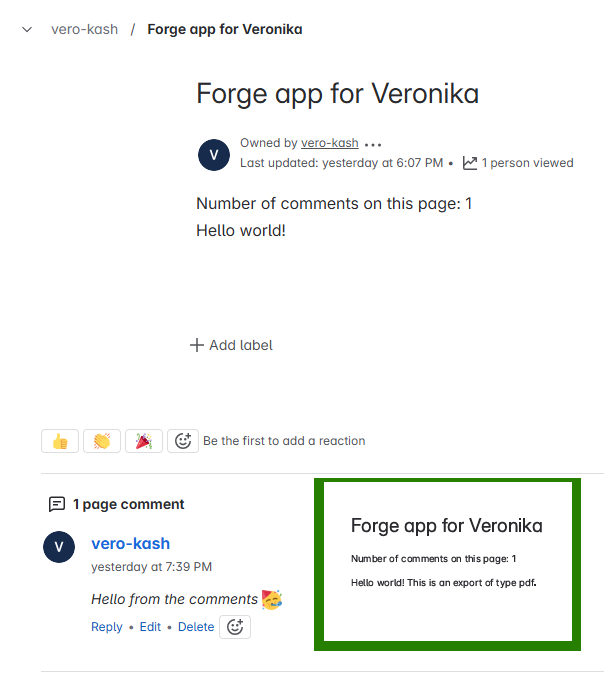
My journey began with a Confluence content macro that displayed a friendly Hello World message and the number of page comments via the REST API. It also allowed export to Word and PDF using Atlassian Document Format (ADF). For this step, I earned the Hello Confluence badge.
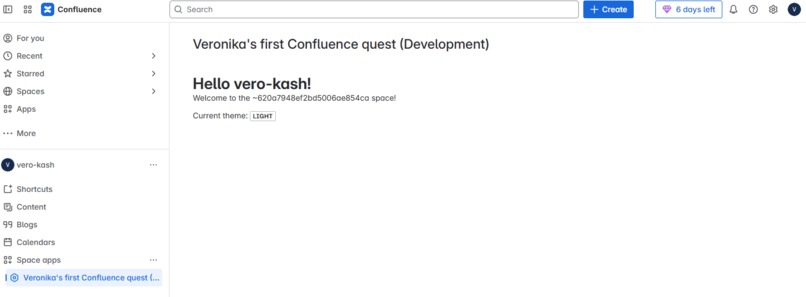
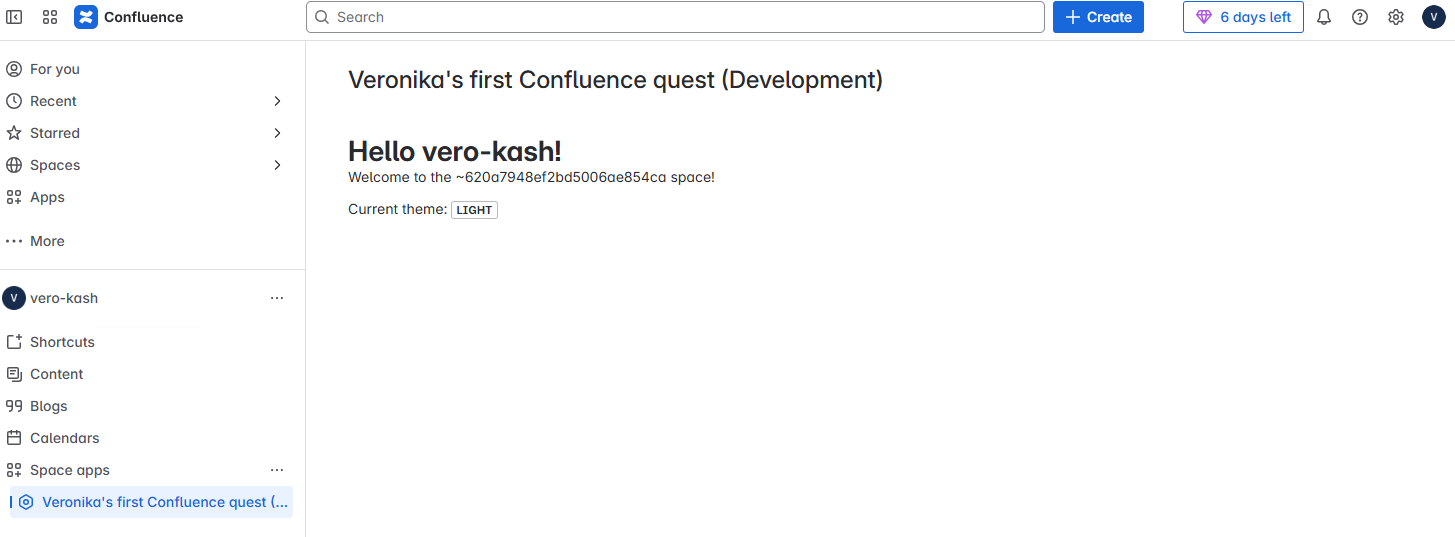
The second app, part of the Novice Level quest, was a space page app that rendered in the Confluence sidebar. It showed the user’s public name, the space key, and their current theme (light or dark). This stage earned me the Forge Quest - Novice badge.
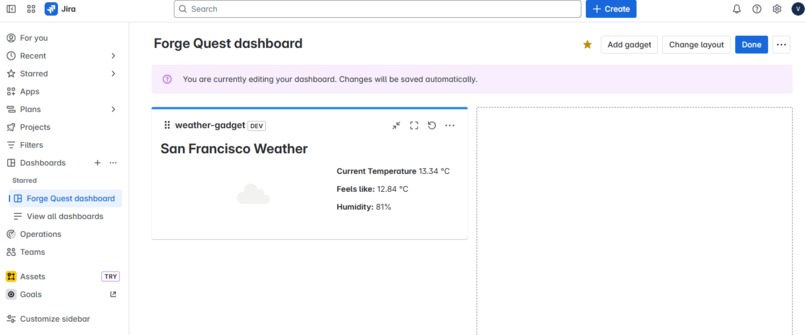
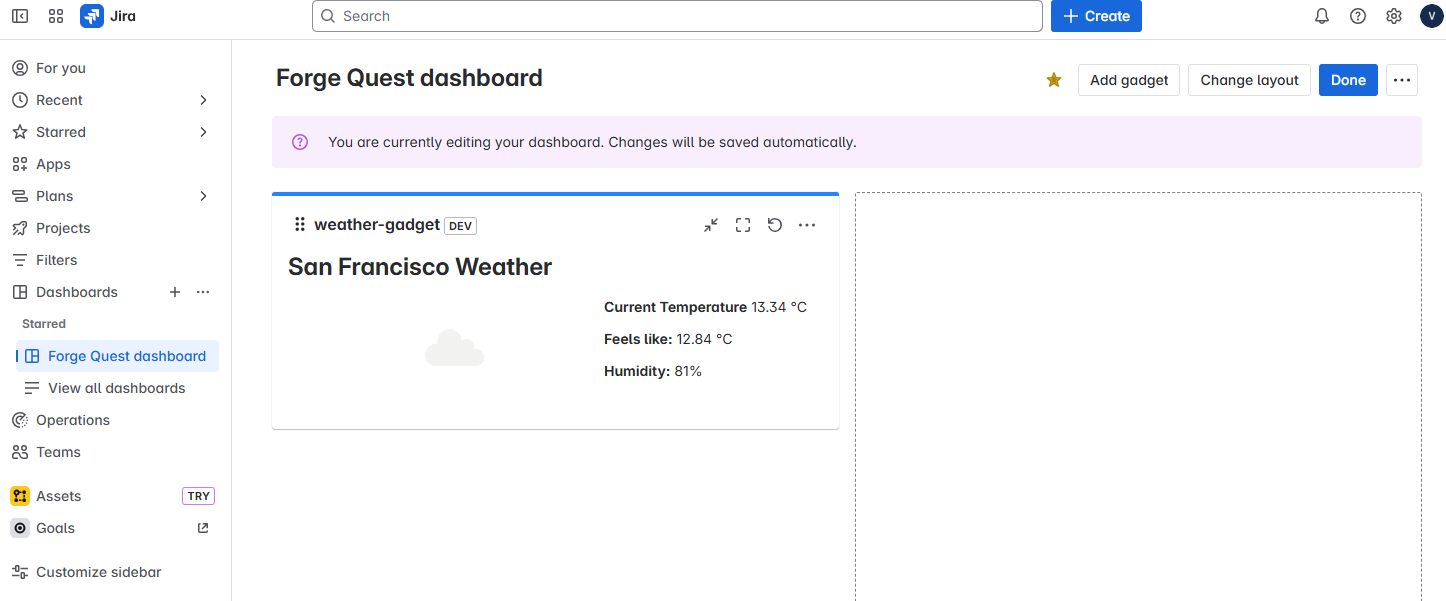
At the Apprentice level, I built the Jira Weather Gadget App — a dashboard gadget that lets users select a city and displays current weather fetched from the OpenWeather API. The configuration view uses RadioGroup, useForm, and resolver-based fetch. The gadget view features a polished layout with Heading, Image, Box, and Inline components. This app unlocked the Forge Quest - Apprentice badge.
🛠 How I built it
UI Kit and Forge React for the interface
Forge Bridge and @forge/api for API calls
Resolvers for secure external data fetching
Environment variables for API key management
Permissions for external fetch and images
ADF + export for content rendering in Word/PDF
Jira dashboard gadget module in
manifest.ymlManifest.yml with permissions like
read:user:confluenceTunnel + deploy/install flow for live preview
🧩 Challenges I ran into
Grasping the Forge app lifecycle — especially the differences between
deploy,install, andtunnelConfiguring ADF export correctly for dynamic content and enabling Word/PDF download
Resolving and using context values (like content IDs and space keys) reliably
Working with external APIs like OpenWeather
Learning to securely pass data through resolvers and manage environment variables
Debugging API quirks like display name mismatches and inconsistent location data
Building dynamic forms with
useFormDesigning clean, responsive layouts with
xcss,Box, andInlineManaging required permissions for fetch, images, and user data access
🏆 Accomplishments that I'm proud of
Completed 3 fully functional apps: 2 for Confluence, 1 for Jira
Integrated REST APIs via Forge Bridge and secure resolvers
Implemented context-aware UI with dynamic config views
Enabled Word/PDF export using Atlassian Document Format (ADF)
Worked with external APIs (OpenWeather) using env variables
Designed responsive UIs using UI Kit, xcss, and layout components
Gained cross-product experience in both Confluence and Jira
Earned 5 badges: 🏅 Forge Quest - Apprentice, 🏅 Forge Quest - Novice, 🏅 Hello Confluence, 🏅 Welcome, and 🏅 First Emoji
📚 What I learned
How to read and use context data like
extension.space.key,accountId, etc.The difference between
forge deploy,forge install, andforge tunnelHow to build secure, modular Forge apps with resolvers and permissions
Working with ADF for Confluence page export to Word/PDF
Using environment variables to securely store API keys
Integrating external APIs (OpenWeather) and handling async responses
Building for multiple Atlassian products in a single journey
How to build secure and modular Forge apps
Styling and layout with UI Kit,
xcss,Box,Inline, etc.Real-time debugging and development with
forge tunnelDeploying apps and managing upgrades via CLI
🚀 What’s next for Atlassian Forge Adventure
The journey continues toward Journeyman level! I'm planning to explore advanced Forge UI customization, multi-page apps, and potentially connect Forge to other cloud services. Who knows — maybe even face a boss battle with OAuth2!

Log in or sign up for Devpost to join the conversation.