-
-
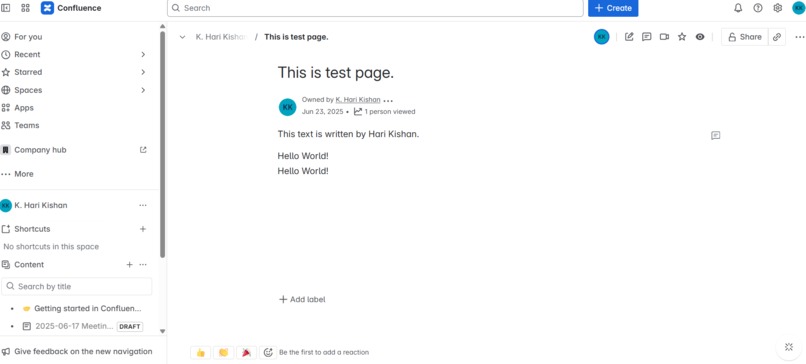
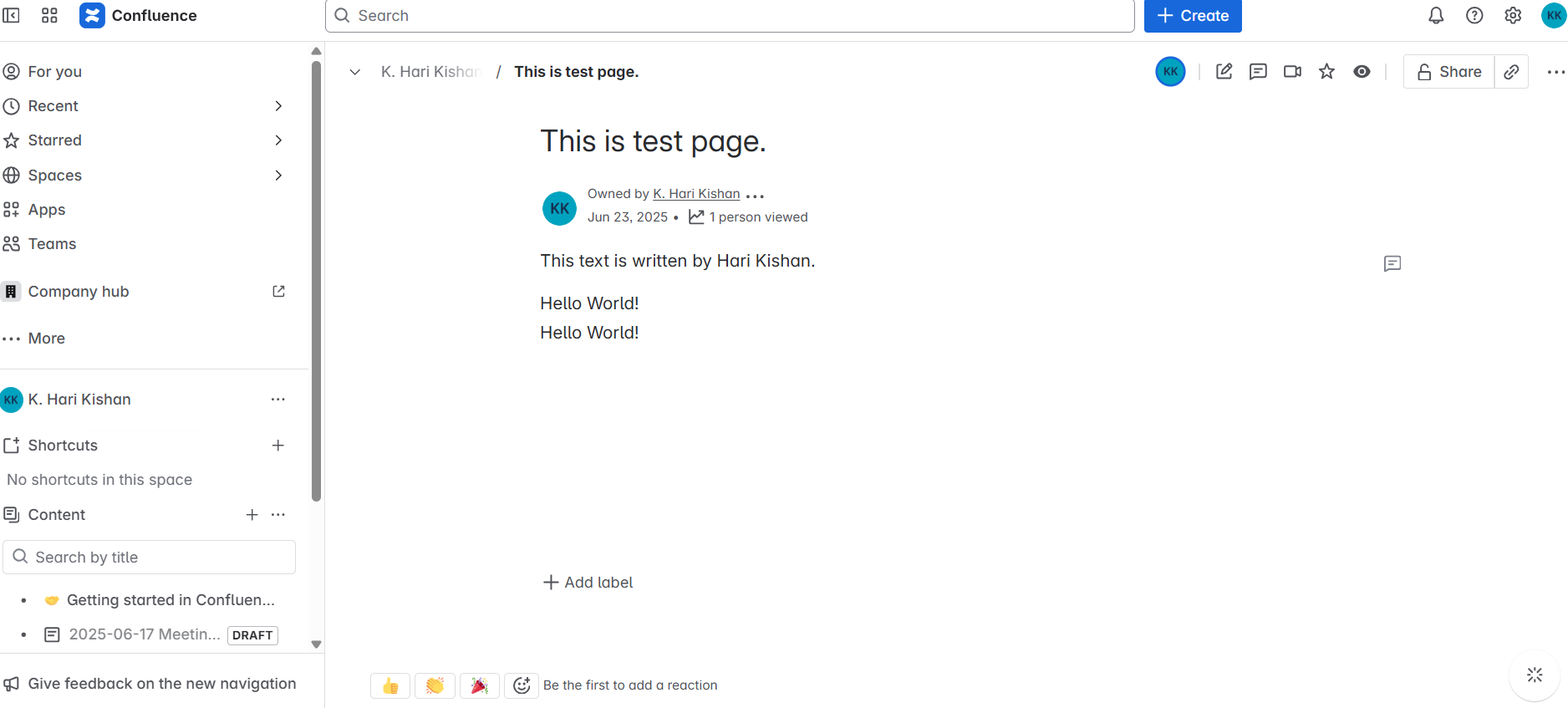
Hello World!
Inspiration
I wanted to start learning Forge by building something simple. Showing a message like “Hello World” inside Confluence felt like a good way to understand how Forge works and connect it with real user data.
What it does
This app shows a message: Hello [Your Name] It gets your name using the Confluence API and shows it in the UI. The app uses Forge tools to safely fetch and display the current user’s name.
How we built it
We used UI Kit (Forge’s simple UI library) for the front-end. We used Forge’s resolver to connect the backend. We used invoke() to send data between the front-end and backend. The app connects to Confluence using api.asUser().requestConfluence(...).
Challenges we ran into
Learning how invoke connects the front-end and backend. Fixing syntax errors in the code and manifest file. Making sure the app runs correctly inside Confluence. Understanding how to fetch the user’s data securely.
What we’re proud of
We built our first Forge app successfully! The app runs in Confluence and shows the user’s real name. We learned how to use the Forge tools to connect to Atlassian products. We finished the full tutorial and made it work end-to-end.
What we learned
How to build apps with Forge. How to get user data from Confluence. How invoke, resolver, and the manifest file work together. How Forge keeps things secure and easy to deploy.
What’s next for Hello User App for Confluence
Show more details like user profile picture or email. Add buttons or actions like “View Profile”. Turn this into a simple team dashboard app. Explore other APIs and build more useful features.
Built With
- bridge
- built-with-atlassian-forge
- confluence-rest-api
- forge
- forge-resolver
- invoke
- javascript
- react
- ui-kit


Log in or sign up for Devpost to join the conversation.