STREAMLINING STUDENT ENGAGEMENT:THE ATLAS CONNECT APP
Background In today’s educational institutions, good communication about events is crucial for getting students involved. Many college clubs rely on multiple WhatsApp groups to share information about their events. However, this can lead to confusion because important messages can easily get lost in the chat. The Atlas Connect App was created to solve this problem by giving clubs a dedicated platform where they can post events directly. This way, students can easily find all the information they need in one place. We wanted to create an efficient way for students to manage university events because traditional communication methods can be clunky and ineffective. By having a centralised app, we aim to make it easier for students to see what’s happening on campus and sign up for events.
Problem Statement The existing method of communicating event details through various WhatsApp groups is not only cumbersome but also inefficient. Students frequently miss important announcements due to the fast-paced nature of group chats. Additionally, clubs often find it challenging to manage their communications effectively across multiple platforms. The Atlas Connect App aims to solve this problem by providing a single platform for college clubs to post events easily. This solution allows students to access event information quickly and register without the hassle of navigating multiple messaging platforms.
Scope The Atlas Connect App includes functionalities for students to view and register for events while enabling the admin team to manage event postings effectively. The project focuses solely on internal university events and does not cover external integrations with other messaging platforms or social media. Project Objectives User Accessibility: To create an intuitive interface that allows students to view and register for events effortlessly. Centralised Event Management: To enable college clubs to post events directly on the app instead of relying on multiple WhatsApp groups. Admin Control: To provide administrative functionalities that allow for secure adding and deleting of events. Enhanced Engagement: To increase student participation in university events through improved visibility and ease of registration. Feedback Mechanism: To incorporate features that allow users to provide feedback on events they attend, fostering continuous improvement.
Methodology Tools and Technologies Frontend Development: HTML, CSS, JavaScript Backend Development: Not applicable (static app with admin functionalities) Frameworks: Bootstrap for responsive design Approach Planning: Define user requirements and functionalities based on feedback from potential users. Development: Create the frontend layout using HTML and CSS. Implement interactive features using JavaScript. Ensure responsive design for compatibility across devices. Testing: Conduct usability testing with potential users to gather feedback on functionality and design.
Development Phases
Phase 1: Requirements Gathering During this phase, we conducted surveys and focus groups with students and club representatives to identify their needs regarding event management. This feedback was crucial in shaping the app's features . Phase 2: Design We outlined the app’s layout, focusing on user experience (UX) design principles. The goal was to create an intuitive interface that minimises user effort in navigating through event listings.
Phase 3: Implementation The development team utilised HTML for structuring content, CSS for styling elements, and JavaScript for dynamic interactions within the app. We also integrated Bootstrap to ensure that the app is responsive across various devices.
Phase 4: Testing User feedback was collected during beta testing sessions where participants interacted with the app. Project Design & Development
System Architecture The architecture of the Atlas Connect App consists of a client-side structure where HTML serves as the backbone, CSS handles styling, and JavaScript facilitates interactivity. The app is designed to be user-friendly while providing robust functionality for event management.
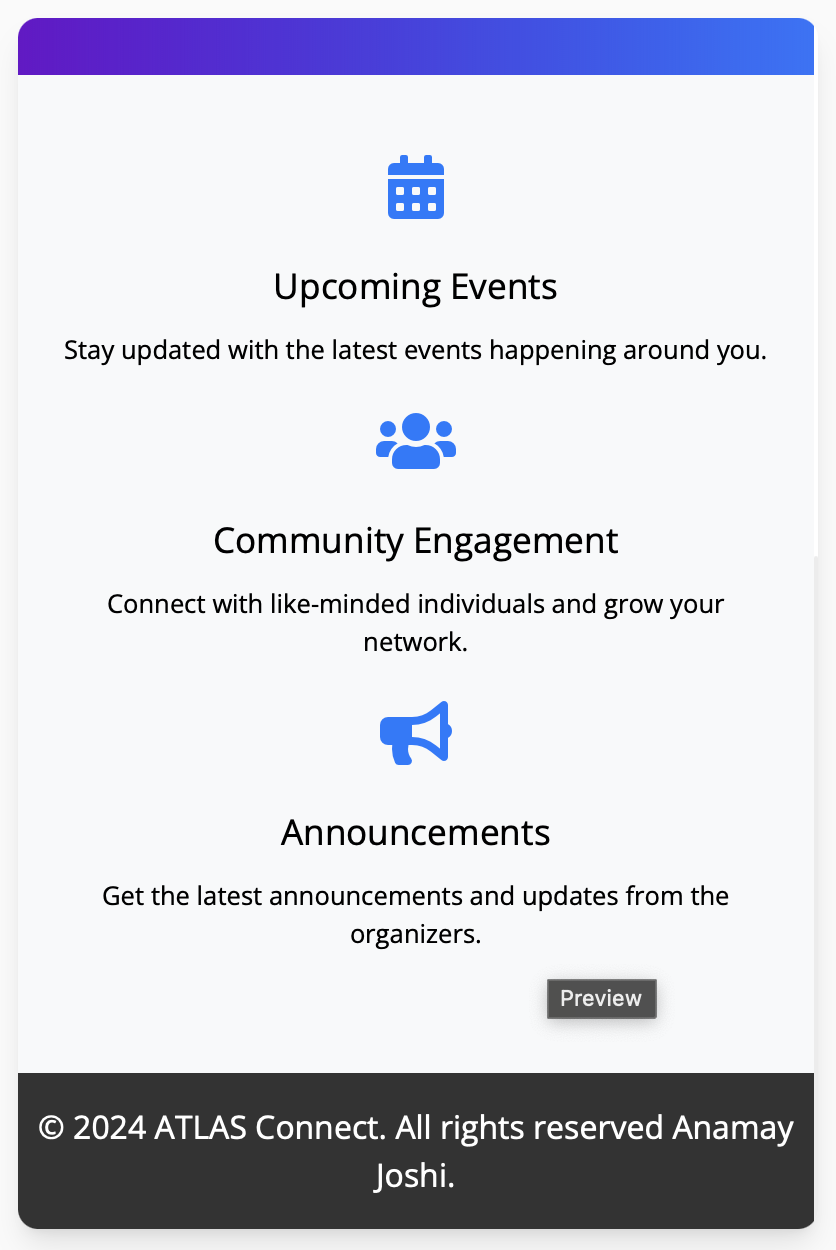
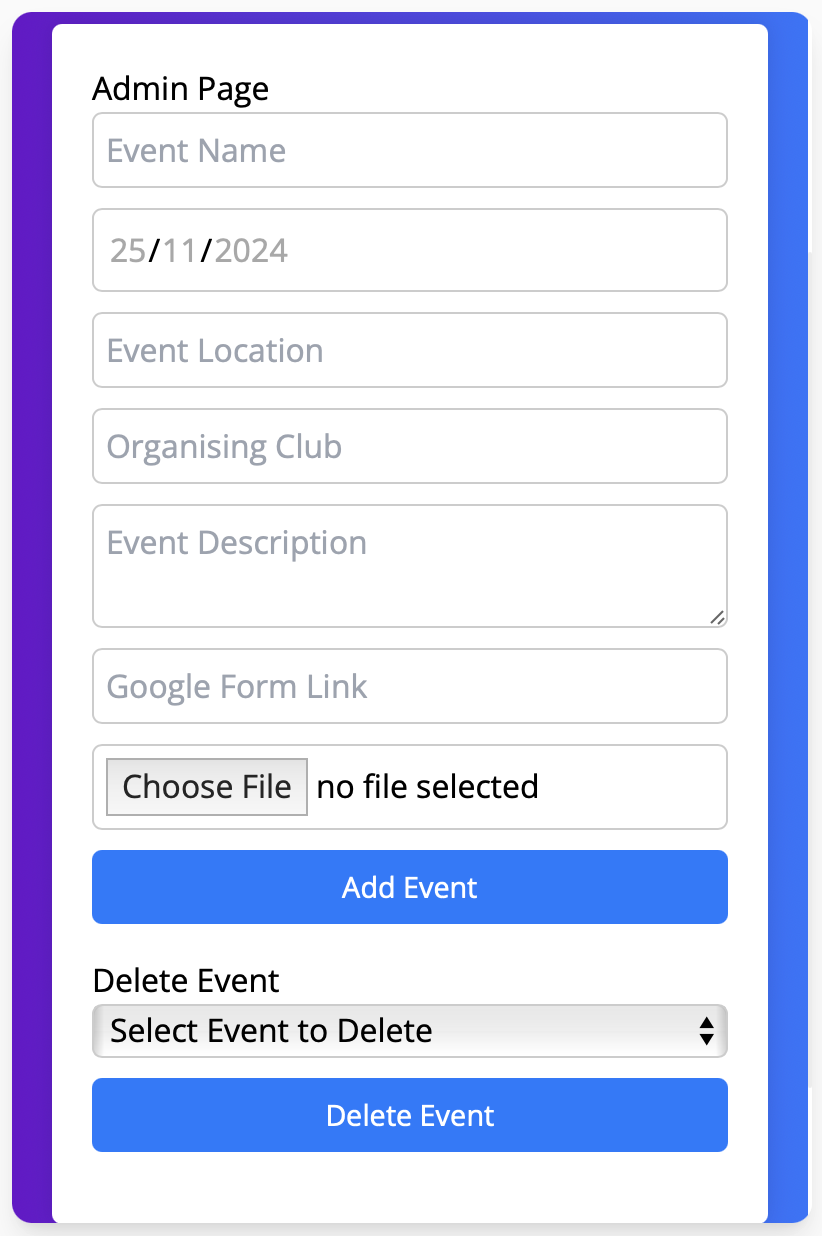
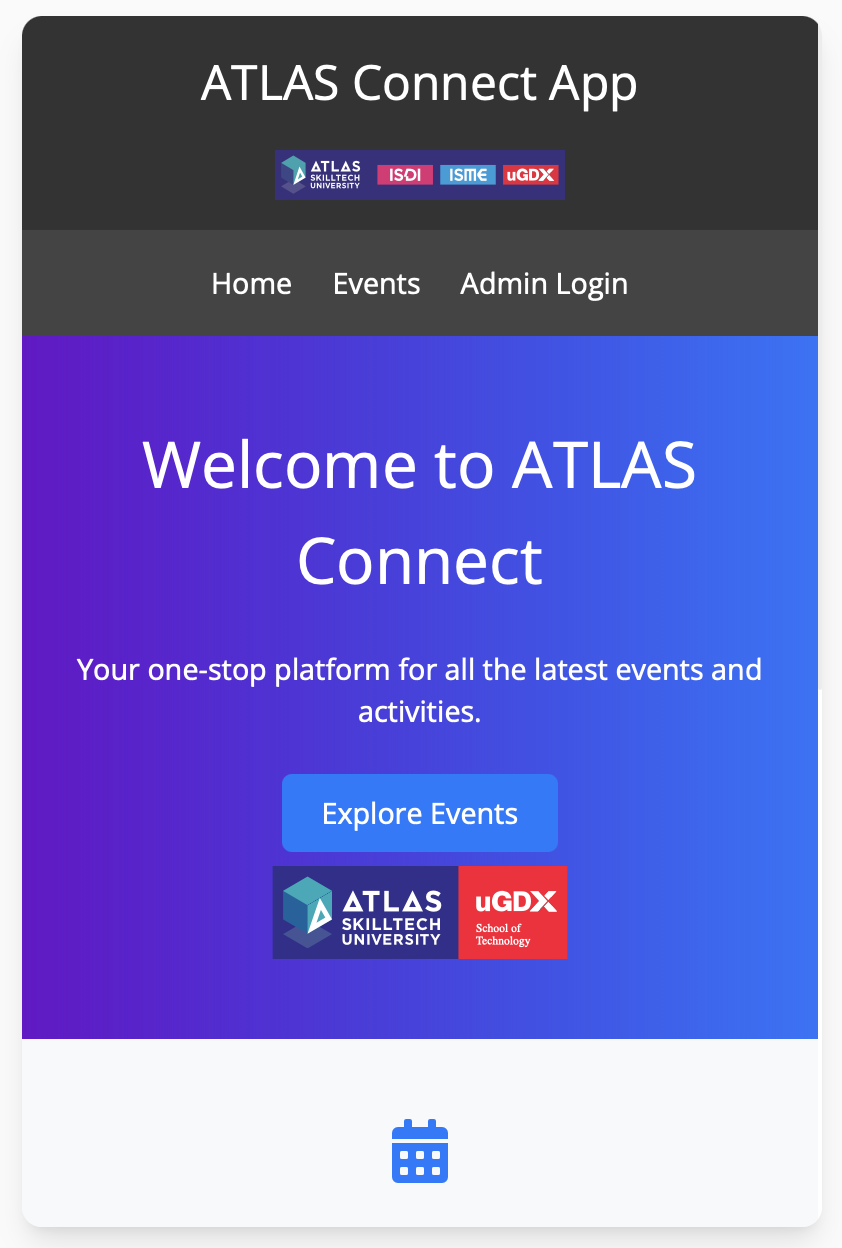
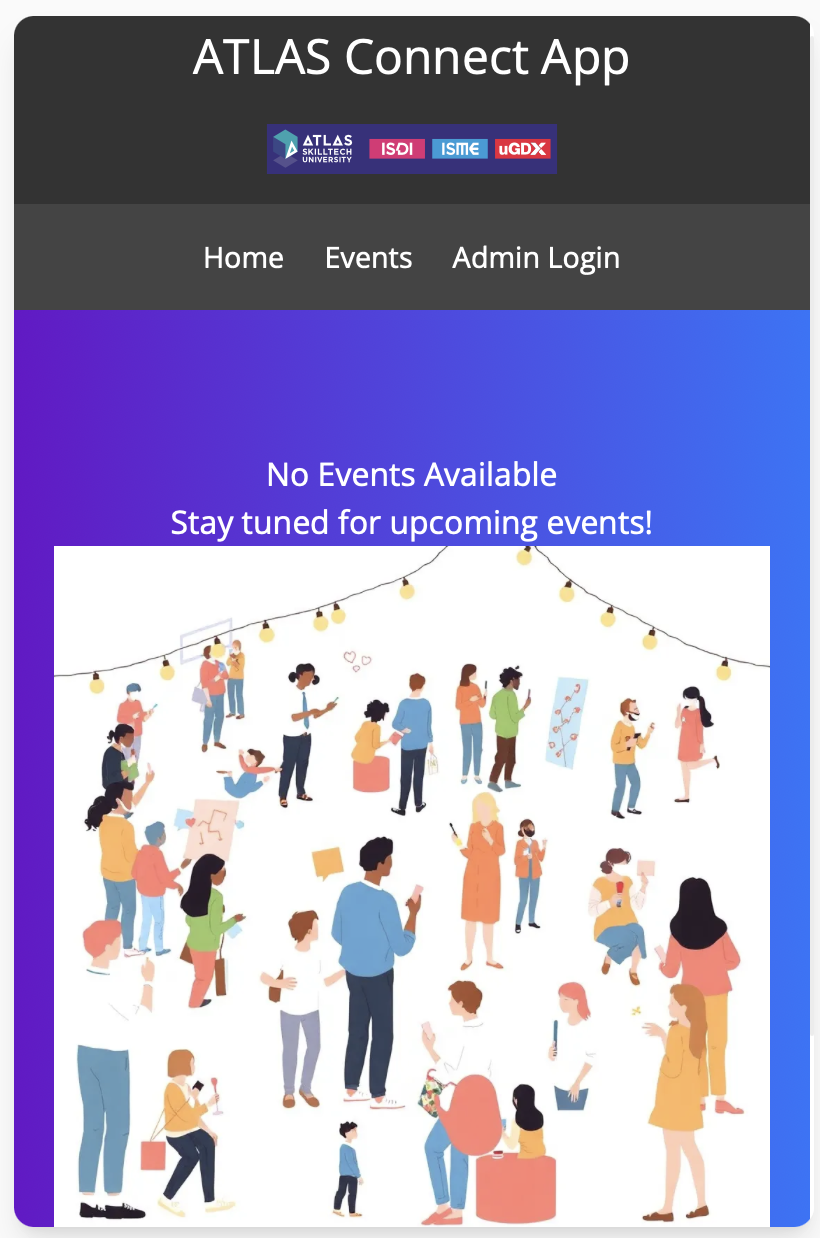
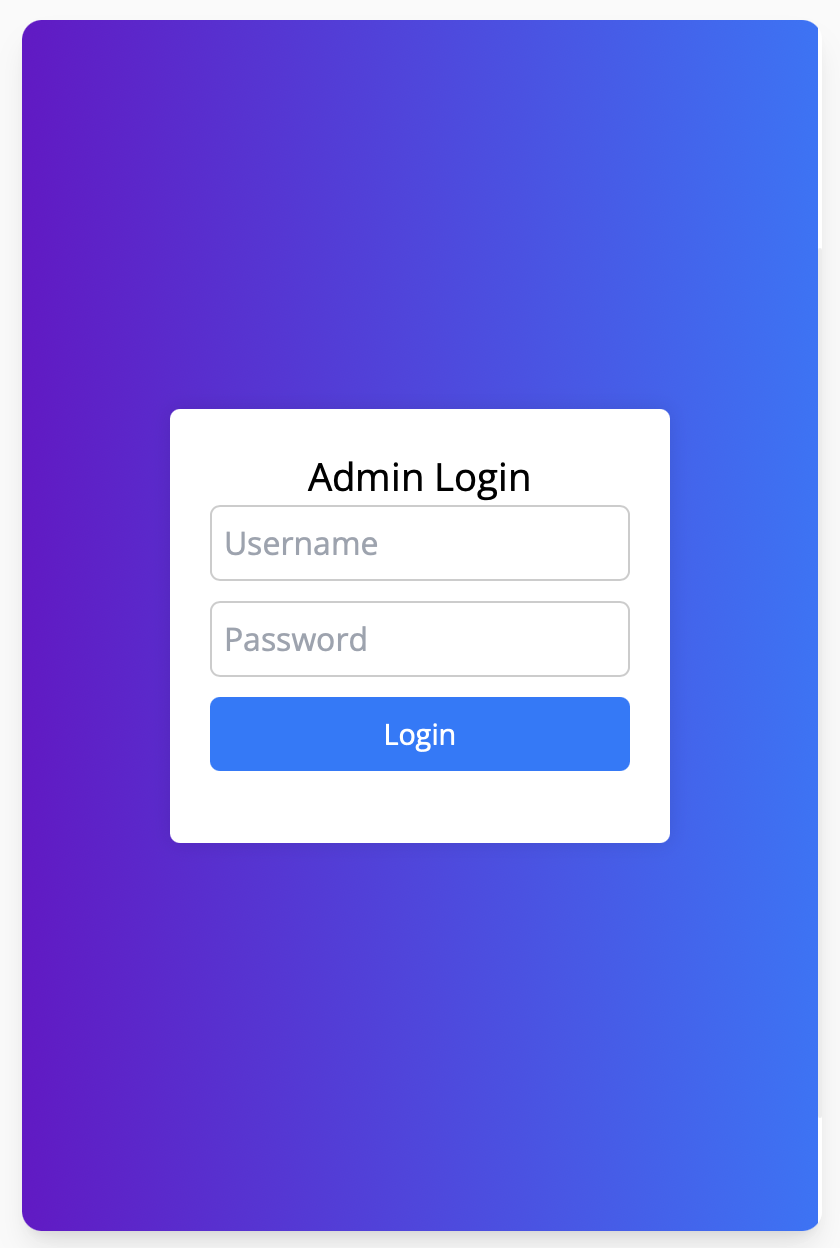
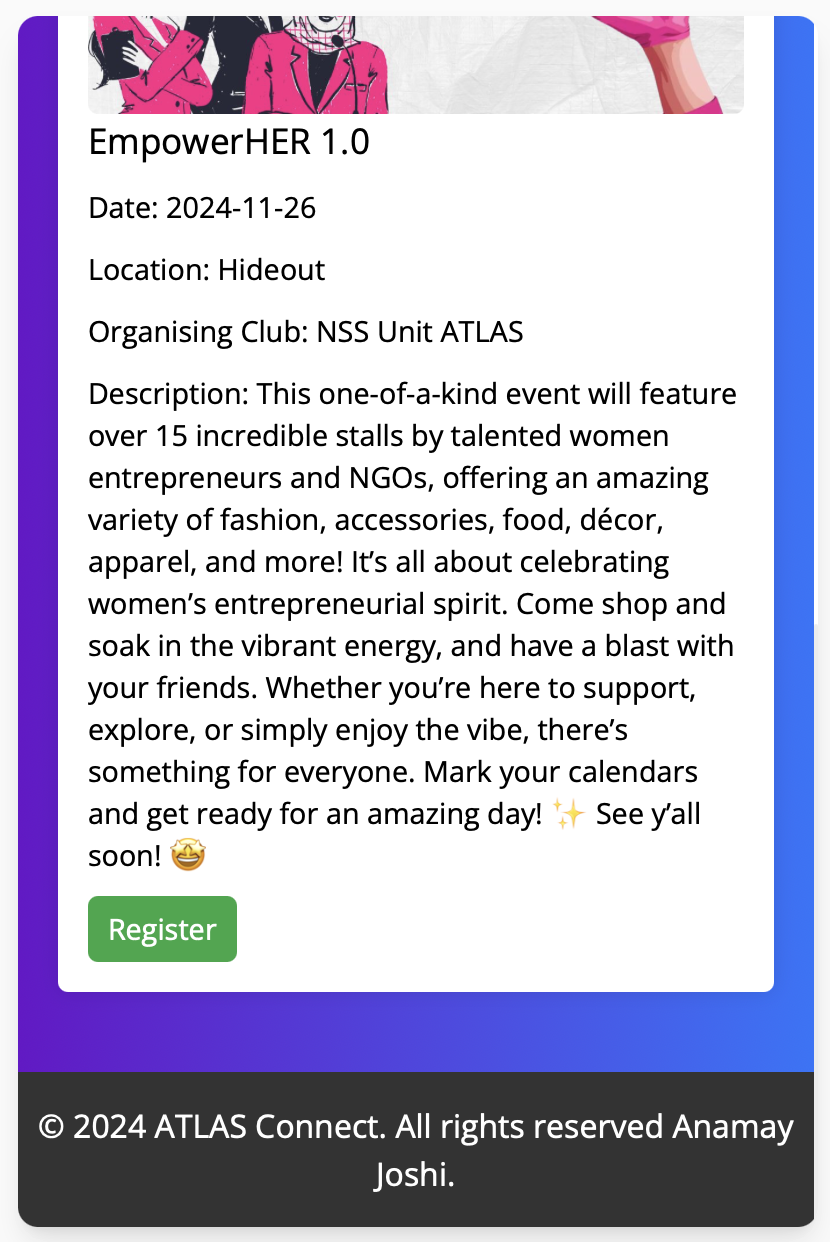
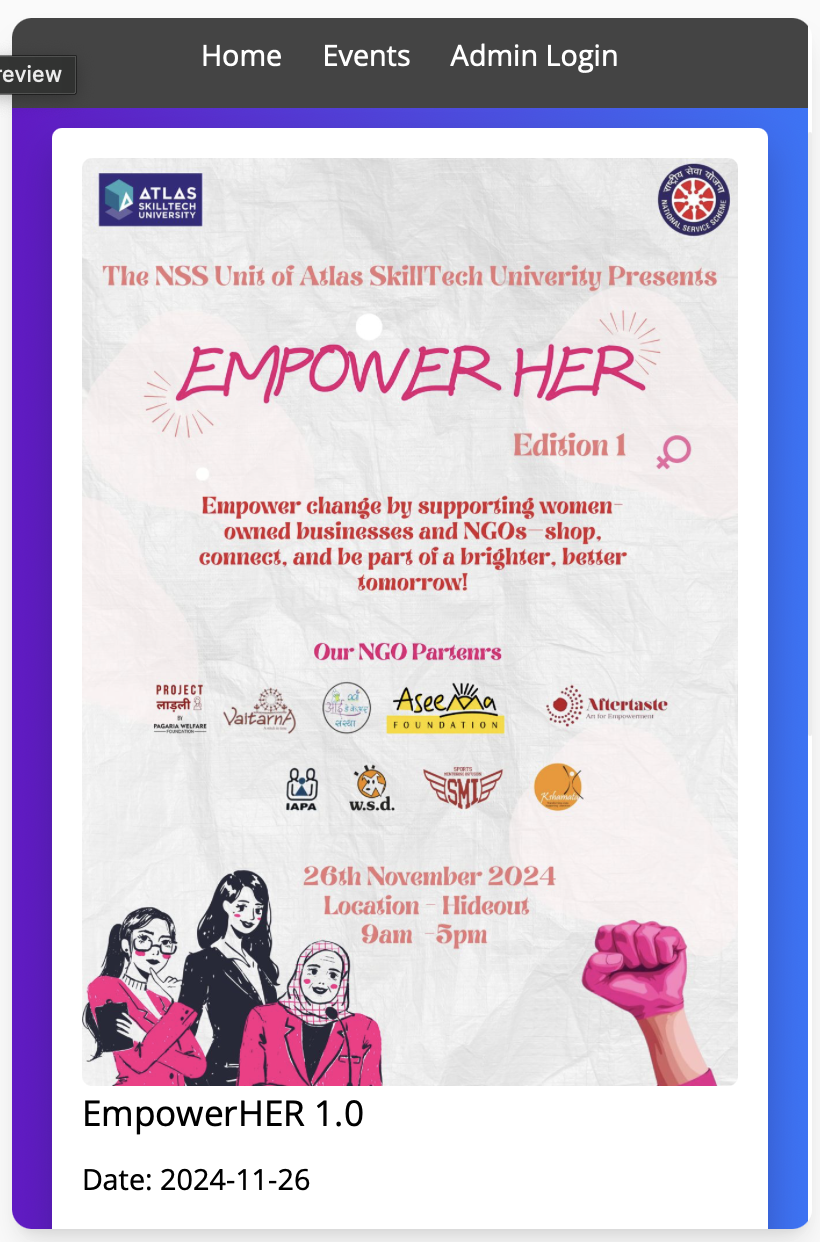
Components Registration Module: Allows users to register for events directly from the listings. Admin Panel: A secure area where the admin team can add or delete events as necessary. User Interface Design The user interface is designed with simplicity in mind while also being visually appealing: Event Listings: A clear display of upcoming events with essential details such as date, time, location, description, and a registration button. Responsive Design: Utilising Bootstrap ensures compatibility across various devices including desktops, tablets, and smartphones. Admin Access: A secure login area for administrators allows them to manage event postings easily.
Testing & Evaluation
Testing Methodology The testing approach included user testing sessions where participants navigated the app to assess usability, functionality, and overall user experience.During the testing phase of the Atlas Connect App, we focused on thoroughly evaluating each component to identify and fix any bugs. Each feature was tested repeatedly to ensure it functioned correctly and redirected users appropriately. For instance, we checked the registration module multiple times to verify that users could register for events without any issues. We also monitored whether the app redirected users to the correct event details after registration.
If a component didn’t work as expected or if there were any redirects that led to errors, we documented these problems carefully. This iterative testing process allowed us to pinpoint specific bugs and make necessary adjustments. By continuously testing each part of the app, we ensured that all functionalities worked seamlessly together, providing a smooth user experience.
Results of Testing Feedback indicated that users found the app intuitive and easy to navigate: Users appreciated the centralised access to event information. The registration process was deemed straightforward but could benefit from additional confirmation prompts. Suggestions included adding filters for searching events by date or category.
Results The Atlas Connect App successfully met its objectives by allowing students to view and register for events seamlessly while providing college clubs with an efficient method for posting events directly on the platform: Increased student engagement in university events due to easier access to information. Positive feedback from users regarding the app's functionality and ease of use.
Testimonials for the Atlas Connect App Prototype Anuj Bora: "The Atlas Connect App has transformed how we manage event postings for our cultural committee. Its intuitive design makes it easy to share event details, leading to increased student participation."
Niharika Mathur: "I love the user-friendly interface of the Atlas Connect App! It allows me to quickly find and register for events without the confusion of multiple WhatsApp groups."
Aayushi Purohit: "Testing the Atlas Connect App was a great experience. It consolidates all event information in one place, making it easier for students like me to stay informed and engaged with campus activities."
Challenges & Limitations Challenges One major challenge faced during development was ensuring secure access to the admin panel: Implementing password protection required careful consideration of data security protocols. Ensuring cross-browser compatibility posed some challenges during testing phases; some features behaved differently in various browsers. Limitations As a static application: The Atlas Connect App lacks backend integration for persistent data storage; all data is lost upon refreshing unless stored locally or in session storage. Future iterations could benefit from incorporating a database system that allows for dynamic content management and user authentication.
Future Work Future enhancements could include: Implementing a Backend System: Utilising technologies such as Node.js or Django alongside databases like MongoDB or MySQL for persistent data storage. Adding User Authentication Features: Implementing login systems with role-based access control (RBAC) would enhance security measures significantly. Expanding Functionalities: Incorporating notifications for upcoming events via email or push notifications would keep students informed about important dates. Mobile Application Version: Developing a mobile application version of Atlas Connect would improve accessibility on smartphones and tablets. Integration with Social Media Platforms: Allowing users to share event details directly on social media could further increase visibility among students. Feedback Mechanism Enhancements: Creating detailed analytics dashboards that allow admins to view feedback trends over time would help improve future events based on participant input.
Conclusion The Atlas Connect App serves as an effective solution for managing university events by providing both students and administrators with necessary tools to facilitate engagement: This project has not only improved communication efficiency among college clubs but has also enhanced my understanding of web development principles and user-centred design. By addressing existing challenges in event communication, Atlas Connect positions itself as a valuable resource within the university community paving the way for future enhancements that can further enrich student experiences. Overall, this project highlights the importance of leveraging technology in educational settings to foster community engagement among students while simplifying administrative processes related to event management. Lastly, the positive feedback from users demonstrates the app's potential to be a long-term solution for enhancing campus life and ensuring that students remain connected and informed about opportunities available to them.


Log in or sign up for Devpost to join the conversation.