-
-
-
-

Logo
-
-
-
-

What inspired this
I use Codex a lot, and I kept hitting the same annoying thing: I'd start a brand new task, and Codex wouldn't remember why I picked something earlier, like why I chose one database over another, or why a UI was built a certain way. So sometimes it would try to change something I'd already decided on, for no real reason, and I'd have to explain the same thing all over again. I wanted Codex to remember the "reasons" behind past decisions, not just the code.
What Atlas does
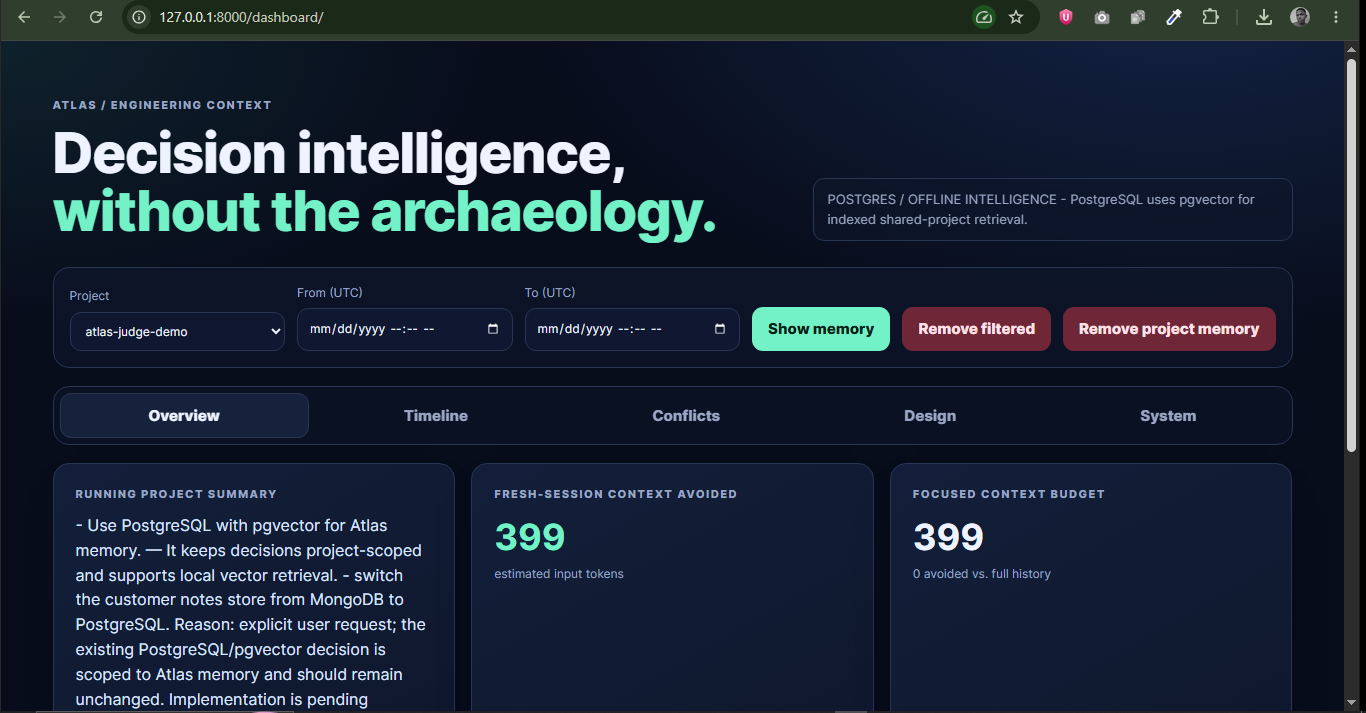
Atlas is a memory tool that plugs into Codex through MCP. When a real decision gets made, like "use this database", Atlas saves it along with the reason. The next time Codex starts a new task, it checks with Atlas first: has anything already been decided here? Atlas answers with only the decisions that matter, not the whole old conversation.
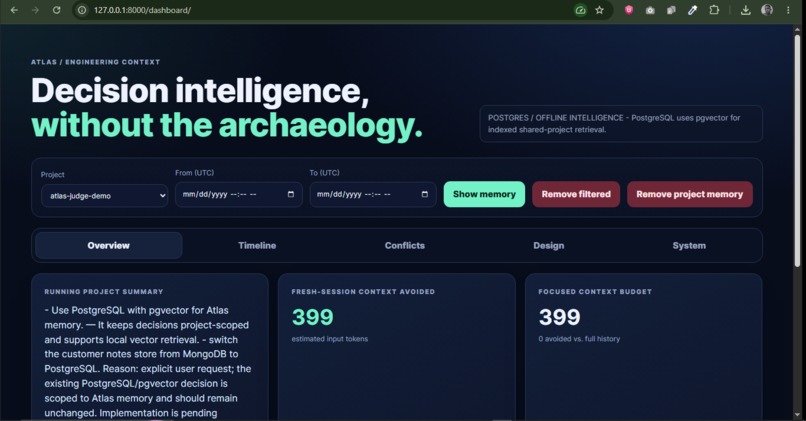
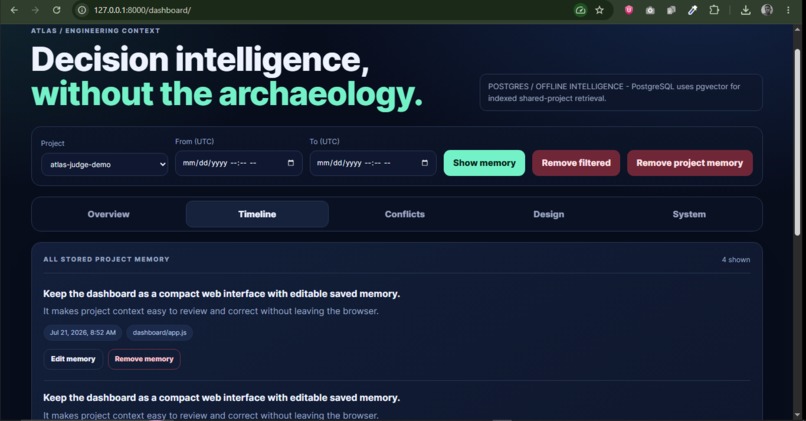
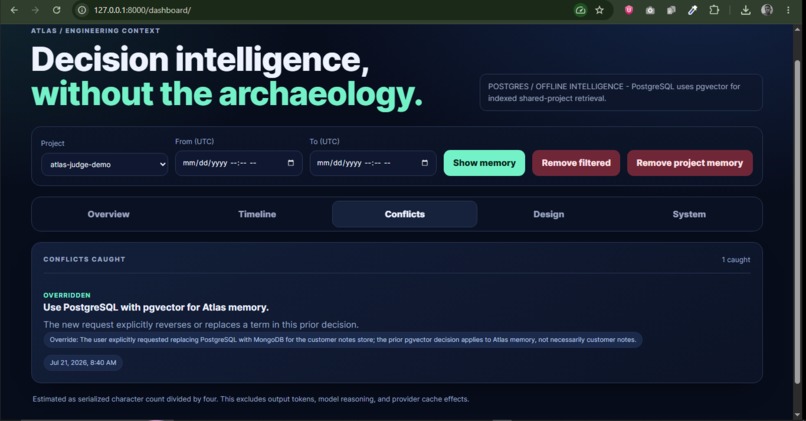
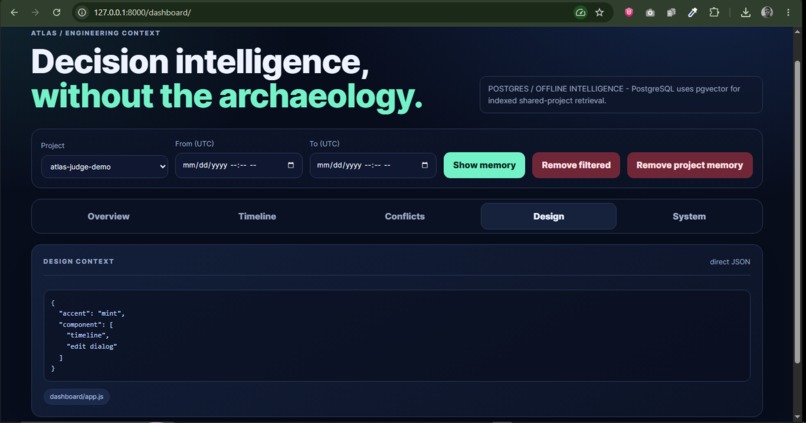
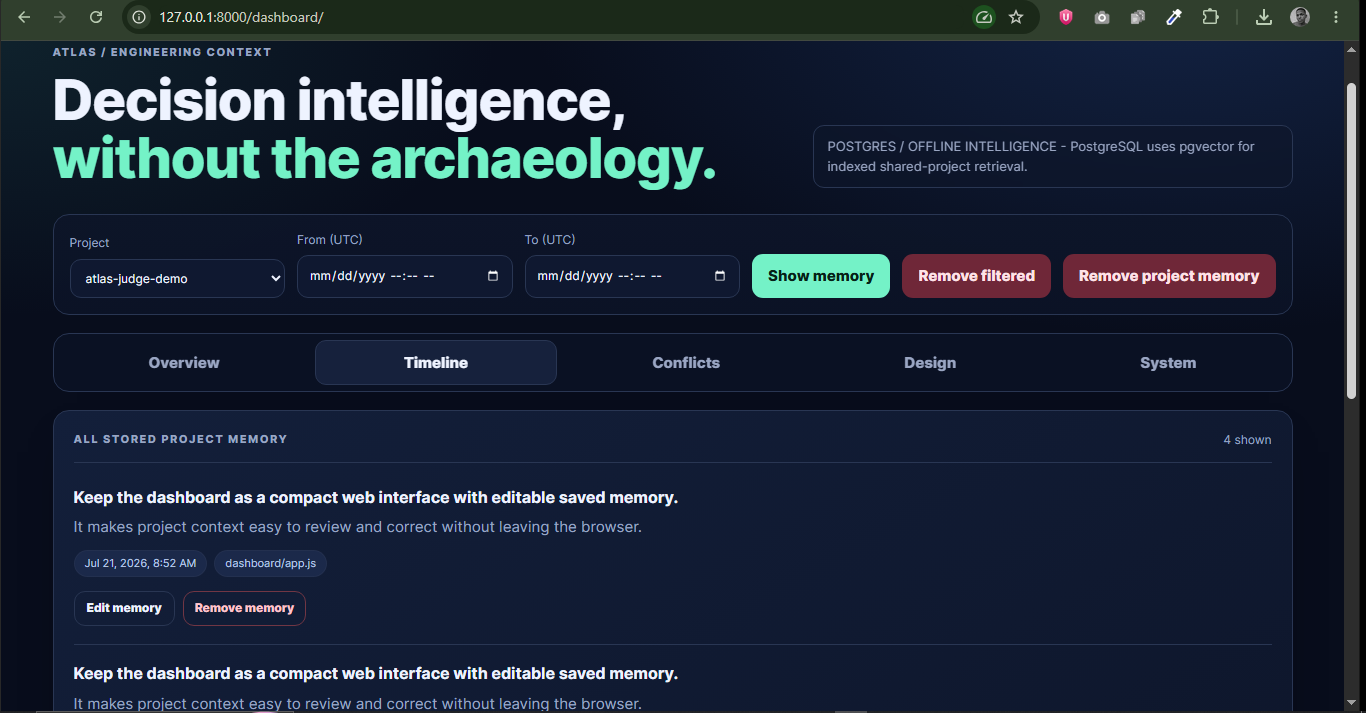
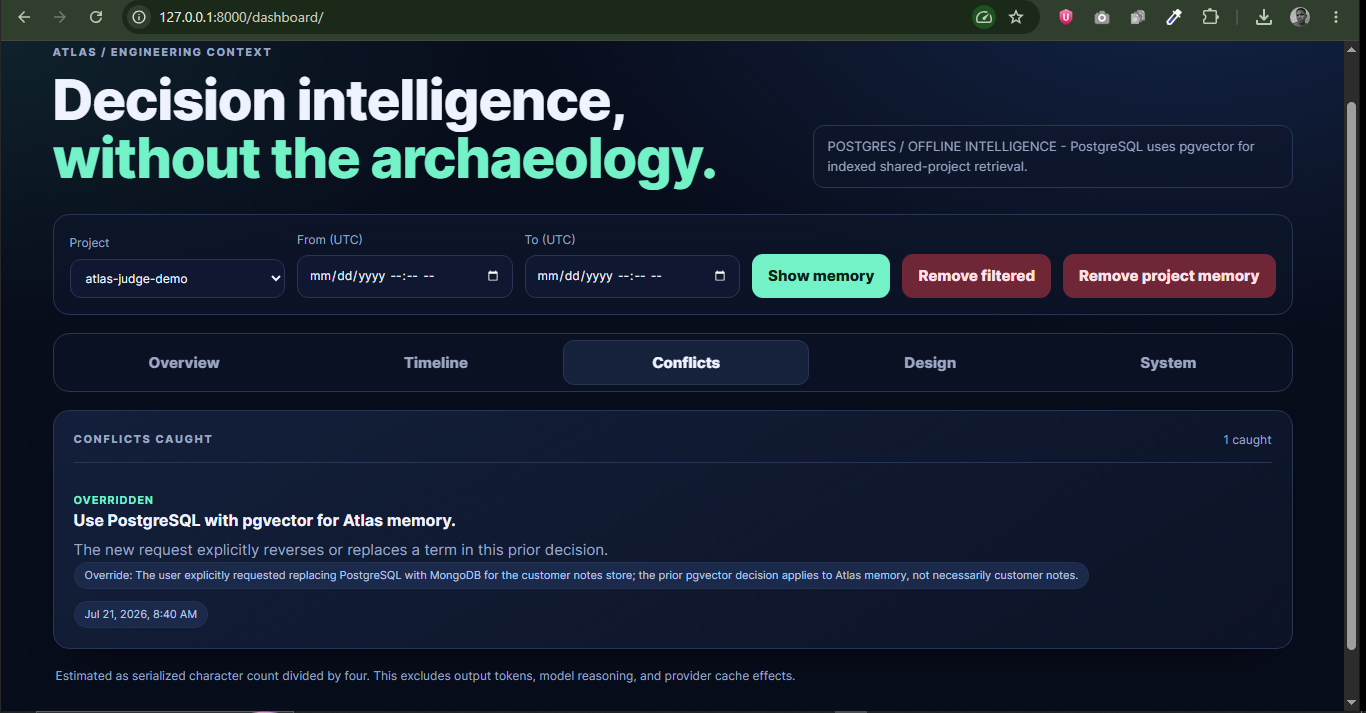
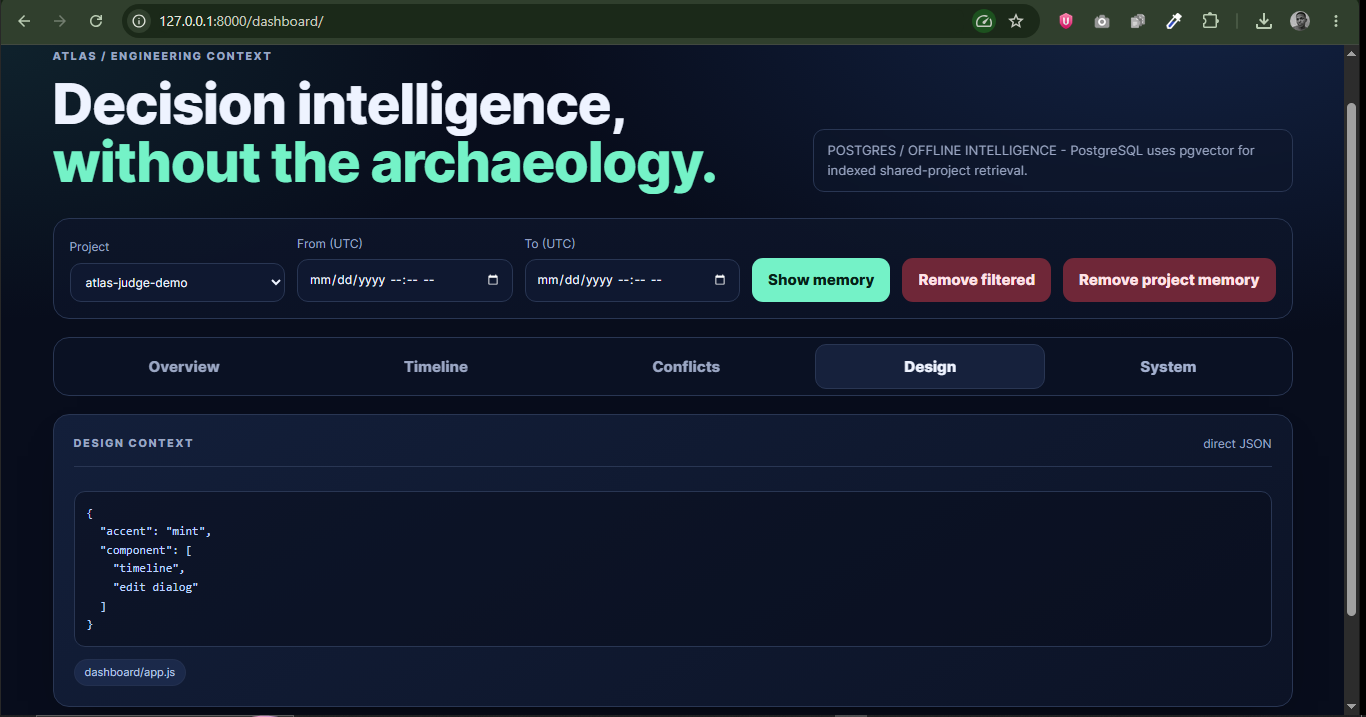
If I ever ask for something that goes against an earlier decision, Atlas doesn't stop me. It shows me what was decided before and why, so I choose on purpose instead of by accident. There's also a small dashboard where I can see every saved decision, see when something got flagged, and fix anything that's wrong.
How I built it
I built Atlas almost completely inside Codex, using GPT-5.6. It has three parts:
- A small MCP server that Codex talks to.
- A backend service (FastAPI) that does the real work like saving, checking, searching.
- A database that stores everything, either a simple local file (SQLite) or PostgreSQL with pgvector for something closer to production.
Codex only calls Atlas on purpose, at specific moments before starting real work, and after making a real decision. It's not watching or recording everything said, only the decisions that actually matter.
There are two modes. Without an OpenAI key, Atlas still works, it just needs decisions written a certain way, and it matches them with simple math instead of a model. With a key, it understands more natural sentences and matches more smartly.
Challenges I ran into
- Early on, two different projects sharing one running Atlas could accidentally save decisions under the wrong project. I fixed this by making Codex tell Atlas exactly which project it's working on, every time.
- Getting Codex to reliably see Atlas's tools took a few rounds of fixing how the connection starts up.
- Windows had its own quirks. PATH not updating in terminals that were already open, and a database port clashing with something else already running on my machine.
- Making sure Atlas never blocks a developer, only warns, took care to get right. I wanted the person to stay in control, not the tool.
What I learned
Keeping the scope small mattered more than I expected. It would've been easy to try to build something that remembers everything ever said. The actually useful thing was much narrower: remember decisions and reasons, not conversations. I also learned a lot about running a local API and database alongside Codex without making setup annoying for someone trying it for the first time.
Try it out
Download the Windows installer, run it, and pick the simplest setup option (no extra database needed). Open Codex in any small folder afterward, and Atlas shows up as a tool called "atlas." Full steps are in the README.
Built With
- codex
- css
- docker
- fastapi
- gpt-5.6
- html
- javascript
- mcp
- pgvector
- postgresql
- powershell
- python
- sqlalchemy
- sqlite
- windows

Log in or sign up for Devpost to join the conversation.