-
-
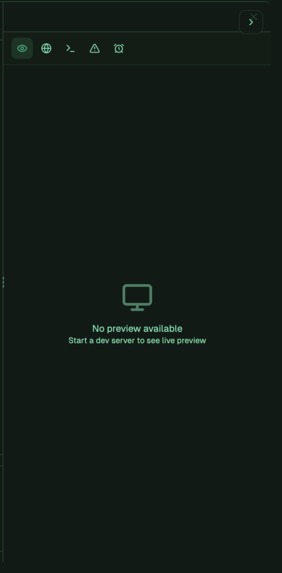
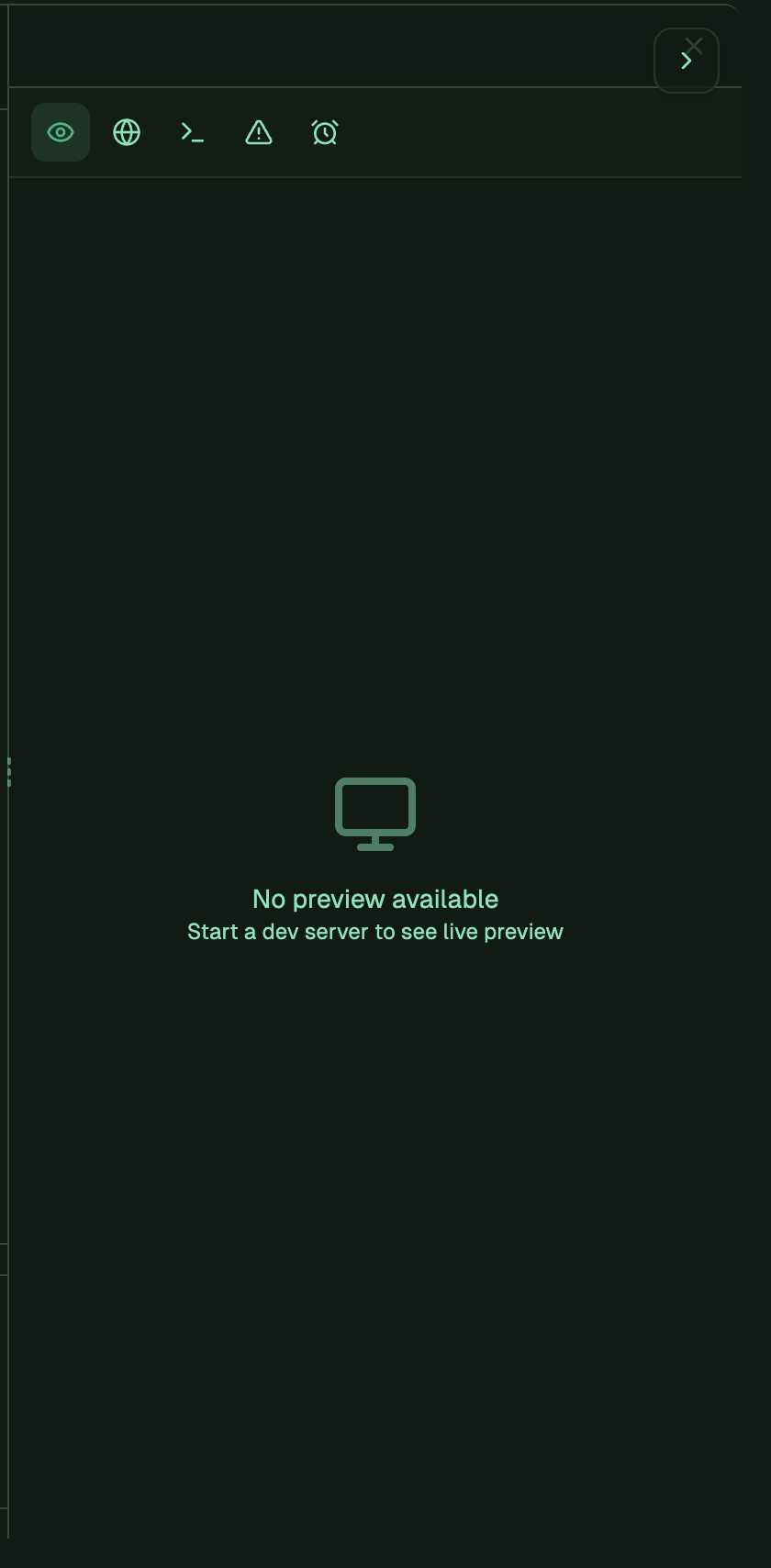
Right Panel -> Preview Tab
-
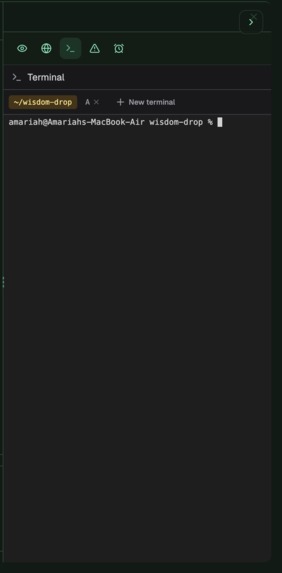
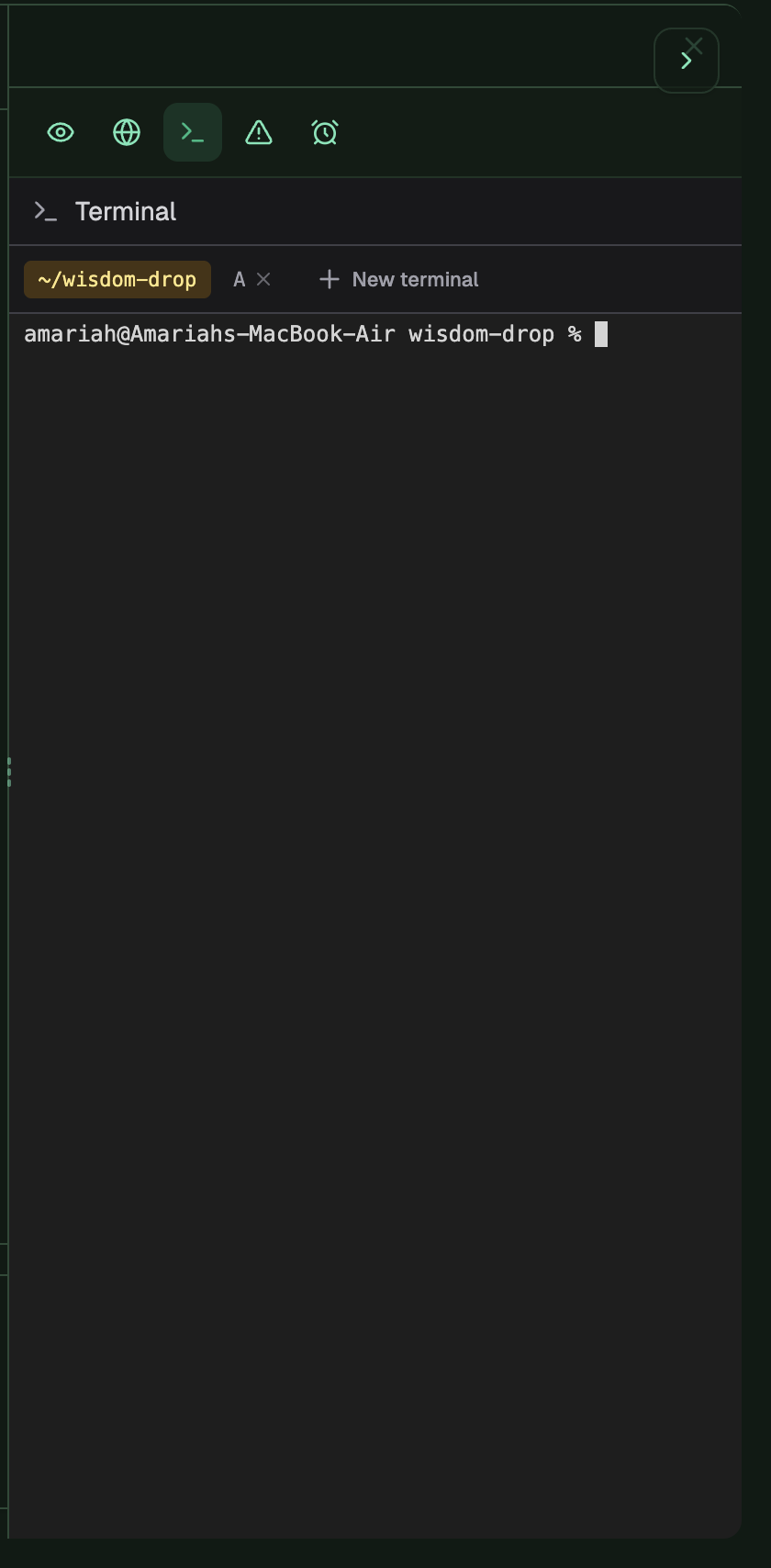
Right Panel -> Terminal Tab
-
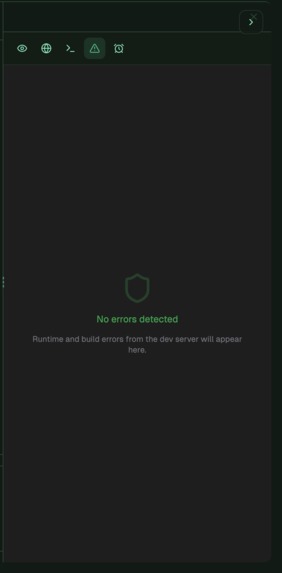
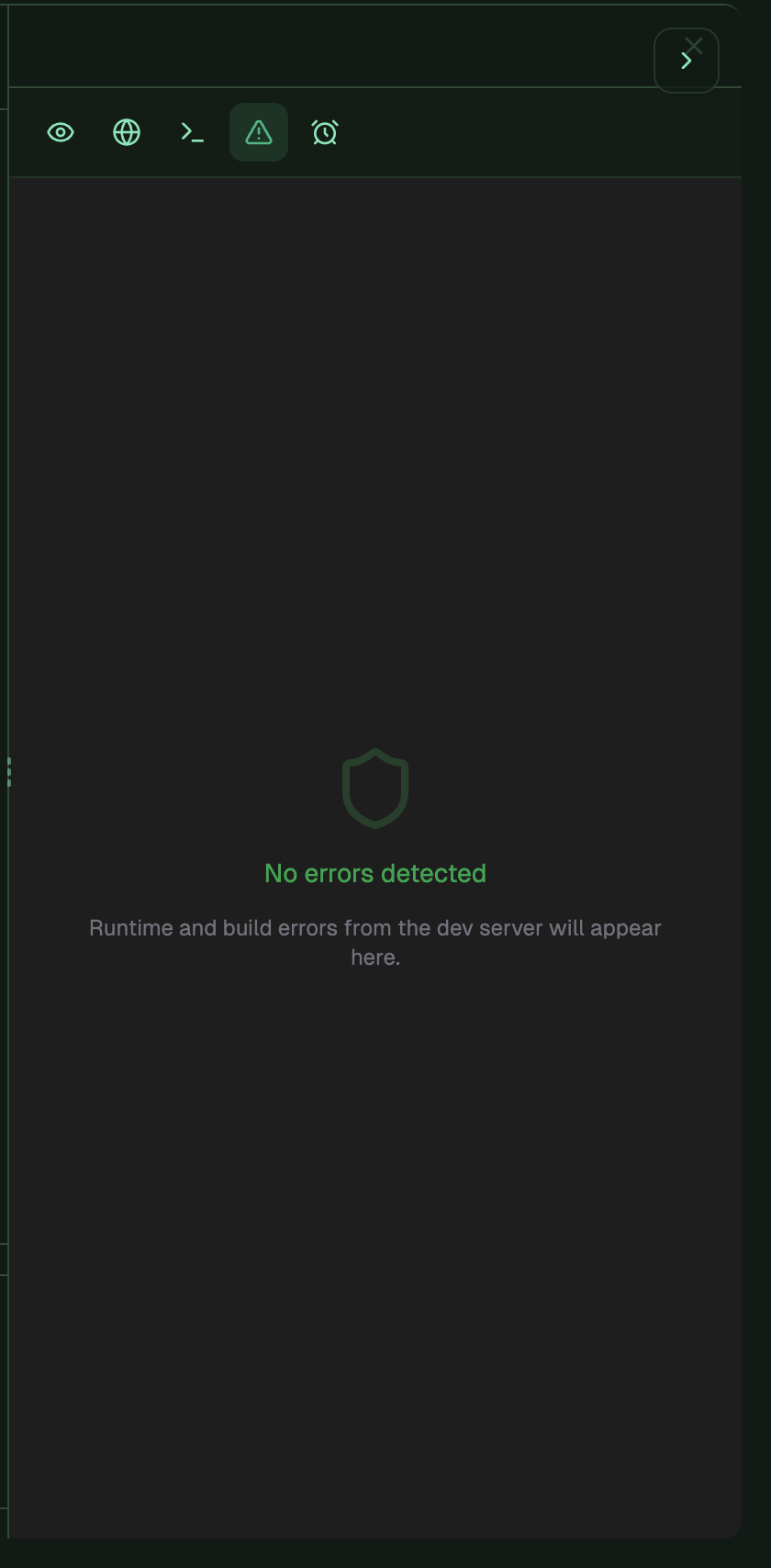
Right Panel -> Error Tab
-
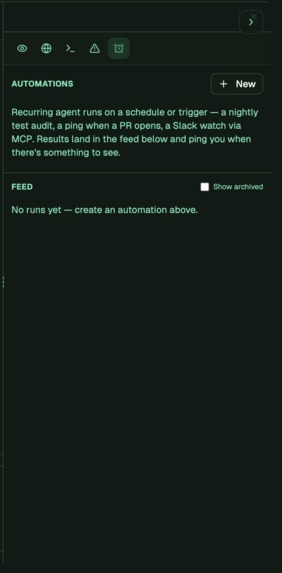
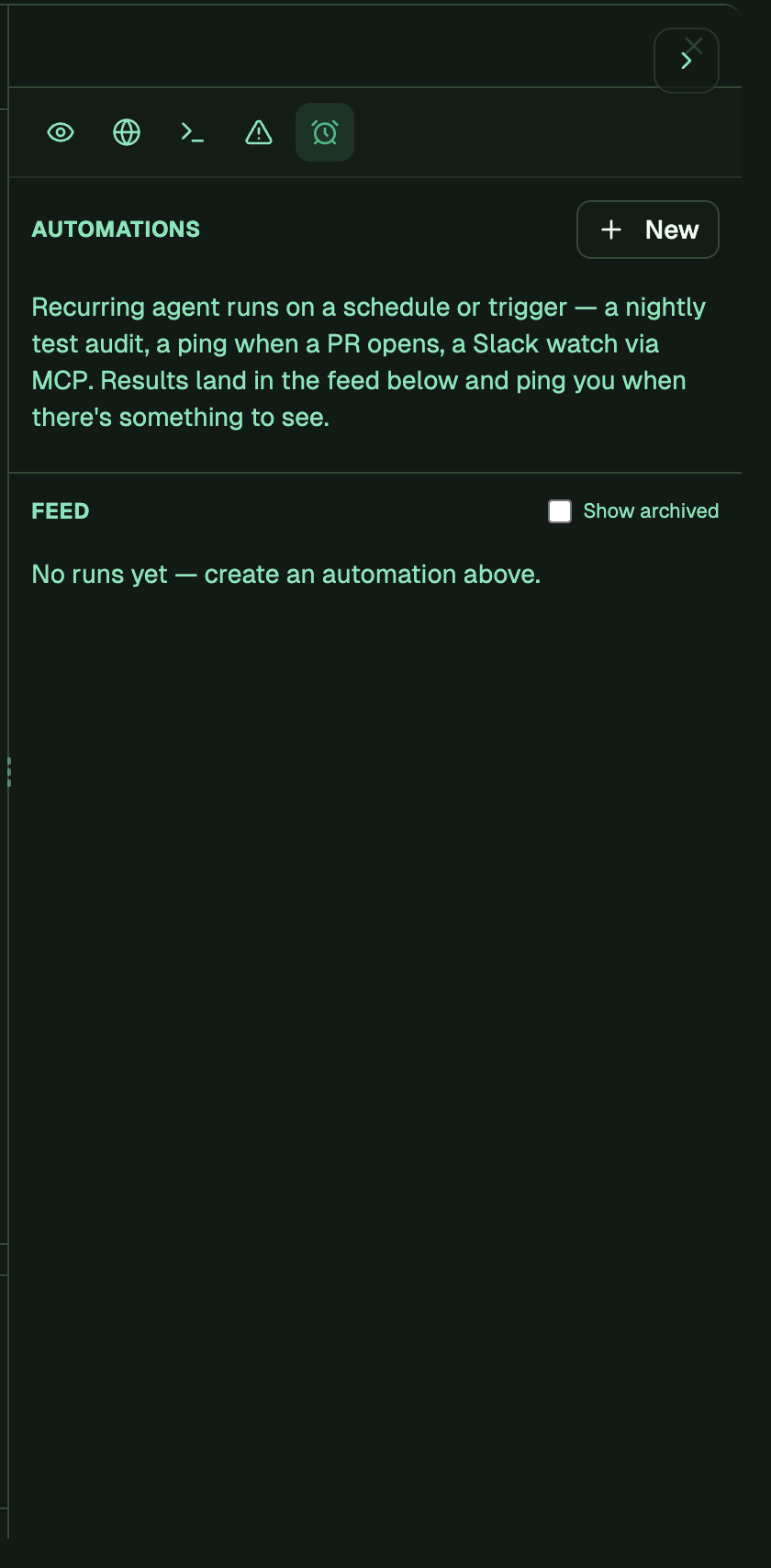
Right Panel -> Automations Tab
-
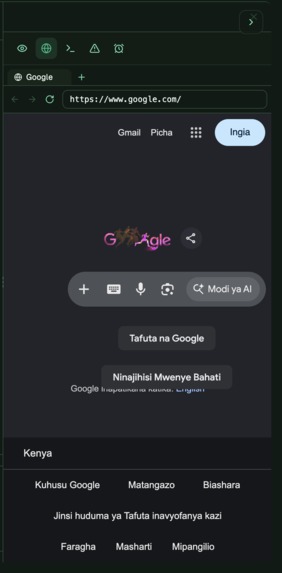
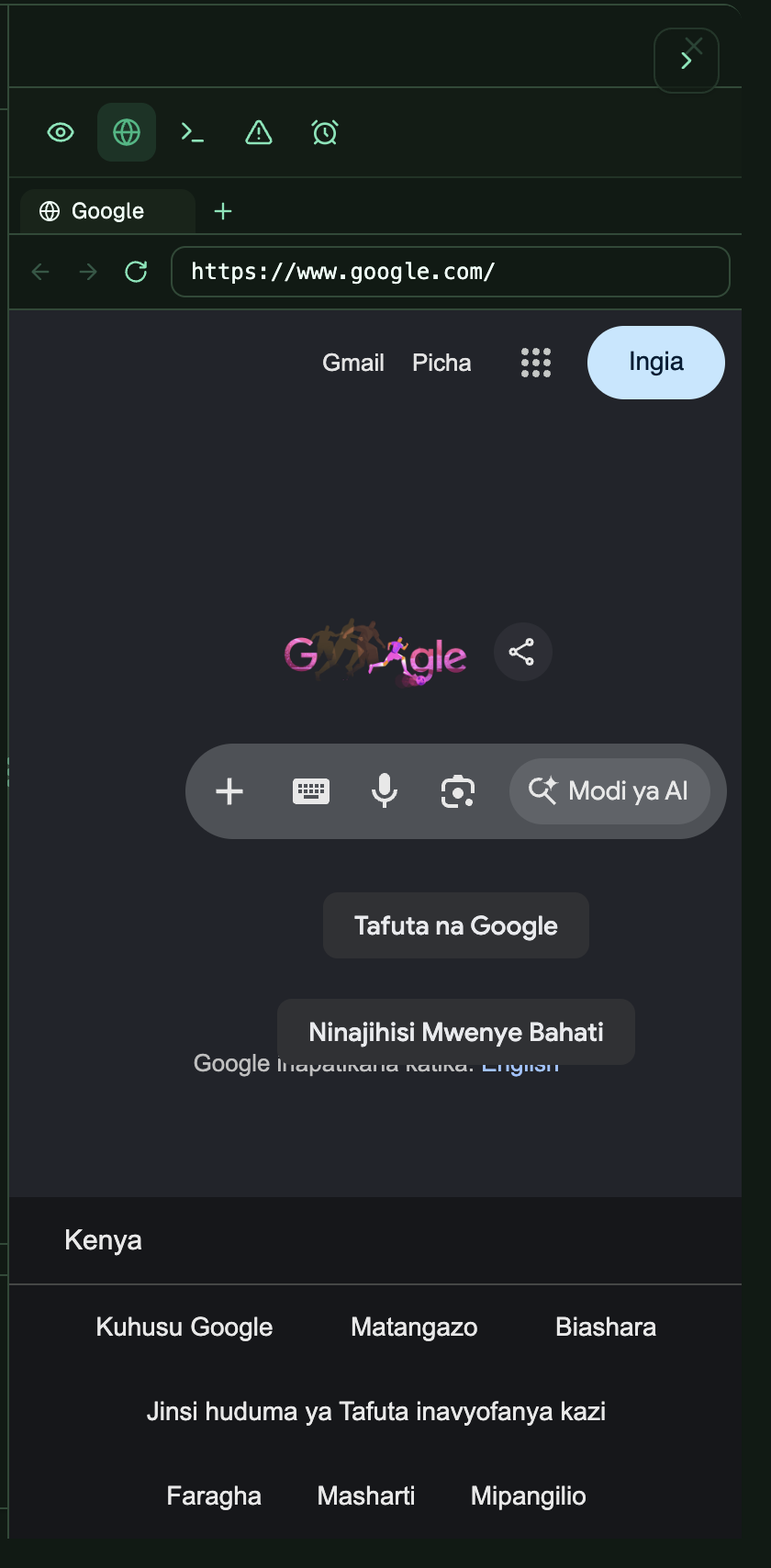
Right Panel -> Browser Tab
-
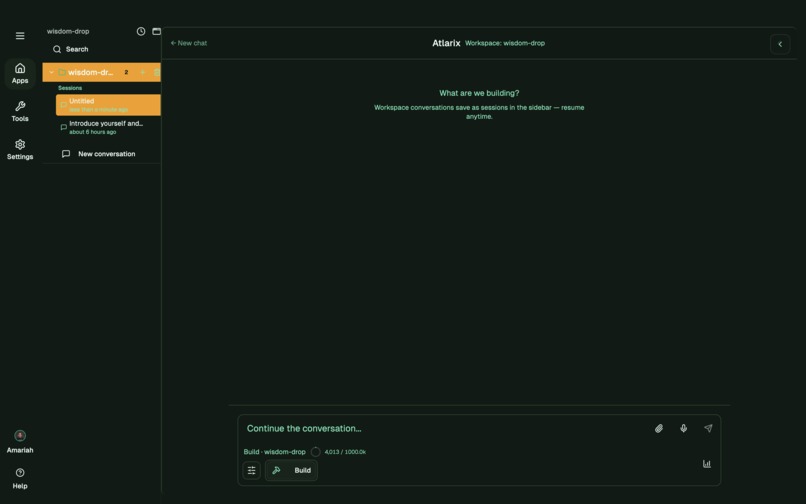
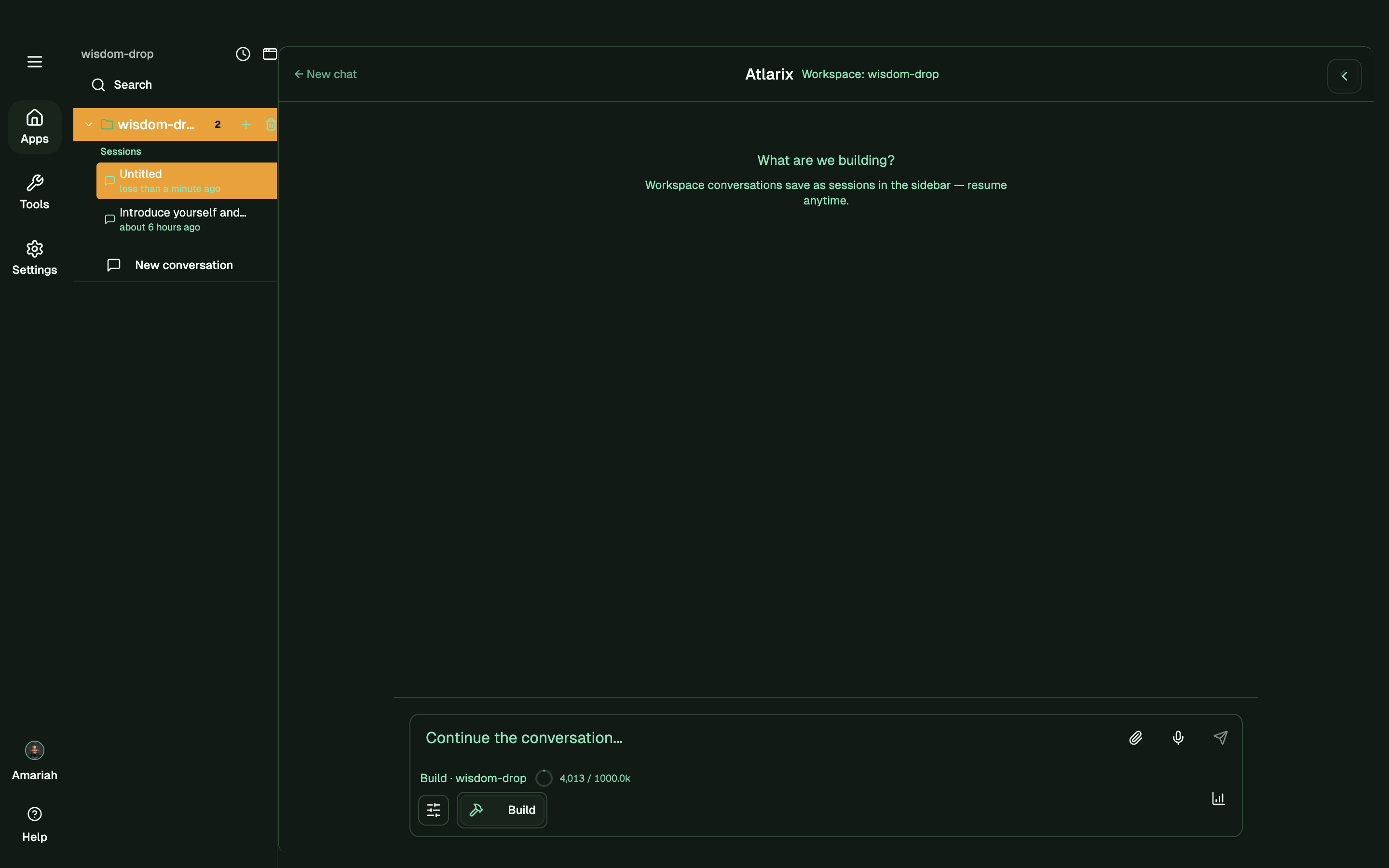
Workspace Chat
-
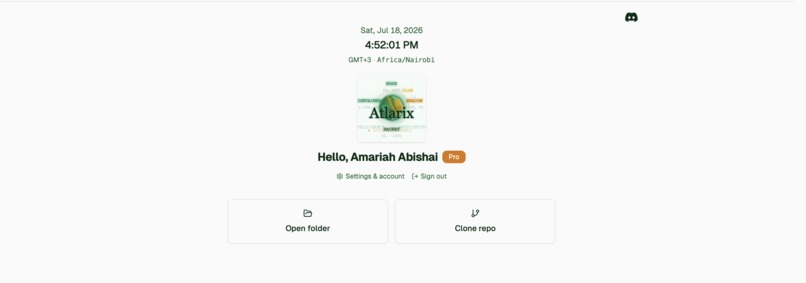
Light Theme Workspace Selector
-

Dark Theme Workspace Selector
-
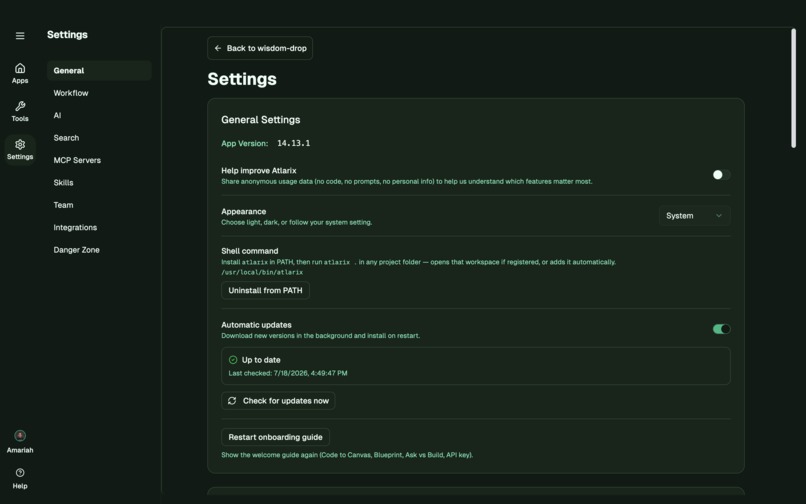
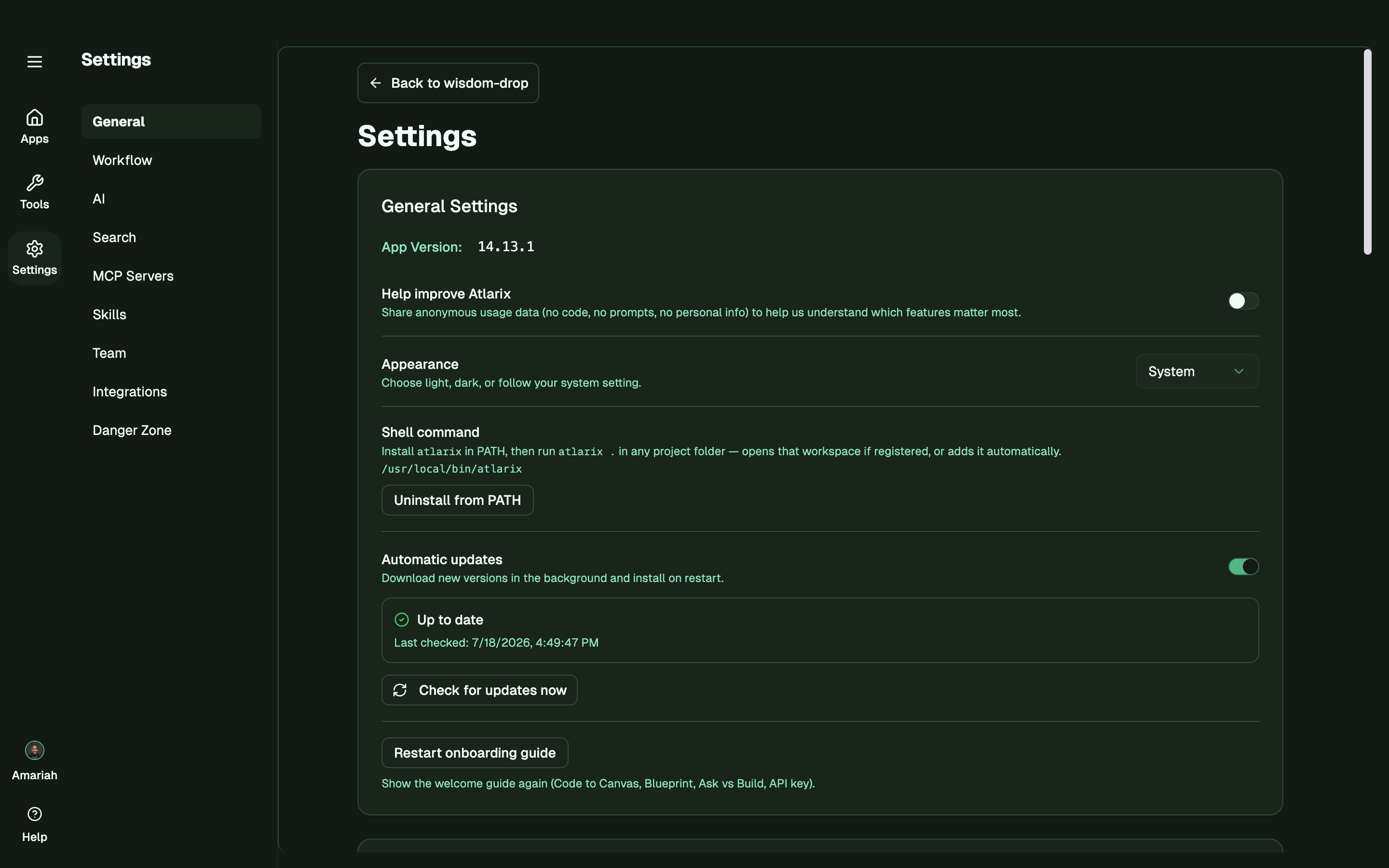
Settings
-
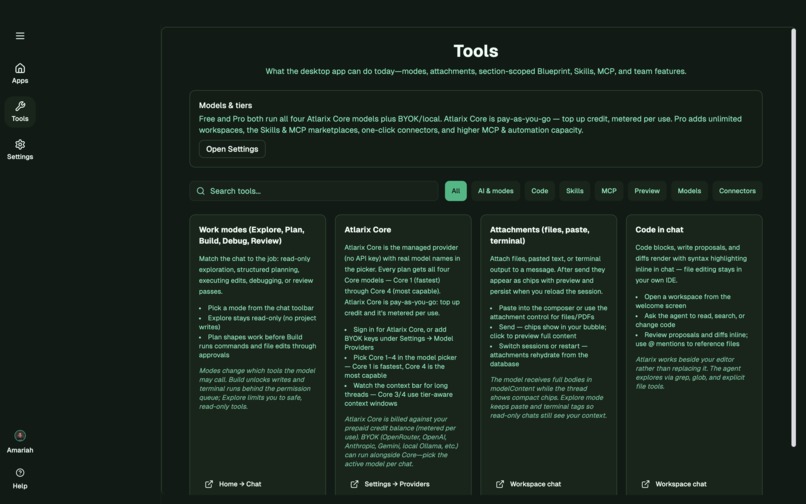
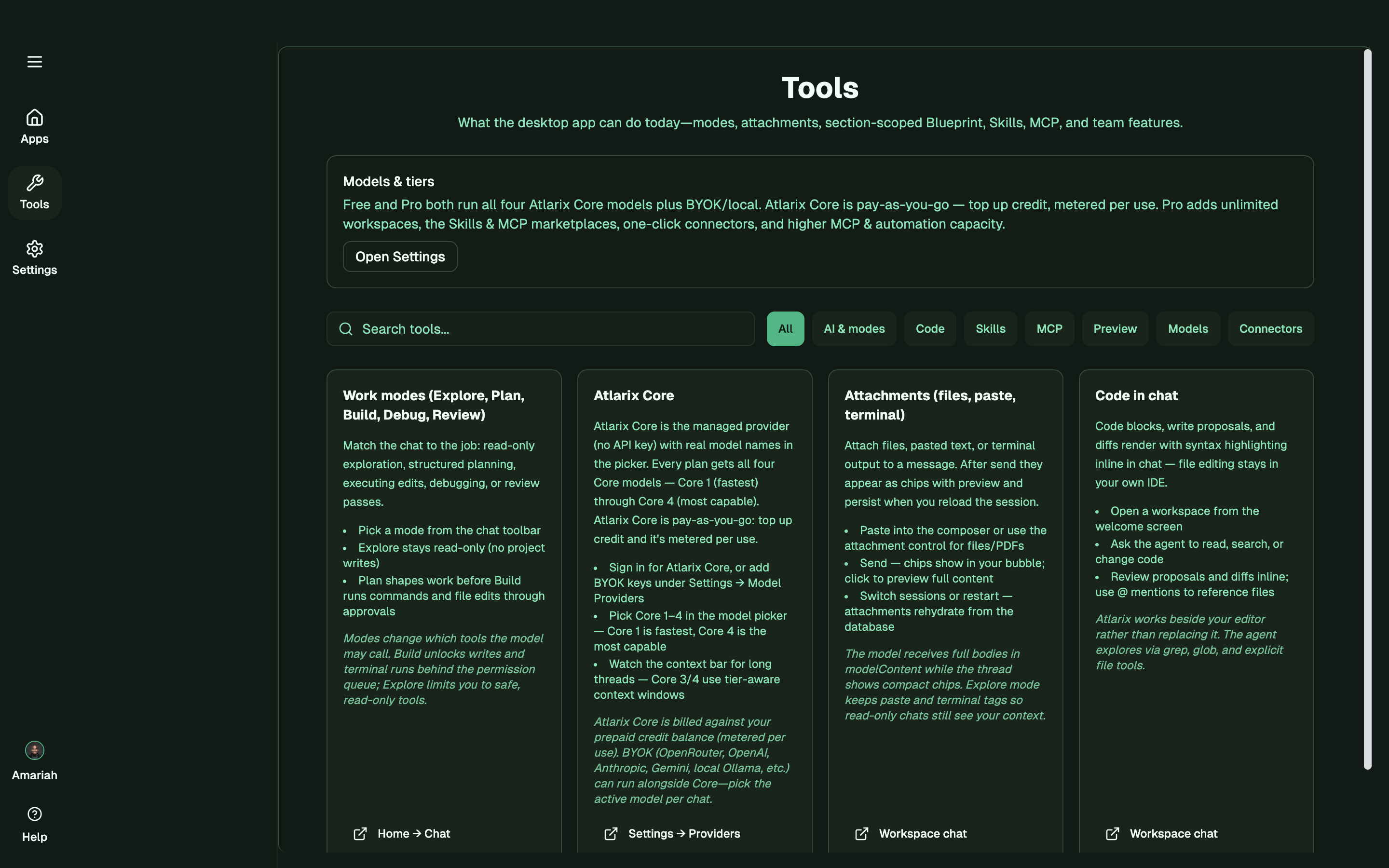
Tools Page


Atlarix — The Open-Weight Coding Harness
Ship production-grade code with open-weight models at a fraction of frontier cost.
Atlarix is a coding harness built for open-weight models. It works in five modes — explore, plan, build, debug, and review — backed by 22 tools that let the model read and write files, run terminal commands, search the web, spin up sub-agents, and drive the browser or a project's own frontend. Real tools doing real work, on models most developers can actually afford.
Inspiration
Frontier models are extraordinary at writing code — and priced out of reach for most developers outside a handful of markets. But the gap between frontier and open-weight isn't only raw intelligence; a huge share of it is scaffolding: context management, tool orchestration, verification, and recovery when a weaker model stumbles.
The thesis behind Atlarix is simple: put the right harness around an open-weight model, and it clears the bar for real production work — at a fraction of the cost. Built in Nairobi, for the builders for whom "just use a frontier subscription" was never an option.
What it does
Atlarix runs open-weight models like Qwen through five modes that mirror how you actually work a task — explore the codebase, plan the change, build it, debug what breaks, review before it ships. Underneath sit 22 tools that give the model real hands:
- Read and write across the codebase, with lexical retrieval via bundled ripgrep
- Verified edits behind an OS-level sandbox
- Terminal commands to run and test its own work
- Websearch for live context beyond the codebase
- Sub-agents for parallel work, plus browser and frontend access
The model isn't guessing about the codebase — it's reading it, editing it, running it, and verifying, through tools rather than vibes.
How we built it
Atlarix is a desktop harness with 20+ pluggable model providers, including native Qwen (Alibaba Cloud) support — you bring a Qwen Cloud key and the harness routes directly to Qwen. The mode-and-tool layer sits above the provider layer, so the same harness runs on any supported model.
The hard engineering is in weak-model reliability: a staged repetition guard, a unified permission gate for every tool call, grep-staleness handling, unicode self-healing, and stall-resume so a dropped stream never corrupts a task. This is what lets a mid-size open-weight model behave like a dependable engineer instead of a demo.
Challenges we ran into
Open-weight models fail differently than frontier ones — they loop, they drift, they lose the thread across long tasks. Most of the build was hardening the harness against those specific failure modes so the model can use its tools coherently across a long task, in a codebase it's never seen, without corrupting its own work.
What we learned
The harness — not the model — is where most of the frontier gap actually lives. Close it with engineering, and open-weight becomes production-viable for a whole class of real work.
What's next
Structural (not just lexical) retrieval, a growing MCP marketplace, and various use cases of atlarix in production workflows.
A note on openness
Atlarix is a coding harness for open-weight models — it is not itself open-source. This submission demonstrates Atlarix running Qwen as a first-class provider; the "open" in "open-weight" refers to the models Atlarix is built to serve (like Qwen), not to Atlarix's own source. We think that distinction matters and would rather state it plainly than let the framing imply otherwise.
Built With
- agent-orchestration
- ai-agents
- alibaba-cloud
- coding-assistant
- deepseek
- electron
- llm
- mcp
- multi-agent
- node.js
- open-weight
- qwen
- qwen-cloud
- react
- ripgrep
- typescript


Log in or sign up for Devpost to join the conversation.