-
-
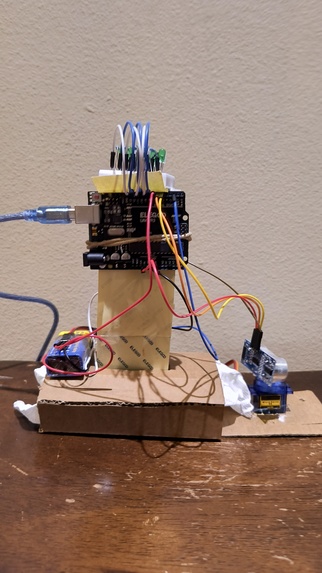
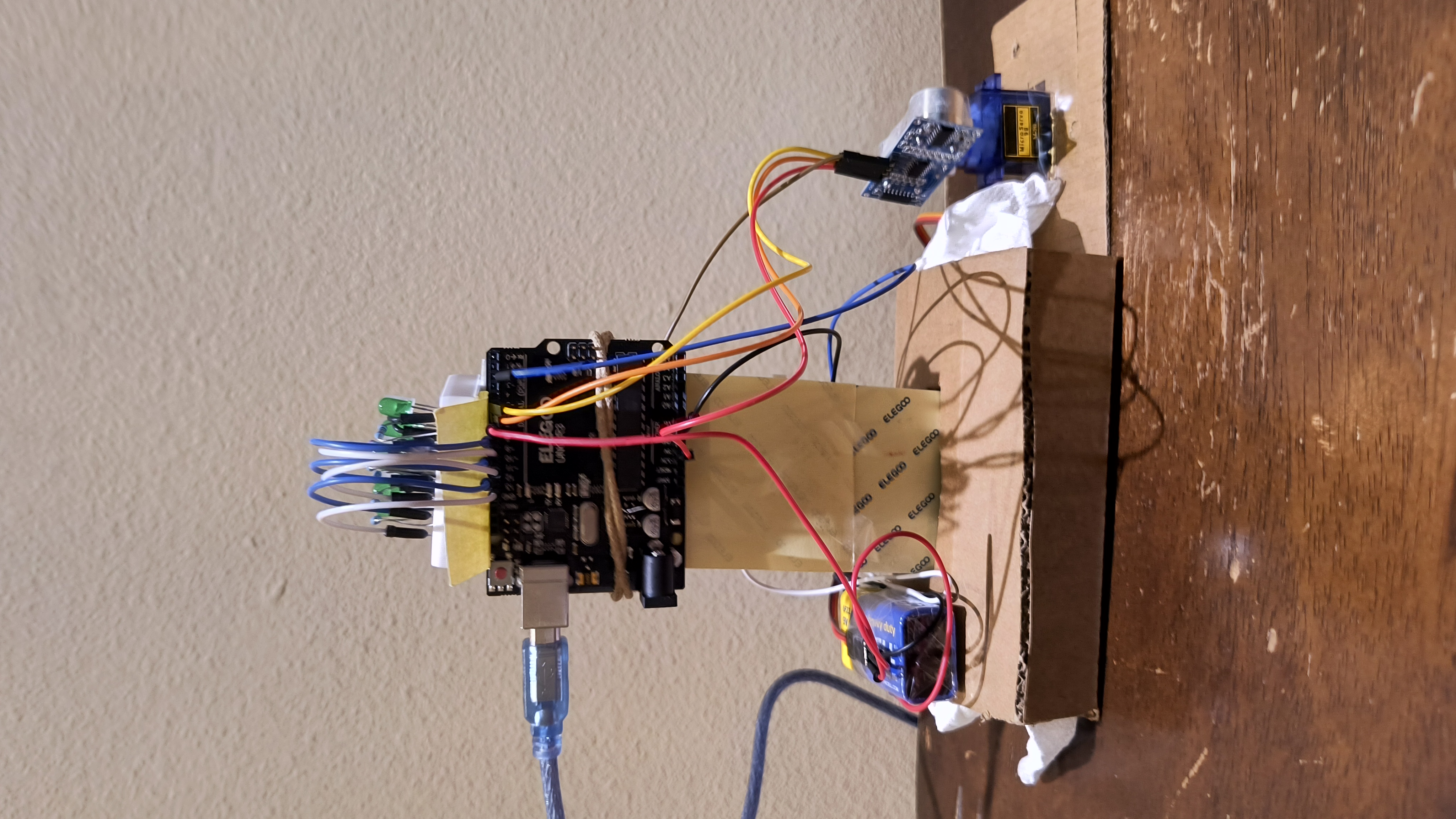
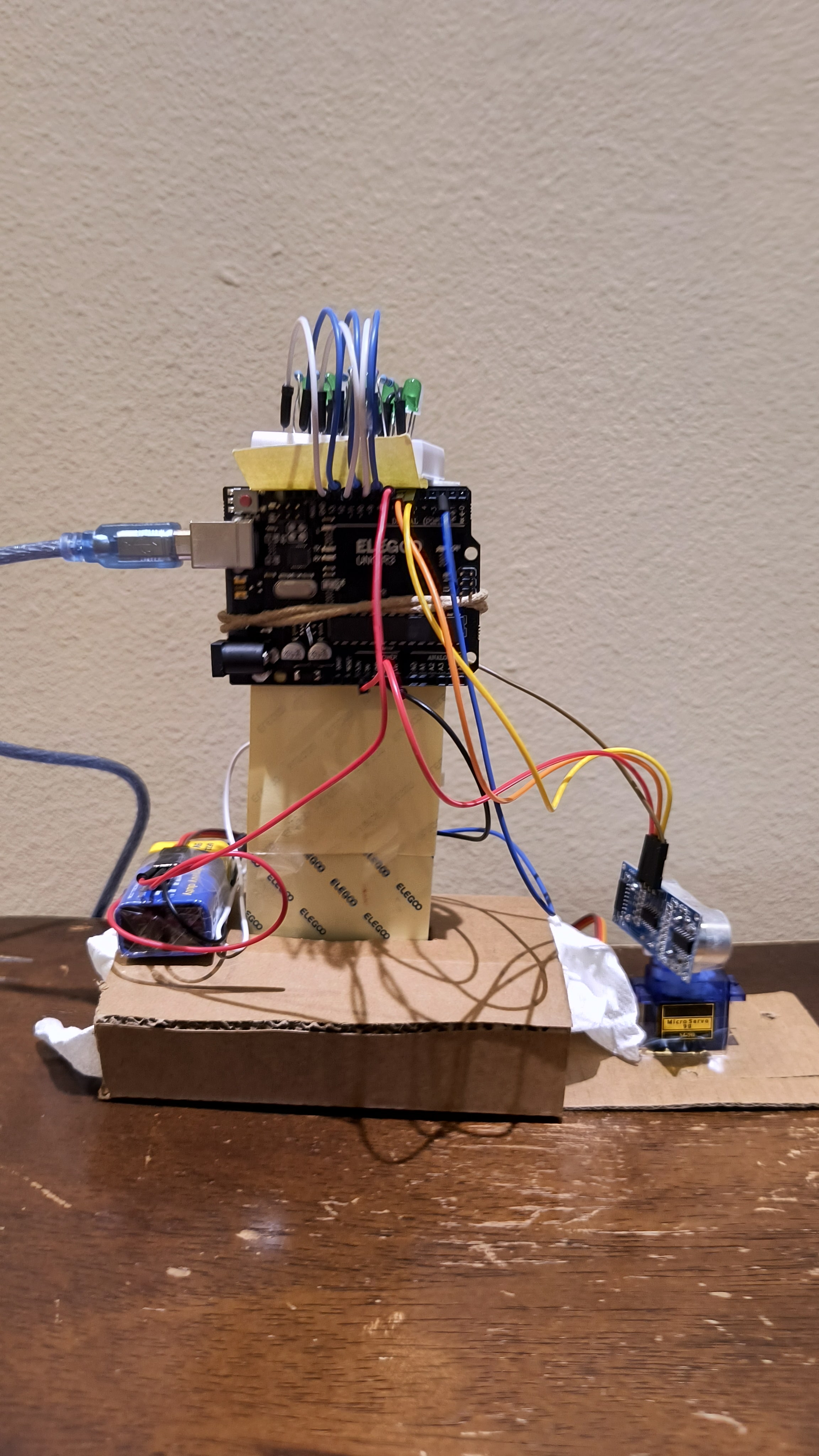
Front View
-
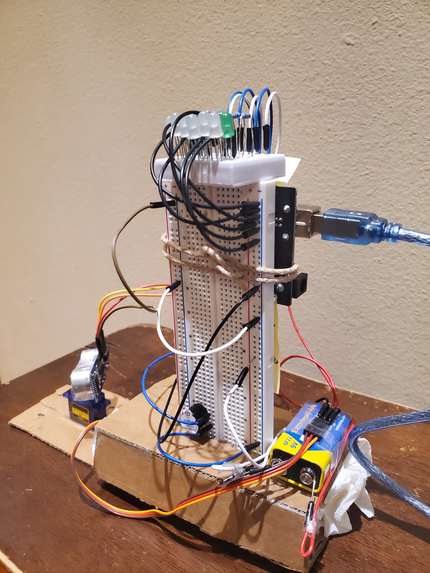
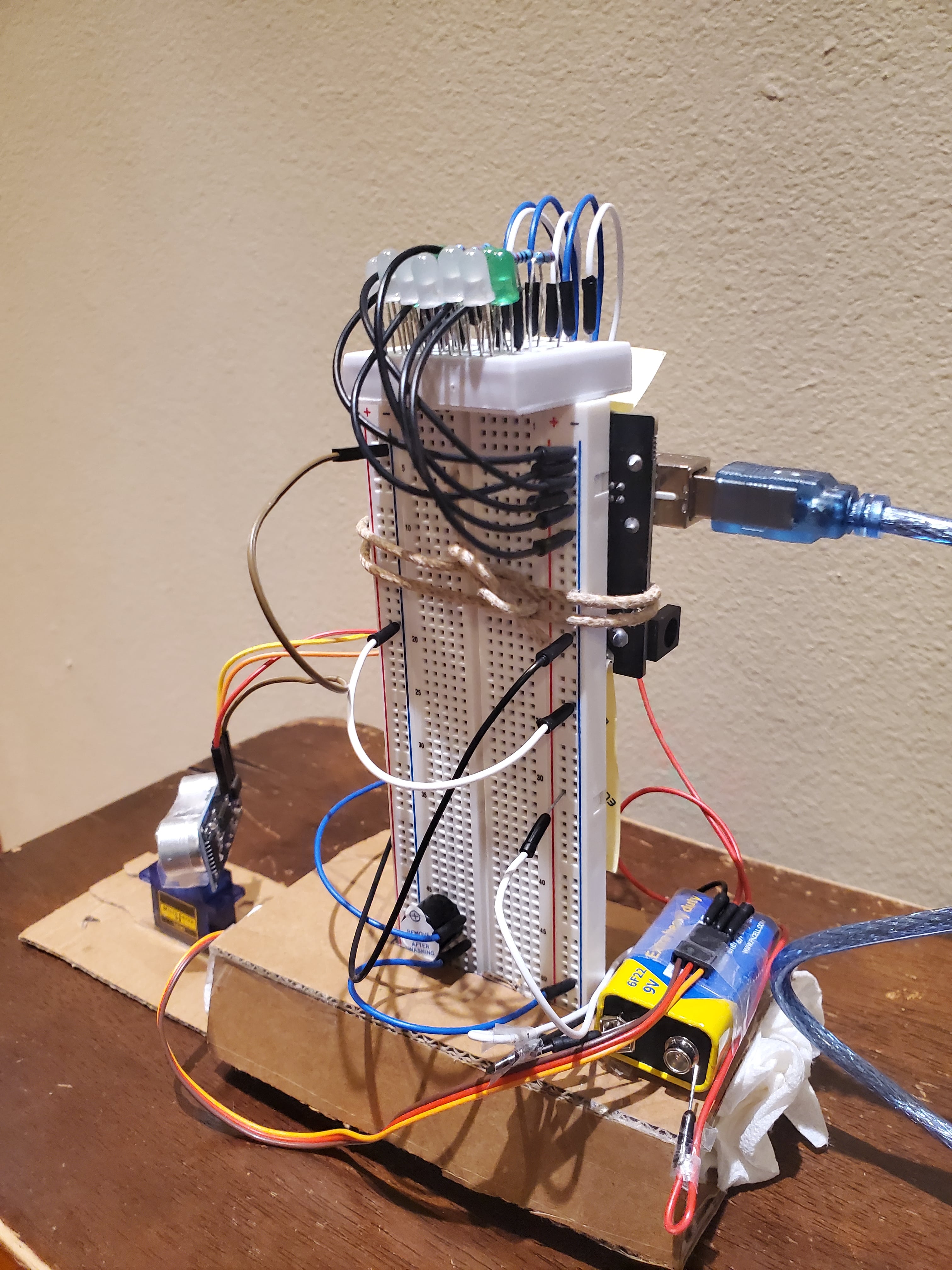
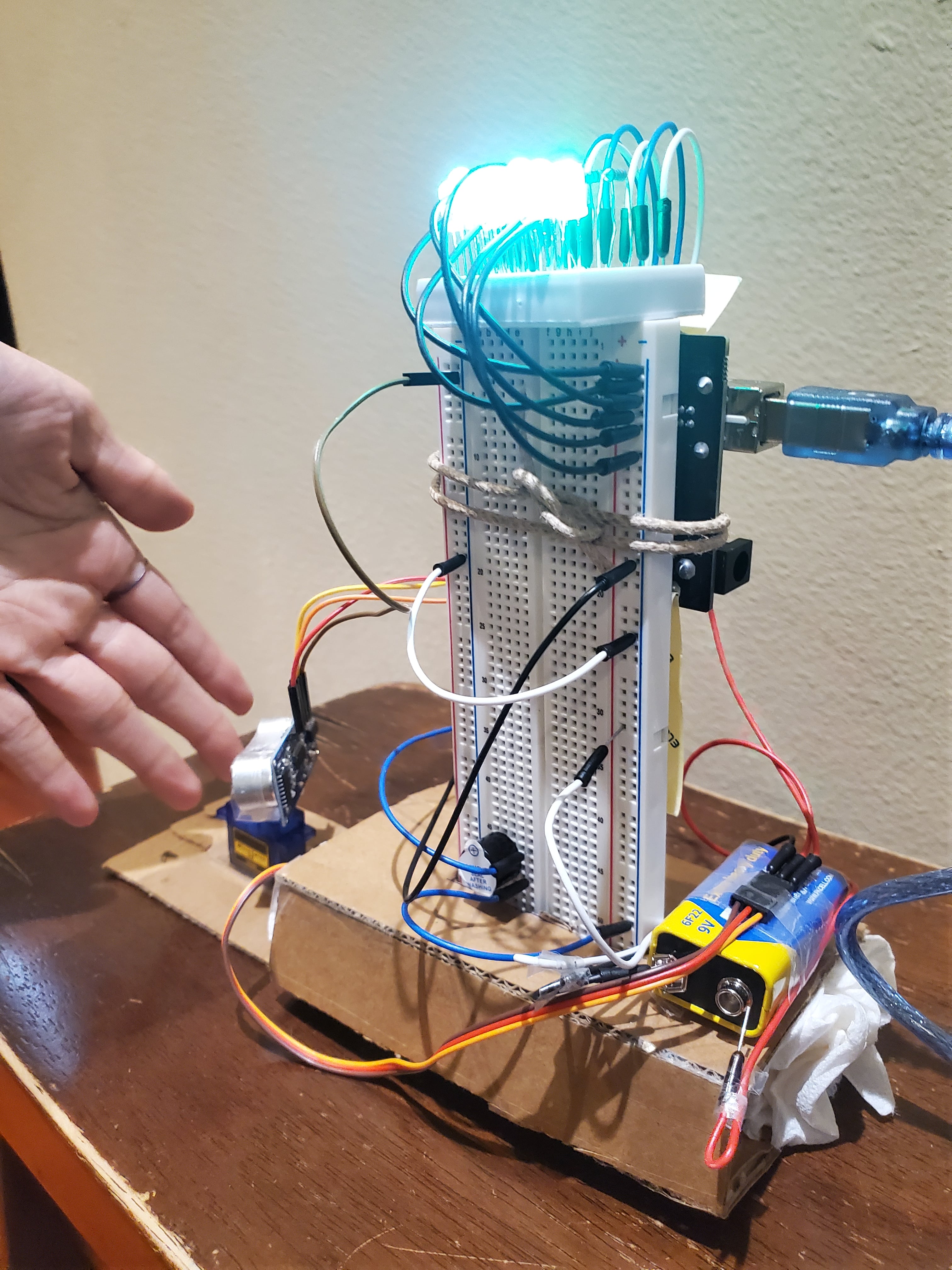
3/4 View
-
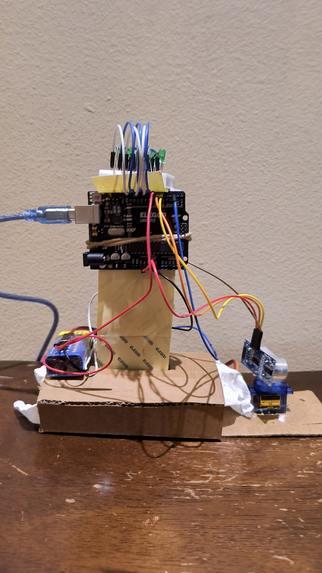
Back view
-
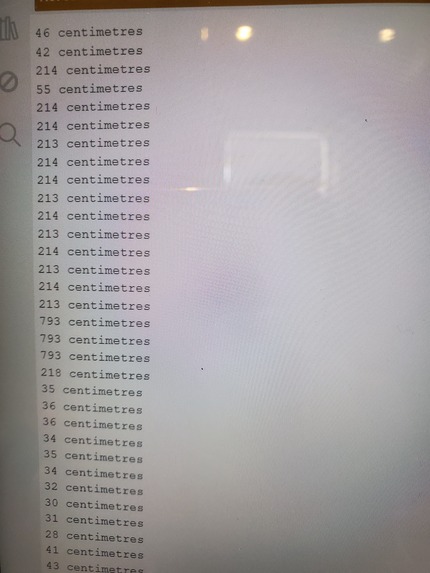
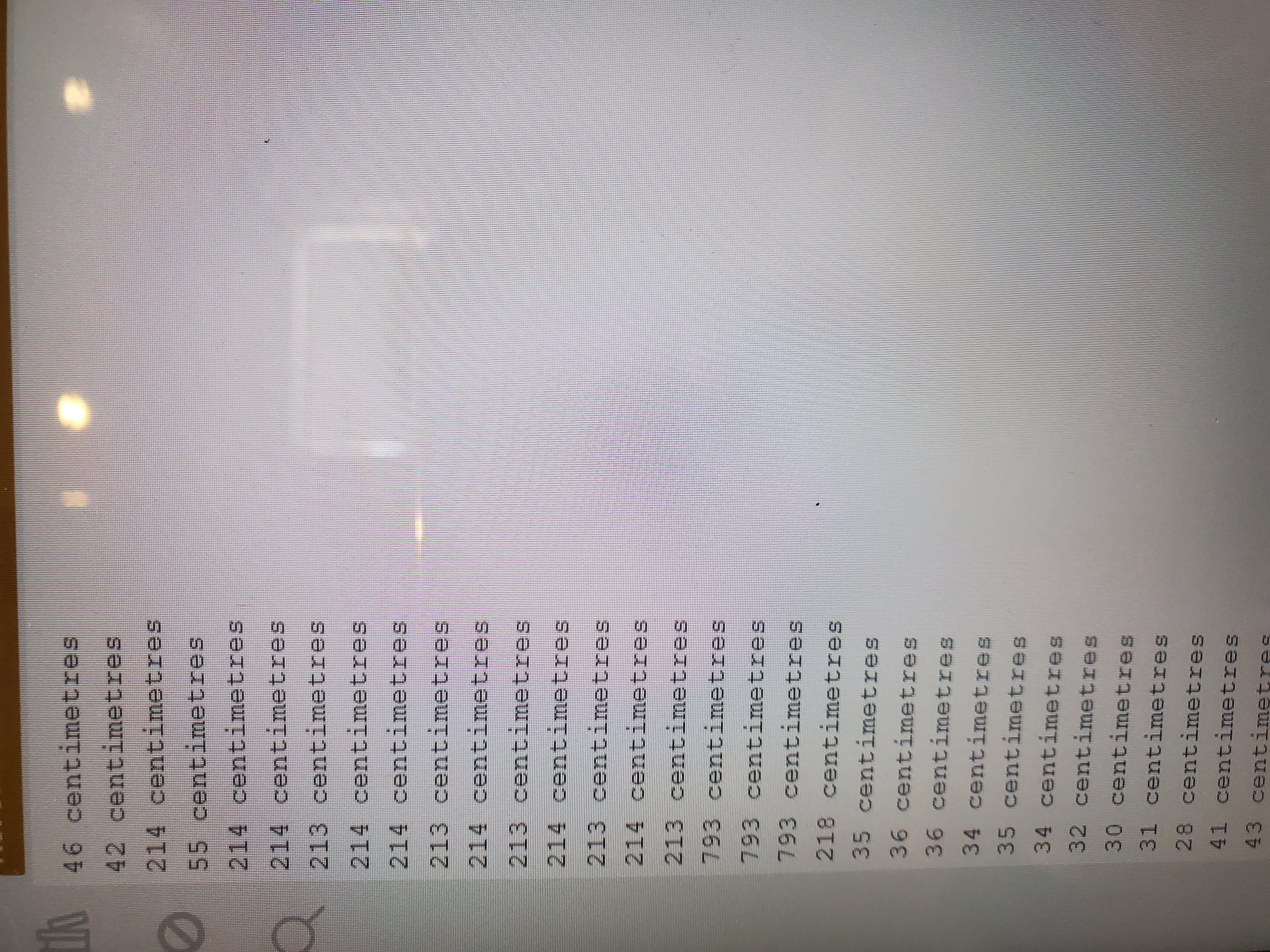
Before collision
-
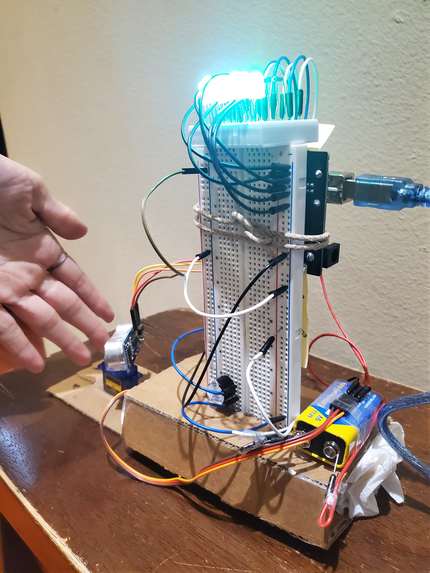
Detect collision
-
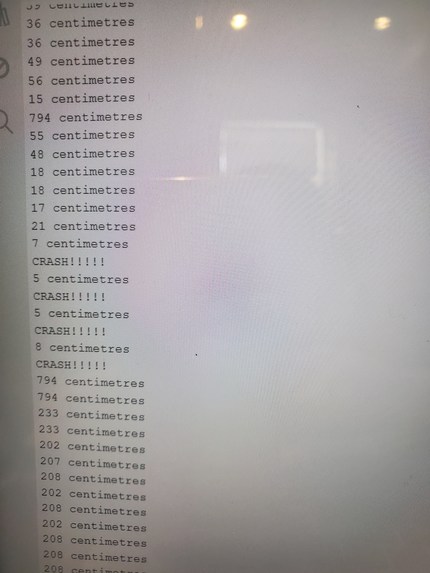
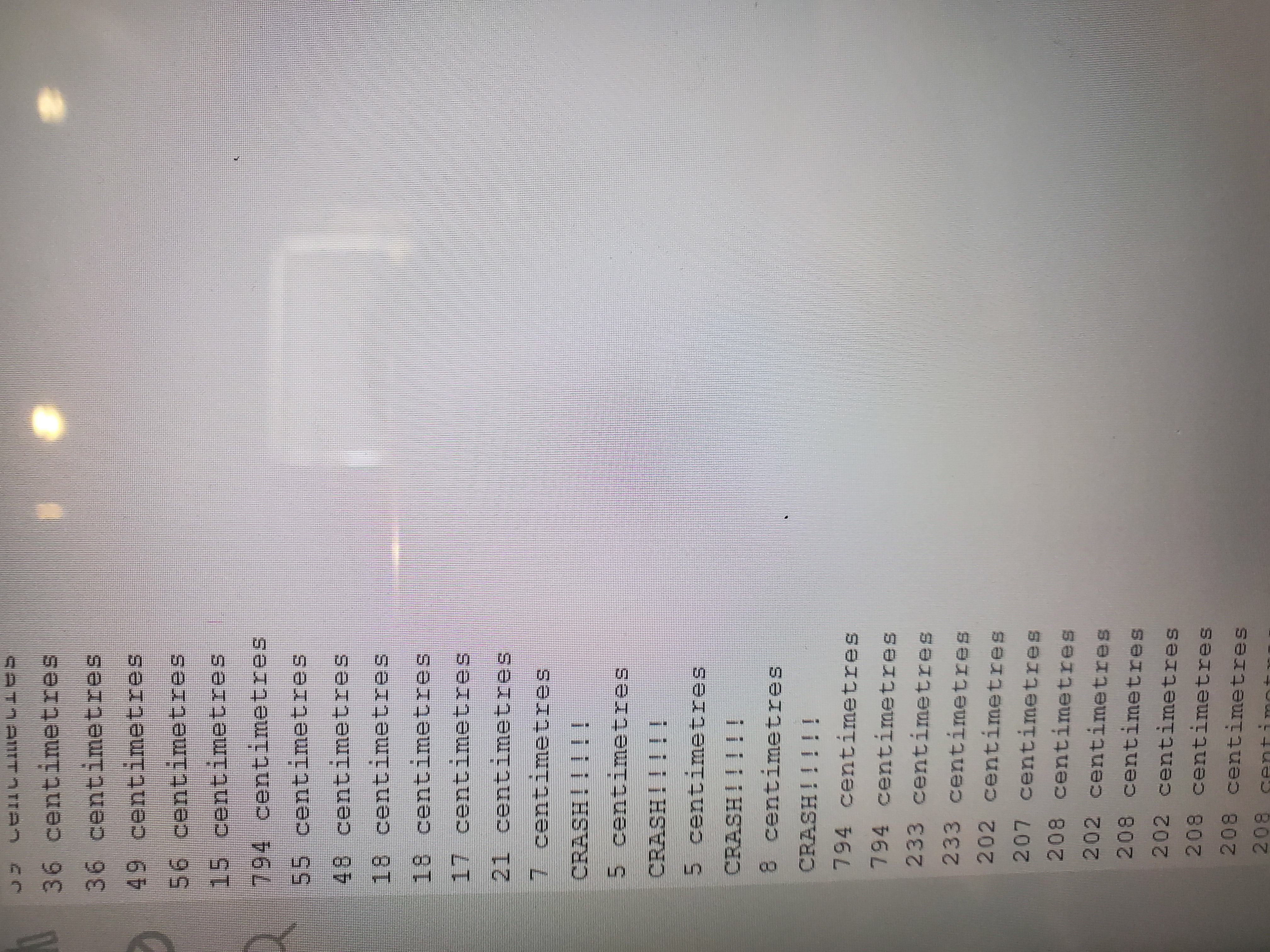
After collision
Inspiration
Athena’s Guiding Light received its name due to our inspiration from Athena, the Greek goddess of wisdom and war. We wanted to represent her wisdom by guiding sailors towards safety and a place to communicate. We were further inspired by the variety of tools Arduino hardware offers. We wanted to build a project that utilizes a broad range of those tools, which includes sensors, servos, LEDs, batteries and buzzers. We designed an innovative lighthouse that allows sailors to send and receive messages through seeing lights and hearing noises through Morse code. Furthermore, the lighthouse warns sailors of nearby obstacles
What it does
Our project can take input as a string in English where the output is sounds and lights that represent the short and long dashes that make up Morse code. Additionally, it is equipped with an ultrasonic radar sensor that detects objects in the surrounding as well as prints out the distance to the object.
How we built it
Starting by testing and experimenting with the LED arrangements, we kept building the project one step by step one component at a time, starting with the basics: for instance, instead of jumping right into the structure of the 2 breadboards combined, we started by testing the LEDs on a singular breadboard, and once we fully debugged and wired it, we started brainstorming ways to make it adhere more to the lighthouse theme.
Additionally, every time we ran into a challenge, we made sure to refresh our basics and break things down to simpler parts- for instance when we were unable to debug our code, we retraced our steps by explaining to each other the gist of the action that each part is supposed to perform. We also used pen and paper to manually map out our line of thinking, which immediately helped us identify issues in our code, such as incorrect position values.
Our process was to first wire the hardware part, then code it, then test it and debug it. We repeated this process for all the components as we added them one by one.
Challenges we ran into
As we are both beginners in Arduino, the lack of prior experience meant we faced a lot of challenges due to technical difficulties. For instance, we were unaware of the dangers of plugging an Arduino into the computer while it already has an external power source. This shorted one of our laptops, which meant that we only has one laptop to work with for the rest of the hackathon.
Additionally, our initial plan was that the servo motor would connect to the base of the lighthouse itself and spin the entire structure. However, the tangling of wires and the uneven weight of the vertical breadboard prevented it from staying upright while rotating without toppling over.
Additionally, the lack of knowledge of the slight nuances of the hardware caused us challenges. For instance, it took us a while to figure out how to wire parallel versus series LEDs as well as ensuring that the brightness of all of them is equally high.
Finally, the biggest setback was not knowing how to make two loops run simultaneously, one for the motion of the servo rotation and the other for the loop that converts text to Morse code.
Accomplishments that we're proud of
We are proudest of being able to code 2 loops to run simultaneously, because our project was critically dependent on the lights displaying the Morse code at the same time as the tower rotating.
Another accomplishment was understanding and using Kintone software in our project. It was a challenge as it was difficult to configure and connect at first, as we didn't know how it works and had only watched a YouTube tutorial. Additionally, it was hard to figure out to connect specific outputs to the Kintone data logger as only some of them were able to be synced.
Finally, one issue that we overcame proudly was with the hardware- in order to use a servo motor, we had to use a power supply external to the Arduino, and we didn't have anything other than a bare battery, meaning that the wires would directly be connected to the bare ends of a battery, which is tricky as tape cannot come into contact with that region or it could become a hazard. Since we didn't have electrical tape either, we had to get innovative and double bend the wires for them to touch the battery without causing a fire hazard.
What we learned
We had to do a lot of research to understand how to code a servo motor, as the position and degrees a s direction of rotation was not very intuitive to figure out. This was a steep learning curve, but it helped teach us how to program an Arduino servo. Additionally, we learned the basic structure of the code of all Arduino sensors in general, and how to wire them.
Finally, the challenges we had with wiring taught us a lot about electronics and circuits, and the biggest takeaway we learned was to always ensure every circuit is a closed loop.
Finally, this was our first experience using Kintone in combination to a microcontroller, and we learned a lot about how to expand our Arduino projects in future. It helped us understand and think about how Arduino projects can go beyond just the local scope into web-based functions as well.
What's next for Athena's Guiding Light
Although we are proud of our accomplishments with this project, there are many areas where we know we need to improve. Next, we would like to figure out how to make the make the rotation of the servo motor smoother and more continuous.
Additionally, we would like to make the obstruction sensor more efficient by making it trigger a RED warning LED for sailors to easily be notified when there is an object in the way.
Additionally, we would like to brainstorm ways to make the entire lighthouse spin 360 degrees (which would involve managing the wires in such a way to prevent tangling), which would make the model more akin to an actual lighthouse and work efficiently as the light can be passed everywhere instead of just in one section.
Finally, the biggest next challenge for our project is figuring out how to connect an external website or user input to the Arduino IDE so that instead of having to hardcore the word to be encrypted, the user can input the string remotely without having the reupload the code to the Arduino microcontroller every time there is a new input word.

Log in or sign up for Devpost to join the conversation.