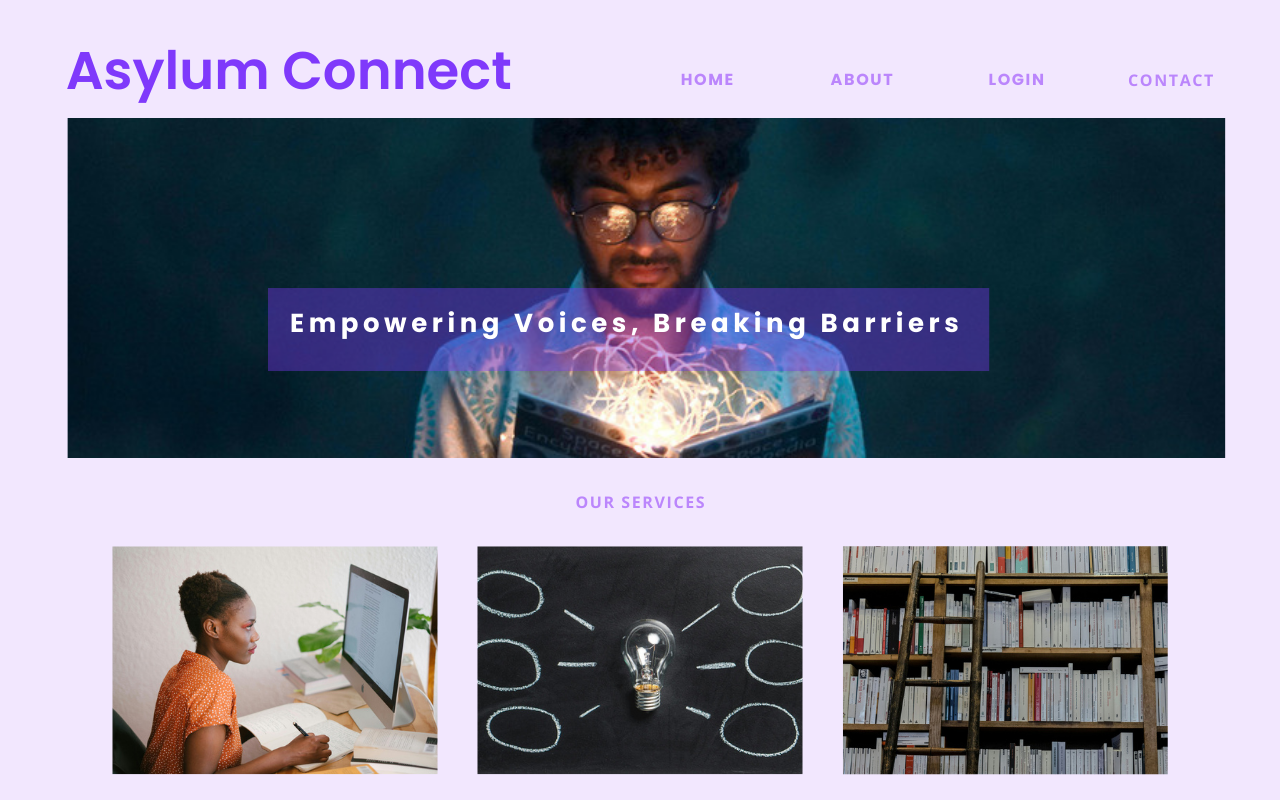
Asylum Connect
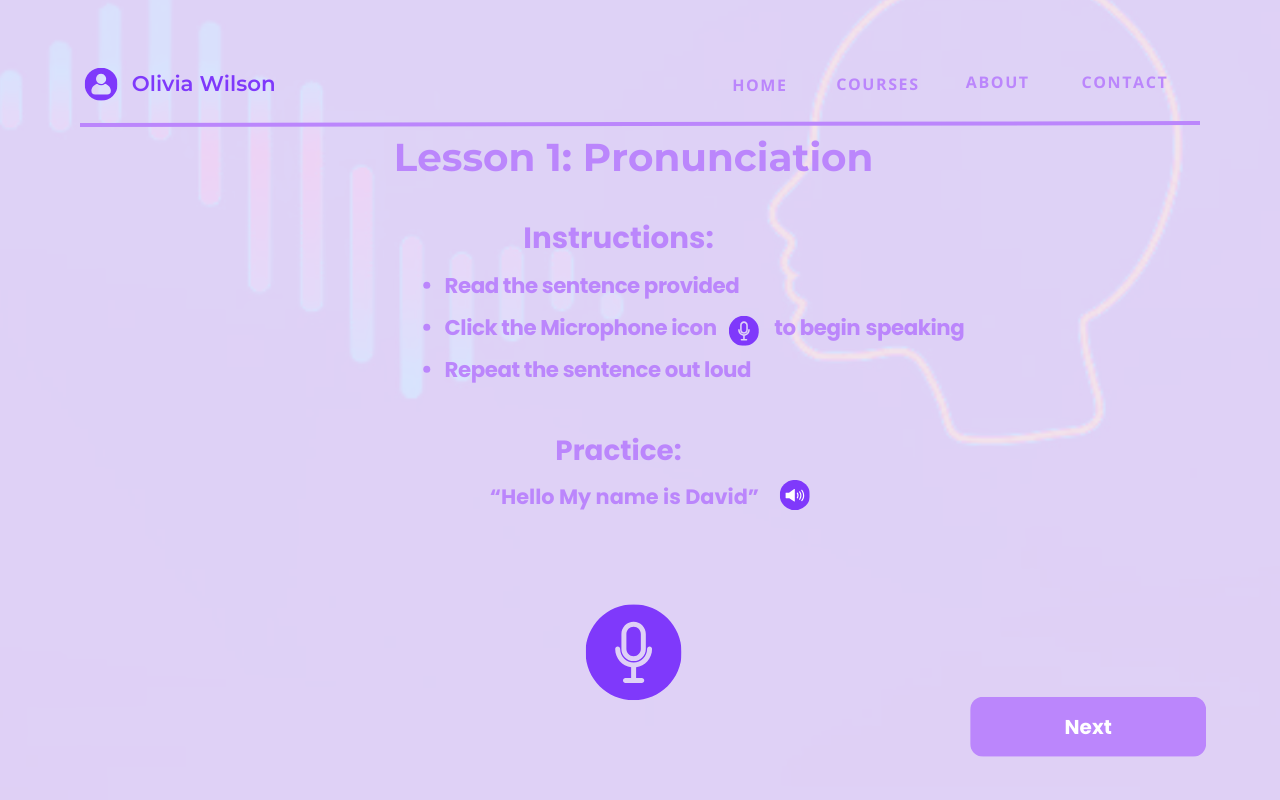
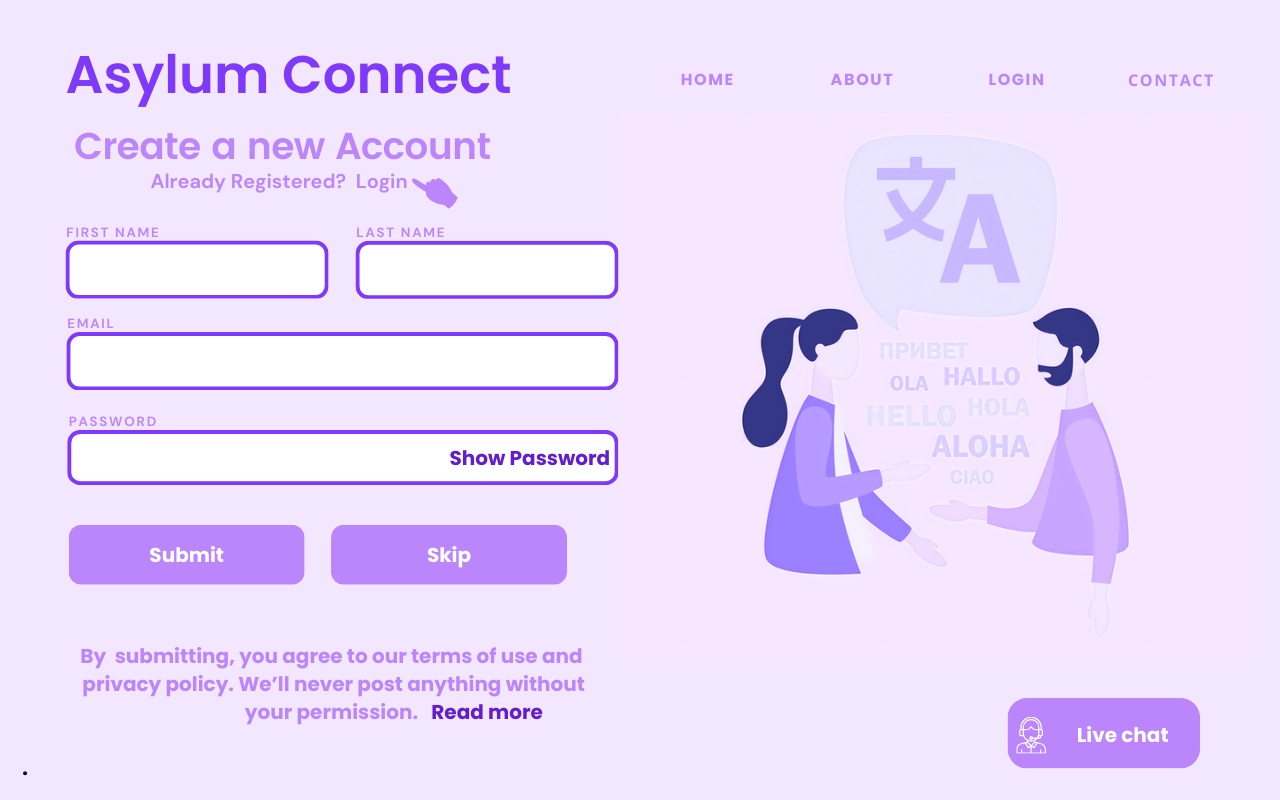
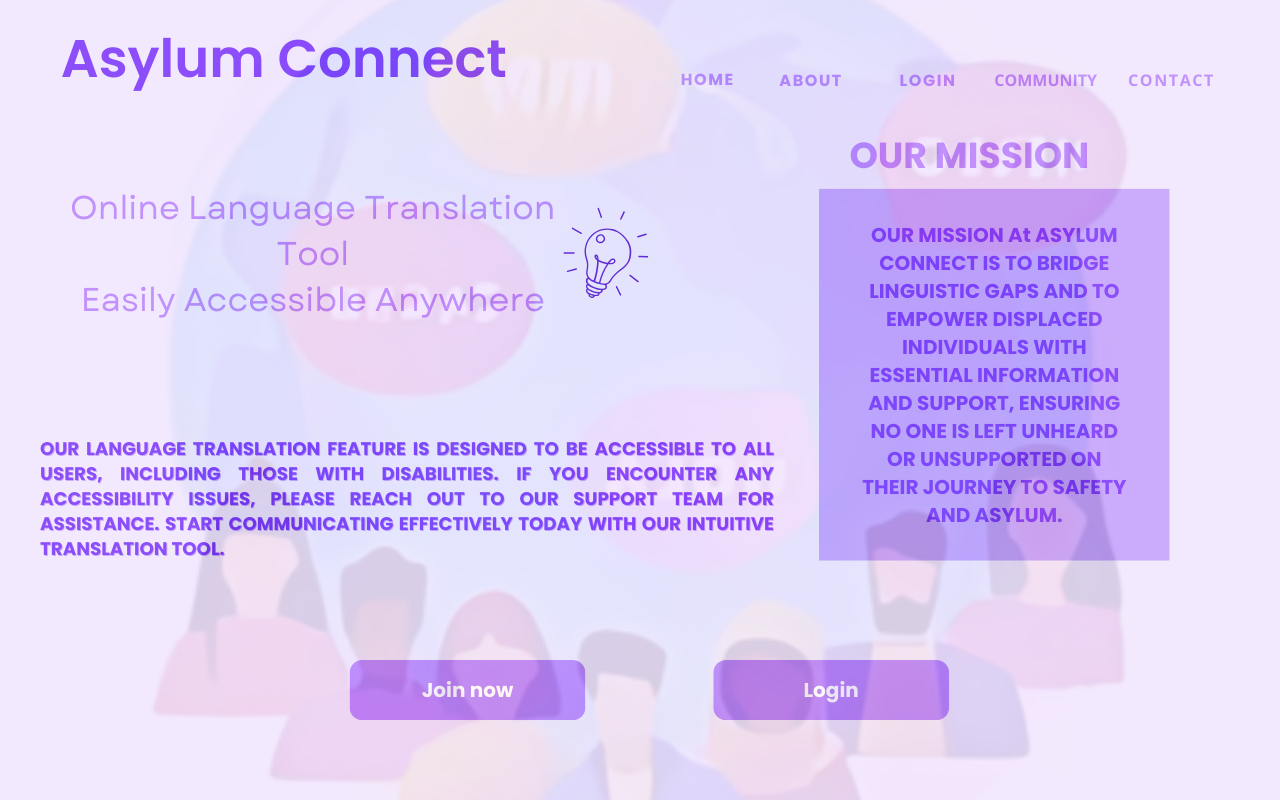
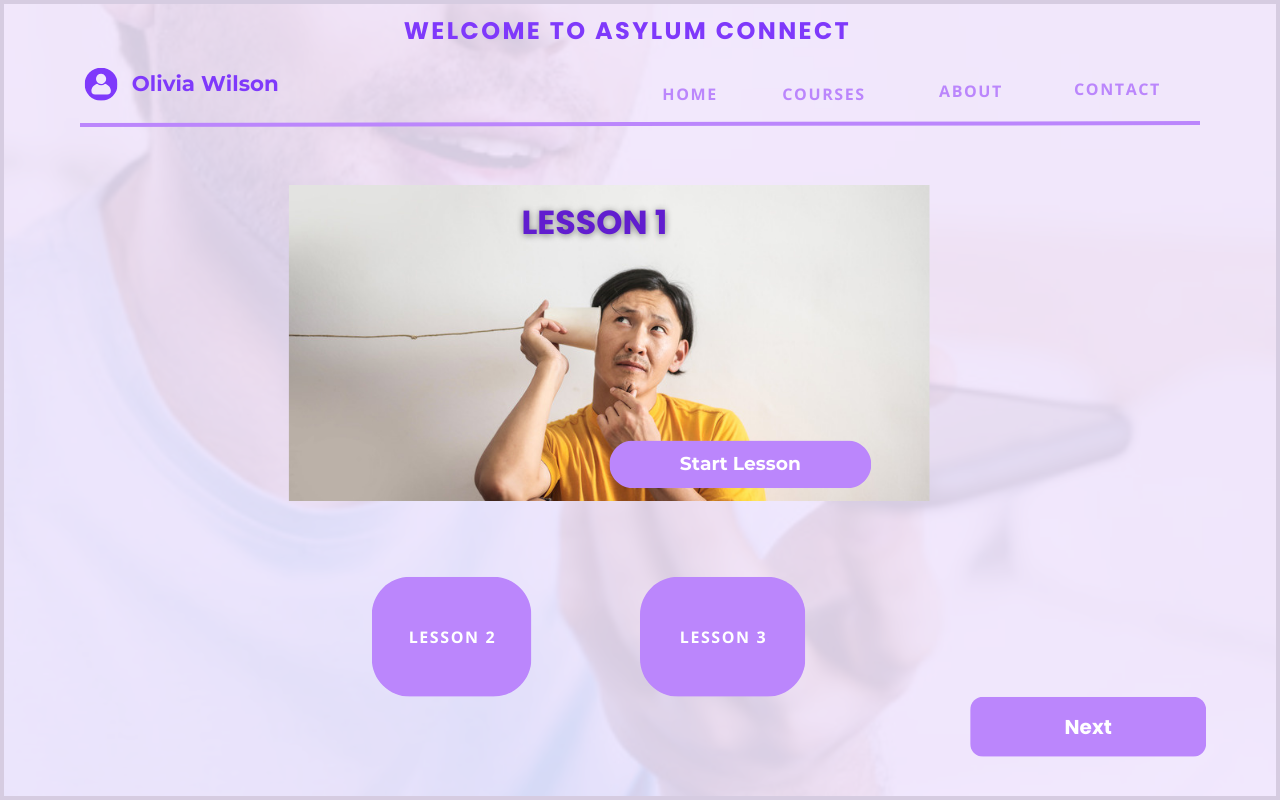
“Asylum Connect: Empowering voices, Breaking Barriers” serves as a source of hope and support for migrants entering the United States. It provides accessible language interpretation services, language learning resources, and an easy-to-use platform that helps to break down barriers and empower migrants on their journey towards integration and success
Development Status
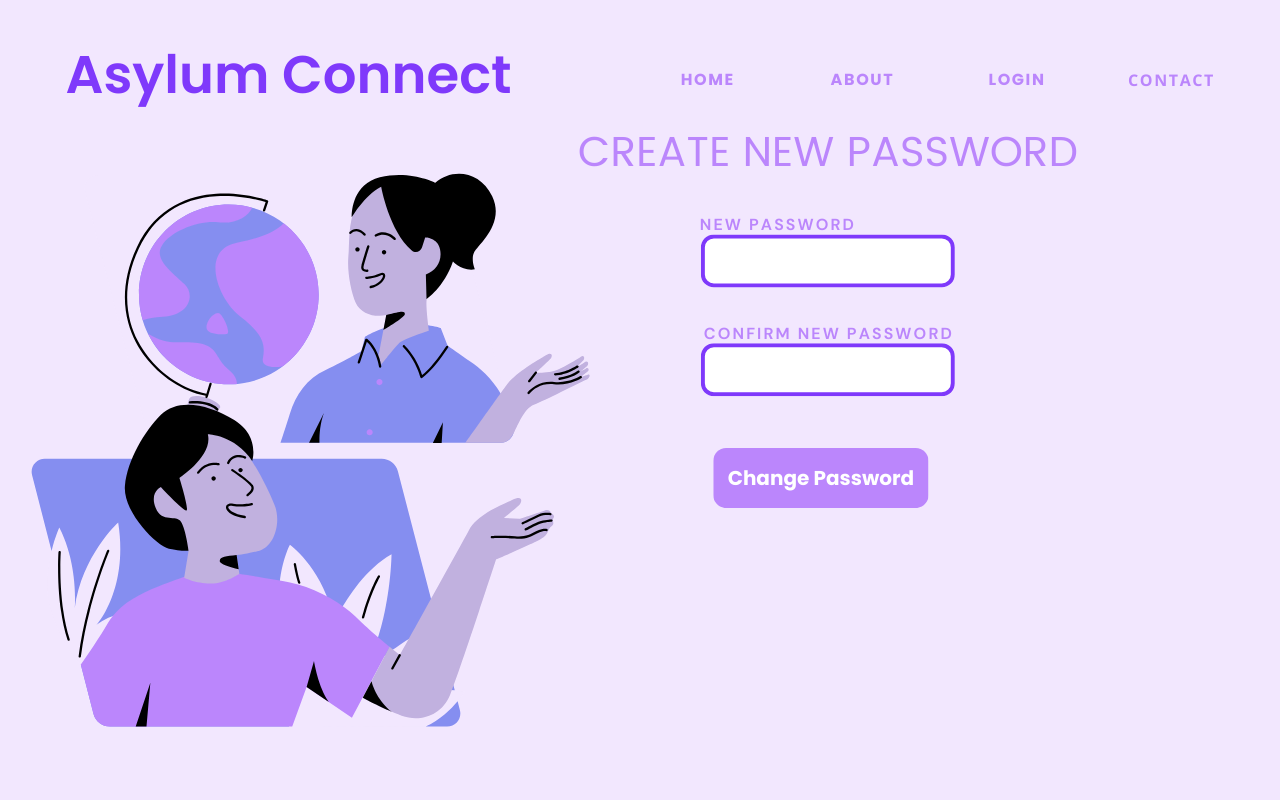
- Currently we have the design build complete for our website.
- The build track of our website is still under development and unfortunately will not be ready for deployment
- As of now both Backend environments and Frontend environments have been installed and
CORSforGETandPOSTResponse have been create in the Backend, Fetch request needed from Frontend side. ### Tech Stack - We will be using a RESTful API for our project.
- The Backend will be built using Flask (Python Framework)
- The Frontend will be build using React (JavaScript Library)
Tech Stack Reasoning
- Since we had limited time learning a backend language with a simple syntax was the optimal choice for us.
- As well as choosing to use the Flask framework, as it is light weight and easy to use to build an API to handle request from the client side
- We chose React Js for the Frontend side for its reusable components, which will enable us to break down our UI into smaller pies and avoid repeating the same code on another page.
Instructions to run
!(File Structure)['https://github.com/christiane-villaroel/asylum-connect/blob/main/assets/file-structure.png']

Backend
1) Open terminal and cd into Backend directory
2) Once in python Directory type python main.py to run backend locally
Front End
1) Open terminal and cd into Frontend Directory
2) Once directory type npm run dev to start React js local server