Inspiration
Our initial idea was inspired by the recent cyberdeck trend, which was a response to the concept of ‘digital fatigue’ - whereby the overuse of a phone for basic functions can make a person sick of using it. This ties into the core problem of having to be ‘online’ constantly, with no way to fully decompress, and of course links more generally to the theme of reclaiming technology - technology is meant to be useful, but it is not meant to feel suffocating (or even worse boring :( )
We wanted people to be encouraged to go outside, and not feel trapped by the need to constantly be available. And what is a more beautiful way to do that than seeing the stars? Hence, the astro-deck was born!
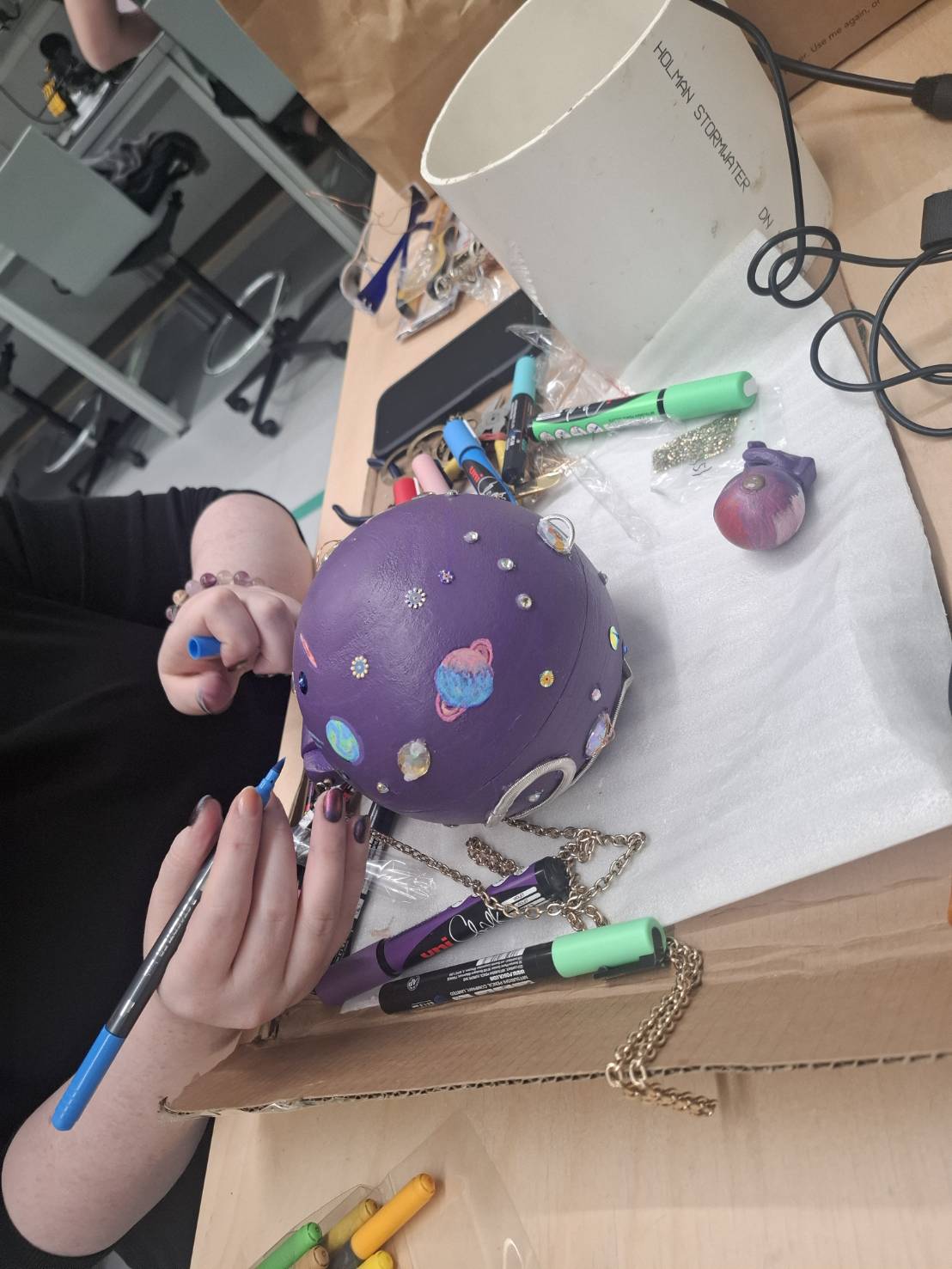
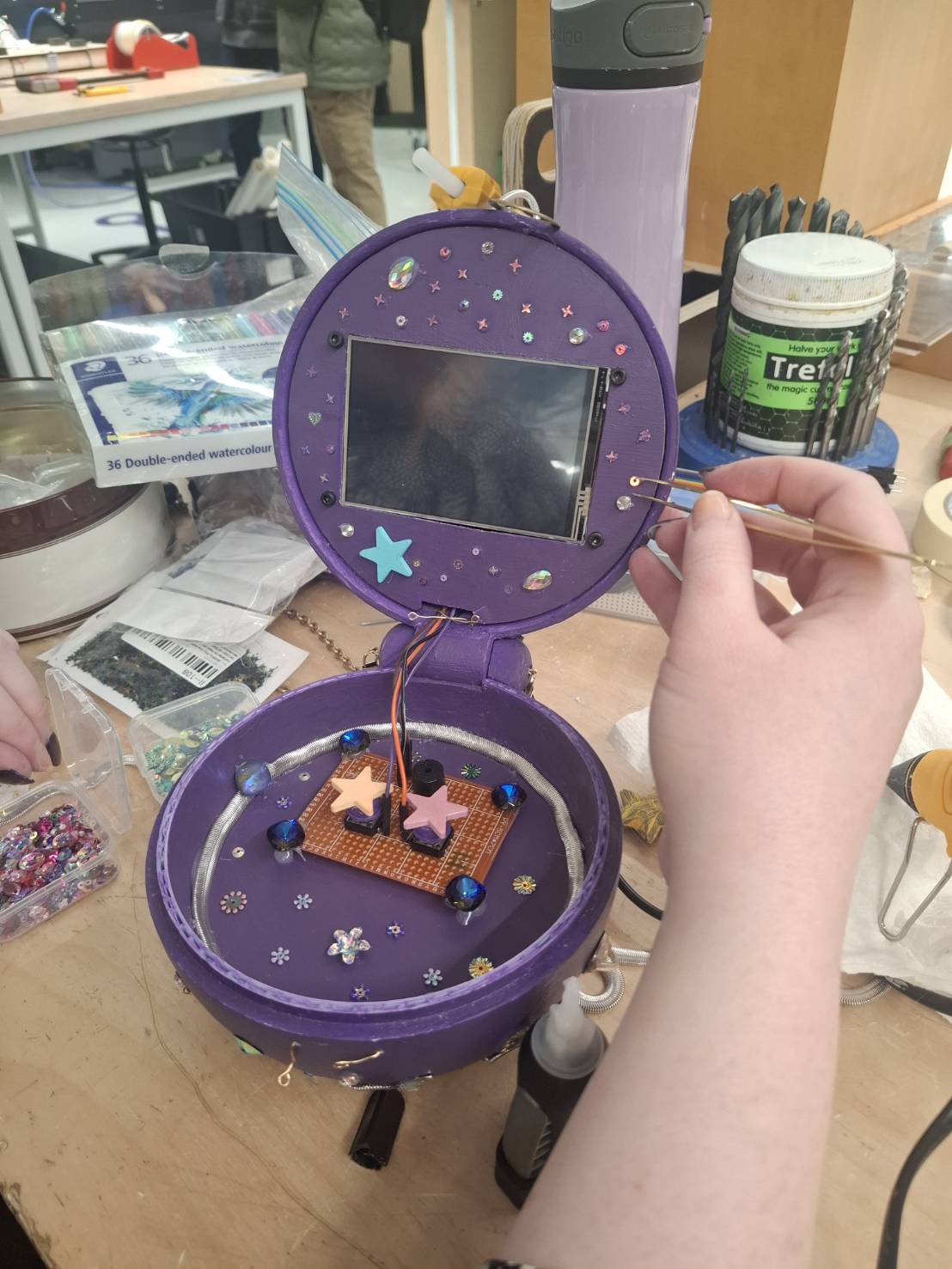
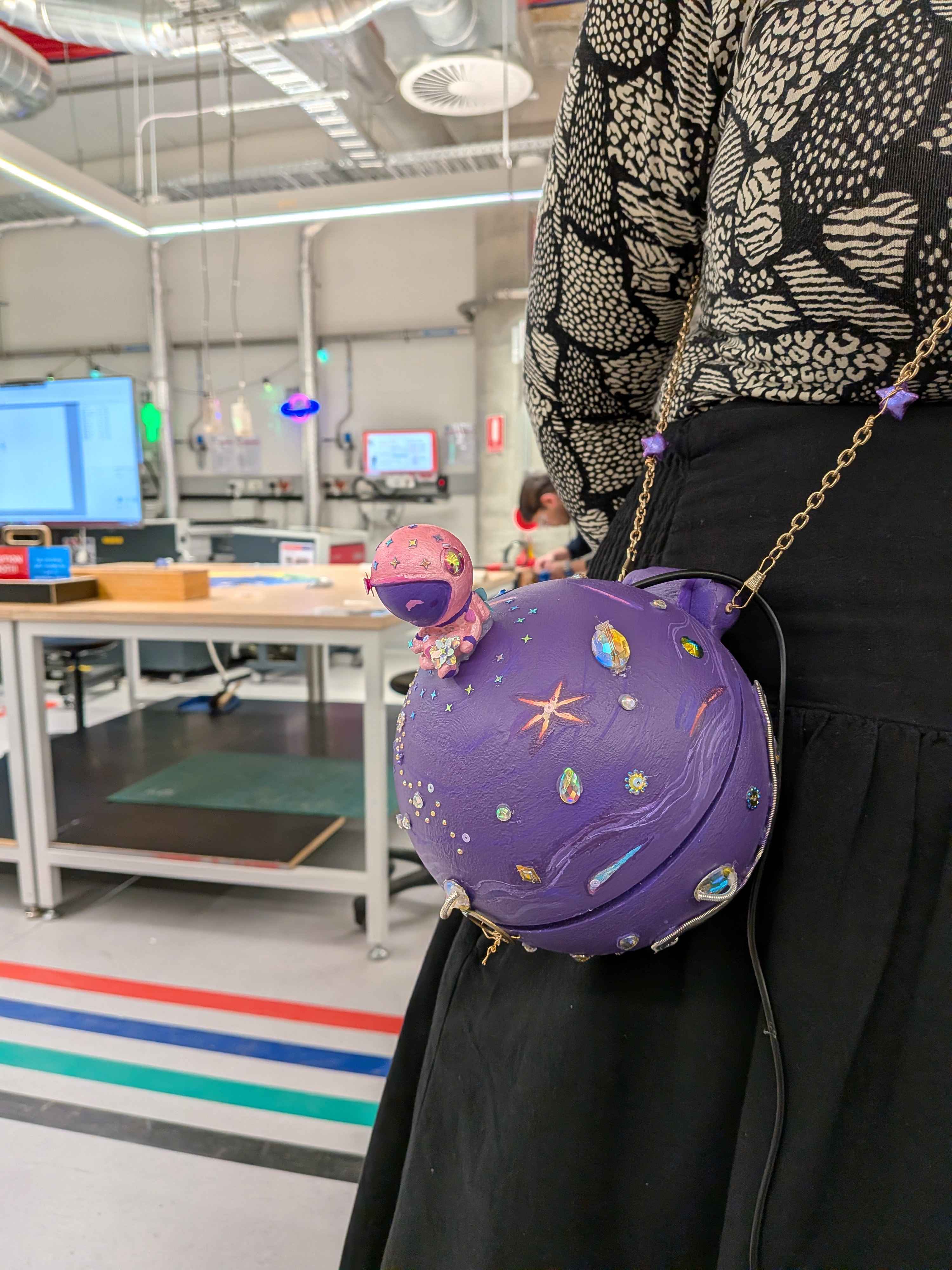
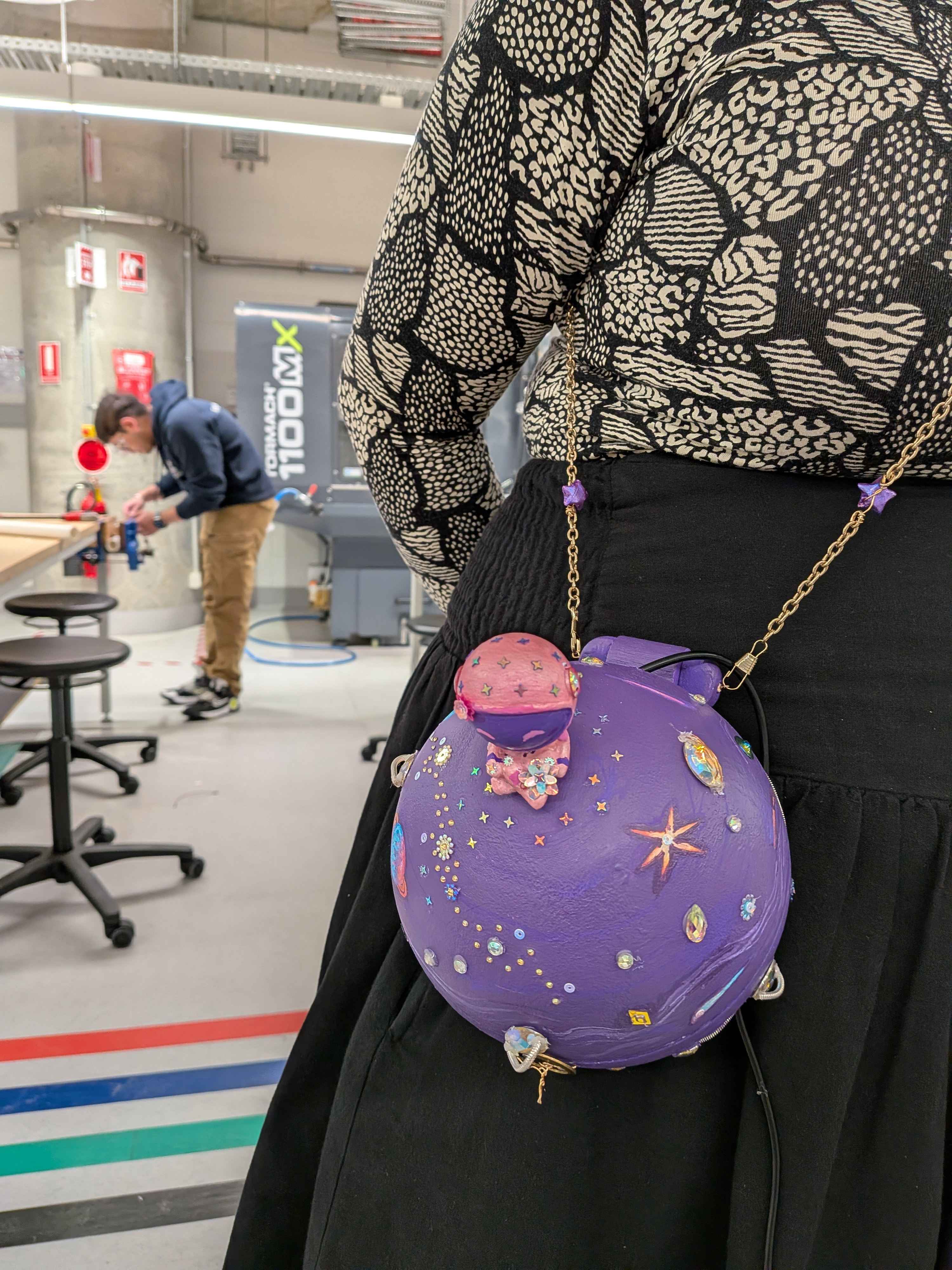
We were also inspired by the recent ‘whimsification’ of digital technology, and all it entails. For example, the rise of barbie themed cyberdecks, digital jewelry, and even cute key caps can often be interpreted as women reclaiming a now male-dominated industry, and more generally a protest against the idea of conformity within a modern age. Technology as a medium is inherently fun and expressive! We wanted to make our final project as full of ‘whimsy’ and ‘joy’ as possible, and emphasise the need for creativity just for the sake of creativity! Hence, our astro-deck is wearable and covered in glitter and hand painted accessories!
What it does
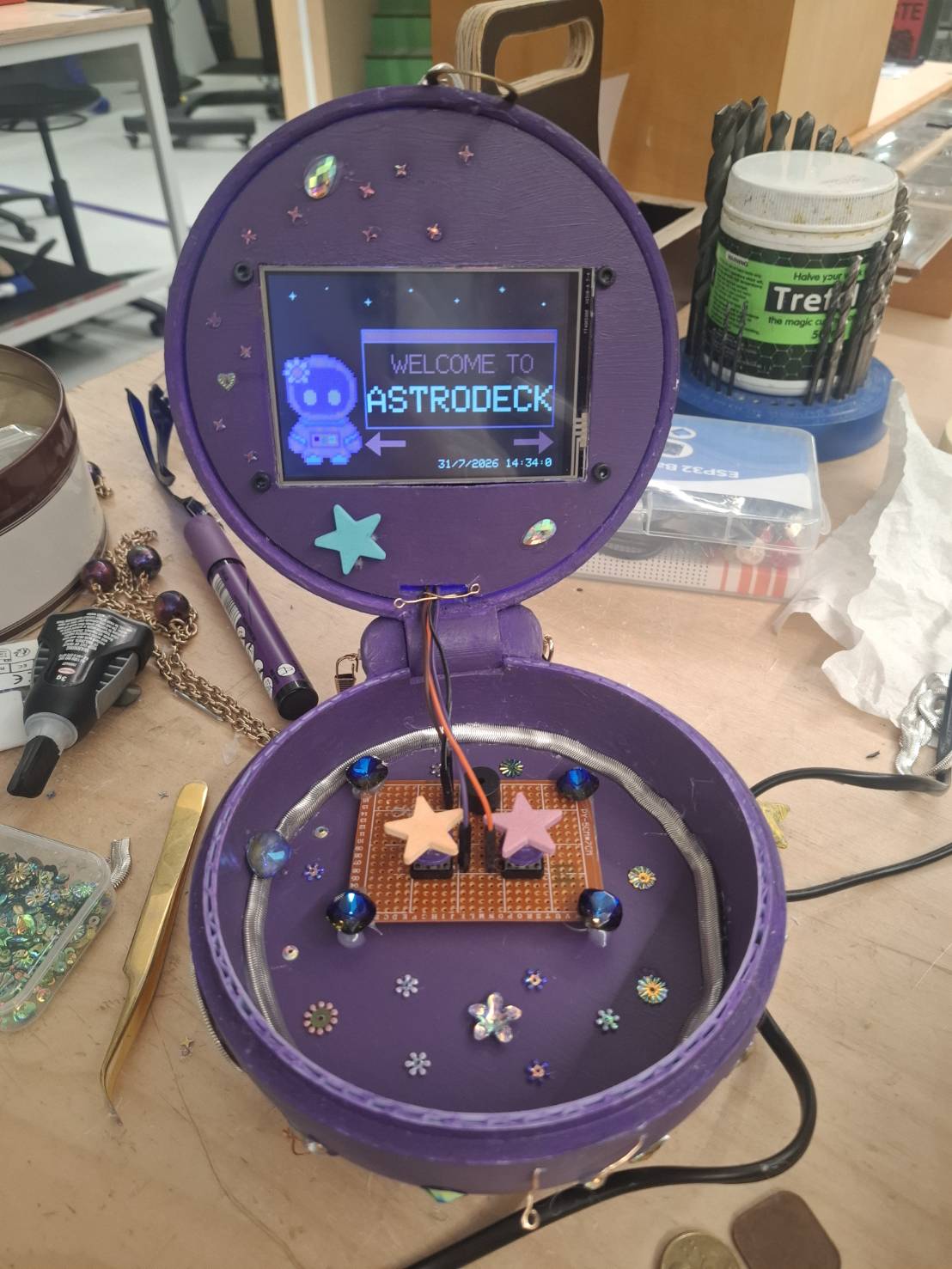
The Astrodeck displays useful astronomical information such as: moonrise and moonset times, moon phases, current date and time, sunrise and sunset times, the visibility status of planets as well as their azimuths and altitudes, temperature, the visibility status of common stars seen from Melbourne and their direction, and messages of encouragement from our crafty coders. This information is useful for any astronomy-lover who wants to check current celestial data and go stargazing!
How we built it
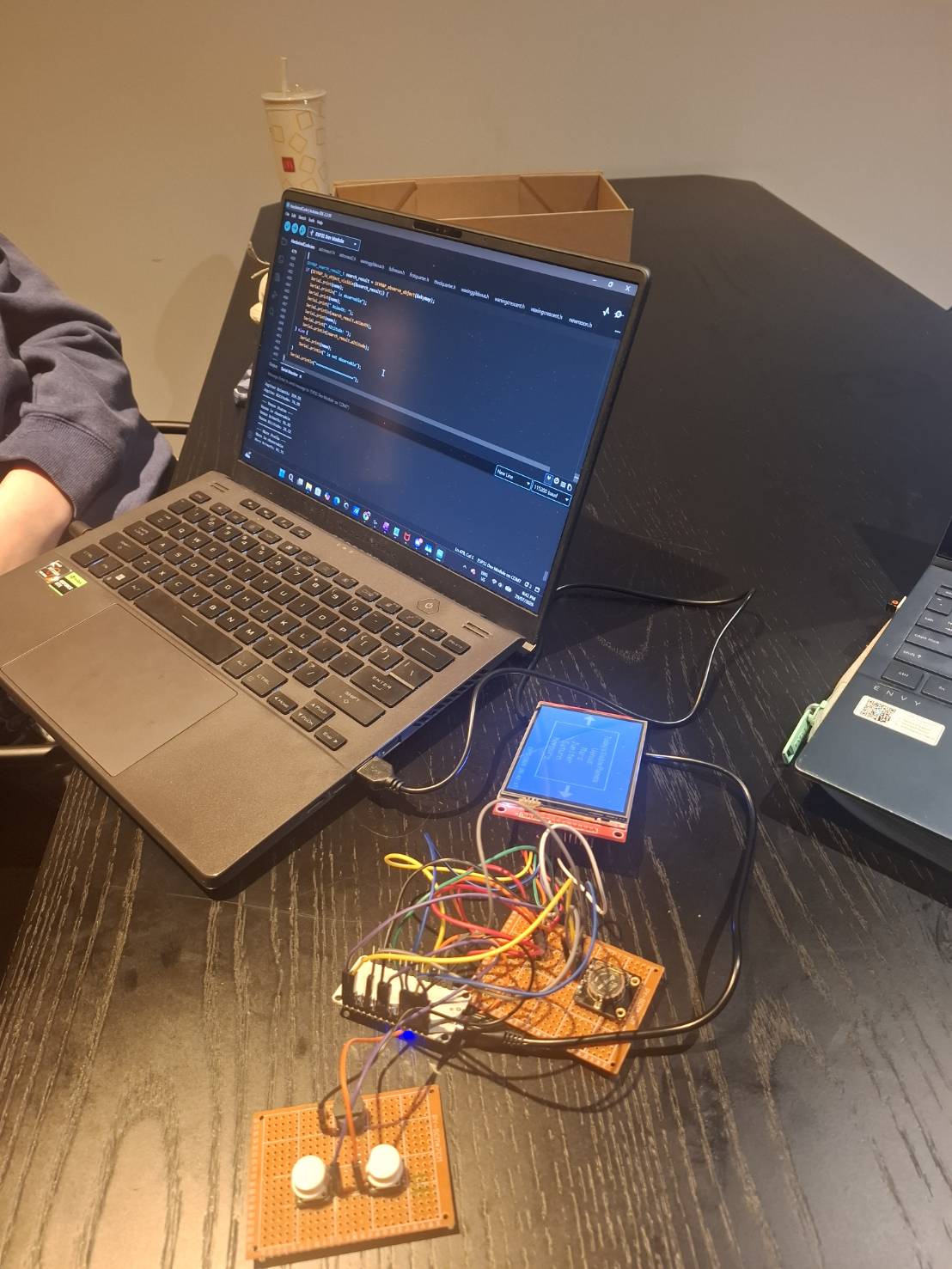
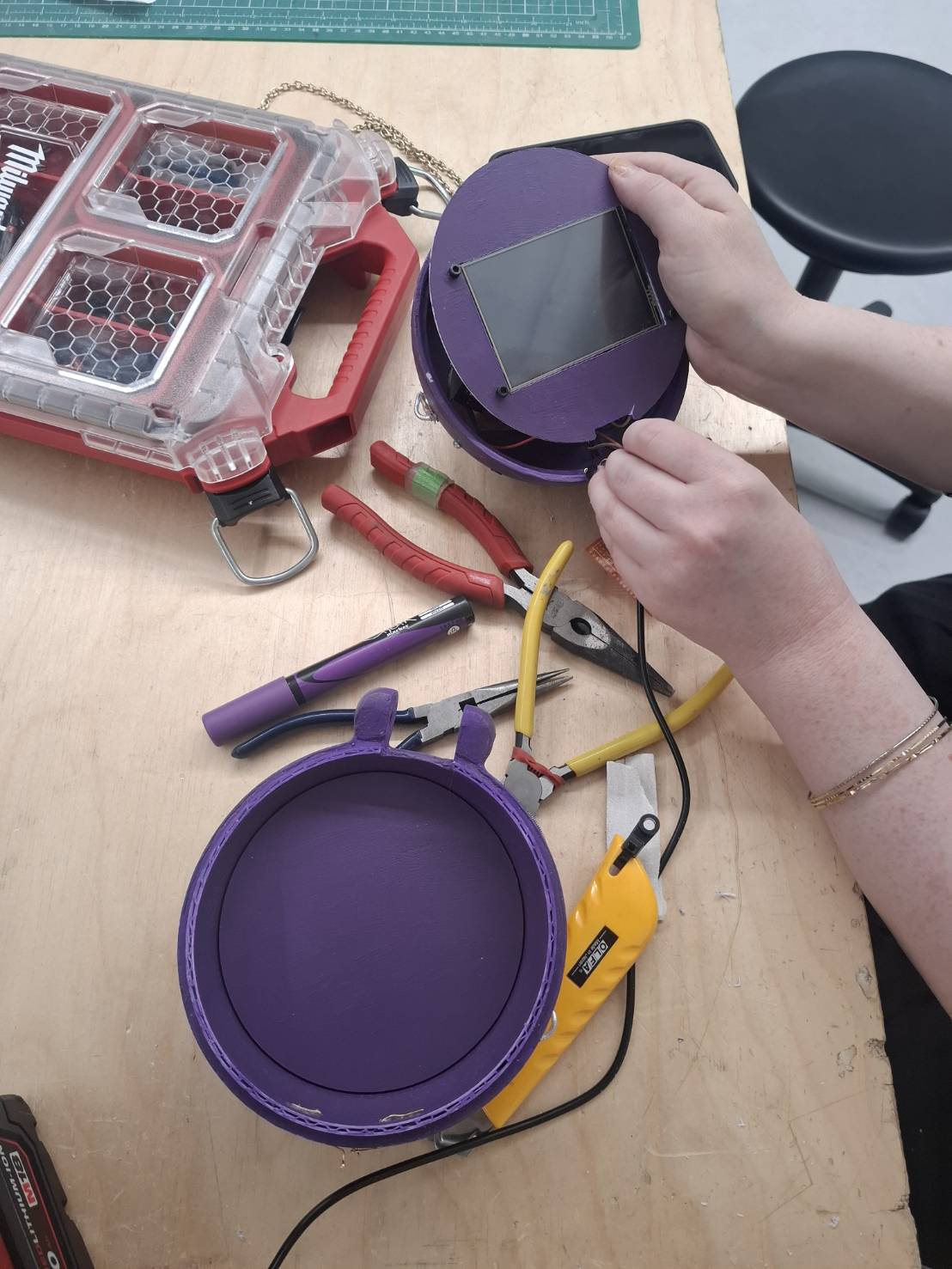
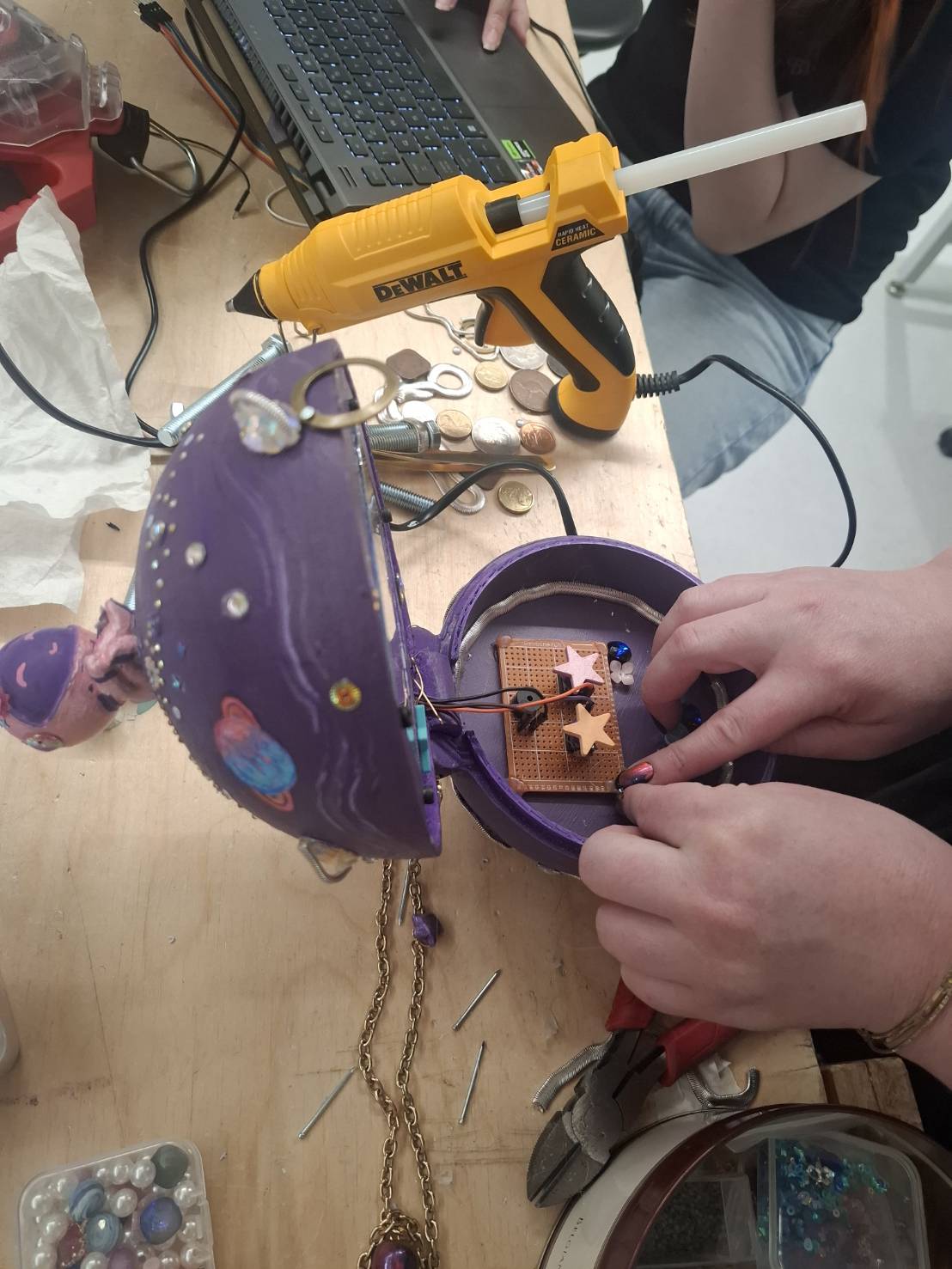
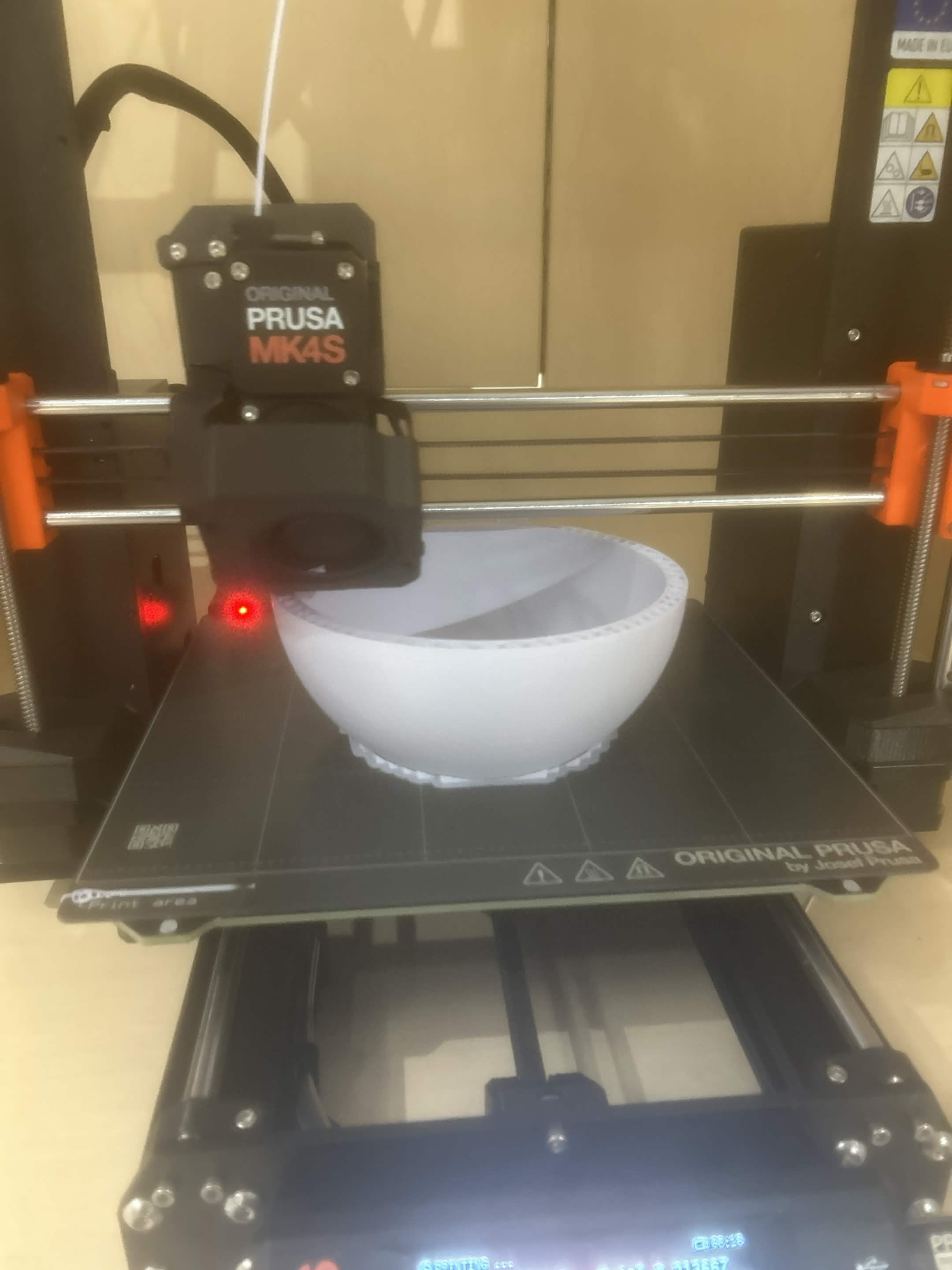
We integrated libraries in C++ to do the astronomical calculations for the celestial events, and configured it to use local Melbourne time using the RTC module - allowing the device to function completely when offline, and to keep tracking time even when powered off. Finally, we installed all the electronics into our 3D-printed case.
Challenges we ran into
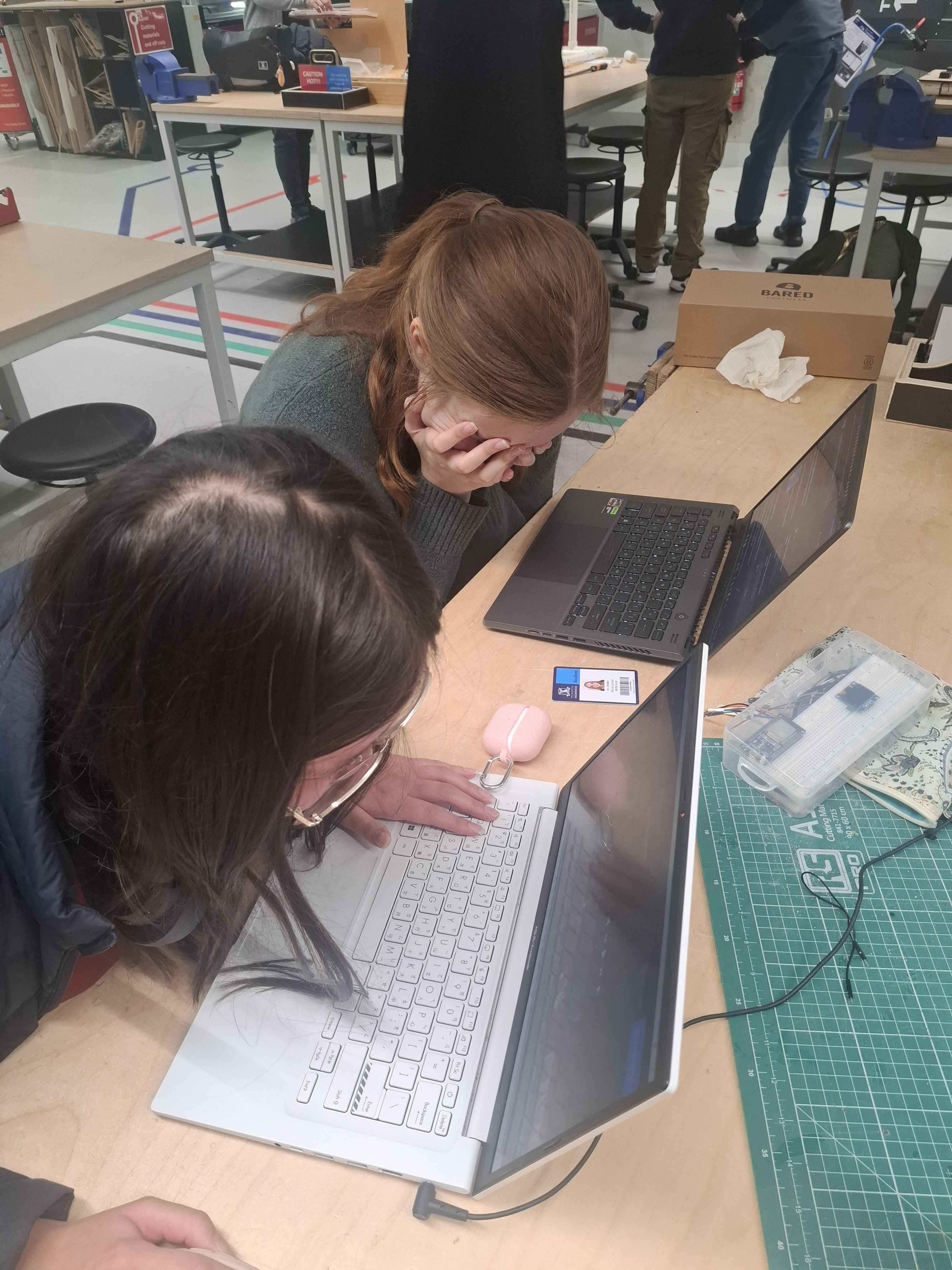
There were many challenges we ran into. Below are the key ones. We initially planned to use a bluetooth keyboard, but the bluetooth function on the keyboard could not connect with the ESP32. We then tried to plug the keyboard directly into a raspberry pi 4, whereupon we realised that the screen displaying function (for non hdmi users) had changed recently, rendering all libraries and tutorials made earlier than 6 months ago for said raspberry pi useless, making the raspberry pi 4 route a dead end. With less than a week left, we had to return to the esp32. discard all our Python and astronomical calculations logic, and rewrite everything in C++ from scratch. Navigating unfamiliar, poorly documented libraries in C++ (written by astrophysicists :( ) was really challenging, especially coming from using libraries in Python. Furthermore, because each library required a different input time format, we had to wrestle with endless time zones and epoch conversions just to read Melbourne time accurately off the RTC. The notation and units used in astronomy are endlessly complicated, and navigating them made the coding experience much more difficult.
Accomplishments that we're proud of
We are extremely proud that we have made our Astrodeck work perfectly despite being short on time and facing obstacles. We can also confidently say that all the information displayed on the screen is accurate and our case and screen design are incredibly cute!
What we learned
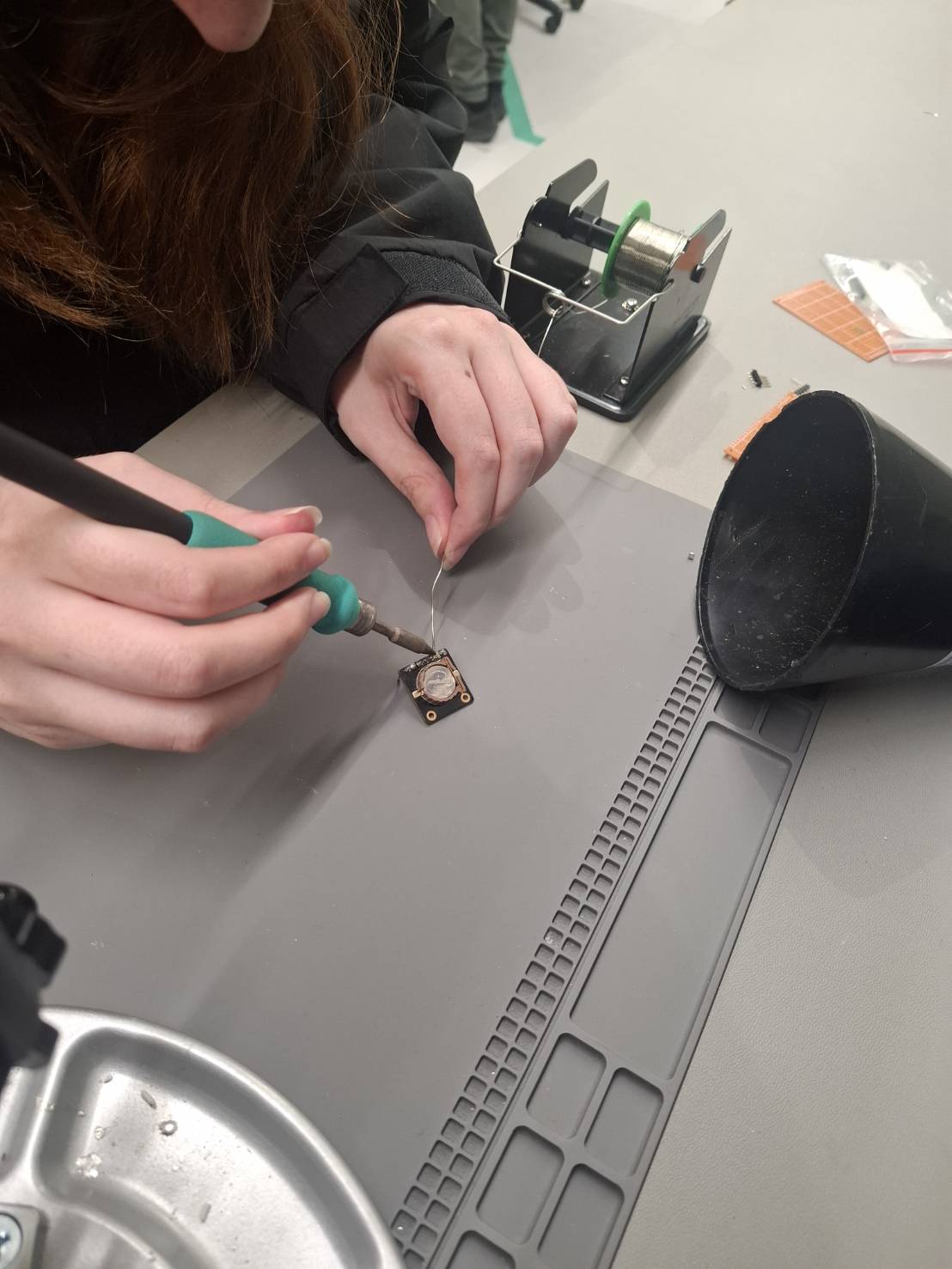
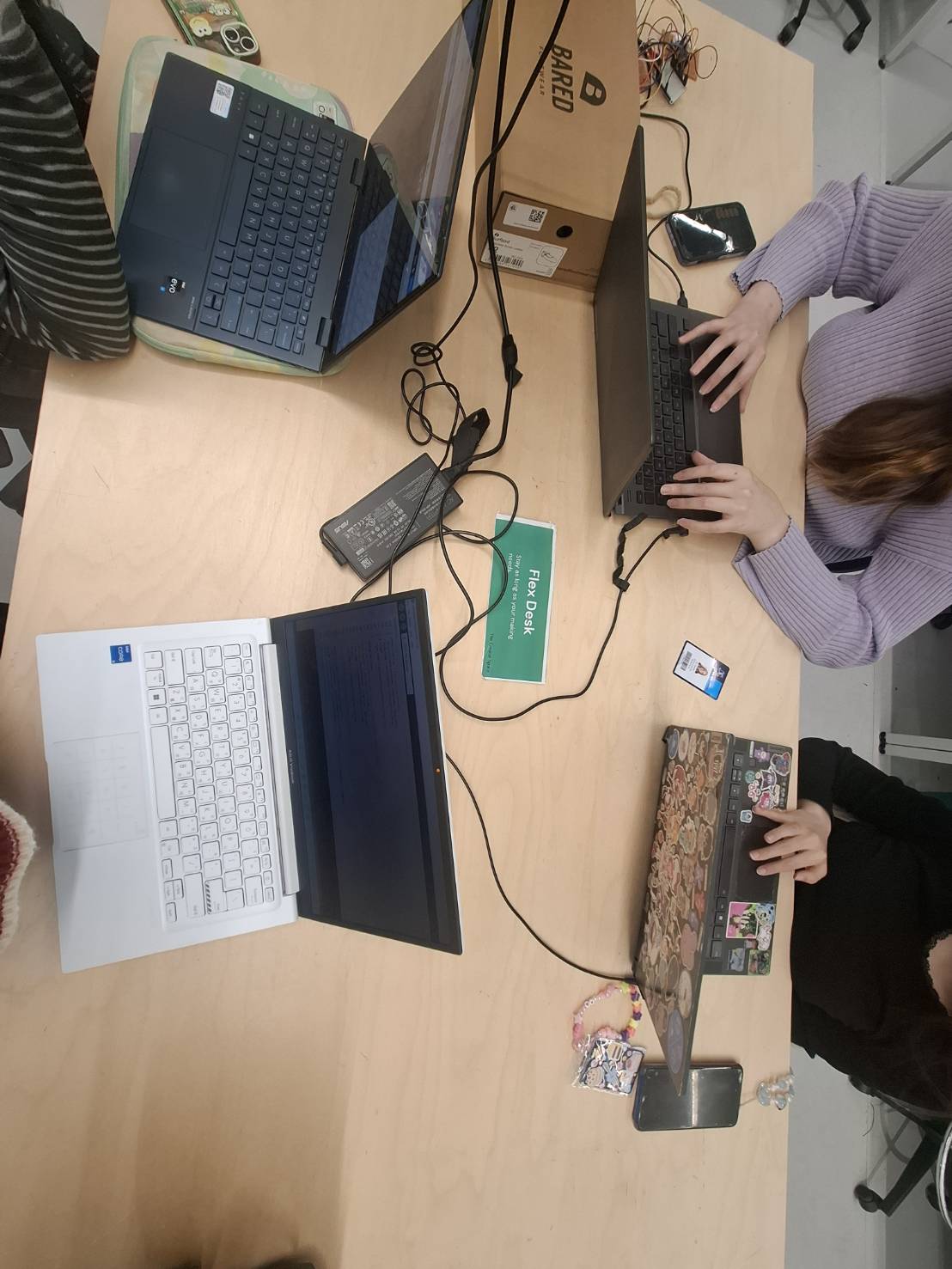
Caitlin: I learnt how to solder, I learnt how 3D printing works, I learnt how to prime and paint 3D printed stuff and how to use a hot glue gun. Hsien-wei: I learnt how to code in C++, how to research unfamiliar topics independently, and how to implement different third party libraries. I also refreshed my memory on core concepts like pointers and structs work. Chantelle: I learnt how to use a saw and drill, how to resize and file 3D prints, how to video edit, how to create animations and UI Design! Alicia: In this project, I learnt how to interface with a SPI TFT LCD and use a RTC module. I’ve become more familiar with writing code in C++, using FSM logic, and soldering - as this was my first time soldering onto a perfboard. This project really helped improve my ability to plan, coordinate and work collaboratively in a bigger team with people from different disciplines to reach a final goal. Rachel: More about the elliptical orbit of celestial bodies, the physics behind it, the irregularlity/regularity of astronomical events, how to 3D print, and writing code in C++.
What's next for Astrodeck
We might add a notes taking feature that allows the user to record their thoughts or observations. Additionally, a small star themed game (similar to the Chrome dinosaur game and super mario) could be included for entertainment. We could also potentially integrate weather forecasts when an internet connection is available to determine overhead visibility or use an API to tell when more irregular events like shooting stars could occur!
Built With
- c++
- esp32

Log in or sign up for Devpost to join the conversation.