-
-
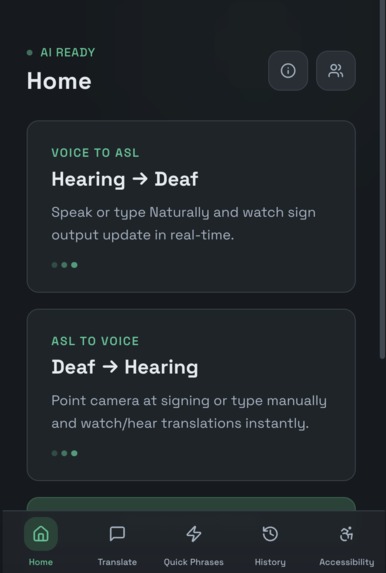
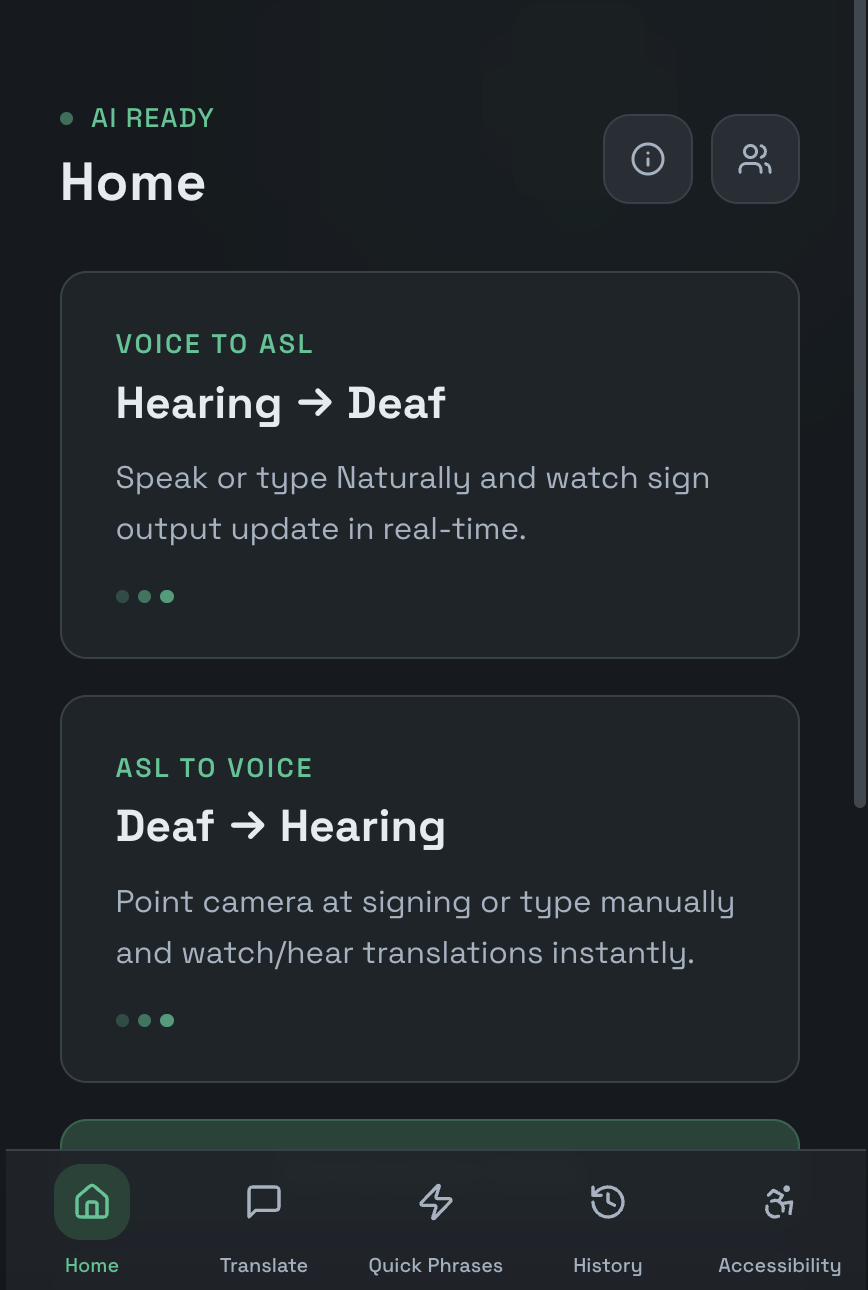
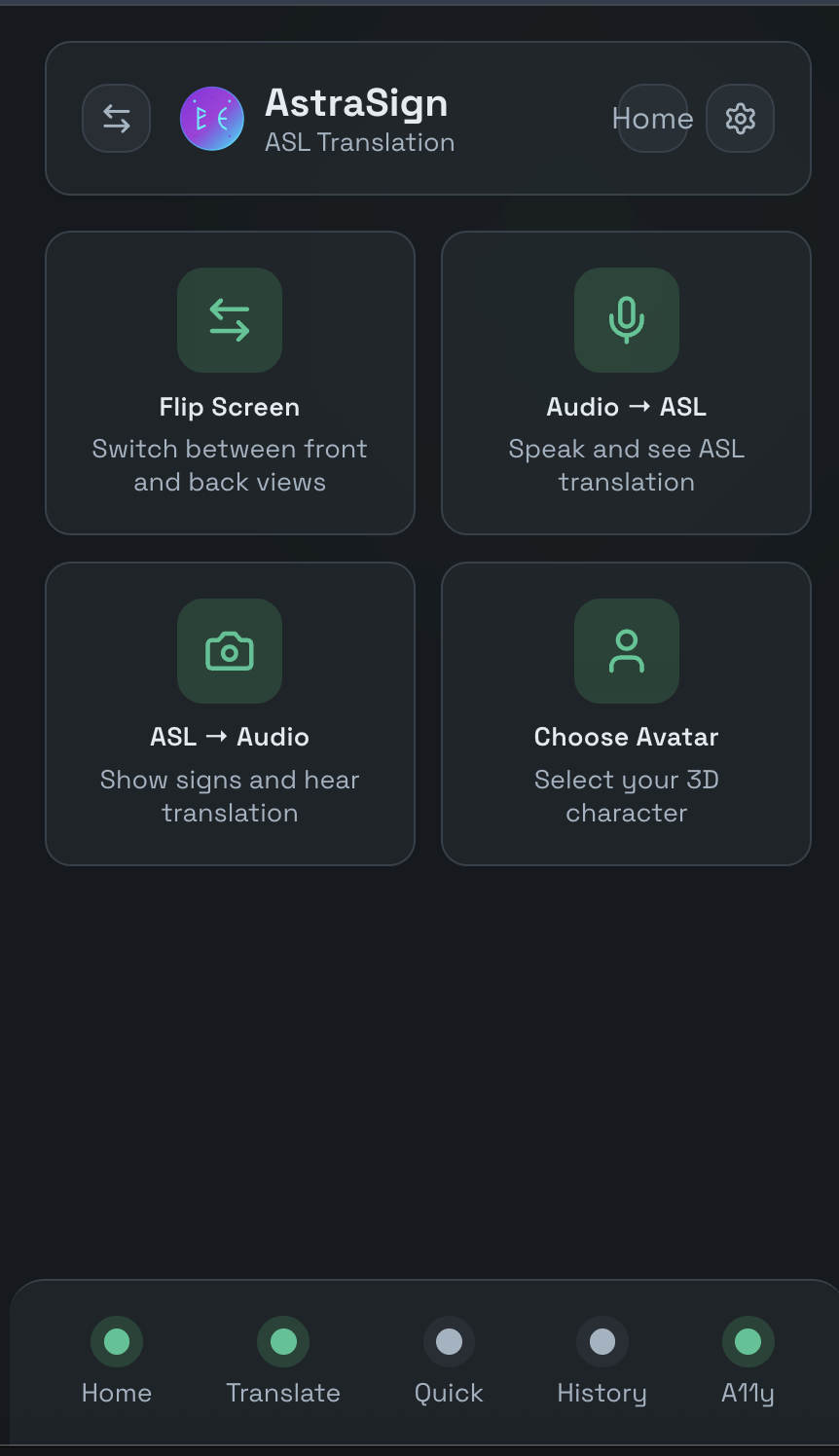
Home Page
-
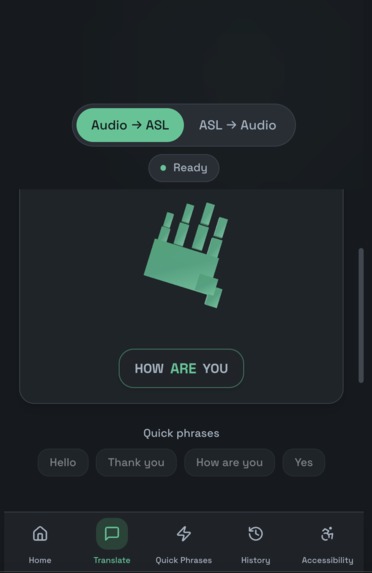
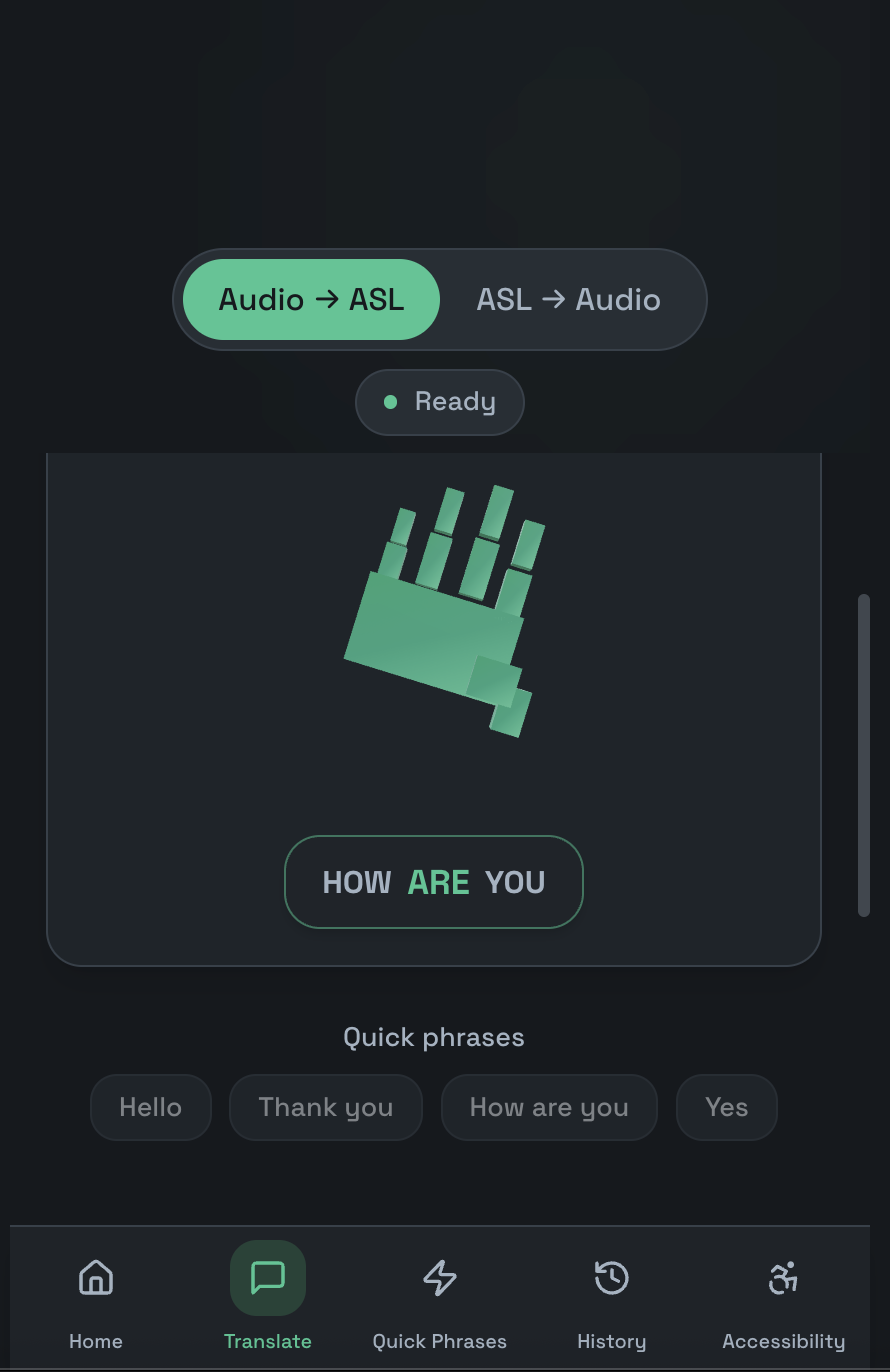
Audio -> ASL Page
-
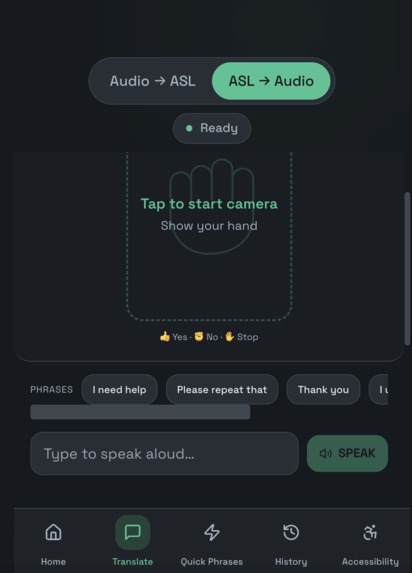
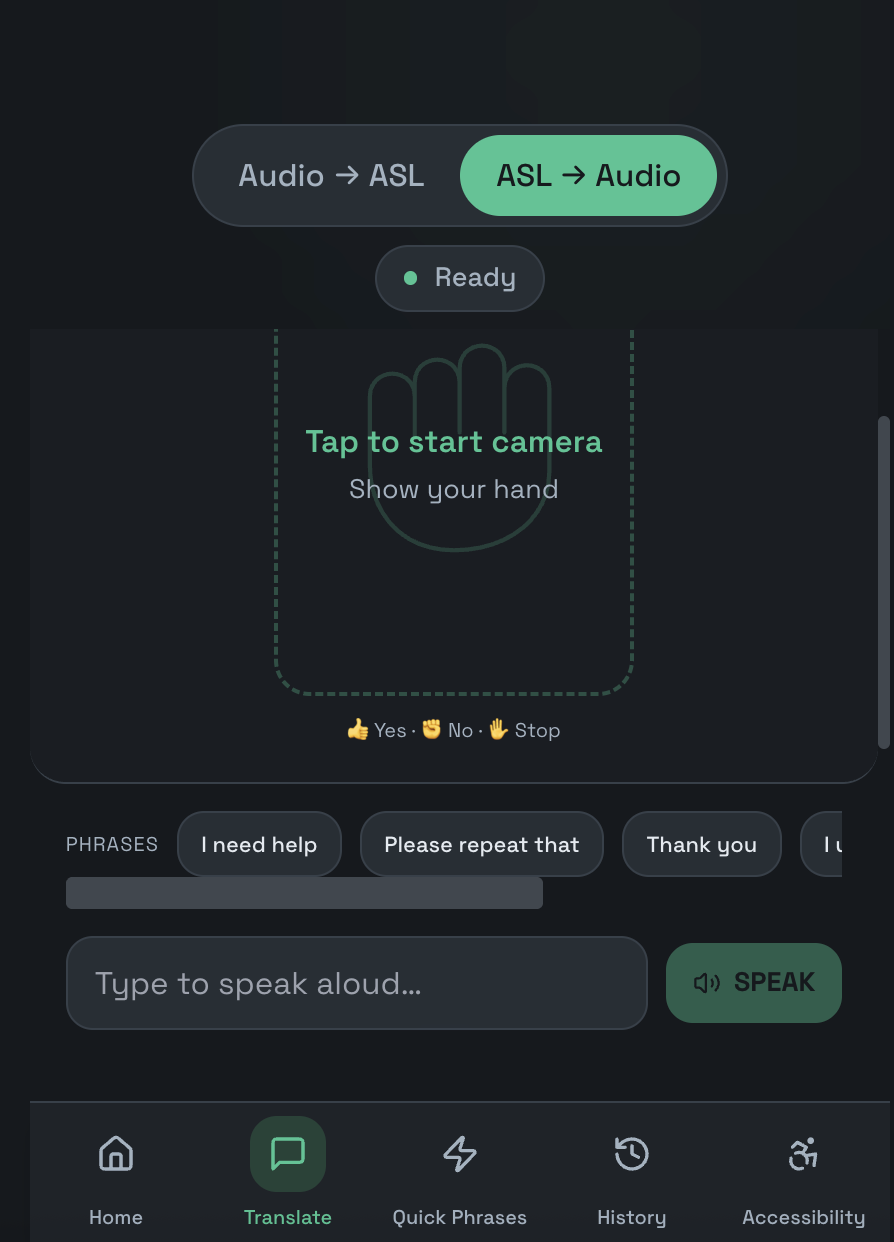
ASL -> Audio Page
-
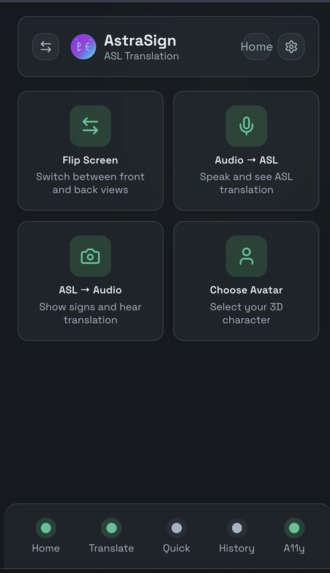
Association Hub Page
-
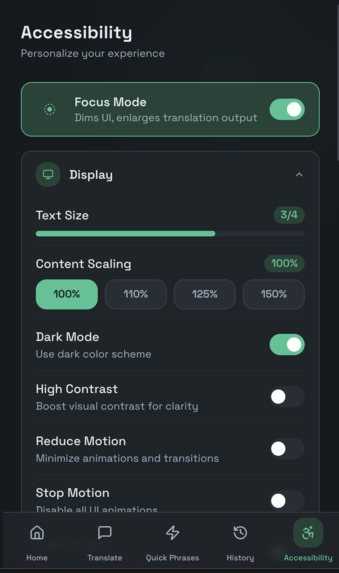
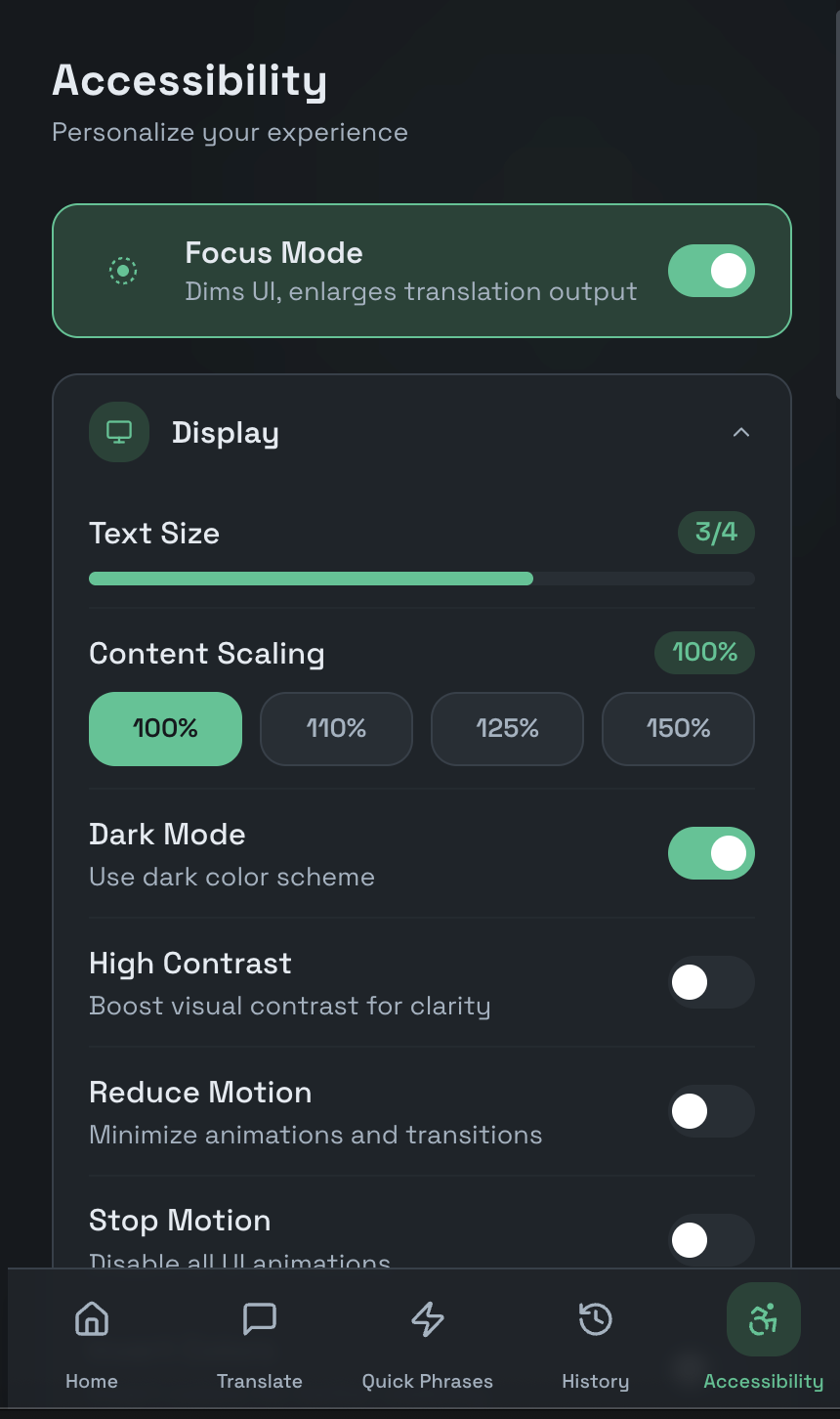
Accessibility Page
Inspiration
Splitting communication between Deaf and hearing people is a daily problem: at the doctor’s, in class, or anywhere in between. Most tools only go one way or aren’t built for real-world use. We wanted one app that works both ways: speak and see ASL, or sign and hear speech. AstraSign is that bridge, so anyone can have a real-time two-way conversation from a single device.
What it does
AstraSign is a two-way ASL translation web app. Audio → ASL: speak and see sign translation in real time (like “Start Signing” on the home screen). ASL → Audio: point your camera at signing; the app recognizes hand shapes (Yes, No, Stop, One, Two, etc.) and speaks the word aloud. A Translation Hub lets you switch modes, flip the camera, and use quick phrases and history. We built in accessibility from the start: focus mode, haptic feedback, voice guidance, and confidence display so more people can use it.
How we built it
We used React, TypeScript, and Vite for the front end, with a purple/cyan dark theme and mobile-friendly layout. For ASL → Audio we used MediaPipe Hands for hand tracking and a small custom gesture classifier that maps poses to words for low-latency recognition.
For Audio → ASL and natural sentence processing, we built a modular AI pipeline. Speech is transcribed using Whisper (speech-to-text), processed through Gemini to restructure sentences into ASL grammar, mapped to signs through our internal sign database, and optionally converted back to speech using ElevenLabs when needed. This creates a full bidirectional flow: user speaks → transcription → language processing → sign mapping → voice output.
Navigation and modal state management control which translation mode is active, ensuring seamless switching between Audio → ASL and ASL → Audio. A global accessibility layer handles focus mode, haptics, voice feedback, and confidence display.
Challenges we ran into
Overlays on the ASL Detection screen were blocking taps on Flip, mode switch, and “Tap to start recognition.” We fixed it by making decorative layers non-interactive and giving the control panel its own layer and z-index. The “AstraSign” wordmark and logo were disappearing on the dark theme; we fixed the gradient to use our CSS variables and updated the logo SVG so everything stays visible. We also had to tie the camera start to the button and handle loading so the feed and controls stay in sync.
Accomplishments that we're proud of
We shipped real two-way flow in one app—same experience from Home and the Translation Hub. Accessibility (focus mode, haptics, voice guidance, confidence) is built in, not bolted on. Static pose recognition is stable and fast enough to demo smoothly, and Flip Screen plus Audio→ASL and ASL→Audio in the hub correctly open the main Translate tab with the right mode.
What we learned
Complex layouts with camera and overlays need a clear plan: one non-interactive layer and explicit interactive layers so nothing blocks taps. Our theme variables are raw HSL, so gradients and SVGs need hsl(var(--name)) to show correctly on dark backgrounds. For a hackathon, a few flows that work well beat a long list of half-built features.
What's next for AstraSign
AstraSign is just the beginning. We plan to expand our ASL vocabulary and improve gesture recognition accuracy to make conversations even more natural. We’re working toward more expressive 3D avatar rendering, customizable signer identities, and smoother two-way dialogue. Long term, we envision integrating AstraSign into AR platforms like Meta Ray-Ban smart glasses to enable real-time sign overlays anywhere — making seamless, inclusive communication truly accessible by default.
Built With
- accessibility-focused
- american
- asl
- css
- elevenlabs
- gemini-api
- guidance
- haptics
- html
- language
- mediapipe
- modal
- sign
- typescript
- ux
- vite
- voice


Log in or sign up for Devpost to join the conversation.