-
-
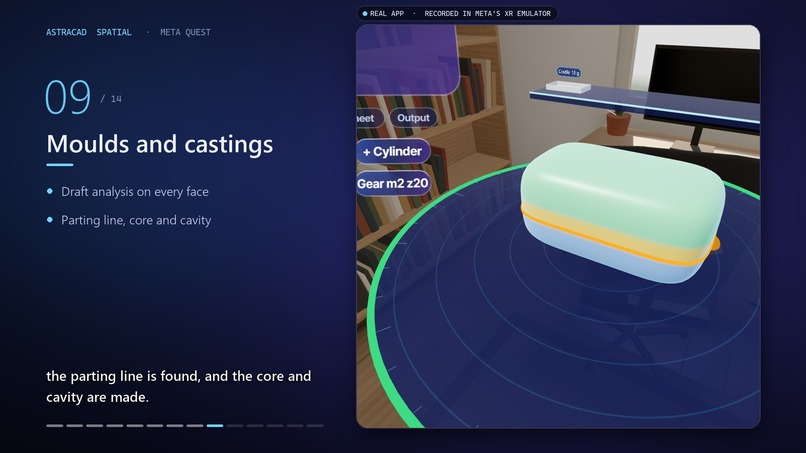
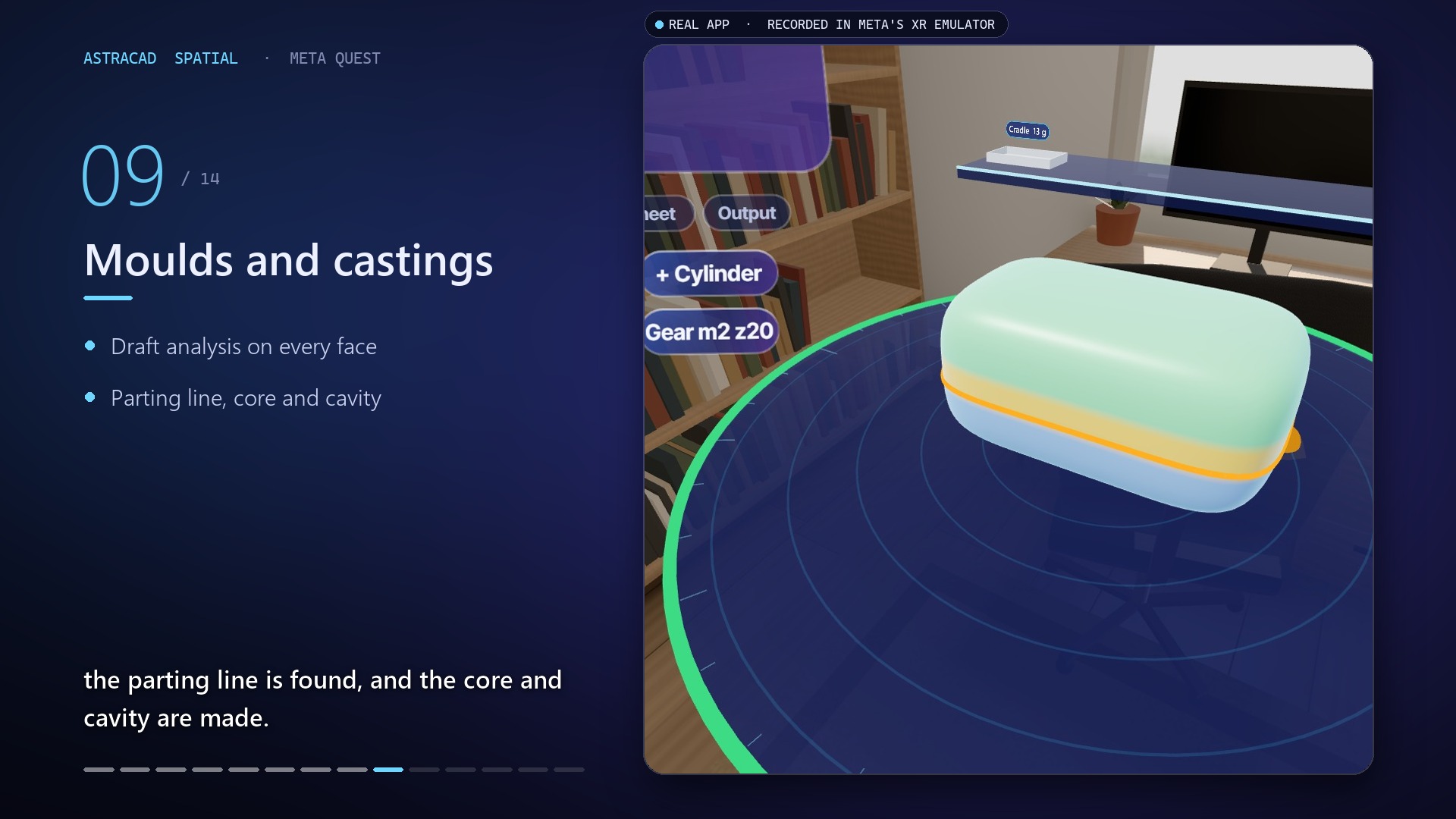
Mould and Castings
-
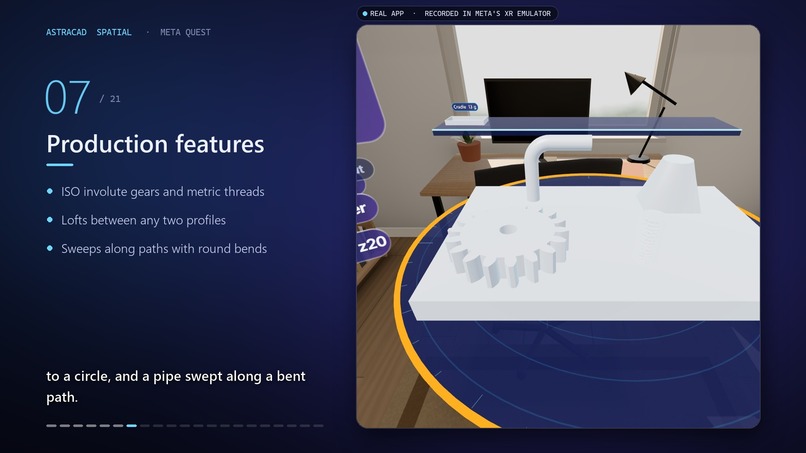
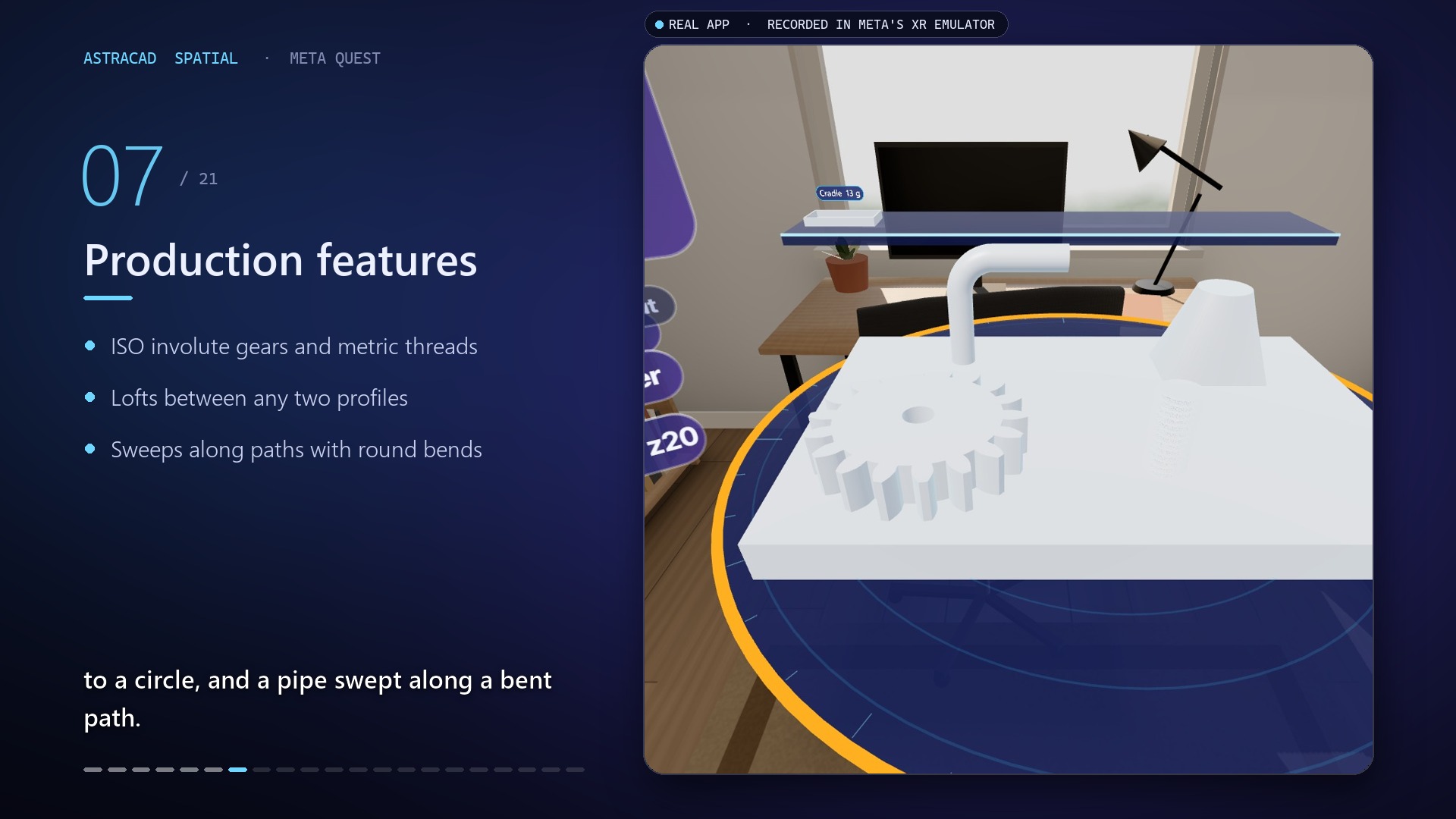
Production features
-
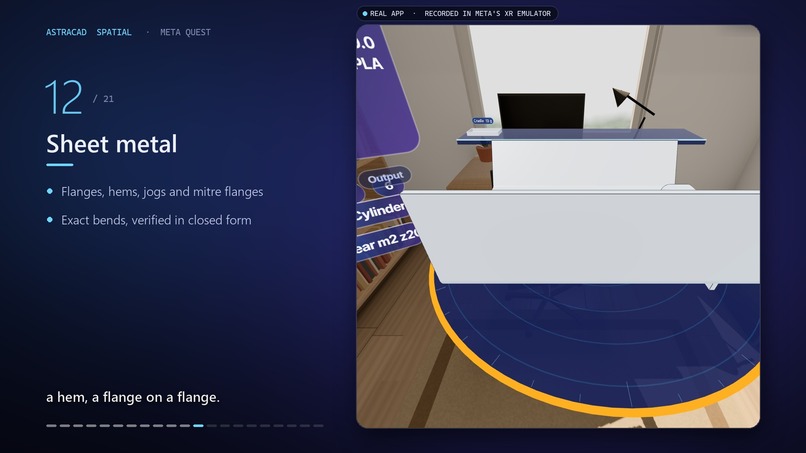
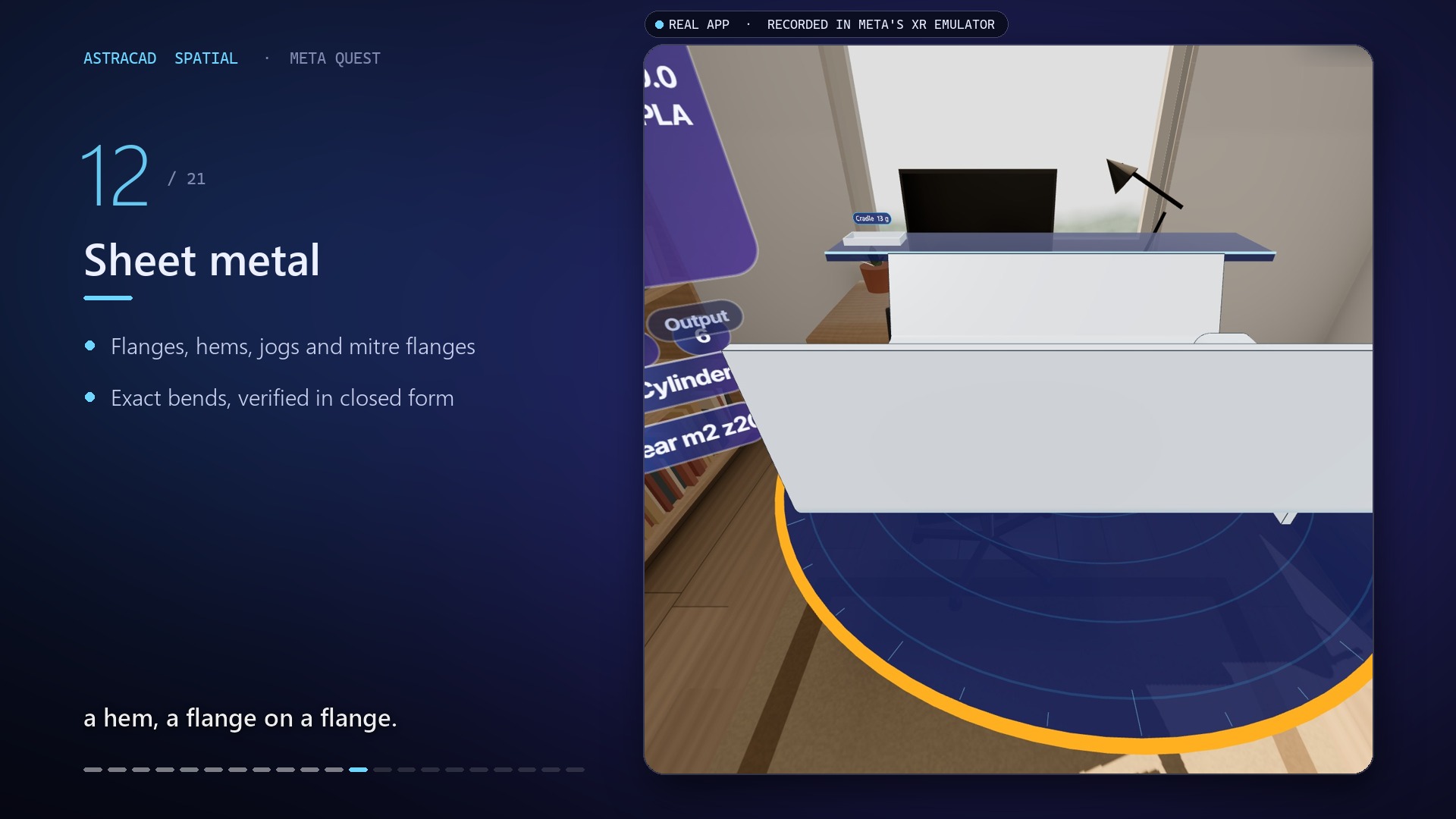
Sheet metal
-
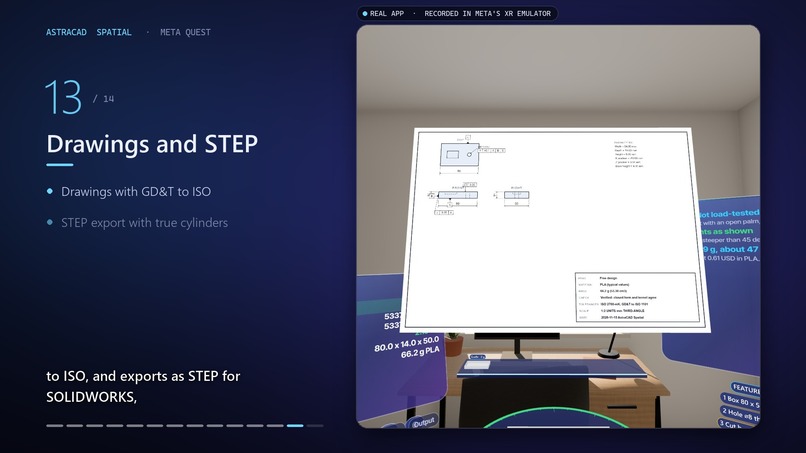
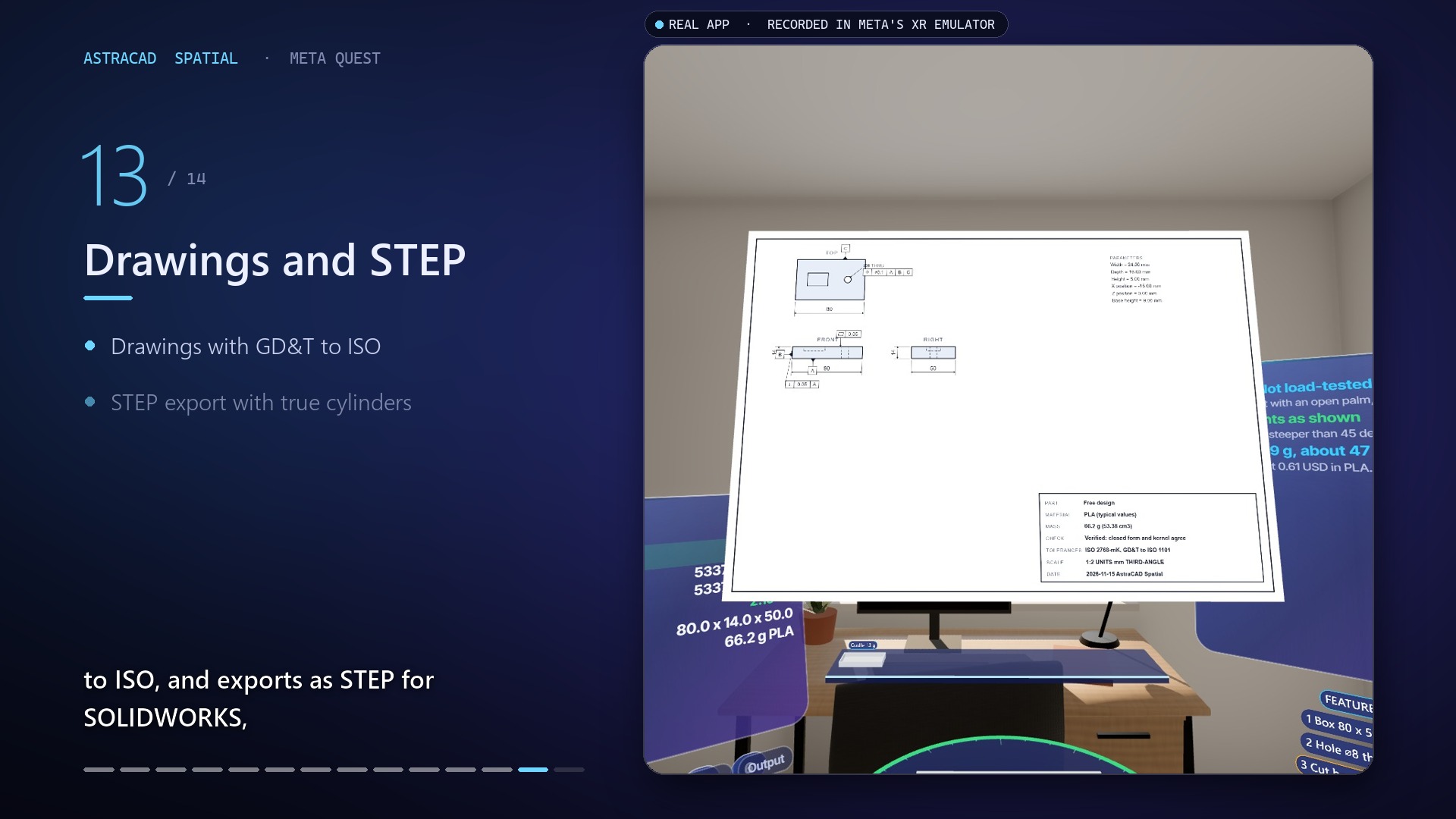
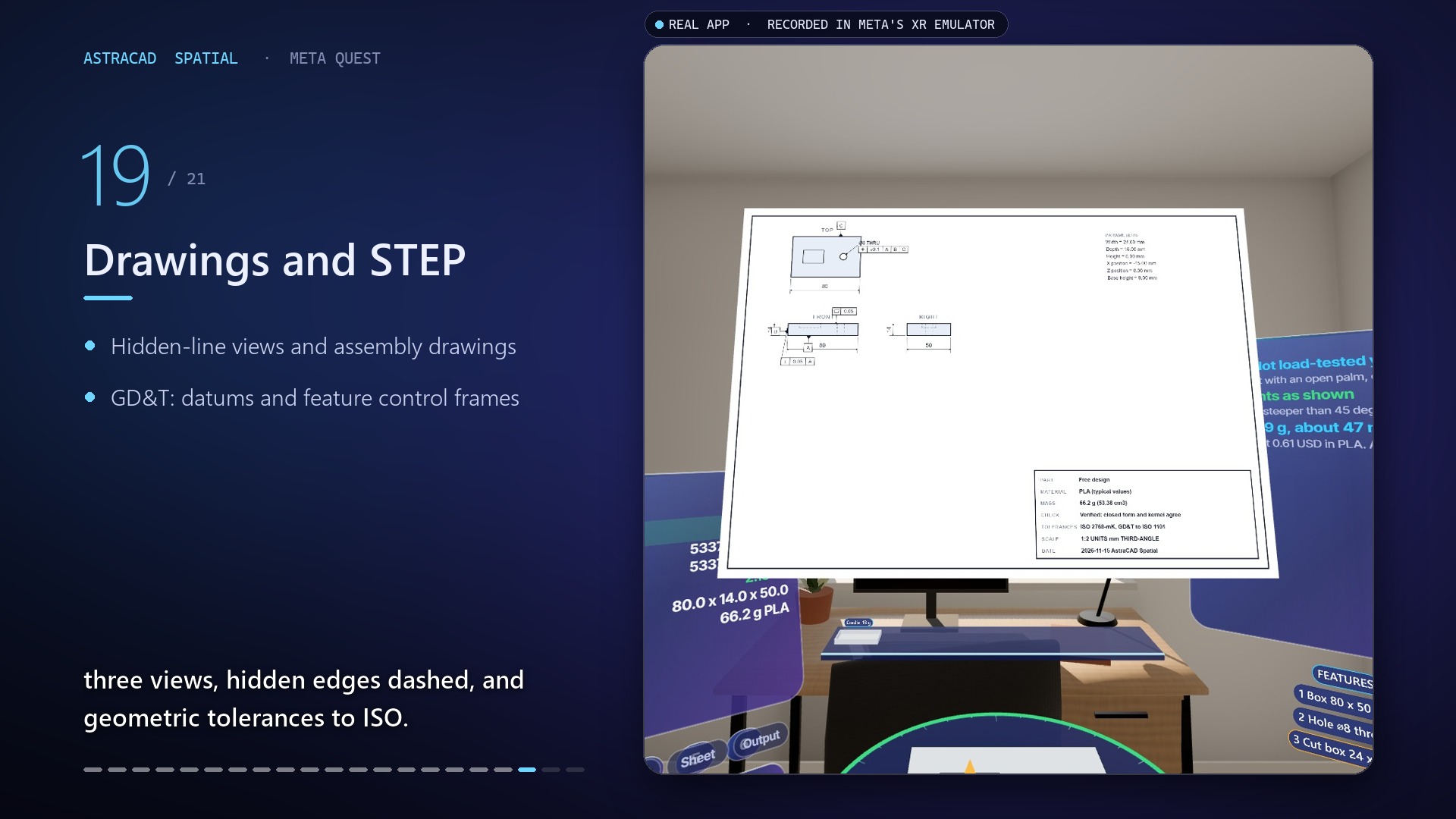
Drawing File
-
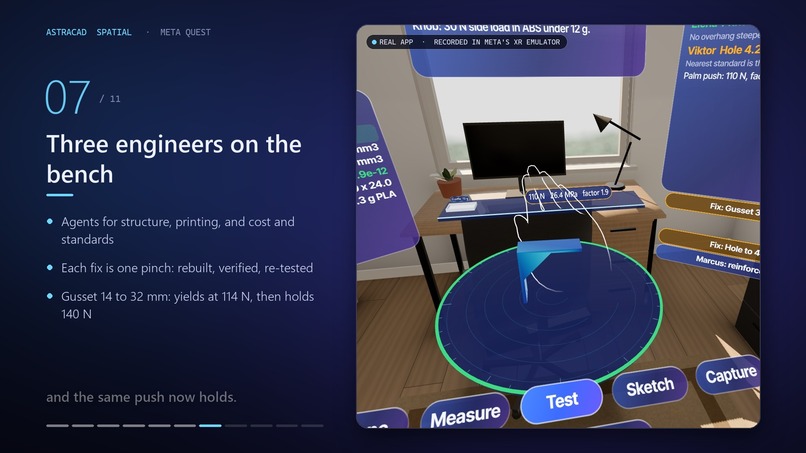
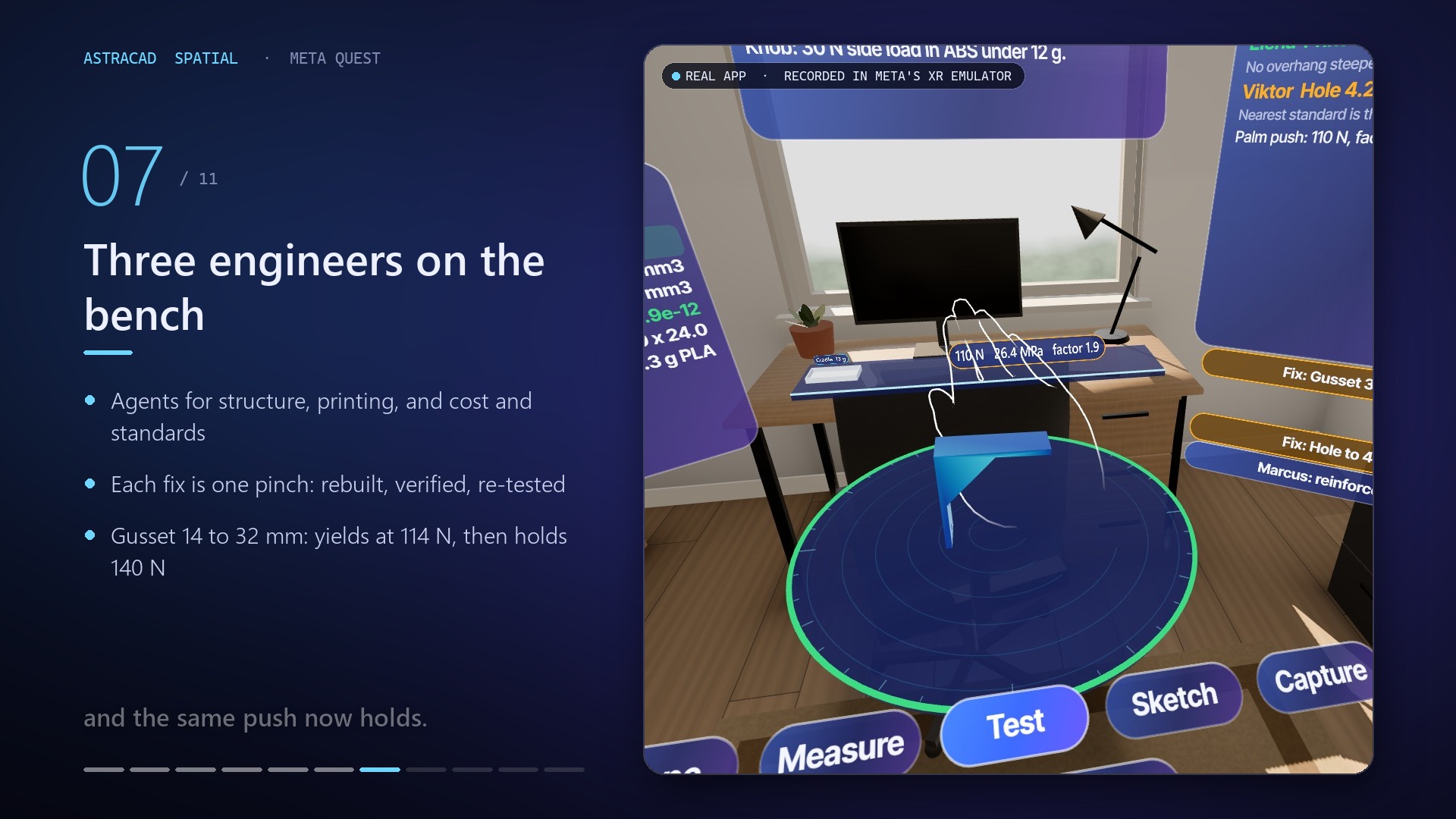
Stress analysis
-
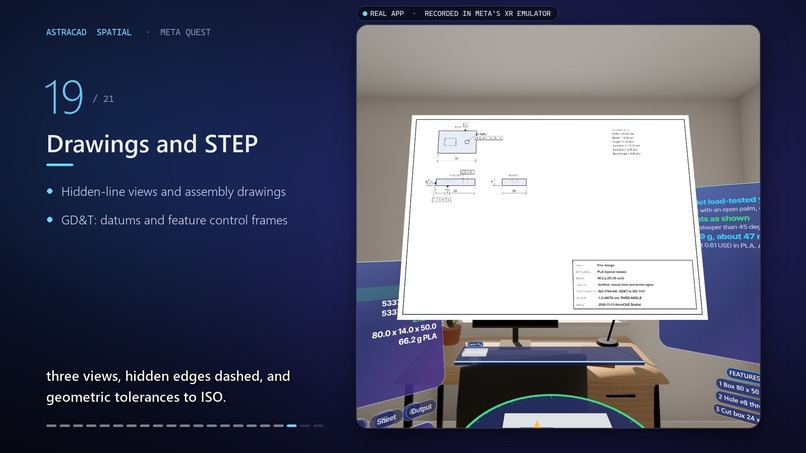
STEP File
-
-
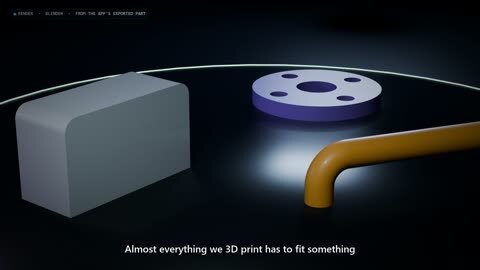
Blender components
-
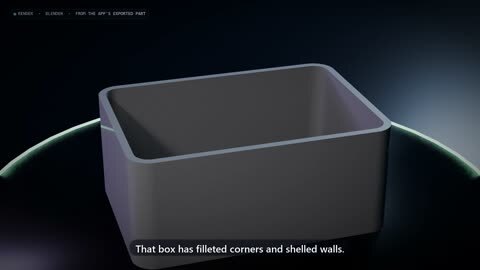
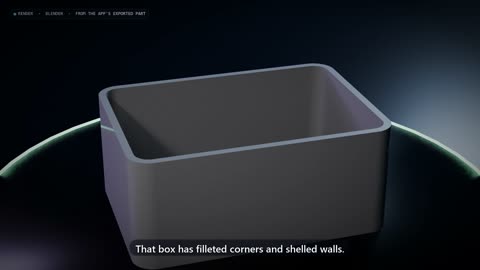
Box blender generated
-
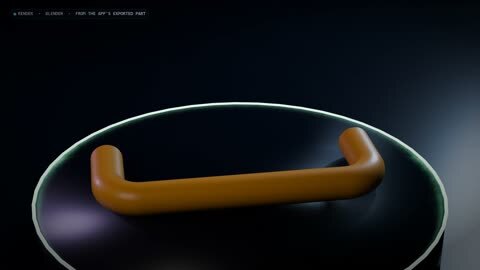
C frame
-
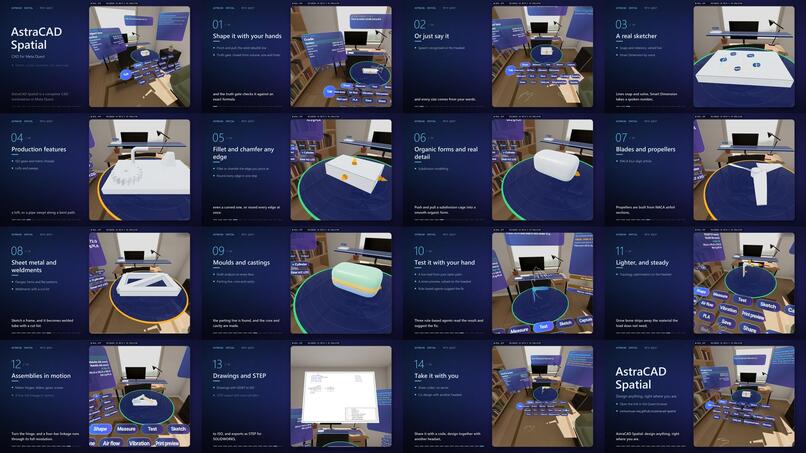
Final Checklist
-
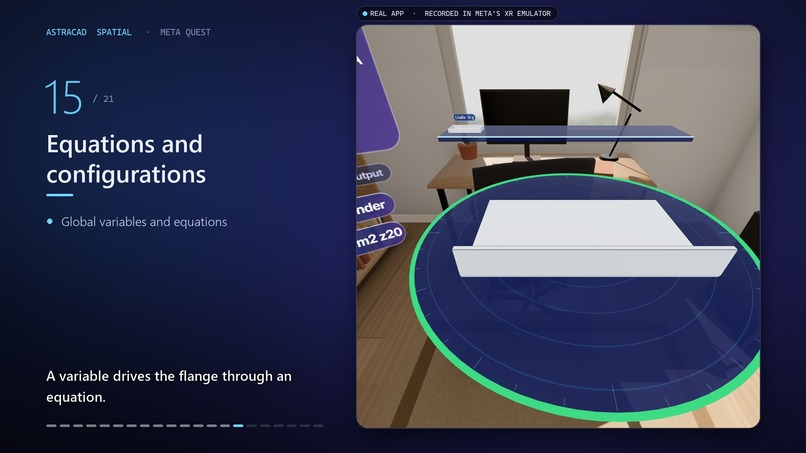
Weldmetals
AstraCAD Spatial: Hands-First CAD in Mixed Reality
Inspiration
A replacement part begins with a real object: a phone that needs a stand, a bracket that must fit a space, or a small component that has broken. The usual process moves between measuring tools, desktop CAD, and repeated test prints. We wanted to make that loop more direct: measure in context, shape with your hands, and make the geometry checks visible.
What it does
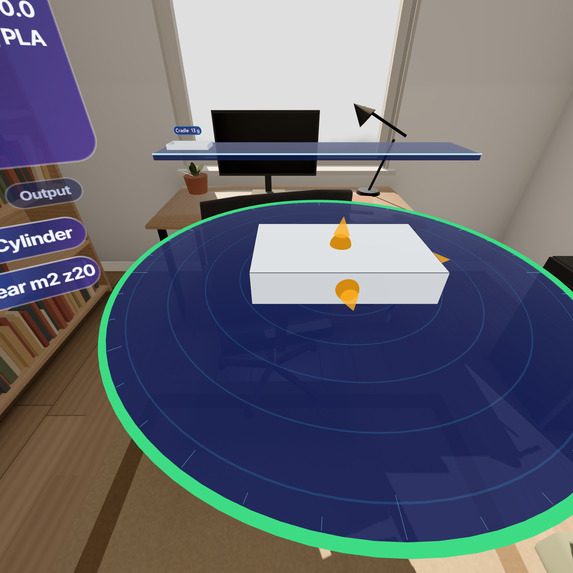
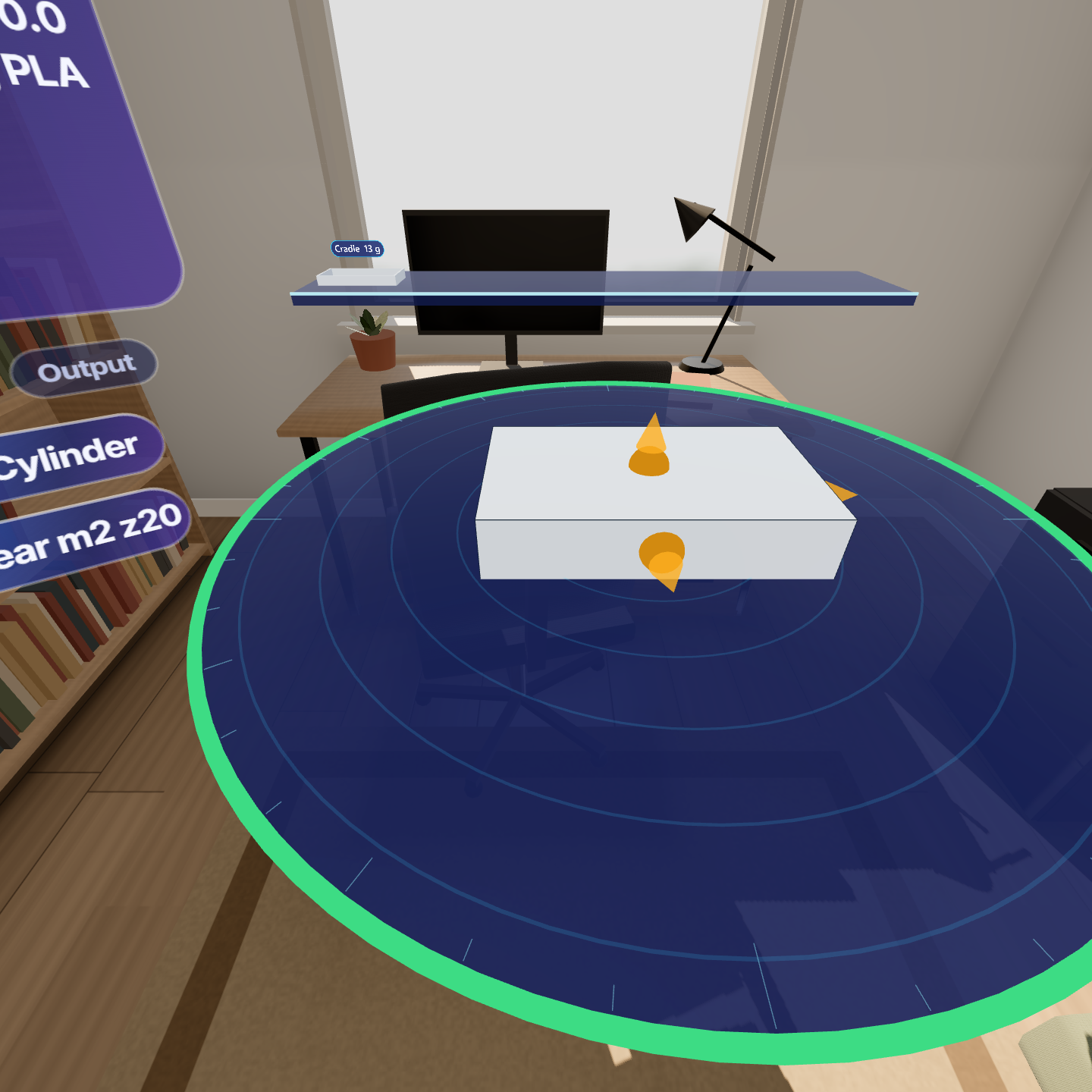
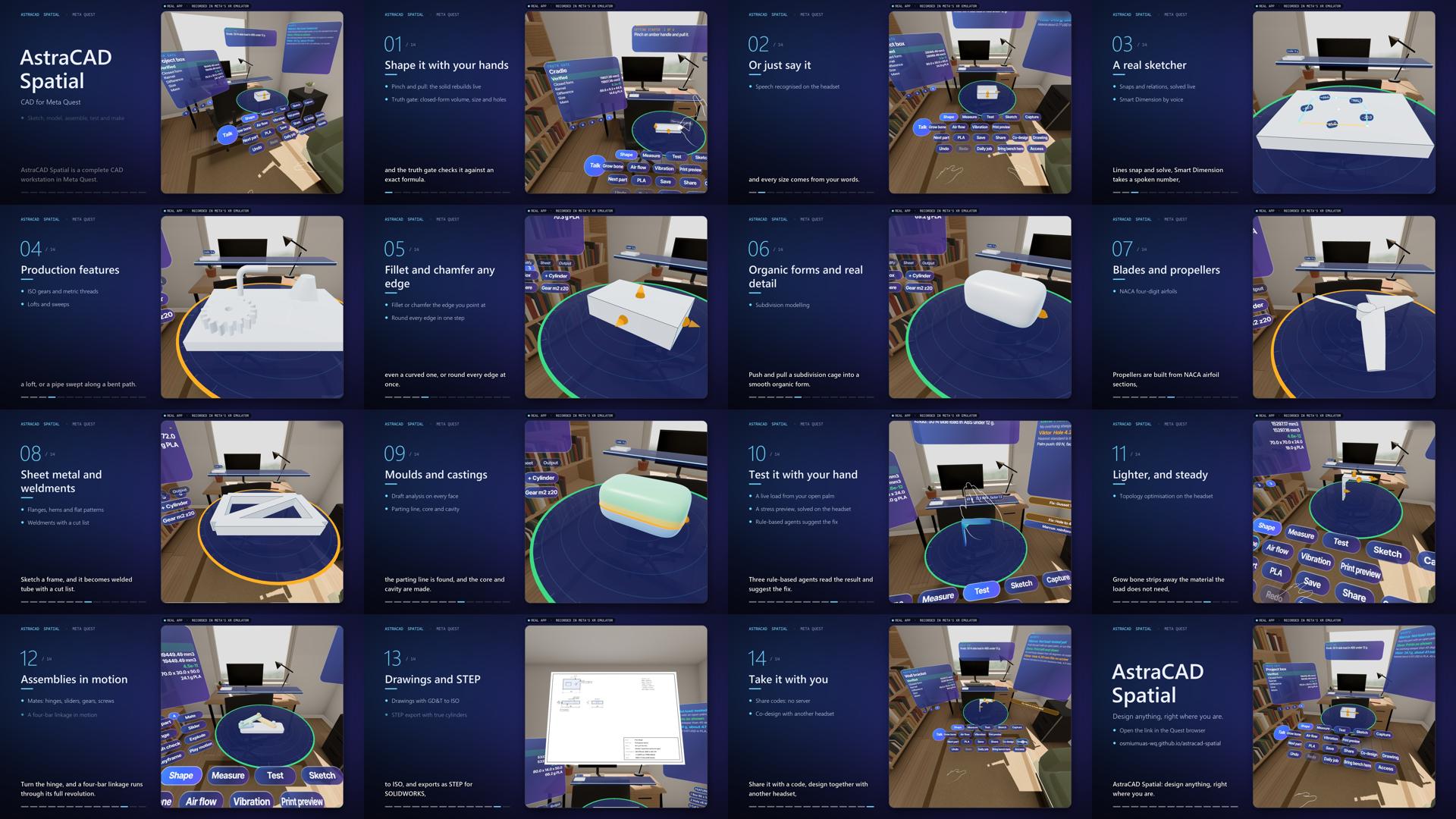
AstraCAD Spatial is a browser-based CAD workbench designed for mixed-reality headsets, with a desktop editor as well. Users measure an object with tracked finger-span or two-hand calipers, create a fitted cradle or a parametric extrusion from a traced footprint, then edit dimensions and features with hand gestures, a tool ribbon, or typed and spoken commands. The project includes constrained sketching, assemblies, sheet metal, weldments, and co-design between browsers.
The geometry engine builds parts with the Manifold WebAssembly kernel. Supported operations are checked by a closed-form Truth Gate before acceptance. Users can inspect stress and vibration design previews, get rule-based engineering feedback, and export formats including STL, 3MF, STEP, and SVG drawings.
AstraCAD is a design aid, not certified metrology or engineering software. Hand measurements are approximate and show their sample spread. Stress results are previews, not safety certification. Imported STEP models have limited editability. Interactions and the demonstration footage were checked in the IWSDK browser XR emulator; the app has not yet been verified on a physical Quest headset.
How we built it
We built the client-side application in TypeScript with Meta's Immersive Web SDK and WebXR. Modeling and analysis run in browser workers so long operations do not block the interface. Manifold generates the mesh; the truth gate independently checks supported features against analytical volume formulas. A shared application state serves the immersive bench and the 2D desktop editor. Local storage keeps settings and saved parts in the browser; optional co-design uses WebRTC with a public PeerJS signalling broker.
Challenges
The main challenge was making a browser CAD kernel useful without hiding uncertainty or geometry failures. We added analytical checks for supported modeling operations and made rejected builds explain why. Stress previews needed careful grid alignment: a grid that cuts through thin walls can make a part seem artificially stiff. We compared the solver with beam theory and a CalculiX reference case, then aligned the grid to the geometry. Hand tracking also sets a practical limit: a fine editing increment is not the same as measurement accuracy, so the interface shows measurement spread rather than promising sub-millimetre precision.
Accomplishments
We brought measuring, parametric modeling, geometry checks, engineering previews, and manufacturing exports into one browser workflow. The project has automated tests for geometry, commands, exports, and analysis. On the current feature branch, typecheck passes, 248 tests pass with 2 skipped, and the production build succeeds.
What we learned
Mixed reality does not make an approximate sensor exact. Showing uncertainty and offering calibration is more useful than presenting false precision. We also learned that emulator and automated checks are valuable but cannot replace a physical headset test for tracking, comfort, or performance.
What's next
Our next priority is a Quest 3/3S test for hand tracking, comfort, voice latency, and frame rate. We also plan to publish and test the new Fit view command, which adjusts presentation scale to the model bounds without changing its dimensions. Broader future work includes richer STEP feature recognition and improved stress convergence for concentrated loads.
Built With
- javascript
- manifold
- meta-immersive-web-sdk
- onnx-runtime-web
- opencascade
- peerjs
- planegcs
- three.js
- transformers.js
- typescript
- vite
- vitest
- webassembly
- webxr
