-
-

App icon, 1024x1024, uncropped
-
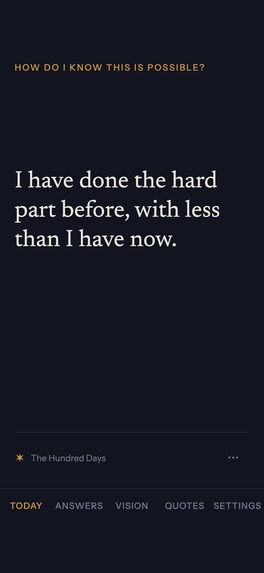
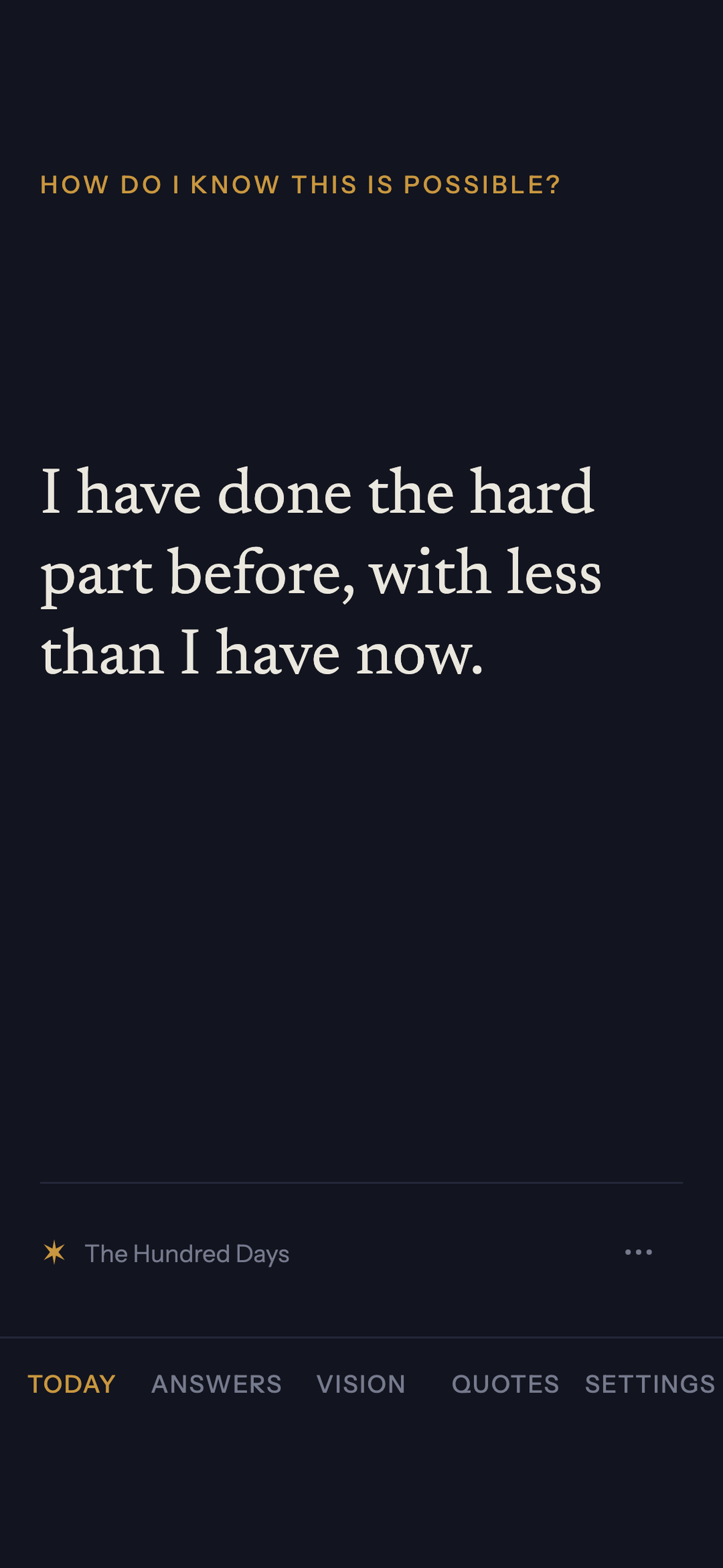
Today: the line for today from the packs you switched on
-
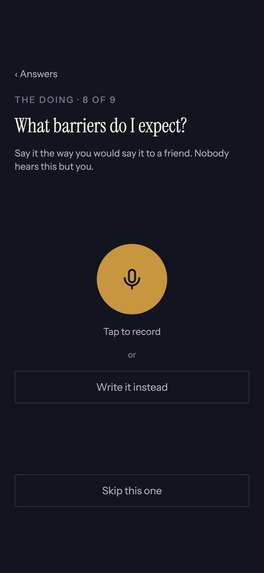
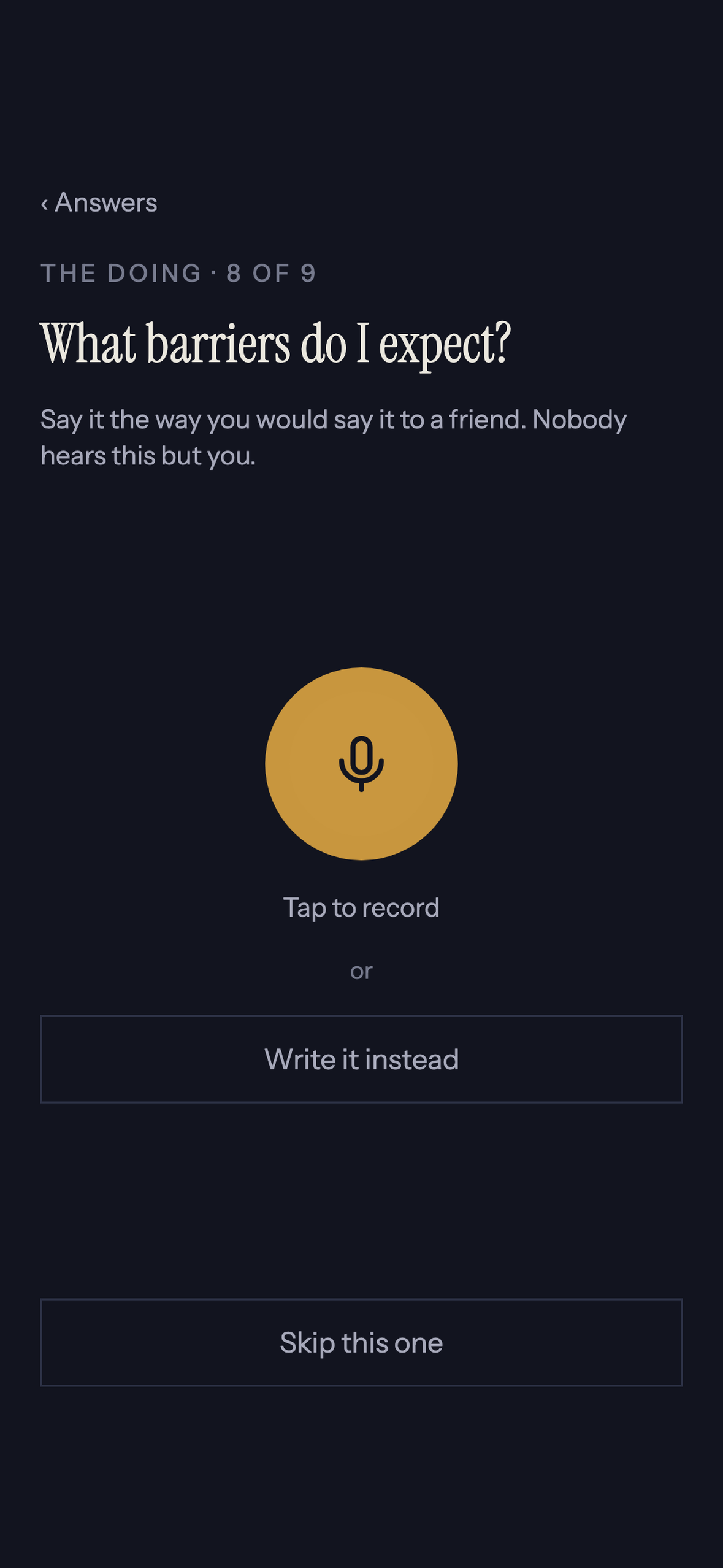
Answering a question by voice. Press once, talk, transcript after
-
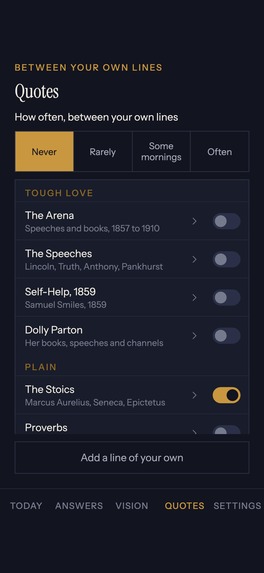
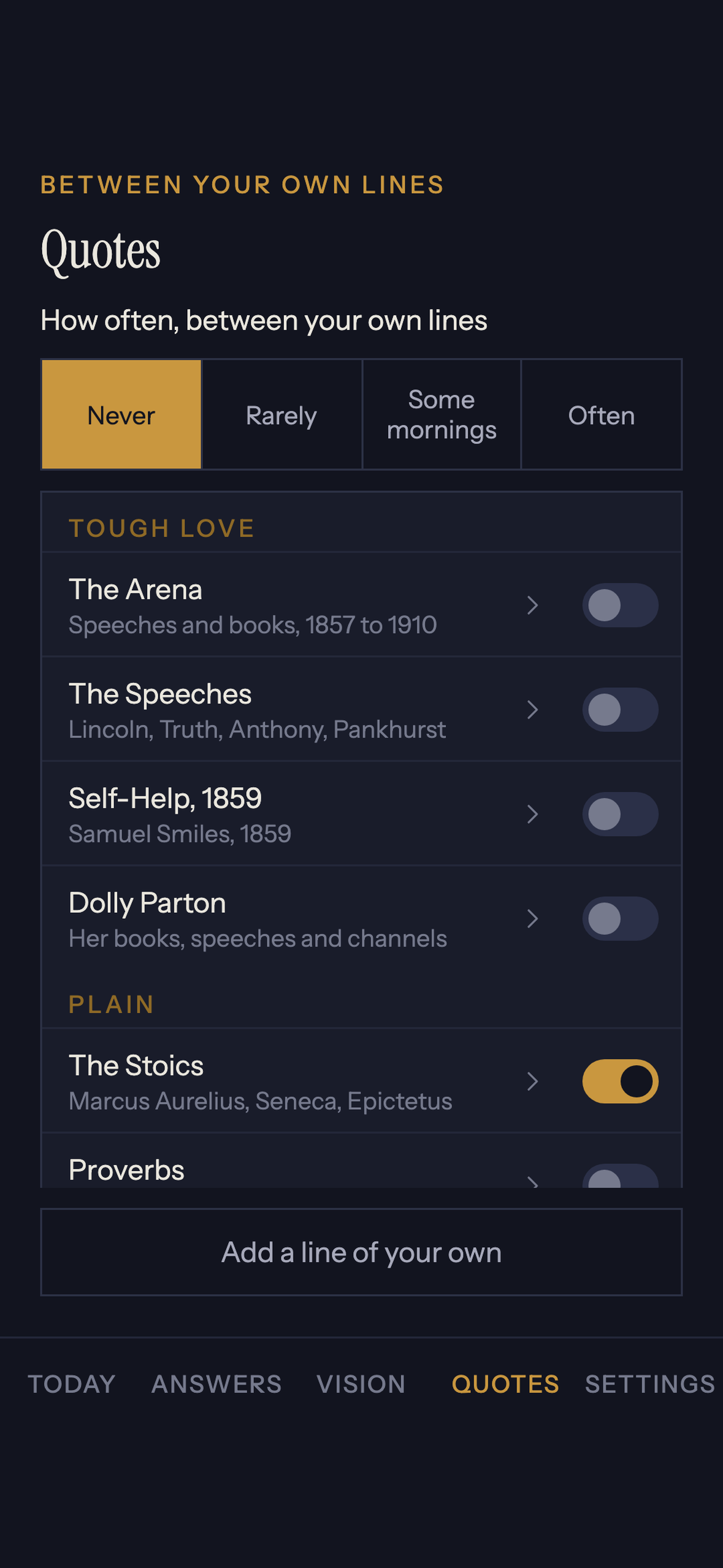
Quote packs, each with its own rhythm
-
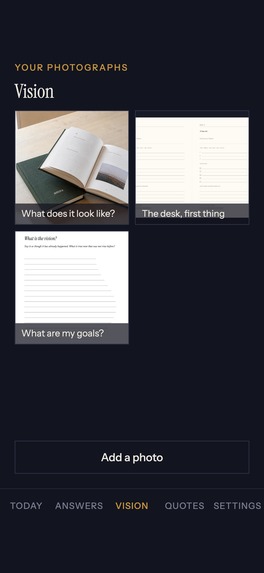
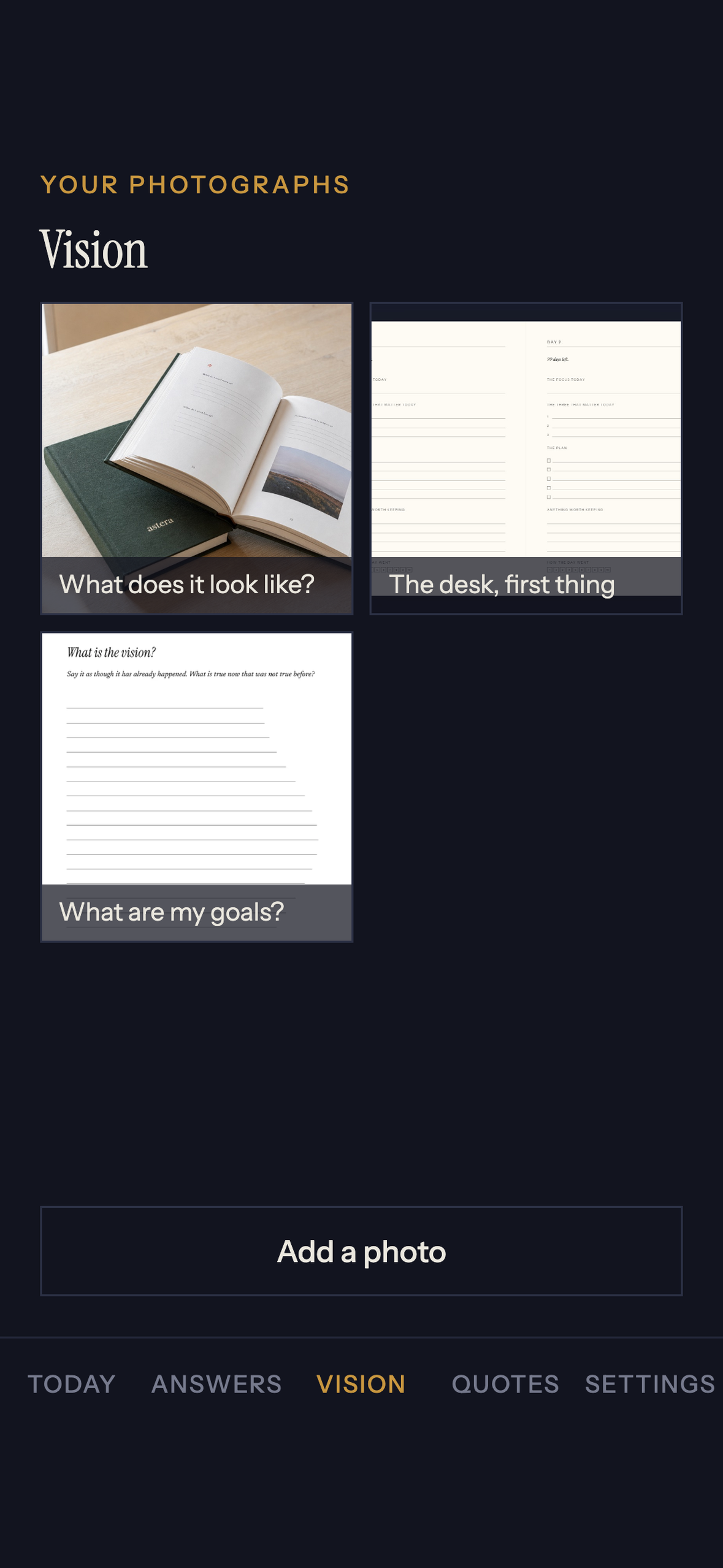
The vision board: photos with the line each one sits beside

Inspiration
My favourite hardcopy journal changing one part of the daily planner page and it never feeling the same. Couple with varying places to hold digital and offline vision boarding, and tools to remember.
What it does
Our journals are in two halves - in the first you voice your vision, we transcribe it, and pull in the images that make up the life you want to live. In the second half, you can create bespoke daily, weekly, or monthly journals. We ship you the hardcopy.
In between, our app gives you daily reminders of your vision and your why.
The app is the companion to the book. A reading screen holds the line for today, from quote packs you switch on and set a rhythm for: The Arena, The Stoics, Dolly Parton and ten more, every line carrying its author and its source. The nine questions come one per screen and you answer them by voice: press once, talk, transcript after. Photos go in with an answer or on their own, and sit together as the vision board.
How we built it
Claude, Assembly AI, Netlify, Supabase, the motivation of a mother to a newborn.
React Native and Expo with expo-router on the phone. Supabase for auth, for the data and for private buckets served through signed URLs, with row level security keyed to the signed-in person. RevenueCat for the store. The web half, the print engine and the brochure, publishes itself on a push to main, about eight minutes end to end. Every screen was drawn as a mock and looked at before it was built.
Challenges we ran into
lol. Too many. Three worth writing down.
Google rejected the first submission because the reviewer sign-in did not work. The review account had no password. We gave it one, proved it against the live endpoint, resubmitted, and 1.1.0 went live on 3 September.
Photos changed what the app collects, so the Play Data safety declaration had to go in the same submission as the build. A build that uploads photos under a form saying it collects none is a policy rejection, not a bug.
And the one that is a decision rather than a defect. What Astera sells is a printed hardcover, a physical good posted to the buyer, and both stores keep physical goods out of their billing systems: Apple's 3.1.3(e) requires a non-IAP method for them, and Google's payments policy says Play Billing must not be used for them. So the RevenueCat project for the companion is deliberately empty of products while we settle what the app itself sells. Web Billing with Stripe is the route we are reading for the book, because a web purchase counts and the book has to be bought that way.
Accomplishments that we're proud of
Going live. 1.1.0 is on Google Play, shipped inside the window.
No price is written anywhere in the code and none ever will be. One file on the live site carries the ladder, the app and the edge functions read it through a single reader, and a test fails if that file stops carrying a price a reader can find. The shop window and the till cannot disagree.
The phone walk, which opens the product at 320, 390 and 430 wide and reports what is off the glass, what is drawn over what, what is too small to press and what is too small to read. 424 faults to 0 in a day.
What we learned
The tests will not tell you. Seven hundred-odd assertions in the repo and not one of them opens a screen. One regression pass found four faults in a day, all of them introduced by that day's fixes, all in the interface, none of them catchable by the suite. After a change, somebody opens the thing and walks it.
What's next for Astera
Sell, sell, sell. Which means: decide what the companion sells and create the products behind it, put the printed book through a web purchase, prove the app on more real handsets, iOS once the Developer Program enrolment clears, and the first order end to end, because the print job call is the one write on the whole path that has never run.
Built With
- android
- assemblyai
- claude
- expo.io
- netlify
- react-native
- revenuecat
- stripe
- supabase
- typescript

Log in or sign up for Devpost to join the conversation.