-
-
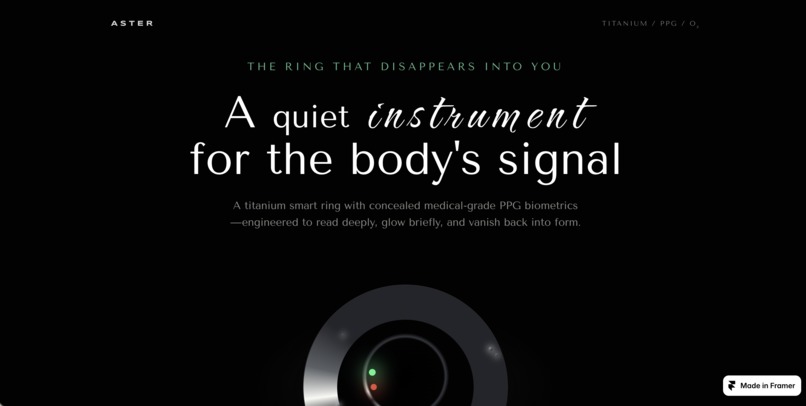
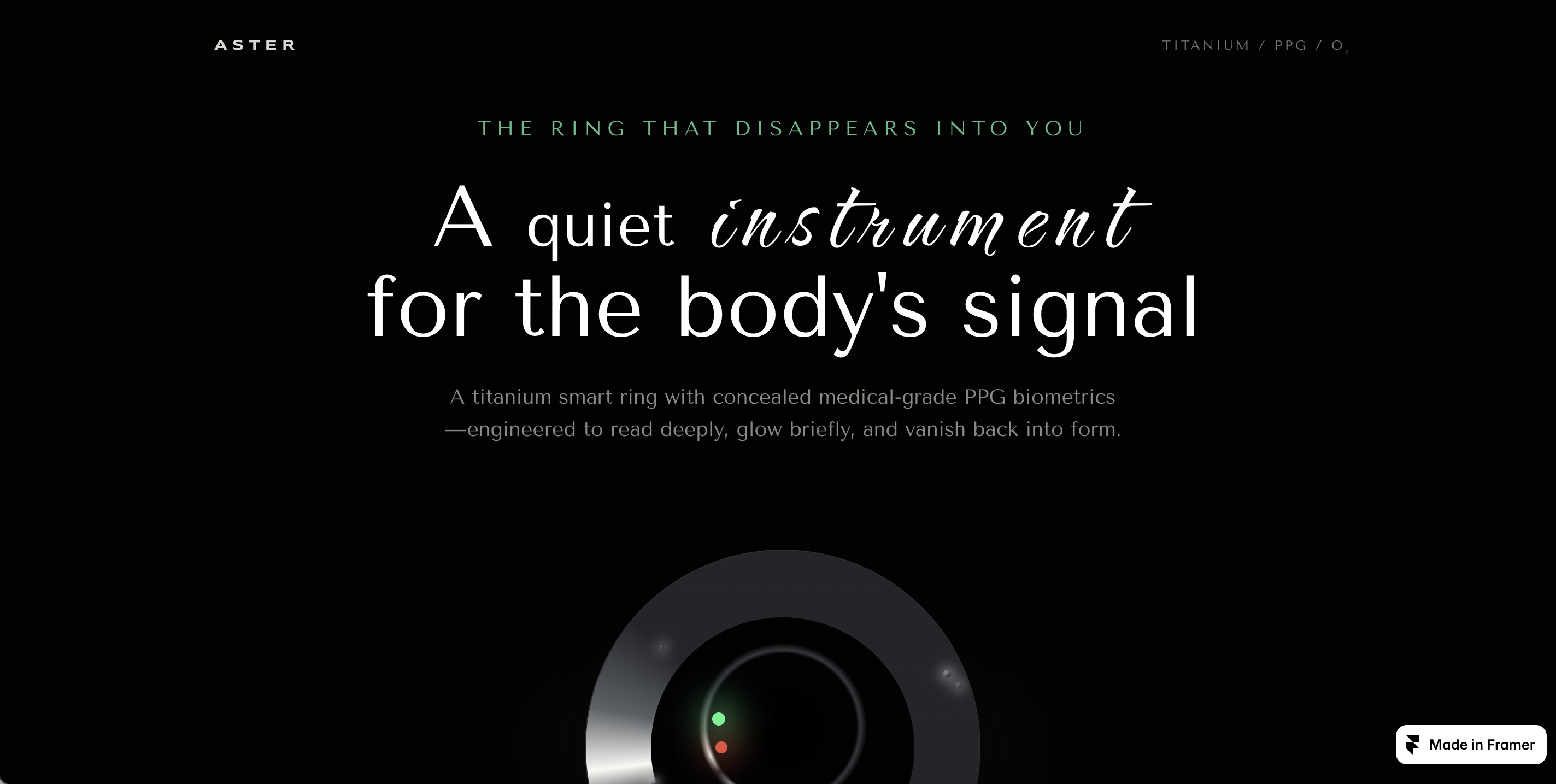
It features dynamic 3D WebGL interactions and an editorial layout designed in Framer.
-
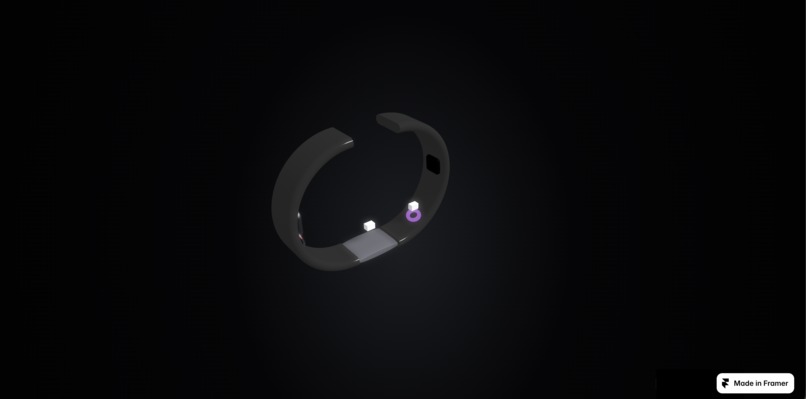
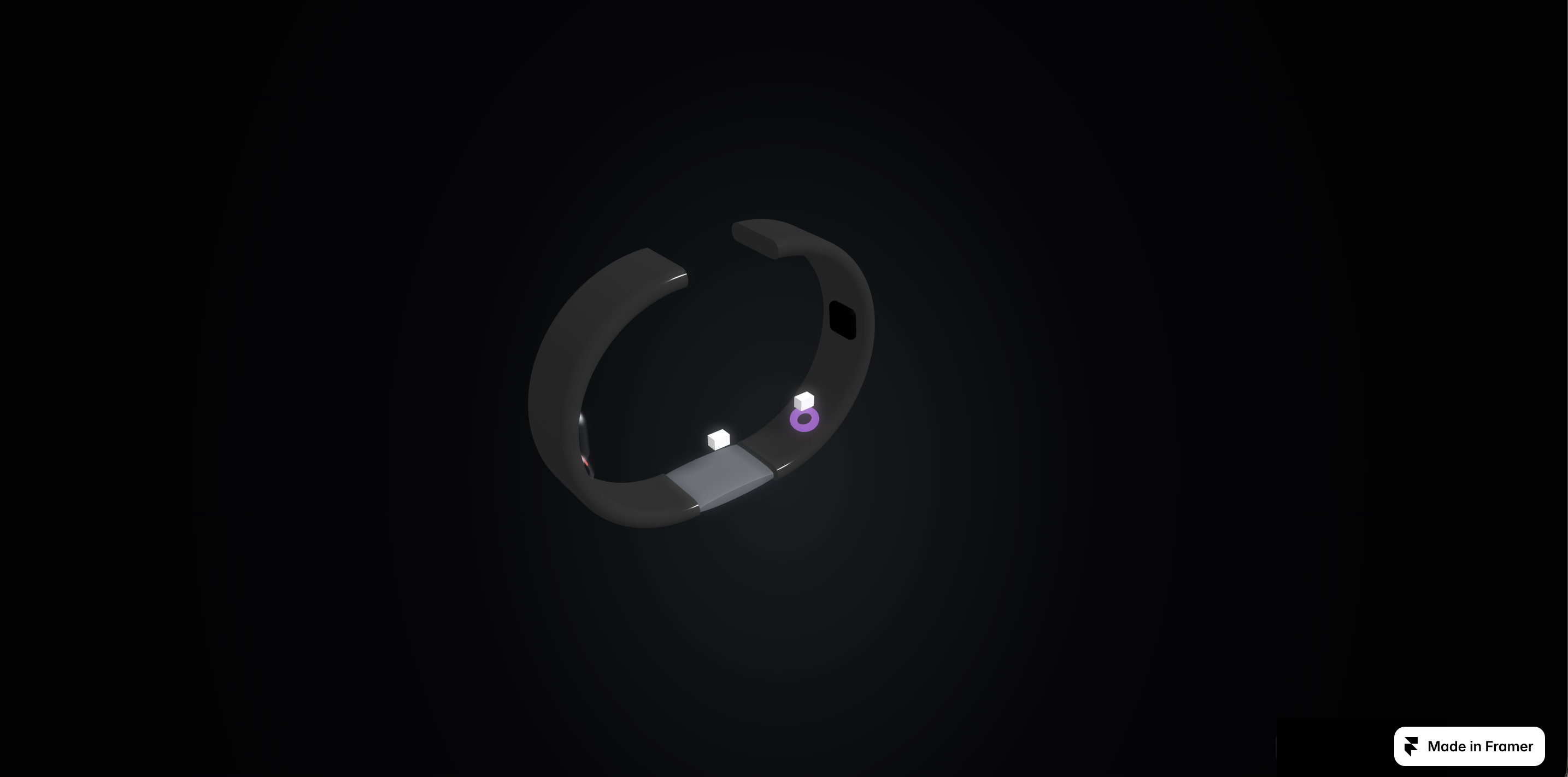
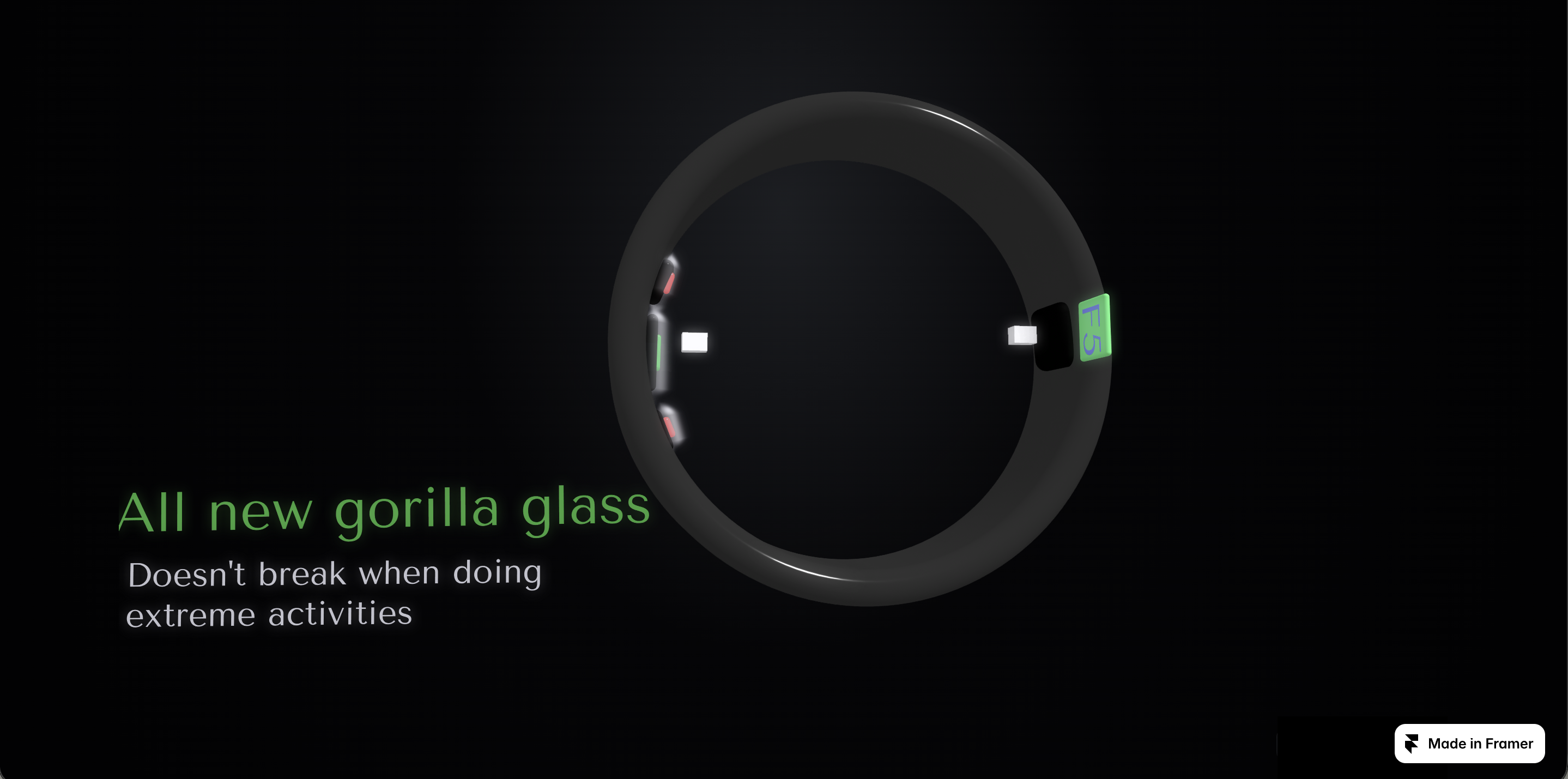
An interactive 3D model powered by Spline allowing users to orbit and inspect the internal biometrics and titanium architecture.
-
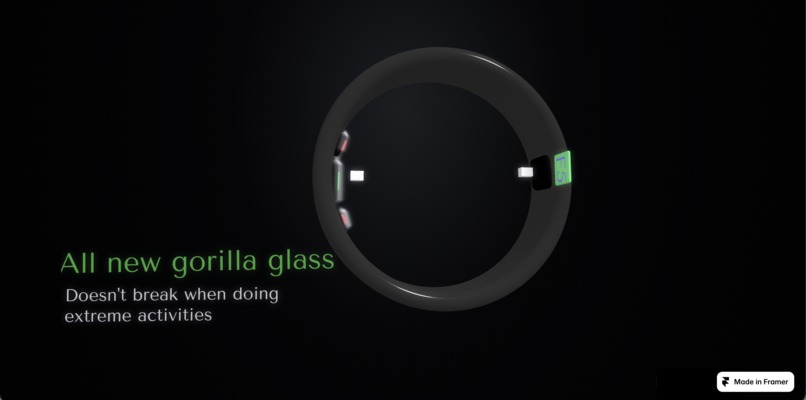
Hovering over the embedded 3D triggers contextual product specifications seamlessly across the viewport.
-
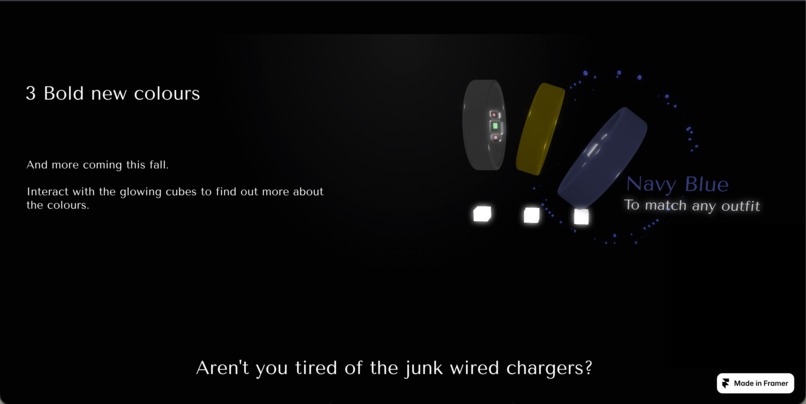
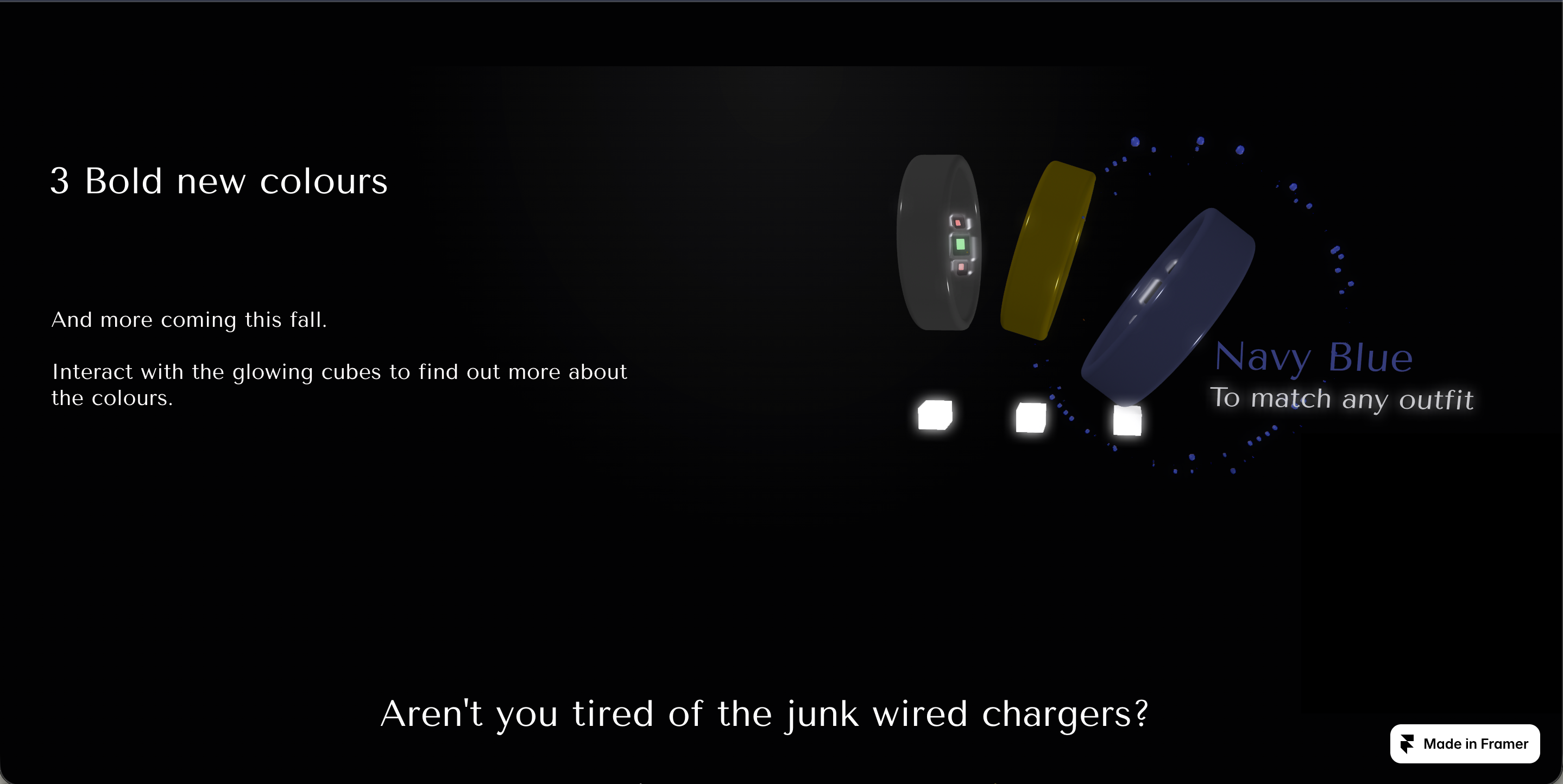
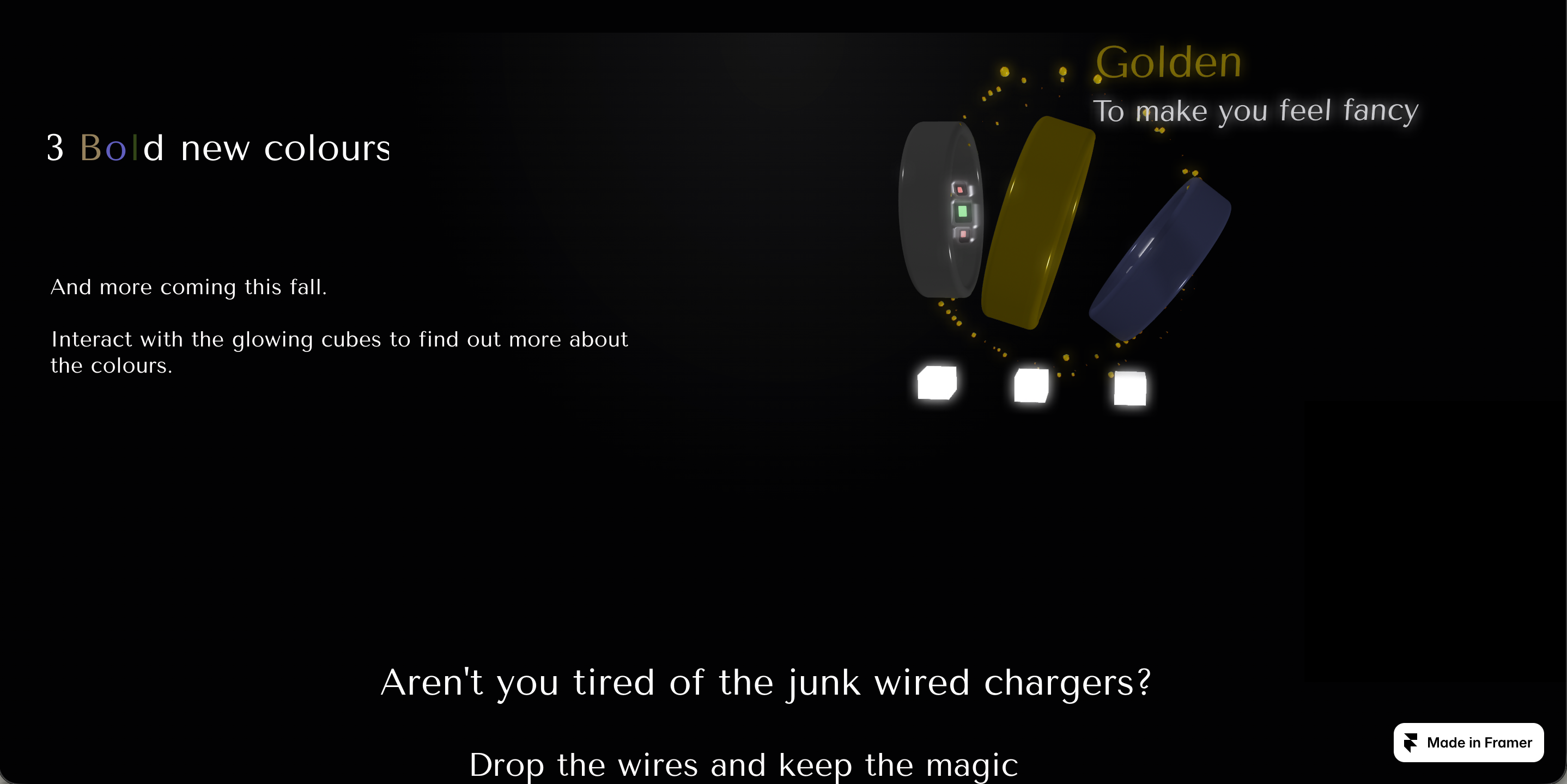
Custom hover states trigger color transitions across the three titanium finishes in real-time.
-
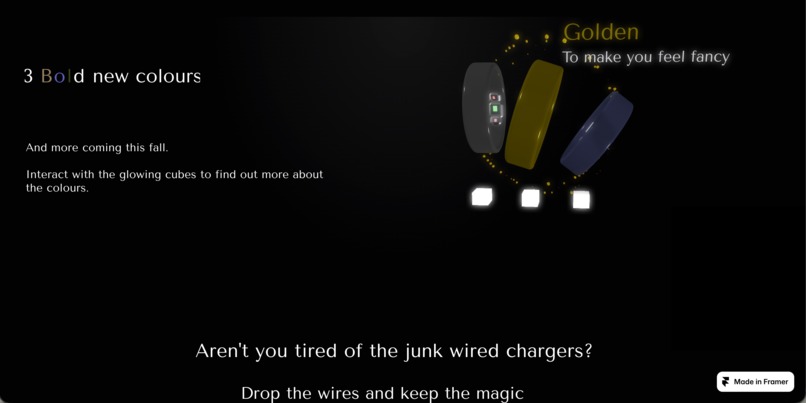
: Highlighting the deep navy finish with reactive particle effects and sleek typography.
-
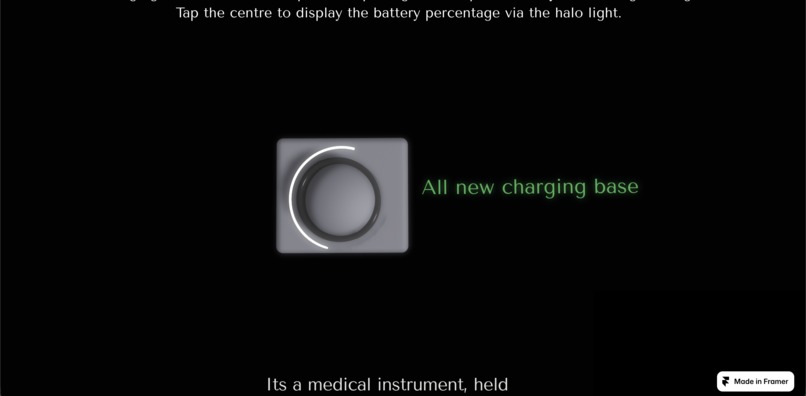
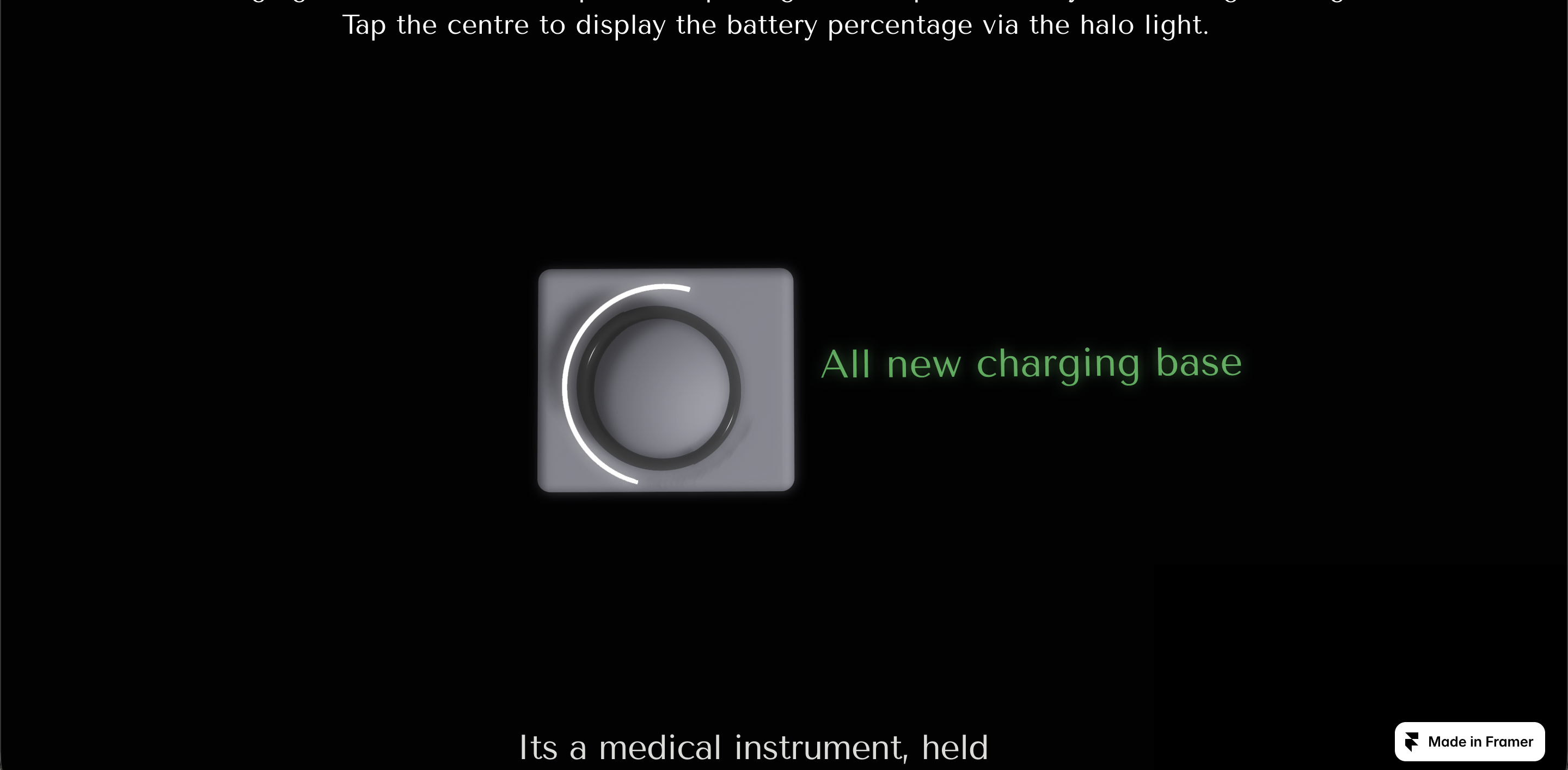
Interactive charging status visualization featuring a custom halo battery indicator light.
Inspiration:
I was inspired to create Aster Ring because I have always noticed that technology that helps people has always been clunky and intrusive. I wanted to design something that will blend into the background. I wanted to design something that feels, completely invisible, yet stay effortlessly useful by your side. That vision gave birth to Aster.
What it does:
Interactive 3D Color Customizer: Users can click glowing 3D cubes embedded via Spline to inspect different ring finishes in real time.
Synchronized Visual Effects: Hovering over interactive 3D elements triggers particle explosions and UI effects in Framer, seamlessly bridging the gap between 3D scenes and web layouts.
Seamless Product Storytelling: Smooth scroll-driven reveals and micro-interactions guide visitors through the ring’s core features—from wireless charging to health signal tracking.
How I built it:
I designed the interactive 3D smart rings, charging dock, and embedded control cubes using Spline. Then, I brought everything into Framer to construct the web layout, responsive stacks, component variants, and trigger-based micro-interactions.
After running out of free projects in Spline, I pushed Framer’s capabilities by implementing Component Events & Pointer Passthrough. This allowed me to integrate 3D iframe scenes directly with Framer components, leveraging pointer-events and overlay triggers to synchronize hover states across both the 3D canvas and the web layer simultaneously.
Challenges I ran into:
As my first-ever 3D website, I faced hurdles at every turn. Two major challenges stood out:
3D Canvas & Web Layer Collision: Synchronizing Framer hover triggers with Spline 3D interactions without blocking mouse clicks or iframe pointer events.
Component Canvas Clipping: Resolving frame boundary clipping so 3D particle animations could burst cleanly beyond bounding boxes without getting cut off or breaking parent layouts.
Accomplishments that I'm proud of:
I am proud of the entire website as a whole but more specifically I'm proud of creating a fast, fluid 3D web showcase that feels responsive and high-end rather than slow or cluttered and successfully synchronizing standard Framer UI components with live 3D Spline embeds on hover.
What we learned:
Since this was my first time diving into 3D web design, I learned everything from scratch. Key takeaways include structuring component variants and event triggers in Framer to orchestrate multi-layered animations, as well as positioning 3D iframe containers with absolute/relative constraints to maintain perfect layout alignment.
What's next for Aster Ring:
Adding real-time ambient lighting adjustments inside the 3D Spline canvas when toggling color modes.
Expanding responsive viewports so the experience is tailored for mobile devices, tablets, and smartwatches.

Log in or sign up for Devpost to join the conversation.