Inspiration
Going into this hackathon, we wanted to challenge ourselves to create an app that utilized camera tracking and could be used to help people with disabilities. In the beginning, we threw around a couple ideas such as a sign language translator or a visual medical diagnosis app, however we ended up sticking to our idea of designing an application that combined facial tracking and voice commands to help a user with mobility issues navigate their computer.
What it does
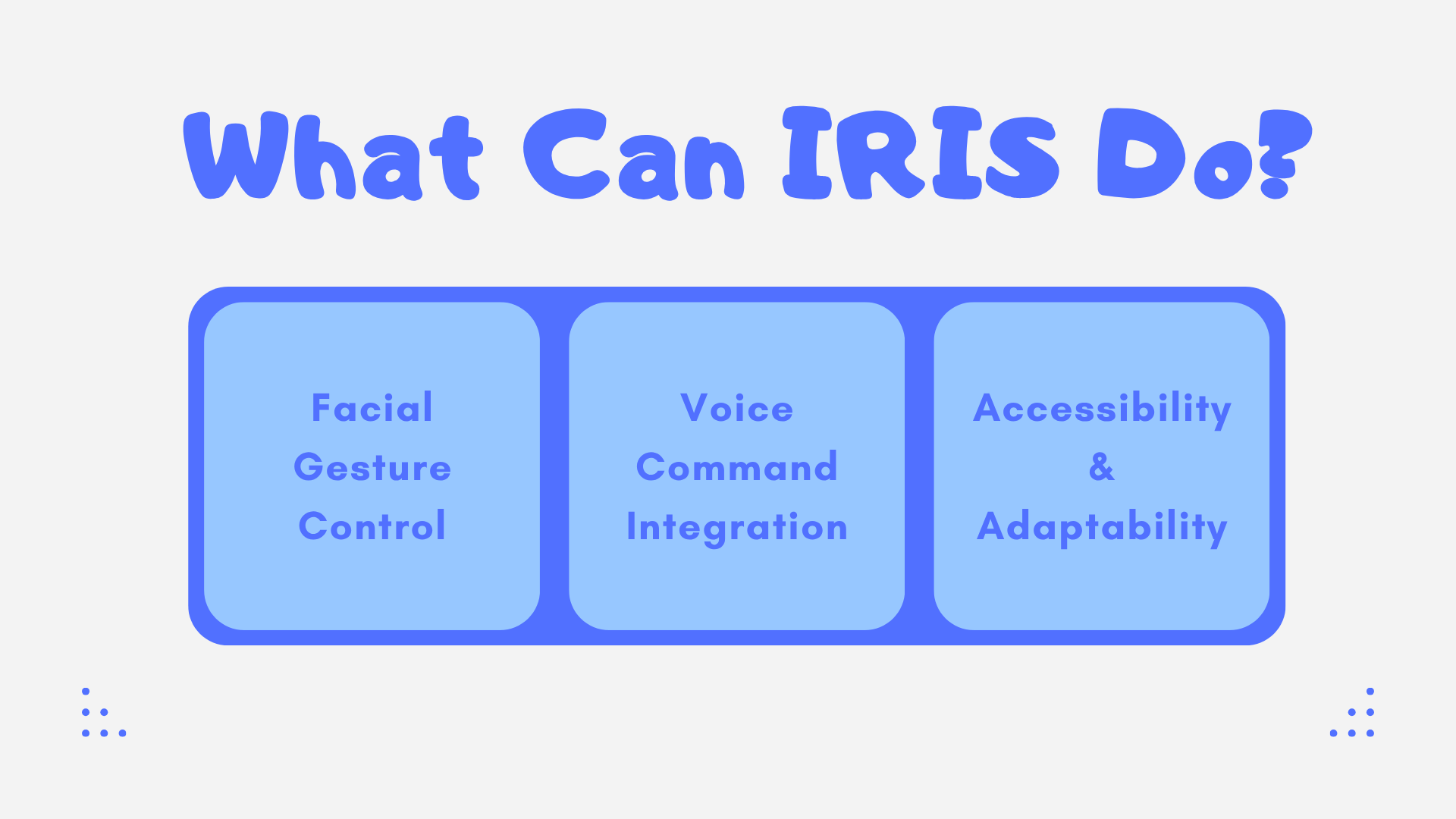
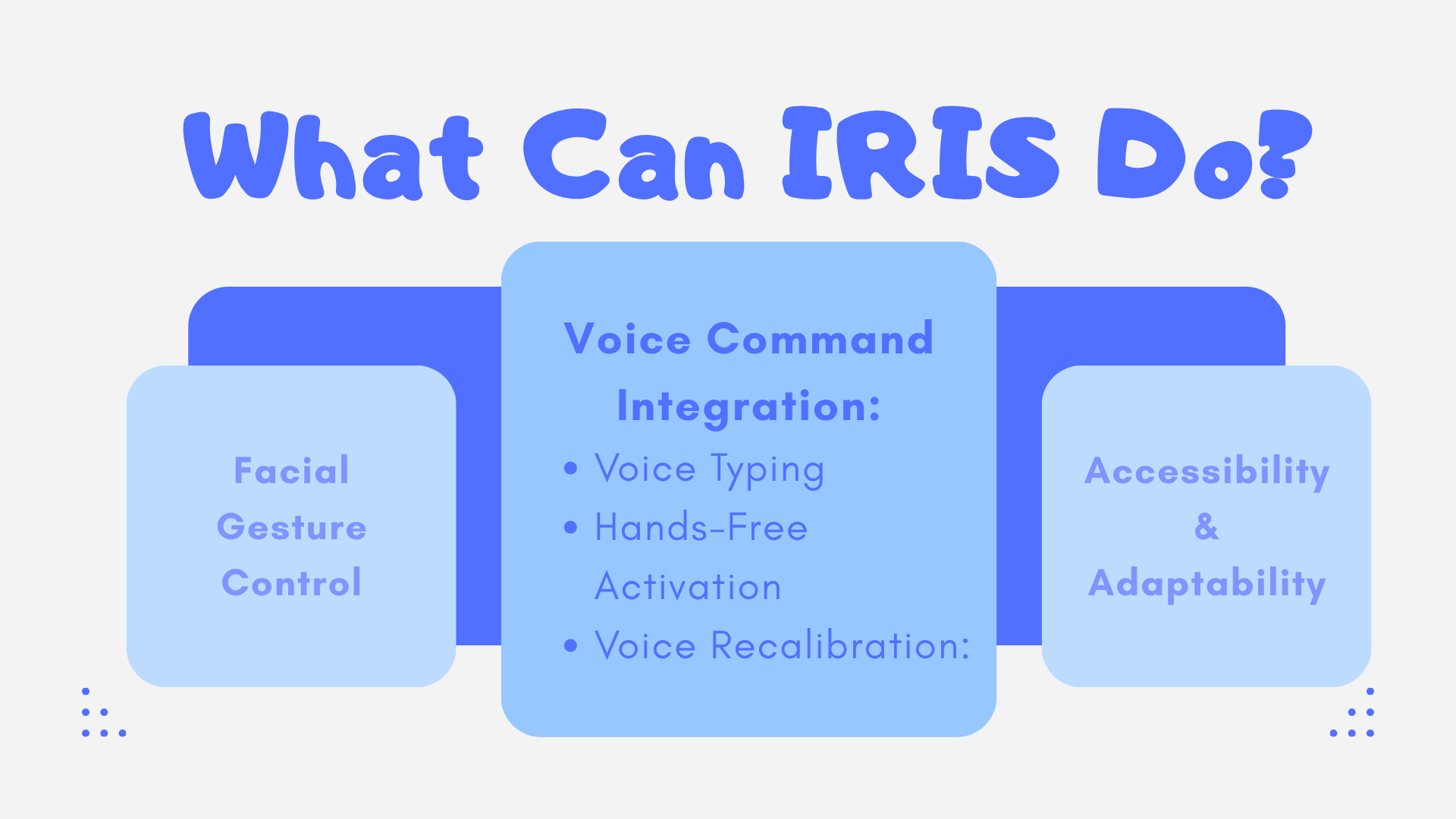
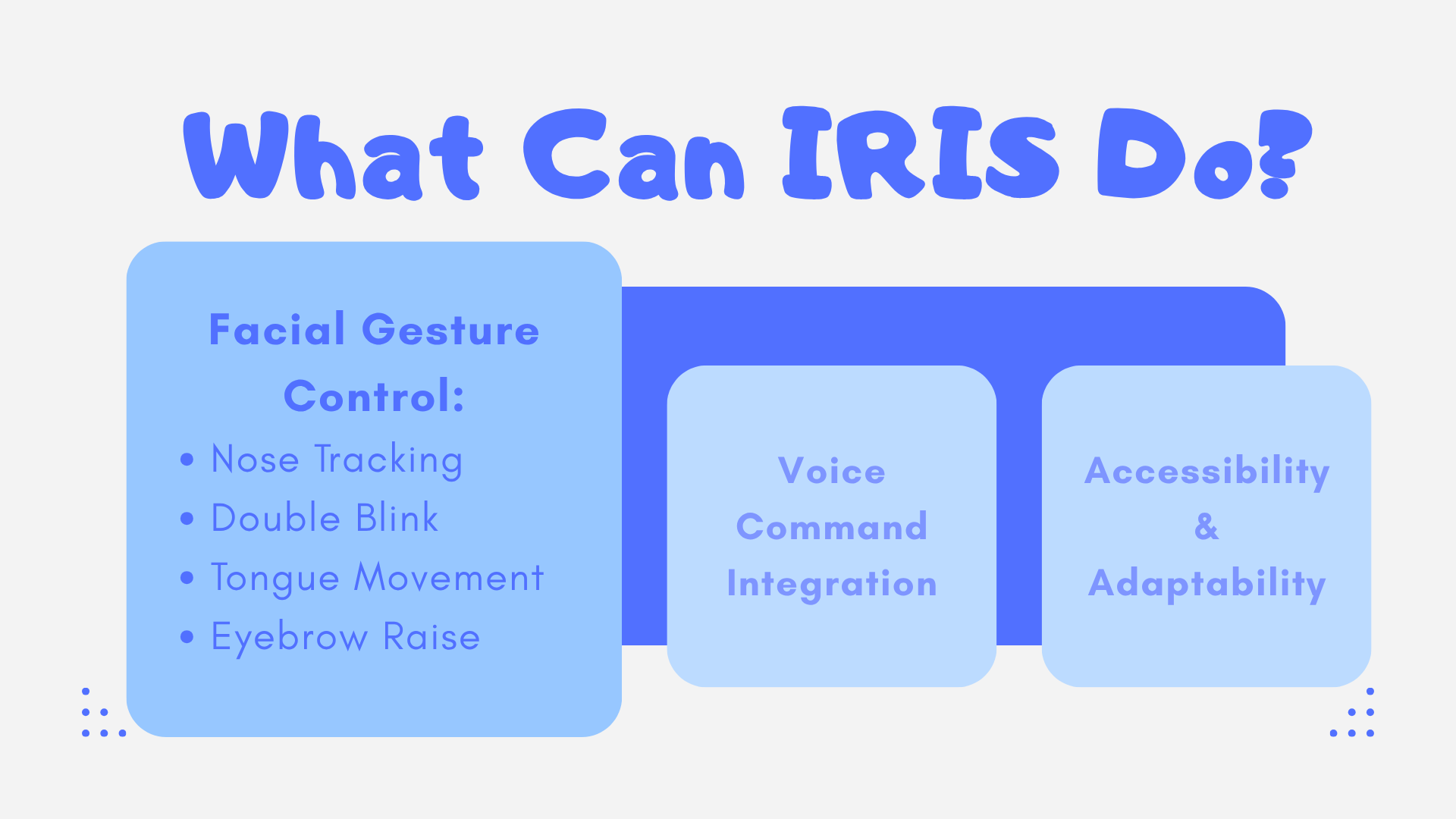
Currently, our project includes user facial controlled features like clicking (via double blink), right click (via sticking out tongue), hold down to select (via raising eyebrows), and cursor movement (via nose tracking). In terms of voice commands, the user is currently able to control when they’re able to control the mouse, recalibration, and type commands.
How we built it
Our project is entirely built using Python, and for libraries, we used mediapipe for our facial tracking features, sounddevice for our voice commands, and pyautogui for integrating interactions to the computer. We decided to delegate out our tasks with each of us taking on a different portion of our design (eg., dealing with cursor control, blinking, voice commands, etc.,) and then piecing our individual codes together on a main file once we were finished.
Challenges we ran into
One major challenge we faced was having to pivot from an eye tracker early on in our process. We initially wanted the cursor’s movement to be controlled by the user’s eyes, however after having a lot of difficulties with the eye tracking calibration and there being many inaccuracies, we decided it would be better if we scrapped the idea and used a different method for the cursor. We decided to use the nose for the cursor tracking instead as it would be more accurate, which then came with the issue of having to reassign some of our commands like scrolling and switching tabs which were previously binded to head tilt actions.
Accomplishments that we're proud of
Overall, we're proud that we were able to integrate our voice commands and facial tracking features together smoothly into one program. We had some difficulties putting our codes all together and at the start the process began messing up our voice commands and calibration features, however we were eventually able to get everything sorted and working.
What we learned
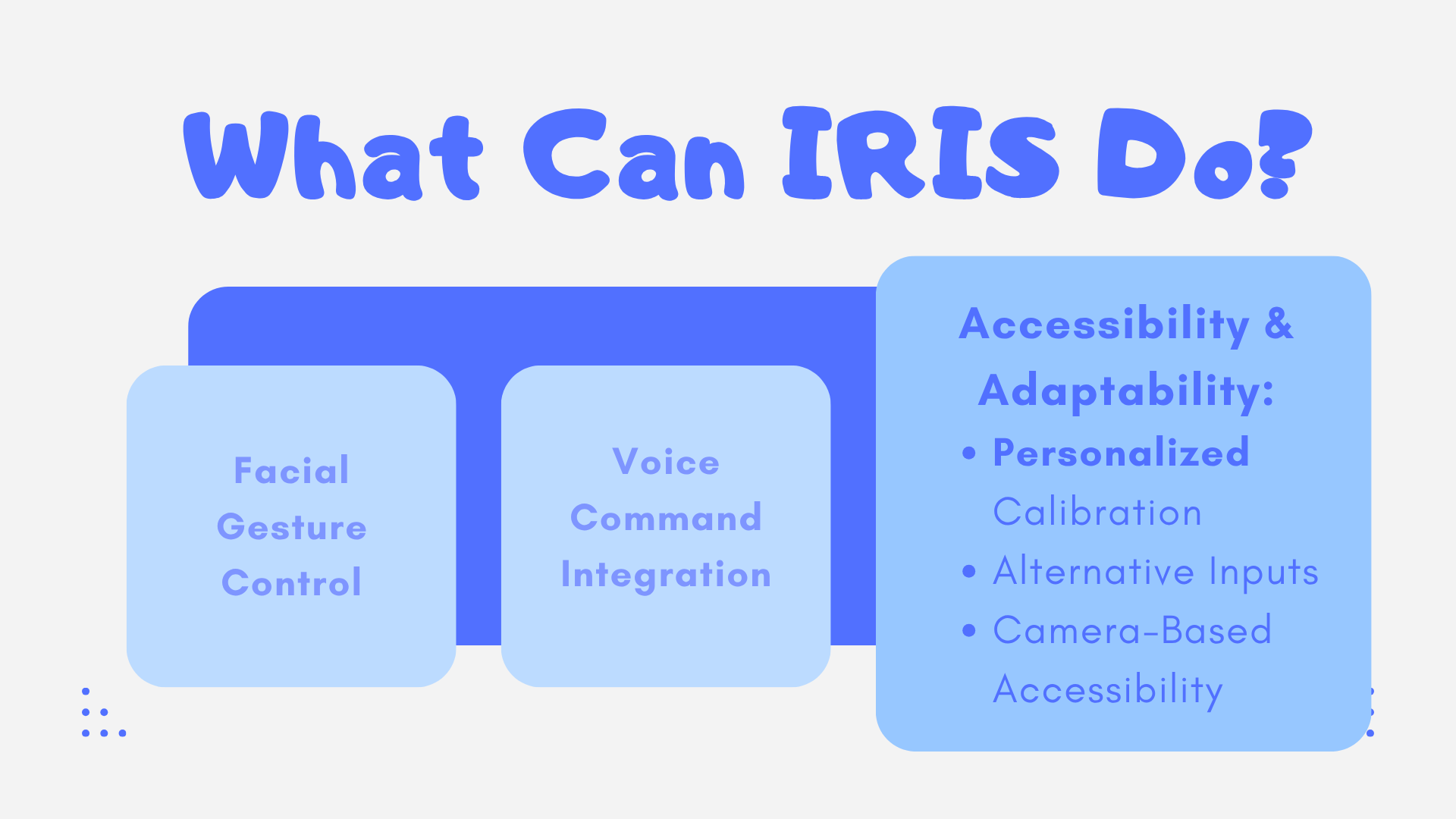
This was our first time using camera tracking AI on a computer, and we had to learn how to be resourceful and find libraries on github that enabled face tracking. From this, we had to calibrate the code such that it would work for our specific user and screen, as well as learn how to implement a voice automation system that would allow people with disabilities to fully control the computer remotely. This idea, which initially seemed quite daunting, now appeared to be much more realistic and feasible. From this, we learned that going outside our comfort zones can often lead to learning new things and acquiring new skills we didnt have before.
What's next for Assisted Computer Controller
We plan on working more on making the voice commands function more smoothly for the user, as currently the AI misunderstands the user a lot. Additionally, we plan on adding more voice commands that will make the overall experience more natural and easy to use, such as the option to switch to previous tabs, scroll commands, open or close any window or tab and opening the last closed tab.
Built With
- mediapip
- pyautogui
- python


Log in or sign up for Devpost to join the conversation.