-
-
logo
-
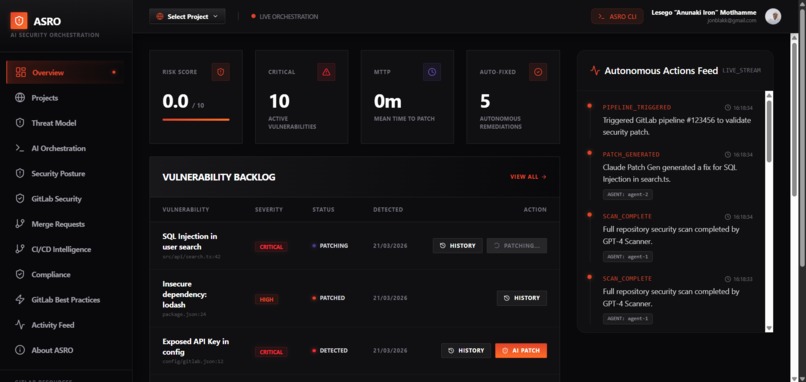
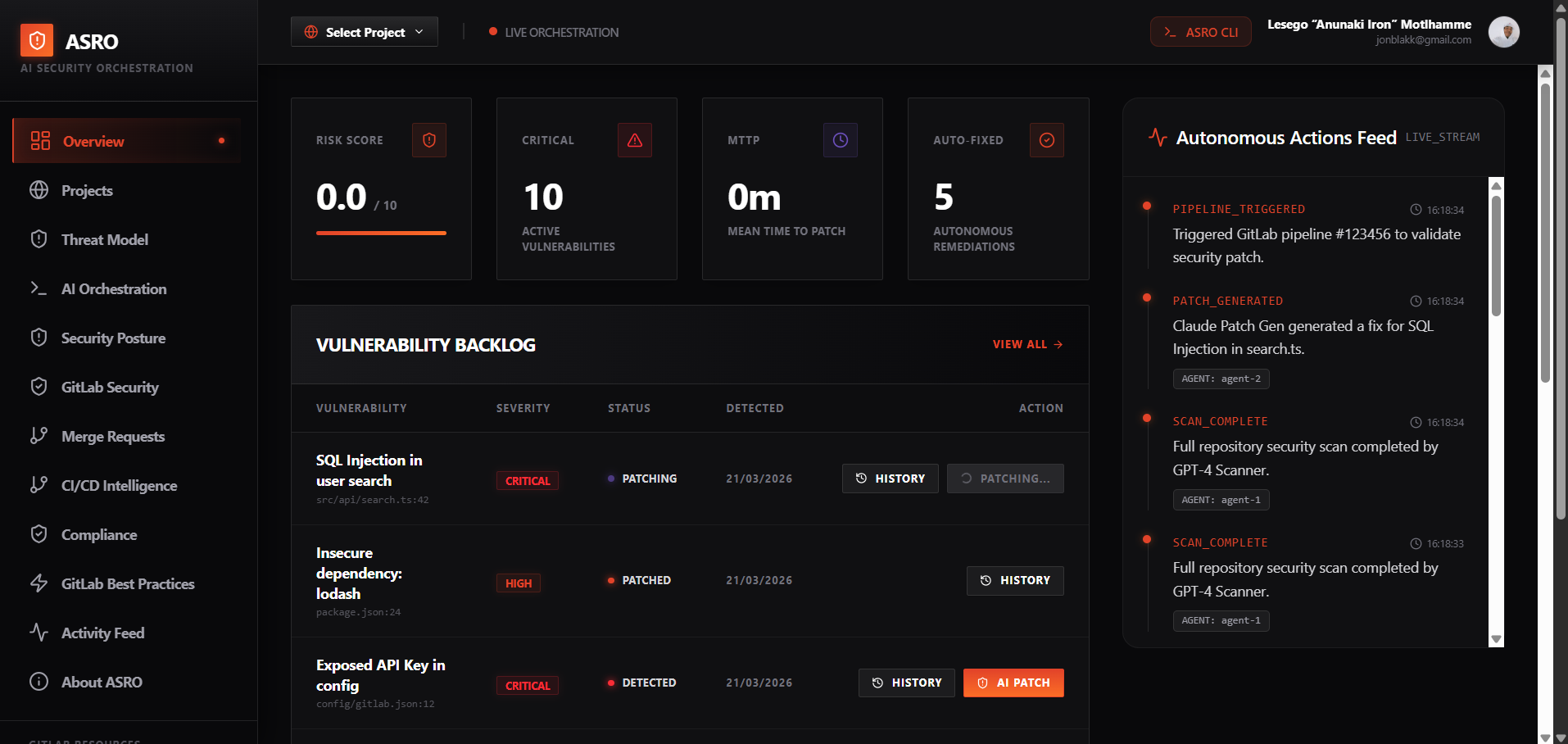
Asro frontend overview
-
-
-
-
-
-
-
-
-
-
-
-
-
-
-
-
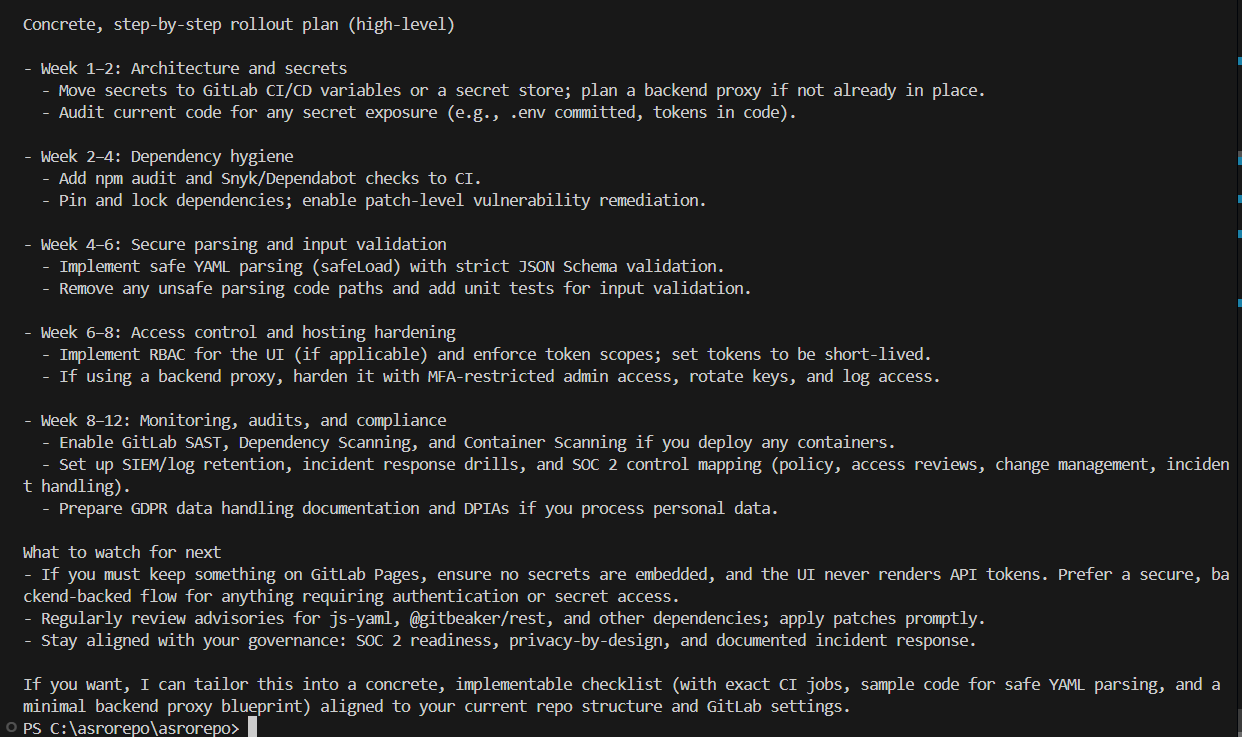
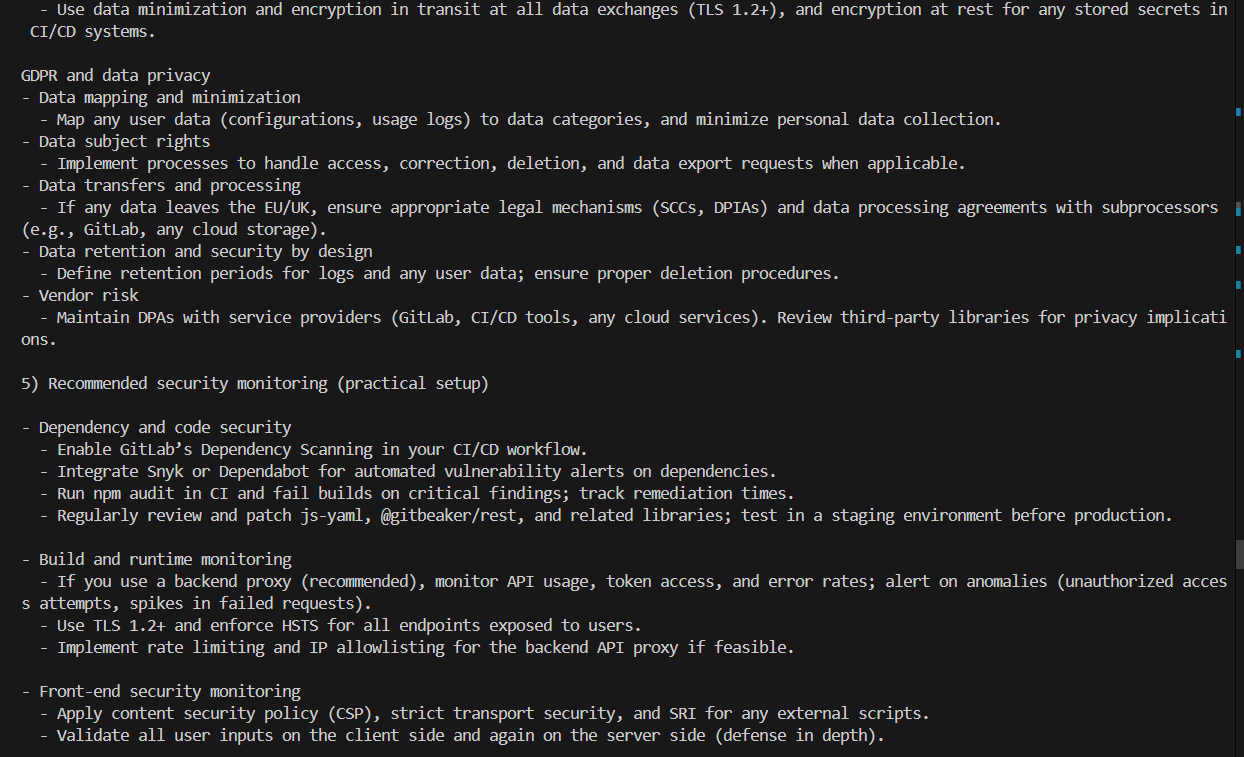
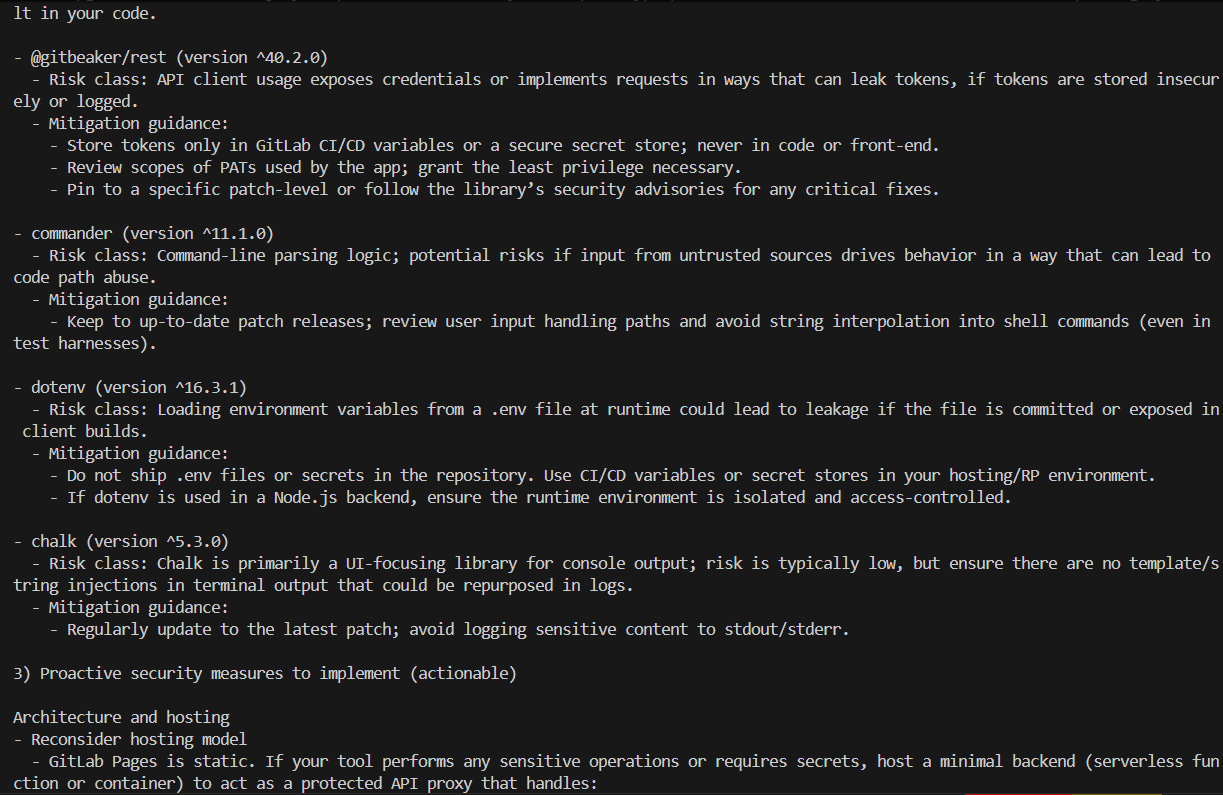
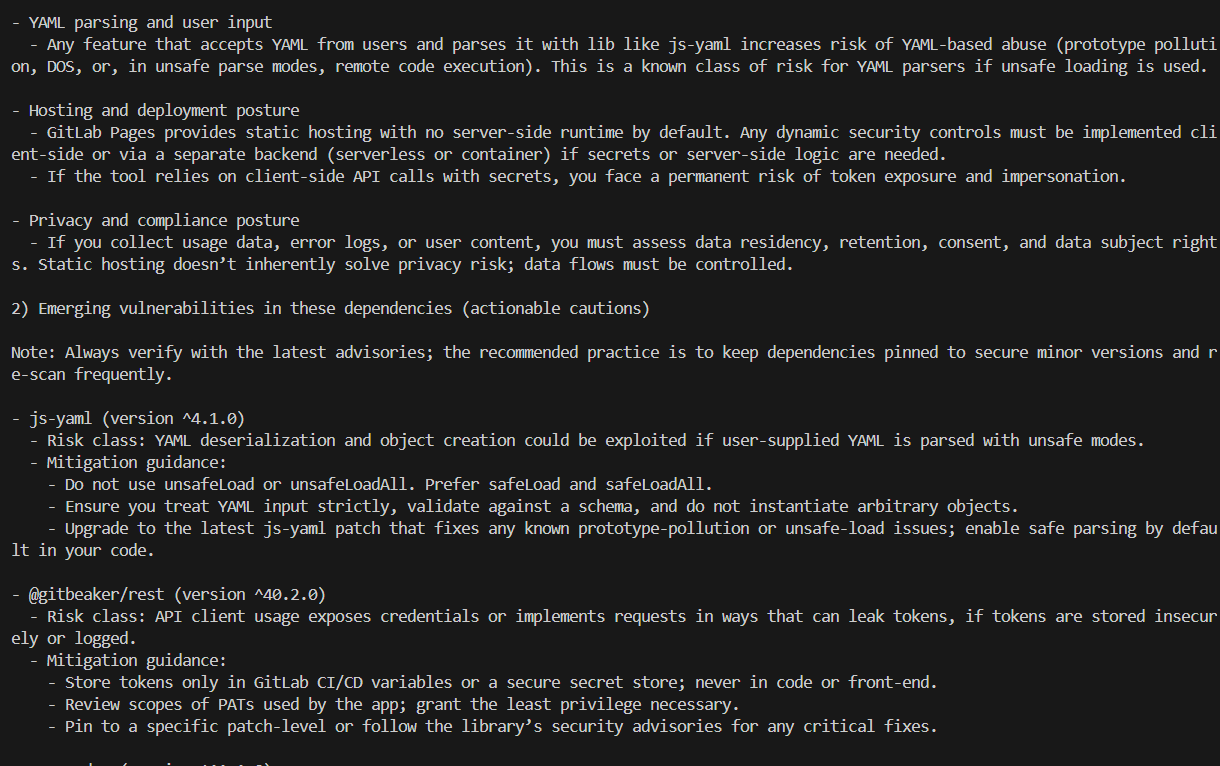
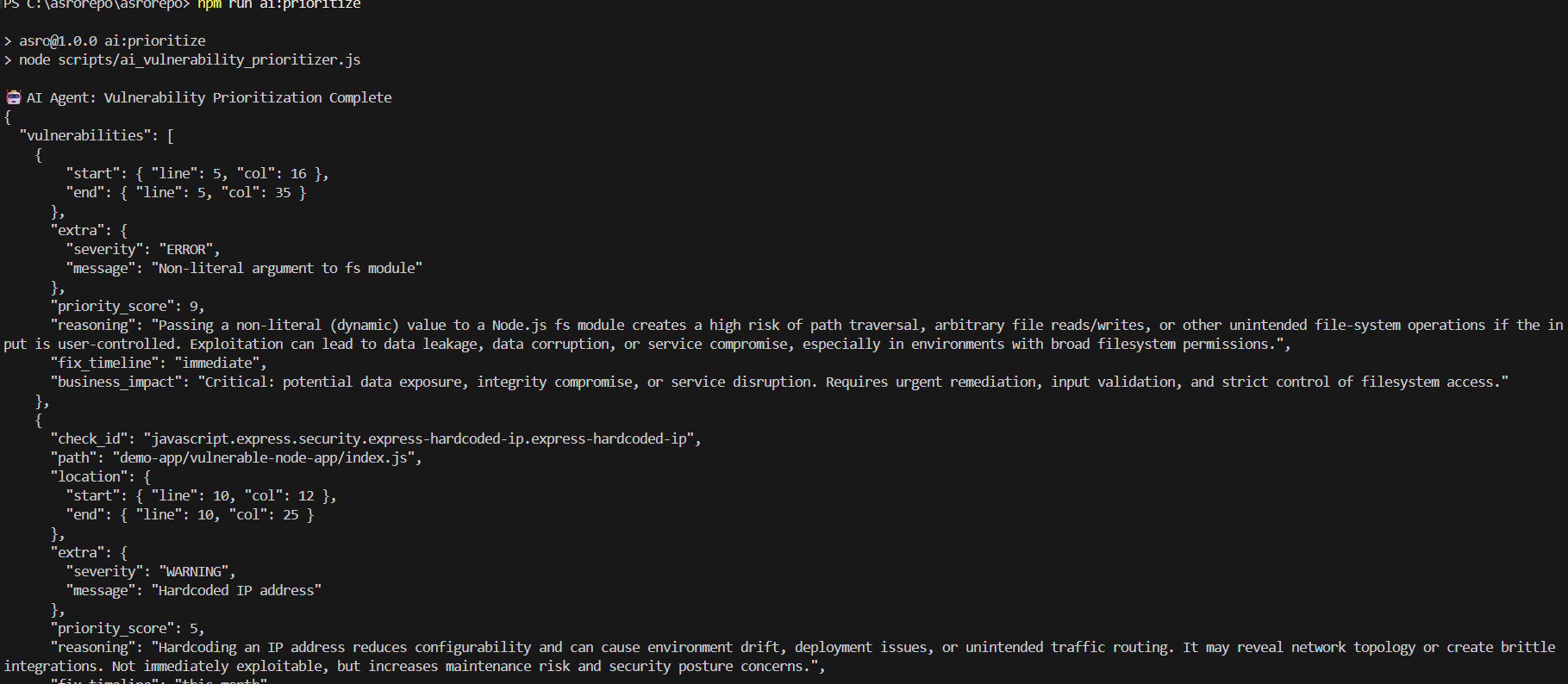
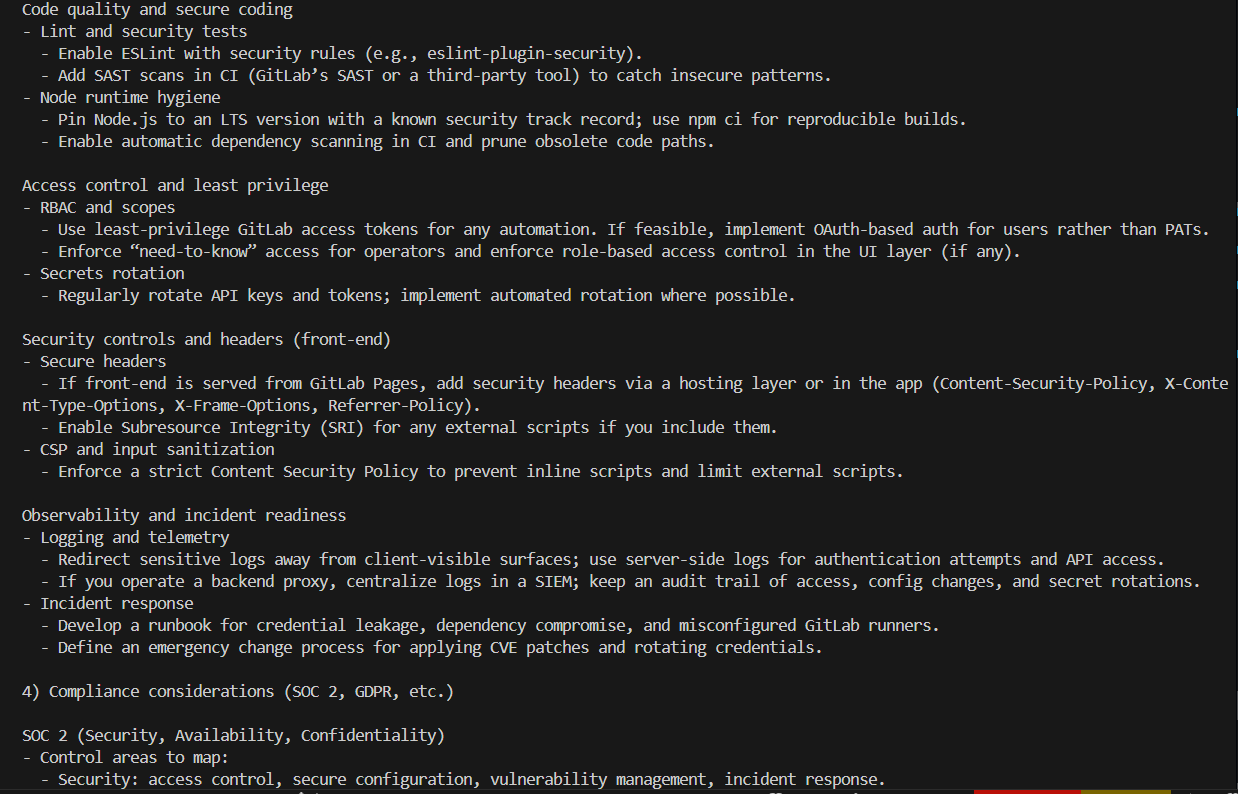
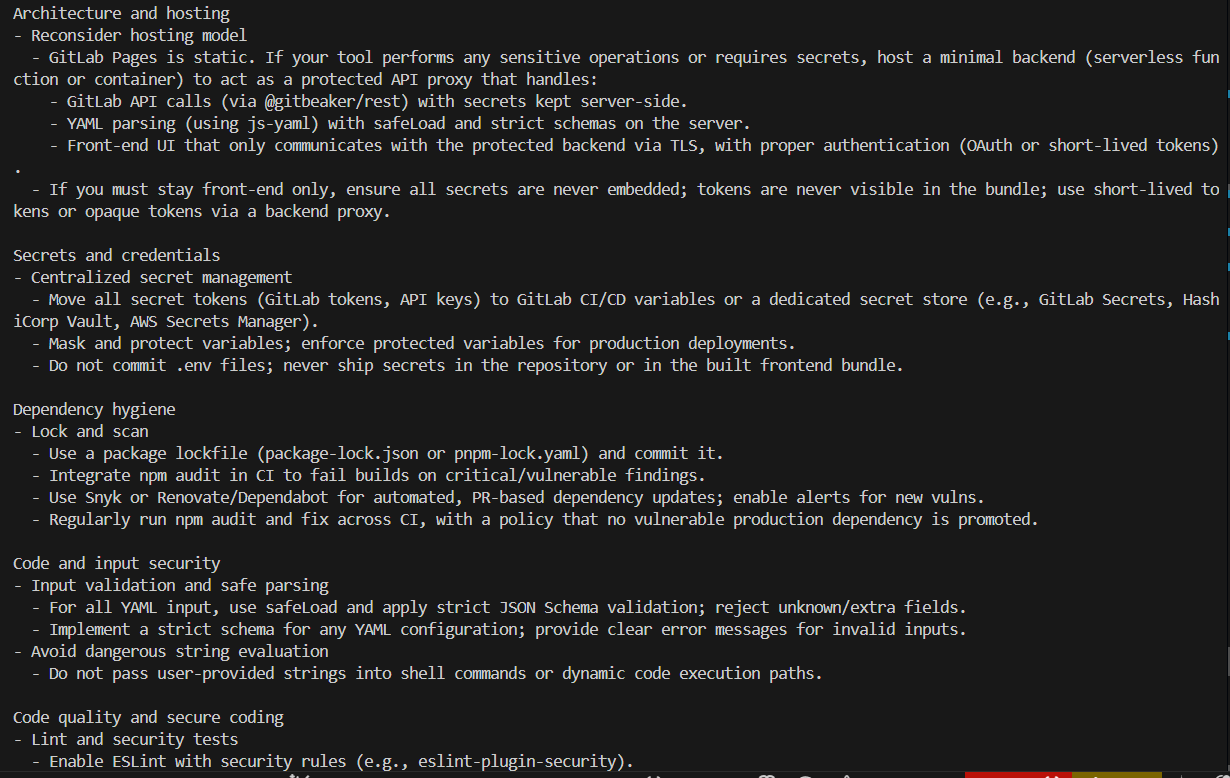
ASRO
ASRO is a GitLab-focused automation repo with a Node-based asro CLI, three packaged agent manifests, maintenance/release helper scripts, and a lightweight plugin system. The current codebase is real and usable, but it is narrower than some of the older documentation claimed.
Current State
- CLI entrypoint:
bin/asro.js - Packaged agent manifests:
cleanup,auto-rebase,release - Agent scripts: cleanup, auto-rebase, release, compliance, rollback, setup verification
- Plugin registry seed:
plugins/registry.jsonis currently empty - Local plugin install path:
.asro/plugins/<name> - API server:
api/server.js - Plugin registry server:
plugin-registry/server.js
What Works Today
asrobuilt-in commands dispatch throughcli/core/engine.jsasro agent listreads YAML manifests fromagents/asro agent run cleanup|auto-rebase|releaseruns the packaged agent scriptsasro compliance,asro rollback,asro doctor, andasro setupnow run through the CLIasro plugin list|install|remove|improvemanages local plugins under.asro/pluginsasro generate "<description>"scaffolds a plugin with the mock AI client when no real provider is configured
What Is Not Fully Wired Yet
- The plugin marketplace registry starts empty and uses in-memory storage
- The default CLI AI client is a mock implementation unless you provide real API-backed integrations
- Several older “planned” agents in
AGENTS.mddo not exist as packaged YAML manifests inagents/ - Runtime verification depends on a working local Node.js installation plus GitLab credentials
Quick Start
git clone https://gitlab.com/git-lab-AI-hackathon/asrorepo.git
cd asrorepo
npm install
node bin/asro.js doctor
If you have the package linked globally, you can use asro ... directly. Otherwise use node bin/asro.js ....
CLI Commands
Core
asro commit "message"
asro push
asro scan
asro patch [projectId]
asro pipeline [projectId]
Agents
asro agent list
asro agent run cleanup
asro agent run cleanup --dry-run
asro agent run cleanup --auto-approve
asro agent run auto-rebase
asro agent run auto-rebase --dry-run
asro agent run auto-rebase --auto-rebase
asro agent run release
Analysis And Ops
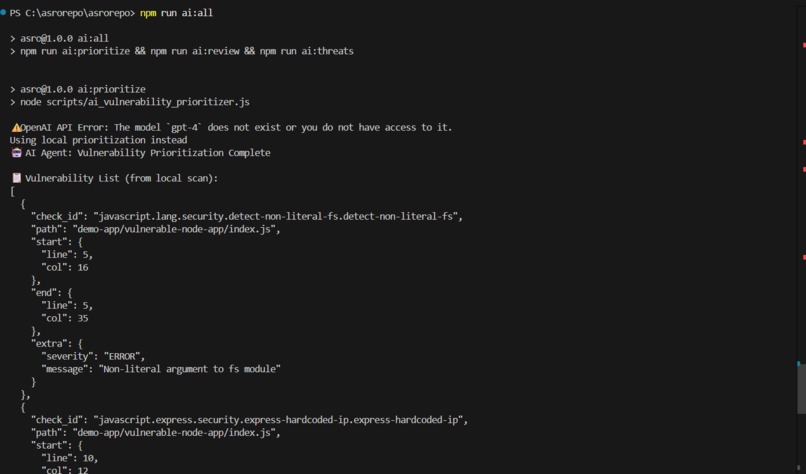
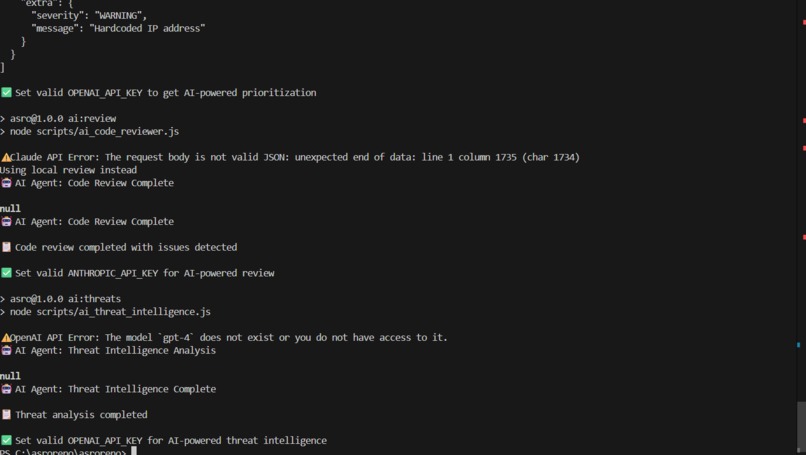
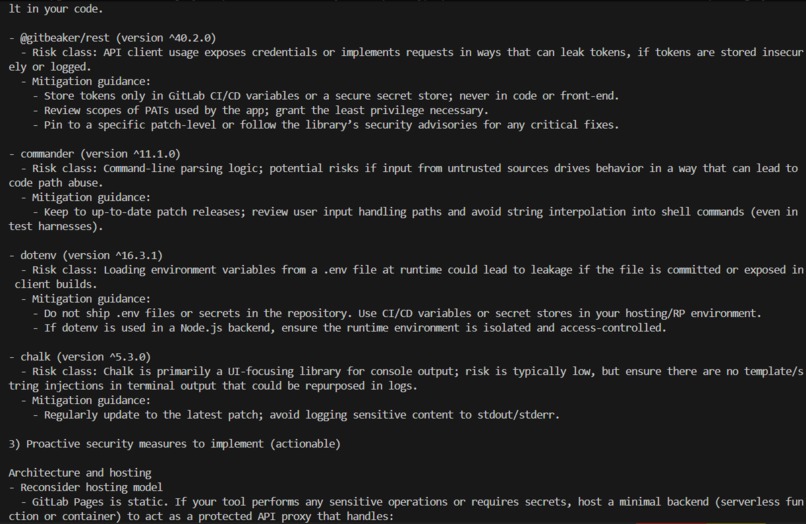
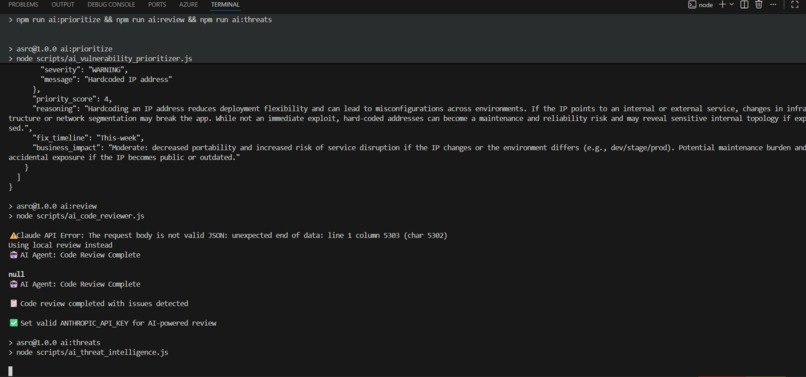
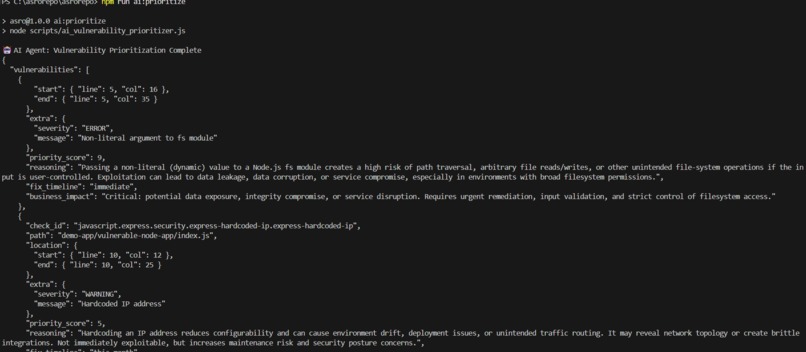
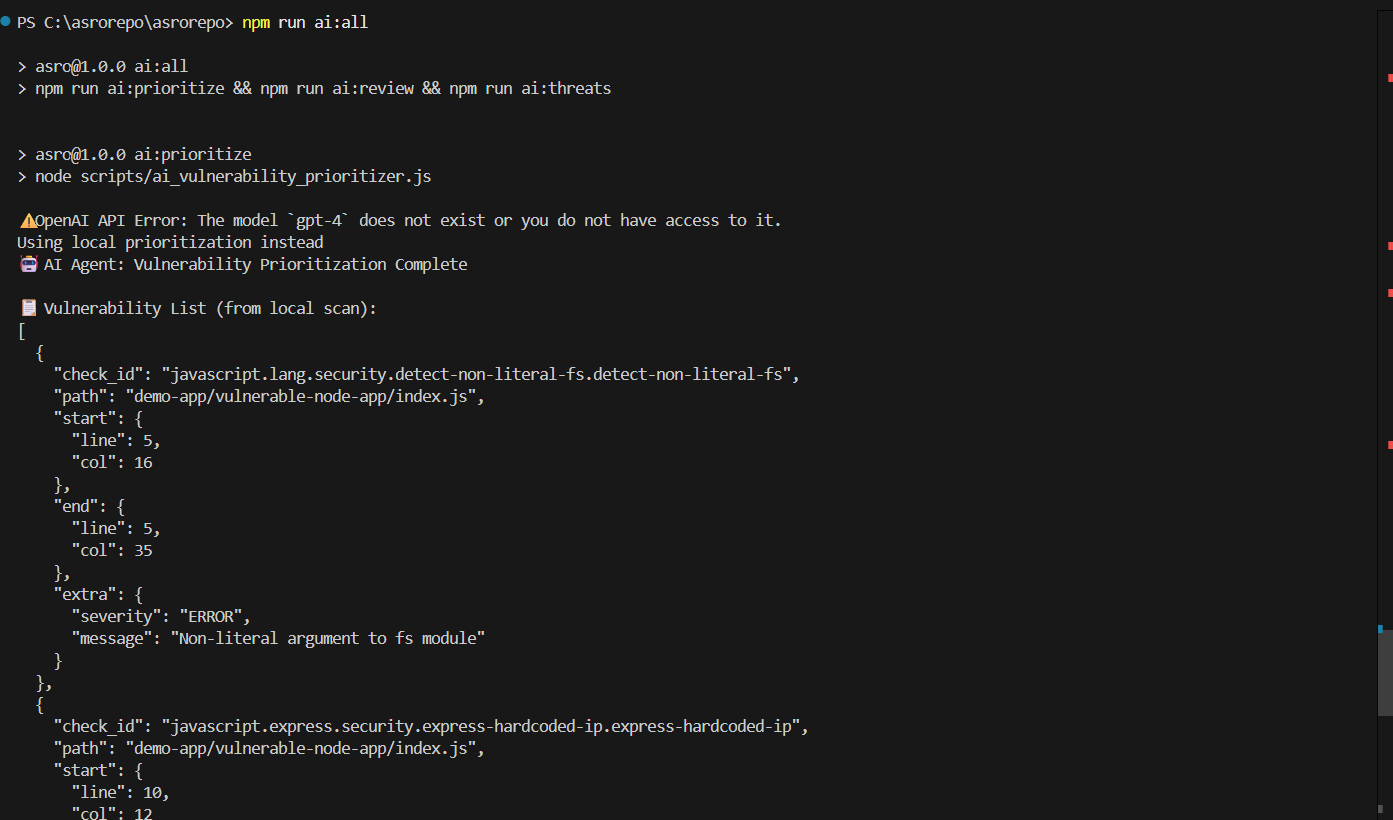
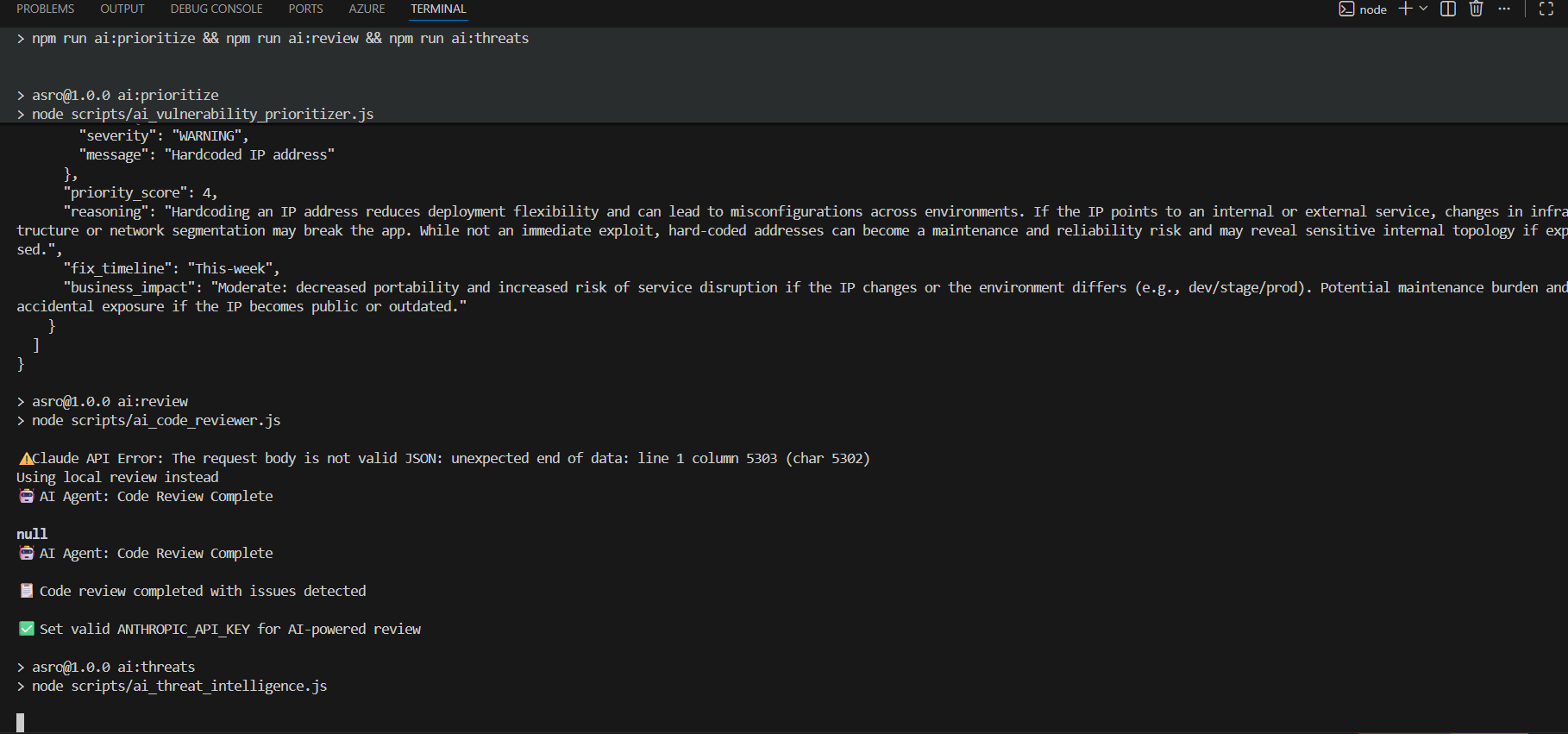
asro analyze prioritize
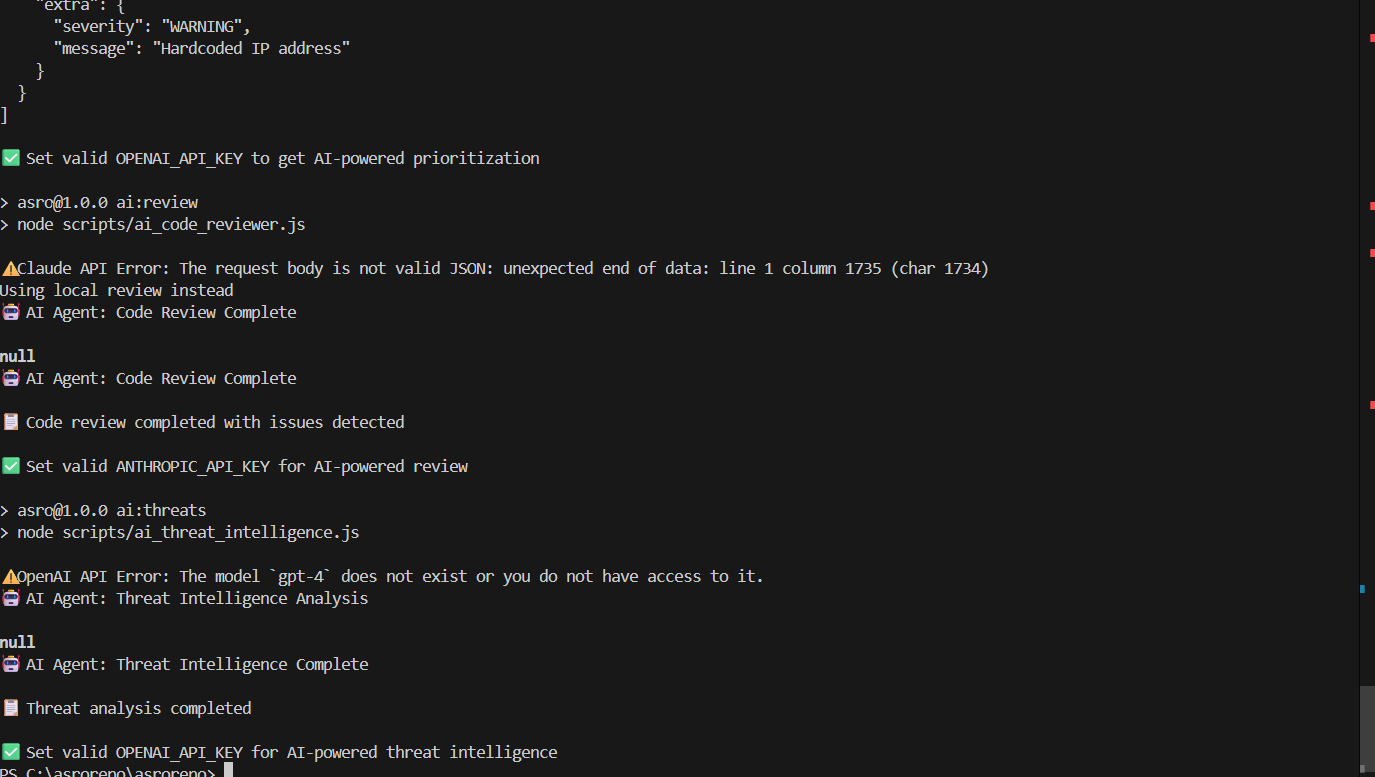
asro analyze review
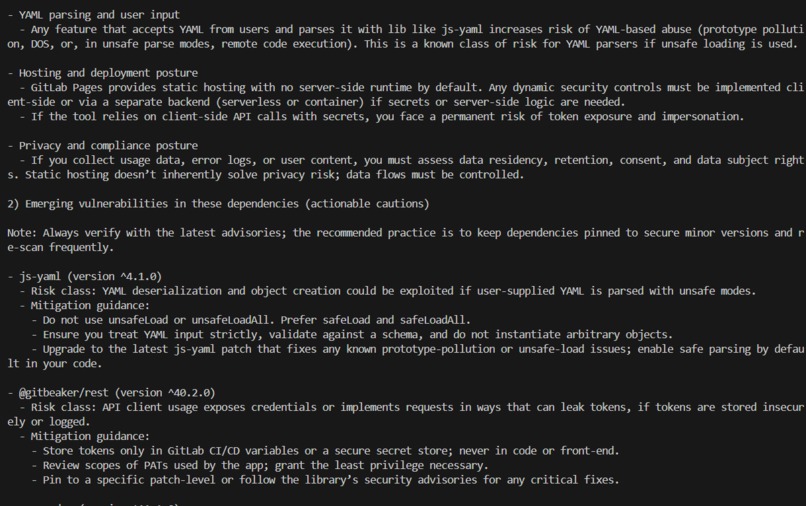
asro analyze threats
asro analyze all
asro dashboard
asro notify
Plugins
asro plugin list
asro plugin install <name> <git-repo-url>
asro plugin remove <name>
asro plugin improve <name>
asro generate "describe the plugin you want"
Operations
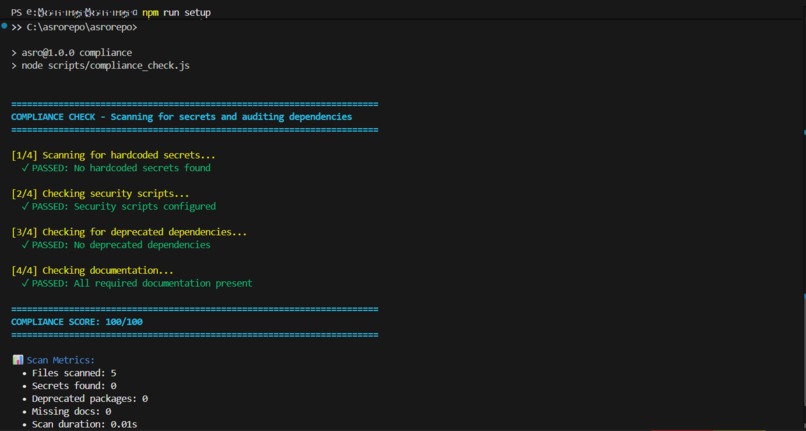
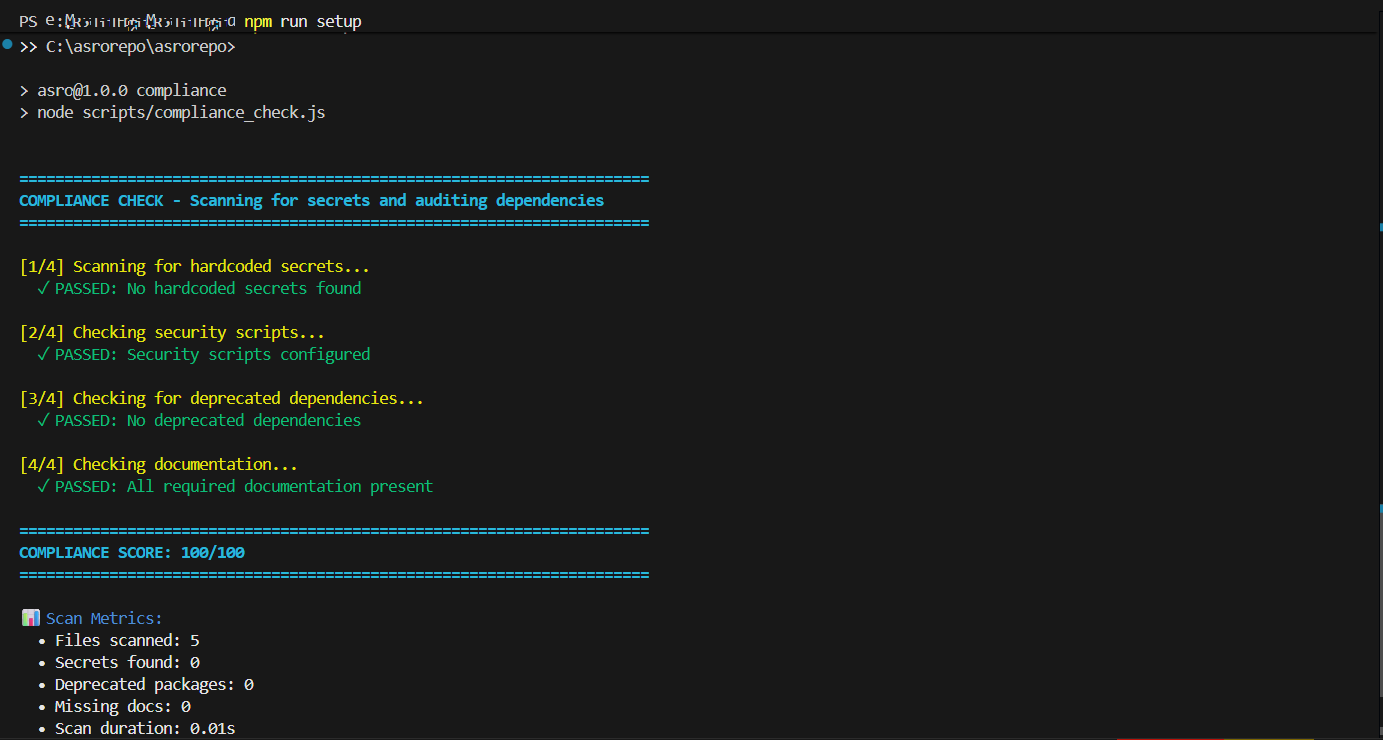
asro compliance
asro rollback
asro rollback <action-id>
asro doctor
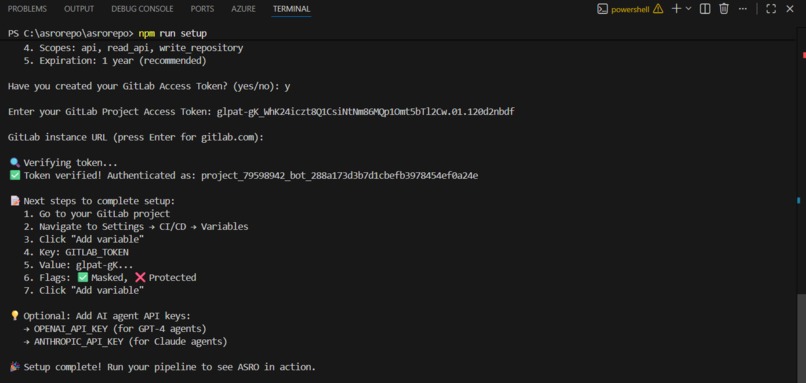
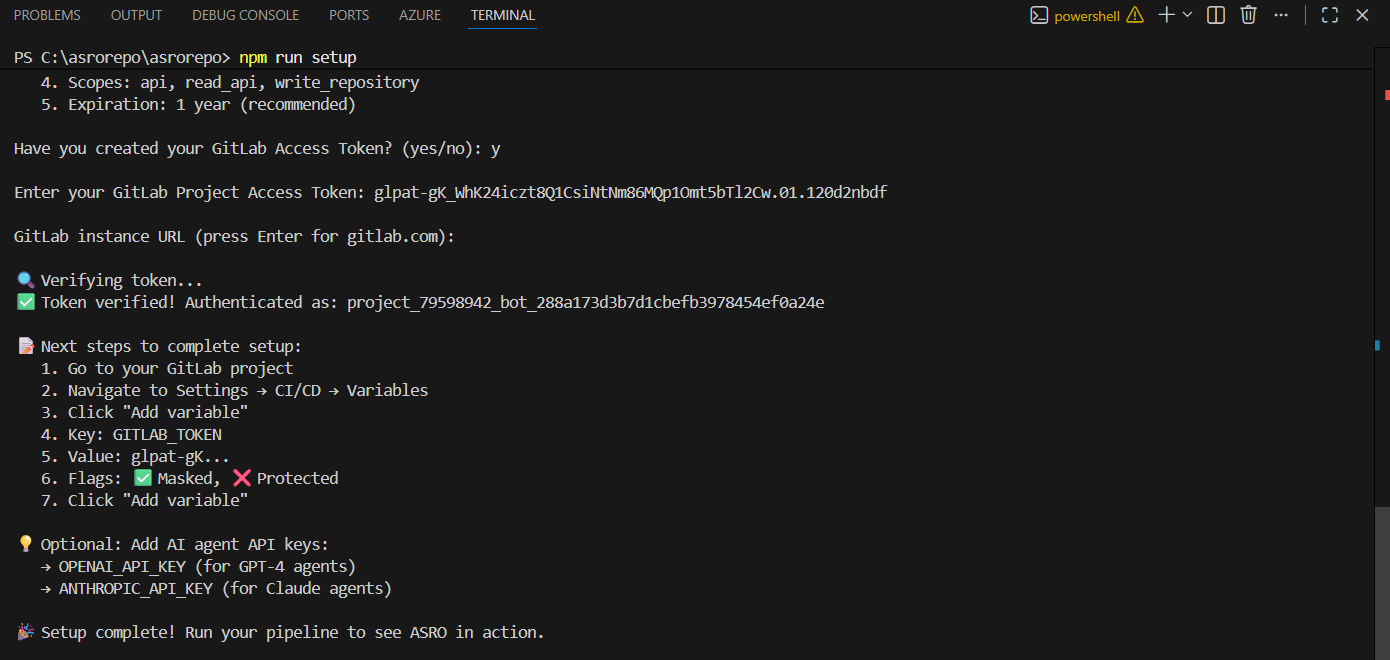
asro setup
Global Flags
asro <command> ... --tenant <tenantId> --project <gitlabProjectId>
Environment Variables
GITLAB_TOKEN: required for GitLab API operationsCI_PROJECT_ID: default project id for pipeline and vulnerability commandsASRO_TENANT_ID: default tenant id for plugin and CLI contextAPI_PORT: API server port, default3000REGISTRY_PORT: registry server port, default3001OPENAI_API_KEY: optional, enables external AI integrations where implementedANTHROPIC_API_KEY: optional, detected by setup verification
Packaged Agents
Only these manifests are currently present in agents/cleanup_agent.yaml, agents/auto_rebase_agent.yaml, and agents/release_agent.yaml:
- Cleanup Agent
- Auto-Rebase Agent
- Release Agent
Other agent concepts described elsewhere in the repo are helper scripts, planned work, or documentation targets rather than packaged agent manifests.
Reports Produced
- Cleanup:
cleanup_report.json,cleanup_summary.md - Auto-rebase:
auto_rebase_report.json - Release:
release_summary.md,release_report.json - Compliance:
compliance_report.json,compliance_score.txt,compliance_summary.md - Rollback:
rollback_report.json,rollback_log.json
Verification Note
In the current workspace session I could inspect the codebase, but I could not run the Node-based commands because node and npm were not available on the shell PATH in this environment. The docs below therefore reflect code-level verification of command wiring, plus the prerequisites required to execute them locally.
More detail lives in USAGE_GUIDE.md and HACKATHON.md.
For a timed walkthrough, use DEMO_GUIDE.md.
Built With
- ai:-google-gemini-3.1-(flash-&-pro)-backend:-node.js
- cloud
- database:
- express.js
- firebase
- firestore
- framer-motion
- github
- gitlab
- gitlab-rest-api-frontend:-react-19
- gitlabagenticduo
- kilocode
- lucide
- run
- tailwind-css
- vercel
- vscode


Log in or sign up for Devpost to join the conversation.