-
-
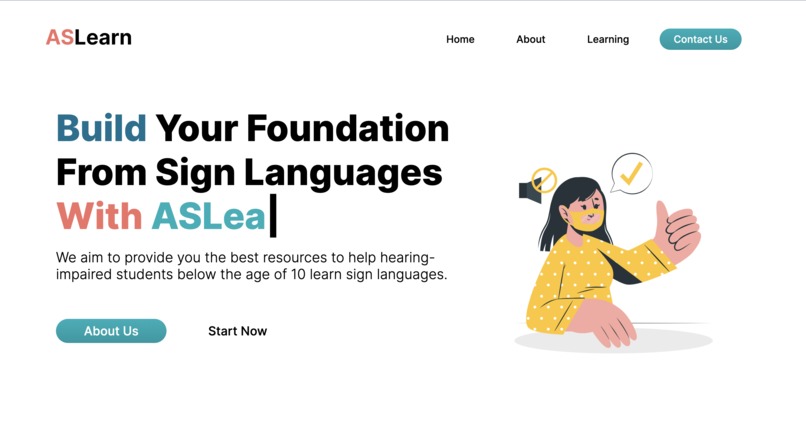
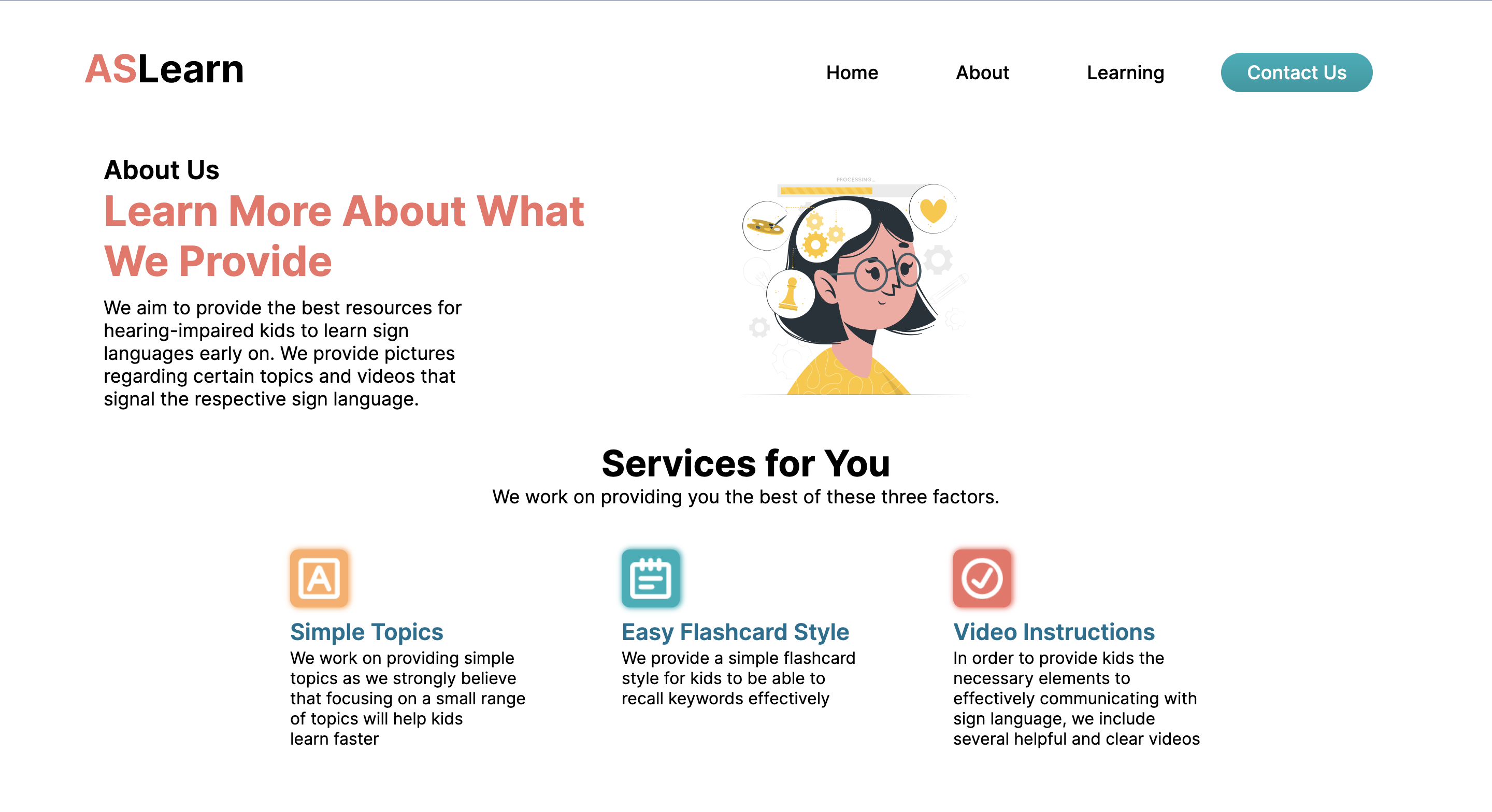
homepage
-
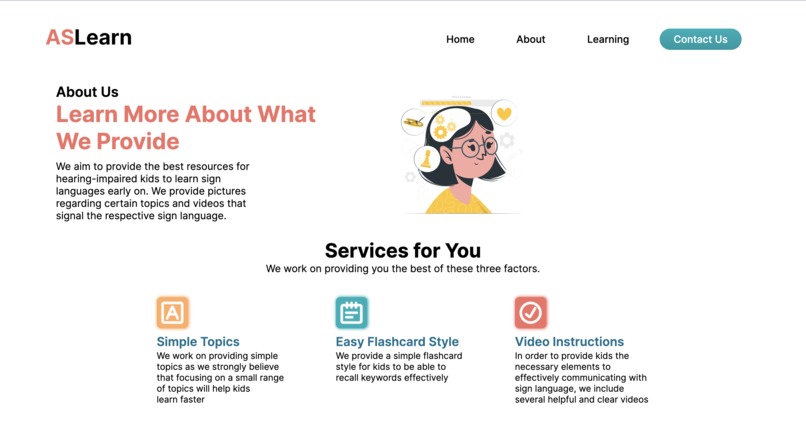
about page
-
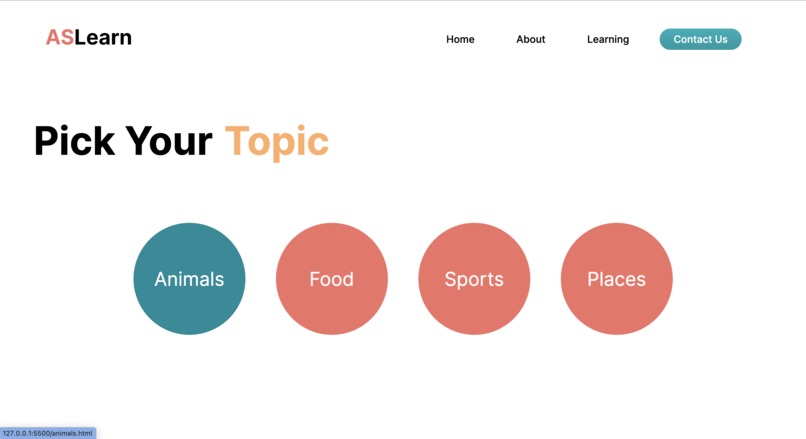
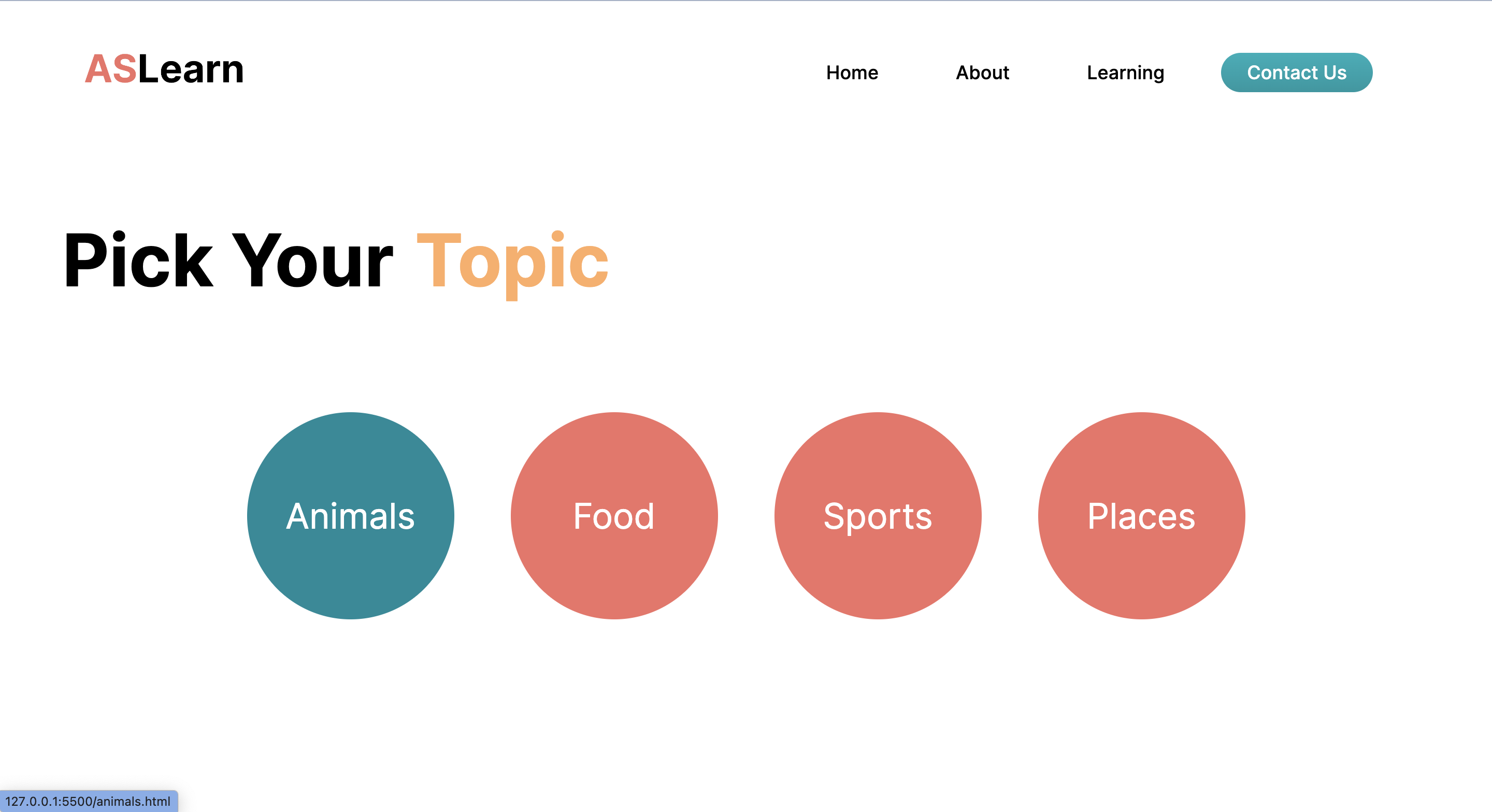
learning page #1
-
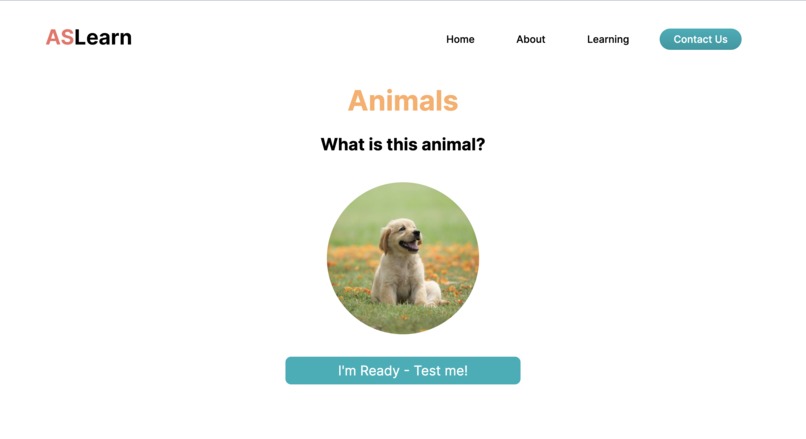
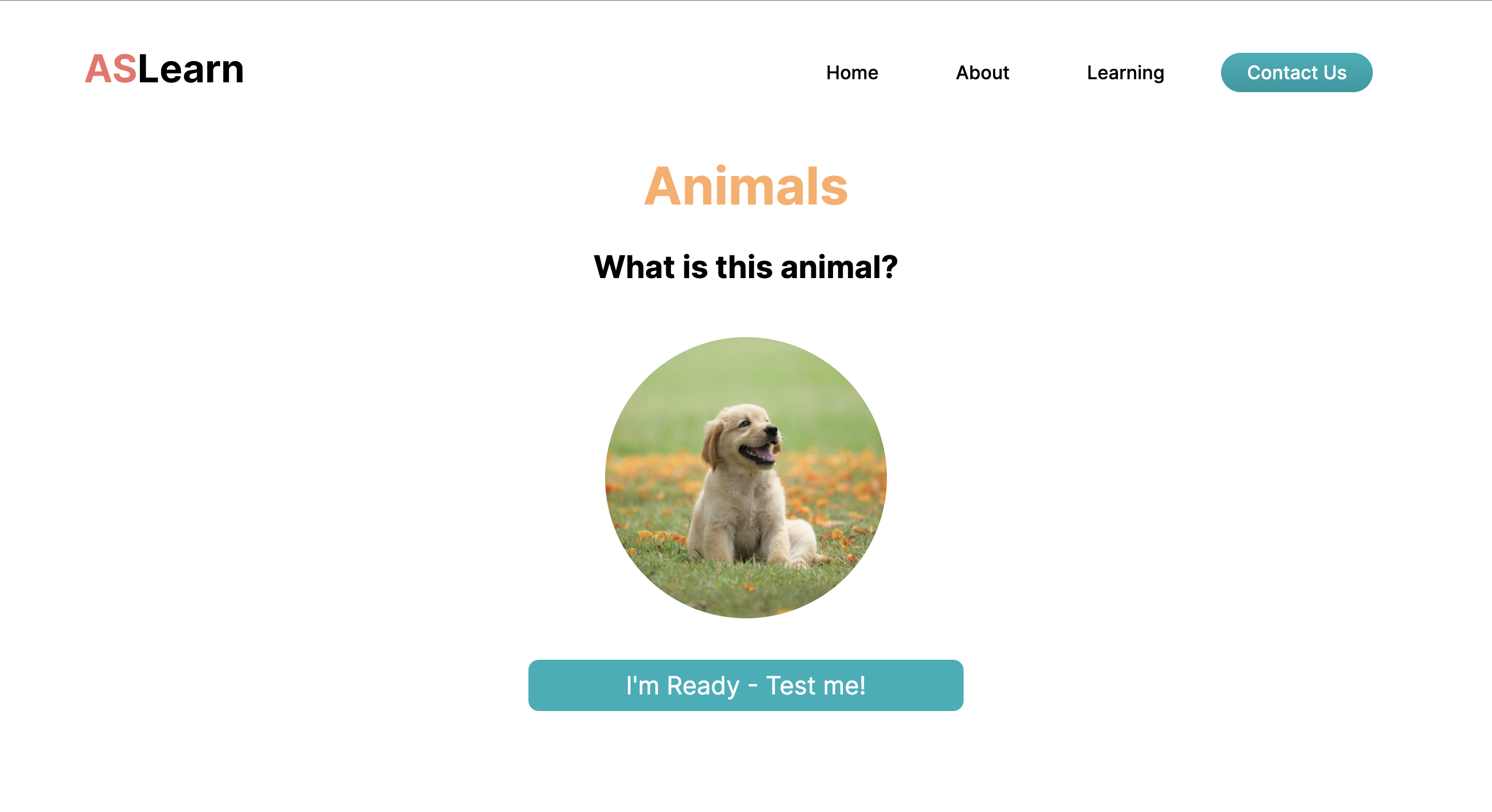
learning page #2 (after clicking on animals)
-
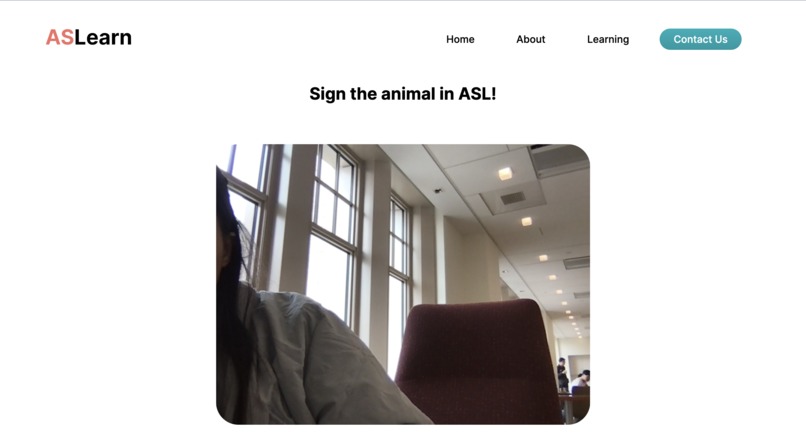
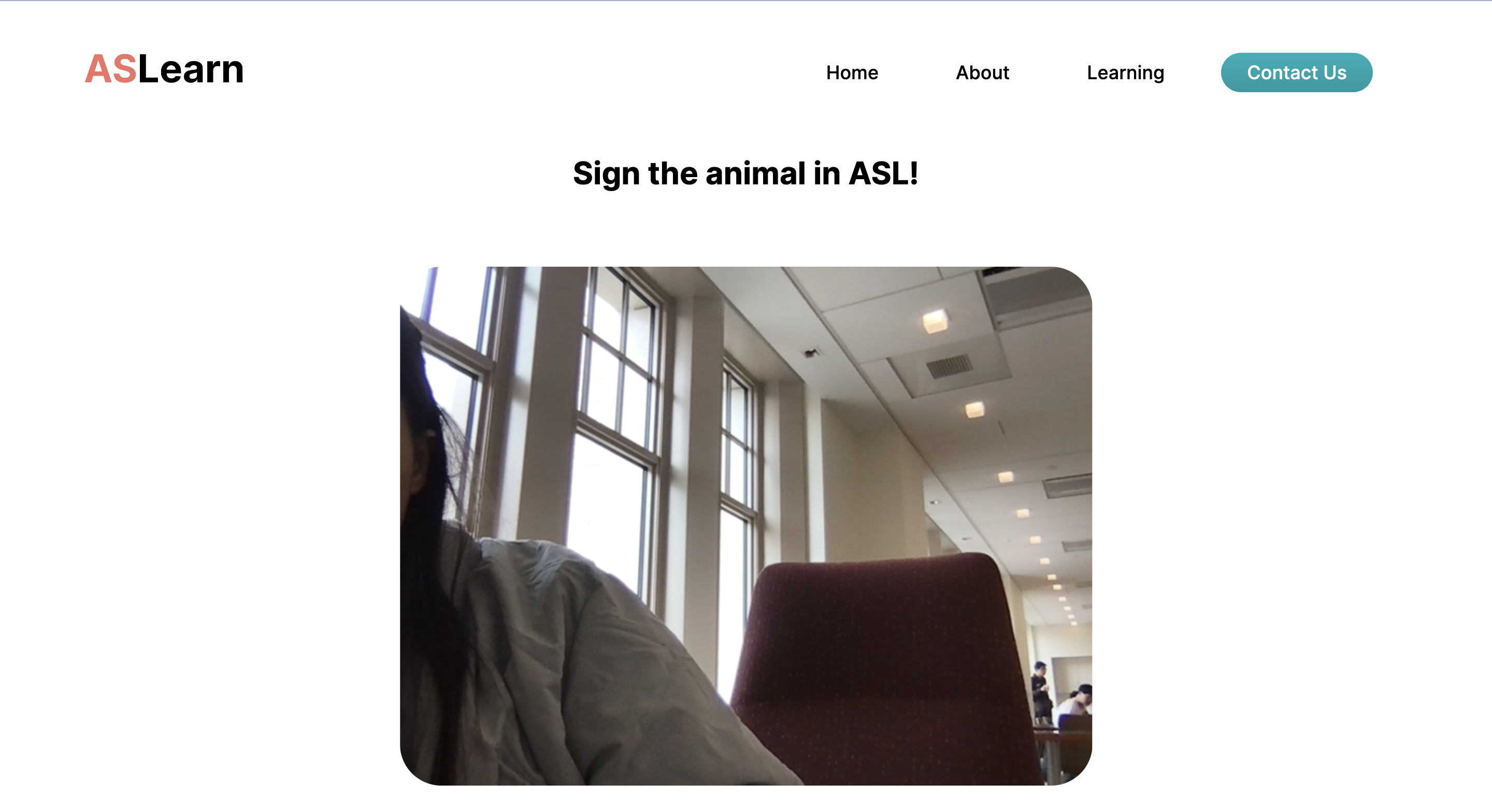
learning page #3 (after testing 'click me' button)
-
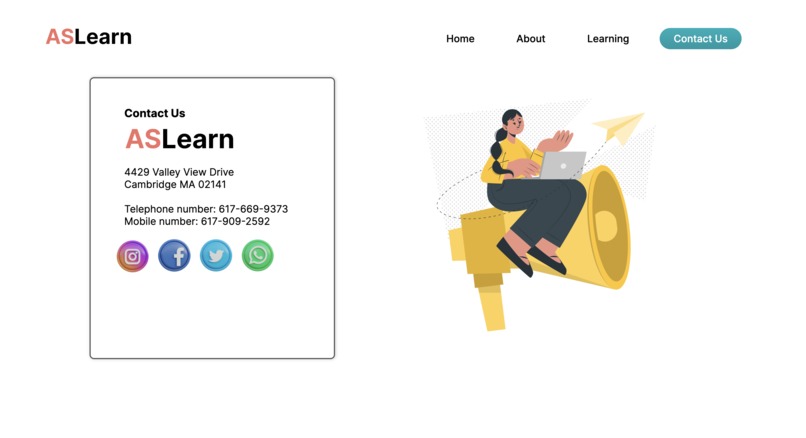
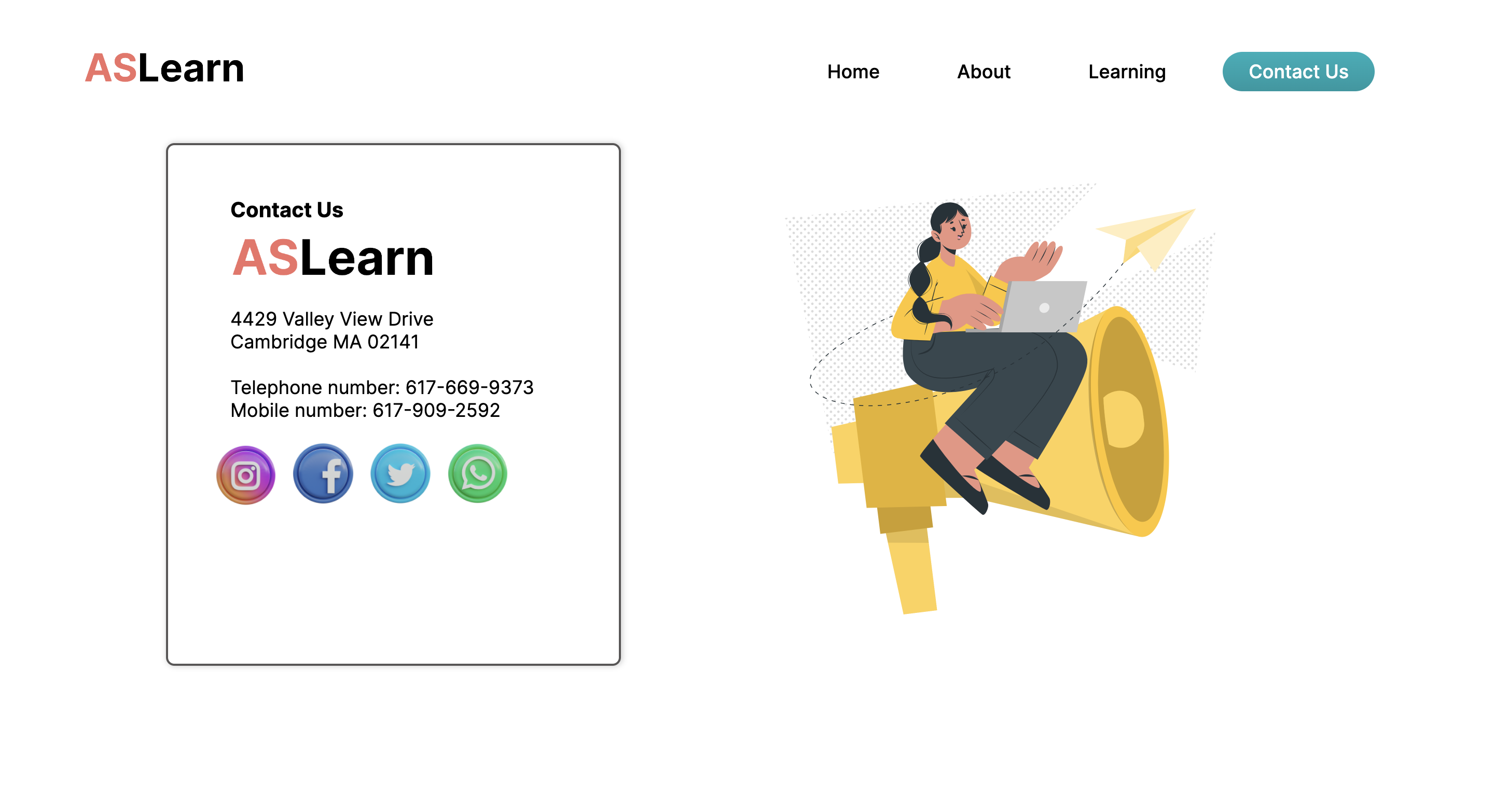
contacts page
-
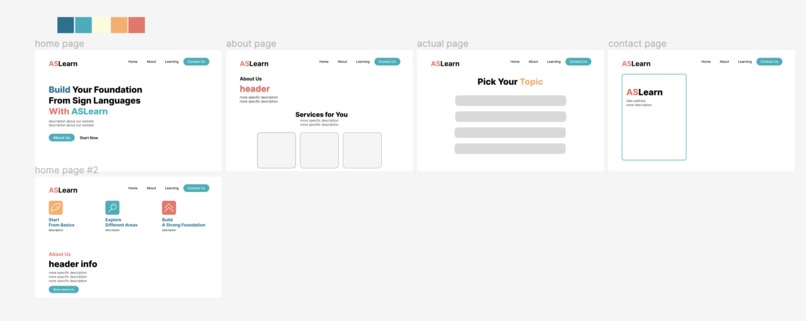
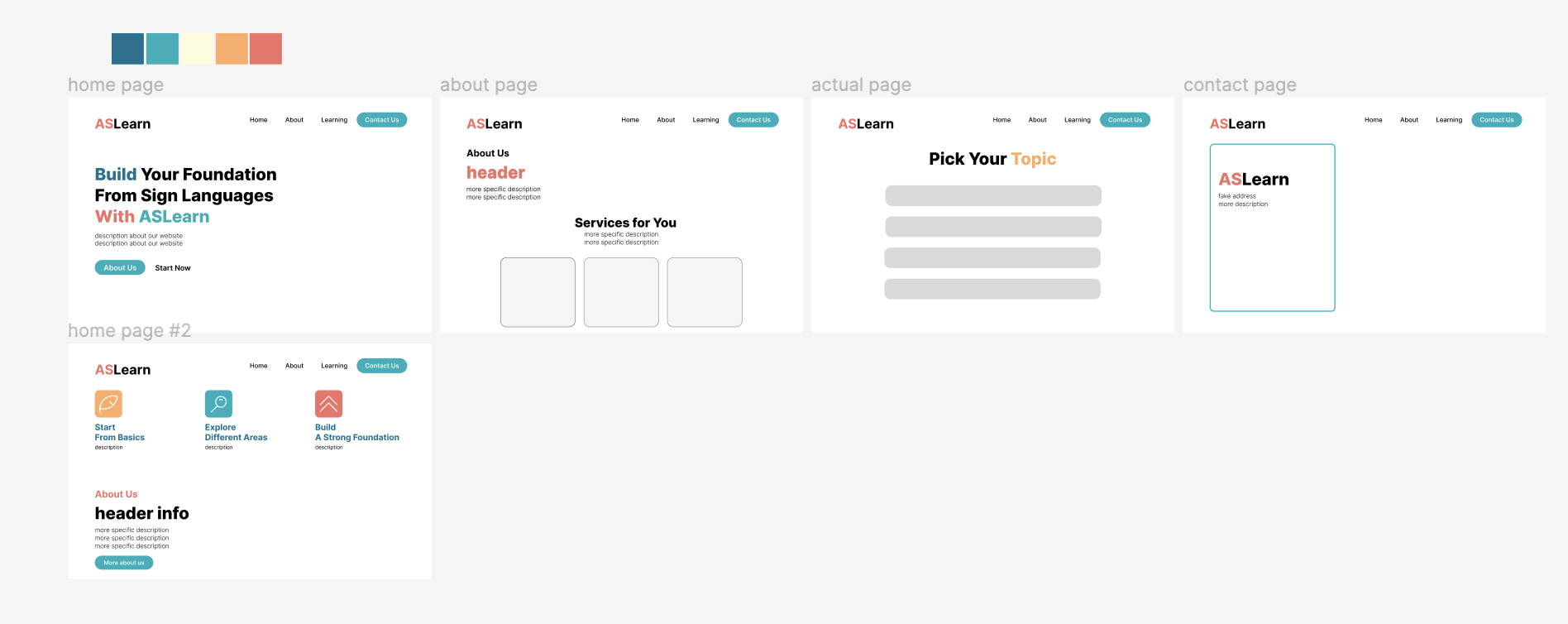
figma design plan
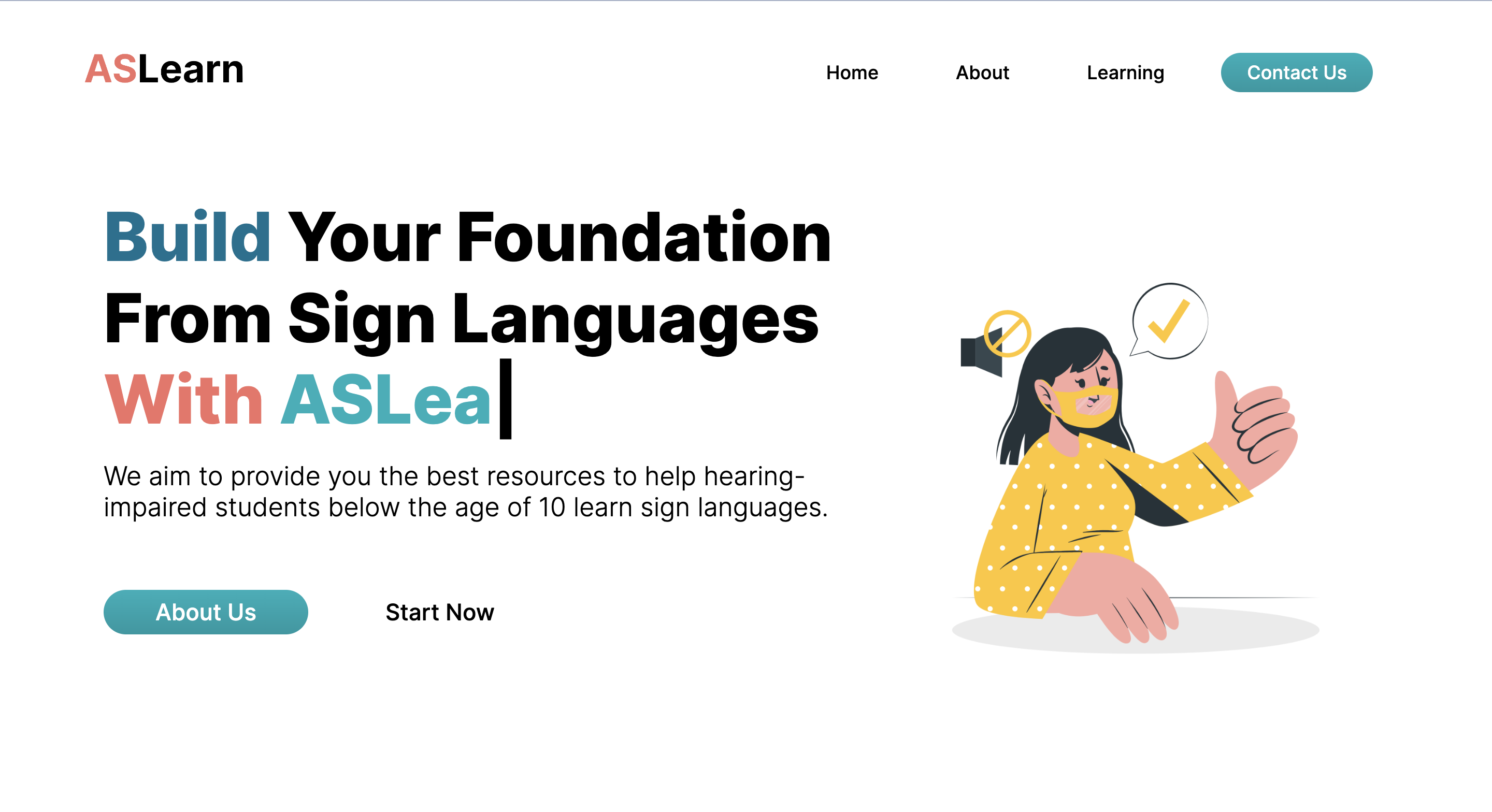
Inspiration
We got the idea to create a media for hearing-impaired kids to learn sign languages from exploring various projects made by others, one of which happened to incorporate computer vision into helping people communicate through sign languages. Because we weren’t as skilled at incorporating that, instead of communicating, we decided to use a system of something like flashcards that shows pictures and allows users to input their hand signal through recording a video of themselves; we also decided to aim it primarily at kids younger than the age of 10 although anyone like people who wanted the basic knowledge ASL. For the front-end design, we took examples from images in Google and platforms like Dribble to get some inspiration into how we can create an eye-pleasing website.
What it does
The basic function of the website is to help hearing-impaired kids learn sign languages through practicing signaling after seeing pictures. The home page (like any other) shows the basic outline of the website as well as the buttons to go to the about page or the main (learning) page. In the about page, we highlighted some of the services or benefits we provide the users, including simple, limited topics for users to easily follow, an easy flashcard style memorization technique for them to be able to recall keywords effectively, and clear video instructions for them to learn effortlessly. In the learning or the main page, we included four topics that users could choose from. If clicked on one like “animals,” a random picture of an animal like a dog shows up in which is followed by a built-in camera that allows users to input their hand signal through a video. The contact us page basically includes the (fake) address location and phone numbers, as well as social media pages. From the website, it is evident that the hearing-impaired users/kids can learn sign language effectively through the four topics we provided.
How we built it
At first, after researching multiple designs online, we used Figma to design how our four pages were going to look. After designing that, we used that as a baseline for our front-end development by taking into consideration what colors we were going to use and how we were going to format everything, more specifically, when or where we were going to divs or sections. Young Eon worked on the home, about, and contact page; although she found it hard to follow the exact design planned out in Figma, she managed to make each page stand out in its own way or at least have its own function/role. Annie worked on the about page even though she didn’t really get to finish. Jaden worked on the main, the learning page, and incorporated javascript for the topics, pictures, and videos. We both added a bit of a touch in our own creativity: Young Eon incorporated gradient buttons and a typing animation in the home page with javascript derived from someone’s github page. Jaden incorporated color changing elements when hovering on the topics.
Challenges we ran into
The most challenging part was having a complete, working team to work with. Most of the initial teammates were more for the workshops or learning aspect of the hackathon and left early. Jaden later joined our group at 10 pm, leaving us little time to work on it and leading us to an indecisive question of whether or not we should continue this project. On the technical aspect, it was difficult for us to recall what web development is. Also, organizing the items in CSS proved to be challenging at times, especially because we wanted to make it responsive.
Accomplishments that we're proud of
The accomplishment we’re proud of is completing the project despite the obstacles we faced whether that be social or technical challenges. We’re also proud that we successfully made the project incorporating HTML, CSS, and Javascript because we had a hard time recalling some of the syntax in the beginning as we didn’t use it for the longest time.
What we learned
While trying to make the about page, Annie learned some basic syntax of HTML and CSS and how to use Figma. While both of us had to recall our memories in using web development, Young Eon learned how to use another creator’s github and incorporate it into our own website like the typing animation, and Jaden learned how to navigate through Figma and faced the biggest challenge of having to relearn web development. He noted that because he didn’t do much web development after middle school, this project taught him to never stop building side projects. At first, we tried to use an API so that we would have a larger database and have more content of ASL videos, we were kind of in a time crunch and couldn’t make it to work; however, we did learn the basics of how APIs are connected and the incorporated as a tool of websites.
What's next for ASLearn
We could first and foremost have more data and more topics to show users or provide more items for kids to learn. Another improvement we could make is implementing the backend. We could make a sign up page and record the user’s progress of learning the sign languages. Furthermore, we could give the users small prizes that would motivate them to continue learning after tracking their progress. We could also implement APIs to make a bigger database, resulting in more topics or items the users can learn. We could also incorporate computer vision to interpret whether the user signaled was correct or not. The implementation of computer vision will allow users to use hand signals with the computer interpreting it and replying to the user with videos that are embedded using APIs.

Log in or sign up for Devpost to join the conversation.