-
-
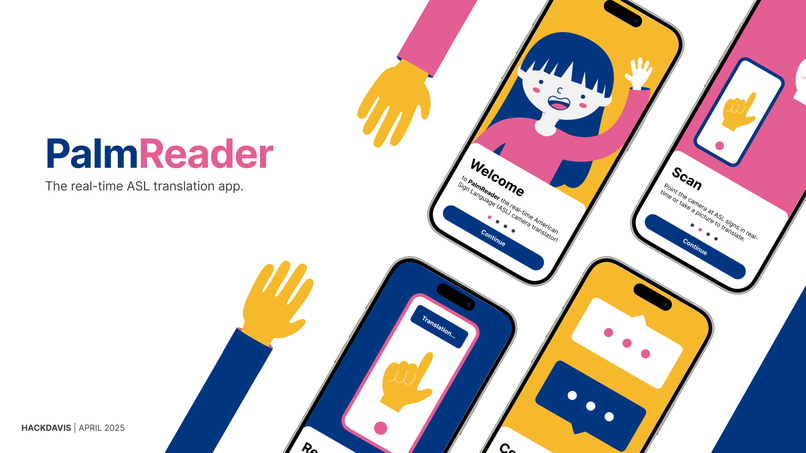
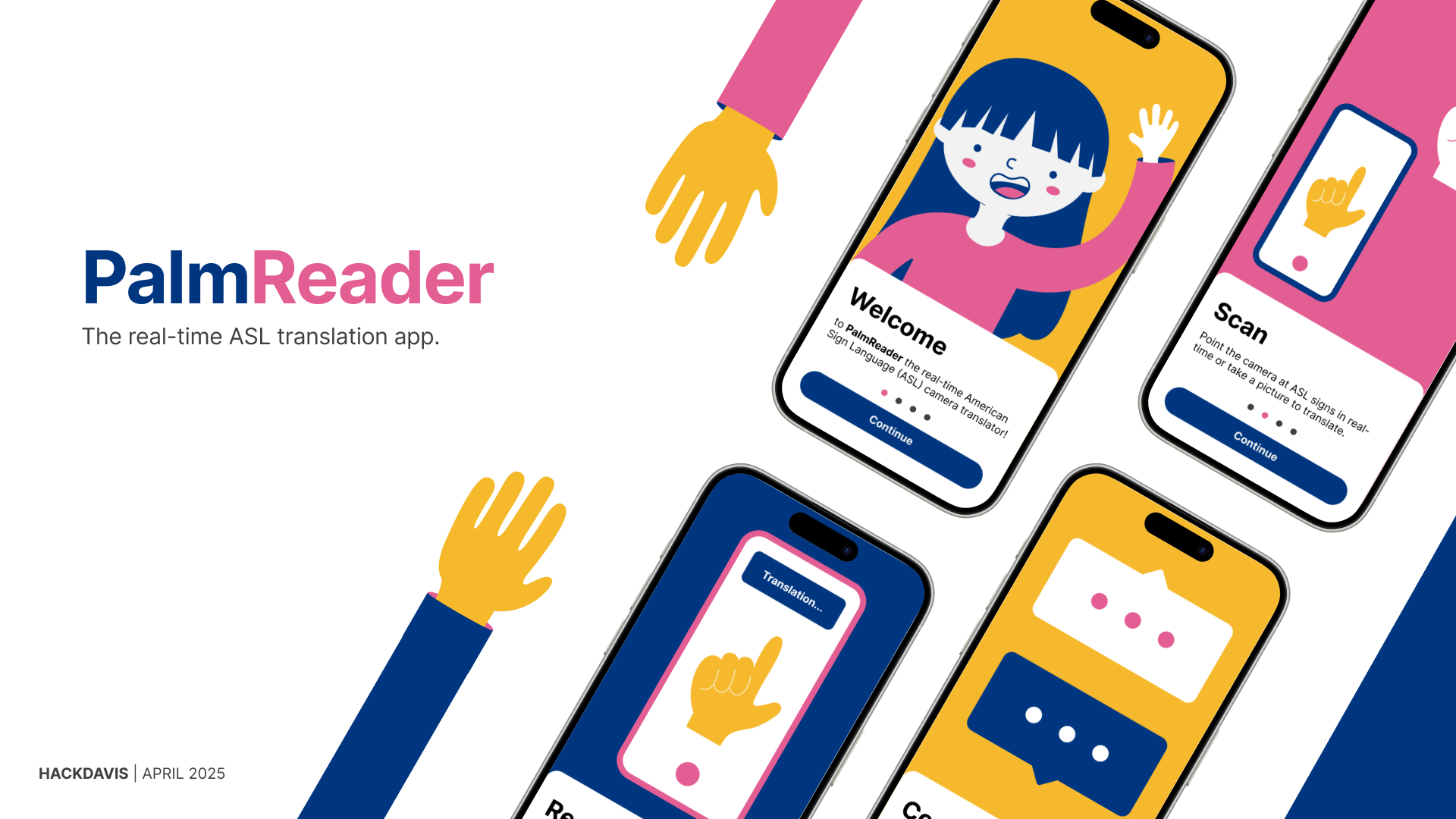
PalmReader Mockups
-
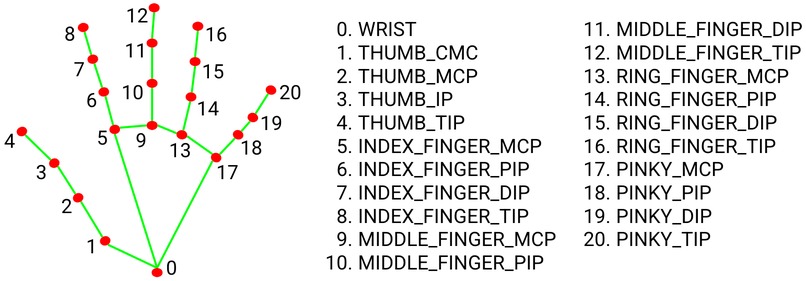
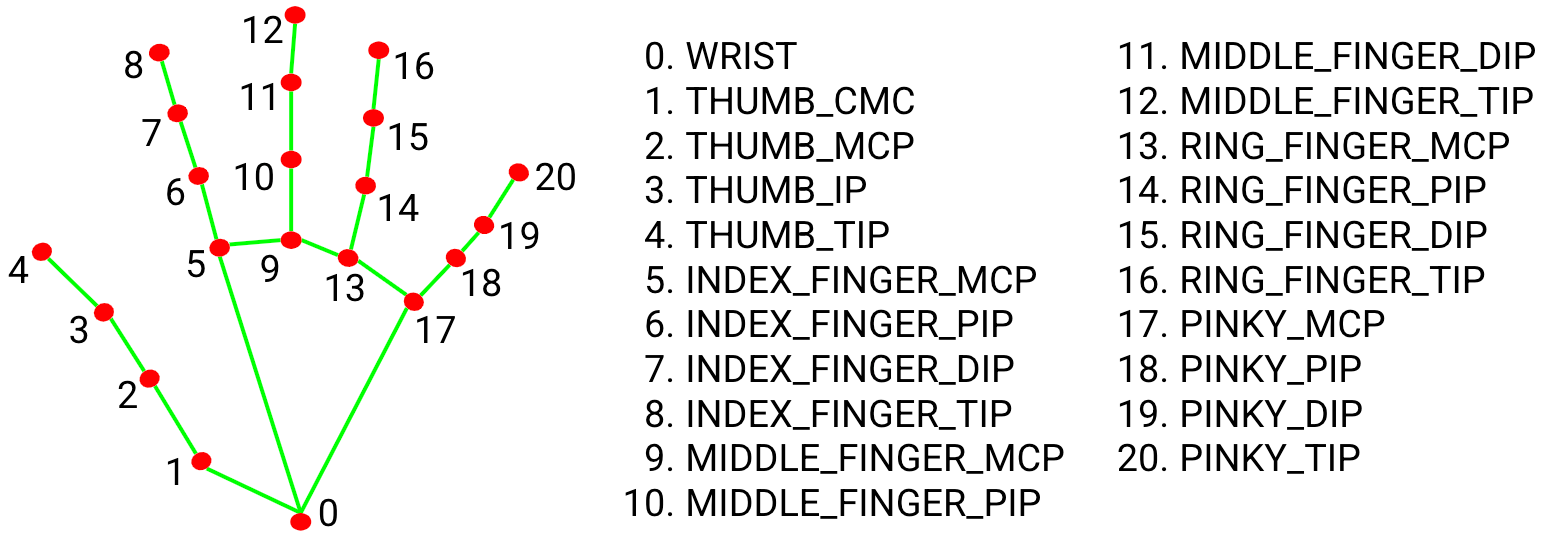
Hand landmarks
-
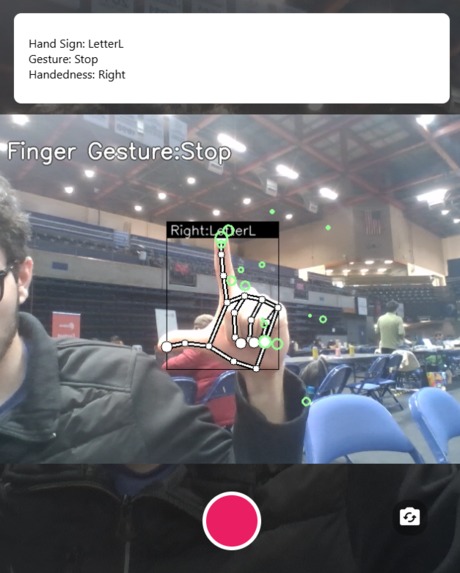
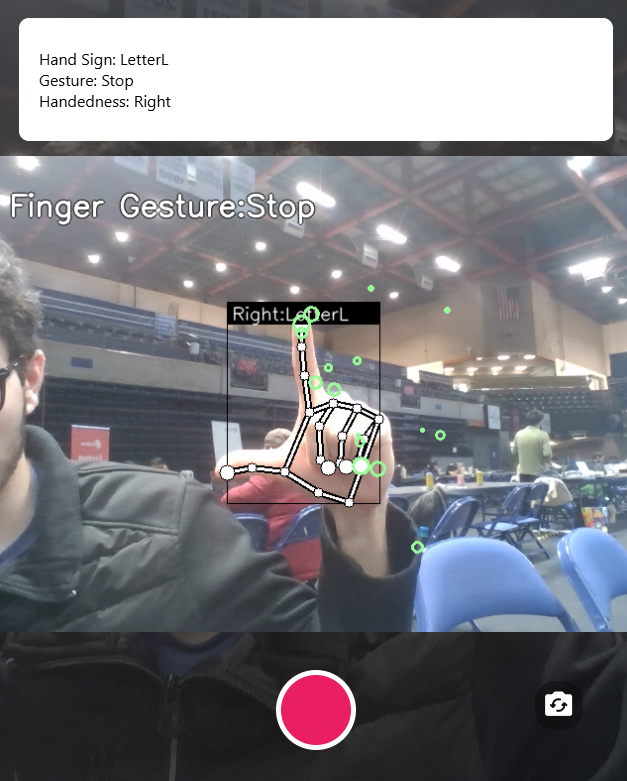
Detecting letter L
Inspiration
Deaf culture and hearing culture have long felt divided due to decades of miscommunication and language barriers. With a deep interest in Deaf culture and ASL, we have seen how this gap affects everyday communication for deaf people. Over time, Deaf culture has become increasingly isolated. While researching, we recalled Google Translate's ability to provide real-time translations for spoken and written languages. That sparked an idea: what if there were an app that could translate ASL in real-time? This app was born out of a need to bridge that divide — using technology to make ASL more accessible to hearing individuals. Most importantly, it's a step towards mutual understanding and real-time connection between two communities that have long been divided.
What It Does
In PalmReader, users can take pictures or scan ASL signs/gestures that provide real-time translations. It is perfect for on-the-go translations to help ASL users navigate the world.
How We Built It
For the backend, we used OpenCV along with Google's MediaPipe to extract and display hand landmarks. In terms of computer vision, there are 21 coordinates relative to the bottom of the wrist at 0, 0. Also, we're able to keep track of hand/finger motion with key point history tracking to detect traced phrases such as goodbye. From there, we made our own custom-labeled datasets by logging each sign/gesture onto CSV files. Finally, we used ourdata to train our deep neural networks with TensorFlow. The backend is built with Python and FastAPI. For the frontend, we used React Native to host a multi-platform mobile app and Expo to run it on a physical mobile device.
Technologies: Node.js, Python, FastAPI, MediaPipe, OpenCV, Machine Learning, Tensorflow, React Native, Expo, Deep Neural Networks, Computer Vision
Challenges
On the backend, it was challenging to get the model to distinguish between certain signs due to them being similar to each other or complex in articulation (e.g. “e”, “j”, “f”). The frontend’s challenges were mostly troubleshooting dense lines of code in React Native, but otherwise, it went relatively smoothly. One major challenge was getting the frontend's mobile camera to send the proper image format to the backend for computer vision processing. We spent upwards of 6 hours debugging this with no avail, but we're still proud of our final result.
Accomplishments
Through training our model, we managed to get it to recognize the entire English alphabet in American Sign Language, as well as various short phrases. Additionally, while we were not very familiar with React Native prior to the hackathon, we were able to learn it quickly enough to push out a polished project.
Lessons
We extensively learned about the capabilities of React Native, including making working buttons, moving between frames, and even setting up a camera. We also learned American Sign Language in the process of making the backend, as we needed to produce the signs ourselves when training and testing the model. Most of all, we learned that despite the challenges we faced, we had fun throughout those 24 hours.
What's Next for PalmReader
If given more than 24 hours, there are many improvements we'd like to make:
- Build a training database to improve sign recognition, better motion tracking, more advanced motion tracking
- Use better AI models with better computing to predict advanced signs/gestures with more accuracy.
- Expand translations to multiple sign languages beyond ASL.
- Support the opposite: English → ASL translations.
- Add settings and quality-of-life features (back button, animations, accuracy prediction).
- Fully implement real-time tracking into the mobile Expo app.
- Implement updating transcript functions.
Built With
- cv2
- expo.io
- fastapi
- keras
- machine-learning
- mediapipe
- node.js
- opencv
- python
- react-native
- tensorflow


Log in or sign up for Devpost to join the conversation.