-
-
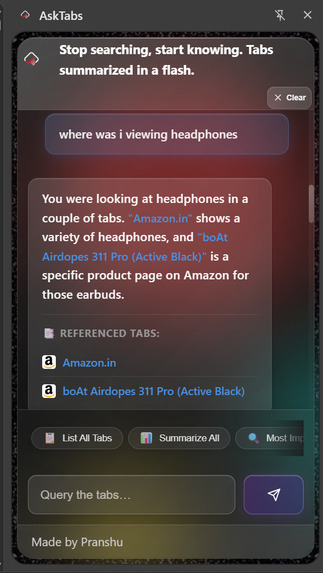
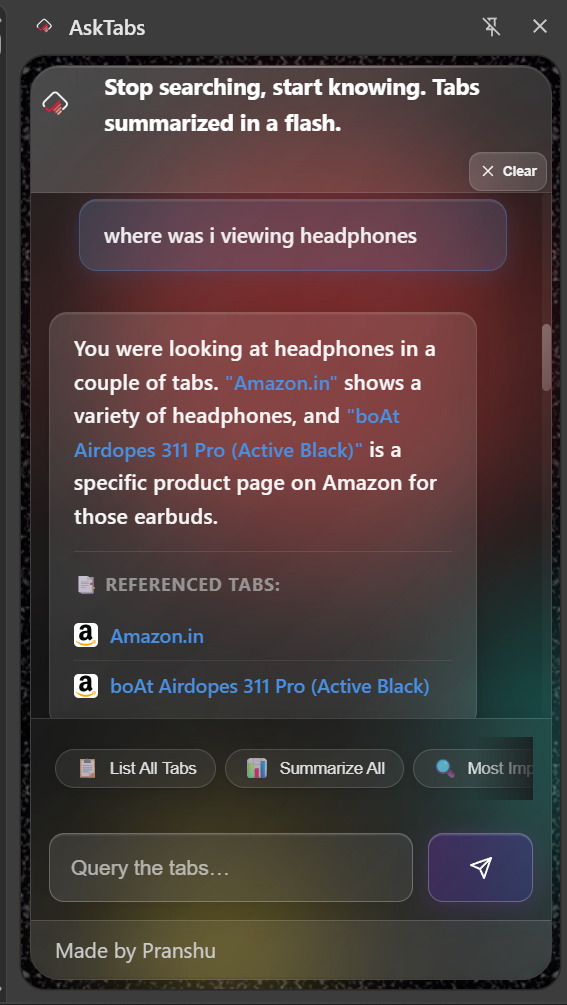
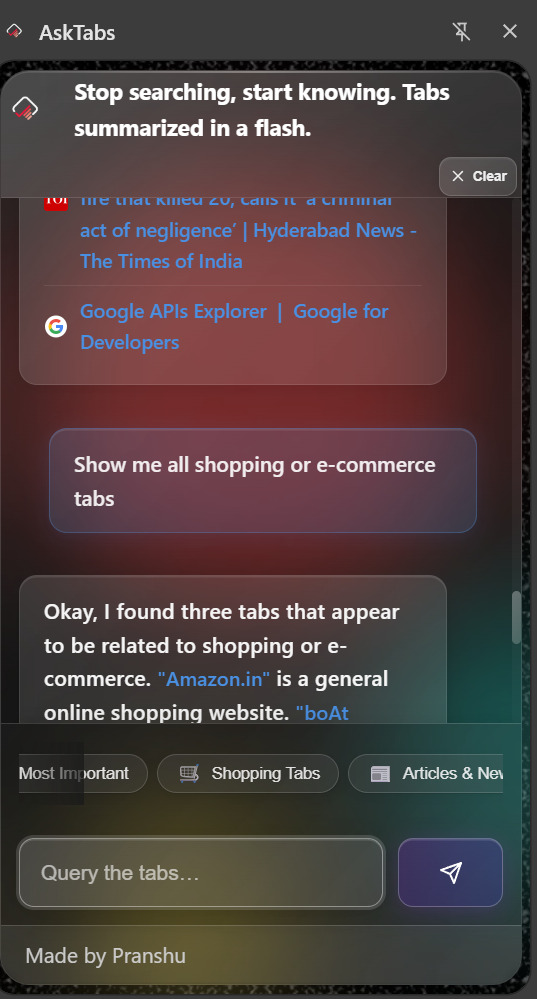
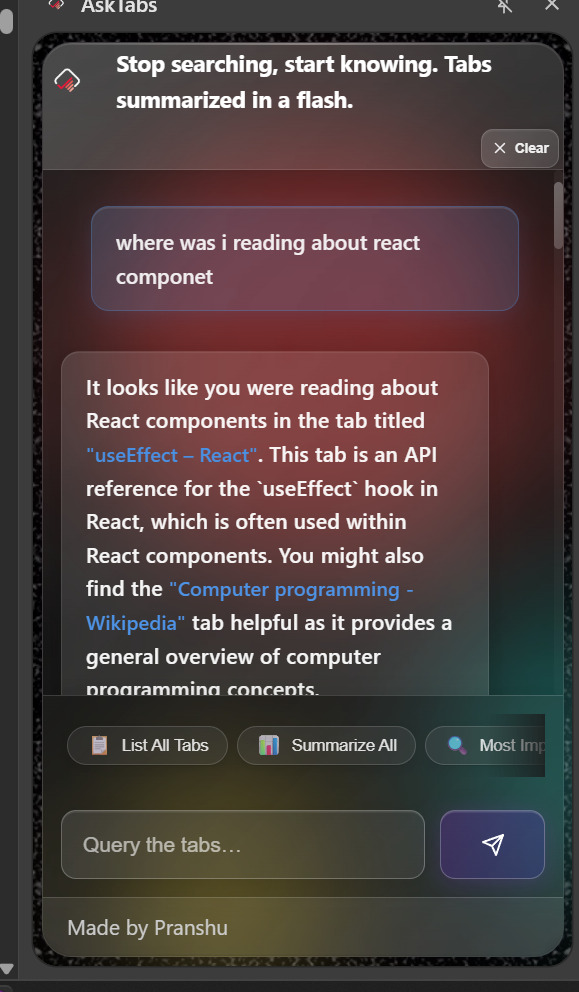
Ask about where you were browsing
-
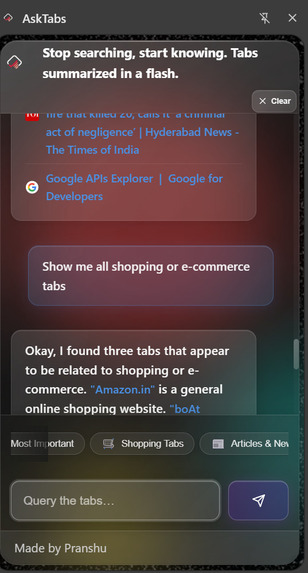
Group Similar tabs
-
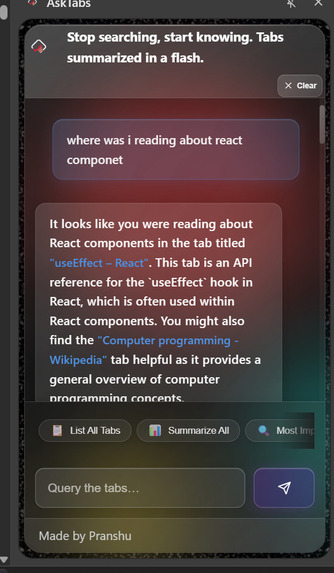
Learn faster
🧠 Inspiration
The project is inspired by the problem of information overload caused by numerous open browser tabs. It aims to provide a quick and efficient way to search and summarize information across these tabs, eliminating the need to manually switch between them. This is particularly useful for researchers, professionals, online shoppers, news readers, and students who often juggle multiple tabs.
⚙️ What it does
AskTabs is a Chrome extension that uses AI to search and summarize the content of all open browser tabs. Users can ask questions related to the content in their tabs and receive instant answers and summaries, along with references to the specific tabs that contain the relevant information.
Now published on Chrome web store
🧩 How I built it The extension uses a combination of frontend and backend technologies: Frontend: HTML5/CSS3 for the UI, JavaScript (ES6+) for core functionality, and a glassmorphism design for visual appeal. Backend: Google Gemini API for AI-powered responses, Vercel Serverless functions for API endpoint hosting, and Chrome Extensions API for browser integration. Architecture: background.js manages tab data, extracts content from tabs, and communicates with the Gemini API. sidepanel.js handles the UI logic and user interactions in the side panel.
🧱 Challenges I ran into
Content Extraction: Ensuring accurate and reliable extraction from various websites with different structures, including handling restricted sites. API Integration: Managing API keys and quotas for the Google Gemini API. Performance: Optimizing the extension for speed and efficiency when handling a large number of open tabs. Summarization Quality: Making sure AI-generated summaries are accurate, context-aware, and concise. State Management: Maintaining the state of the extension and persisting data across sessions.
🏆 Accomplishments that I'm proud of
AI-Powered Search: Successfully integrated the Google Gemini API to provide intelligent search and summarization. Real-time Tab Indexing: Implemented real-time tab content indexing and auto-refresh. User Interface: Built a beautiful, user-friendly UI with smooth animations and transitions. Privacy: Adopted a privacy-first approach by processing data securely and never storing tab data permanently. Smart Features: Added auto-summarization, tab references, one-click navigation, and conversation history.
📚 What I learned The importance of robust content extraction for diverse web content. The challenges and opportunities of AI integration in browser extensions. The significance of performance optimization for user experience. The value of a privacy-first approach in building trust. The impact of clean UI design on usability and adoption.
🚀 What’s next for AskTabs: Export conversation history Custom AI model selection Tab grouping and organization Advanced filtering options
Built With
- chrome
- gemini
- html5/css3
- javascript
- vercel

Log in or sign up for Devpost to join the conversation.