-
-

Our Official Mascot
-
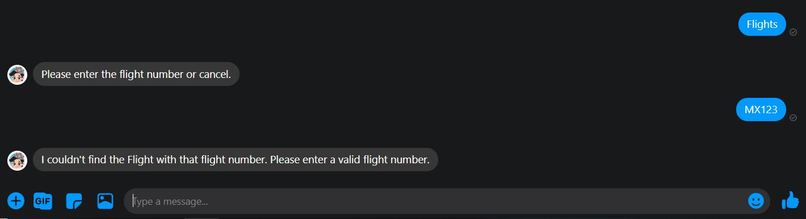
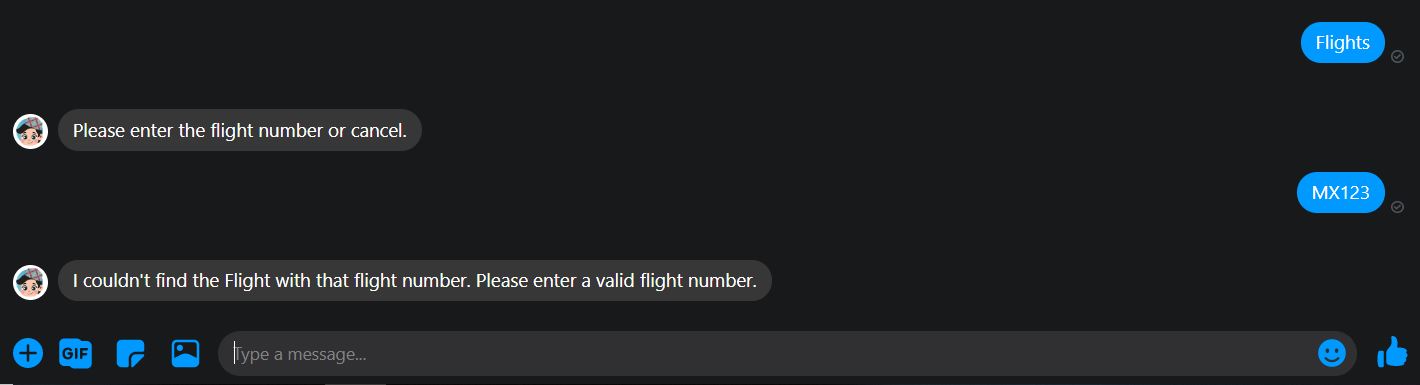
Check Flight status
-
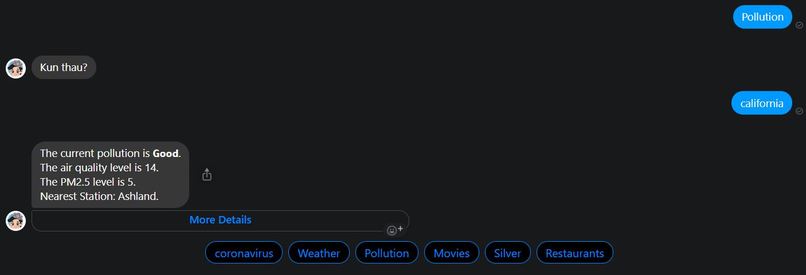
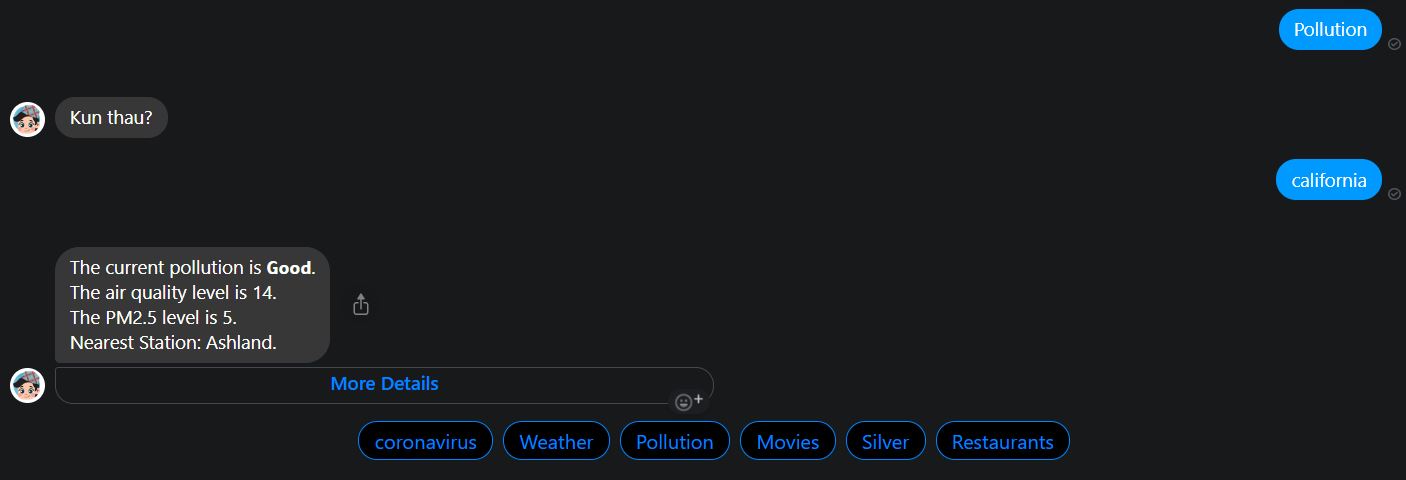
Pollution Index
-
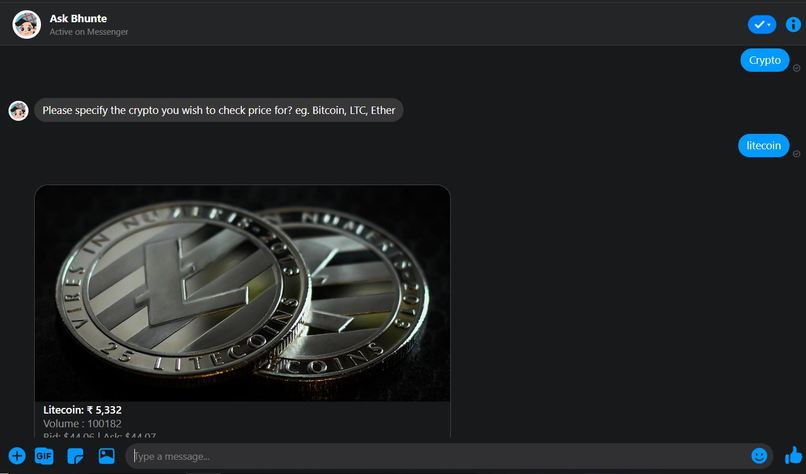
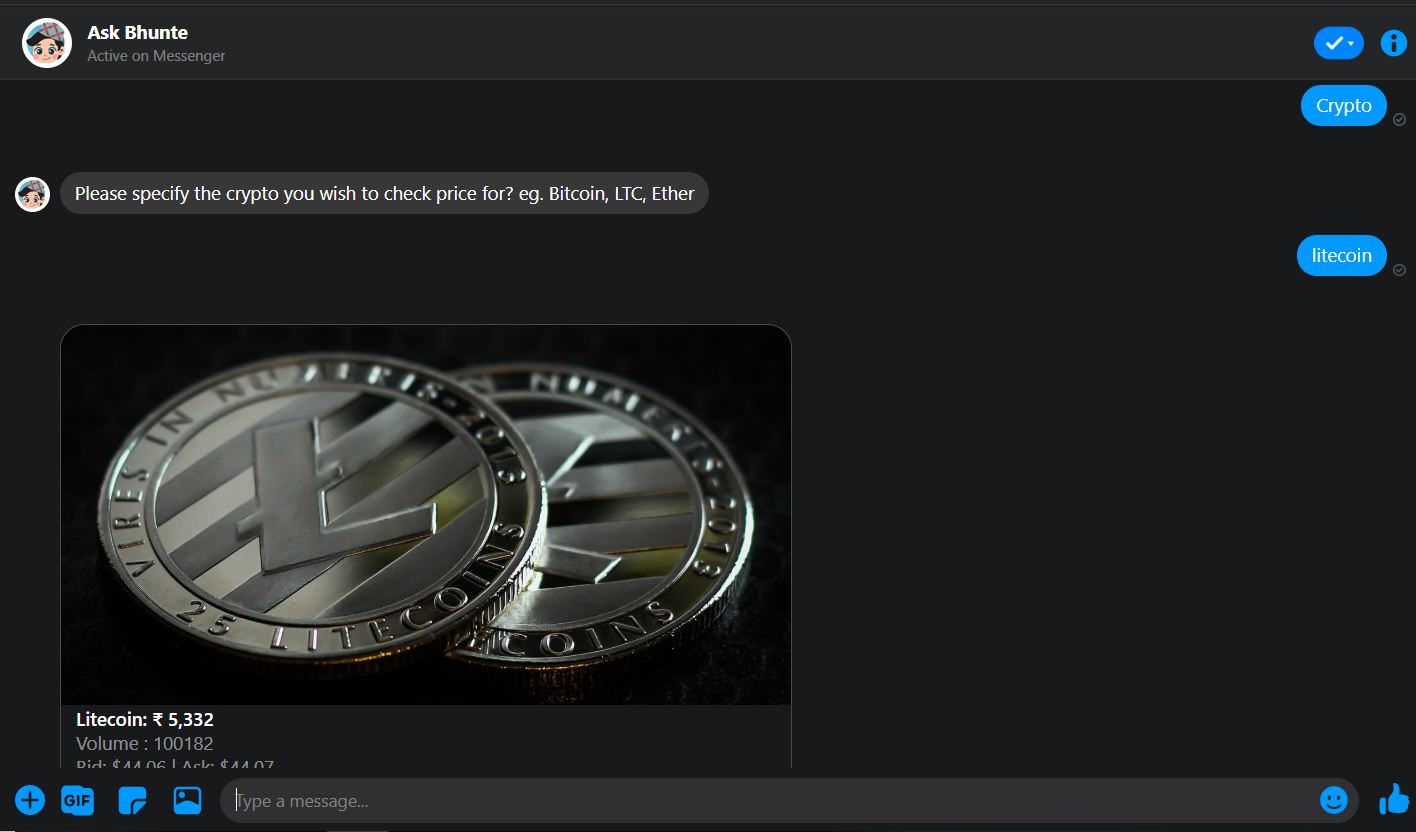
Latest Crypto Prices
-
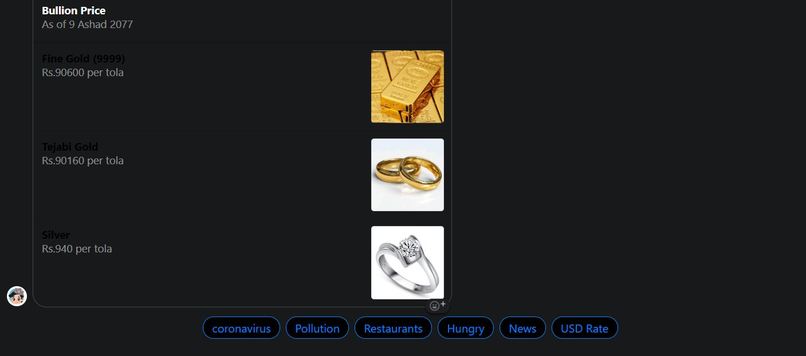
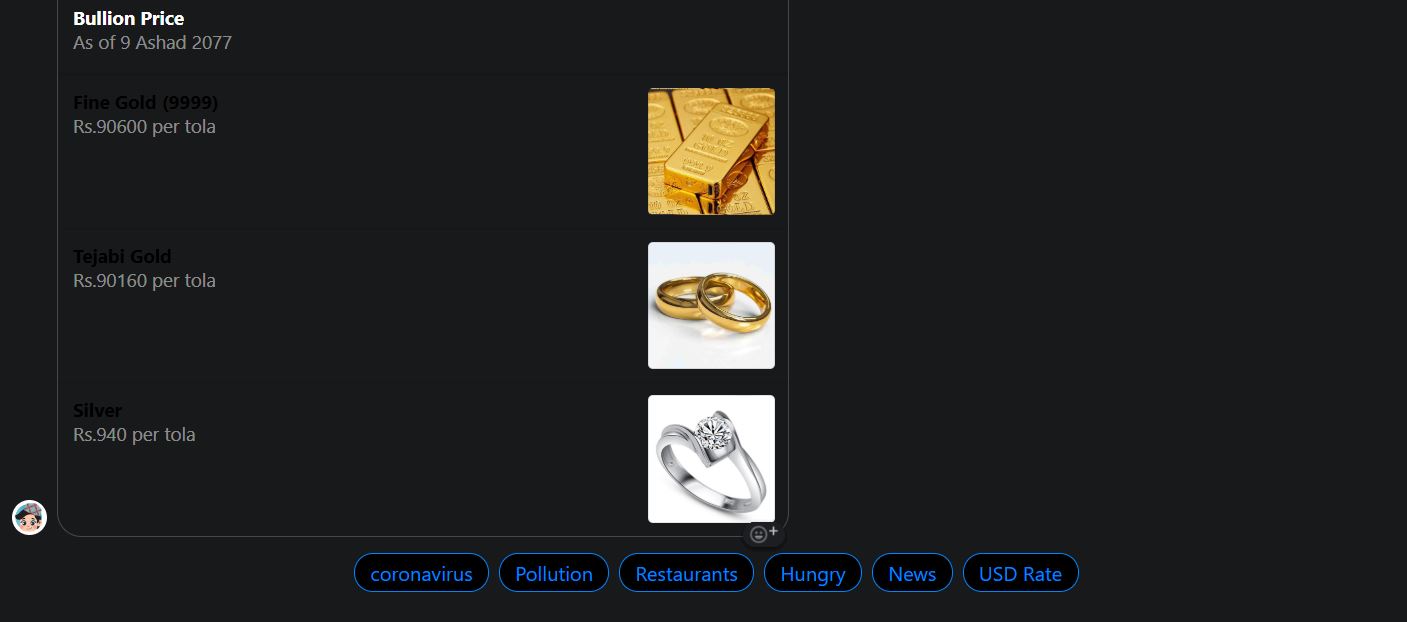
Latest Bullion Prices
-
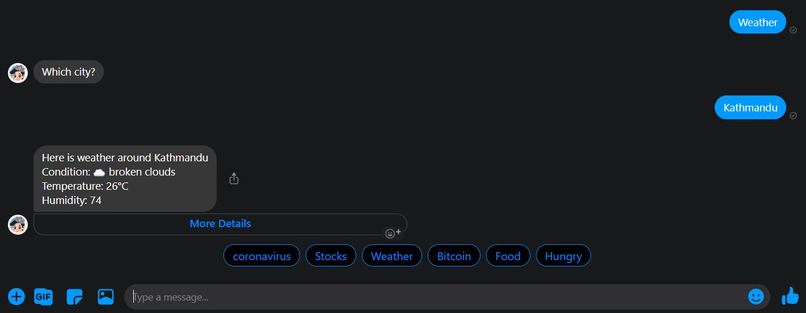
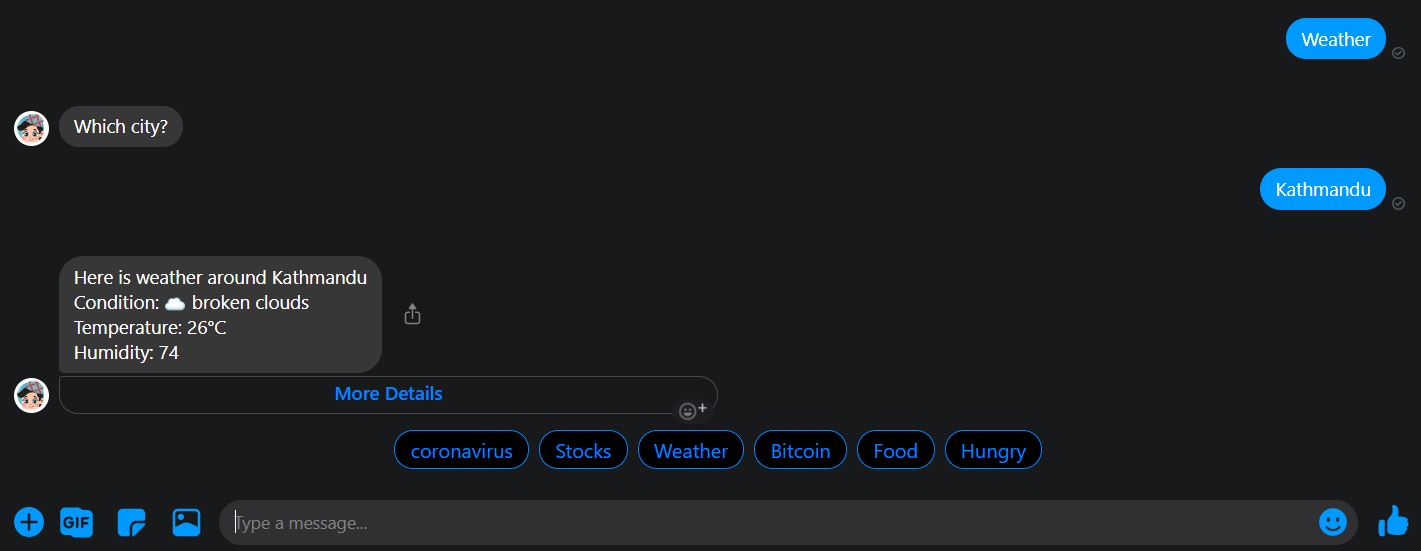
Weather report
-

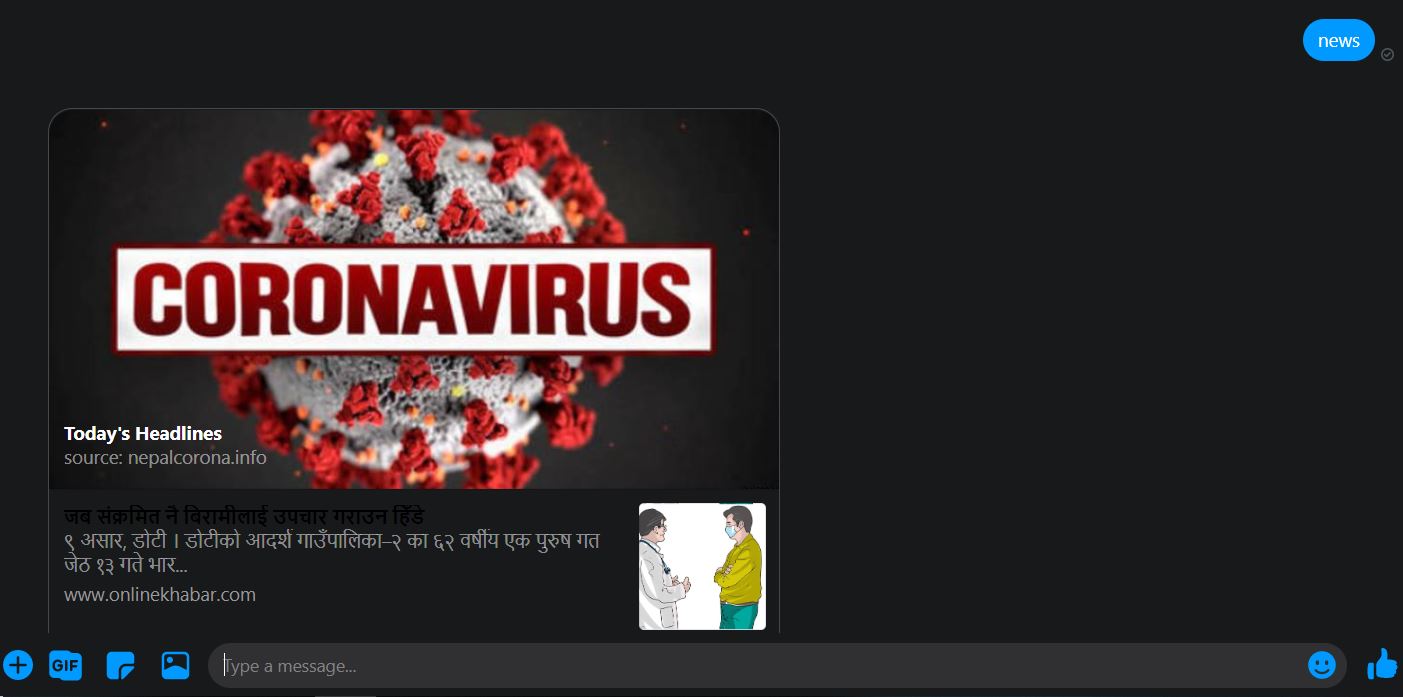
Latest News
-
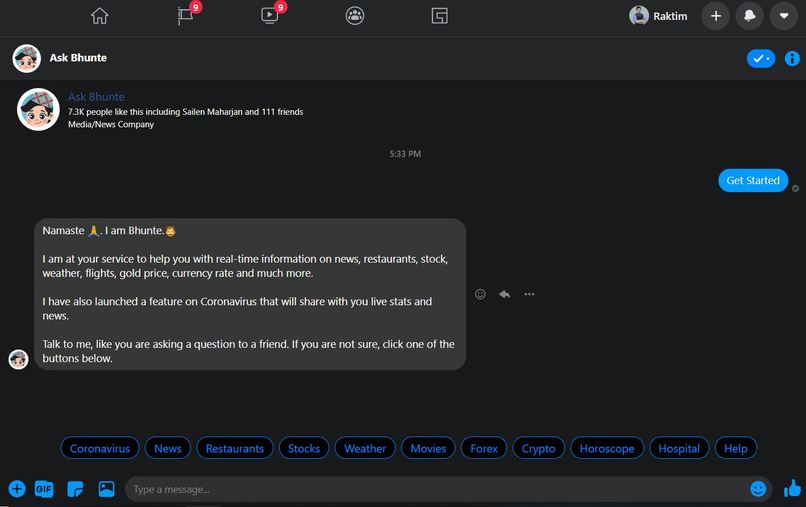
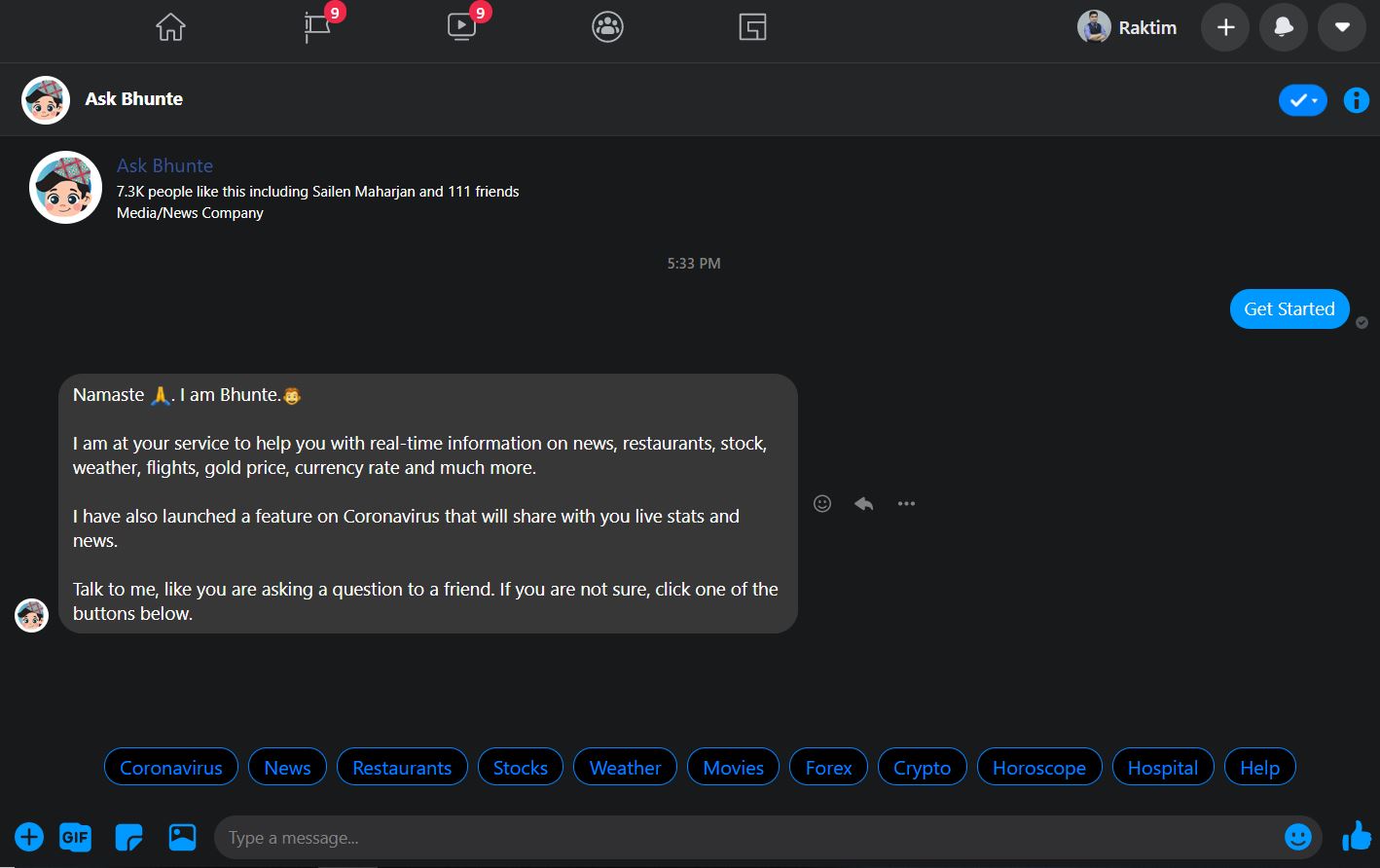
Welcome Page
-
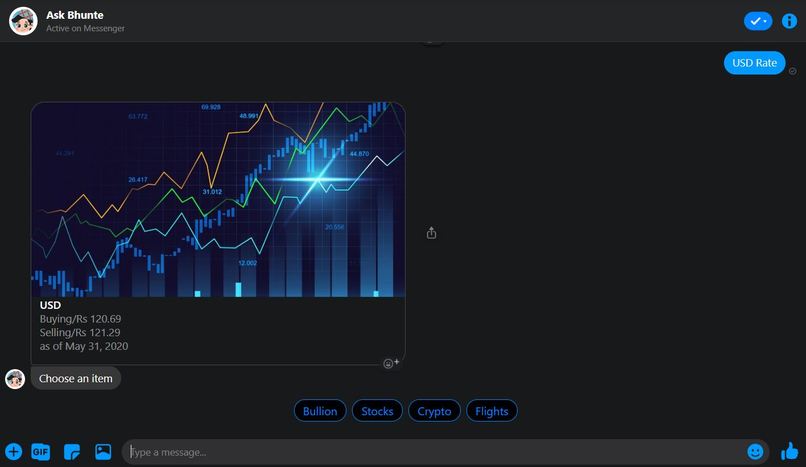
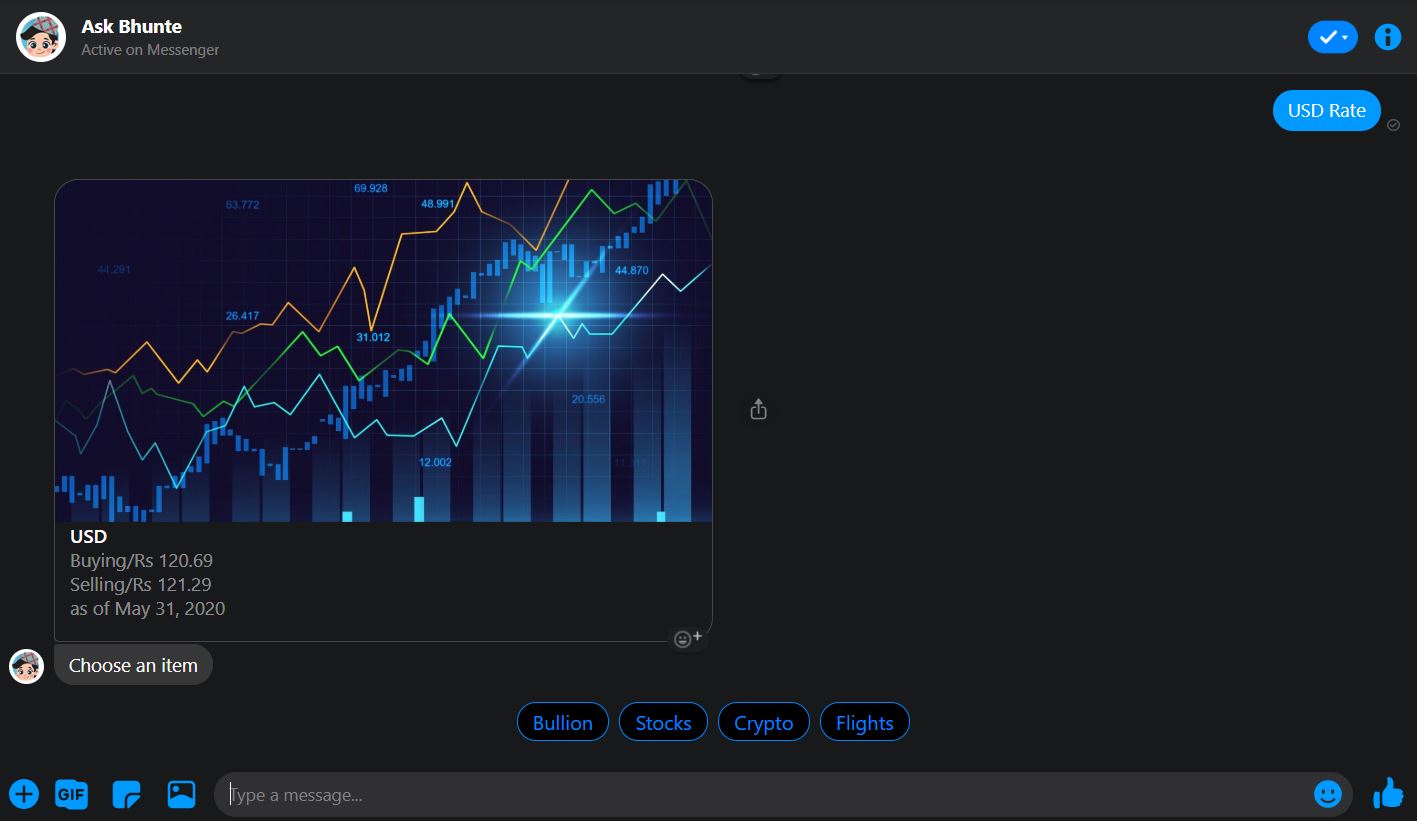
Latest Stock market data
-
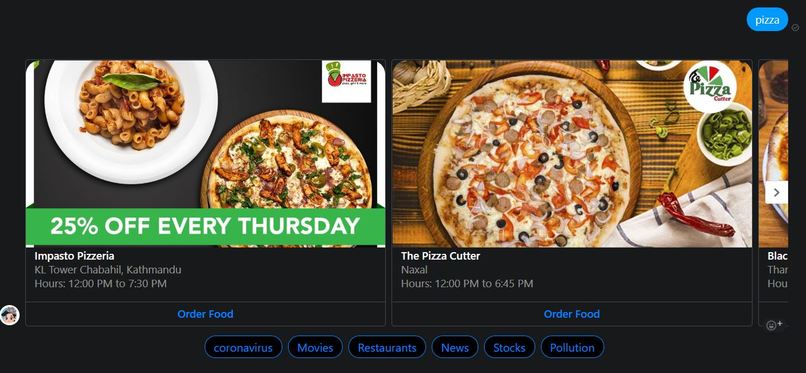
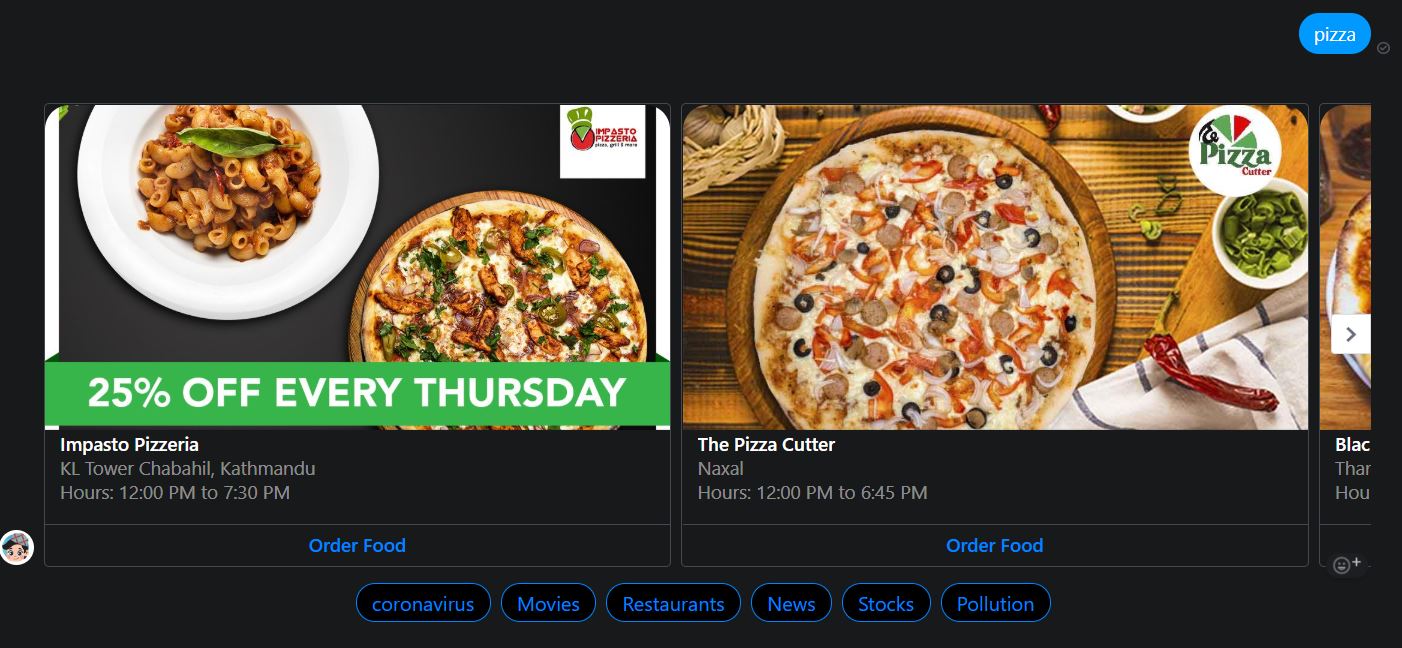
Nearest food Restaurants of your food choice
-
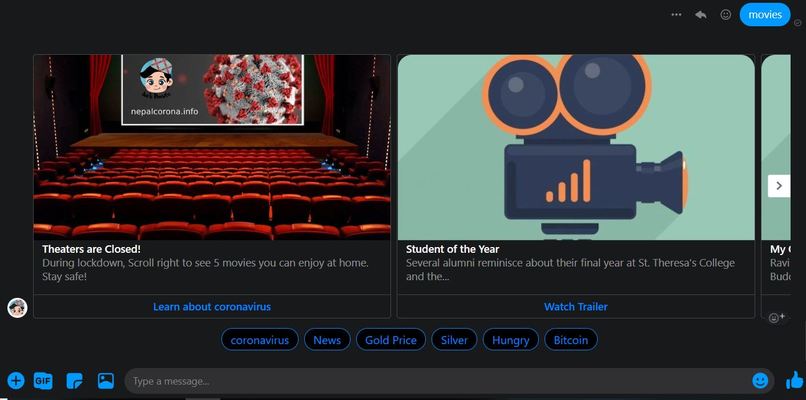
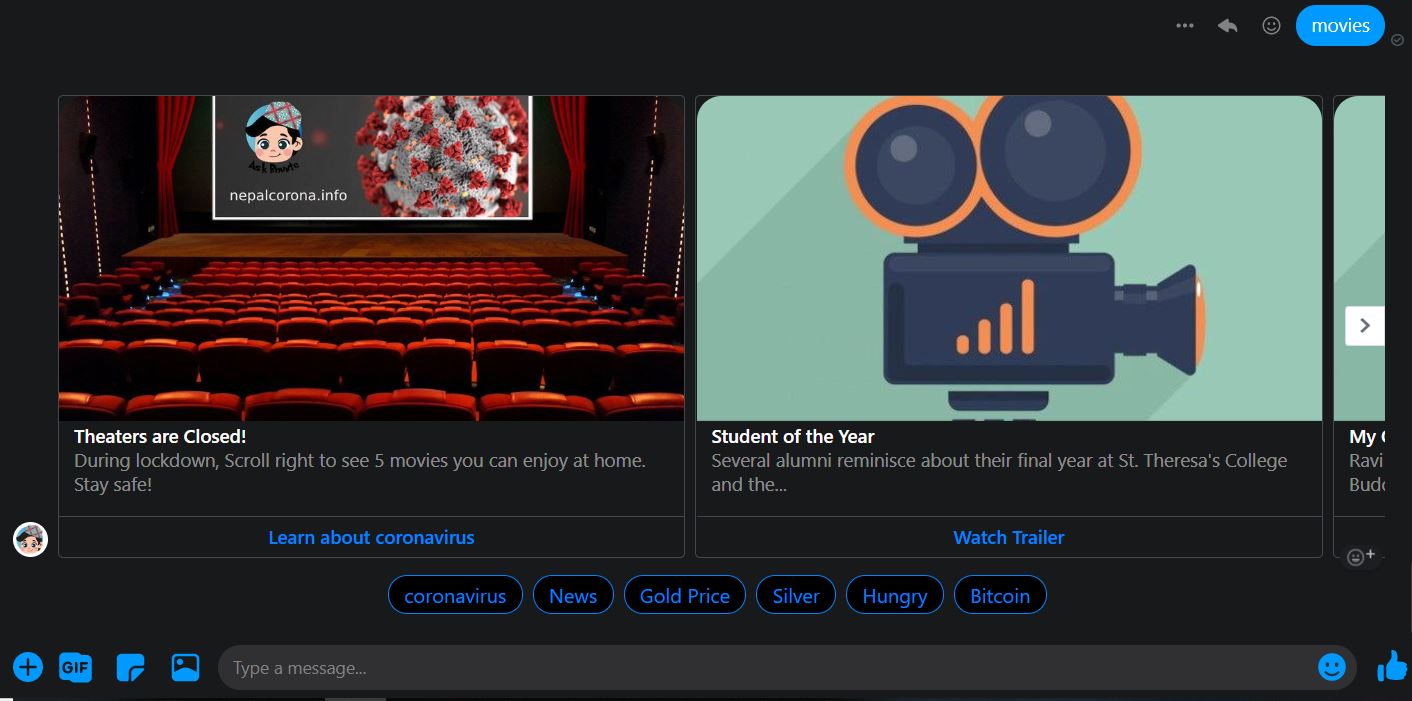
Movie suggestions

Inspiration
I love to stay updated regarding what's happening around the world from early morning headlines to daily stocks/crypto prices or any supermarket offer. But, the problem is, I am not a morning person and whenever I woke up, I had to start my office work - much less time to learn about the latest information. So, I thought since I am a developer with little skill in chatbot making. I thought why not make my own personalized chatbot which does all the chores of gathering all the juicy news and I can just watch my phone early morning to learn all the news all from my bed. Hence comes the idea of making the askbhunte chatbot - the smart kid in town for me.
What it does
Simply Askbhunte scrapes data from all the open sources for news, crypto, weather, airline information, supermarket offers, horoscopes, bullion data, stock market data, movies information from IMDB, pollution indexes and stores the data personalized for me in my smartphone.
How I built it & Challenges I faced
I had some skill in MERN Stack but I have never dived into the chatbot territory. So, I had to learn what is the cheapest and the best way to develop my own Machine Learning/ AI Bot. and I don't want to code everything from scratch. so, Upon doing a little bit of research, I learned about Google's Dialogflow and within a few hours, I was able to set up my own small talk making chatbot.
Now, comes the big hurdle for me to pass the open API data to my chatbot. Upon going through all the Dialogflow documentation, I learned about the webhooks, how they can be used to redirect the request from Dialogflow into any application and get a response back from the application to Dialogflow. That solves lot of my issues and that's exactly what I wanted.
My application then can scrape all the news from any sources that I want and store that in the database of my choice and I just need to send back the response that is understandable by the Dialogflow. Then, I started the journey to train my bot to learn about the intent that I am trying to make queries of. In this process, I learned about entities which are synonyms for intents and voila I was able to trigger any intent I want based on the questions, I typed in the Dialogflow.
From the webhook, I was able to identify which intent is Dialogflow sending information as, and Based on that INTENT, I was able to return the response back to the Dialogflow. I was able to do this much without any issues. But, connecting to the messenger was the hardest part for me because of the template guidelines that Facebook specifies.
From now on, Once again I started diving into the Facebook messenger templates guidelines in order to make the chatbot much more engaging for appropriate contexts like combination of images and texts for news, just texts & emoji signs from weather, pollution updates.
Once all that is done, the chatbot is ready and I was able to interact with my chatbot every morning to stay updated.
Accomplishments that I'm proud of
I am proud that I was able to create my own chatbot and once I made the chatbot public, its userbase is slowly increasing. It feels good to see one of my creations being used by other people besides friends and family.
What's next for Askbhunte - smart kid in town
For now, I am seeing the chatbot is not so user friendly. So, the future goal is to make it as efficient and user friendly as possible so that people can have an actual conversation with the chatbot as talking to human beings.
Built With
- amazon-web-services
- cheerio
- dialogflow
- mern
- mongodb
- node.js
- webhook
Log in or sign up for Devpost to join the conversation.