-
-

Website1
-
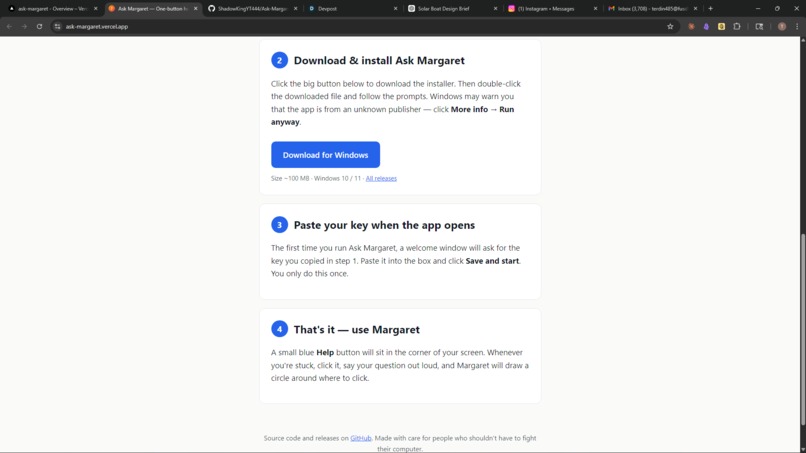
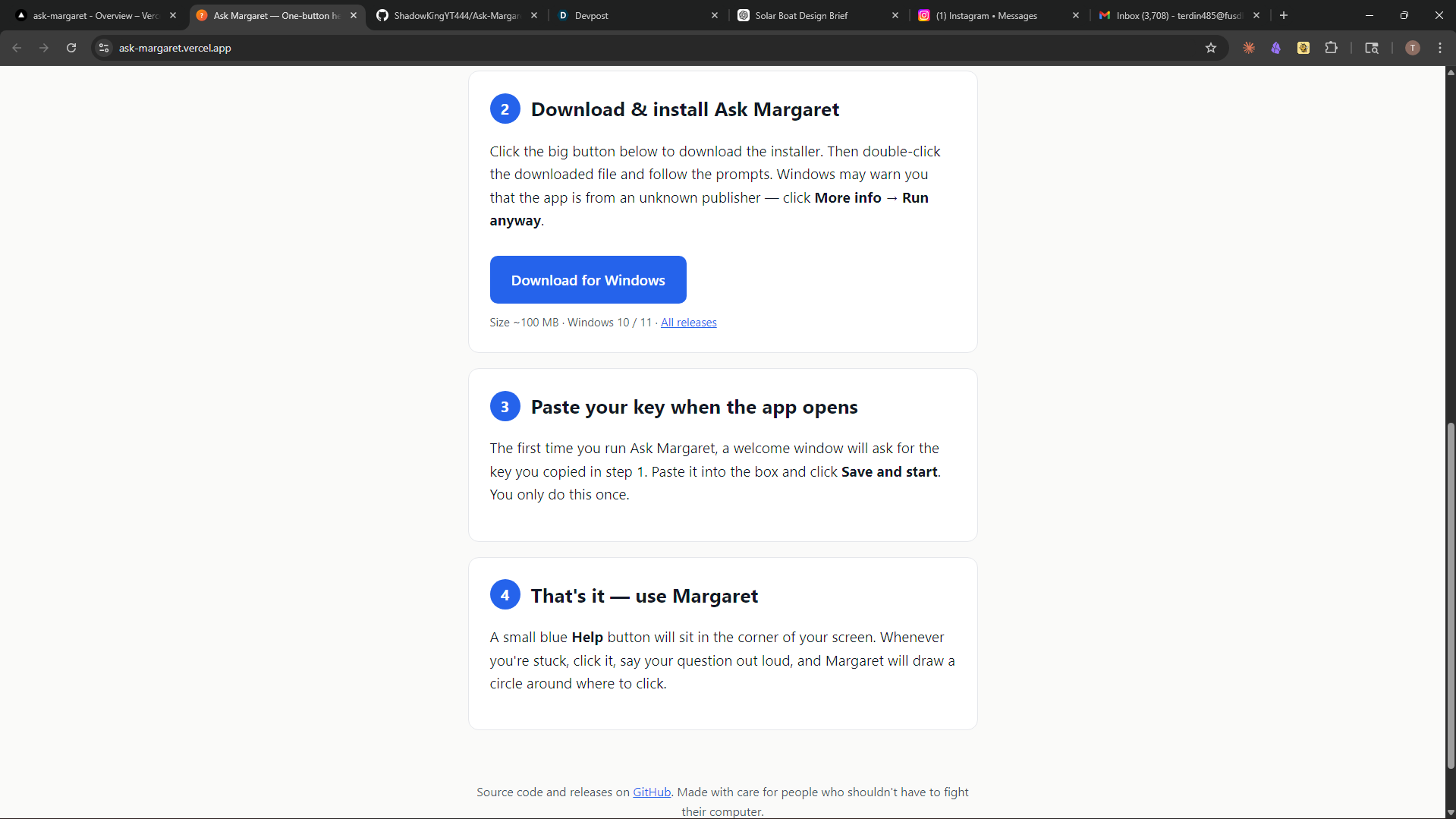
Website2
-
App
-

Scam detection
-
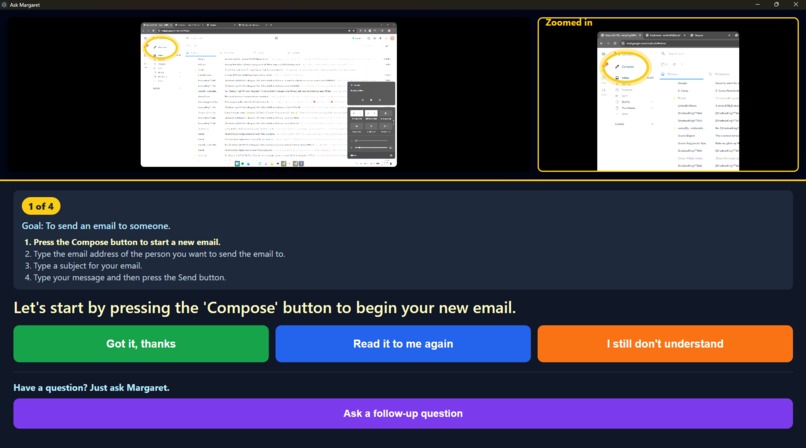
Help screenshot


Project Story
The Problem We Refused to Ignore
Every time I visit my grandparents, the same question is asked:
"Can you come fix this for me?"
Not because the task was complex, but because modern interfaces assume prior literacy. They assume you already understand visual metaphors like hamburger menus, iconography, and hidden affordances. For the large and growing population of seniors, this assumption breaks usability entirely.
Remote tech support does not scale. Documentation does not help. Even screen sharing requires a baseline level of competence.
So I reframed the problem:
What if help didn’t require translation into technical language at all?
What if the system could simply see what the user sees and respond in natural terms?
I wasn't trying to “build an AI assistant,” but rather "make web navigation truly accessible to all".
The Core Insight
Most AI products today still operate in a text-in, text-out paradigm. Even multimodal systems are typically used as thin wrappers around LLM calls.
I instead treated the system as a closed-loop perception → reasoning → action pipeline:
- Perception: capture the exact user context (screen + voice)
- Reasoning: interpret intent relative to that context
- Action: respond with spatially grounded output (visual + audio)
The key shift is that the output is not just an answer—it is a targeted intervention on the user’s interface.
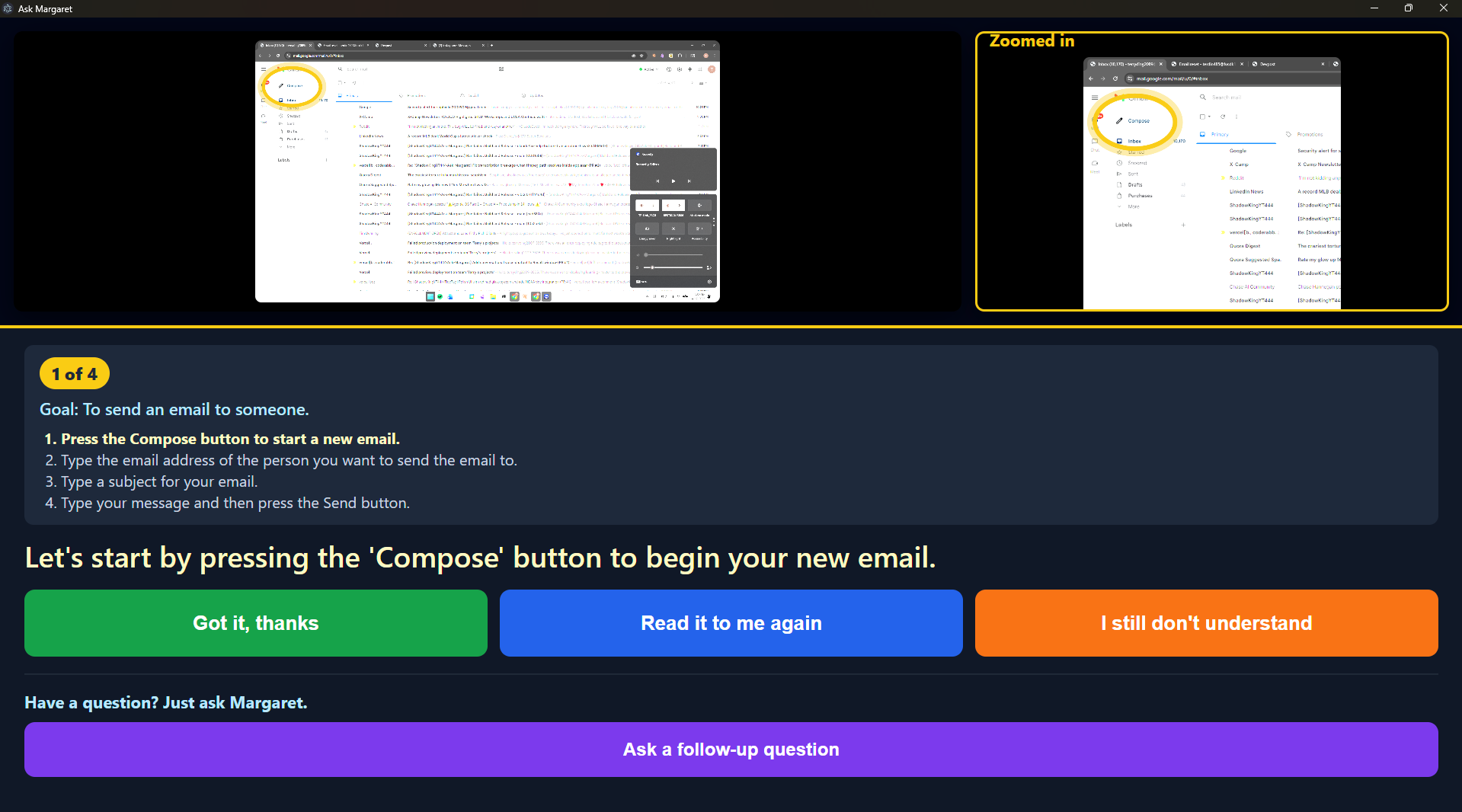
Margaret doesn’t explain where the “Send button” is.
It shows you, on your actual screen, in real time.
What Actually Makes This Work
The technical novelty is not any individual component, but rather the integration strategy:
- A single multimodal model handles both transcription and visual reasoning
- Screen-space outputs are normalized to resolution-independent coordinates
- The system converts abstract intent into concrete spatial overlays in real time
This avoids the common “AI glue problem,” where multiple fragile services introduce latency and failure points.
We also encountered a critical failure mode:
Modern models can silently exhaust output budgets on hidden reasoning tokens.
This resulted in empty responses despite successful calls. The resolution—explicitly disabling reasoning budgets—was essential for stability under real-time constraints.
Why This Matters
Margaret is not just a convenience tool. It represents a shift in how interfaces should behave:
Interfaces should adapt to users—not require users to adapt to interfaces.
Accessibility today is often layered on top of existing systems. Margaret instead treats accessibility as a first-class interaction model, grounded directly in user context.
This approach extends beyond seniors:
- First-time software users
- Users navigating unfamiliar tools
- Cross-language interface understanding
- Any scenario where instructions fail but context succeeds
Results
Margaret demonstrates:
- Real-time multimodal reasoning on live user context
- Spatially grounded AI output (not just text)
- A fully installable desktop application requiring zero technical setup
Most importantly:
A single, well-integrated model can replace an entire traditional pipeline of perception, parsing, and UI logic.
What Comes Next
The current system identifies and highlights targets. The next step is actionability:
- Execute actions directly (“Do it for me”)
- Guide users through multi-step workflows
- Maintain persistent context across sessions
At that point, Margaret evolves into a true interface abstraction layer, reducing complex software into simple conversational intent.

Log in or sign up for Devpost to join the conversation.