Inspiration
I was amazed when I learned that the built-in AI APIs can work offline. Nowadays, if someone needs to use any AI tool, they must have an internet connection. When I discovered Chrome’s new built-in AI models, I saw the perfect opportunity to build something that feels native, lightweight, and most importantly, works offline.
What it does
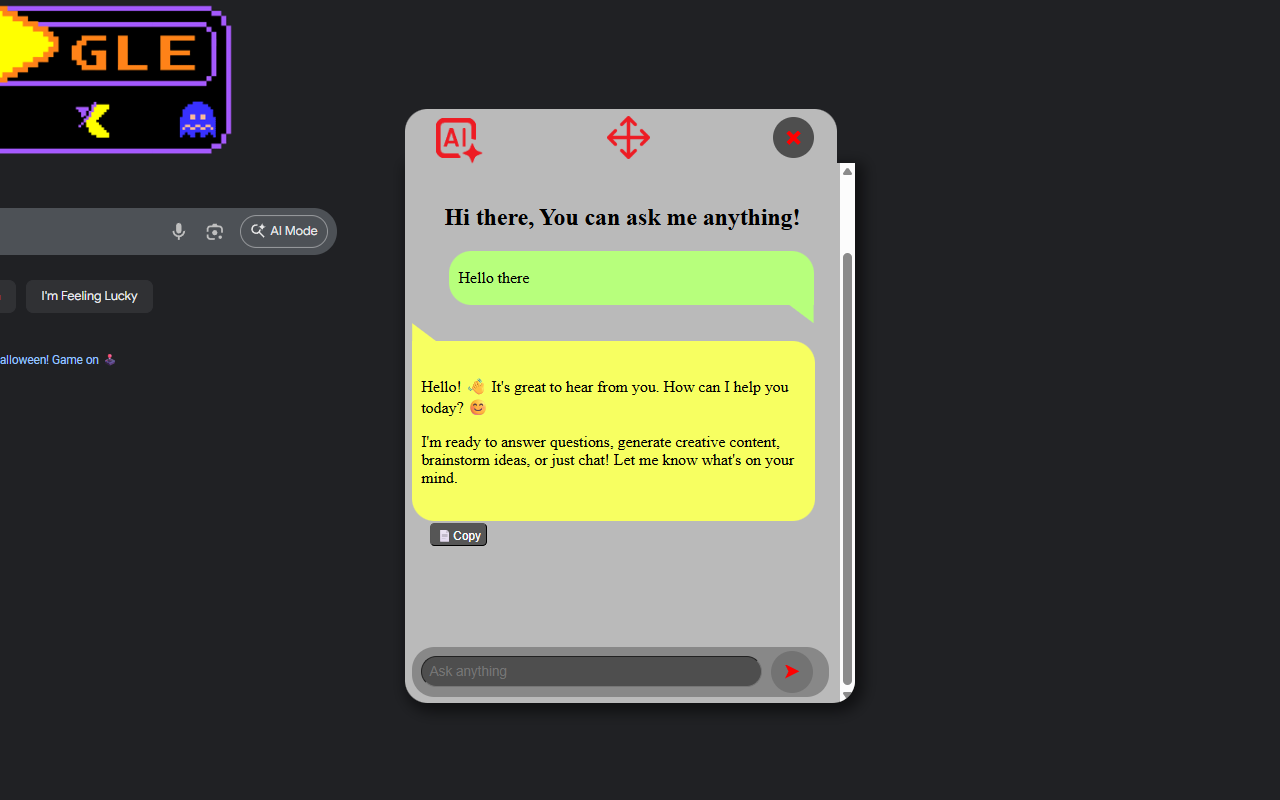
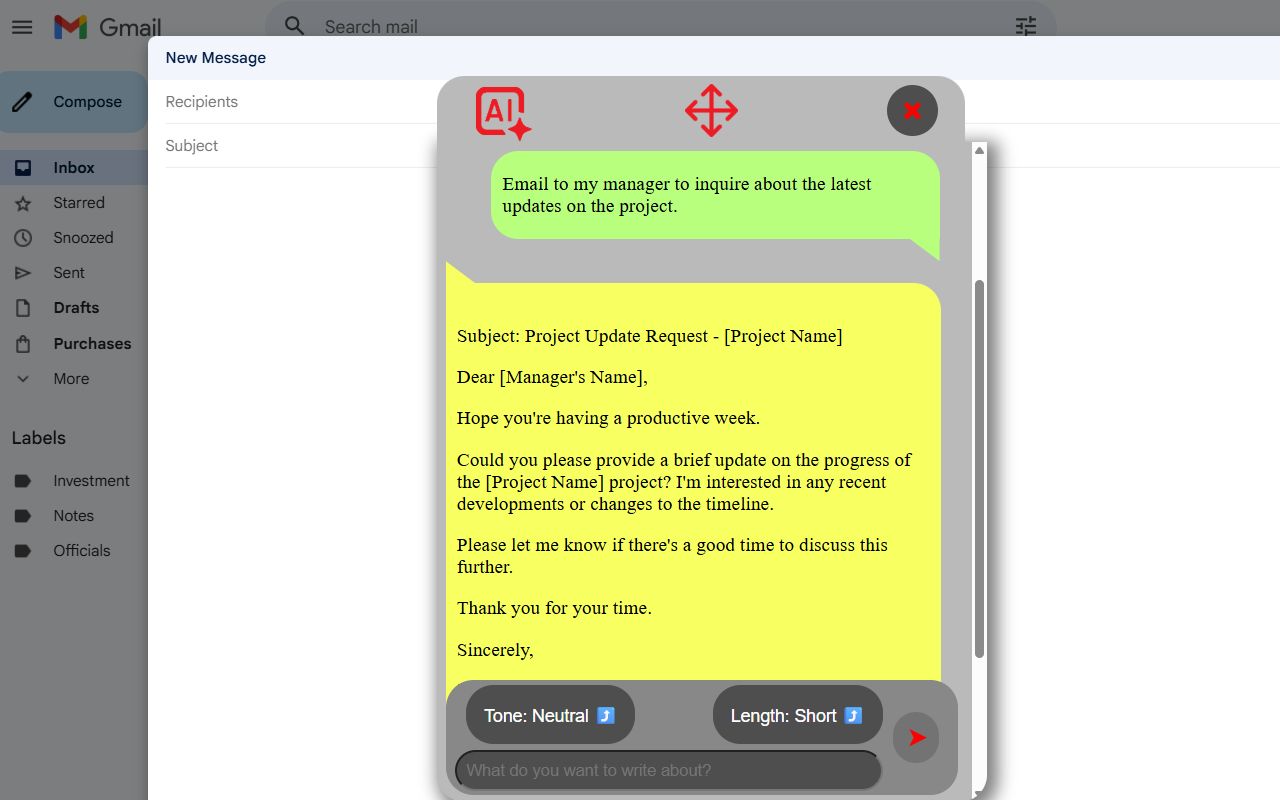
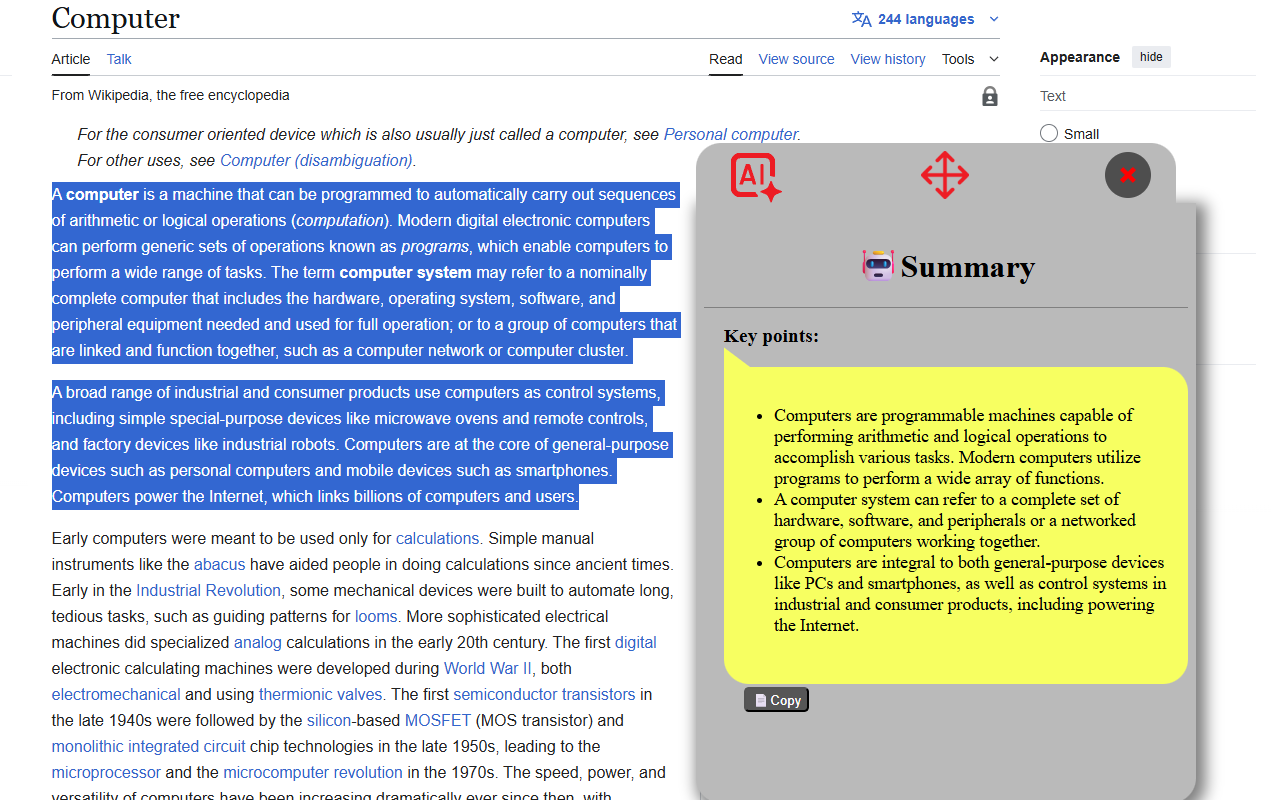
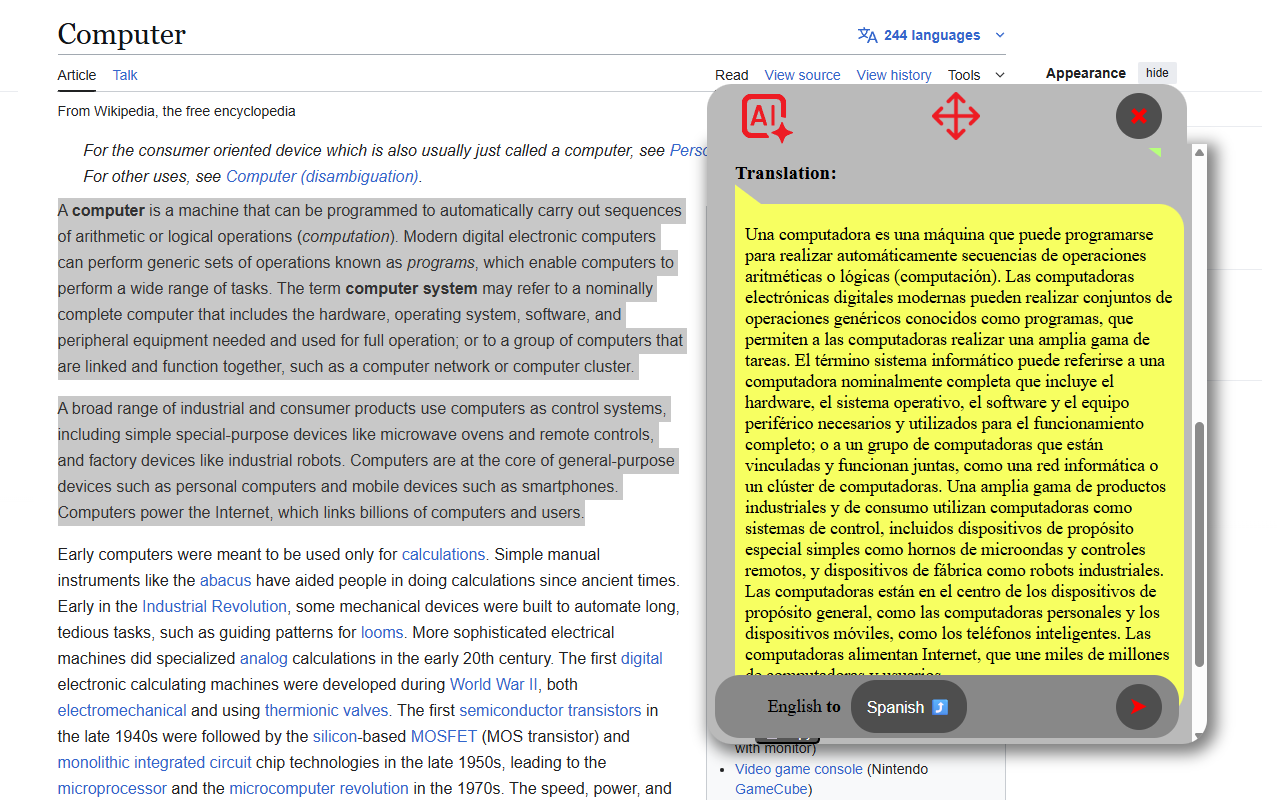
It can generate responses or answer questions, summarize long articles, rewrite or proofread text, translate between languages, or generate new content.
How I built it
- I built it using Chrome’s Manifest V3 framework and integrated all six built-in AI APIs.
- I used JavaScript, HTML, and CSS to build the popup interface and context-menu system, allowing users to trigger AI features by selecting text and/or right-clicking on the page.
Challenges I ran into
- One of the biggest challenges for me was creating a seamless responsive UI. I wanted to make it look as modern as possible.
- Additionally, optimizing the performance and responsiveness of the extension required me to make the extension use the same popup instead of creating/destroying the popup with every trigger. I had to reset and reuse elements to make that possible.
Accomplishments that I'm proud of
I’m really proud that I built this extension in less than two weeks. I had to quickly learn how each Chrome AI API worked and figure out how to bring them all together in one smooth experience.
What I learned
I learned a lot about how Chrome’s built-in AI ecosystem operates. I also learned how to handle background scripts and context menus efficiently in a Chrome extension. Integrating multiple AI tools into a single, user-friendly interface helped me understand the importance of UX design and performance optimization when building real-world applications. Most importantly, I learned that advanced AI doesn’t have to depend on external servers as it can run locally and seamlessly within Chrome.
What's next for Ask AI: A Chrome Extension Powered by All Built-in AI Models
I tried to publish it in the Chrome Extension Store, but it's currently under review by Google.
Built With
- chrome
- css
- html
- javascript
- prompt-api
- proofreader-api
- rewriter-api
- summarizer-api
- translator-api
- writer-api

Log in or sign up for Devpost to join the conversation.