The Problem
Cognitive Overload. Everyone is using AI now. But despite the hype, most people struggle to make it a habit -- and the irony is brutal: AI was supposed to save us time, but we have more work to do in less time than ever before.
Three forces are working against us:
- Control -- Too many tools - "Tab overload" is the new normal.
- Speed -- AI has actually increased the amount of typing. Prompting an assistant, copy/pasting. We have to type even more than before.
- Focus -- Every context switch breaks flow. Can make you less effective at the thing you sat down to do.
We set out to change that.
Inspiration
The terminal is where developers do their deepest work -- building, debugging, deploying. But for many, the console remains intimidating: a blinking cursor with no guardrails.
What if the shell could meet you where you are? What if it could teach you, remember your mistakes, talk through problems with you, and -- most importantly -- what if its feedback lived under your fingertips instead of lost in a window?
What Asha Does
Asha is a bash-compatible smart shell that combines tactile input, visual feedback, and voice output into one multimodal experience. It catches errors in real time -- flagging dangerous commands before execution, explaining failures with its AI copilot, and recording every lesson in a personal mistake journal that makes its suggestions smarter over time. Type /agent to brainstorm, debug, or build scripts through dialogue; type /explain to get a color-coded, token-by-token breakdown of any command. On the MX Creative Console, the agent launches with a single button press -- already aware of your last command and error, no prompting required.
Web Service Integration: One Button, One Action
The MX Creative Console doesn't just run local commands -- it connects the physical key press to the wider web. Each key can be mapped to a web service action:
- Git + GitHub -- Press a key to open a pull request, merge a branch, or check CI status. The LCD shows green when checks pass, red when they fail.
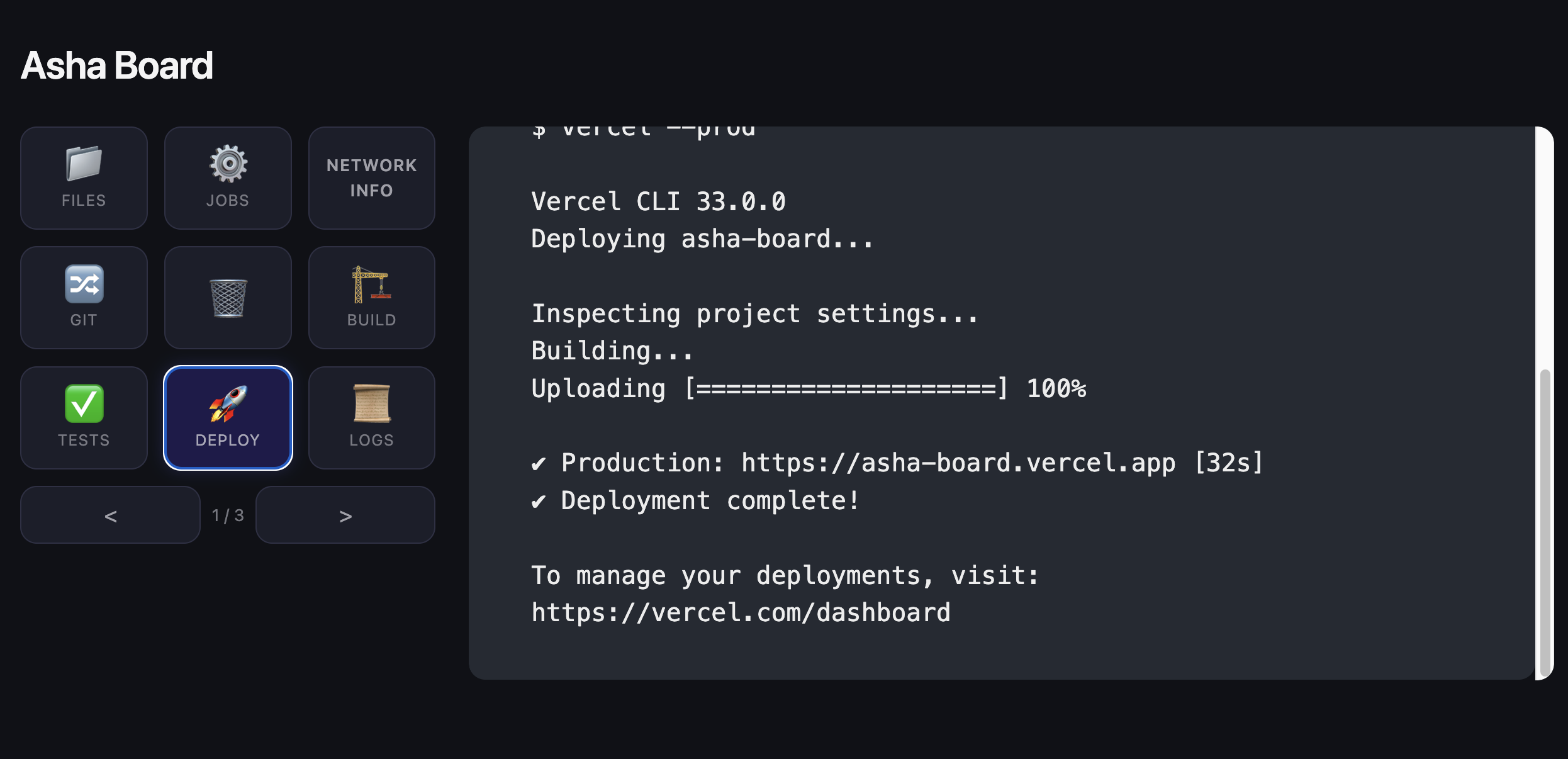
- Cloud Deploys -- One press to trigger a deploy to Vercel, AWS, or Google Cloud. The key animates while deploying, turns green on success.
- AI References -- Leverage your favorite AI give your shell rich contexts.
The principle is simple: if it has an API, it can be a button.
Why This Matters
Traditional developer tooling asks you to find the right window, remember the right command, and parse the right output. The MX Creative Console + Asha flips this:
- Physical keys replace window-hunting. Your most-used commands are always one press away, with visual feedback on the hardware itself.
- Error states are tangible. A red grid isn't buried in terminal scroll -- it's under your hand.
- The AI copilot bridges the gap. When something fails, Asha doesn't just show you stderr. It explains the problem, suggests a fix, and records the lesson. And with voice output, the explanation arrives even when your eyes are on the console hardware.
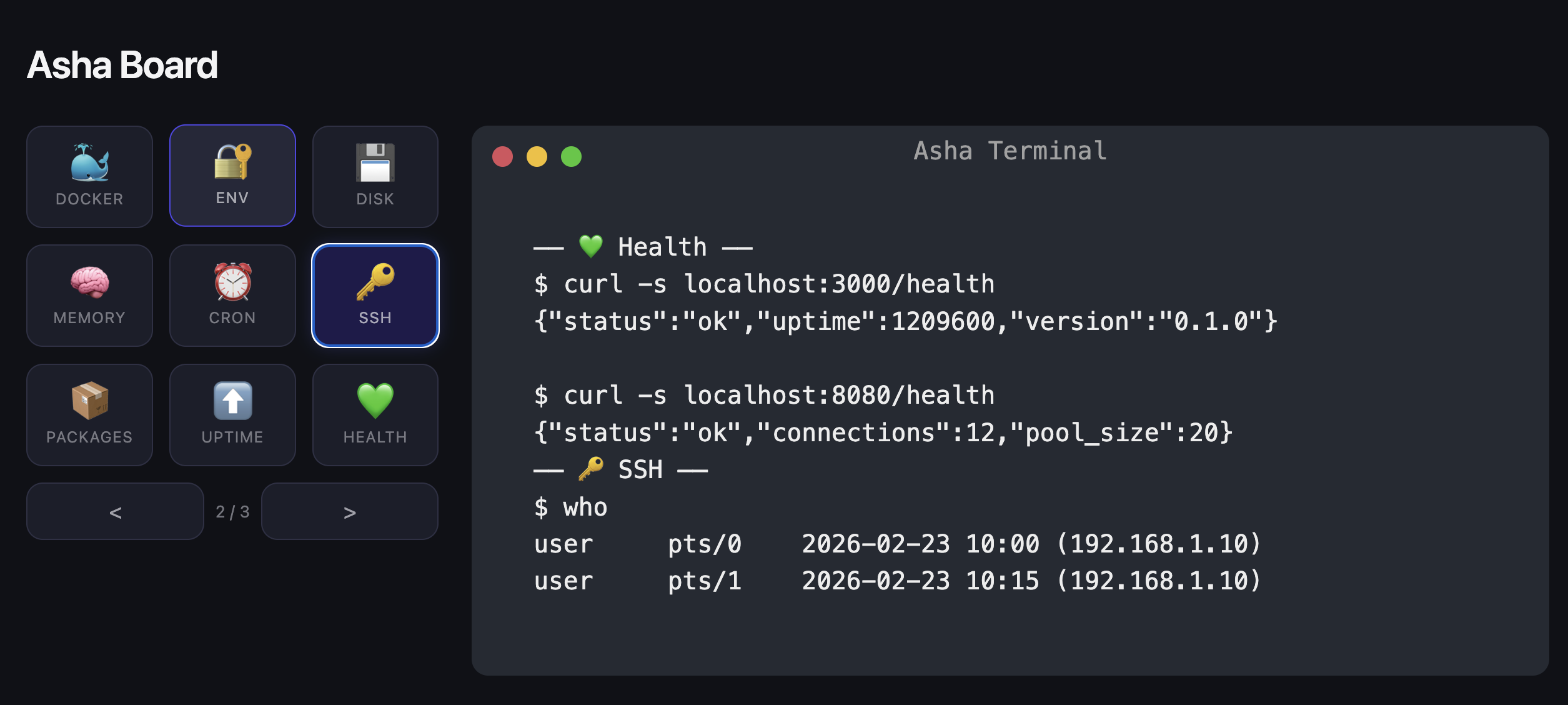
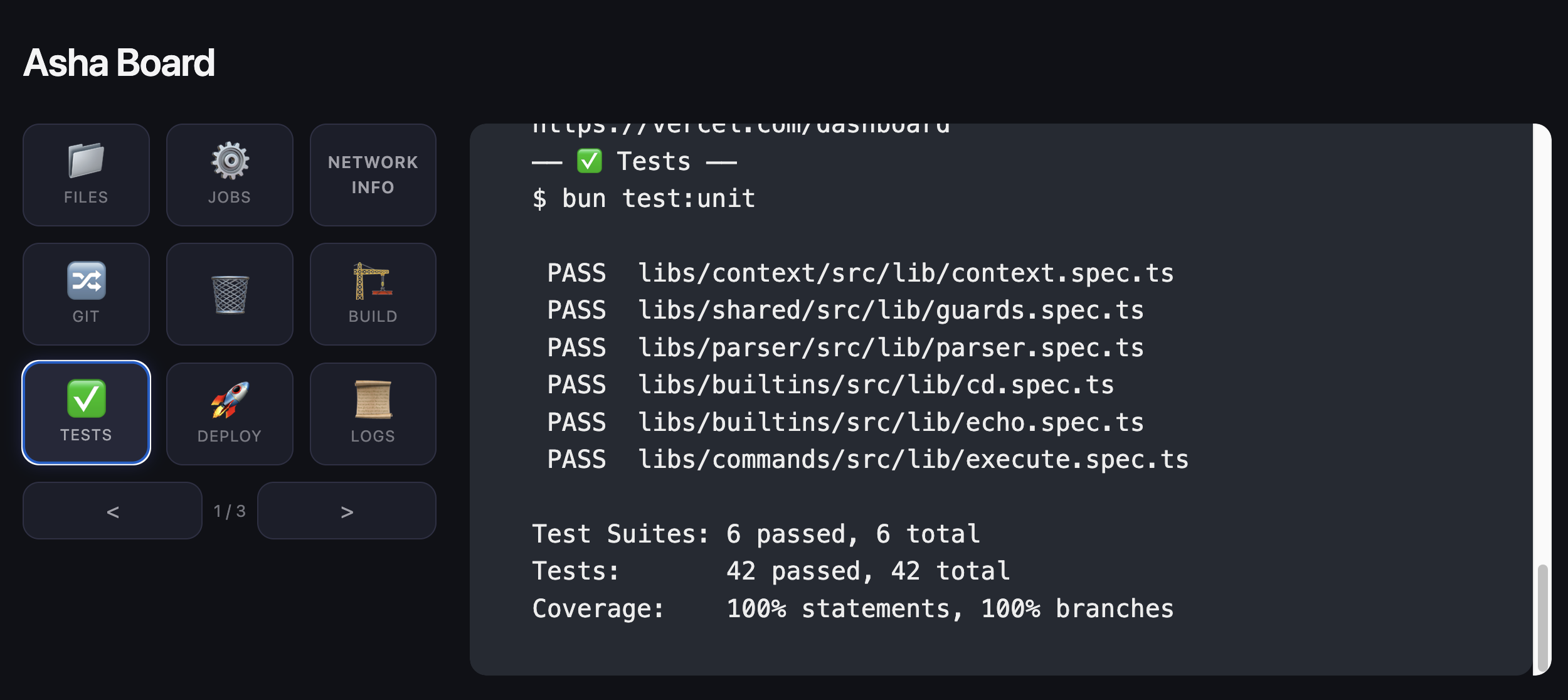
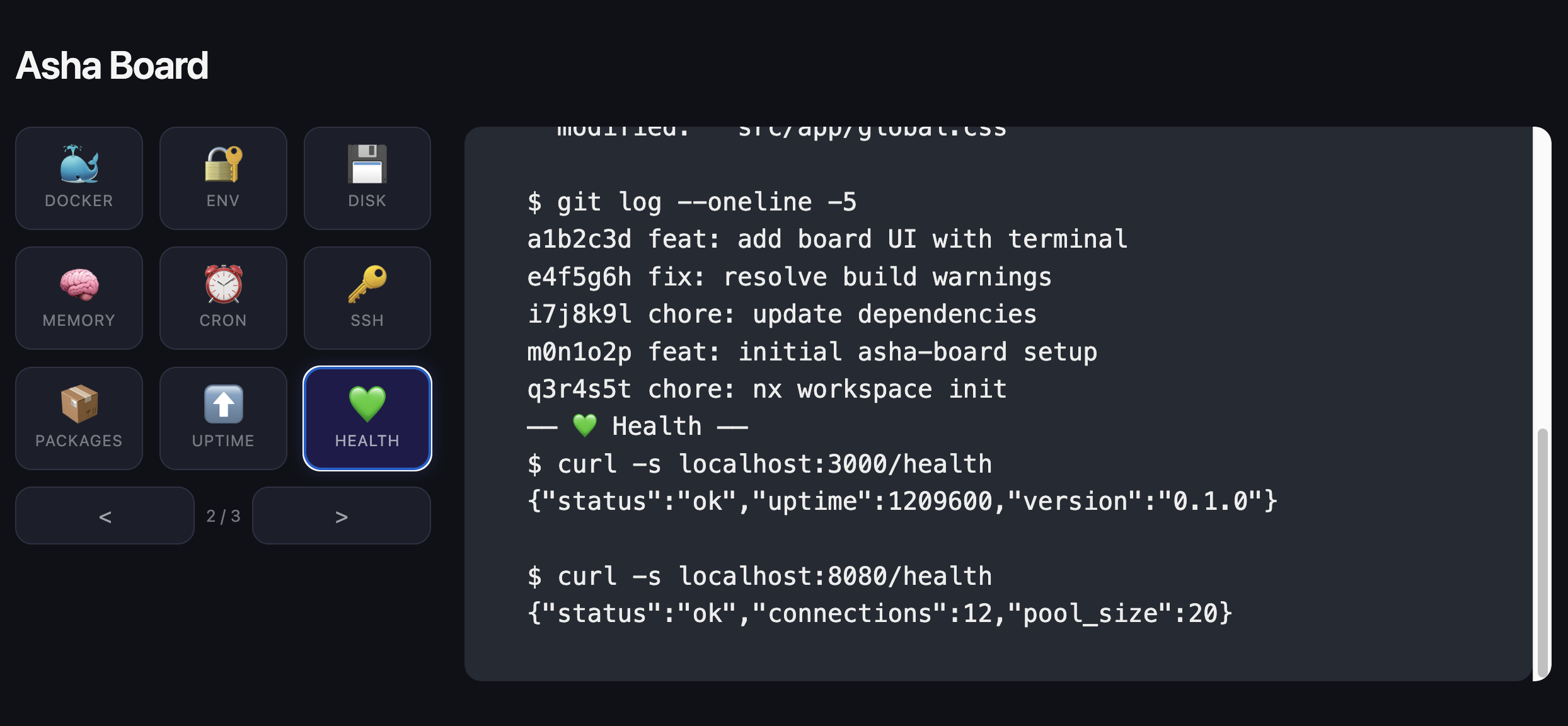
- Context switches dissolve. Page 1 is your build workflow. Page 2 is system health. Page 3 is quality gates. Three taps of a physical button, not three alt-tabs.
The Vision
The common thread: every Logitech device on your desk becomes an entry point to AI and automation, not just an input device. The peripherals don't just move cursors and type characters -- they trigger intelligence.
The terminal shouldn't be a window you lose. It should be an instrument you play.
With Asha and the MX Creative Console, the shell's intelligence is no longer trapped behind glass. It's under your fingertips, in your ears, and always one press away.
Built With
- asha
- gemini
- node.js
- ollama
- typescript

Log in or sign up for Devpost to join the conversation.